Client document intake and sorting
Uploads are read, renamed, filed by client and year, and checked against what each client still owes.

For CPA firms and bookkeepers buried in client documents and invoices: AI that sorts, reads, and codes the paperwork, with an accountant approving every entry.
10+ hrs
Saved weekly on data entry
1inbox
For every client document
How your project runs
01 · FreeTeams we have built for:














The Problem
It shows up every deadline: client documents arrive in every format, invoices pile up in shared inboxes, and skilled staff spend their hours typing instead of reviewing.
Intake
Client files arrive as photos and unnamed PDFs.
Intake
Each file is read, renamed, and filed to the right client folder.
Data entry
Receipts wait in a shared inbox for manual keying.
Data entry
Figures are pulled and coded, then wait in a queue for approval.
Missing docs
Nobody knows which client still owes a form.
Missing docs
A missing-document list per client, updated as uploads arrive.
Privacy
Staff paste client figures into public chatbots.
Privacy
A firm-approved model with retention off and every access logged.
It's the first week of March. Client uploads land in the portal as phone photos, locked PDFs, and files named scan001. Your staff open each one, rename it, file it, and note what's still missing. On the bookkeeping side, receipts and invoices sit in a shared inbox until someone keys them into QuickBooks Online. Then someone tries a public chatbot to speed things up, and client figures leave the firm. The deadlines don't move, so reviews get rushed.
We start with the one task that eats the most staff hours, usually document intake or invoice capture. An AI model reads each file, names and sorts it, pulls the figures, and suggests the entry. Low-confidence items go to a review queue, and nothing posts until an accountant approves it. Your team reviews a prepared batch instead of typing from scratch.
Documents sorted on arrival
Client uploads are read, renamed, and filed to the right client folder as they arrive.
Accountants approve every entry
Suggested codes and postings wait in a review queue until a person approves them.
Taxpayer data stays protected
Models run under agreements that fit your security plan, with retention off and access logged.
Our AI for Accountants and Accounting Firms Process
You approve the workflow, the data path, and the test results before AI touches live client files, and an accountant signs off on every entry it suggests.
We watch how your staff handle one workflow today, such as client uploads or AP invoices, and count the steps. You get a written scope, the systems we'd connect, and a list of sample files we need.
What's Included
Each build covers document intake, data capture, the connection to your ledger or practice software, the review queue, and the records your security plan needs.
Compare Options
Built-in AI in your accounting software suits standard tasks, and offshore data entry works when volumes are steady. Here is where each one breaks down.
| Feature | DeveloperLookBest fit | Built-in software AI | Offshore data entry |
|---|---|---|---|
| Fits your workflow | Built around your firm's steps | Vendor's standard features | Your written procedures |
| Reads messy documents | Photos, locked PDFs, and scans | Standard bills and receipts | |
| Review before posting | Every entry approved by staff | Varies by feature | Reviewer checks samples |
| Client data handling | Approved provider, retention off | Covered by your software terms | Shared with an outside team |
| Works across systems | Ledger, practice software, and portal | Inside one product only | Any system, by hand |
| Busy season capacity | Scales with document volume | Scales with document volume | Needs more people |
| Ongoing support | 30 days of fixes, then on call | Vendor help center | Account manager |
| Cost model | One fixed project price | Included in your subscription | Per hour or per document |
Projects We've Built
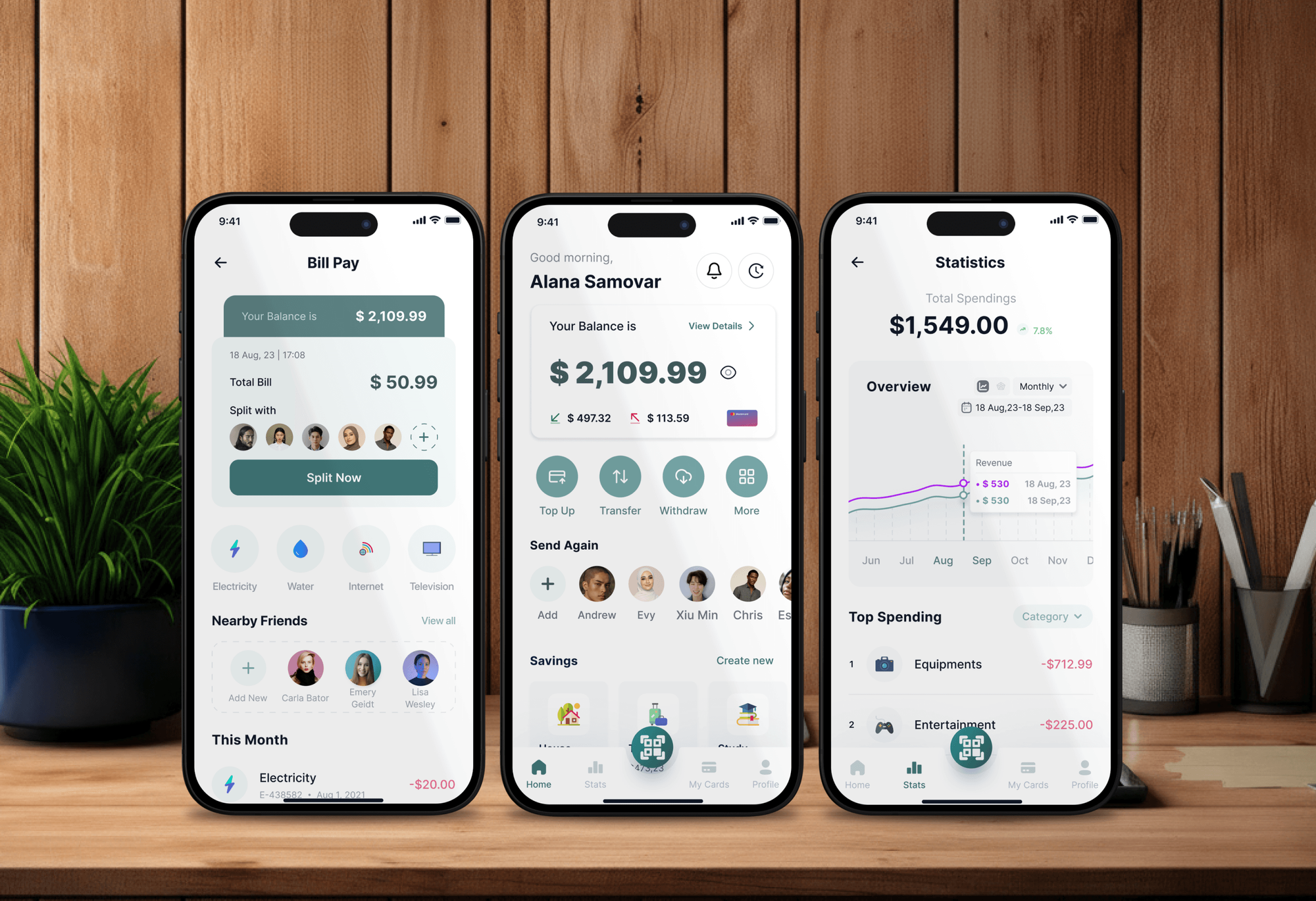
Fintech dashboards, finance apps, and a payroll platform we designed and built. They show our work with financial data, not the AI workflows on this page.



What Our Clients Say
Feedback from teams we have built websites, apps, and platforms for.
We had a pretty specific idea of what we wanted our website to become, but I wasn’t sure how easily we could explain all of it to a development team. There were quite a few moving parts, and we were working toward a deadline, so I expected a few things to get lost along the way. That never really happened. They understood what we were trying to achieve, kept us updated throughout the process, and got everything ready within the agreed timeline. The final site feels much easier to navigate, works beautifully on mobile, and is noticeably smoother for our customers. It was a huge relief seeing the original idea actually turn into the website we had in mind.
The mobile experience is probably my favourite part of the new site. We had spent a lot of time making sure the desktop version looked right, and the team kept pushing us to think about how everything would actually feel on a phone too. They were right. The navigation is clean, the interactions feel natural, and everything we’ve tested so far works exactly as it should. They also went through the links, forms, integrations, and other details more than once before launch, which I really appreciated. And even after going live, we could still reach out when something came up. The whole process felt friendly, organised, and surprisingly straightforward.
What I appreciate most is that the website is actually easy for us to manage now. We can update content ourselves instead of sending a developer a message every time we need to change something small. They also paid attention to the technical SEO side, which mattered to us because we didn’t want a new website to create problems for the traffic we already had. I’ve probably asked more questions than I should have since launch, but every question has been handled patiently and without any fuss. The team is easy to work with, they explain things clearly, and when we need something changed, they focus on getting it done rather than making the process complicated.
1,250+
Projects shipped
10+
Years of experience
Top 3%
Upwork Top Rated Plus
5 stars
Average review score
1,250+
Projects shipped
10+
Years of experience
Top 3%
Upwork Top Rated Plus
5 stars
Average review score

Want results like these?
Tell us what you are building. You get a reply within 24 hours on business days, then a written estimate.
Work Culture
We build AI in accounting firms the way a good reviewer works: figures traced to sources, postings approved, and client data kept under your security plan.
The FTC Safeguards Rule requires tax preparers to keep a written information security plan, and IRS Publication 4557 explains the safeguards. Our data paths are designed to fit inside yours.
Each suggested entry links back to the document it came from. Reviewers check the source in one click instead of hunting through a folder.
If QuickBooks Online, Xero, or your practice software already does the job with its own AI, we'll tell you before we quote. We build where those tools stop.
We schedule builds and testing for your quieter months. Your team learns the review queue before deadlines arrive, not in the middle of them.
Prompts, rules, and code belong to your firm at handover. You can change model providers later without rebuilding the workflow.
We work with one senior accountant or manager for about 1 hour a week. Partners see the test results and sign off without sitting in build meetings.
Overview
DeveloperLook builds AI for accountants who spend busy season keying in client documents. We build document intake and sorting, invoice capture with coding suggestions, approved postings to QuickBooks Online or Xero, and client reply drafts. Projects start at $950, take 2 to 3 weeks, and every entry waits for an accountant's approval.
DEVELOPERLOOK
Project facts · AI for Accountants and Accounting Firms
Reviewed 28 Oct 2026 by Saimul Islam
Good fit
CPA firms in the middle of tax season
Your staff spend March renaming PDFs from client portals and chasing missing 1099s. You want AI for CPA firms that sorts and flags it all first.
Bookkeeping firms with many small clients
You code hundreds of receipts a month across dozens of QuickBooks Online files, and want AI for accounts payable that suggests codes you approve.
Finance teams closing the books monthly
Your month-end close stalls on matching bank lines and chasing receipts, and you want AI in accounting and finance that preps the work for review.
Firms whose staff paste data into chatbots
Your team copies client figures into public AI tools to save time, and you need an accounting AI setup that keeps taxpayer data under control.
Accounting software vendors and agencies
You sell to accounting firms and want AI workflows built under your brand, with the data handling their partners will ask about.
Not a fit
Budget under $950
Your budget is under $950, or your practice software already has an AI assistant that covers you. If it does, we'll tell you before we quote.
Integration without AI
You only need QuickBooks connected to another system, with no AI reading documents. Our QuickBooks Integration Services page covers that scope.
AI that files returns
You want AI to prepare and file returns or give tax advice without review. We build tools for accountants, and a licensed person signs off on the work.
Invoice approvals only
You need invoice approval routing and payment runs more than AI reading. Our Invoice Automation Software service is the closer fit and costs less.
Not sure we're the right fit?
Book a free call or message us. We'll tell you honestly whether we're the right team.
Pricing
These are starting points in USD. Your final price depends on the documents you handle and the systems we connect, and you get a fixed proposal after a free discovery call.
For Agencies
The firm stays your client. We supply the engineering: document reading, ledger connections, review queues, and the security documentation their partners will ask for. Everything ships under your brand and name.
White label: your client only ever sees your brand
Send the firm's workflow, software, and sample files, and we reply with questions.
You get a fixed proposal, a data security plan, and a named team.
We build under your brand, test on last season's files, and hand over.
Send the firm's workflow, software, and sample files, and we reply with questions.
You get a fixed proposal, a data security plan, and a named team.
We build under your brand, test on last season's files, and hand over.
The Right Technology for Your Project
We work inside the ledgers and practice tools your staff already use, and pick models whose terms fit your security plan.
 OpenAI
 Anthropic Claude
 Azure OpenAI
 Google Gemini
 QuickBooks Online
 Xero
Xero Python
 PostgreSQL
 Docker
 AWS
AWSRelated Services
AI workflows pair well with practice management and invoice automation. Our sibling pages cover AI for law firms, recruiters, and small businesses.
This page
AI for Accountants and Accounting Firms
Pairs with the 6 services around it
FAQ
Straight answers on what AI can do in accounting, how firms use it, client data rules, and choosing the right tools.
Saimul IslamFounder & CEO, DeveloperLookStill have questions?
Send a message or book a call with the team.
Choose by three tests: it reads your messiest documents, it shows the source behind every entry, and its data terms fit your security plan. Try it on last season's files before buying seats. If no product fits your workflow, a custom workflow from DeveloperLook starts at $950 and connects to the software you keep.
It's software that reads financial documents, suggests entries, and drafts routine work for an accountant to review. It combines language models with document reading tools to turn invoices, statements, and client uploads into structured data. The accountant still decides what posts to the ledger and what goes to the client.
Yes, for parts of the job, but not all of it. AI handles reading documents, coding transactions, matching bank lines, and drafting routine replies well. It can't take responsibility for judgment calls, client advice, or a signed return. In our builds it prepares the work, and an accountant approves it.
Today it's used most for document capture, transaction coding, bank reconciliation suggestions, and summaries of long files. Tax teams use it to sort client uploads, and bookkeepers use it to code receipts. The common thread is preparation: AI does the first pass, and a person reviews it before anything is final.
It can be used at each stage of the work. At intake, it sorts and names client documents. In bookkeeping, it captures invoices and suggests codes. At close, it flags bank lines with no match. In client service, it drafts answers from your notes. Start with whichever stage costs your staff the most hours.
Accounting firms use AI mostly to cut busy-season data entry and speed up reviews. The projects we scope usually start with client document intake or AP capture, then add client reply drafts. Firms that do well keep a review step in every workflow and write down which data the AI may read.
Accountants can use AI as a fast first pass on work they already do. Let it pull figures from documents, draft a reconciliation note, or summarize a long contract, then check the result against the source. Keep client data out of public chatbots and use a tool your firm approved under its security plan.
The best AI for accounting is the setup that reads your real documents accurately and shows the source behind each figure. OpenAI, Anthropic, and Google models all handle invoices well when paired with a document reading service. Test any option on last season's files and compare its coding with what your staff entered.
Start with one workflow and a review queue. Pick the task that costs the most staff hours, gather last season's files, and test a tool on them before going live. Then roll it out to a few clients, track the hours it saves, and widen it once reviewers trust the output.
It will shift accounting time from typing to reviewing. Data entry, document sorting, and first drafts get faster, while judgment, client advice, and sign-off stay with people. Firms also need clear rules for client data, since tax return information carries extra limits under Section 7216 of the Internal Revenue Code.
Saimul IslamFounder & CEO, DeveloperLookStill have questions?
Send a message or book a call with the team.
Free 30-min callGoogle Meet
Book a call
In 30 minutes on Google Meet we walk you through how we would build it, how long it takes and what it costs. Then you get a written estimate.
Calendar not showing? Book on cal.com or send a brief.