Upsen HR Management App Design & Development
- HR & Staffing
- Dashboard
- Mobile App

Workflow automation for law firms: engagement letters from templates, deadline reminders, billing workflows, and Zapier or Make links. From $850.
10+ hrs
Admin time back each week
100%
Engagement letters auto-drafted
How your project runs
01 · FreeIndustry leaders we work with
 Zapier
 Make
Make Power Automate
 n8n
n8n QuickBooks
The Problem
It creeps in with every new matter. Each file adds the same letters, reminders, and data entry, and nobody has time to fix the process.
Five retypes
A new client's name gets typed into five different systems.
Five retypes
Engagement letters and retainers fill in from matter data.
Sticky deadlines
Filing deadlines live on a desk calendar and a sticky note.
Sticky deadlines
Court rules and limitation dates become calendar entries with escalating reminders.
Late invoices
Friday's invoices wait until someone remembers to run them.
Late invoices
Invoice runs and payment reminders happen on schedule in your current software.
Lost afternoons
Admin work fills afternoons that could go to clients.
Lost afternoons
A timed audit shows which repeated steps to automate first.
A new client signs on Tuesday. Your paralegal types their name into the intake form, the practice management system, the billing tool, a Word engagement letter, and a shared drive folder. She copies the filing deadline onto a desk calendar and a sticky note. Friday's invoices wait until someone remembers to run them. None of this is legal work, yet it fills afternoons, and one missed date can cost far more than the hours.
We start by timing where your staff's hours go, then automate the steps that repeat on every matter. Engagement letters and retainers fill from matter data. Deadlines come from court rules tools and limitation dates, with reminders that escalate when nobody acts. Billing steps run on schedule inside the software you already use. Your team spends its time on clients and cases, not on retyping names.
Letters that draft themselves
Engagement letters, retainers, and routine pleadings generated from matter data in seconds.
Deadlines with a backup
Court rules and limitation dates become calendar entries, with reminders that escalate if ignored.
Billing on a schedule
Time entry nudges, invoice runs, and payment reminders happen without anyone remembering them.
Our Legal Practice Automation Process
You approve every template, rule, and connection. Each step ends with something your staff can try on a sample matter first.
We walk through a week at your firm: intake, documents, deadlines, billing, and every place people retype the same names. You get a ranked list of tasks worth automating. If your software's built-in automation covers a task, we'll say so before we quote.
Projects We've Built
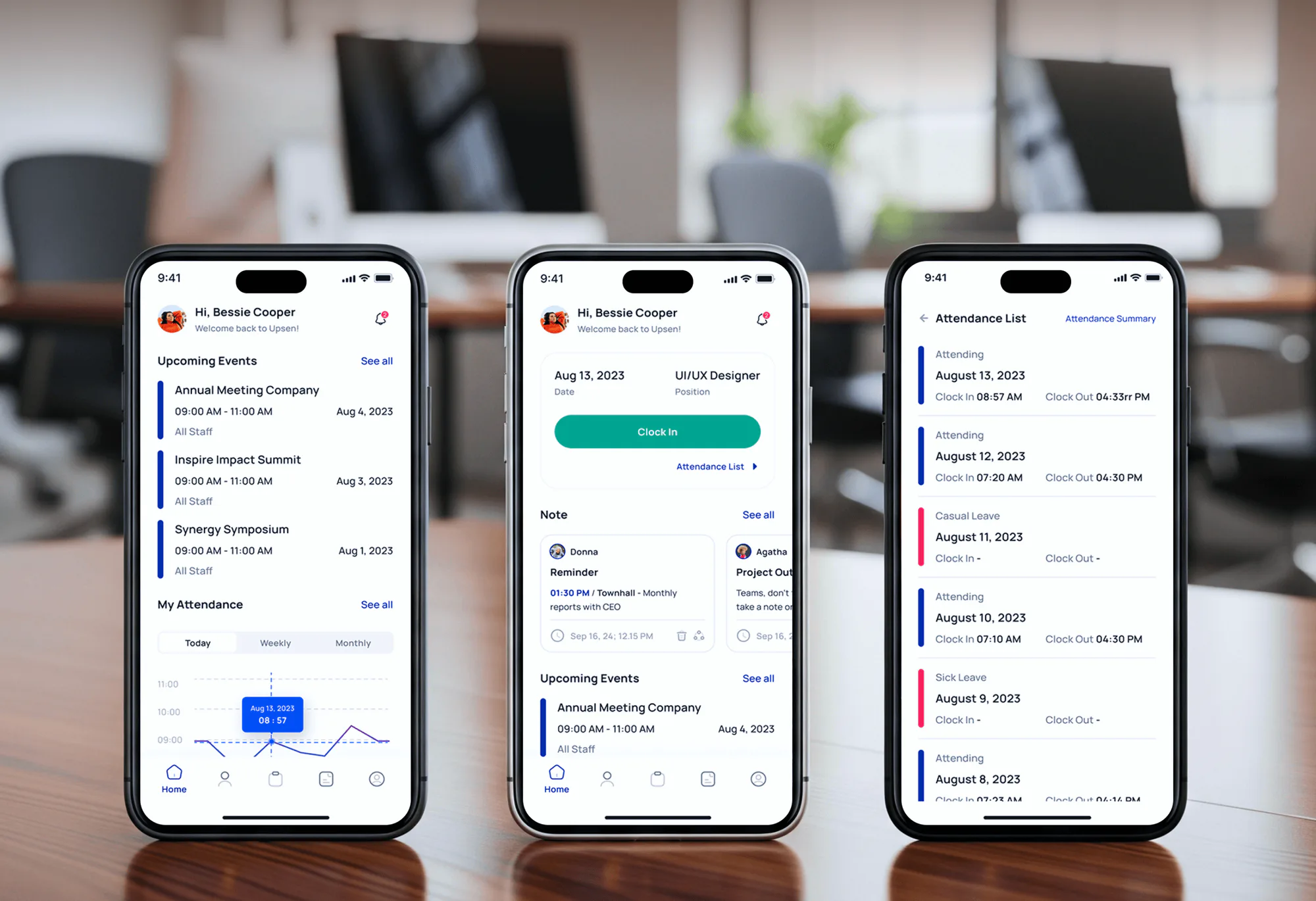
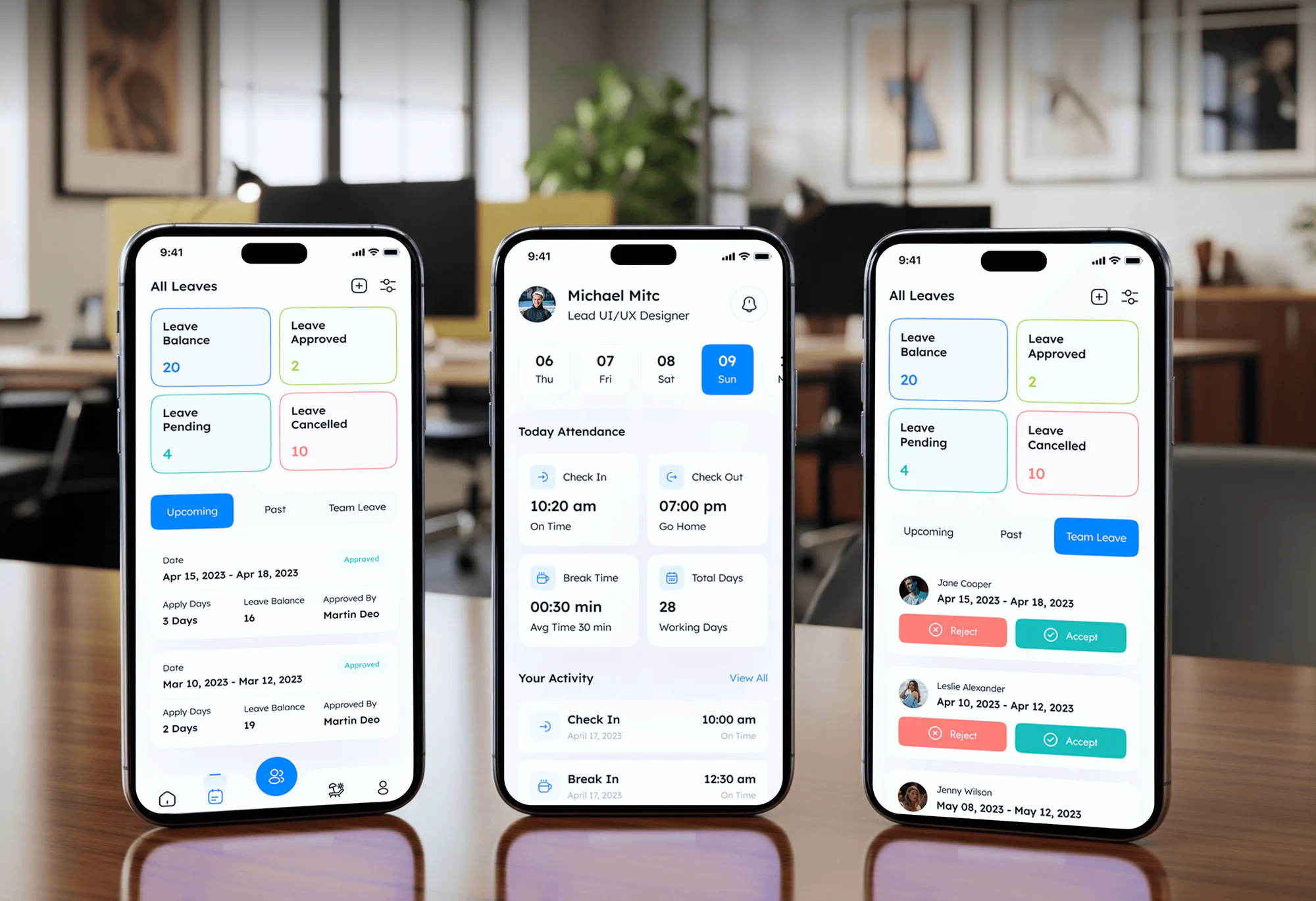
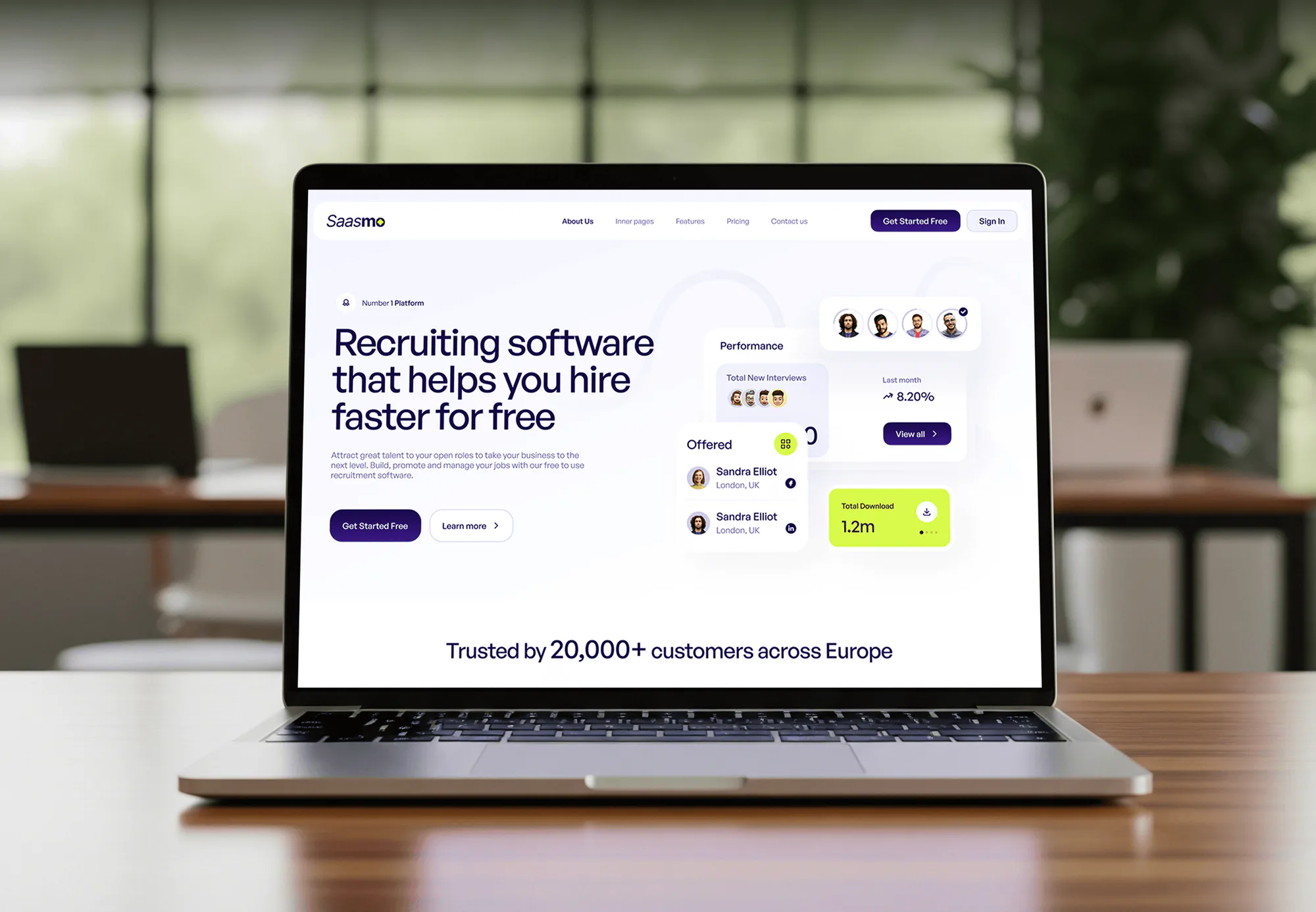
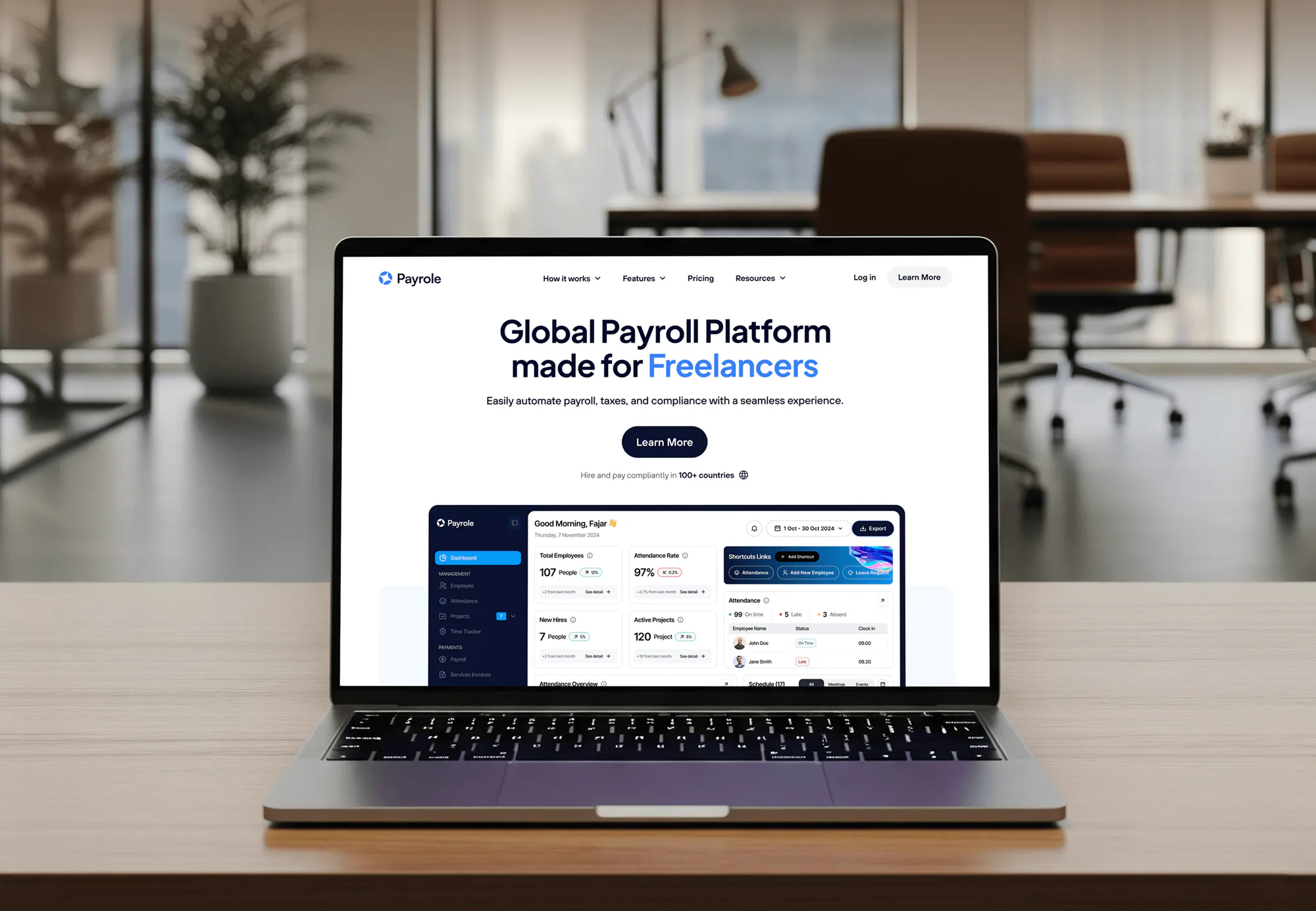
HR apps, payroll software, and SaaS products our team built, each replacing manual steps with rules that run on their own.
What's Included
Every plan starts with a timed audit and an engagement letter template. Higher plans add more templates, deadline rules, matter checklists, billing workflows, and cross-system sync.
Compare Options
Automation built into your billing software for law firms costs nothing extra, and staff can build simple zaps. Both suit some firms. Here's how they compare.
| Feature | DeveloperLookBest fit | Built-in automation | DIY by your staff |
|---|---|---|---|
| Where to start | A timed task audit | Features you enable | Whatever hurts today |
| Document drafting | Templates with merge fields | Vendor templates | Edited Word copies |
| Deadline tracking | Rules plus escalation | Calendar rules only | Manual entries |
| Across systems | Email, billing, storage linked | Inside one product | Ad hoc zaps |
| Failure alerts | Alerts and run history | Vendor notices | Found when it breaks |
| Setup cost | From $850, fixed scope | Included in plan | Staff time only |
| Speed to start | 2 to 3 weeks | Same day | When time allows |
| Written documentation | Runbook per workflow | Vendor help center | Often none |
What Our Clients Say
Feedback from teams we have built software and automations for.
We had a pretty specific idea of what we wanted our website to become, but I wasn’t sure how easily we could explain all of it to a development team. There were quite a few moving parts, and we were working toward a deadline, so I expected a few things to get lost along the way. That never really happened. They understood what we were trying to achieve, kept us updated throughout the process, and got everything ready within the agreed timeline. The final site feels much easier to navigate, works beautifully on mobile, and is noticeably smoother for our customers. It was a huge relief seeing the original idea actually turn into the website we had in mind.
The mobile experience is probably my favourite part of the new site. We had spent a lot of time making sure the desktop version looked right, and the team kept pushing us to think about how everything would actually feel on a phone too. They were right. The navigation is clean, the interactions feel natural, and everything we’ve tested so far works exactly as it should. They also went through the links, forms, integrations, and other details more than once before launch, which I really appreciated. And even after going live, we could still reach out when something came up. The whole process felt friendly, organised, and surprisingly straightforward.
What I appreciate most is that the website is actually easy for us to manage now. We can update content ourselves instead of sending a developer a message every time we need to change something small. They also paid attention to the technical SEO side, which mattered to us because we didn’t want a new website to create problems for the traffic we already had. I’ve probably asked more questions than I should have since launch, but every question has been handled patiently and without any fuss. The team is easy to work with, they explain things clearly, and when we need something changed, they focus on getting it done rather than making the process complicated.
1,250+
Projects shipped
10+
Years of experience
5 stars
Clutch rating
5 stars
GoodFirms rating
Excellent
Trustpilot rating
Top 3%
Upwork Top Rated Plus
1,250+
Projects shipped
10+
Years of experience
5 stars
Clutch rating
5 stars
GoodFirms rating
Excellent
Trustpilot rating
Top 3%
Upwork Top Rated Plus

Want results like these?
Tell us what you are building. You get a reply within 24 hours on business days, then a written estimate.
Work Culture
You're trusting us with deadlines, documents, and billing. These habits keep automation dull, visible, and under your control.
We time each task with your staff before choosing what to build. Automating a two-minute task nobody minds wastes your money.
No template goes live until an attorney signs off on its wording. The document still carries your firm's name, not ours.
Deadline reminders escalate to a second person when nobody acts on them. Automation supports your docketing; it doesn't replace attorney review.
Each automation logs what it did and alerts someone when it fails. Silent failures are how old zaps lose documents.
Zaps, scenarios, templates, and scripts live in your firm's accounts. You can hand them to your own IT person at any time.
You get a fixed price per workflow after the audit. If a new request comes up mid-project, we quote it before building it.
Overview
DeveloperLook provides workflow automation for law firms inside the tools they already use. We time your repetitive tasks, then build engagement letter templates, deadline reminders, matter checklists, and billing workflows with Zapier, Make, or code. Projects start at $850, take 2 to 8 weeks, and every automation stays in your accounts.
DEVELOPERLOOK
Project facts · Law Firm Workflow Automation Services
Reviewed 28 Sep 2026 by Saimul Islam
Good fit
Firms drowning in admin work
Your paralegals spend whole afternoons retyping client names into five systems instead of preparing filings.
Litigation firms tracking deadlines by hand
You calendar court deadlines from memory and spreadsheets, and one missed date would cost far more than any fix.
Firms with inconsistent documents
Your engagement letters differ by attorney, and fee terms change depending on who drafted the last one.
Firms with old, undocumented zaps
Your staff built a few zaps years ago, nobody documented them, and now they fail without anyone noticing.
Consultants selling legal operations work
You sell legal practice automation to firms and need engineers who build it under your brand and hand it over cleanly.
Not a fit
Intake is the gap
Your biggest gap is intake: screening, conflict fields, and e-signed retainers. Our Legal Client Intake Automation & Software Setup service covers that.
Client portal needed
You need a client-facing portal for case status and files. Our Law Firm Client Portal Development service builds that instead.
Replacing your software
You want to replace your practice management system. We automate the one you have; a migration is a separate project.
A few matters monthly
Your budget is under $850, or you open a few matters a month. Your software's built-in templates and reminders are enough.
Not sure we're the right fit?
Book a free call or message us. We'll tell you honestly whether we're the right team.
Pricing
These are starting points in USD. Your final price depends on your number of workflows, the systems involved, and your templates, and you get a fixed proposal after a free workflow audit.
For Agencies
You own the client relationship. We supply the automation engineering: audits, templates, deadline rules, and billing workflows, built under your brand. The firm keeps every account and runbook when the project ends.
White label: your client only ever sees your brand
What the firm struggles with, the tools it runs, and who approves changes.
You get a ranked workflow list with a fixed price for each.
We build and test under your brand, then hand over accounts and runbooks.
What the firm struggles with, the tools it runs, and who approves changes.
You get a ranked workflow list with a fixed price for each.
We build and test under your brand, then hand over accounts and runbooks.
The Right Technology for Your Project
We automate inside the software your firm already pays for, and add Zapier, Make, or code only where the tools can't talk to each other.
ZapierMakePower Automaten8nQuickBooksFAQ
Straight answers on cost, timelines, which tasks to automate, documents, deadlines, billing, and upkeep.
Saimul IslamFounder & CEO, DeveloperLookStill have questions?
Send a message or book a call with the team.
Projects start at $850 for a timed workflow audit, an engagement letter template, and 2 more automations. The $2,250 plan adds up to 8 templates, deadline reminders, matter checklists, and billing workflows. Firm-wide automation across practice groups starts at $4,700. Zapier or Make subscriptions are billed to your firm directly.
Starter automations go live in 2 to 3 weeks, and firm-wide projects take up to 8. The audit fills the first week. Templates and rules follow, and we launch one workflow at a time so your staff learn each change before the next one arrives.
Start with tasks that repeat on every matter and carry risk when missed: engagement letters, new matter setup, deadline calendaring, and invoice runs. Our audit times each step and ranks them by hours and risk. Tasks that happen twice a year rarely earn an automation, so we leave those alone.
Automated matter intake workflows cut hours by removing retyping. One intake record creates the matter, the contact, the billing entry, the document folder, and the task list at once. The time saved depends on your matter volume, so we measure it before and after launch.
Document automation fills a template's merge fields with matter and contact data, so a letter or pleading is ready in seconds. Clio Manage templates and the Clio Draft Word add-in both work this way, and MyCase's e-signature templates support merge fields too. Attorneys still review the result before it goes out.
Automated workflows reduce the risk by calculating dates from rules and escalating reminders nobody acts on. Clio's Court Rules feature adds related court events from a trigger date, and limitation dates get their own reminders. Your attorneys stay responsible for every deadline, so reminders support docketing rather than replace it.
You connect them with Zapier or Make scenarios that react to events and pass data between apps. A new matter or a paid invoice can trigger the next step. Clio and MyCase both have Zapier apps, and gaps get small custom scripts. Every scenario logs its runs and alerts someone when a step fails.
Yes, we automate billing steps inside the law firm billing software you already use rather than replacing it. Typical workflows include time entry reminders, scheduled invoice runs, overdue payment reminders, and a weekly aging summary for the billing partner. Payment processing itself stays with your processor.
No, we automate the system you already run. Clio, MyCase, and PracticePanther each offer built-in templates and integrations, and we use those before adding anything new. A switch only makes sense when your current tool can't do what your firm needs, and that's a separate project.
Your staff can, with the runbook we write for each automation. Support lasts 30 to 60 days by plan, and after that you can hire us for changes or hand the work to your own IT provider. Every zap, scenario, and script stays in your firm's accounts.
Saimul IslamFounder & CEO, DeveloperLookStill have questions?
Send a message or book a call with the team.
Free 30-min callGoogle Meet
Book a call
In 30 minutes on Google Meet we walk you through how we would build it, how long it takes and what it costs. Then you get a written estimate.
Calendar not showing? Book on cal.com or send a brief.