
Finto Corporate Website Design & Development
- Finance
- Dashboard
- Website
For Ontario businesses, non-profits, and public sector bodies: your site tested to WCAG 2.0 AA, fixed in code, and posting the accessibility notices people expect to find.
AA
WCAG 2.0 for Ontario sites
5
AODA website postings covered
How your project runs
01 · FreeIndustry leaders we work with
 Chrome DevTools
 Lighthouse
 WordPress
 Shopify
 Webflow
 Wix
 HTML5
 CSS3
 JavaScript
The Problem
It shows up when your compliance report is due or a customer asks for an accessible format. Sometimes a redesign is about to launch, and nobody has checked it against WCAG 2.0 AA.
Keyboard gaps
The main menu and booking form fail without a mouse.
Keyboard gaps
Menus, forms, and pop-ups rebuilt to work fully by keyboard.
Missing notices
Your accessibility policy sits on a drive, not your site.
Missing notices
One accessibility page links your policy, plan, and feedback options.
Scanned PDFs
The price list is a picture a screen reader can't read.
Scanned PDFs
Key documents get tagged, or rebuilt as an accessible web page.
Report doubts
You can't say whether the site meets the standard.
Report doubts
A dated test record shows where your website stands before you report.
Your accessibility compliance report is due December 31, 2026, and your website is one of the requirements you'll be confirming. You aren't sure it passes. The booking form has no labels, the main menu won't open with a keyboard, and the price list is a scanned PDF. Your accessibility policy is a Word file on a shared drive, not on the site. Last month, a customer who asked for an accessible format waited a week for a reply.
We start with your public website and the pages people use most: home, services, contact, booking, and checkout. Each template is tested against WCAG 2.0 Level AA by keyboard, screen reader, and code review. Failures get fixed in your theme and retested, and we draft an accessibility page with your policy, feedback process, and accessible formats notice. You confirm your report knowing what your website actually does.
Tested to WCAG 2.0 AA
Every key template checked against the level the Integrated Accessibility Standards require.
Failures fixed in code
Menus, forms, contrast, and alt text fixed in your theme, then retested by hand.
AODA notices drafted
Your accessibility policy link, feedback process, and accessible formats notice, ready to post.
Our AODA Website Compliance Process
You confirm which rules apply, approve the pages we test, review each fix on a preview, and sign off on every notice before it goes live.
You tell us your Ontario headcount and sector, and we confirm which rules apply to your site. You get a page list and a fixed price. If you have fewer than 50 employees in Ontario, the website rule doesn't apply, and we'll tell you before we quote.
Projects We've Built
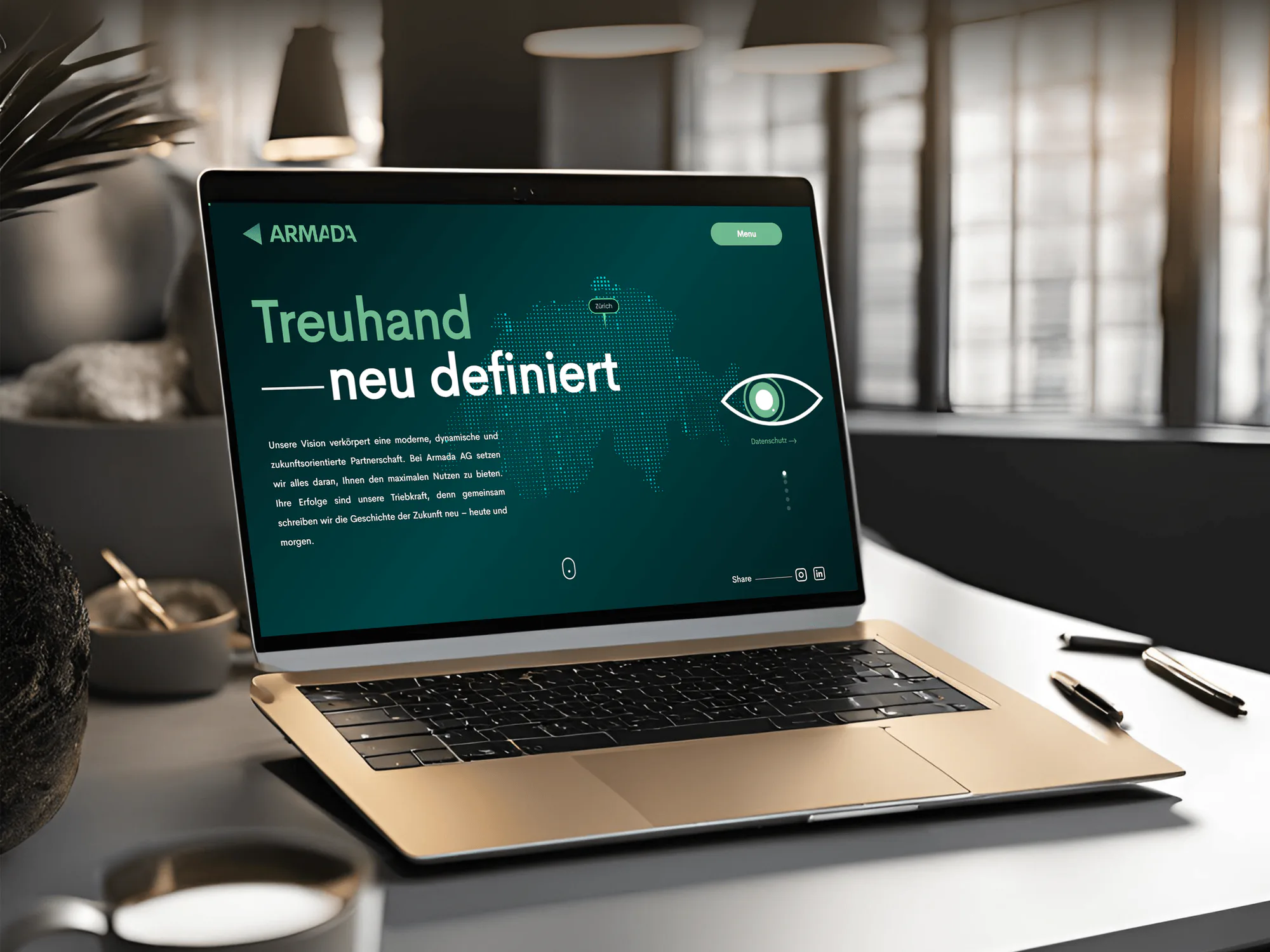
Corporate, construction, fintech, and IT agency websites our team designed and built. They weren't AODA projects, but menus, forms, and service pages like these are what the website rule covers.


What's Included
You get a WCAG 2.0 AA audit of your key templates, code fixes with retests, and an accessibility page with your notices. A dated record goes in your report files.
Compare Options
AODA consulting firms handle policies and staff training well. A plugin helps with a few settings. Here is where each one stops short on the website rule.
| Feature | DeveloperLookBest fit | Policy consultant | DIY with a plugin |
|---|---|---|---|
| Website testing | Manual WCAG 2.0 AA testing | Usually not included | Automated checks only |
| Code fixes | Included on fix plans | Referred to a developer | Limited to plugin settings |
| Policies and notices | Drafted for your site | Their core strength | |
| Staff training | Not included | Usually included | |
| Documents and PDFs | Tagged or rebuilt | Rarely covered | |
| Test record | Dated record of every test | Policy documents only | A scan report |
| Cost | From $900, fixed scope | Varies by scope | Low monthly fee |
| Best for | Websites that must meet AA | Policies and training | Small sites, simple fixes |
What Our Clients Say
Feedback from teams we have built websites, platforms, and apps for.
We had a pretty specific idea of what we wanted our website to become, but I wasn’t sure how easily we could explain all of it to a development team. There were quite a few moving parts, and we were working toward a deadline, so I expected a few things to get lost along the way. That never really happened. They understood what we were trying to achieve, kept us updated throughout the process, and got everything ready within the agreed timeline. The final site feels much easier to navigate, works beautifully on mobile, and is noticeably smoother for our customers. It was a huge relief seeing the original idea actually turn into the website we had in mind.
The mobile experience is probably my favourite part of the new site. We had spent a lot of time making sure the desktop version looked right, and the team kept pushing us to think about how everything would actually feel on a phone too. They were right. The navigation is clean, the interactions feel natural, and everything we’ve tested so far works exactly as it should. They also went through the links, forms, integrations, and other details more than once before launch, which I really appreciated. And even after going live, we could still reach out when something came up. The whole process felt friendly, organised, and surprisingly straightforward.
What I appreciate most is that the website is actually easy for us to manage now. We can update content ourselves instead of sending a developer a message every time we need to change something small. They also paid attention to the technical SEO side, which mattered to us because we didn’t want a new website to create problems for the traffic we already had. I’ve probably asked more questions than I should have since launch, but every question has been handled patiently and without any fuss. The team is easy to work with, they explain things clearly, and when we need something changed, they focus on getting it done rather than making the process complicated.
1,250+
Projects shipped
10+
Years of experience
5 stars
Clutch rating
5 stars
GoodFirms rating
Excellent
Trustpilot rating
Top 3%
Upwork Top Rated Plus
1,250+
Projects shipped
10+
Years of experience
5 stars
Clutch rating
5 stars
GoodFirms rating
Excellent
Trustpilot rating
Top 3%
Upwork Top Rated Plus

Want results like these?
Tell us what you are building. You get a reply within 24 hours on business days, then a written estimate.
Work Culture
The AODA puts your organization's name on every commitment your website makes. These habits keep your notices accurate, your fixes real, and your records ready.
The website rule applies to public sector bodies and organizations with 50 or more Ontario employees. If it doesn't apply to you, we say so before quoting.
We change the code behind your menus, forms, and pages instead of adding a widget on top. Your site works with assistive technology users already have.
We draft your accessibility page, but you approve every commitment on it. We're developers, not lawyers, and we say that up front.
Every test gets a date, a page, and a result. When your next compliance report comes around, you have the evidence ready.
Ontario shares Eastern time with our US business hours, so reviews and walkthroughs happen during your working day, not late at night.
Each issue says who it blocks and what we'll change, in words your marketing or operations lead can act on without a WCAG glossary.
Overview
DeveloperLook handles AODA website compliance for Ontario businesses, non-profits, and public sector bodies. We audit your site against WCAG 2.0 AA, fix the failures in your code, and draft the policy, feedback, and accessible formats notices your site should post. Audits start at $900, and most projects take 1 to 9 weeks with a fixed scope.
DEVELOPERLOOK
Project facts · AODA Website Compliance
Reviewed 27 Oct 2026 by Saimul Islam
Good fit
Ontario businesses with 50+ employees
Your company has more than 50 employees in Ontario, and nobody has checked your website against WCAG 2.0 AA since it launched.
Organizations filing the 2026 report
Your accessibility compliance report is due December 31, 2026, and you want a clear record of where your website stands first.
Public sector websites
You run the website for a municipality, college, school board, or hospital, and the website rule is part of your public sector duties.
Teams planning a redesign
You're replacing your website this year and want AODA web design built into the new templates, not patched in after launch.
Agencies with Ontario clients
Your agency maintains sites for Ontario clients, and one of them just asked whether their site is AODA compliant.
Not a fit
Under 50 Ontario employees
Your organization has fewer than 50 employees in Ontario, so the WCAG website rule doesn't apply. Your customer service duties still do, and they don't need a developer.
Training and policies only
You need staff training and policy writing, not website work. An AODA training provider or policy consultant fits that better than a developer.
Selling to US agencies
Your real deadline is a US federal contract, not Ontario. Section 508 Compliance Services covers the testing and the ACR agencies ask for.
Only PDFs to fix
Your website pages pass, but your forms and reports don't. PDF Remediation Services fixes document batches at a lower cost per file.
Not sure we're the right fit?
Book a free call or message us. We'll tell you honestly whether we're the right team.
Pricing
These are starting points in USD. Your final price depends on how many templates and PDFs need testing and whether you want fixes. You get a fixed proposal after a free AODA review.
For Agencies
You own the client relationship. We supply the WCAG 2.0 AA testing, code fixes, and notice drafts for your Ontario clients, under your brand. Your Ontario client deals with you alone, and your team keeps the account.
White label: your client only ever sees your brand
Send the client's site, Ontario headcount, and any reporting deadline.
We audit, fix, and draft notices for your review before your client sees anything.
Your client receives the fixes, notices, and test record from you.
Send the client's site, Ontario headcount, and any reporting deadline.
We audit, fix, and draft notices for your review before your client sees anything.
Your client receives the fixes, notices, and test record from you.
The Right Technology for Your Project
Manual testing and screen readers first, then the website platforms and front-end code we fix for Ontario organizations.
Chrome DevToolsLighthouseWordPressShopifyWebflowWixHTML5CSS3 JavaScript
 React
FAQ
Straight answers on cost, timelines, what the AODA requires, what to post, who it covers, reporting, and enforcement.
Saimul IslamFounder & CEO, DeveloperLookStill have questions?
Send a message or book a call with the team.
AODA website compliance from DeveloperLook starts at $900 for a WCAG 2.0 AA audit of up to 8 templates. That plan also includes a checklist and drafts of your website notices. The $2,300 plan adds code fixes, a published accessibility page, and a full retest. The $4,600 plan covers up to 30 templates, third-party widgets, 10 key PDFs, and a report-ready evidence pack.
Most websites take 3 to 9 weeks in total. The audit takes 1 to 2 weeks, then fixes and a retest take 2 to 5 weeks. Sites with custom booking tools, many PDFs, or third-party widgets take longer. If your compliance report is close, we fix the pages people use most first, so your record improves quickly.
AODA stands for the Accessibility for Ontarians with Disabilities Act, the 2005 Ontario law behind the province's accessibility standards. Its website rules sit in the Integrated Accessibility Standards Regulation, which also covers information, employment, transportation, and public spaces. People usually say AODA when they mean any of these requirements.
The purpose of the AODA is to make Ontario accessible to people with disabilities through enforceable standards. The Act set a goal of an accessible Ontario by January 1, 2025, and it involves people with disabilities in writing the standards. For your organization, that means rules for customer service, information, websites, employment, and spaces.
AODA compliance means meeting the accessibility standards that apply to your organization's size and sector in Ontario. For most businesses, that includes accessible customer service, a feedback process, and notices about accessible formats. Organizations with 50 or more Ontario employees must also keep their public websites at WCAG 2.0 Level AA and post a multi-year accessibility plan.
The AODA requirements for websites say public sector bodies and organizations with 50 or more Ontario employees must meet WCAG 2.0 Level AA. Two criteria are exempt: live captions and pre-recorded audio description. The rule covers public websites and web content published after January 1, 2012, including web apps you control. Internal intranets aren't required to meet it for most organizations.
Post your accessibility policies, or say where to find them, plus a feedback process and a notice that accessible formats are available on request. Organizations with 50 or more Ontario employees also post their multi-year accessibility plan. When a service is temporarily disrupted, such as a broken accessible entrance or booking line, post a notice about it too.
No, the WCAG 2.0 AA website rule applies to organizations with 50 or more employees in Ontario and to designated public sector bodies. Smaller organizations still have customer service duties, such as a feedback process and accessible formats on request. Those with 20 or more employees also file accessibility compliance reports, so an accessible site still helps.
The next accessibility compliance report for businesses and non-profits with 20 or more Ontario employees is due December 31, 2026. These organizations report every 3 years, while designated public sector organizations report every 2 years. Your website is one of the requirements a larger organization confirms, so a dated test record makes that answer easier.
If your website falls short of the AODA standard, Ontario can issue compliance orders and administrative penalties after an inspection or complaint. According to Ontario's own compliance guidance, a corporation convicted of an offence under the Act can be fined up to $100,000 for each day it continues. Most organizations fix issues long before that, and we can't give legal advice on your case.
Saimul IslamFounder & CEO, DeveloperLookStill have questions?
Send a message or book a call with the team.
Free 30-min callGoogle Meet
Book a call
In 30 minutes on Google Meet we walk you through how we would build it, how long it takes and what it costs. Then you get a written estimate.
Calendar not showing? Book on cal.com or send a brief.