
Deus News and Magazine Website Design and Development
- News & Media
- Website
For content and compliance teams with PDF libraries: every file tagged, read aloud in the right order, and checked, with source templates fixed so new exports start accessible.
PDF/UA
Checked on every file
100%
Pages tagged in reading order
How your project runs
01 · FreeIndustry leaders we work with
 Lighthouse
 HTML5 conversions
 Google Sheets
The Problem
It shows up after an audit flags your document library or a customer can't complete your fillable form. Sometimes an agency rejects your deliverable because the file has no tags.
Image noise
The screen reader announces image after image before any text.
Image noise
Decorative images become artifacts, and meaningful ones get real alt text.
Jumbled tables
Financial tables read as one long string of numbers.
Jumbled tables
Header cells and scope are set, so each number is read with its row and column.
Broken forms
Tab order skips fields, and labels are missing.
Broken forms
Form fields get labels, tooltips, and a tab order that follows the page.
Growing pile
Every new export from the template is untagged again.
Growing pile
We fix the Word or InDesign source, so new exports start tagged.
A visitor using a screen reader opens your annual report and hears image, image, image for the first four pages. The financial table reads as one long string of numbers. Your enrollment form lets them tab into the first field, then jumps to Submit. You have 400 PDFs on the site, an audit flagged every one, and the designer who built the InDesign template left last year. Each new export adds to the pile.
We start by sorting your library: files to remediate, files to rebuild at the source, files better as web pages, and files nobody opens. Then we tag each file in Acrobat, set the reading order, write alt text, and rebuild tables and form fields. Every file passes PAC and a screen reader read-through before it's done. We fix your Word or InDesign templates last, so the pile stops growing.
Tagged in reading order
Headings, lists, tables, and figures tagged so screen readers follow the page as designed.
Read aloud before delivery
Each file passes PAC for PDF/UA and gets a full read-through with NVDA.
Source templates fixed
Word and InDesign templates set up so your next exports come out tagged.
Our PDF Remediation Process
You approve the triage list, see a check report for every file, and get templates your team can export from without starting over.
You send a sample of your files. We count pages, spot scanned documents, forms, and complex tables, and give you a fixed price. If a file is better as a web page, or nobody opens it anymore, we'll tell you before we quote.
Projects We've Built
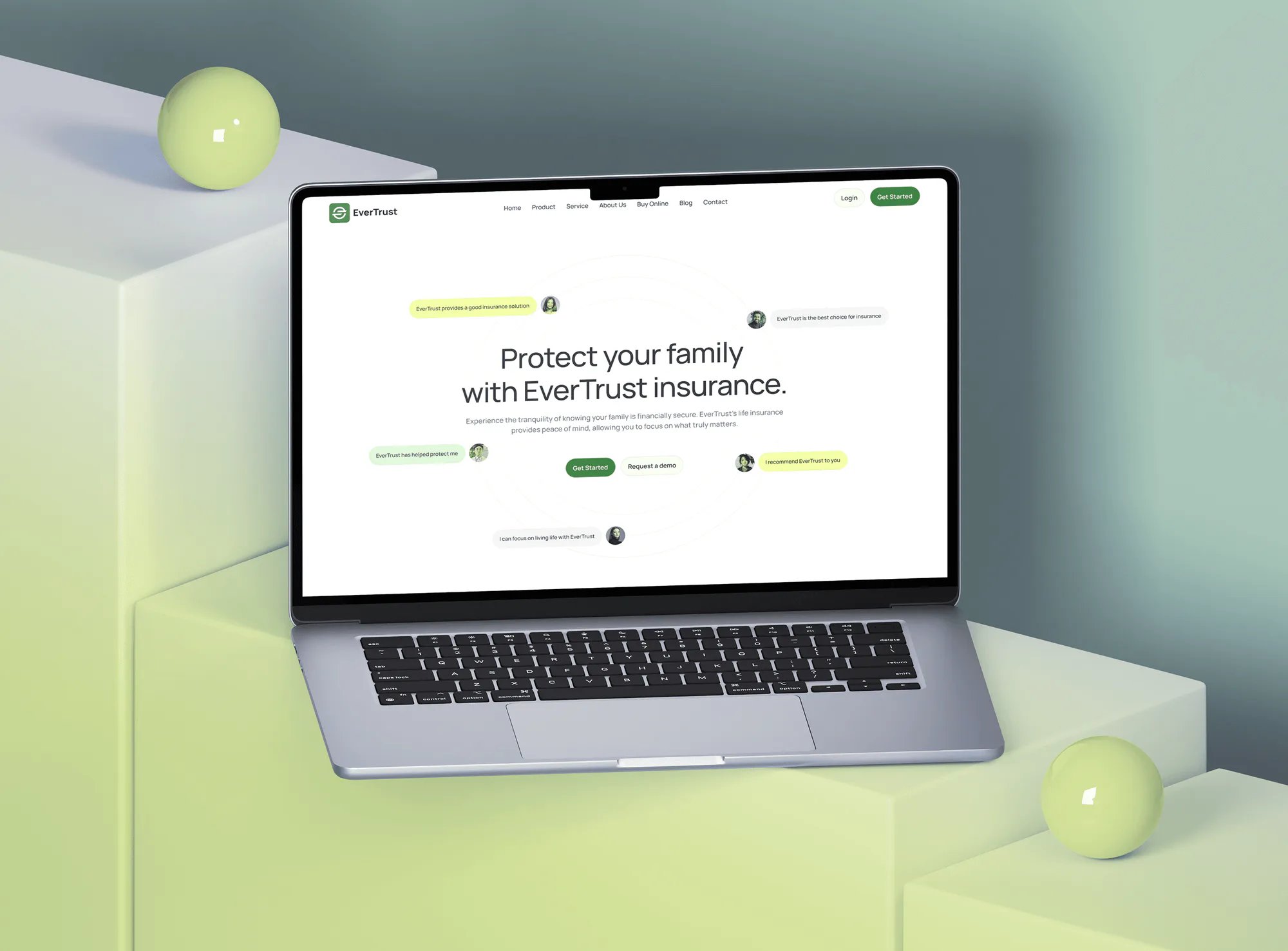
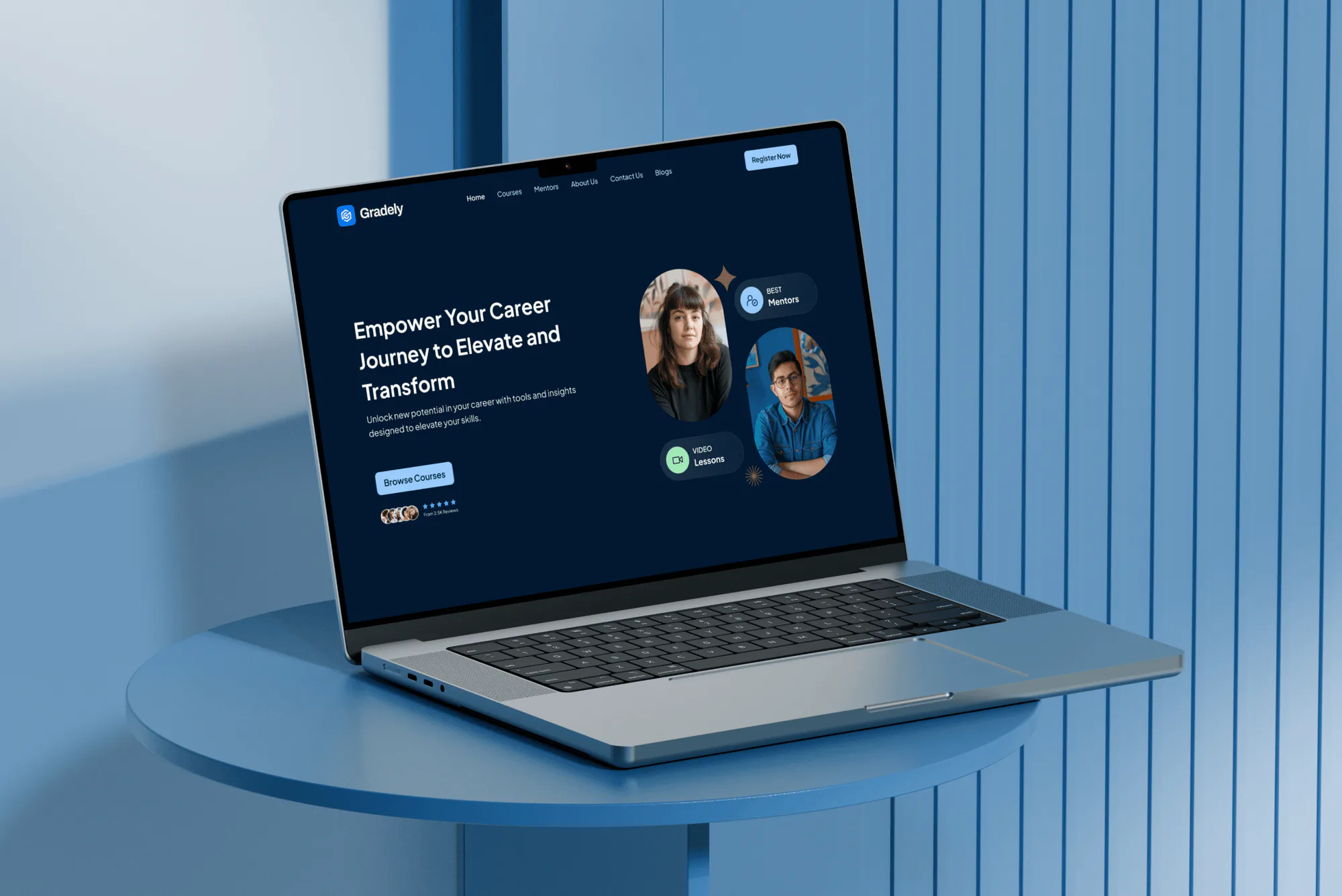
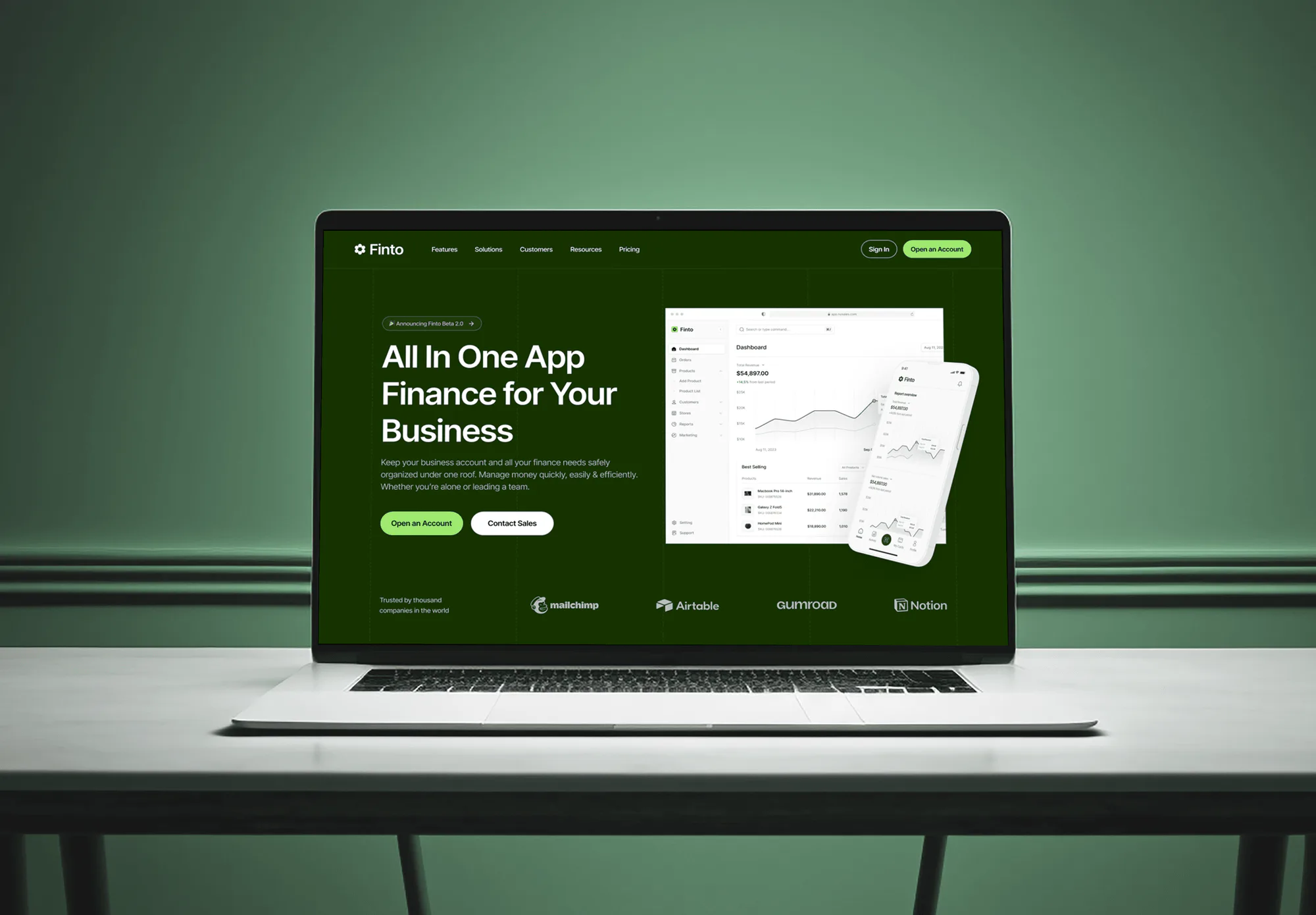
News, insurance, e-learning, and fintech sites our team designed and built. They weren't PDF projects, but sites like these publish the reports, policies, and guides this service fixes.
What's Included
You get a triage list for your library, tagged and repaired files, working tables and forms, and a check report for every file. Your templates get fixed too.
Compare Options
An auto-tag tool is fine for simple one-column text. A bulk per-page PDF remediation service suits huge volumes of plain files. Here is where each one falls short.
| Feature | DeveloperLookBest fit | Auto-tag tool | Bulk per-page vendor |
|---|---|---|---|
| Reading order | Checked by ear on every file | Often wrong on columns | Usually checked |
| Alt text | Written for what each image means | Missing or file names | Generic descriptions |
| Tables | Headers and scope set by hand | Often flattened | Simple tables handled |
| Fillable forms | Labels and tab order fixed | Rarely fixed | Often extra cost |
| Final checks | PAC plus a screen reader | Built-in checker only | PAC report |
| Source templates | Fixed so exports stay tagged | ||
| Cost | From $450, fixed per batch | Included in your software | Low per page at volume |
| Best for | Mixed libraries with forms | A few simple files | Very large plain batches |
What Our Clients Say
Feedback from teams we have built websites, platforms, and apps for.
We had a pretty specific idea of what we wanted our website to become, but I wasn’t sure how easily we could explain all of it to a development team. There were quite a few moving parts, and we were working toward a deadline, so I expected a few things to get lost along the way. That never really happened. They understood what we were trying to achieve, kept us updated throughout the process, and got everything ready within the agreed timeline. The final site feels much easier to navigate, works beautifully on mobile, and is noticeably smoother for our customers. It was a huge relief seeing the original idea actually turn into the website we had in mind.
The mobile experience is probably my favourite part of the new site. We had spent a lot of time making sure the desktop version looked right, and the team kept pushing us to think about how everything would actually feel on a phone too. They were right. The navigation is clean, the interactions feel natural, and everything we’ve tested so far works exactly as it should. They also went through the links, forms, integrations, and other details more than once before launch, which I really appreciated. And even after going live, we could still reach out when something came up. The whole process felt friendly, organised, and surprisingly straightforward.
What I appreciate most is that the website is actually easy for us to manage now. We can update content ourselves instead of sending a developer a message every time we need to change something small. They also paid attention to the technical SEO side, which mattered to us because we didn’t want a new website to create problems for the traffic we already had. I’ve probably asked more questions than I should have since launch, but every question has been handled patiently and without any fuss. The team is easy to work with, they explain things clearly, and when we need something changed, they focus on getting it done rather than making the process complicated.
1,250+
Projects shipped
10+
Years of experience
5 stars
Clutch rating
5 stars
GoodFirms rating
Excellent
Trustpilot rating
Top 3%
Upwork Top Rated Plus
1,250+
Projects shipped
10+
Years of experience
5 stars
Clutch rating
5 stars
GoodFirms rating
Excellent
Trustpilot rating
Top 3%
Upwork Top Rated Plus

Want results like these?
Tell us what you are building. You get a reply within 24 hours on business days, then a written estimate.
Work Culture
Your documents carry your brand, your numbers, and sometimes your legal terms. These habits keep them accurate, readable, and accessible long after we hand them back.
Not every PDF you own deserves remediation, and some are better as web pages. Sorting your library first keeps your budget on the files your readers actually use.
Your file can pass an automated checker and still read in the wrong order. We listen to every file with a screen reader before calling it done.
A chart's alt text tells your reader what the chart shows, not that it's a chart. Your complex charts get a longer summary in the body text.
Tags sit underneath the page and don't change how your document looks. If a color fails contrast, we flag it for your designer instead of changing your brand.
Remediating your exports one by one gets expensive. We fix the templates your team exports from, so your library stops growing untagged files.
You get a report line for each PDF with the checks run and the outcome. When someone asks about your document, you have the answer on file.
Overview
DeveloperLook provides PDF remediation for content teams whose reports, forms, and brochures screen readers can't read. We tag each file in reading order, write alt text, and fix tables and form fields. Every file is checked with PAC and a screen reader, and your source templates get fixed. Batches start at $450, and most finish in 3 business days to 6 weeks.
DEVELOPERLOOK
Project facts · PDF Remediation Services
Reviewed 27 Oct 2026 by Saimul Islam
Good fit
Content teams with a PDF library
Your site holds hundreds of reports, guides, and brochures, and an accessibility audit just flagged every one of them as untagged.
Contractors delivering federal documents
Your contract deliverables go to a federal agency, and the agency sent the last batch back for missing tags and reading order.
Universities and course teams
Your syllabi and readings are scanned PDFs, and a student who uses a screen reader can't read them before the term starts.
Finance and insurance teams
Your policy documents and statements include tables and fillable forms that a screen reader reads as a jumble of numbers.
Agencies producing client reports
Your agency designs annual reports in InDesign and wants accessible PDF remediation built into every client export from now on.
Not a fit
Website code failing too
Your web pages fail accessibility checks, not just your PDFs. Website Accessibility Remediation fixes your templates and components in code.
Part of a 508 program
Your documents are one part of a product an agency is evaluating. Section 508 Compliance Services tests the product and its documents together.
Very high weekly volume
You publish thousands of new PDF pages every week. Fixing your authoring templates and workflow helps more than remediating each file after export.
Budget under $450
You have a handful of simple one-column files and less than $450. Acrobat's accessibility tools and the free PAC checker are a fair start.
Not sure we're the right fit?
Book a free call or message us. We'll tell you honestly whether we're the right team.
Pricing
These are starting points in USD. Your final price depends on page count, how many tables and forms your files hold, and whether pages are scanned. You get a fixed proposal after a free file review.
For Agencies
You own the client relationship. We remediate the reports, brochures, and forms you produce for clients and fix your InDesign templates, under your brand. Your designers keep designing, and every export your client receives is accessible.
White label: your client only ever sees your brand
Share the PDFs or source files, page counts, and the client's deadline.
We remediate, check, and report on each file for your review first.
Your client receives accessible files and a check report from you.
Share the PDFs or source files, page counts, and the client's deadline.
We remediate, check, and report on each file for your review first.
Your client receives accessible files and a check report from you.
The Right Technology for Your Project
Remediation happens in Acrobat and your source apps, then every file goes through checkers and a screen reader before delivery.
LighthouseHTML5 conversionsGoogle SheetsFAQ
Straight answers on cost, turnaround, standards, auto-tagging, scanned files, Section 508, and your next export.
Saimul IslamFounder & CEO, DeveloperLookStill have questions?
Send a message or book a call with the team.
PDF remediation from DeveloperLook starts at $450 for up to 60 pages of your text and image PDFs. Each file is checked with PAC and read through with NVDA. The $1,350 plan covers up to 200 pages, including forms, complex tables, scanned pages, and 2 template fixes. The $3,100 plan covers up to 600 pages, a full library triage, and author training.
Your first batch of up to 60 pages takes 3 to 5 business days. Batches of up to 200 pages with forms and tables take 1 to 2 weeks, and a 600-page library program takes 3 to 6 weeks. Scanned pages and long data tables add the most time, so we flag yours in the free file review before you approve the price.
PDF remediation is fixing a PDF so people using screen readers, magnifiers, or keyboards can read and use it. That means adding tags, setting the reading order, writing alt text, marking table headers, and labeling form fields. Your file looks the same on screen. What changes is the structure underneath, which your readers' assistive technology reads.
Start with the PDFs your customers need to act on: forms, policies, statements, and anything your contracts name. Next come the most downloaded files in your analytics. Your old newsletters and outdated brochures are often better retired than fixed. Our triage list sorts every file this way, so your document accessibility remediation budget follows actual use.
Accessible PDF remediation follows WCAG for document content and PDF/UA, the ISO standard for accessible PDF files. We check each file with PAC 2026, the free checker from axes4 that tests PDF/UA and WCAG, and with Acrobat's checker. Tools can't judge everything, such as whether alt text makes sense or the reading order is logical, so a person reviews every file too.
Auto-tagging handles simple one-column text reasonably well, but it often fails on columns, tables, forms, and charts. Acrobat's automatic tags commonly read your sidebars in the middle of paragraphs, merge table cells, and skip alt text. On your simple files, auto-tagging is a starting point, and we correct the structure by hand.
Your scanned PDFs get text recognition first, because a scan is just a picture of text that a screen reader can't read. We run OCR, correct recognition errors, and then tag the text like any other file. If your files include handwriting or poor-quality scans, they may need retyping, which we price after seeing them.
Document remediation for Section 508 means meeting the WCAG 2.0 Level A and AA criteria that the Revised 508 Standards apply to electronic documents. For PDFs, that covers tags, reading order, alt text, table headers, form labels, contrast, and document language. PDF/UA isn't named in Section 508, but meeting it is a solid way to show the structure is right.
Your next export will start accessible if the source template is set up correctly, which is why every plan beyond the first fixes templates. In Word and InDesign, that means real heading styles, alt text in the source, and the right export settings. Your team gets a one-page checklist, and we answer questions for 30 days.
No, remediation doesn't change how your documents look on screen or in print. Tags, reading order, and alt text sit in your file's structure underneath the page. The one exception is color contrast: if your text fails contrast, we flag it in your report for your designer instead of changing your brand colors.
Saimul IslamFounder & CEO, DeveloperLookStill have questions?
Send a message or book a call with the team.
Free 30-min callGoogle Meet
Book a call
In 30 minutes on Google Meet we walk you through how we would build it, how long it takes and what it costs. Then you get a written estimate.
Calendar not showing? Book on cal.com or send a brief.