
Content and speed review
Every page type, plugin, and slow template listed, with what stays static and what needs an island.

For marketing and content teams tired of slow, plugin-heavy sites: Astro sites your editors update in a CMS, from $850.
95+
Mobile PageSpeed score target
100%
Pages your team edits in a CMS
How your project runs
Teams we have built for:














The Problem
It shows up when a content site is built like an app. Every page loads a big JavaScript bundle, editors fight a page builder, and plugin updates break layouts.
01 · JavaScript
Every page downloads a bundle built for a web app.
Astro ships HTML and loads JavaScript only for islands that need it.
02 · Plugins
Plugin updates keep breaking layouts and forms.
We replace plugins with a few components your team controls.
03 · Editing
Editors wait on a developer for each landing page.
A headless CMS with previews lets editors build pages from approved blocks.
04 · Templates
Blog templates have drifted until no two posts match.
Content collections check every post's fields against one schema at build time.
Your marketing site is mostly articles and landing pages, yet every visit downloads a JavaScript bundle built for a web app. On phones, the headline appears last. Your WordPress theme leans on a page builder and a dozen plugins, so each update risks breaking a layout. Editors wait on a developer to add a simple landing page. Meanwhile, your blog templates have drifted, and no two posts look quite the same.
We start with a content and speed review: page types, plugins, your editors' workflow, and what actually needs JavaScript. Then we rebuild the site on the Astro web framework. Content collections keep every post in the same shape, and a headless CMS gives your editors a tool they learn quickly. Interactive parts load as islands. Pages ship as HTML first, so phones show the words before anything else.
HTML first, islands second
Pages ship as HTML, and only the interactive parts load JavaScript, when they're needed.
An editor your team likes
A headless CMS with previews, so content changes stop waiting on a developer.
Content checked at build
Content collections validate every post's fields, so a missing image fails the build, not the page.
Our Astro Website Development Process
You approve the content model, the redirect map, and a fixed price first, then review every template with real content on a preview URL.
We crawl your site, list its page types and plugins, and test key pages on mid-range phones. You get what can be static, what needs an island, and the plan that fits your content.
What's Included
A content site built to stay fast and easy to edit: the review, the content model, Astro templates, a headless CMS, migration with redirects, and SEO setup.
Compare Options
A WordPress theme brings the biggest plugin library, and a website builder launches fastest. Here's where each fits when your site is mostly content.
| Feature | DeveloperLookBest fit | WordPress theme | Website builder |
|---|---|---|---|
| JavaScript per page | Only where needed | Theme and plugins add it | Builder runtime on every page |
| Editing | Headless CMS with previews | Familiar WordPress editor | Visual drag and drop |
| Plugin library | Small, by design | Largest available | Built-in apps |
| Security updates | Few moving parts | Plugins need constant updates | Handled by the platform |
| Mobile speed checks | Tested on mid-range phones | Depends on the theme | Depends on the template |
| Content structure | Schema checked at build | Free-form fields | Free-form blocks |
| Cost | Fixed price per scope | Cheap theme, paid plugins | Lowest monthly fee |
| Ownership | Code and content are yours | Yours, on your host | Tied to the platform |
Projects We've Built
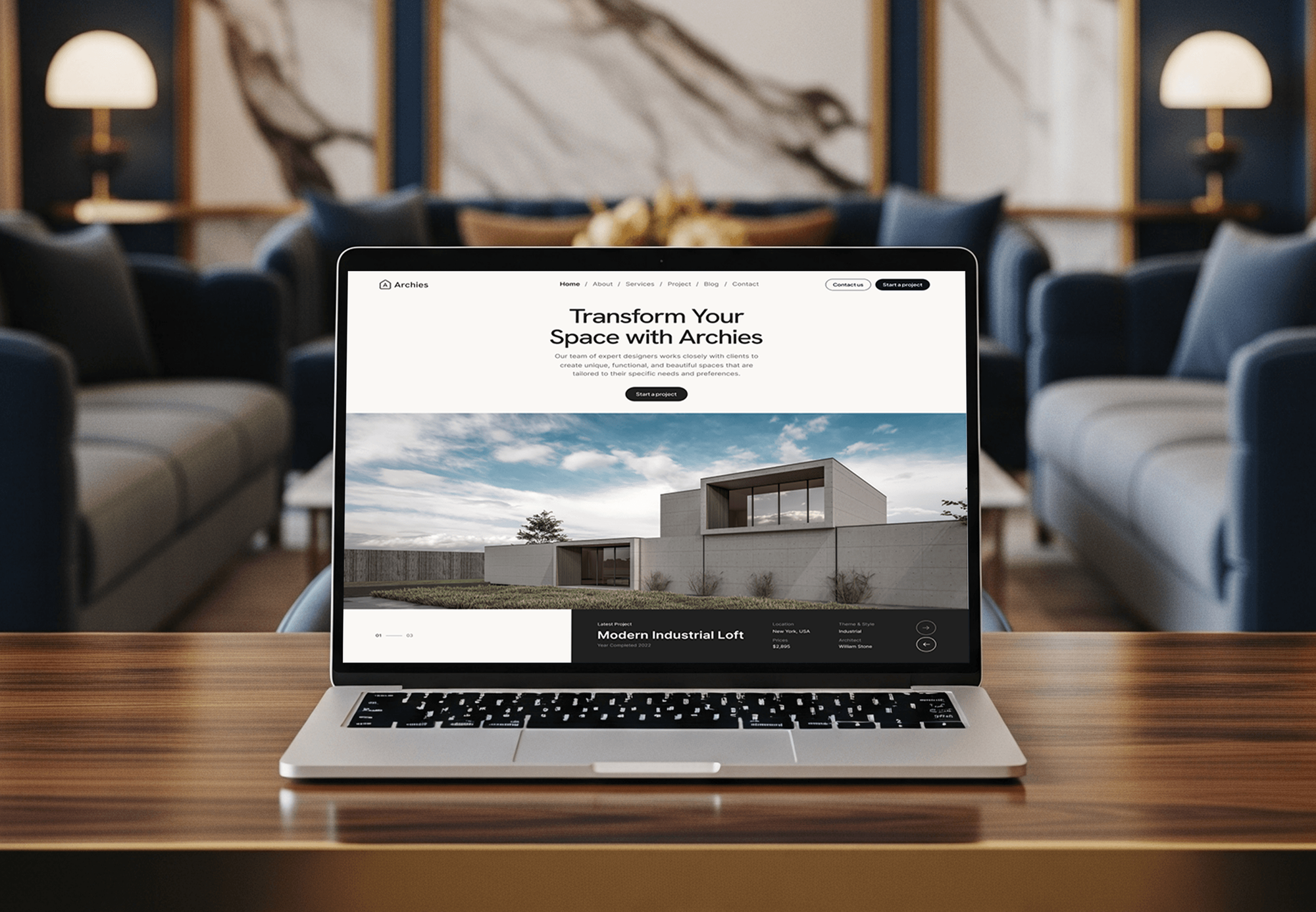
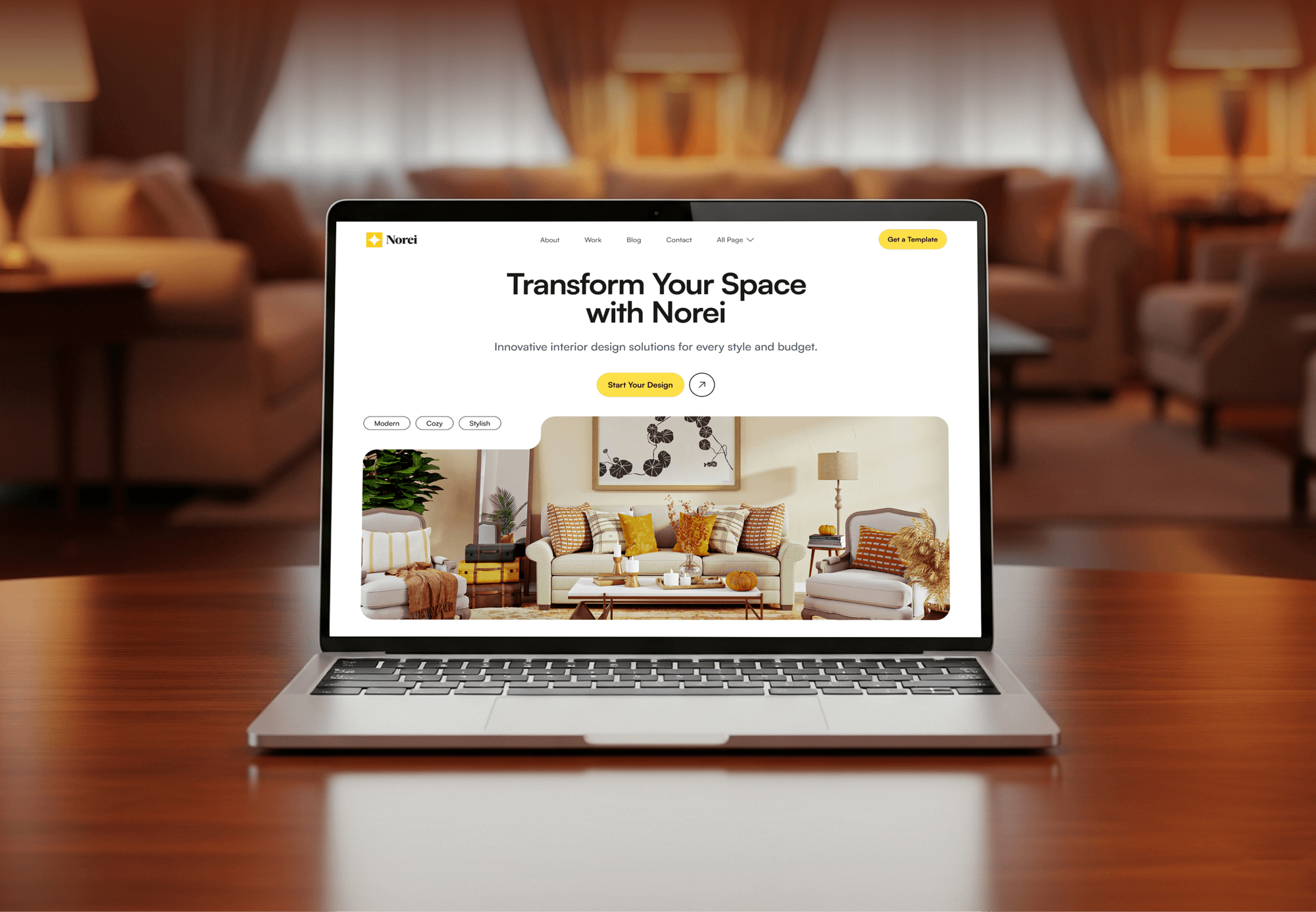
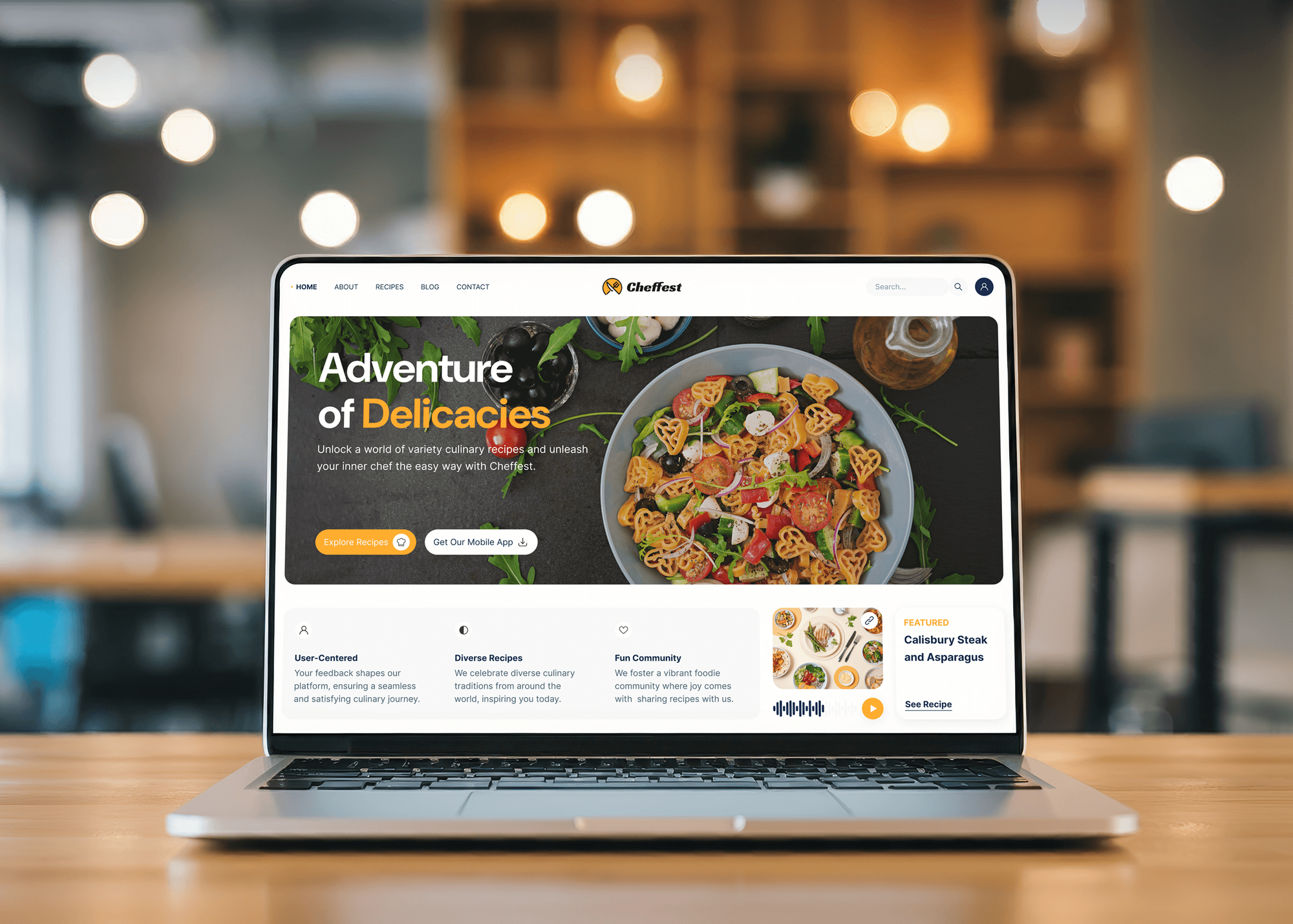
Photography, architecture, interior design, and restaurant websites we designed and built, the content-first sites Astro suits. We don't present them as Astro builds.

What Our Clients Say
Feedback from teams we have built websites, content sites, and web apps for.
We had a pretty specific idea of what we wanted our website to become, but I wasn’t sure how easily we could explain all of it to a development team. There were quite a few moving parts, and we were working toward a deadline, so I expected a few things to get lost along the way. That never really happened. They understood what we were trying to achieve, kept us updated throughout the process, and got everything ready within the agreed timeline. The final site feels much easier to navigate, works beautifully on mobile, and is noticeably smoother for our customers. It was a huge relief seeing the original idea actually turn into the website we had in mind.
The mobile experience is probably my favourite part of the new site. We had spent a lot of time making sure the desktop version looked right, and the team kept pushing us to think about how everything would actually feel on a phone too. They were right. The navigation is clean, the interactions feel natural, and everything we’ve tested so far works exactly as it should. They also went through the links, forms, integrations, and other details more than once before launch, which I really appreciated. And even after going live, we could still reach out when something came up. The whole process felt friendly, organised, and surprisingly straightforward.
What I appreciate most is that the website is actually easy for us to manage now. We can update content ourselves instead of sending a developer a message every time we need to change something small. They also paid attention to the technical SEO side, which mattered to us because we didn’t want a new website to create problems for the traffic we already had. I’ve probably asked more questions than I should have since launch, but every question has been handled patiently and without any fuss. The team is easy to work with, they explain things clearly, and when we need something changed, they focus on getting it done rather than making the process complicated.
1,250+
Projects shipped
10+
Years of experience
Top 3%
Upwork Top Rated Plus
5 stars
Average review score

Want results like these?
Tell us what you are building. You get a reply within 24 hours on business days, then a written estimate.
Work Culture
A fast site only stays fast if every new feature earns its JavaScript. These habits keep your Astro site light long after launch.
Every island needs a reason, written in the pull request. A cookie banner or a form shouldn't drag a whole framework onto every page.
We map every old URL before we migrate and test each redirect on the preview. Rankings you built over years shouldn't vanish on launch day.
If your site runs on WooCommerce or a membership plugin, we'll tell you before we quote that staying on WordPress may be cheaper. Astro fits content, not every business.
We watch your editors publish a real post on the preview before launch. If the CMS confuses them, we change the setup, not the people.
We test every template on mid-range phones over throttled connections. That's where your readers decide whether to wait or leave.
Content lives in your CMS or your repository as Markdown, not in our tools. You can switch hosts or agencies without a painful export.
Overview
DeveloperLook's Astro developers build marketing sites, blogs, and docs that load fast and stay easy to edit. We set up content collections and a headless CMS, add interactive islands only where needed, and migrate WordPress or Gatsby sites with every URL kept. Projects start at $850 and take 2 to 10 weeks.
DEVELOPERLOOK
Project facts · Astro Website Development
Reviewed 10 Oct 2026 by Saimul Islam
Good fit
Marketing teams on a slow WordPress site
Your WordPress site runs on a page builder and a stack of plugins, and every update risks breaking a landing page before a campaign.
Content teams with a growing blog
You publish every week and want Astro developers who give every post the same structure, fast pages, and an editor your writers like.
Teams leaving an aging Gatsby build
Your Gatsby site is hard to update and slow to build, and you want a simpler Astro setup with every URL kept.
Docs and resource hubs
You need product docs or a resource center with search, clear navigation, and content your support team can update.
Agencies with Astro client work
You've sold an Astro site to a client and need Astro development help delivered under your agency's name.
Not a fit
Generator not chosen yet
You want a static site but haven't picked Astro, Eleventy, or Hugo. Our Jamstack Static Site Development page compares the options.
App with logins
Your project is mostly logged-in screens and live data. Our Next.js or Svelte and SvelteKit pages fit that kind of build better.
Budget under $850
You need one landing page with a form and nothing else. A website builder template will cost less than our smallest plan.
Store on WooCommerce
Your site sells through WooCommerce with many plugins. Moving it off WordPress would cost more than it saves, so keep WordPress there.
Not sure we're the right fit?
Book a free call or message us. We'll tell you honestly whether we're the right team.
Pricing
These are starting points in USD. Your final price depends on templates, the content to migrate, and your CMS, and you get a fixed proposal after a free site review.
For small teams that need a fast marketing site of up to 6 pages from an existing design.
$850one-time, USD
For content teams that need a blog, docs, or resource hub of up to 20 templates with a real editor.
$2,800one-time, USD
For sites leaving WordPress or Gatsby that need every post and URL carried over.
$5,600one-time, USD
For Agencies
You own the client relationship. We supply the Astro engineering behind it: content models, templates, CMS setup, and migrations, delivered under your agency's name. Your designers keep the creative lead, and your client gets a site that stays fast.
White label: your client only ever sees your brand
Share Figma files, the sitemap, and your client's content and CMS choice.
We return a content model, a redirect plan, and a fixed price.
We build on previews, demo with you, and train your client's editors.
Your client sees your studio's name on the site and the handover.
Your Figma designs built as Astro templates, block by block.
A CMS setup your client's editors can learn in one session.
Add us for one site or a steady run of content builds.
The Right Technology for Your Project
The Astro tools, content sources, and hosts we use for content sites that load fast and stay editable.
 React
React Vue.js
 Tailwind CSS
 Netlify
 Vercel
 Cloudflare
 Node.js
FAQ
Straight answers on what Astro is, cost, timelines, hiring, editing, and moving from WordPress.
Saimul IslamFounder & CEO, DeveloperLookStill have questions?
Send a message or book a call with the team.
Astro JS is an open-source web framework for content-focused websites, released as version 1.0 in August 2022. It renders pages to HTML at build time or on the server and ships no JavaScript by default. Interactive parts load as islands, so a blog post stays light while a search box still works.
The Astro framework is a tool for building websites from components, Markdown, and CMS content, with HTML as the default output. Its islands architecture lets you drop in React, Vue, Svelte, Preact, or Solid components. You choose when each one loads: on page load, when the browser is idle, or when it scrolls into view.
In web development, Astro is the framework teams pick when content matters more than app features: marketing sites, blogs, docs, and portfolios. Compared with a single-page app framework, it sends far less JavaScript, which helps speed on phones. For apps with logins and dashboards, Next.js or SvelteKit usually fits better.
Astro work with DeveloperLook starts at $850 for a marketing site of up to 6 pages with a headless CMS. A content site with up to 20 templates, search, and RSS costs $2,800, and a migration of up to 500 posts from WordPress or Gatsby starts at $5,600. Prices are fixed after a free site review.
A starter site takes 2 to 3 weeks, a 20-template content site 4 to 6 weeks, and a migration 6 to 10 weeks. Content is the usual variable: clean exports move fast, while years of page-builder markup need cleanup. You review every template on a preview URL before launch.
Hire Astro developers who can explain when not to use an island. Ask how they'd keep a page free of JavaScript, how they'd model content collections, and how they'd keep URLs in a migration. An Astro developer who answers with a redirect plan and a content schema usually knows the job.
Yes, through a headless CMS. We connect Storyblok, Sanity, or Contentful, or keep content as Markdown in Git when your team prefers that, and pages rebuild when content changes. Editors preview before publishing, and nobody touches code to change a headline, add a post, or swap an image.
Only if most of the site is content and your plugins do little you'd miss. Astro sites are faster and have fewer parts to break, but forms, search, and memberships need replacements. If your site depends on WooCommerce or a membership plugin, staying on WordPress is often cheaper, and we'll say so before we quote.
Very little for site owners so far. The Astro Technology Company joined Cloudflare in January 2026, and Astro stays open source under the MIT license with open governance. Astro sites still deploy to Netlify, Vercel, Node.js servers, or plain static hosting, not only to Cloudflare.
You do. The repository, hosting, and CMS accounts are set up in your name, and you can remove our access at any time. At handover, you get the content schema, the deploy steps, and the redirect map if we migrated your site. Small edits and fixes stay covered for 30 to 90 days under your plan.
Saimul IslamFounder & CEO, DeveloperLookStill have questions?
Send a message or book a call with the team.
Free 30-min callGoogle Meet
Book a call
In 30 minutes on Google Meet we walk you through how we would build it, how long it takes and what it costs. Then you get a written estimate.
Calendar not showing? Book on cal.com or send a brief.