
Site and URL inventory
A full crawl of pages, media, and plugins, so nothing your traffic depends on gets left behind.

For site owners moving WordPress to a new host, or onto WordPress from Drupal, Squarespace, or Blogger: every page, image, and URL arrives intact, from $450.
100%
Content moved and checked
301
Redirect for every changed URL
How your project runs
Teams we have built for:














The Problem
Most migrations look fine on launch day. The trouble surfaces weeks later in Search Console, in a form that stopped sending, or in images still loading from your old server.
01 · Old server links
Images still load from the old server after the move.
Every database URL gets rewritten with a search and replace that respects serialized data.
02 · Silent forms
The contact form stops sending on the new host.
We test every form and move mail to authenticated SMTP before cutover.
03 · 404 errors
Old Drupal or Squarespace URLs return page not found.
A URL map sends each old address to its new page with a 301.
04 · Downtime
The site goes dark while DNS changes spread.
DNS TTL drops days ahead, and the old server answers until cutover finishes.
You copy the site with a migration plugin, point the domain, and the homepage loads. Images still load from the old server, so they vanish when that account closes. Widget settings reset because a search and replace broke serialized data. The contact form stops sending because the new host blocks PHP mail. Old URLs from your Drupal or Squarespace site return 404 errors. Every week those pages stay broken, the traffic they earned leaks away.
We start with an inventory: every URL, plugin, cron job, form, and DNS record your site depends on. Then we rehearse the whole move on a staging copy. WP-CLI rewrites URLs without breaking serialized data, and a URL map pairs each old address with its new one. You check staging before cutover. The live switch happens in a quiet window, with your old site kept as a fallback, not deleted the same night.
URL map before any move
Every old address paired with its new one, so your redirects are planned in advance.
Rehearsal on staging first
The full migration runs on a staging copy, and you click through it before cutover.
Fallback until checks pass
Your old site stays intact until the new one passes form, link, and email checks.
Our WordPress Migration Services Process
You see the inventory, approve the URL map, test the staging copy, and choose the cutover window. Nothing switches over until you've signed off on the rehearsal.
We look at your current site, your host, your plugins, and where the site is going. You get a migration plan, the risks we see, and a fixed quote. If your new host's free tool will do the job, we say so here.
What's Included
Every migration covers your inventory, the database move, redirects, email and DNS records, testing, and cutover, scoped to your site's size.
Compare Options
A migration plugin works for small sites, and many hosts move standard WordPress installs for free. Here's where each option falls short for you.
| Feature | DeveloperLookBest fit | DIY plugin | Host's free move |
|---|---|---|---|
| Planning | Inventory and URL map first | Your own checklist | Standard host checklist |
| Upfront cost | From $450, fixed scope | Free to low cost | Free with a hosting plan |
| Speed to start | Review in 1 to 2 days | Start today | Often within a few days |
| Moves from other CMSs | Drupal, Squarespace, Blogger, Sitecore | WordPress to WordPress only | Usually WordPress only |
| Serialized data | WP-CLI search and replace | Depends on the plugin | Usually handled well |
| Redirects | 301 for every changed URL | Not included | Rarely included |
| Testing | Staging rehearsal, then sign-off | Tested on the live site | Basic homepage check |
| Help after the move | 14 to 60 days of fixes | Plugin support forums | Host ticket support |
Projects We've Built
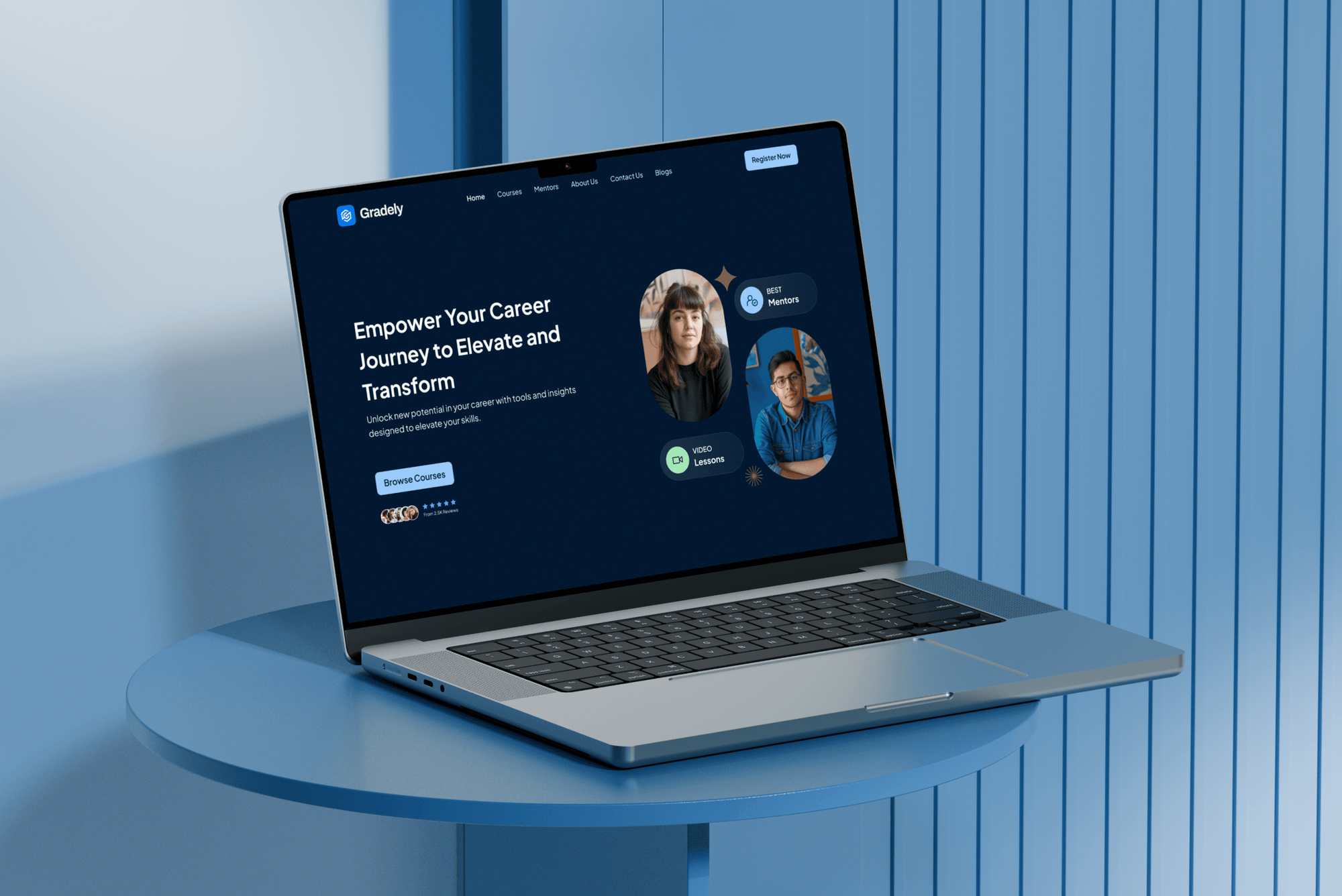
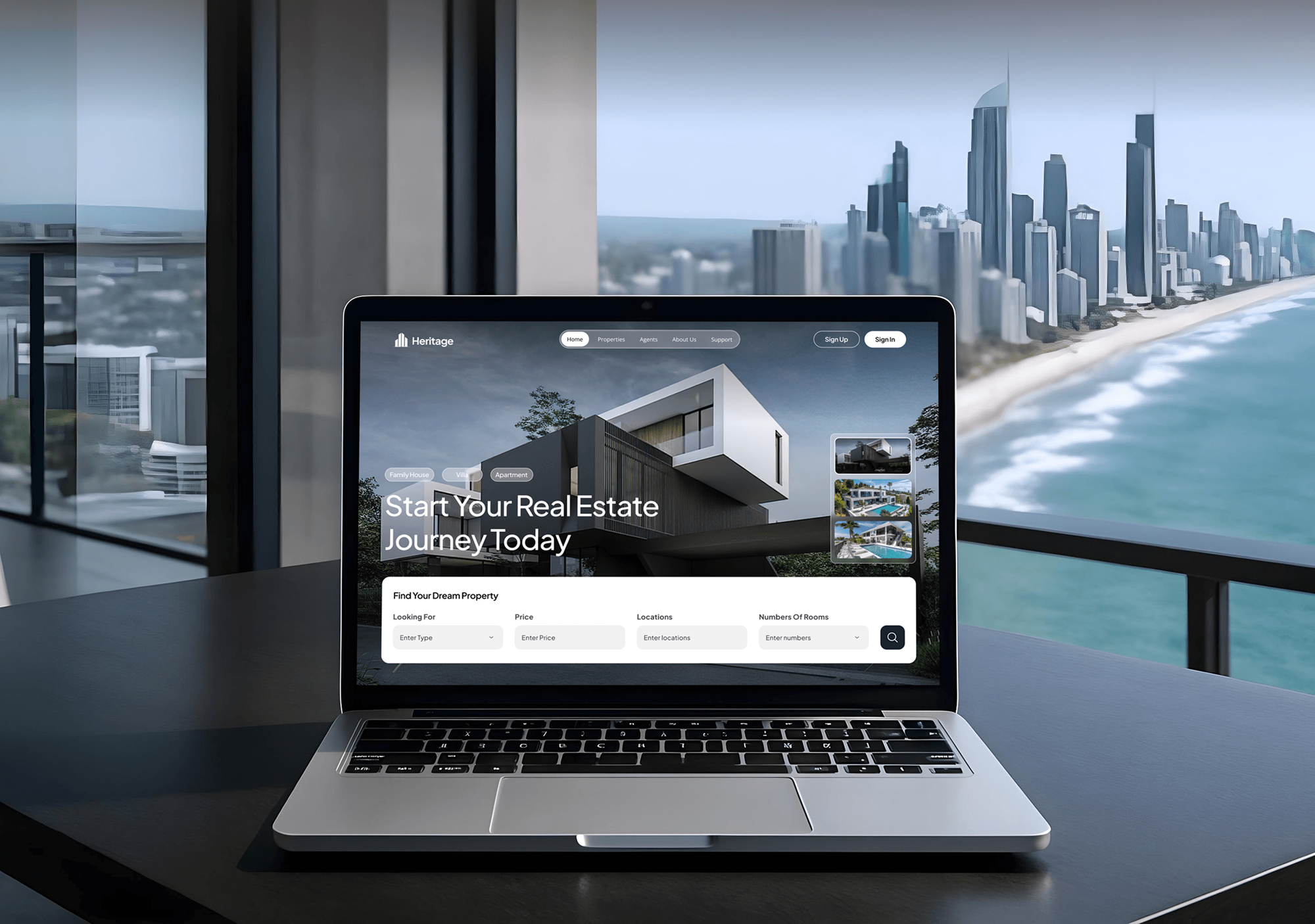
Education, art, real estate, and agency websites our team built, with the page structures, media libraries, and URL patterns a migration has to carry across.


What Our Clients Say
Feedback from teams we have built and moved websites for.
We had a pretty specific idea of what we wanted our website to become, but I wasn’t sure how easily we could explain all of it to a development team. There were quite a few moving parts, and we were working toward a deadline, so I expected a few things to get lost along the way. That never really happened. They understood what we were trying to achieve, kept us updated throughout the process, and got everything ready within the agreed timeline. The final site feels much easier to navigate, works beautifully on mobile, and is noticeably smoother for our customers. It was a huge relief seeing the original idea actually turn into the website we had in mind.
The mobile experience is probably my favourite part of the new site. We had spent a lot of time making sure the desktop version looked right, and the team kept pushing us to think about how everything would actually feel on a phone too. They were right. The navigation is clean, the interactions feel natural, and everything we’ve tested so far works exactly as it should. They also went through the links, forms, integrations, and other details more than once before launch, which I really appreciated. And even after going live, we could still reach out when something came up. The whole process felt friendly, organised, and surprisingly straightforward.
What I appreciate most is that the website is actually easy for us to manage now. We can update content ourselves instead of sending a developer a message every time we need to change something small. They also paid attention to the technical SEO side, which mattered to us because we didn’t want a new website to create problems for the traffic we already had. I’ve probably asked more questions than I should have since launch, but every question has been handled patiently and without any fuss. The team is easy to work with, they explain things clearly, and when we need something changed, they focus on getting it done rather than making the process complicated.
1,250+
Projects shipped
10+
Years of experience
Top 3%
Upwork Top Rated Plus
5 stars
Average review score

Want results like these?
Tell us what you are building. You get a reply within 24 hours on business days, then a written estimate.
Work Culture
A migration touches every page, every link, and your inbox. These habits keep your move uneventful.
One WordPress migration expert leads your move from the first review to the last redirect check. You don't have to explain your site again to someone new halfway through.
Every migration runs once on staging before it runs for real. Problems show up on a copy you can click through, not on the site your customers use.
We don't cancel or wipe your old hosting on cutover day. It stays untouched until the new site passes its checks, so rolling back stays possible.
Every step, setting, and redirect rule goes into a migration log you keep. Whoever works on your site next knows what moved and where.
We switch DNS when your traffic is lowest and edits are frozen. New orders, leads, and comments don't land on the old server and vanish.
The new hosting, domain, and admin logins sit in your accounts from the start. We work as invited users and hand back access when we finish.
Overview
DeveloperLook runs a WordPress migration service for sites moving to a new host or onto WordPress from Drupal, Squarespace, Blogger, or Sitecore. We copy files and the database, map every URL, set 301 redirects, and rehearse the move on staging. Host moves start at $450 and take 2 to 5 business days, and your old site stays live until the new one passes checks.
DEVELOPERLOOK
Project facts · WordPress Migration Services
Reviewed 7 Oct 2026 by Saimul Islam
Good fit
Site owners switching WordPress hosts
Your current host is slow or raising prices, and you want the site, email records, and SSL moved without a day of downtime.
Drupal sites facing a major upgrade
Your Drupal site needs a major version upgrade, and a Drupal to WordPress migration costs you less than rebuilding the same site on Drupal.
Squarespace and Blogger publishers
You've chosen a Squarespace to WordPress migration, or you're leaving Blogger, because you need plugins, memberships, or more control over SEO.
Marketing teams leaving Sitecore
Your Sitecore renewal is coming up, and marketing wants a CMS they can edit without a .NET developer on every change.
Agencies with a migration backlog
Your agency won a redesign that starts with a messy migration, and you need WordPress migration experts working under your name.
Not a fit
Leaving WordPress for Shopify
You're moving a WooCommerce store to Shopify to sell online. Our WooCommerce to Shopify Migration page covers products, orders, and customer accounts.
Small blog, free host tool
Your site is a small blog and your new host offers free migrations. If that free tool already covers your case, we'll tell you before we quote.
New design is the goal
You care more about a fresh look than moving content. Our WordPress Website Design Services page plans the redesign, with the migration inside it.
Rankings already dropped
Your traffic fell after an earlier move and you need a search audit and recovery plan. Our SEO Migration Services page covers that work.
Not sure we're the right fit?
Book a free call or message us. We'll tell you honestly whether we're the right team.
Pricing
These are starting points in USD. Your final price depends on page count, the source platform, and content mapping, and you get a fixed proposal after a free migration review.
For one WordPress site moving to a new host or domain, with no design changes.
$450one-time, USD
For Squarespace, Blogger, or WordPress sites with up to 150 pages and posts to restructure.
$1,750one-time, USD
For Drupal or Sitecore sites with structured content, user accounts, and thousands of URLs.
$3,900one-time, USD
For Agencies
You own the client relationship. We supply the migration engineering behind your redesigns and host changes: inventories, import scripts, redirect maps, and cutovers, delivered under your brand. You present the plan and the launch.
White label: your client only ever sees your brand
Send the source sites, target hosts, deadlines, and any redesign the migration feeds into.
You get the inventory, a draft URL map, the risks, and a fixed price per site.
We rehearse, cut over on your schedule, and pass the migration log to your team.
Migration plans, staging links, and launch notes go out under your agency's name.
Repeatable import scripts for Drupal, Sitecore, and Squarespace content instead of hand copying.
A clear price per site, page count, and source platform that you can mark up.
Extra hands for cutover weekends when several client sites move at once.
The Right Technology for Your Project
We move sites with WordPress's own tooling and scripted imports, so every step runs on your staging copy first.
 WordPress
 PHP
PHP MySQL
MySQL Squarespace
 Cloudflare
 AWS
AWS Google Search Console
 Google Analytics (GA4)
 Lighthouse
FAQ
Straight answers on migration cost, timing, host moves, CMS imports, and what happens after cutover.
Saimul IslamFounder & CEO, DeveloperLookStill have questions?
Send a message or book a call with the team.
Moving one site to a new host starts at $450 with DeveloperLook. Moving a Squarespace, Blogger, or WordPress site with up to 150 pages and posts starts at $1,750. Drupal or Sitecore replatforms start at $3,900. You get a fixed quote after the free review, so your redirects and fixes aren't extra line items.
A host move takes 2 to 5 business days, and your live cutover usually fits into one quiet evening. Platform moves from Squarespace or Blogger take 1 to 3 weeks. Drupal and Sitecore replatforms take 2 to 6 weeks, mostly spent mapping content types and rehearsing the import on staging.
You migrate a WordPress site by copying its files and database, rewriting its URLs, and switching DNS once the copy works. That means a backup, a database export, the wp-content folder, an import, a domain search and replace, and tests of your forms and logins. Most failed moves come from skipped checks, not the copy.
To move WordPress to a new host, copy wp-content and the database, update wp-config.php, and test on a temporary URL before switching DNS. Lower your DNS TTL a day ahead. Then freeze edits, run a final database sync, and point the domain. Keep your old host active until email, SSL, and forms work.
Run both hosting accounts side by side and switch DNS only after the new copy passes testing. Drop your DNS TTL to about 5 minutes a day ahead. Freeze content edits during the final sync. Your visitors keep reaching the old server until their DNS updates, so nobody sees an error page.
Start with the Blogger importer plugin that WordPress offers under Tools, then Import, to bring in your posts and comments. It's community-maintained and leaves some work behind. Your images often stay on Google's servers, so we download them into your Media Library. Old .html URLs then get mapped to new permalinks, with whatever redirects your domain allows.
There's no one-click exporter, so moving Sitecore to WordPress is a scripted migration. We export your content items and media, map each Sitecore template to a custom post type with matching fields, and import with WP-CLI scripts. Personalization rules don't carry over, so we list them and you choose which to rebuild.
A Drupal to WordPress move carries nodes, taxonomy terms, users, media, and URL aliases into WordPress posts, pages, custom post types, and categories. We map each Drupal content type and field before importing. Paragraphs and Views need decisions, since some become blocks and others templates. You also agree with us up front how passwords are handled, so nobody gets locked out.
A WordPress migration checklist should cover backups, a URL inventory, plugin and PHP versions, DNS and email records, a staging test, and a redirect plan. After cutover, add SSL, forms, cron jobs, caching, and Search Console errors. You see our full checklist during the free review, before anything moves.
You get 14 to 60 days of fixes after the move, depending on your plan. We watch Search Console, 404 logs, and form deliveries, and fix anything the migration caused. You keep the redirect file, the migration log, and every login in your name. Ongoing updates can move to a WordPress Maintenance Services plan.
Saimul IslamFounder & CEO, DeveloperLookStill have questions?
Send a message or book a call with the team.
Free 30-min callGoogle Meet
Book a call
In 30 minutes on Google Meet we walk you through how we would build it, how long it takes and what it costs. Then you get a written estimate.
Calendar not showing? Book on cal.com or send a brief.