
Compatibility check per tool
Every supplier, payment, review, and accounting tool compared with AutoLeap's integration list and the plan it needs.

For repair shops on AutoLeap: parts, labor times, payments, books, and online booking connected through supported paths, so advisors work from one screen.
24/7
Online booking on every page
100%
Shop tools checked for fit
How your project runs
Teams we have built for:














The Problem
AutoLeap compatible software questions usually start in the first month. The shop system is live, but parts, books, bookings, and reminders still run through separate logins and sticky notes.
01 · Parts
Advisors price parts in a separate supplier tab.
Supplier catalogs connect inside the shop system, so parts land straight on the estimate.
02 · Booking
Website requests arrive by email and get retyped.
Booking on your site and Google profile puts appointments straight on the shop calendar.
03 · Books
Invoices get rebuilt in QuickBooks at the end of the day.
The QuickBooks Online sync is switched on and mapped with your accountant.
04 · Follow-ups
Declined work from inspections sits with no follow-up.
Reminder and campaign rules bring declined work back to customers on schedule.
Your advisor builds an estimate in AutoLeap, then opens a supplier site in another tab to price the parts. The website's booking button sends an email that someone retypes into the calendar. Your bookkeeper rebuilds the day's invoices in QuickBooks because nobody switched on the sync. Inspection photos go out, but declined work sits without a follow-up. You're paying for features that stay unused while your team works around them.
We start by listing every tool your shop uses and checking it against AutoLeap's own integration list and your plan, since QuickBooks needs Pro or higher. Then we connect what AutoLeap supports, put booking on your website and Google profile, and set reminder, campaign, and inspection rules. Tools AutoLeap doesn't list get an honest answer (keep, bridge, or drop), so you pay for one stack instead of two.
Listed integrations switched on
Parts catalogs, labor guides, payments, and reviews connected through the integrations AutoLeap lists.
Bookings land on the calendar
Website and Google bookings arrive on the shop calendar with confirmations, not in an inbox.
Books that match the shop
QuickBooks Online mapped with your accountant, so invoices and payments post without retyping.
Our AutoLeap Integration Process
You see which of your tools are already supported, approve the plan and price, and watch test bookings, invoices, and inspections run before advisors rely on them.
We list your parts suppliers, labor guide, payments, texting, reviews, accounting, and website, then check each against AutoLeap's integration list and your plan tier. You get a keep, connect, or replace answer for every tool.
What's Included
Each project starts from the tools you already pay for. Most shops need four or five of these parts, set up inside the vendor's own connections first.
Compare Options
AutoLeap's onboarding team knows the product best, and owners who like settings pages can do a lot alone. Here's where each fits once booking, books, and parts must agree.
| Feature | DeveloperLookBest fit | Vendor onboarding | DIY setup |
|---|---|---|---|
| Product settings | Configured around your workflow | Configured by the vendor's team | Learned as you go |
| Your other tools | Every tool reviewed for fit | Focus on the shop system | Checked when something breaks |
| Website booking | Every service page plus Google | Booking link for your site | One button on the homepage |
| QuickBooks mapping | Reviewed with your accountant | Set up by the implementation consultant | Default accounts |
| Booking tracking | Bookings tracked in GA4 | Built-in reports only | Not set up |
| Speed to start | 1 to 6 weeks | Part of onboarding | Whenever time allows |
| Partner API | Built once credentials arrive | Handled by the partner team | Not available |
| Cost | Fixed price from $550 | Included in the setup fee | Your own time |
Projects We've Built
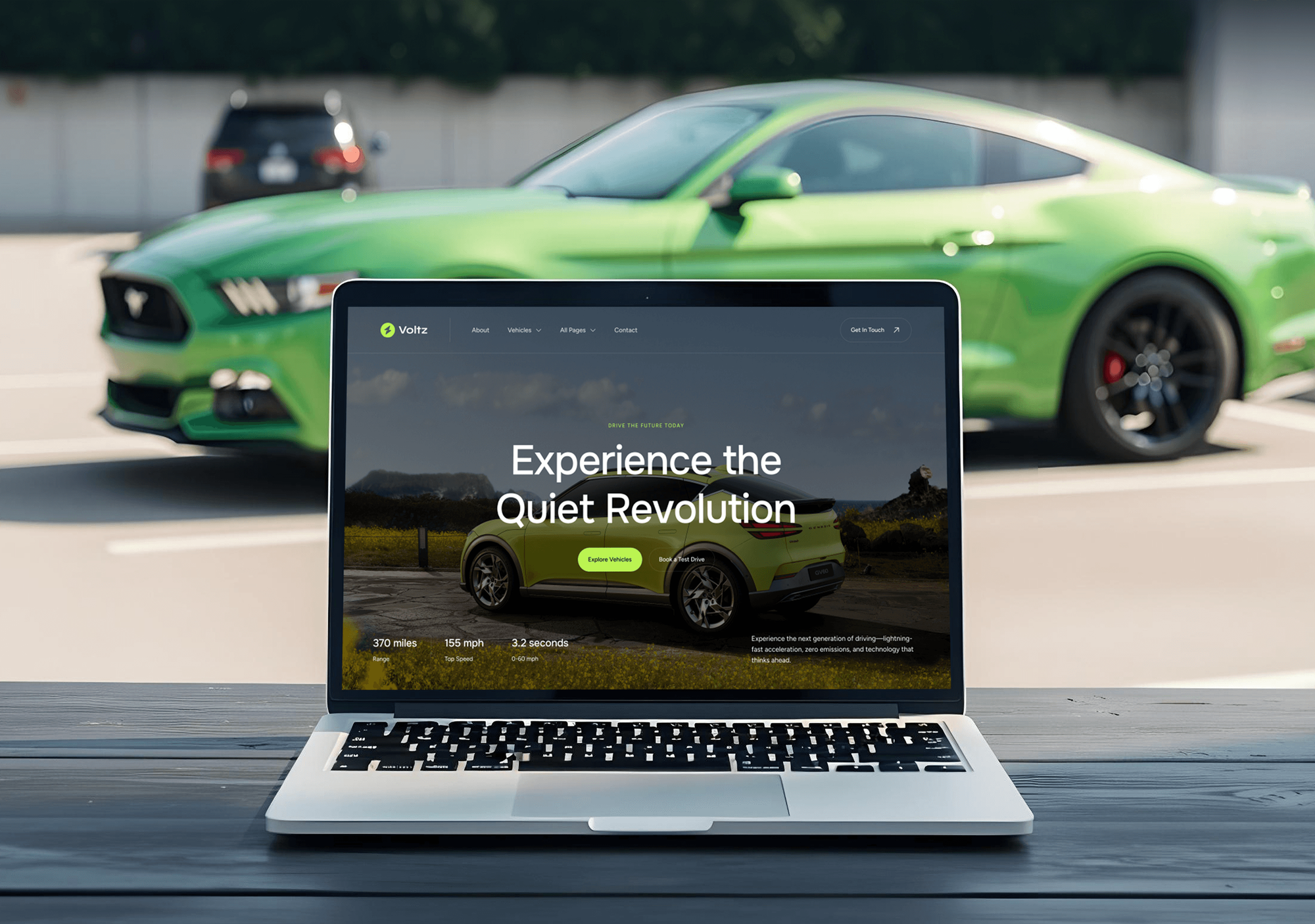
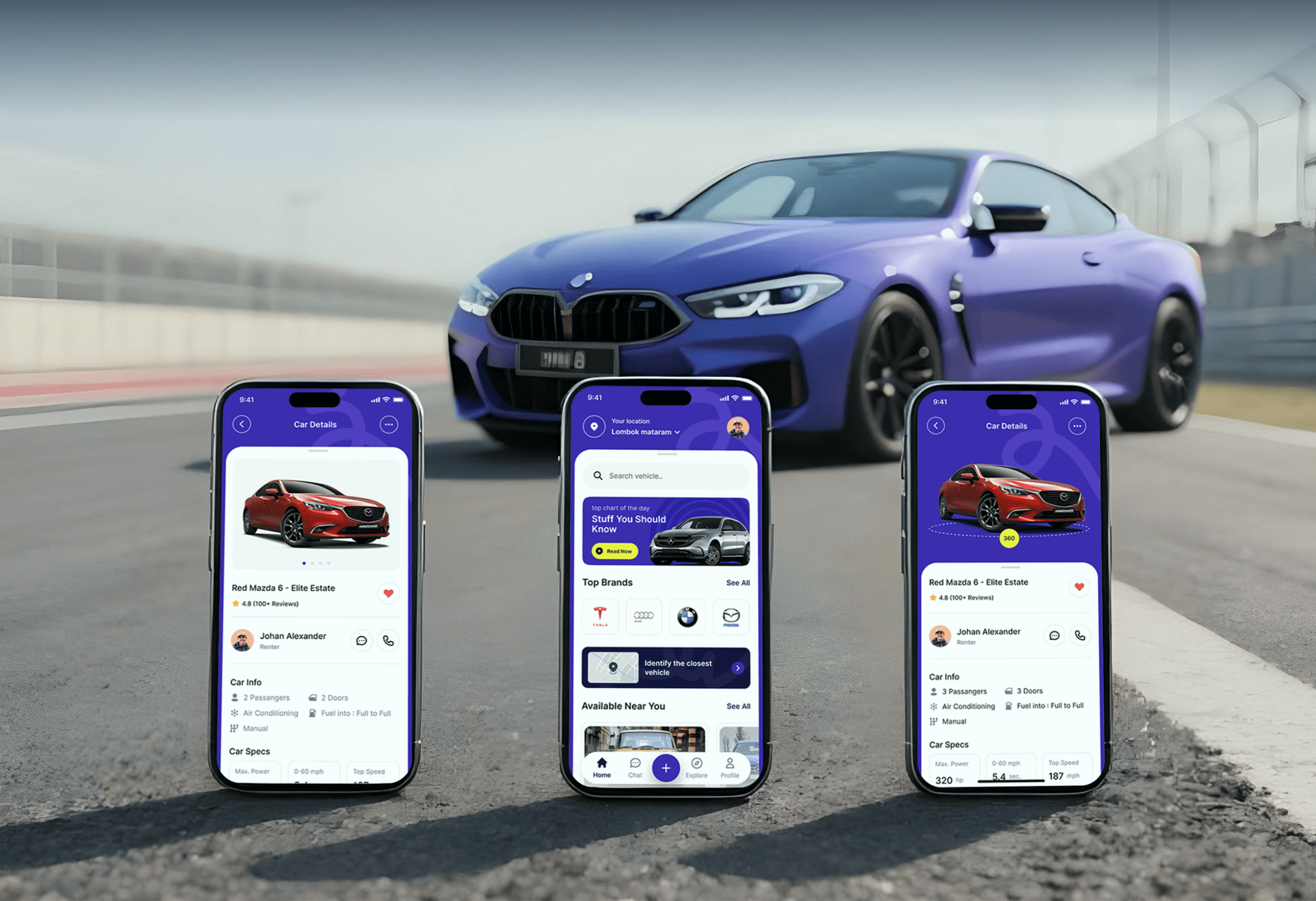
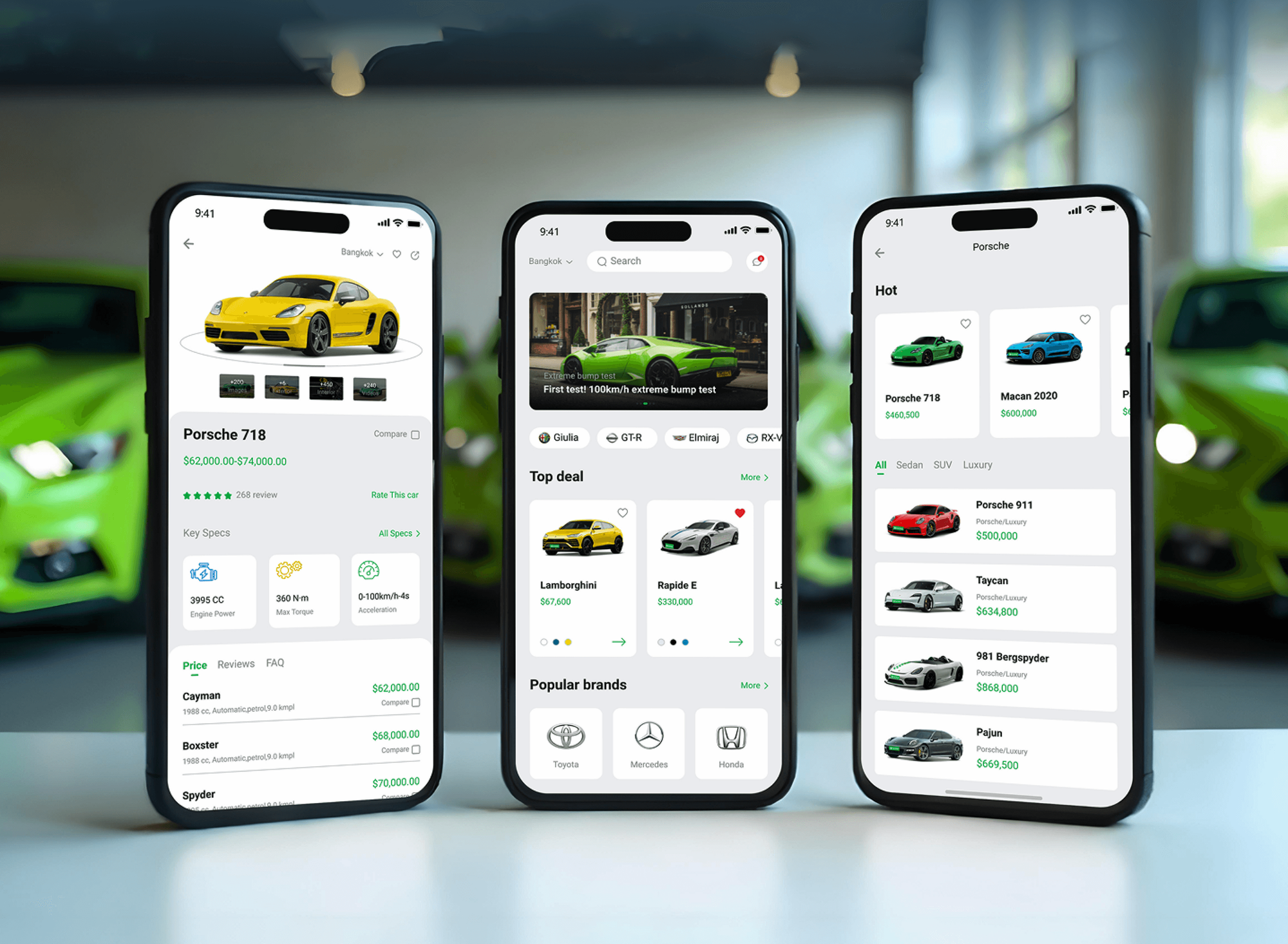
Automotive websites and apps with booking flows and vehicle data screens. None of them ran this shop system, but the work behind them is closely related.

What Our Clients Say
Feedback from teams we have built websites, apps, and integrations for.
We had a pretty specific idea of what we wanted our website to become, but I wasn’t sure how easily we could explain all of it to a development team. There were quite a few moving parts, and we were working toward a deadline, so I expected a few things to get lost along the way. That never really happened. They understood what we were trying to achieve, kept us updated throughout the process, and got everything ready within the agreed timeline. The final site feels much easier to navigate, works beautifully on mobile, and is noticeably smoother for our customers. It was a huge relief seeing the original idea actually turn into the website we had in mind.
The mobile experience is probably my favourite part of the new site. We had spent a lot of time making sure the desktop version looked right, and the team kept pushing us to think about how everything would actually feel on a phone too. They were right. The navigation is clean, the interactions feel natural, and everything we’ve tested so far works exactly as it should. They also went through the links, forms, integrations, and other details more than once before launch, which I really appreciated. And even after going live, we could still reach out when something came up. The whole process felt friendly, organised, and surprisingly straightforward.
What I appreciate most is that the website is actually easy for us to manage now. We can update content ourselves instead of sending a developer a message every time we need to change something small. They also paid attention to the technical SEO side, which mattered to us because we didn’t want a new website to create problems for the traffic we already had. I’ve probably asked more questions than I should have since launch, but every question has been handled patiently and without any fuss. The team is easy to work with, they explain things clearly, and when we need something changed, they focus on getting it done rather than making the process complicated.
1,250+
Projects shipped
10+
Years of experience
Top 3%
Upwork Top Rated Plus
5 stars
Average review score

Want results like these?
Tell us what you are building. You get a reply within 24 hours on business days, then a written estimate.
Work Culture
Your advisors live in one screen all day. These habits keep that screen accurate, cut extra logins, and stop us from selling work your plan already covers.
We check what your current plan already includes before suggesting anything else. If the built-in tool covers it, we'll tell you before we quote.
Your service advisor runs the test bookings and estimates alongside us. Problems show up on a slow Tuesday, not during a Monday rush.
Some connections need a higher plan, such as QuickBooks on Pro and above. You know the full software cost before setup starts.
We write templates and messages the way techs and drivers talk about brakes, fluids, and tires. Customers understand what they're approving.
Partner API work starts only after AutoLeap approves it and issues credentials. Your integration doesn't rest on access that could be cut off.
Supplier, accounting, and Google accounts stay in your shop's name. If you change providers later, nothing has to be rebuilt.
Overview
DeveloperLook sets up AutoLeap compatible software for repair shops and the software vendors that serve them. We check your tools against AutoLeap's integration list, connect website and Google booking, map QuickBooks Online, and set reminders and inspections. Projects start at $550 and take 1 to 6 weeks, and every connection is tested by your advisors.
DEVELOPERLOOK
Project facts · AutoLeap Integration Services
Reviewed 7 Oct 2026 by Saimul Islam
Good fit
Independent shops new to AutoLeap
You just switched shop systems and want parts ordering, labor times, and payments working in week one instead of month three.
Shops getting few online bookings
Your website's Book Now button opens a contact form, and none of those requests land on the shop calendar.
Owners still choosing a shop system
You're comparing shop systems and want to know which AutoLeap integrations cover the parts and accounting tools you already use.
Shop groups with 2 or 3 locations
Your locations share one QuickBooks Online account, and you need each shop's invoices and payments posting without a bookkeeper retyping them.
Software vendors serving repair shops
Your parts, fleet, or warranty product needs repair order data, and you want the autoleap api documentation turned into a working partner connection.
Not a fit
Shop runs on Tekmetric
Your shop runs on Tekmetric, not AutoLeap. Our Tekmetric Integration page covers its partner-gated API and website booking with live open times.
Shop runs on Shopmonkey
You use Shopmonkey and its open API. Our Shopmonkey Integration page covers booking forms that file the complaint straight into a work order.
Website needs a rebuild
Your website itself is slow or outdated, so a booking link won't fix it. Our Auto Repair Website Design page covers the site.
AutoLeap's team already did it
Your implementation consultant already set up QuickBooks and Google booking, and both work. You don't need us, and we'll say so before we quote.
Not sure we're the right fit?
Book a free call or message us. We'll tell you honestly whether we're the right team.
Pricing
These are starting points in USD. Your final price depends on how many tools connect, your software plan, and the number of shops, and you get a fixed proposal after a free tool review.
For single shops that want booking live and every tool checked for fit.
$550one-time, USD
For shops connecting books, parts, reminders, and inspections in one project.
$1,500one-time, USD
For shop groups with up to 3 locations, or vendors building on the Partner API.
$3,350one-time, USD
For Agencies
You own the client relationship. We supply the shop software side: tool checks, website and Google booking, QuickBooks Online mapping, and reminder setup. Fixed quotes protect your margin, and your clients see one agency handling their marketing and shop software.
White label: your client only ever sees your brand
Send the shop's plan tier, its suppliers, and the website it runs on.
You get a keep, connect, or replace list and a fixed quote.
Booking, books, and reminders live, with a shop guide under your agency's name.
Your brand on every document, and we only join calls when you ask.
Each shop's tools priced upfront, so you resell with a known margin.
Engineers who know repair orders, labor guides, parts catalogs, and inspections.
Extra hands when several shop clients switch systems at the same time.
The Right Technology for Your Project
We use the shop system's own integrations and booking first, Google's tools for tracking, and the Partner API only where access is granted.
 QuickBooks
 Google Analytics (GA4)
 Google Tag Manager
 WordPress
 Node.js
 PostgreSQL
 AWS
AWSFAQ
Straight answers on AutoLeap costs, its API, QuickBooks, and how it compares with Tekmetric and Podium.
Saimul IslamFounder & CEO, DeveloperLookStill have questions?
Send a message or book a call with the team.
AutoLeap integration services with DeveloperLook start at $550 for a full tool check, website booking, and GA4 tracking. Connecting your books, parts suppliers, reminders, and inspections starts at $1,500, and shop groups or Partner API builds start at $3,350. Your software subscription and its setup fee are paid to the vendor, separately from our fixed quote.
A booking and tool setup takes 1 to 2 weeks. Connecting accounting, suppliers, reminders, and inspections takes 2 to 4 weeks, and shop groups or partner builds take up to 6 weeks. Partner builds also wait on the vendor's own approval and credentials, which no outside developer can speed up.
AutoLeap is cloud shop management software for auto repair shops. It covers estimates, work orders, scheduling, invoicing, payments, a customer CRM, digital vehicle inspections, inventory, a technician app, and reporting. Shops run the front counter and the bays from it, and its integrations connect parts catalogs, labor guides, accounting, and reviews.
AutoLeap's pricing page lists Essentials at $199 a month, Pro at $349, and Elite at $449, checked in October 2026. Annual terms lower each monthly rate, and Enterprise pricing is custom. Features step up by plan: QuickBooks sync and two-way texting start on Pro, while Elite adds next-gen inspections and integrated Google Reviews.
More than the monthly plan price alone. AutoLeap charges a one-time setup fee for implementation, data migration, and training, and its AIR AI receptionist is a $99 a month add-on. Parts suppliers and payment processing carry their own terms, so our free tool review lists every cost before you commit.
Neither wins for every shop, because both are full shop management systems. Tekmetric advertises plans from $179 a month with no long-term contracts, while AutoLeap's comparison page says inspections, CRM, and reporting come in its base plans. Compare them on your parts suppliers, accounting, and booking needs, which is what our tool review lists side by side.
They do different jobs, so many shops don't pick one over the other. One runs repair orders, while Podium describes itself as a customer communication platform for texting, reviews, and payments. AutoLeap automotive marketing software features (reminders, campaigns, and review requests) may cover part of what you pay Podium for, so we compare both lists first.
No, not for shop accounts today. AutoLeap's Partner API (version 2, token authentication, JSON) is for approved partners, and its documentation says it isn't available on Essentials, Pro, or Elite plans. Shops connect through the listed integrations instead, while software vendors apply through the partner form before any autoleap api work starts.
Yes, with QuickBooks Online on the Pro plan and higher. Invoices, payments, customer records, and purchase orders post as they happen, and several shops can sync to one QuickBooks Online account. AutoLeap's documentation names QuickBooks Online only, so Desktop shops usually move to Online first. We review the account mapping with your accountant.
You do. Supplier logins, the accounting connection, Google Business Profile access, and any partner code stay in your shop's or your company's accounts. We document every setting in a one-page guide, and support lasts 30 to 90 days depending on plan, so your team can change things later without us.
Saimul IslamFounder & CEO, DeveloperLookStill have questions?
Send a message or book a call with the team.
Free 30-min callGoogle Meet
Book a call
In 30 minutes on Google Meet we walk you through how we would build it, how long it takes and what it costs. Then you get a written estimate.
Calendar not showing? Book on cal.com or send a brief.