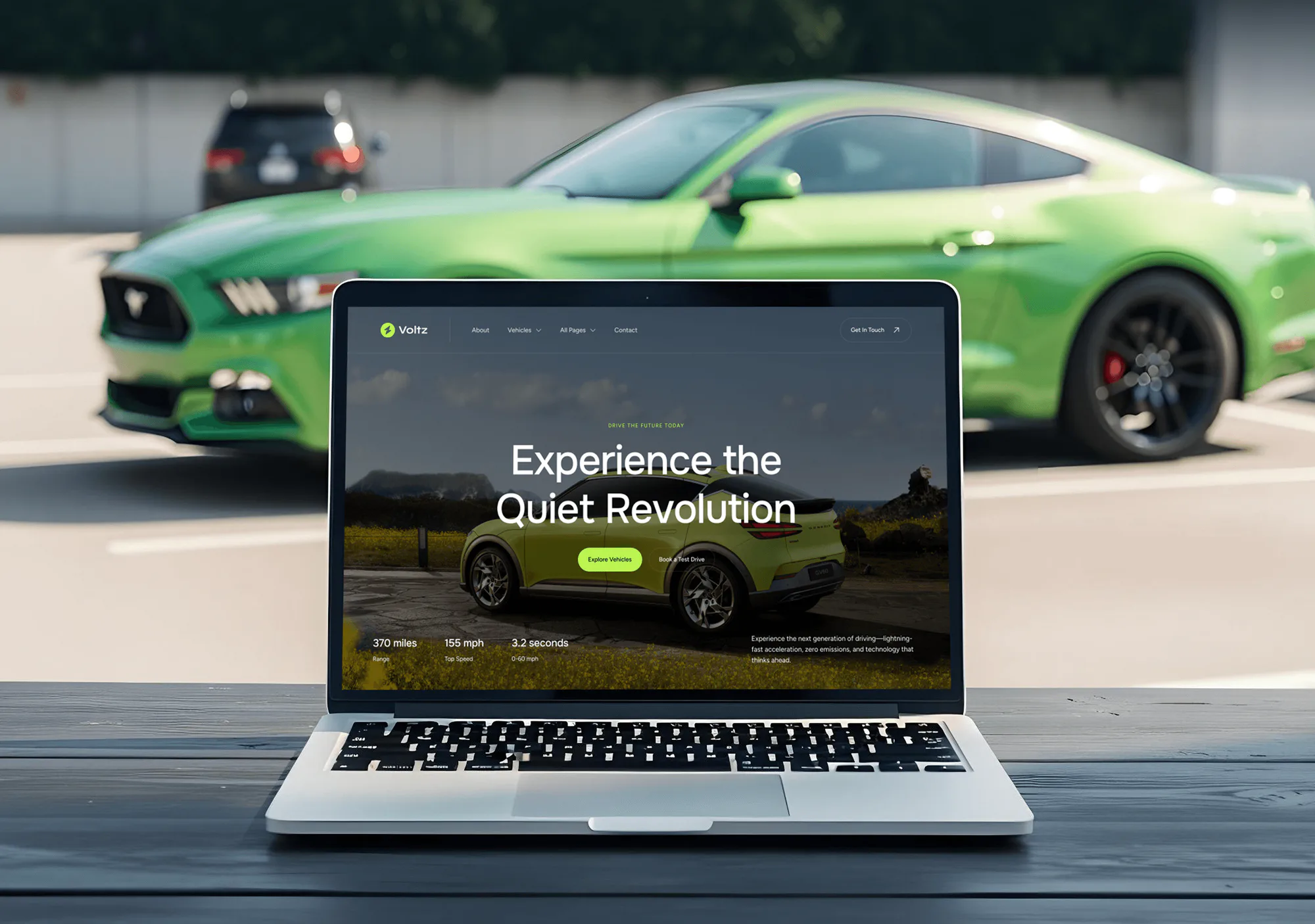
Voltz Automotive Website Design
- Automotive
- Booking System
- Dashboard

Shopmonkey integrations for repair shop websites: booking forms that open work orders, signed webhooks, and QuickBooks checks. From $750.
100%
Web bookings filed as work orders
2X
Faster counter check-ins
How your project runs
01 · FreeIndustry leaders we work with
 QuickBooks Online
 WordPress
 Webflow
 Next.js
 React
React Node.js
 PostgreSQL
 Cloudflare
 AWS
AWS Twilio
 Zapier
 Google Analytics (GA4)
 Google Tag Manager
The Problem
It starts when your website takes bookings that Shopmonkey can't see. Your advisors copy them across, and the details a technician needs get lost.
Inbox bookings
Web bookings land in an inbox for your advisor to retype.
Inbox bookings
Booking forms open a work order and a linked appointment in Shopmonkey.
Shortened complaints
The driver's detailed complaint gets shortened to one word: brakes.
Shortened complaints
What the driver types goes straight into the complaint field.
Duplicate customers
The same customer ends up with two records.
Duplicate customers
Forms search by phone and email first, so returning drivers aren't duplicated.
Sticky-note reviews
Review requests depend on a sticky note after pickup.
Sticky-note reviews
Signed webhooks report paid invoices, so review requests go out on time.
A driver books Tuesday on your site and types: grinding when braking, front left, worse downhill. It lands in an inbox. Your advisor retypes the name, phone, and car into Shopmonkey, then shortens the complaint to one word: brakes. Your technician pulls the car in without the full story. The same customer now exists twice. After pickup, nobody asks for a review, because that step lives on a sticky note.
We start with how your advisors check cars in, then connect your site to the Shopmonkey API. Booking and symptom forms find or create the customer and vehicle, open a work order with the driver's own words, and book a linked appointment. Signed webhooks report paid invoices, so review requests go out on time. Advisors confirm bookings instead of rebuilding them.
Complaints in the driver's words
What the driver types goes into the complaint field, not a shortened note from memory.
One customer, one record
We search Shopmonkey by phone and email first, so returning drivers don't become duplicates.
Webhooks you can trust
Each webhook is checked against Shopmonkey's signature before a text or report acts on it.
Our Shopmonkey Integration Process
You see each step before it happens. You approve the plan, and your advisors test real flows before customers use them.
We trace how web requests reach Shopmonkey now: forms, emails, and who retypes what. You get a map of where details get lost, the build we suggest, and a fixed price.
Projects We've Built
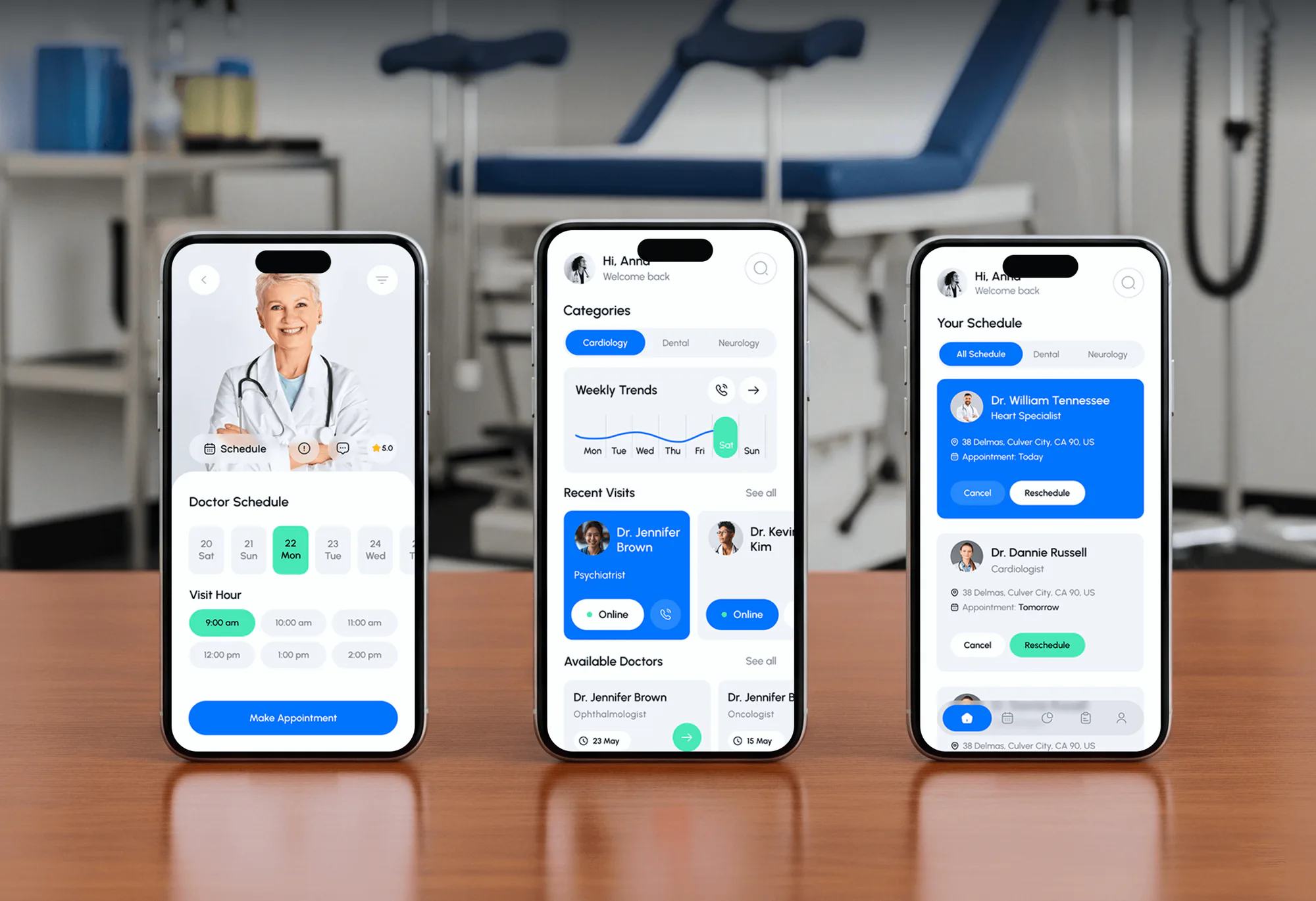
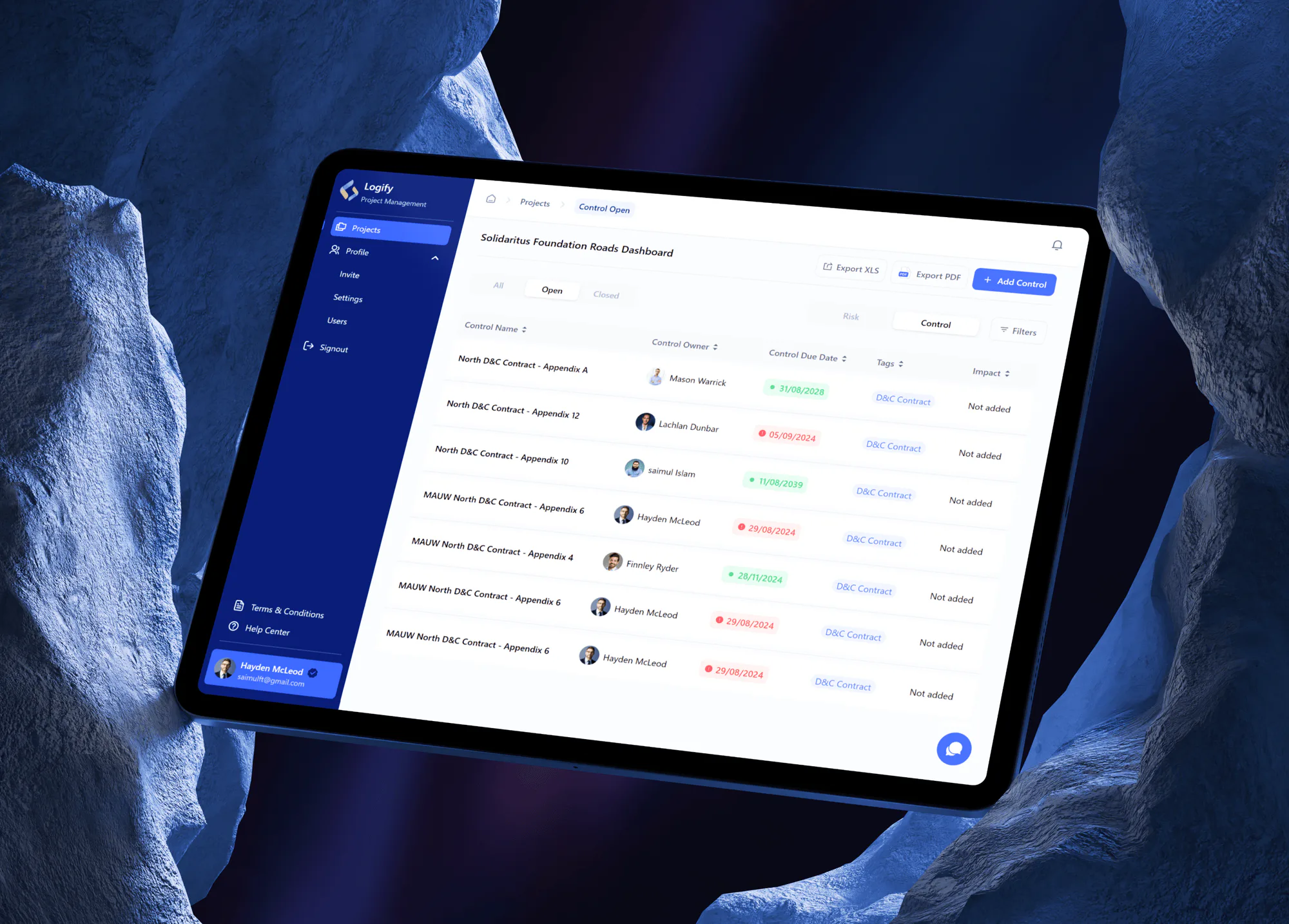
Automotive sites and apps, a booking app, and a web app from our portfolio. They show the forms, calendars, and data syncs a Shopmonkey build relies on.

What's Included
Every plan connects your booking and symptom forms to Shopmonkey. Larger plans add webhook triggers, review requests, open-time checks, location routing, and a QuickBooks Online review.
Compare Options
The built-in scheduler needs no build and suits simple booking. A freelancer can cost less per hour. Here's where each option fits your counter.
| Feature | DeveloperLookBest fit | Scheduler | Freelancer |
|---|---|---|---|
| Setup time | 1 to 2 weeks | Same day | It varies |
| Upfront cost | From $750, one-time | No build cost | Hourly rate |
| Look and fields | Matches your site | Shopmonkey's layout | Matches your site |
| Symptom details | Saved as the complaint | Describe-your-issue option | Case by case |
| Capacity rules | Bays, techs, and loaners | Daily and block caps | Case by case |
| Invoice triggers | Signed webhooks | Not included | If you ask |
| Support window | 30 to 90 days | Shopmonkey support | Per agreement |
| Who owns it | You do | Part of Shopmonkey | Check the contract |
What Our Clients Say
Feedback from teams we have built booking systems and API connections for.
We had a pretty specific idea of what we wanted our website to become, but I wasn’t sure how easily we could explain all of it to a development team. There were quite a few moving parts, and we were working toward a deadline, so I expected a few things to get lost along the way. That never really happened. They understood what we were trying to achieve, kept us updated throughout the process, and got everything ready within the agreed timeline. The final site feels much easier to navigate, works beautifully on mobile, and is noticeably smoother for our customers. It was a huge relief seeing the original idea actually turn into the website we had in mind.
The mobile experience is probably my favourite part of the new site. We had spent a lot of time making sure the desktop version looked right, and the team kept pushing us to think about how everything would actually feel on a phone too. They were right. The navigation is clean, the interactions feel natural, and everything we’ve tested so far works exactly as it should. They also went through the links, forms, integrations, and other details more than once before launch, which I really appreciated. And even after going live, we could still reach out when something came up. The whole process felt friendly, organised, and surprisingly straightforward.
What I appreciate most is that the website is actually easy for us to manage now. We can update content ourselves instead of sending a developer a message every time we need to change something small. They also paid attention to the technical SEO side, which mattered to us because we didn’t want a new website to create problems for the traffic we already had. I’ve probably asked more questions than I should have since launch, but every question has been handled patiently and without any fuss. The team is easy to work with, they explain things clearly, and when we need something changed, they focus on getting it done rather than making the process complicated.
1,250+
Projects shipped
10+
Years of experience
5 stars
Clutch rating
5 stars
GoodFirms rating
Excellent
Trustpilot rating
Top 3%
Upwork Top Rated Plus
1,250+
Projects shipped
10+
Years of experience
5 stars
Clutch rating
5 stars
GoodFirms rating
Excellent
Trustpilot rating
Top 3%
Upwork Top Rated Plus

Want results like these?
Tell us what you are building. You get a reply within 24 hours on business days, then a written estimate.
Work Culture
An integration writes into the system your advisors live in all day. These habits keep the data clean, the keys safe, and the counter moving.
Your admin creates the API key from a user set up only for the integration. Keys carry that user's access, so a manager leaving can't break bookings.
The driver's description goes into the complaint field untouched. Your technician reads the clunk over speed bumps, not an advisor's shorthand.
Each Shopmonkey event is checked against its signature and timestamp. Forged or replayed calls get dropped before they text anyone.
We run test bookings with your advisors, then clean them out. Real customers start booking only when you approve the switch.
If Shopmonkey's scheduler already fits your shop, we'll say so before we quote. Custom work has to save your advisors real time.
The integration runs on hosting in your name, with the code in your repository. Switch vendors later and the work stays yours.
Overview
DeveloperLook builds Shopmonkey integrations for independent repair shops that want web bookings in Shopmonkey without retyping. We connect booking and symptom forms to the Shopmonkey API, add signed webhooks for review requests and status texts, and check your QuickBooks sync. Projects start at $750, take 1 to 6 weeks, and the code is yours.
DEVELOPERLOOK
Project facts · Shopmonkey Website Integration Services
Reviewed 28 Sep 2026 by Saimul Islam
Good fit
Counters buried in web requests
Your advisors retype web requests. The name reaches Shopmonkey, but the driver's description of the noise rarely does.
Shops with a custom website
Your custom site has a booking button that looks bolted on. You want booking that matches your pages and lands in Shopmonkey.
Owners chasing more reviews
Your happiest customers drive off without a review request. You want a text to go out once the invoice is paid.
Groups with several locations
You run several shops in Shopmonkey and want each booking routed to the right location, with its own bay limits.
Agencies building repair shop sites
Your agency builds repair shop sites and needs a Shopmonkey API developer who works under your brand.
Not a fit
Running Tekmetric instead
Your shop runs Tekmetric, not Shopmonkey. Tekmetric Website Integration & API Solutions covers booking through its partner API.
On Mitchell 1 Manager SE
You're on Mitchell 1 Manager SE. Our Mitchell 1 Manager SE Website Integration page covers booking requests and QuickBooks there.
Scheduler on one page
You only need Shopmonkey's scheduler on one page and can paste a script. Its setup guide covers that, and we'll say so.
Site needs a rebuild
Your budget is under $750, or your site needs a rebuild first. Auto Repair Website Design Services covers a new site with booking built in.
Not sure we're the right fit?
Book a free call or message us. We'll tell you honestly whether we're the right team.
Pricing
These are starting points in USD. Your final price depends on your forms, locations, and triggers, and you get a fixed proposal after a free booking flow audit.
For Agencies
You own the client relationship. We supply the Shopmonkey API work behind your repair shop sites: booking forms, intake, and signed webhooks. Each shop's admin creates the key, so credentials stay with them.
White label: your client only ever sees your brand
Share the client's setup, forms, locations, and what should trigger a text.
We confirm the scope, a timeline, and a price your agency can mark up.
We build, test with the shop's advisors, and hand over docs under your brand.
Share the client's setup, forms, locations, and what should trigger a text.
We confirm the scope, a timeline, and a price your agency can mark up.
We build, test with the shop's advisors, and hand over docs under your brand.
The Right Technology for Your Project
We work through Shopmonkey's documented API and webhooks first, then add small, tested services on hosting in your name.
QuickBooks OnlineWordPressWebflowNext.jsReactNode.jsPostgreSQLCloudflareAWSTwilioZapierGoogle Analytics (GA4)Google Tag ManagerFAQ
Straight answers on cost, timelines, booking, work order intake, webhooks, and QuickBooks.
Saimul IslamFounder & CEO, DeveloperLookStill have questions?
Send a message or book a call with the team.
Shopmonkey integrations start at $750 for booking forms that open work orders through the API. Webhook triggers, review requests, and open-time checks bring it to $1,900. Multi-location builds with a QuickBooks Online review start at $3,850. Your price is fixed after the free audit.
Booking forms take 1 to 2 weeks, and builds with webhooks and location routing take 3 to 6 weeks. Most of your first week goes to mapping canned services and workflow statuses. We launch once your advisors have tested real bookings from their own phones.
You embed it with the script and button from your Shopmonkey settings, or link to its public booking page. Shopmonkey online booking set up that way is the fastest route. When you need your own design or extra fields, we build a native form that books through the API.
Our intake form writes them through the API in one pass. It looks up your customer by phone and email and adds the vehicle if it's new. Then it opens an order with the driver's words in the complaint field and books a linked appointment. Photos can be attached too.
It prevents them by checking Shopmonkey before a time is offered. Our booking layer reads the day's appointments and technicians, then applies the limits you set for bays and loaner cars. Those limits live in rules we write with you, and a cancellation in Shopmonkey reopens the slot.
The most useful workflows start from Shopmonkey's order and payment webhooks. A paid invoice can trigger a review request, and a ready status can text that the car is done. A Shopmonkey Zapier integration catches the same webhook with a Catch Hook trigger on a paid Zapier plan. Texts go only to customers who opted in.
A Shopmonkey API developer can build most things the v3 API exposes, including inspections, messages, payments, parts, and deferred services. You could add fleet account pages, declined-work follow-ups, or daily reports in a spreadsheet. We check each idea against the API docs before quoting.
Usually not, because the Shopmonkey QuickBooks integration is built in. It syncs invoices to QuickBooks Online on Clever plans and above. Problems come from setup: labor, parts, tires, fees, and shop supplies each need a product or service, plus a tax agency. We check your mapping first.
It's safe when the key belongs to a user created only for the integration. Keys carry the permissions of the admin who creates them, so a narrow user limits what yours can touch. We store it encrypted on your hosting, and your admin can remove it anytime.
You own the integration from launch day, and we handle fixes and mapping changes during your 30, 60, or 90 days. After that, you can keep us on a care plan or give the runbook to any developer. Webhook logs show what fired and when.
Saimul IslamFounder & CEO, DeveloperLookStill have questions?
Send a message or book a call with the team.
Free 30-min callGoogle Meet
Book a call
In 30 minutes on Google Meet we walk you through how we would build it, how long it takes and what it costs. Then you get a written estimate.
Calendar not showing? Book on cal.com or send a brief.