
Costed workload inventory
Every server, database, and dependency you run, listed with a monthly AWS estimate from the Pricing Calculator.

For teams moving servers, databases, or another cloud onto AWS: a costed plan per workload, a rehearsed cutover, and tuning afterward. From $1,300.
100%
Workloads costed before the move
30
Days of tuning after cutover
How your project runs
Teams we have built for:














The Problem
It shows up when a migration starts with copying servers and ends in surprises: a bill nobody estimated, a database that drifted, and old servers still running.
01 · Cost surprise
The first AWS bill was far higher than the old host's.
Every workload gets a monthly cost estimate before you approve the move.
02 · Data drift
The database fell a day behind during the weekend copy.
AWS DMS keeps replicating changes right up to the moment of cutover.
03 · One account
Everything sits in one account with a shared root login.
Separate accounts keep production, staging, and logs apart from day one.
04 · Old servers
Old servers keep running because nobody knows the move is finished.
A decommission checklist switches old servers off once traffic and backups are confirmed.
You copied your servers onto EC2 one weekend, pointed DNS at them, and called it done. Then the database turned out to be a day behind, because orders kept arriving during the copy. The first AWS bill was far higher than the old host's, and nobody can say why. Everything sits in one account, with the root login shared over chat. The old servers are still running too, because nobody is sure the move is finished.
Our AWS migration services follow AWS's own three phases at small-company scale. First we assess: every workload gets a monthly cost from the AWS Pricing Calculator before you approve anything. Then we mobilize your accounts, from one secure account to a Control Tower landing zone. Then we migrate with AWS MGN and AWS DMS, which keep replicating until cutover, so no orders go missing. Afterward, 30 days of right-sizing check the bill against the estimate.
Costed before you move
Each workload gets a monthly AWS estimate you approve before anything is copied.
Replication until cutover
AWS MGN and DMS keep copying changes, so nothing your customers write mid-move is lost.
30 days of right-sizing
After cutover we resize servers and storage to your real usage and check the bill.
Our AWS Migration Services Process
You approve the costed plan, the account design, and the cutover window, and you see the bill next to the estimate before the old servers go.
We list your servers, databases, and dependencies and talk through what has to stay online. You get a rough cost range, the plan that fits, and a fixed price within 2 business days.
What's Included
Every plan costs your workloads up front, moves them with AWS's own replication tools, and includes 30 days of right-sizing. Larger plans add a landing zone, more servers, and migration waves.
Compare Options
AWS's own tools make a DIY move possible, and your team knows your systems best. Here's where an outside crew that has done this before helps you.
| Feature | DeveloperLookBest fit | DIY move | In-house team |
|---|---|---|---|
| Cost planning | Monthly estimate per workload | Often skipped | Depends on AWS experience |
| Account structure | Built before data moves | Usually one account | Possible, slower the first time |
| Replication method | AWS MGN and DMS | Manual copies | Same AWS tools |
| Cutover | Rehearsed, with rollback | Often unrehearsed | Rehearsed if time allows |
| Knowledge of your apps | Learned during assessment | Yours | Deepest |
| Upfront cost | From $1,300, fixed scope | Only AWS charges | Staff time off the roadmap |
| After the move | 30 days of right-sizing | Up to you | Ongoing, in-house |
| Best fit | Small teams moving once | Simple single servers | Large, AWS-skilled teams |
Projects We've Built
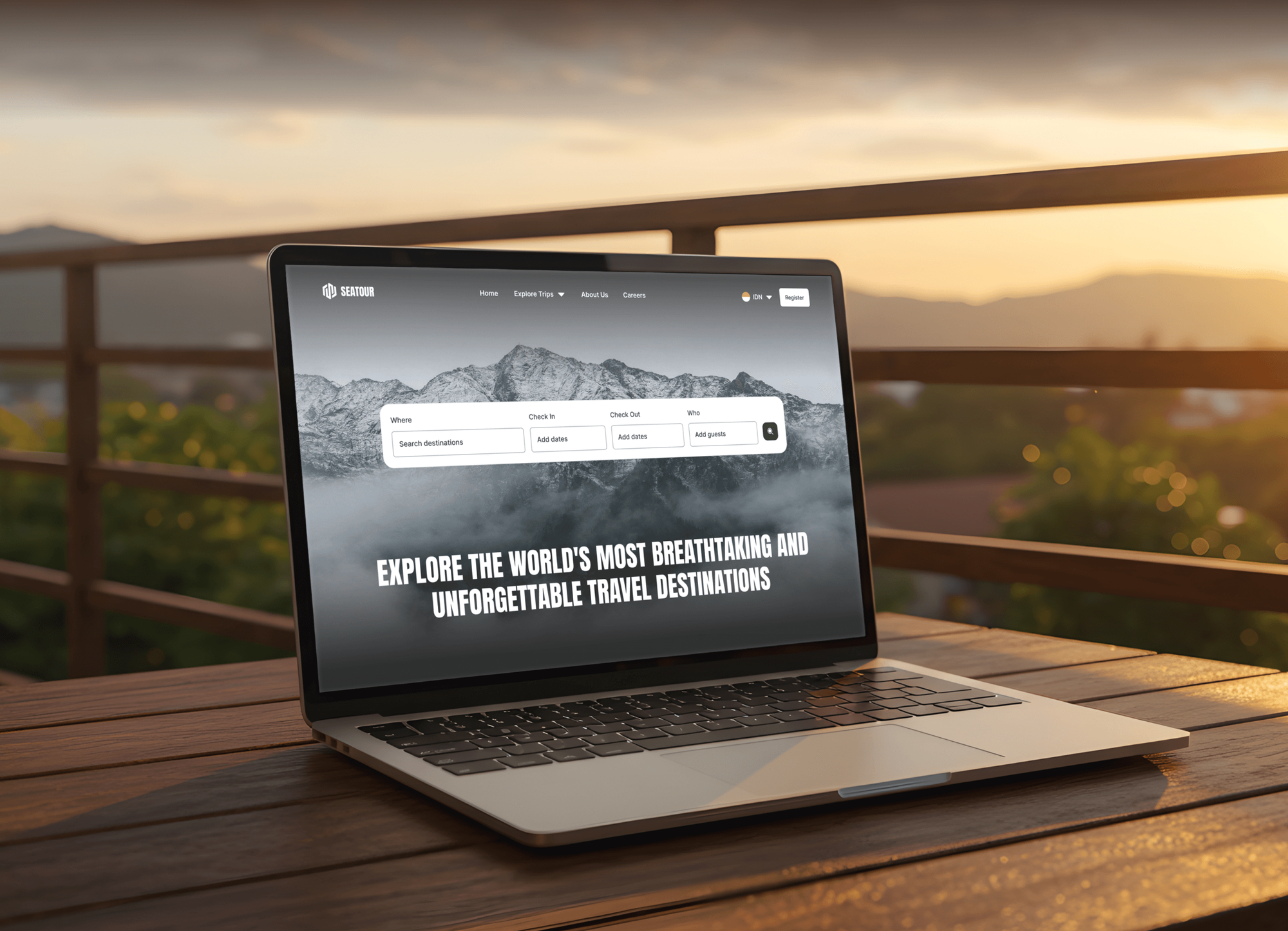
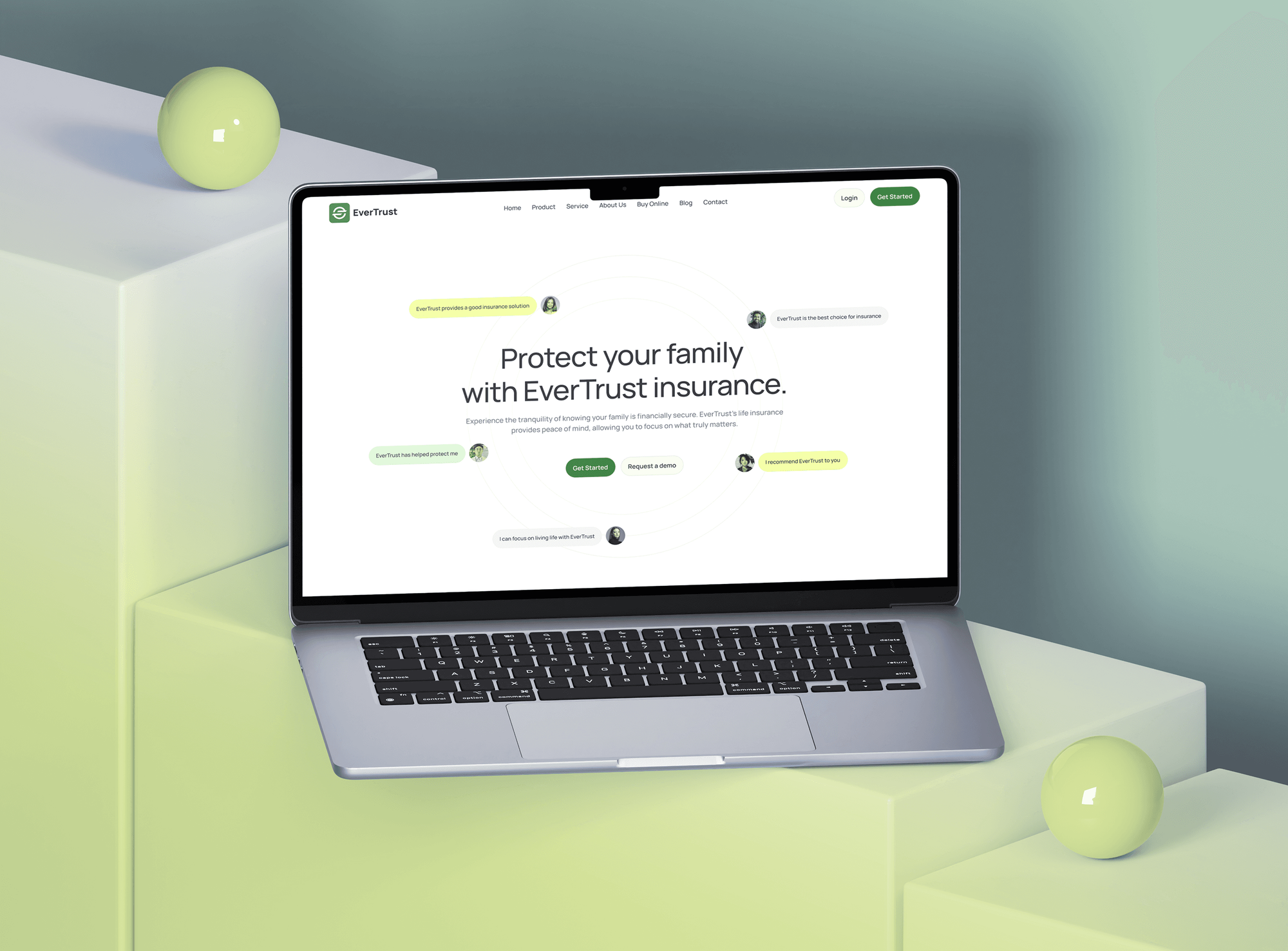
Platforms our team built, from booking sites with dashboards to an online furniture store. They show the kind of apps we move onto AWS, not migration-only engagements.


What Our Clients Say
Feedback from teams we have built web apps and websites for.
We had a pretty specific idea of what we wanted our website to become, but I wasn’t sure how easily we could explain all of it to a development team. There were quite a few moving parts, and we were working toward a deadline, so I expected a few things to get lost along the way. That never really happened. They understood what we were trying to achieve, kept us updated throughout the process, and got everything ready within the agreed timeline. The final site feels much easier to navigate, works beautifully on mobile, and is noticeably smoother for our customers. It was a huge relief seeing the original idea actually turn into the website we had in mind.
The mobile experience is probably my favourite part of the new site. We had spent a lot of time making sure the desktop version looked right, and the team kept pushing us to think about how everything would actually feel on a phone too. They were right. The navigation is clean, the interactions feel natural, and everything we’ve tested so far works exactly as it should. They also went through the links, forms, integrations, and other details more than once before launch, which I really appreciated. And even after going live, we could still reach out when something came up. The whole process felt friendly, organised, and surprisingly straightforward.
What I appreciate most is that the website is actually easy for us to manage now. We can update content ourselves instead of sending a developer a message every time we need to change something small. They also paid attention to the technical SEO side, which mattered to us because we didn’t want a new website to create problems for the traffic we already had. I’ve probably asked more questions than I should have since launch, but every question has been handled patiently and without any fuss. The team is easy to work with, they explain things clearly, and when we need something changed, they focus on getting it done rather than making the process complicated.
1,250+
Projects shipped
10+
Years of experience
Top 3%
Upwork Top Rated Plus
5 stars
Average review score

Want results like these?
Tell us what you are building. You get a reply within 24 hours on business days, then a written estimate.
Work Culture
Moves to AWS go wrong through surprises: bills, missing data, and forgotten dependencies. These habits keep each one visible to you before your cutover date.
We price every workload before anything moves and show the estimate next to the real bill afterward. You approve a number, not a vague promise of cloud savings.
We run the cutover once as a rehearsal on a copy, timing every step. The real switch then follows a script your team has already seen work.
Your old servers stay running and untouched until the new setup proves itself. If something looks wrong after cutover, switching back is a planned step, not a scramble.
We trace which of your apps, cron jobs, and integrations talk to each other before moving anything. Forgotten connections are what break migrations, so we find them on paper.
If a managed host or Lightsail serves your app better than full AWS, we'll say so during the assessment. A bigger cloud isn't automatically a better one for you.
We finish by decommissioning your old servers and cancelling what you no longer need. Paying for two setups after a move is an easy leak to miss.
Overview
DeveloperLook provides AWS migration services for teams leaving old servers or another cloud. We cost every workload with the AWS Pricing Calculator and set up a secure account or Control Tower landing zone. Then we move servers with AWS MGN and databases with AWS DMS, and rehearse the cutover. Projects start at $1,300, take 2 to 12 weeks, and include 30 days of tuning.
DEVELOPERLOOK
Project facts · AWS Migration Services
Reviewed 10 Oct 2026 by Saimul Islam
Good fit
Businesses on aging VPS hosting
Your app runs on a VPS that's out of support, and you want a migration to AWS with managed databases instead of another server you patch yourself.
Teams leaving an office server room
Your office server room holds the ERP and file shares, the hardware lease ends soon, and you need an AWS migration consultant to plan the move.
Companies leaving another cloud
You're on Azure or Google Cloud, your team already knows AWS, and you want AWS cloud migration services that keep downtime to one planned window.
Finance leads who want the bill first
Your finance lead wants the monthly AWS bill estimated for each workload before anyone signs off on moving a single server.
Agencies moving client apps
Your agency inherited client apps on scattered hosts, and you need AWS migration consulting services that move them onto AWS under your brand.
Not a fit
Undecided on which cloud
You haven't decided between AWS, Azure, and Google Cloud yet. Cloud Migration Services starts from a provider-neutral assessment before any move.
Already running on AWS
You're already on AWS and the problem is cost, access, or reliability. AWS Consulting Services reviews and fixes the account you already have.
Simple website move
You only need a WordPress or brochure site moved to a new host. Website Migration Services handles that faster and for less money.
Budget under $1,300
Your migration budget is under $1,300. If a managed host or AWS Lightsail covers your case, we'll tell you before we quote.
Not sure we're the right fit?
Book a free call or message us. We'll tell you honestly whether we're the right team.
Pricing
These are starting points in USD. Your final price depends on servers, databases, and how much downtime you can accept, and you get a fixed proposal after a free migration call.
For one app on up to 2 servers that needs to move to AWS in 2 to 3 weeks.
$1,300one-time, USD
For teams moving several servers into a properly structured set of AWS accounts.
$4,000one-time, USD
For businesses moving up to 15 servers in planned waves, with one app modernized on the way.
$8,600one-time, USD
For Agencies
You own the client relationship. We supply the migration engineering: costed assessments, landing zones, replication, and cutovers for client apps, delivered under your brand. Your team keeps the client conversation, while we plan and run each move inside their AWS accounts.
White label: your client only ever sees your brand
Share each client's servers, databases, and the downtime they can realistically accept.
We price each workload, build the accounts, and run the rehearsed cutover.
You present the new AWS setup and its runbook to the client under your brand.
Cost estimates and cutover runbooks branded for your agency's clients.
Switch windows booked around your clients' quiet hours and launches.
A fixed quote per client migration that you can mark up confidently.
We handle tuning and questions for 30 days after each client's cutover.
The Right Technology for Your Project
AWS's own migration and database tools, the services your workloads land on, and the source platforms and databases we move them from.
 AWS MGN
 MySQL
MySQL PostgreSQL
 MongoDB
FAQ
Straight answers on cost, timelines, what AWS migration means, its three phases, downtime, and what happens after the move.
Saimul IslamFounder & CEO, DeveloperLookStill have questions?
Send a message or book a call with the team.
AWS migration services from DeveloperLook start at $1,300 for one app on up to 2 servers. That includes a costed estimate, a rehearsed cutover, and 30 days of right-sizing. Landing Zone Move is $4,000 for up to 5 servers in a Control Tower setup, and Wave Migration is $8,600 for up to 15 servers. AWS bills your usage to you directly.
A single app takes 2 to 3 weeks to move to AWS. That's about a week to assess and cost it, a few days to set up the account, and a rehearsed cutover. Moves with a landing zone and up to 5 servers take 4 to 6 weeks, and 15-server waves take 8 to 12 weeks. Right-sizing then runs for 30 days.
AWS migration is moving your applications, databases, and files from your own servers or another cloud onto Amazon Web Services. AWS migration strategies run from rehosting a server as it is to refactoring an app around managed services, and AWS names seven of them. Most small moves rehost or replatform first, then modernize once everything runs on AWS.
AWS cloud migration is the whole program around the move, not just copying servers. It covers the cost case, the account structure you'll land in, moving workloads in waves, and tuning afterward. Treating it as a program is what stops the first AWS bill, and the first week after cutover, from surprising you.
AWS names the three phases of a move assess, mobilize, and migrate in its own migration guidance. Assess builds the inventory and the cost case. Mobilize sets up the landing zone and moves a first small group of apps. Migrate moves the rest in waves, using the patterns your team proved during mobilize, so later waves go faster.
Migration in AWS usually means moving your workload into AWS, but it also covers moves inside it. Examples are switching regions, moving from one account into a new landing zone, or shifting your app from EC2 servers onto containers or Amazon RDS. The same tools apply, such as AWS DMS for databases, with a planned cutover at the end.
Businesses migrate to AWS to stop maintaining hardware and to pay for capacity as they use it. They also get managed services such as Amazon RDS and S3 instead of running those themselves, plus regions close to customers worldwide. AWS can cost more than a well-run VPS, though, which is why we cost every workload before you commit.
A good checklist for an AWS move covers inventory, costs, accounts, data, cutover, and cleanup. Ours lists every server and dependency, your monthly estimate, IAM and network setup, replication status, DNS steps with timings, the rollback trigger, and who signs off. It ends with decommissioning your old servers, so you're not paying for two setups.
Your app is usually offline only for a short, planned window during cutover. AWS MGN and AWS DMS keep copying changes while your old servers stay live, so the switch itself is a final sync and a DNS change. We rehearse it first, pick your quietest hour, and keep the old setup ready in case we need to switch back.
After cutover you get 30 days of right-sizing and fixes on every plan. We watch usage, resize servers and storage, compare the bill with the estimate, and answer your team's questions. Then we help you switch off the old servers. If you want ongoing monthly help afterward, our DevOps Services page offers a monthly plan.
Saimul IslamFounder & CEO, DeveloperLookStill have questions?
Send a message or book a call with the team.
Free 30-min callGoogle Meet
Book a call
In 30 minutes on Google Meet we walk you through how we would build it, how long it takes and what it costs. Then you get a written estimate.
Calendar not showing? Book on cal.com or send a brief.