
Workload inventory
Servers, databases, scheduled jobs, file shares, and integrations listed with their owners and dependencies.

For teams running apps on aging servers or a data center contract that's ending: we move each workload with a rehearsed cutover and a rollback plan. From $1,400.
100%
Data verified after cutover
7Rs
Weighed for every workload
How your project runs
Teams we have built for:














The Problem
It shows up when a data center contract nears renewal or hardware falls out of warranty, and nobody has a full list of what the servers do.
01 · Inventory
Nobody has a full list of what the servers run.
We map every server, database, scheduled job, and connection before planning a single move.
02 · Strategy
Vendors propose one approach for every system.
Each workload gets its own 7 Rs decision, including switching off what nobody uses.
03 · Cutover
A failed cutover stops orders after the old servers are gone.
We rehearse on a copy and keep the old environment running until you sign off.
04 · Data
Records go missing between the old database and the new one.
Row counts and checksums are compared before any traffic moves to the new setup.
Your data center contract renews in a few months, at a higher price. The servers run your main app, a reporting database, an FTP drop a partner still uses, and a cron job nobody remembers writing. One vendor proposes lifting everything as it is. Another wants to rebuild it all as microservices. Neither has asked which systems could simply be switched off. If the cutover goes wrong, orders stop, and the old servers may already be gone.
We start with an inventory of every server, database, scheduled job, and connection. Then each workload gets its own path from the 7 Rs: retire, retain, rehost, relocate, repurchase, replatform, or refactor. Most move as they are or with small changes, and some get switched off. Each cutover is rehearsed on a copy, with row counts and checksums compared before traffic moves. The old environment stays available until you sign off, not until a vendor's deadline.
Inventory before any move
Every server, job, and connection mapped, including the ones nobody ever documented.
A path for each workload
Retire, rehost, replatform, or refactor, decided per workload with monthly costs written down.
Data checked at cutover
Row counts and checksums compared before traffic moves, with a rollback plan ready.
Our Cloud Migration Services Process
You approve the inventory, each workload's path, and every cutover date. Nothing moves until a rehearsal on a copy has passed, and the old environment stays up until you sign off.
We go through your servers, databases, hosting contracts, deadlines, and any rules about where data must live. You get an honest view of whether moving makes sense now, a rough path per system, and a fixed price within 3 business days.
What's Included
Every plan covers an inventory, a 7 Rs decision per workload, a rehearsed cutover, and data checks. Larger plans add more workloads, a landing zone defined as code, database replication, and longer support.
Compare Options
Large cloud migration companies suit big estates, and the providers' own migration tools cost little or nothing for simple moves. Here's where each fits for a handful of apps and databases.
| Feature | DeveloperLookBest fit | Large consultancy | DIY with cloud tools |
|---|---|---|---|
| Assessment before moving | Inventory and 7 Rs per workload | Formal discovery phase | Up to your team |
| Best-sized estate | A few apps to a few dozen | Hundreds of servers | One or two simple apps |
| Retiring unused systems | Flagged before anything moves | Usually part of discovery | Easy to miss |
| Data verification | Row counts and checksums compared | Included in larger programs | Depends on your own scripts |
| Cutover rehearsal | Rehearsed on a copy first | Often skipped under time pressure | |
| Speed to start | Inventory starts within a week | Weeks of contracting first | Start today |
| Who owns it | Accounts and code stay yours | Yours, after handover | Fully yours |
| Cost predictability | From $1,400, fixed per phase | Highest day rates | Low-cost tools, your team's time |
Projects We've Built
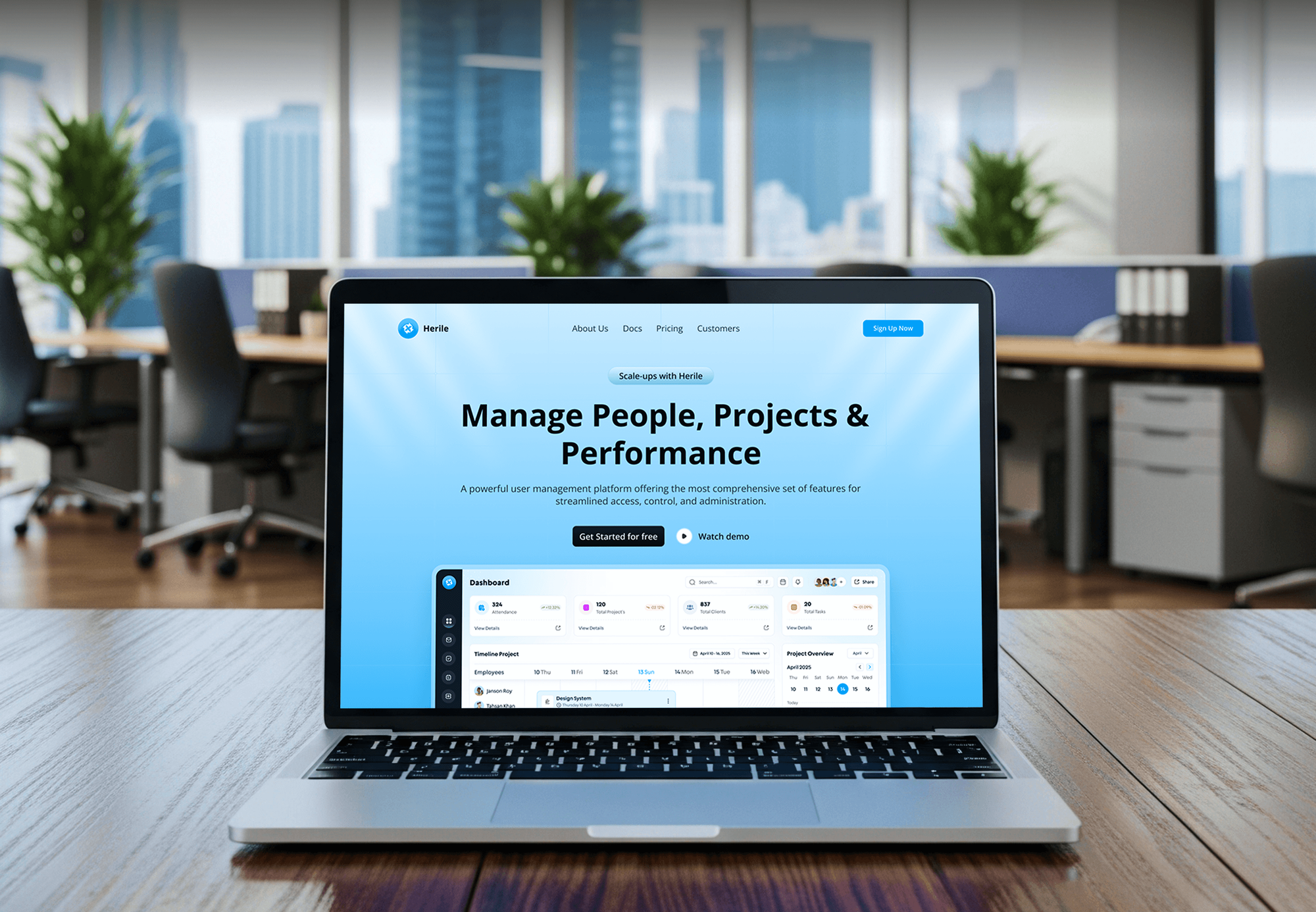
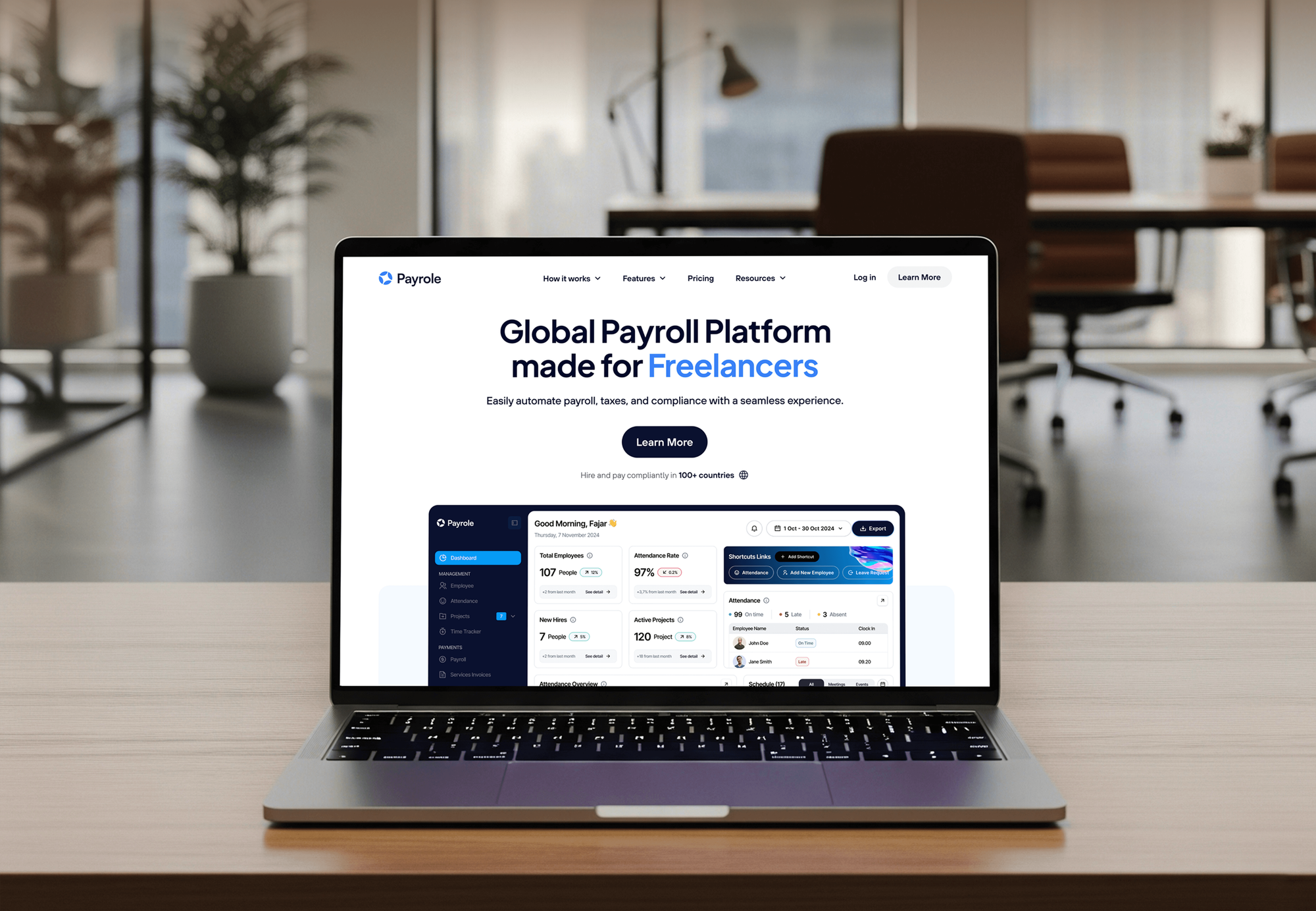
Web apps, SaaS products, and HR platforms our team built and shipped. They're the kind of software we move between hosts, not migration case studies.


What Our Clients Say
Feedback from teams we have built web apps and websites for.
We had a pretty specific idea of what we wanted our website to become, but I wasn’t sure how easily we could explain all of it to a development team. There were quite a few moving parts, and we were working toward a deadline, so I expected a few things to get lost along the way. That never really happened. They understood what we were trying to achieve, kept us updated throughout the process, and got everything ready within the agreed timeline. The final site feels much easier to navigate, works beautifully on mobile, and is noticeably smoother for our customers. It was a huge relief seeing the original idea actually turn into the website we had in mind.
The mobile experience is probably my favourite part of the new site. We had spent a lot of time making sure the desktop version looked right, and the team kept pushing us to think about how everything would actually feel on a phone too. They were right. The navigation is clean, the interactions feel natural, and everything we’ve tested so far works exactly as it should. They also went through the links, forms, integrations, and other details more than once before launch, which I really appreciated. And even after going live, we could still reach out when something came up. The whole process felt friendly, organised, and surprisingly straightforward.
What I appreciate most is that the website is actually easy for us to manage now. We can update content ourselves instead of sending a developer a message every time we need to change something small. They also paid attention to the technical SEO side, which mattered to us because we didn’t want a new website to create problems for the traffic we already had. I’ve probably asked more questions than I should have since launch, but every question has been handled patiently and without any fuss. The team is easy to work with, they explain things clearly, and when we need something changed, they focus on getting it done rather than making the process complicated.
1,250+
Projects shipped
10+
Years of experience
Top 3%
Upwork Top Rated Plus
5 stars
Average review score

Want results like these?
Tell us what you are building. You get a reply within 24 hours on business days, then a written estimate.
Work Culture
A migration goes wrong in the details: a forgotten job, a firewall rule, a time zone setting. These habits catch them before your customers do.
We look for systems nobody uses before pricing their migration. Every server you switch off is one less thing to move, secure, and pay for each month.
Each workload moves to a copy before the real cutover, with the same steps and checks. Surprises show up in a rehearsal, not during your busiest hour.
You get a monthly cost estimate per workload before anything moves, built with the provider's own pricing calculator. Your first cloud bill shouldn't be a surprise.
If a workload runs better where it is, or a SaaS product could replace it, we'll tell you before we quote. Not everything belongs in the cloud.
The old environment keeps running until you sign off, with a written rollback plan for every cutover. Shutting down servers is the last step, not a race.
Cloud accounts, billing, and access are set up under your organization. We work through roles you can revoke, so nothing depends on our logins.
Overview
DeveloperLook provides cloud migration services for teams moving apps and databases to AWS, Azure, or Google Cloud. We inventory every workload, choose a 7 Rs path for each, set up the landing zone, and rehearse each cutover with data checks. Projects start at $1,400 and take 2 to 16 weeks, and old servers stay up until you sign off.
DEVELOPERLOOK
Project facts · Cloud Migration Services
Reviewed 8 Oct 2026 by Saimul Islam
Good fit
Teams with a data center renewal
Your data center or colocation contract renews soon, and you need on premise to cloud migration done before you sign another term.
Apps on servers losing support
Your app runs on servers or an operating system that's losing vendor support, and patching it in place no longer feels safe.
SaaS teams changing providers
You're moving from one host or cloud to another for cost or features, and you need a cloud migration consultant to plan the move.
IT leads comparing providers
You're comparing cloud migration service providers and want a fixed-price inventory and plan before committing to a bigger program.
Agencies with client hosting moves
Your agency's client wants off an aging host, and you need cloud migration solutions delivered under your own brand.
Not a fit
Hundreds of servers
You're moving hundreds of servers across many sites. A large consultancy with a dedicated migration team suits that scale better than we do.
Only a website move
You only need a website moved to a new host or CMS. Website Migration Services covers that, including redirects and SEO checks.
App only needs containers
Your app already runs in the cloud and just needs packaging into containers. Docker Containerization Services is the better fit for that work.
Budget under $1,400
Your budget for a first move is under $1,400. Your cloud provider's own migration tools may cover one simple server for now.
Not sure we're the right fit?
Book a free call or message us. We'll tell you honestly whether we're the right team.
Pricing
These are starting points in USD. Your final price depends on workloads, database size, and how much changes, and you get a fixed proposal after a free migration call.
For teams moving one app and its database off an aging server or host.
$1,400one-time, USD
For teams moving up to 3 apps and adopting managed services along the way.
$4,400one-time, USD
For data center exits and estates of up to 8 apps with shared databases and integrations.
$9,200one-time, USD
For Agencies
You own the client relationship. We supply the migration engineering: inventories, 7 Rs plans, landing zones, and rehearsed cutovers delivered under your brand. Your team presents the plan and the dates, while we move the workloads and hand over runbooks.
White label: your client only ever sees your brand
Send server access or exports, contract end dates, and the client's target cloud.
We inventory, choose paths, rehearse cutovers, and report each step to you first.
You hand over verified data, runbooks, and a decommission plan to your client.
Plans, cutover notices, and runbooks go out under your agency's name.
Inventory and 7 Rs documents ready for your client's approval meetings.
Moves scheduled in your client's quiet hours, with you informed throughout.
Add migration capacity for one client move or several at once.
The Right Technology for Your Project
The platforms, data services, infrastructure code, and monitoring we use to move workloads and confirm they run correctly.
 AWS
AWS PostgreSQL
 Docker
 Cloudflare
FAQ
Straight answers on cost, timelines, migration strategy, the 7 Rs, and choosing a partner for your move to the cloud.
Saimul IslamFounder & CEO, DeveloperLookStill have questions?
Send a message or book a call with the team.
A cloud migration with DeveloperLook starts at $1,400 for one app and its database, rehosted with verified data and a rehearsed cutover. Moving up to 3 apps onto managed services costs $4,400, and an estate of up to 8 apps starts at $9,200. Your new monthly cloud bill is separate, and we estimate it per workload first.
A single app takes 2 to 3 weeks from inventory to cutover, and up to 3 apps take 5 to 8 weeks. Estates of up to 8 apps take 10 to 16 weeks. Large databases and unknown dependencies stretch timelines most, so the inventory comes first and sets the real dates.
Cloud migration is moving applications, data, and infrastructure from your own servers or another host into a provider such as AWS, Azure, or Google Cloud. It can mean copying a server as it is, switching to managed services, or rebuilding parts of an app. Most projects mix all three, decided workload by workload.
Teams usually migrate to the cloud to stop buying hardware and to hand routine work, like database backups, to managed services. Capacity can also grow or shrink with demand instead of being bought for the busiest day. The trigger is often a deadline: a hardware refresh, a contract renewal, or an operating system losing support.
Migrate when a deadline, growth, or rising hosting costs make staying put harder than moving. Don't migrate a stable app on paid-off hardware just because others are moving, because cloud bills for always-on servers can exceed what you pay now. Our free migration call gives you a straight answer for each system.
A cloud migration strategy is the decision about how each workload moves: rehost, replatform, refactor, replace, retain, or retire. It also sets the order of moves, the target services, and how data stays consistent during cutover. A good strategy is written per workload, not one approach applied to everything.
A cloud migration plan turns the strategy into dates and tasks. It covers which workload moves when, who approves it, how data is copied, and how to roll back. Ours includes a cutover runbook for each move and a monthly cost estimate for the new setup. You approve it before any workload moves.
The 7 Rs are the paths AWS Prescriptive Guidance describes for each workload: retire, retain, rehost, relocate, repurchase, replatform, and refactor. Rehost moves a server as it is, replatform adds small changes such as a managed database, and refactor redesigns the app. We apply them to every workload in your inventory.
The main benefits of cloud migration are no hardware to replace, managed backups and databases, capacity that matches demand, and simpler disaster recovery across regions. Most benefits depend on work after the move: rightsizing servers, removing unused resources, and automating deployments. A rehost alone mostly changes who sends the bill.
Look for a partner that inventories your systems before quoting, suggests retiring some of them, and shows you a written cutover and rollback plan. Ask cloud migration service providers who owns the accounts and code afterward. Be wary of anyone who quotes one approach for every system before seeing them.
Saimul IslamFounder & CEO, DeveloperLookStill have questions?
Send a message or book a call with the team.
Free 30-min callGoogle Meet
Book a call
In 30 minutes on Google Meet we walk you through how we would build it, how long it takes and what it costs. Then you get a written estimate.
Calendar not showing? Book on cal.com or send a brief.