
Production-ready Dockerfiles
Multi-stage builds, slim base images, and a non-root user for each service, so images stay lean and safer.

For software teams whose app only runs on one laptop or one hand-built server: we package it into Docker images that run the same everywhere. From $950.
1command
Starts your full stack locally
100%
Same image in every environment
How your project runs
Teams we have built for:














The Problem
It shows up when a new developer joins, a server needs replacing, or a deploy breaks because production differs from the machine that tested it.
01 · Onboarding
New developers lose days installing the right runtime versions.
A Compose file starts the whole stack with every version already pinned.
02 · Drift
Production runs packages nobody installed on purpose.
Each service builds from a Dockerfile, so every dependency is written down and reviewed.
03 · Deploys
Releases break because the server differs from the test machine.
The image that passed CI is promoted unchanged to staging and production.
04 · Secrets
Environment files get passed around in chat.
Settings come from your cloud's secret store at runtime, never baked into images.
A new developer joins and spends most of the first week getting the app to start. The setup notes mention a Node version nobody has anymore, a local Postgres with a special extension, and an environment file passed around in chat. Production runs on one server that someone configured by hand years ago. A deploy works on Tuesday and breaks on Friday because a library updated on the server but not in testing. Every fix starts with the same question: what's different on that machine?
We start by reading how the app actually runs today: the runtime, system packages, services, and every environment variable. Then we write a Dockerfile for each service, a Docker Compose file for local development, and a build that produces one tagged image per release. That same image runs on laptops, in CI, on staging, and in production. Differences show up in a pull request, not in a late-night outage.
One image, every environment
The image that passed CI is the exact image that reaches staging and production.
Local setup in one command
Docker Compose starts the app, database, and queues, so new developers commit code in their first week.
Simplest runtime that fits
Managed containers such as ECS or Cloud Run come first; Kubernetes only when your services need it.
Our Docker Containerization Services Process
You see how the app runs today, approve the image design and the runtime, and test the stack on your own machines before any traffic moves.
We walk through your services, runtimes, databases, background jobs, and how deploys happen today. You get a written view of what containerizes easily, what needs changes first, and a fixed price within 2 business days.
What's Included
Every plan covers Dockerfiles, a local Compose stack, image builds, and a deployment to your cloud. Larger plans add more services, image scanning, staging, and Kubernetes with Helm and monitoring.
Compare Options
A managed platform is the quickest route for a simple web app, and your own team knows your code best. Here's where each fits for containerization with Docker across several services.
| Feature | DeveloperLookBest fit | In-house team | Managed PaaS |
|---|---|---|---|
| Review of current setup | Written review before any change | Depends on who has time | Not part of the service |
| Workers and scheduled jobs | Packaged alongside the main app | Works if someone knows Docker | Best for simple web apps |
| Local development stack | Compose stack, one command | Often left for later | Not included |
| Image security | Scans and non-root images | Depends on team habits | Platform maintains base images |
| Time to first deploy | 1 to 2 weeks per app | Waits for team capacity | Fastest for a simple app |
| Where it runs | ECS, Cloud Run, or Kubernetes | Whatever the team knows | Only on that platform |
| Who owns it | Files and accounts stay yours | Fully yours | Hosted on their platform |
| Cost predictability | From $950, fixed scope | Salary time already budgeted | Monthly fees grow with usage |
Projects We've Built
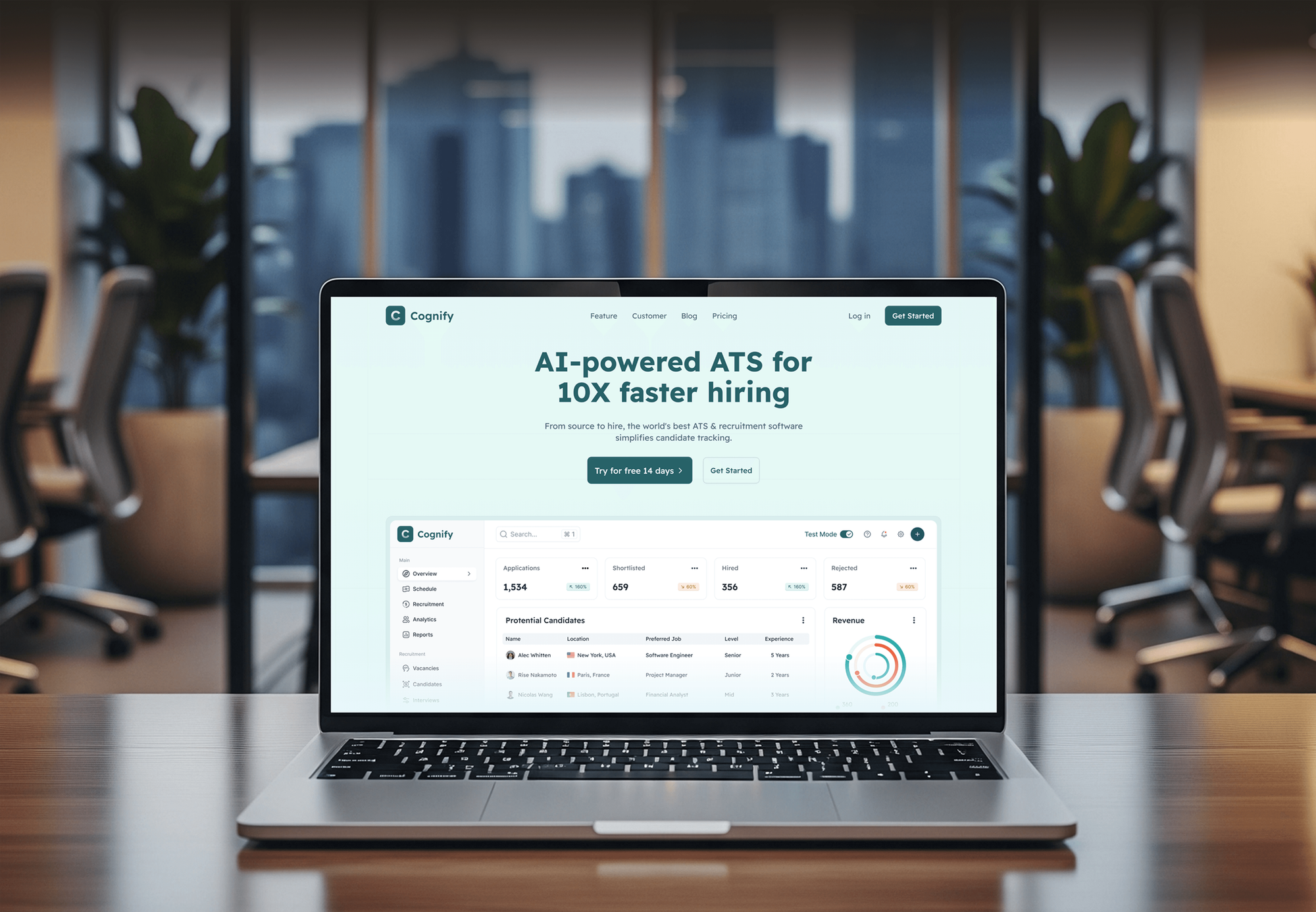
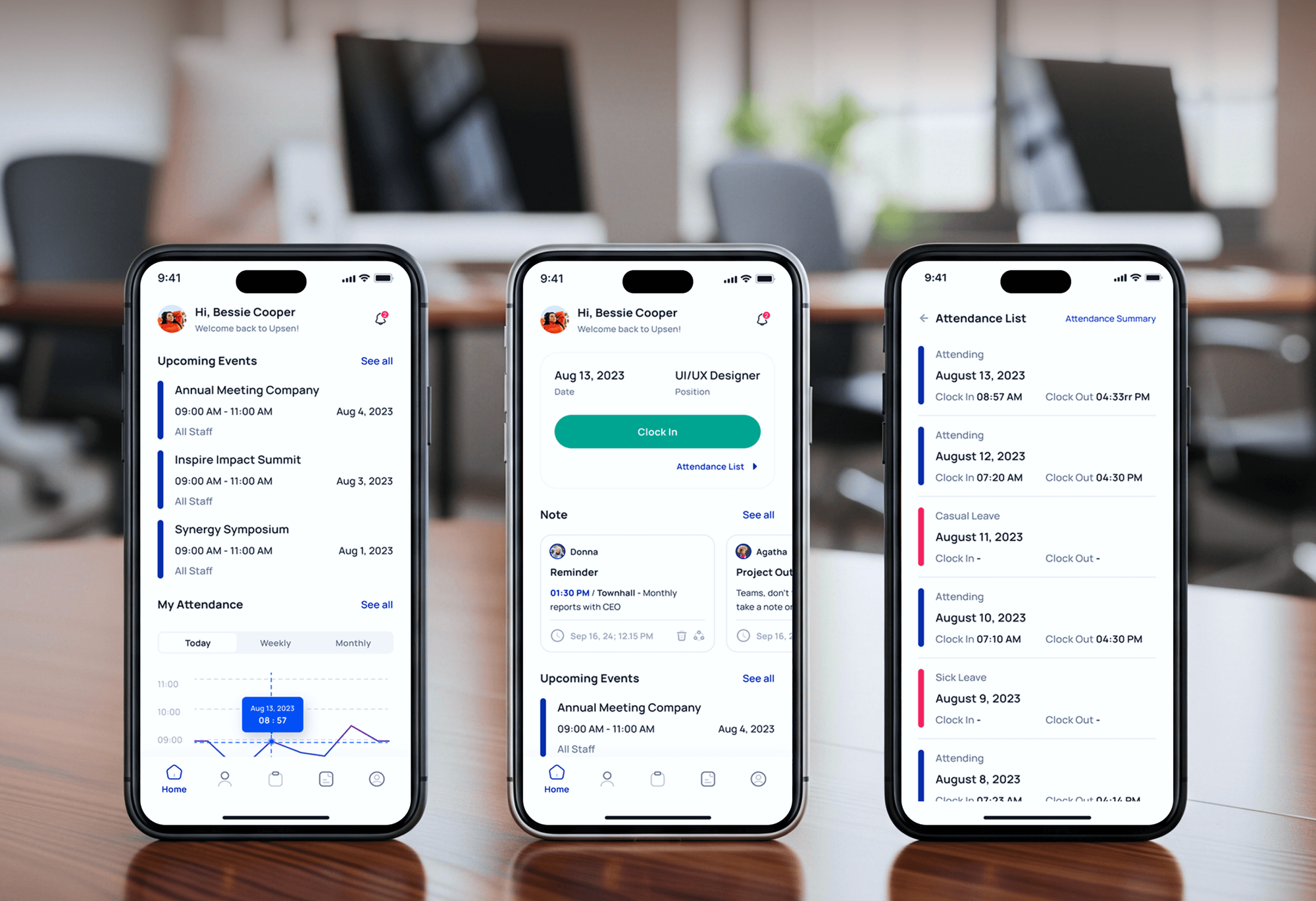
Web apps and SaaS platforms our team built and shipped, including a risk management app and a finance SaaS. They show the software we package, not Docker-only projects.


What Our Clients Say
Feedback from teams we have built web apps and websites for.
We had a pretty specific idea of what we wanted our website to become, but I wasn’t sure how easily we could explain all of it to a development team. There were quite a few moving parts, and we were working toward a deadline, so I expected a few things to get lost along the way. That never really happened. They understood what we were trying to achieve, kept us updated throughout the process, and got everything ready within the agreed timeline. The final site feels much easier to navigate, works beautifully on mobile, and is noticeably smoother for our customers. It was a huge relief seeing the original idea actually turn into the website we had in mind.
The mobile experience is probably my favourite part of the new site. We had spent a lot of time making sure the desktop version looked right, and the team kept pushing us to think about how everything would actually feel on a phone too. They were right. The navigation is clean, the interactions feel natural, and everything we’ve tested so far works exactly as it should. They also went through the links, forms, integrations, and other details more than once before launch, which I really appreciated. And even after going live, we could still reach out when something came up. The whole process felt friendly, organised, and surprisingly straightforward.
What I appreciate most is that the website is actually easy for us to manage now. We can update content ourselves instead of sending a developer a message every time we need to change something small. They also paid attention to the technical SEO side, which mattered to us because we didn’t want a new website to create problems for the traffic we already had. I’ve probably asked more questions than I should have since launch, but every question has been handled patiently and without any fuss. The team is easy to work with, they explain things clearly, and when we need something changed, they focus on getting it done rather than making the process complicated.
1,250+
Projects shipped
10+
Years of experience
Top 3%
Upwork Top Rated Plus
5 stars
Average review score

Want results like these?
Tell us what you are building. You get a reply within 24 hours on business days, then a written estimate.
Work Culture
Containers fail quietly when images bloat, secrets leak into layers, or nobody updates base images. These habits keep your containers small, safe, and easy to run.
We trace how your app starts, what it installs, and which files it writes before we write a Dockerfile. Hidden dependencies surface in the review, not in production.
Multi-stage builds keep compilers and test tools out of production images. Smaller images pull faster, start faster, and give scanners less to flag.
Passwords and API keys come from your secret store at runtime, never from a layer in the image. Anyone who pulls an image can't read your credentials from it.
If your services run fine on ECS or Cloud Run, we'll tell you before we quote Kubernetes. A cluster adds upgrades and on-call work that small teams often don't need.
Dockerfiles, Compose files, and deployment settings live in your repository and change through pull requests. Your team sees every change and can roll it back.
Registries, clusters, and cloud resources sit in your accounts from day one. Ending the engagement means removing our access, not migrating anything.
Overview
DeveloperLook handles docker containerization for existing apps by packaging each service and its dependencies into an image that runs the same on laptops, in CI, and in production. We write the Dockerfiles, a Compose stack, and the image pipeline, then deploy to ECS, Cloud Run, or Kubernetes. Projects start at $950, take 1 to 10 weeks, and you own every file.
DEVELOPERLOOK
Project facts · Docker Containerization Services
Reviewed 8 Oct 2026 by Saimul Islam
Good fit
SaaS teams onboarding new developers
Your setup guide keeps growing, and every new hire spends their first days fixing local installs instead of shipping code.
Apps stuck on one hand-built server
Your app runs on a server someone configured by hand, and you need app containerization before that machine fails or its operating system loses support.
Teams moving to managed cloud services
You're moving to AWS, Google Cloud, or Azure and want each service packaged once, so it runs on ECS, Cloud Run, or App Service.
Products adding workers and queues
Your monolith now has background workers, a queue, and scheduled jobs, and you need devops containerization services that keep them all in step.
Agencies with client apps to deploy
Your agency builds client apps and needs docker container consulting, so each handover ships as images the client's team can run.
Not a fit
Containers exist, releases are manual
You already run containers, but releases are manual and risky. CI/CD Pipeline Setup Services is the better fit for automating builds, tests, and deploys.
Leaving a data center
You're moving many servers and databases out of a data center at once. Cloud Migration Services plans that move workload by workload.
Need monthly ops help
You need someone to run releases, patch images, and watch alerts every month. DevOps Services covers that ongoing work on a monthly plan.
Budget under $950
Your budget for the first app is under $950. A managed platform that builds straight from your repository may cover a simple app for now.
Not sure we're the right fit?
Book a free call or message us. We'll tell you honestly whether we're the right team.
Pricing
These are starting points in USD. Your final price depends on the number of services, background workers, and where the containers run, and you get a fixed proposal after a free app review.
For teams containerizing one web app and its database for development and production.
$950one-time, USD
For products with an API, a front end, workers, and scheduled jobs that need to move together.
$3,200one-time, USD
For teams with many services that need autoscaling, rolling deploys, and a managed Kubernetes cluster.
$7,400one-time, USD
For Agencies
You own the client relationship. We supply the container engineering: Dockerfiles, Compose stacks, image pipelines, and deployments delivered under your brand. Your team stays in front of the client while we package their apps and hand over runbooks their developers can follow.
White label: your client only ever sees your brand
Send repository access, the current hosting details, and the client's target cloud.
We write the images and Compose stack, deploy to staging, and demo it to you.
You deliver tested images, runbooks, and a working staging environment to your client.
Runbooks, pull requests, and handover calls carry your agency's name, not ours.
Node.js, Python, PHP, Ruby, Java, and .NET apps packaged with the same care.
Each client app gets a fixed scope and a delivery date before work starts.
Add container engineers for one client launch or several at once.
The Right Technology for Your Project
The container, orchestration, cloud, and pipeline tools we use to package apps and run them the same way from laptop to production.
 Docker
 Kubernetes
 AWS
AWSFAQ
Straight answers on cost, timelines, how containerization works, and when Docker and Kubernetes make sense for your app.
Saimul IslamFounder & CEO, DeveloperLookStill have questions?
Send a message or book a call with the team.
Containerizing one web app and its database with DeveloperLook starts at $950, including deployment to one managed service. A multi-service app with workers, scanning, and staging costs $3,200. A Kubernetes platform for up to 12 services starts at $7,400. You get a fixed price after a free review of your app.
Most single apps take 1 to 2 weeks, from review to production cutover. Apps with several services and workers take 3 to 5 weeks, and a Kubernetes platform takes 6 to 10 weeks. The slowest part is usually finding undocumented setup steps on the old server, which the free review starts on.
Containerization is a way to package software with everything it needs to run, so it behaves the same on any host. A container shares the host's operating system kernel but keeps its own files, libraries, and settings. That makes containers lighter and quicker to start than virtual machines, which each carry a full operating system.
In software development, containerization means every developer, test run, and server uses the same packaged environment for the app. The Dockerfile sits in the repository next to the code, so a runtime upgrade becomes a reviewed change. It closes the gap between what passed testing and what actually runs in production.
A containerized application is an app that runs from container images instead of being installed directly on a server. A typical web app becomes separate containers for the API, the front end, and background workers. Each one can be updated, restarted, or scaled on its own without touching the others.
Application containerization is the work of moving an existing app into containers. It means writing Dockerfiles, separating settings from code, and changing how the app is built and deployed. Most of the effort goes into undocumented dependencies, file storage, and scheduled jobs the old server handled quietly.
Containerization makes a web app portable, repeatable, and easier to roll back. The same image runs on a laptop, in CI, and in production, so environment differences stop causing bugs. Rolling back means redeploying the previous image tag, which is quicker and safer than repairing a server by hand.
Docker builds an image from a Dockerfile, then runs that image as an isolated container. The image is made of layers: a base operating system, the language runtime, your dependencies, and your code. Images live in a registry such as Amazon ECR or Docker Hub, so every server pulls the exact same version.
The main benefits of containerization are consistent environments, quicker onboarding, safer releases, and independent scaling of each service. The trade-off is that containerization solutions add work too. Images need patching, and orchestration platforms such as Kubernetes need regular upgrades, which is why we recommend the simplest runtime that fits.
In DevOps, containerization is what makes building once and deploying anywhere work in practice. The pipeline builds one image per commit, tests it, and promotes that same image through staging to production. Infrastructure as code then defines where containers run, and monitoring watches them once they're live.
Saimul IslamFounder & CEO, DeveloperLookStill have questions?
Send a message or book a call with the team.
Free 30-min callGoogle Meet
Book a call
In 30 minutes on Google Meet we walk you through how we would build it, how long it takes and what it costs. Then you get a written estimate.
Calendar not showing? Book on cal.com or send a brief.