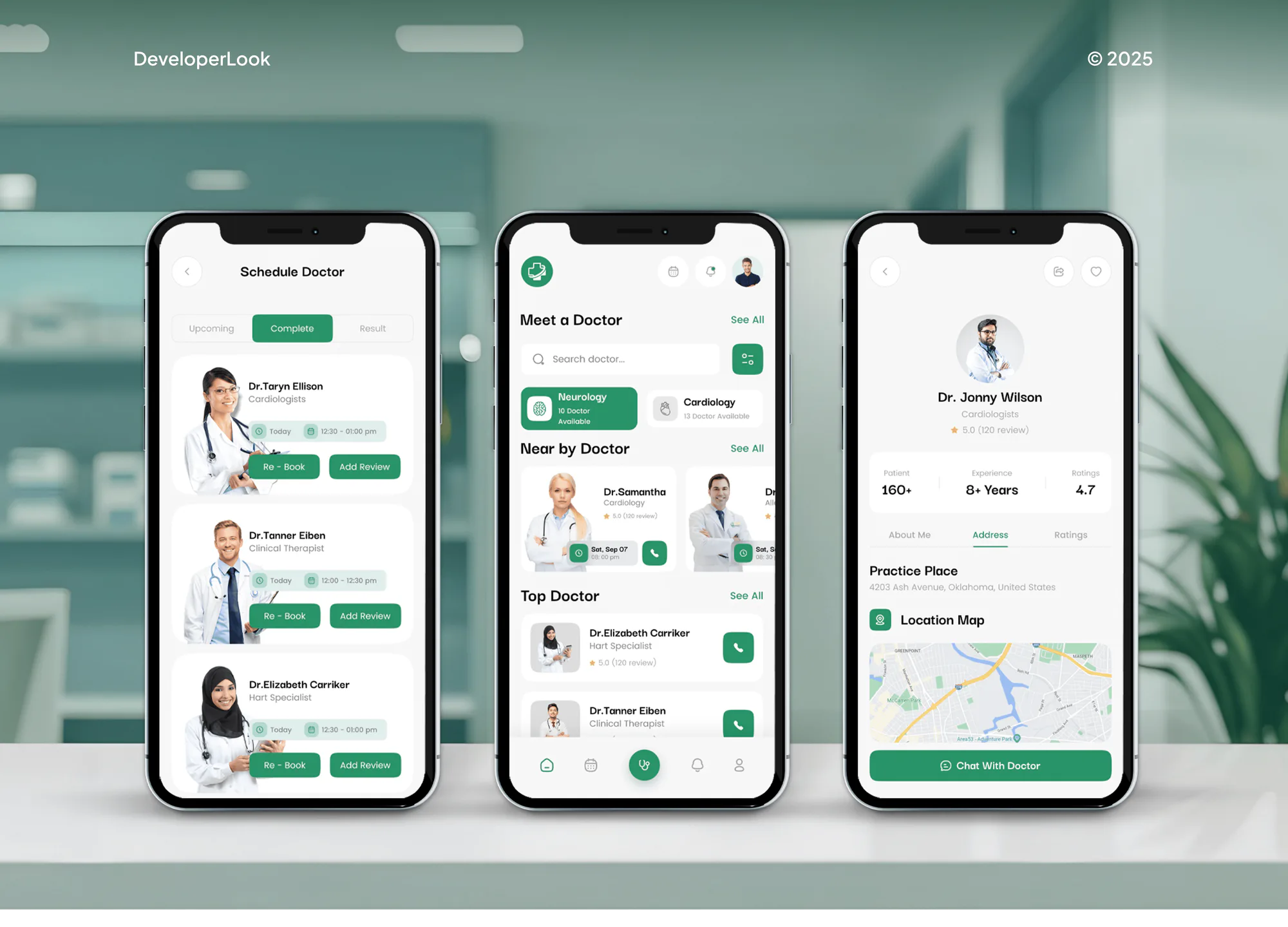
Carepoint Medical App Design & Development
- Medical
- Booking System
- Dashboard

For chiropractic clinics on ChiroTouch Cloud or Server: online booking, review requests, payments, and deposits connected the right way, starting at $550.
24/7
Patient booking from your site
100%
Links matched to your version
How your project runs
01 · FreeIndustry leaders we work with
 QuickBooks
 WordPress
 Squarespace
 Wix
The Problem
It starts small: a booking button that opens the wrong page, a review text sent by hand, a deposit typed twice. Then the clinic adds a second doctor, and every gap doubles.
Booking
Book Now opens a contact form, not a calendar.
Booking
Every Book Now button opens the patient portal or guest booking.
Reviews
Review texts go out only when staff remember.
Reviews
Review requests follow completed visits through Birdeye's own connection.
Deposits
Month-end deposits get retyped from printed reports.
Deposits
Deposit reports map to QuickBooks entries your bookkeeper approves once.
Versions
A promised sync only works on the other version.
Versions
We confirm Cloud or Server first and use only links that version supports.
A new patient finds your site late at night, taps Book Now, and lands on a contact form. Your front desk calls back the next morning, and the patient has already booked across town. Review requests go out only when someone remembers to text. At month end, your bookkeeper rebuilds CT Pay deposits in QuickBooks from printed reports. Then a vendor sells you a sync that only works on ChiroTouch Server, and your clinic moved to Cloud last spring.
We start by confirming your version, Cloud or Server, because it decides which connections exist. Then we use what ChiroTouch already supports: booking links on every service page, Quick Pay for balances, and listed partners such as Birdeye, Fullscript, or Cash Practice. Deposits reach QuickBooks through a mapped routine your bookkeeper approves. Patients book from your site, not from a callback list.
Version decides the links
Cloud and Server support different partners, so we check yours before promising any connection.
Booking from every page
Patient portal and guest booking links sit on each service page, so nobody waits for a callback.
Deposits that match
CT Pay or Cash Practice deposits map to QuickBooks entries your bookkeeper signs off once.
Our ChiroTouch Integration Services Process
You approve each link before it touches patient data, and you watch it work on a test patient before your front desk depends on it.
We confirm whether your clinic runs ChiroTouch Cloud or Server, which plan and add-ons you have, and which partner tools you already pay for. You get a short list of connections your version supports and the ones it doesn't.
Projects We've Built
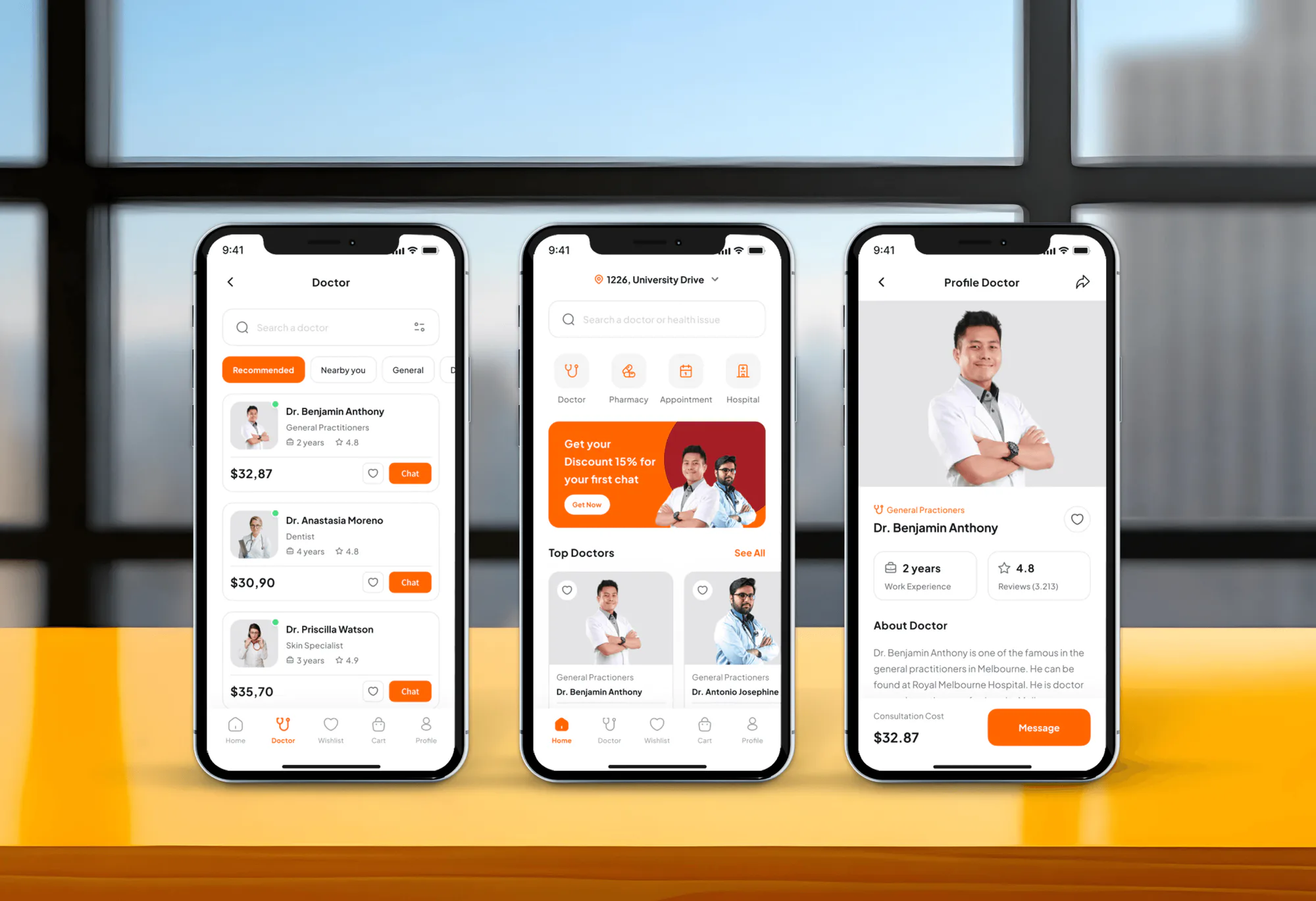
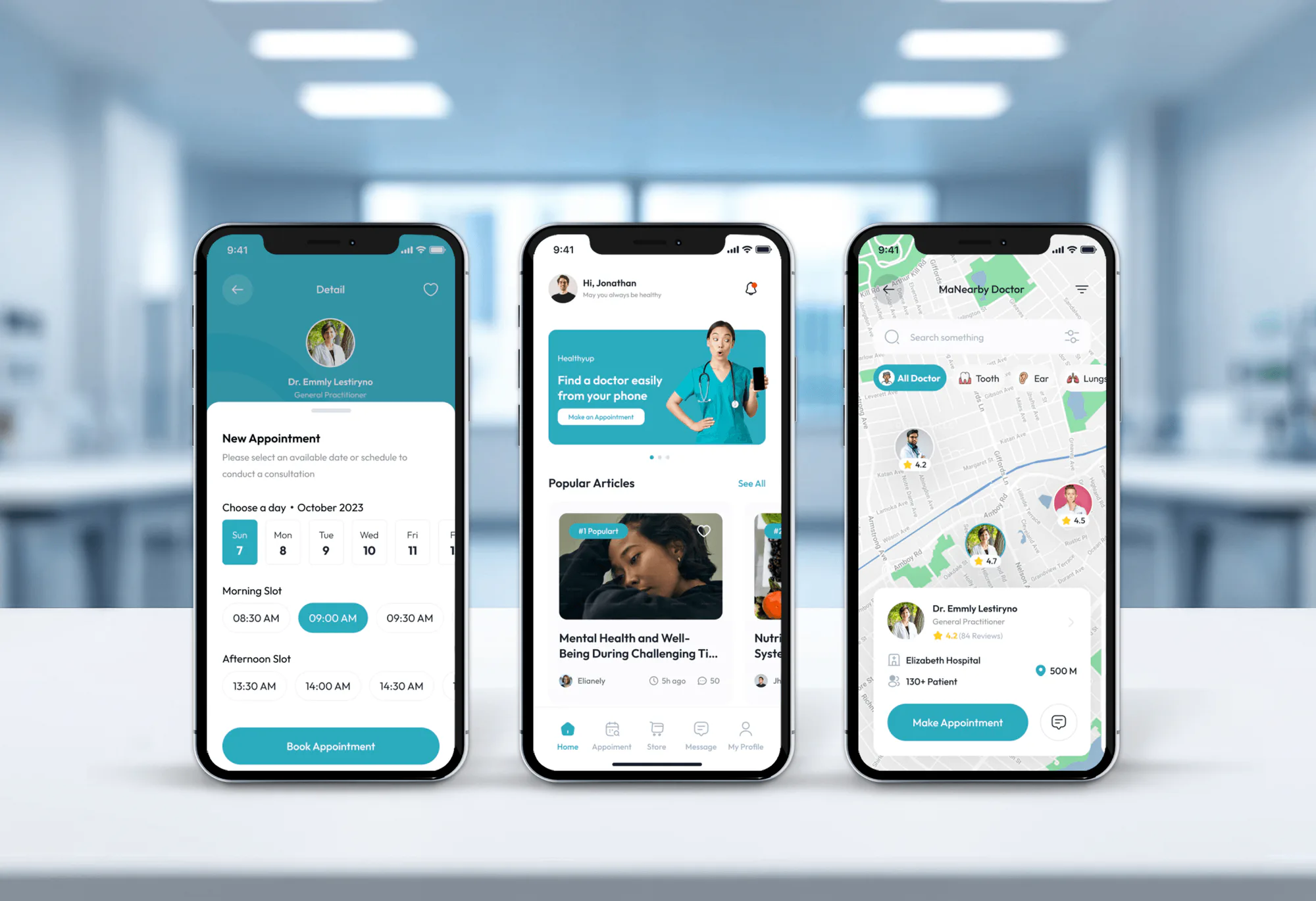
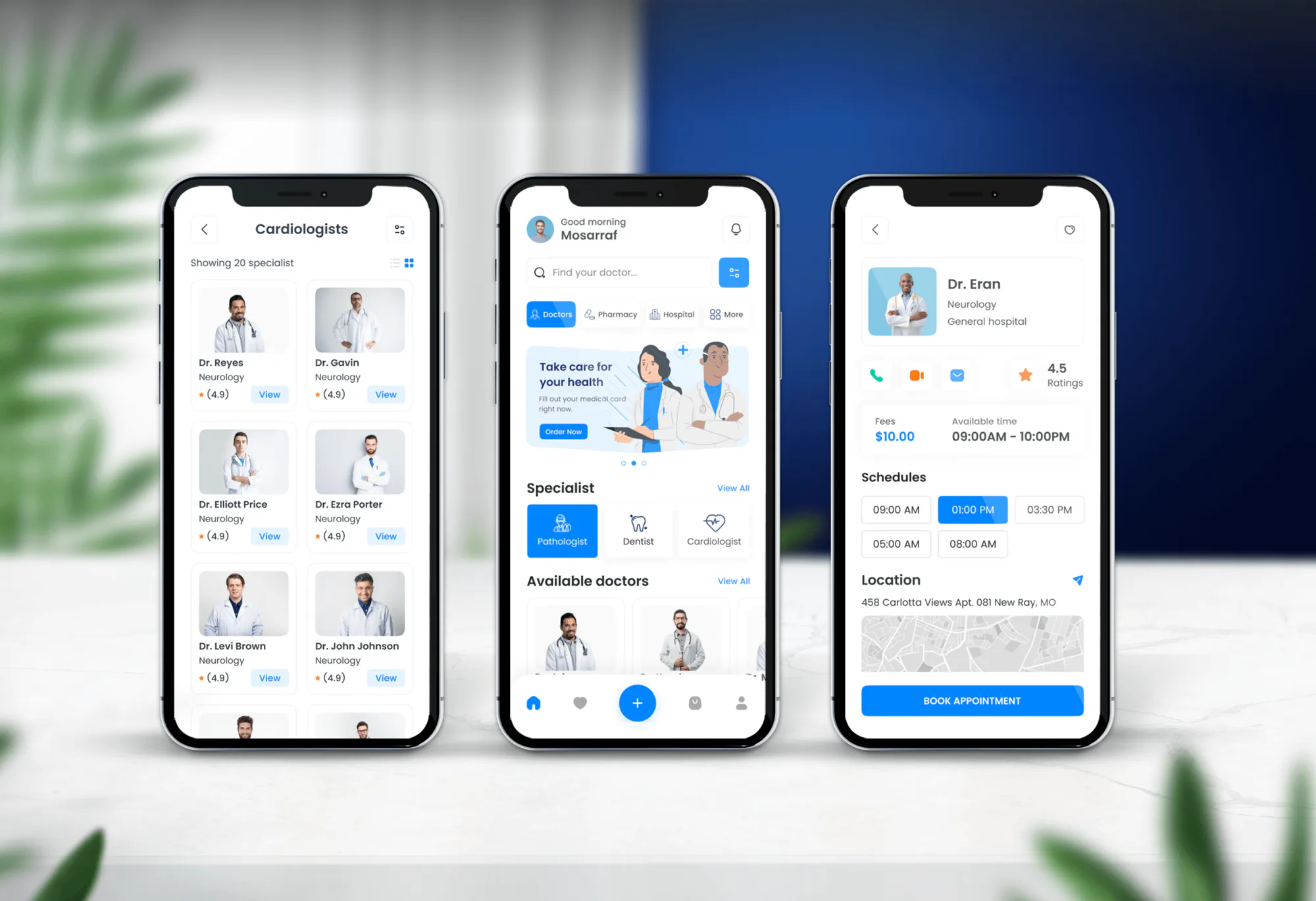
Patient booking apps and medical platforms we designed and built. None of them ran ChiroTouch, but they show how we handle appointments, records, and payments.
What's Included
Booking, payments, reviews, and deposits connected through features ChiroTouch and its partners document. Each one is tested on a test patient before launch.
Compare Options
Your office manager can paste a booking link, and a general web agency can build a good site. Here is where each one fits and where it stops once versions, partners, and deposits are involved.
| Feature | DeveloperLookBest fit | In-house staff | Generic agency |
|---|---|---|---|
| Version check first | Cloud or Server confirmed first | Often assumed | Rarely asked |
| Booking link placement | Every service page and footer | One button on the homepage | Included in a redesign |
| Partner setup | Birdeye, Fullscript, or Cash Practice | Vendor support calls | Usually outside scope |
| Deposit posting | Mapped to QuickBooks with your bookkeeper | Retyped at month end | Not offered |
| Patient data care | BAA checked for every vendor | Depends on staff training | Often overlooked |
| Testing | Test patient through every link | Real patients find problems | Design review only |
| Support after launch | 14 to 60 days included | Whoever set it up | Website support plan |
| Upfront cost | Fixed scope from $550 | Staff time, no invoice | Bundled into a site project |
What Our Clients Say
Feedback from teams we have built booking tools, integrations, and websites for.
We had a pretty specific idea of what we wanted our website to become, but I wasn’t sure how easily we could explain all of it to a development team. There were quite a few moving parts, and we were working toward a deadline, so I expected a few things to get lost along the way. That never really happened. They understood what we were trying to achieve, kept us updated throughout the process, and got everything ready within the agreed timeline. The final site feels much easier to navigate, works beautifully on mobile, and is noticeably smoother for our customers. It was a huge relief seeing the original idea actually turn into the website we had in mind.
The mobile experience is probably my favourite part of the new site. We had spent a lot of time making sure the desktop version looked right, and the team kept pushing us to think about how everything would actually feel on a phone too. They were right. The navigation is clean, the interactions feel natural, and everything we’ve tested so far works exactly as it should. They also went through the links, forms, integrations, and other details more than once before launch, which I really appreciated. And even after going live, we could still reach out when something came up. The whole process felt friendly, organised, and surprisingly straightforward.
What I appreciate most is that the website is actually easy for us to manage now. We can update content ourselves instead of sending a developer a message every time we need to change something small. They also paid attention to the technical SEO side, which mattered to us because we didn’t want a new website to create problems for the traffic we already had. I’ve probably asked more questions than I should have since launch, but every question has been handled patiently and without any fuss. The team is easy to work with, they explain things clearly, and when we need something changed, they focus on getting it done rather than making the process complicated.
1,250+
Projects shipped
10+
Years of experience
5 stars
Clutch rating
5 stars
GoodFirms rating
Excellent
Trustpilot rating
Top 3%
Upwork Top Rated Plus
1,250+
Projects shipped
10+
Years of experience
5 stars
Clutch rating
5 stars
GoodFirms rating
Excellent
Trustpilot rating
Top 3%
Upwork Top Rated Plus

Want results like these?
Tell us what you are building. You get a reply within 24 hours on business days, then a written estimate.
Work Culture
We work inside the limits ChiroTouch and its partners publish, ask about BAAs before connecting anything, and test on a test patient instead of a real one.
We confirm Cloud or Server before quoting any link. Cash Practice works only on Server and Fullscript only on Cloud, so your version changes the plan.
Any vendor that touches patient data needs a business associate agreement with your clinic first. We list which ones need it before connecting anything.
Every booking, review request, and payment test runs on a test patient record. Real patients only see links that already worked.
ChiroTouch publishes no open API for practices, so we don't sell a ChiroTouch API integration. We use documented features and listed partners instead.
You get one page naming every connection, its vendor, and who to call. New front desk staff can follow it without calling us.
You approve a fixed price after the free version check. If a partner tool carries its own subscription, we name it before you sign.
Overview
DeveloperLook sets up ChiroTouch integrations for chiropractic clinics on Cloud or Server. We add patient portal and guest booking links to your site, switch on Birdeye review requests, and map CT Pay or Cash Practice deposits to QuickBooks. Projects start at $550, take 1 to 3 weeks, and use only links your version supports.
DEVELOPERLOOK
Project facts · ChiroTouch Integration Services
Reviewed 27 Oct 2026 by Saimul Islam
Good fit
Cash clinics on ChiroTouch Core
You run a cash or wellness-plan practice on ChiroTouch Core and want new patients booking from the website instead of calling the front desk.
Insurance practices on ChiroTouch Advanced
Your team bills insurance in ChiroTouch Advanced, and payments taken at the front desk still get retyped into QuickBooks every month.
Clinics still on ChiroTouch Server
Your clinic runs ChiroTouch Server with the Cash Practice ChiroTouch integration, and you need to know what breaks before any move to Cloud.
Practices chasing more Google reviews
You pay for Birdeye and want the Birdeye ChiroTouch integration sending review requests after completed visits, not staff texting patients by hand.
Agencies serving chiropractors
You build sites and run ads for chiropractic clinics and need booking buttons that match each clinic's ChiroTouch version and portal.
Not a fit
Clinic runs Tebra
Your practice runs Tebra, not ChiroTouch. Our Tebra Integration page covers its scheduling widget, recurring data exports, and API.
Website can't be edited
Your current site won't take booking buttons or new pages. Our Chiropractor Website Design page builds the site first, then we connect ChiroTouch.
Want a custom live sync
You want custom two-way code reading and writing ChiroTouch records. ChiroTouch doesn't publish an open API for practices, so we won't promise one.
Review requests only
You only want review requests after visits. If Birdeye's own setup already covers your case, we'll tell you before we quote.
Not sure we're the right fit?
Book a free call or message us. We'll tell you honestly whether we're the right team.
Pricing
These are starting points in USD. Your final price depends on your ChiroTouch version, the partner tools involved, and your number of locations, and you get a fixed proposal after a free discovery call.
For Agencies
You own the chiropractic client, their website, and their ads. We supply the ChiroTouch side: booking links that match the clinic's version, review requests, and deposit posting. Your client sees your agency's name on every update.
White label: your client only ever sees your brand
Send the clinic's ChiroTouch version, website platform, and partner tools.
A fixed scope and price arrive under your brand, ready to send.
We connect, run a test patient, and give you the connection list.
Send the clinic's ChiroTouch version, website platform, and partner tools.
A fixed scope and price arrive under your brand, ready to send.
We connect, run a test patient, and give you the connection list.
The Right Technology for Your Project
Tools we connect around ChiroTouch, limited to what your version, plan, and partner accounts already support.
QuickBooksWordPressSquarespaceWixFAQ
Straight answers on ChiroTouch pricing, Cloud and Server, remote access, patient records, QuickBooks, and backups.
Saimul IslamFounder & CEO, DeveloperLookStill have questions?
Send a message or book a call with the team.
ChiroTouch doesn't publish prices: its Start, Grow, and Scale plans are quoted after a demo with its sales team. Add-ons such as CT Pay and the integrated clearinghouse are quoted too. Our ChiroTouch integrations start at $550 for the version check, booking links, Quick Pay, and review requests, with a fixed quote after a free call.
Booking links and review requests usually go live in 1 to 2 weeks. Adding deposit posting to QuickBooks takes 2 to 3 weeks, because your bookkeeper approves the mapping and we test a full deposit cycle. Partner steps can add a few days: Birdeye sets up its connection through its own support team, and Fullscript is switched on in Cloud settings.
ChiroTouch is EHR and practice management software built for chiropractic clinics. It covers scheduling, SOAP notes, billing, claims, digital intake, and payments in one system. ChiroTouch Core suits cash practices, while ChiroTouch Advanced adds insurance billing tools. Add-ons such as CT Pay, CT InForms, and CT Engage extend it, and its Marketplace lists partners like Fullscript.
ChiroTouch works as one patient record shared by the front desk, doctors, and billing staff. Patients book through the patient portal or guest booking, complete intake forms, and check in. Doctors chart SOAP notes during the visit, and billing staff send claims or take payment through CT Pay. Reports then show visits, collections, and balances by provider.
Yes, ChiroTouch Cloud runs in a web browser, though some clinics still use ChiroTouch Server installed on their own machines. Your account number tells you which: Cloud accounts start with CTC. The version matters for integrations, because the Cash Practice ChiroTouch integration works only with Server, while Fullscript works only with Cloud.
Yes, ChiroTouch Cloud gives remote access from any computer with a current browser and a steady connection. ChiroTouch lists Windows 10 or 11 or macOS 10.15 and later, with 25 Mbps recommended. Charting isn't available on phones or portrait tablets. On ChiroTouch Server, ask its server support team how remote access should be set up for your clinic.
Yes. ChiroTouch is an EHR as well as practice management software, with SOAP notes, an AI Scribe, intake forms, and patient history in one chart. If a payer or program asks for a certified EHR, check ChiroTouch's current listing on the federal Certified Health IT Product List before you rely on it.
Yes, through the patient portal and on request. Patients use the portal to book visits, pay balances, and complete forms, and ChiroTouch says Cloud helps clinics meet the Cures Act open notes rules. When a patient asks for their full data, ChiroTouch's Customer Success team exports it in CSV format. Information blocking rules apply to your clinic either way.
Not natively: ChiroTouch doesn't document a ChiroTouch QuickBooks integration on its own pages. Deposits reach QuickBooks through a routine instead. We map ChiroTouch deposit and payment reports to QuickBooks Online entries by payment type, and your bookkeeper posts them each week. On Server, Cash Practice payments import into ChiroTouch first, so ChiroTouch's reports include them.
On ChiroTouch Cloud, ChiroTouch runs automated backups for you; on Server, your clinic follows ChiroTouch's backup guidance. ChiroTouch also sells CT Secure, a backup and recovery service with automatic daily backups and offsite storage. For Server, ask its server support team for the routine your version needs, and test a restore before you trust it.
Saimul IslamFounder & CEO, DeveloperLookStill have questions?
Send a message or book a call with the team.
Free 30-min callGoogle Meet
Book a call
In 30 minutes on Google Meet we walk you through how we would build it, how long it takes and what it costs. Then you get a written estimate.
Calendar not showing? Book on cal.com or send a brief.