
Huantume Construction Website Design
- Construction
- Website

For general contractors and specialty subs who want progress payments, project files, and jobsite devices protected, with fixed-price projects from $700.
100%
Bank changes verified by phone
MFA
On email, project, accounting logins
How your project runs
01 · FreeIndustry leaders we work with
 Sage 300 CRE
 QuickBooks
The Problem
It shows up during billing week, at project closeout, or when a sub's bank details change by email. Large payments move between many parties on a set schedule, which is why cybersecurity risk in construction industry work keeps climbing.
Bank changes
A sub's hijacked inbox asks you to pay a new account.
Bank changes
Every payment change confirmed by phone, using a number already on file.
Old users
Former supers and finished subs keep project platform access.
Old users
Access removed at closeout, plus a quarterly check of who is still invited.
Trailer gear
Jobsite laptops share a password taped to the lid.
Trailer gear
Named logins, disk encryption, and automatic updates on every trailer laptop and tablet.
Shared admin
Accounting runs on one admin login the whole office knows.
Shared admin
Personal accounting logins with MFA and a separate admin account for your controller.
The pay app goes out on the 25th, and an email from your concrete sub's office asks you to send this month's payment to a new bank account. It looks right because their mailbox was taken over weeks ago. A superintendent who left in spring still has Procore access. The trailer laptop runs on a hotspot with the password taped to the lid, and accounting shares one admin login. Leave it, and one convincing email can redirect a progress payment you may not get back.
We start with the money: who can change where payments go, and how a change gets confirmed. Every bank change gets a call-back to a number already on file. Then we lock the systems that hold your bids, drawings, and books with named logins and MFA, and remove users at each closeout. Your PMs keep working in the field, without a door left open behind every finished job.
Call-back rule for bank changes
Any new payment instruction is confirmed by phone, using a number already on file.
Field devices brought in line
Trailer laptops, tablets, and hotspots updated, locked, and tied to named accounts.
Users removed at closeout
Project platform and file share access ends for subs and staff when each job closes.
Our Construction Company Cybersecurity Process
You see where money and project files are exposed first, approve each login and device change, and sign off the payment and closeout rules your team will follow.
We talk through how you bill, pay subs, share drawings, and equip jobsites. You leave with the risks that stood out and a fixed quote. If your bank's payment controls and your IT provider already cover these gaps, we'll tell you before you spend anything.
Projects We've Built
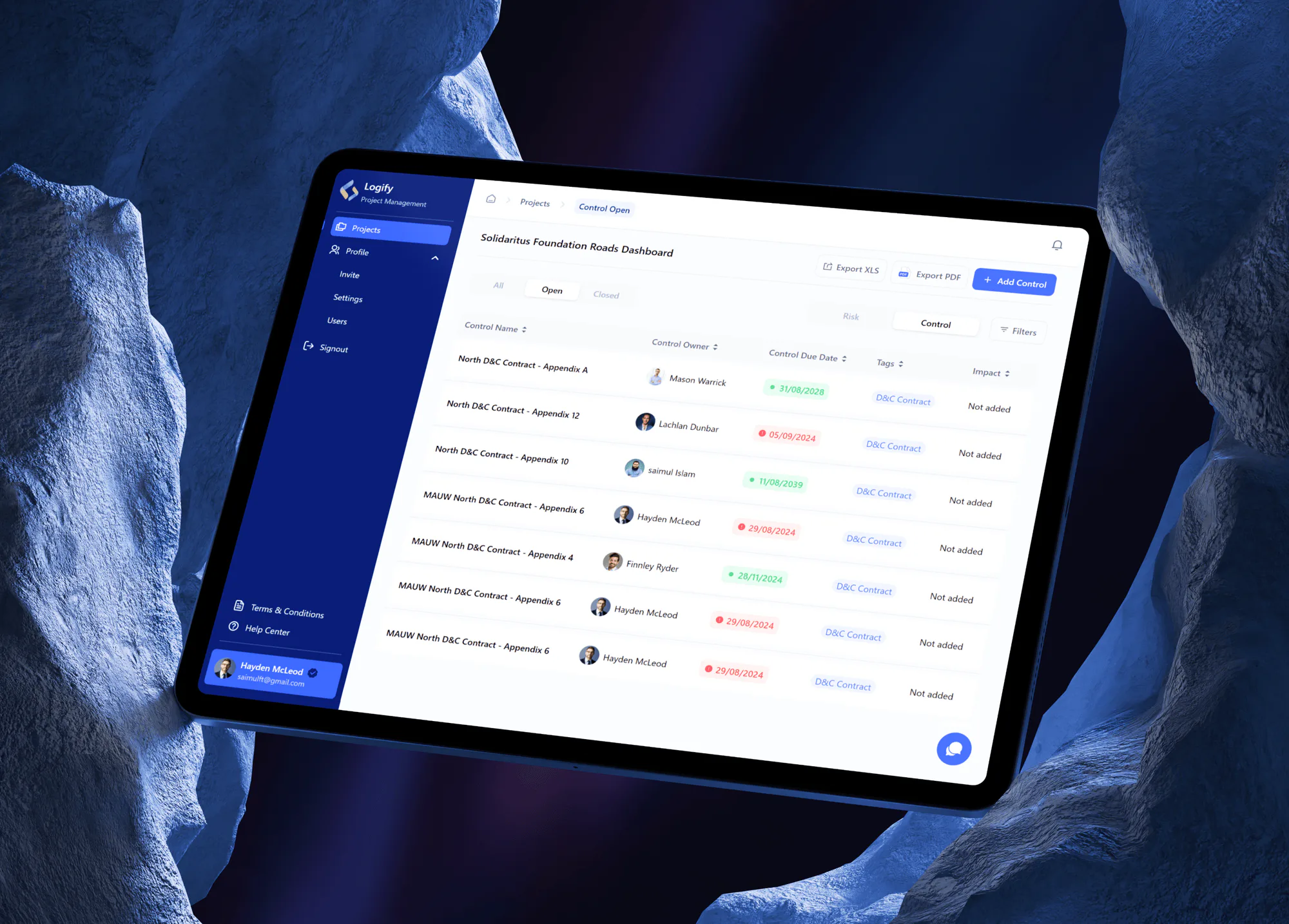
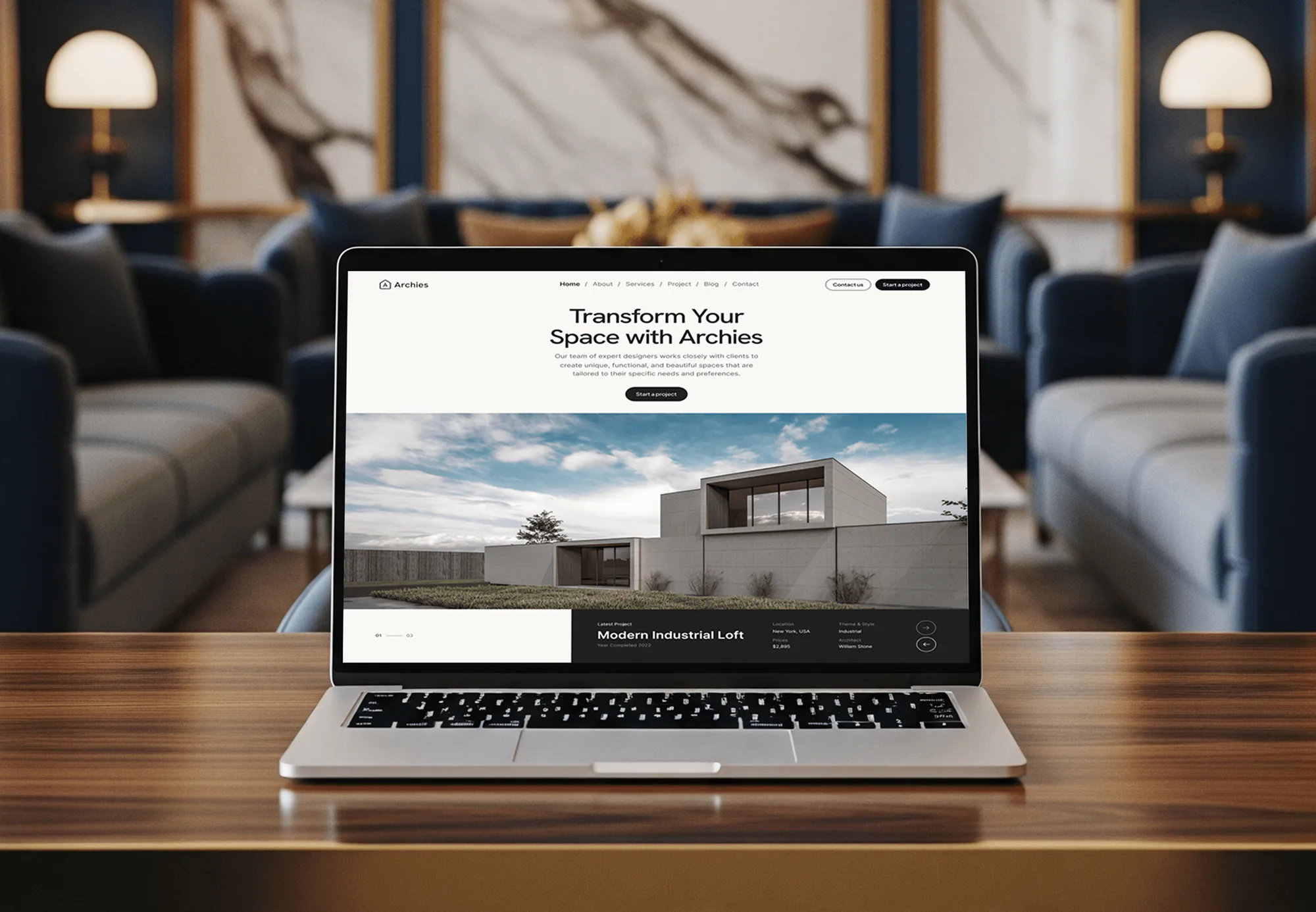
These construction, logistics, and architecture projects were websites and web apps we designed and built. They show how we handle project data; none was a security engagement.

What's Included
Payment fraud defenses, locked-down project and accounting logins, safer jobsite devices, closeout access rules, and answers for owner security questionnaires, sized to your office and active jobs.
Compare Options
Your IT provider and your project software vendor each handle part of security, and both are already in your budget. Here is where each one covers you and where payment fraud slips between them.
| Feature | DeveloperLookBest fit | IT provider | Software vendor |
|---|---|---|---|
| Planning | Free call, fixed written scope | Monthly contract, scope varies | Help articles and settings |
| Payment change fraud | Call-back procedure and approvals | Rarely part of IT scope | Not covered |
| Project platform users | Cleaned up at each closeout | Only when someone asks | Admin tools built in |
| MFA rollout | Email, project, and accounting | Email and PCs usually | Its own app only |
| Jobsite devices | Trailer laptops and tablets covered | Often their strongest area | Not covered |
| Owner questionnaires | Answered from real controls | Sometimes, if asked | Shares its own audit report |
| Cost | Fixed price from $700 | Ongoing monthly fee | Included in the license |
| Your records | Procedures and checklists stay yours | Kept in their ticket system | Vendor docs only |
What Our Clients Say
Feedback from teams we have built websites, web apps, and platforms for.
We had a pretty specific idea of what we wanted our website to become, but I wasn’t sure how easily we could explain all of it to a development team. There were quite a few moving parts, and we were working toward a deadline, so I expected a few things to get lost along the way. That never really happened. They understood what we were trying to achieve, kept us updated throughout the process, and got everything ready within the agreed timeline. The final site feels much easier to navigate, works beautifully on mobile, and is noticeably smoother for our customers. It was a huge relief seeing the original idea actually turn into the website we had in mind.
The mobile experience is probably my favourite part of the new site. We had spent a lot of time making sure the desktop version looked right, and the team kept pushing us to think about how everything would actually feel on a phone too. They were right. The navigation is clean, the interactions feel natural, and everything we’ve tested so far works exactly as it should. They also went through the links, forms, integrations, and other details more than once before launch, which I really appreciated. And even after going live, we could still reach out when something came up. The whole process felt friendly, organised, and surprisingly straightforward.
What I appreciate most is that the website is actually easy for us to manage now. We can update content ourselves instead of sending a developer a message every time we need to change something small. They also paid attention to the technical SEO side, which mattered to us because we didn’t want a new website to create problems for the traffic we already had. I’ve probably asked more questions than I should have since launch, but every question has been handled patiently and without any fuss. The team is easy to work with, they explain things clearly, and when we need something changed, they focus on getting it done rather than making the process complicated.
1,250+
Projects shipped
10+
Years of experience
5 stars
Clutch rating
5 stars
GoodFirms rating
Excellent
Trustpilot rating
Top 3%
Upwork Top Rated Plus
1,250+
Projects shipped
10+
Years of experience
5 stars
Clutch rating
5 stars
GoodFirms rating
Excellent
Trustpilot rating
Top 3%
Upwork Top Rated Plus

Want results like these?
Tell us what you are building. You get a reply within 24 hours on business days, then a written estimate.
Work Culture
We work around pay app deadlines, mobilizations, and crews who live on their phones. These habits keep security changes from slowing a pour, an inspection, or a closeout.
We avoid account changes in the week your pay applications and sub invoices go out. Billing keeps flowing while the work happens.
MFA reaches supers and foremen on the phones they already carry, with a 5-minute walkthrough by video. Nobody has to drive back to the office.
We explain each change in terms of jobs and payments, not jargon. If a cheaper fix exists in tools you own, you hear about it first.
You get one price for your people and offices before work starts. A new office added later gets its own quote up front.
We work alongside your IT company or office manager instead of replacing them. They keep running the PCs while we close the gaps around payments and projects.
Every procedure and checklist is written so you can attach it to an owner questionnaire or insurance renewal. The proof stays in your files.
Overview
DeveloperLook handles cybersecurity in construction for general contractors and specialty subs. We set a call-back rule for bank changes, put MFA on email, Procore, and accounting logins, clean up project users at closeout, and secure jobsite laptops. Fixed-price projects start at $700, most offices finish in 3 to 5 weeks, and every procedure stays yours.
DEVELOPERLOOK
Project facts · Construction Company Cybersecurity
Reviewed 27 Oct 2026 by Saimul Islam
Good fit
General contractors running several jobs
Your PMs run several active jobs in Procore, and nobody has removed the subs and consultants from projects that closed last year.
Specialty subs paid by pay app
Your company bills monthly pay apps to several GCs, and one spoofed email could send a retainage payment to the wrong account.
Contractors facing owner security clauses
Your new owner contract asks for MFA, training, and an incident plan, and you need construction cybersecurity compliance you can document.
Firms after a payment fraud scare
Your accounting team nearly paid a fake bank change last month, and you want a rule that stops the next one before it reaches the bank.
Agencies and IT providers for builders
Your agency or IT firm supports contractors and needs construction cyber security projects delivered under your brand.
Not a fit
Payment already sent
Money already went to a fraudster's account and you need help now. Business Email Compromise Response handles the urgent recovery steps first.
Defense work with DFARS
Your contracts carry DFARS 252.204-7012 or CMMC clauses for defense work. Our DFARS 252.204-7012 Compliance page covers those duties.
Plant control systems
You need security for control systems on a production line or plant floor. Our OT Security Services page covers that work instead.
Budget under $700
You run a small crew with one office laptop and want a checklist under $700. Cybersecurity Services for Small Business starts lower.
Not sure we're the right fit?
Book a free call or message us. We'll tell you honestly whether we're the right team.
Pricing
These are starting points in USD. Your final price depends on headcount, offices, and field devices, and you get a fixed proposal after a free contractor call.
For Agencies
You own the contractor relationship and the day-to-day support. We supply the security project behind it: payment controls, MFA rollout, closeout rules, and jobsite device baselines, delivered in your branding with you in front of the client.
White label: your client only ever sees your brand
Send headcount, offices, and the systems they run, and we scope it within 2 business days.
You get a fixed white-label price and one named engineer for the whole project.
We deliver the controls and procedures under your logo for you to present.
Send headcount, offices, and the systems they run, and we scope it within 2 business days.
You get a fixed white-label price and one named engineer for the whole project.
We deliver the controls and procedures under your logo for you to present.
The Right Technology for Your Project
These are the project, accounting, and identity tools that cybersecurity in construction industry firms depend on. We secure what your office and crews already use rather than adding software.
Sage 300 CREQuickBooksFAQ
Straight answers on contractor security cost, timing, payment fraud, owner clauses, and jobsite devices.
Saimul IslamFounder & CEO, DeveloperLookStill have questions?
Send a message or book a call with the team.
Our construction projects start at $700 for one office with up to 25 people. That covers the payment call-back rule, MFA on email, project, and accounting logins, project user cleanup, DMARC, and a jobsite device check. Up to 75 people costs $1,850, and contractors with up to 200 people and 3 offices start at $3,850.
One office takes 3 to 5 weeks. The payment path review fills the first week, then logins and devices roll out crew by crew around your billing dates. Firms with up to 3 offices take 6 to 9 weeks, mostly because field crews need time to switch to MFA without stopping work.
Three habits matter most: confirm payment changes by phone, end project access at closeout, and treat field devices like office PCs. Managers don't need to configure anything. They need to enforce the call-back rule, ask for access removal when a job closes, and report odd payment emails quickly so accounting can hold the money.
Because more of each job now runs online, cybersecurity in construction has more ground to cover. Pay apps, drawings, approvals, and sub payments move through email and cloud platforms on a predictable schedule, which suits payment fraud. Crews also use more phones, tablets, and hotspots in the field, often with shared logins that nobody reviews.
It means meeting the security terms set by your contracts, insurers, and any regulations that apply. For most commercial contractors that's owner clauses asking for MFA, training, and an incident plan, plus insurer questionnaires. Defense work adds DFARS and CMMC. We put the controls in place and help you answer each questionnaire truthfully.
Use a call-back rule: confirm every new payment instruction by phone, using a number already on file, before anyone pays it. Add a second approver for bank changes in your accounting system and tag emails from outside the company. DMARC on your own domain also makes it harder to send email that pretends to be you.
Yes, because those systems hold drawings, contracts, and payment data. Procore and Autodesk Construction Cloud both support single sign-on, so MFA can come from your Microsoft or Google account. Most construction accounting tools can use the same sign-in. We pick a method your crews will actually use on their phones.
We put each trailer laptop and tablet under a named login with disk encryption. Then we turn on automatic updates and enroll it in Microsoft Intune or your current device tool. Shared hotspot passwords get changed and stored in a password manager. A lost or stolen device can then be locked or wiped remotely.
It follows the money and the jobsite instead of the desk. Office IT keeps PCs and email running, while construction security also covers pay app fraud, subs on shared project platforms, and devices in trailers. We work alongside your IT provider so every gap ends up with a clear owner.
Your office manager or IT provider does, using the checklists we leave behind. The closeout access checklist runs at the end of each job, and the call-back rule needs no tools at all. For 30 days after handover we answer questions, and a yearly review is quoted separately if you want one.
Saimul IslamFounder & CEO, DeveloperLookStill have questions?
Send a message or book a call with the team.
Free 30-min callGoogle Meet
Book a call
In 30 minutes on Google Meet we walk you through how we would build it, how long it takes and what it costs. Then you get a written estimate.
Calendar not showing? Book on cal.com or send a brief.