
MFA for every person
A second sign-in step on email, files, payroll, and banking, set up with each person.

For owners of 5 to 50 person businesses with no IT staff: MFA, email spoofing protection, encrypted devices, and tested backups, set up in the tools you already use. From $550.
100%
Business accounts behind MFA
1list
Of fixes in priority order
How your project runs
Teams we have built for:














The Problem
The gap shows up when a customer pays a fake invoice, a laptop goes missing, or a former employee still has access months after leaving.
01 · Shared password
Everyone uses the same admin password for everything.
Each person gets their own login, and admin access sits in separate accounts.
02 · Old access
A former employee can still open the shared drive.
We remove old accounts and review who can reach each app and folder.
03 · Fake invoices
Customers receive fake invoices sent from your own domain.
SPF, DKIM, and DMARC tell inboxes to reject mail pretending to be you.
04 · Lost laptop
A stolen laptop means wondering what data walked out the door.
Laptops are encrypted and can be wiped remotely the same day.
Your business runs on email, a shared drive, a payments app, and a few laptops. Everyone knows the one admin password, and the former bookkeeper can still open the shared drive. Nobody turned on MFA because it seemed like a hassle. Then a customer gets an invoice from your email address with new bank details, and they pay it. You don't need an enterprise security program. You need the basics switched on, in the right order, by someone who has done it many times before.
We start with a free security check of the accounts, devices, and data you already have. Then we switch on the protections that stop the most common small business attacks: MFA everywhere, separate admin accounts, email spoofing protection, encrypted and updated devices, and backups we've restored once. Most of it uses features already in your Microsoft 365 or Google Workspace plan. You get a short list of what changed and what to do if something looks wrong, not a thick report nobody reads.
MFA on every account
Email, banking, payroll, and admin logins protected with a second step that fits your team.
Your domain protected from spoofing
SPF, DKIM, and DMARC set so fake invoices sent as you get rejected or flagged.
Backups restored once
Files and email backed up off site, with a test restore so you know recovery works.
Our Cybersecurity Services for Small Business Process
You approve the scope, pick the change days, and see each protection working before we hand over the summary sheet.
In a 30-minute call, we ask what you use for email, files, payments, and devices, and how many people need access. You get a written scope and a fixed price. If the free FTC and CISA guides cover a business your size, we'll tell you before we quote.
What's Included
Each plan switches on the basics in a fixed order: accounts, email, devices, backups, and a plain handover sheet, using the tools you already pay for.
Compare Options
A DIY checklist costs nothing but time, and a managed IT plan gives ongoing help desk support. Here is where each fits a small team.
| Feature | DeveloperLookBest fit | DIY checklist | Managed IT plan |
|---|---|---|---|
| Getting started | Free check, fixed scope | Free guides online | Onboarding call and contract |
| MFA rollout | Set up with each person | You set it up yourself | Included in most plans |
| Email spoofing | SPF, DKIM, and DMARC configured | Instructions to follow | Sometimes, on request |
| Devices | Encrypted, updated, and wipeable | Depends on your spare time | Managed every month |
| Backups | Set up and restored once | Often skipped | Usually included |
| Ongoing support | 30 days after handover | No ongoing support | Ongoing help desk |
| Ownership | Accounts and settings stay yours | Yours, if set up right | Often tied to their tools |
| Cost predictability | Fixed price from $550 | Free, plus your time | Monthly fee per user |
Projects We've Built
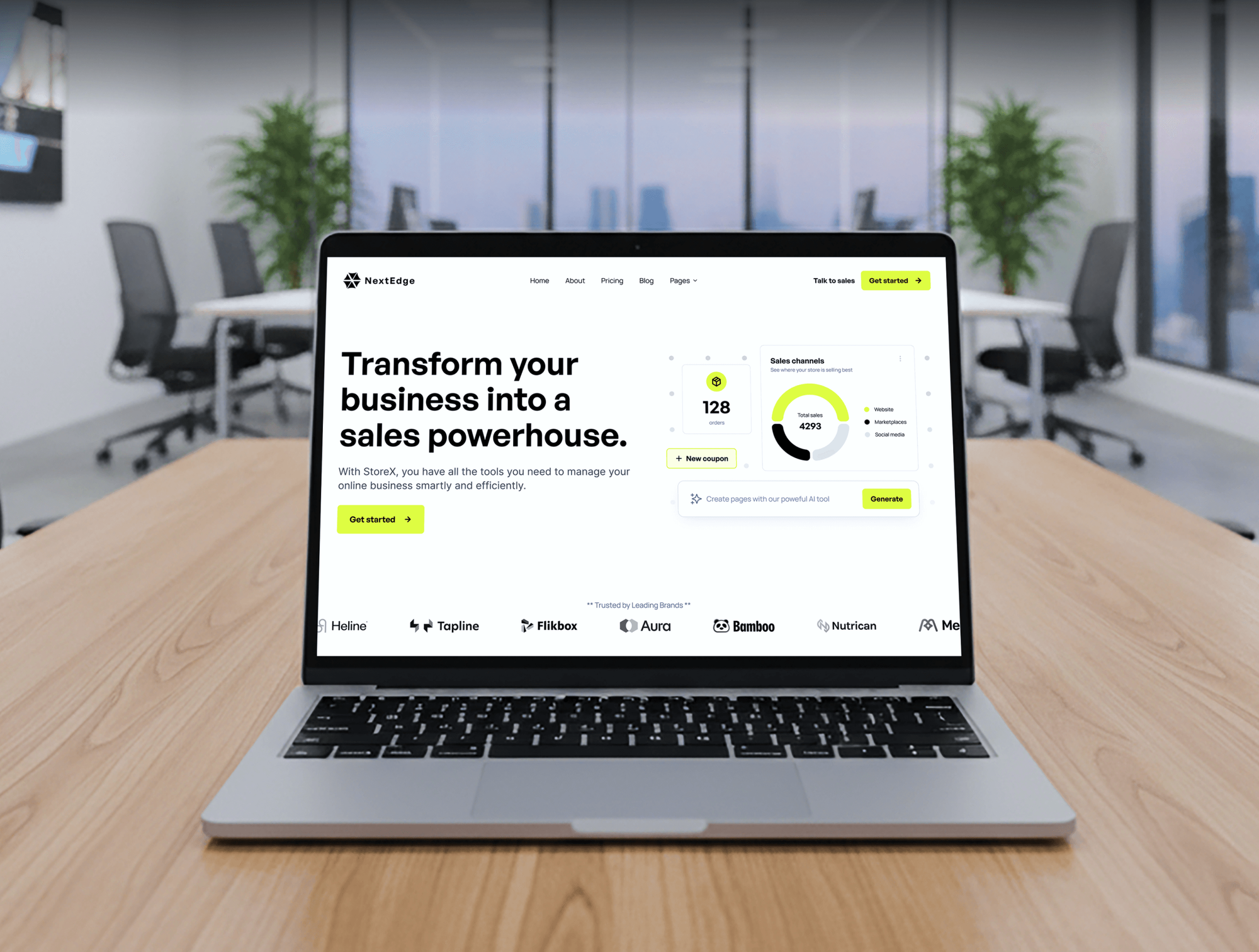
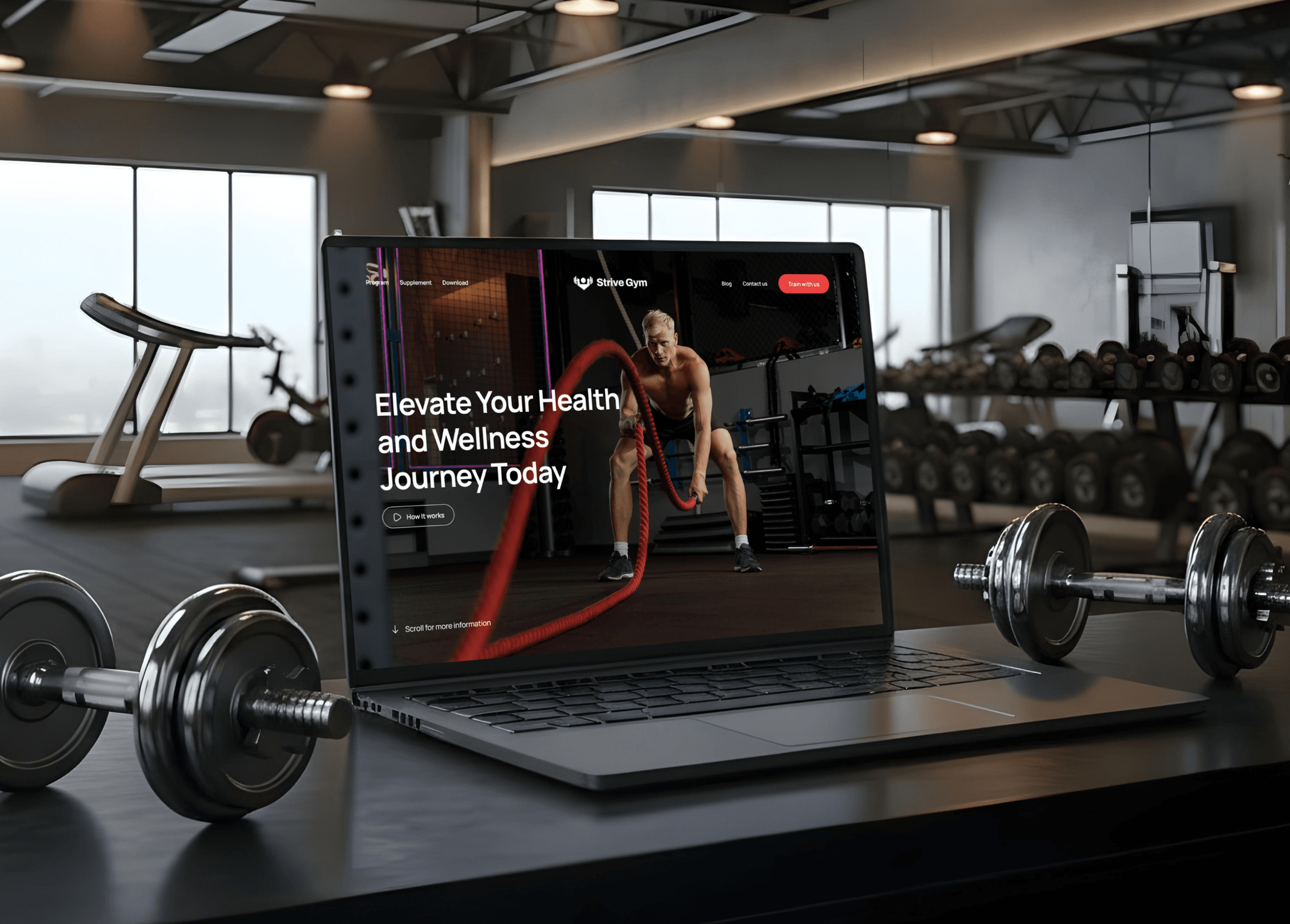
Websites and stores we designed and built for startups, shops, restaurants, and gyms. Businesses like these run on the accounts and devices this setup protects.


What Our Clients Say
Feedback from teams we have built apps, platforms, and websites for.
We had a pretty specific idea of what we wanted our website to become, but I wasn’t sure how easily we could explain all of it to a development team. There were quite a few moving parts, and we were working toward a deadline, so I expected a few things to get lost along the way. That never really happened. They understood what we were trying to achieve, kept us updated throughout the process, and got everything ready within the agreed timeline. The final site feels much easier to navigate, works beautifully on mobile, and is noticeably smoother for our customers. It was a huge relief seeing the original idea actually turn into the website we had in mind.
The mobile experience is probably my favourite part of the new site. We had spent a lot of time making sure the desktop version looked right, and the team kept pushing us to think about how everything would actually feel on a phone too. They were right. The navigation is clean, the interactions feel natural, and everything we’ve tested so far works exactly as it should. They also went through the links, forms, integrations, and other details more than once before launch, which I really appreciated. And even after going live, we could still reach out when something came up. The whole process felt friendly, organised, and surprisingly straightforward.
What I appreciate most is that the website is actually easy for us to manage now. We can update content ourselves instead of sending a developer a message every time we need to change something small. They also paid attention to the technical SEO side, which mattered to us because we didn’t want a new website to create problems for the traffic we already had. I’ve probably asked more questions than I should have since launch, but every question has been handled patiently and without any fuss. The team is easy to work with, they explain things clearly, and when we need something changed, they focus on getting it done rather than making the process complicated.
1,250+
Projects shipped
10+
Years of experience
Top 3%
Upwork Top Rated Plus
5 stars
Average review score

Want results like these?
Tell us what you are building. You get a reply within 24 hours on business days, then a written estimate.
Work Culture
Small business cyber security has to fit a busy week with no IT department. These habits keep it simple, cheap to run, and in your control.
Most small businesses already own the security features they need in Microsoft 365 or Google Workspace. We switch those on before suggesting any new purchase.
Accounts first, then email, devices, and backups. Doing the cheap, high-impact fixes first protects you within days instead of months.
We explain every change without jargon and tell you what staff will notice. Nobody gets locked out on a Monday because nobody warned them.
We walk each person through their new sign-in in a few minutes. People keep using MFA when the first experience is easy.
Admin accounts, recovery codes, and settings stay in your name, not ours. If you change providers later, nothing is held hostage.
Plans are priced by how many people need protecting. You know the full price before we start, and nothing renews automatically.
Overview
DeveloperLook provides cybersecurity services for small business teams of 5 to 50 people with no IT staff. We switch on MFA, clean up admin accounts, block email spoofing, secure devices, and set up tested backups in the Microsoft 365 or Google Workspace you already use. Projects start at $550 and take 3 days to 4 weeks.
DEVELOPERLOOK
Project facts · Cybersecurity Services for Small Business
Reviewed 23 Oct 2026 by Saimul Islam
Good fit
Owner-run firms with 5 to 15 staff
Your office manager also handles IT, everyone shares one admin password, and you want small business cybersecurity basics done properly once.
Shops and studios taking card payments
You take payments online and in store, a supplier's email was hijacked last month, and you want protection that needs no full-time IT person.
Growing teams on Microsoft 365
You pay for Microsoft 365 Business Premium but haven't switched on its security features, and staff still sign in with passwords alone.
Businesses answering a customer questionnaire
Your larger customer's questionnaire asks about MFA, backups, and training, and you need cybersecurity for small businesses that lets you answer honestly.
IT freelancers and MSPs serving SMBs
You support several small clients and want cybersecurity for SMB clients set up the same way every time, under your own brand.
Not a fit
Want ongoing monitoring
You want someone watching alerts and running your security tools every month. Our managed security services page covers that ongoing work.
Medical or dental practice
You run a medical practice and need HIPAA Security Rule safeguards in place. Our cybersecurity for medical practices page is built for that.
Over 50 people or servers
Your company has more than 50 people, servers on site, or several offices. Our cybersecurity services page starts with a full assessment instead.
Solo with one laptop
You're a one-person business with one laptop and one email account. The FTC's free guides for small businesses and MFA everywhere are enough to start.
Not sure we're the right fit?
Book a free call or message us. We'll tell you honestly whether we're the right team.
Pricing
These are starting points in USD. Your final price depends on headcount, devices, and how many apps hold your data, and you get a fixed proposal after a free security check.
For businesses with up to 10 people that need the essentials switched on first.
$550one-time, USD
For teams of up to 25 people who use laptops and phones for work every day.
$1,350one-time, USD
For businesses of up to 50 people that handle customer or payment data.
$2,750one-time, USD
For Agencies
You own the small business client. We supply the security setup under your brand: MFA, email protection, devices, and backups, done the same way every time. Your clients get the basics switched on without you building a security practice.
White label: your client only ever sees your brand
Share each client's headcount, email platform, and the devices they use.
You get a fixed price per client and a schedule to approve.
We switch on the protections and hand your help desk the notes.
We work under your brand and stay out of client calls unless invited.
A repeatable checklist so each client gets identical, documented protections.
Most basics setups finish within a week of the client's approval.
Your help desk gets the notes it needs to support each client afterward.
The Right Technology for Your Project
These are the tools small businesses already have or can add cheaply. We use built-in features first and add a new tool only when a gap needs one.
FAQ
Straight answers on cost, timing, where to start, how to choose a provider, and what happens after setup.
Saimul IslamFounder & CEO, DeveloperLookStill have questions?
Send a message or book a call with the team.
Small business cybersecurity starts at $550 with DeveloperLook, covering MFA, admin cleanup, and email spoofing protection for up to 10 people. Adding devices, a password manager, and tested backups for up to 25 people is $1,350. Businesses of up to 50 people with staff training and response steps start at $2,750, all one-time prices.
The basics take 3 to 5 business days, and the full setup takes 2 to 4 weeks. Most of that time goes to scheduling sign-in changes with your team, not technical work. We plan each change for a quiet day, so nobody loses access in the middle of a busy morning.
The best entry-level step is MFA on every account, starting with email, banking, and payroll. After that come separate admin accounts, email spoofing protection, automatic updates, and tested backups. These basics cost little because most come with Microsoft 365 or Google Workspace, and they block common attacks such as stolen passwords and fake invoices.
The easiest solution is to switch on what you already pay for. Microsoft 365 Business Premium and Google Workspace include MFA, device management, and email protection, but much of it needs setting up before it protects you. A one-time setup turns it on in days, and your team keeps working in the same apps.
The best services cover four areas in order: accounts, email, devices, and backups. Look for a provider that sets things up with your staff, documents every change, and leaves the admin keys with you. Monitoring and training come once the basics are solid, and our managed security services page covers that ongoing work.
The best cyber security for small business owners comes from companies sized for them. That means fixed prices, plain explanations, and setups built on tools you already own. Be wary of anyone selling a large platform before checking your MFA and backups. We're happy to be compared, and we'll point you to a cheaper option when it fits better.
Choose one that gives a fixed price before work starts, explains changes in plain English, and leaves every admin account in your name. Ask what happens after handover and whether they test backups by restoring them. A reliable provider also tells you when a free guide or your current IT person can cover the job.
Yes. Both include most of what a small business needs: MFA, email filtering, and device management on the right plans. We check your current plan first. If a feature needs an upgrade, such as Microsoft 365 Business Premium for Intune, we tell you the cost before you decide. Many teams need no new software at all.
The setup is one-time, and the upkeep is ongoing. Once MFA, email protection, devices, and backups are in place, someone still needs to remove leavers, review alerts, and check backups each month. Many owners handle that with our handover sheet, while others move to a monthly managed service later.
You get 30 days of support after handover for questions, sign-in problems, and small adjustments. You also keep a one-page summary of every change and a ranked list of next fixes. If you later want ongoing help, we can quote a monthly plan, but nothing renews automatically.
Saimul IslamFounder & CEO, DeveloperLookStill have questions?
Send a message or book a call with the team.
Free 30-min callGoogle Meet
Book a call
In 30 minutes on Google Meet we walk you through how we would build it, how long it takes and what it costs. Then you get a written estimate.
Calendar not showing? Book on cal.com or send a brief.