
Homeowner login and home screen
Passwordless login by email link, opening on the current phase, the next visit, and anything waiting on your client.

Contractor portal development for remodelers and builders: schedules, job photos, e-signed change orders, and milestone payments. From $1,400. Free review.
1login
For schedule, photos, and documents
100%
Change orders signed online
How your project runs
Teams we have built for:














The Problem
Your remodels and builds run for weeks. Your clients want to know who's coming, what changed, and what they owe, and right now your phone is the only way to ask.
01 · Status calls
Your client calls three times a day to ask about the crew.
Clients see phase dates and the crew arrival window when they log in.
02 · Scrolling texts
Your project manager scrolls old texts for photos from a truck.
Crews upload dated job photos, and clients see them the same day.
03 · Disputed changes
At the final invoice, the client disputes a change made by text.
Change orders go out for e-signature before your crew starts.
04 · Payment timing
Progress payments get requested by text whenever someone remembers.
Payments follow the milestones in your contract and sync with your books.
Week three of a kitchen remodel. Your client calls at 8 a.m. to ask if the crew is coming. They call again at noon about the tile, and at 4 p.m. about a change someone mentioned by text. Your project manager answers from a truck, scrolls old texts for photos, and forgets to log the approved change. At the final invoice, your client says they didn't agree to it. Now you're arguing instead of building.
We start with the questions your office answers most, then give each of your clients a login that answers them. The portal shows phase dates, the crew arrival window, and dated photos your team uploads from the job. Change orders go out for e-signature before your crew starts, and payments follow the milestones in your contract. Your phone rings less because the answer is already on theirs.
Schedule and crew in view
Your clients see this week's phase, the next milestone, and when the crew is due.
Photos without the texting
Your crews upload dated job photos from the site, and clients see them the same day.
Changes signed before work
Every change order gets an e-signature and a price before your crew picks up a tool.
Our Contractor Portal Build Process
You approve the screens homeowners see, the updates your crew posts, and the payment rules. We test the portal with one real project before inviting every client.
We list the questions your clients call about and walk through one of your recent projects from contract to final payment. You get a screen list, the integrations needed, and a fixed price.
What's Included
Names vary by trade. Whether you call it a contractors portal or a contractor client hub, every plan covers logins, schedules, photos, documents, and change order sign-off. Larger plans add payments and sync.
Compare Options
A client portal for contractors can be bought or built. The portal in Jobber or Housecall Pro comes with your plan, and construction suites cover a lot out of the box.
| Feature | DeveloperLookBest fit | Field software portal | Construction suite |
|---|---|---|---|
| Upfront cost | Fixed, from $1,400 | Included in your plan | Monthly subscription |
| Built around | Multi-week projects | Visits, quotes, invoices | Full project management |
| Schedule view | Phases and arrival windows | Upcoming visits | Detailed schedules |
| Job photos | Grouped by phase | Varies by tool | Built in |
| Change orders | E-signature with price impact | Quote approvals only | Built in |
| Branding | Fully yours | Their layout, your logo | Their layout |
| Setup time | 4 to 12 weeks | Same day | Weeks of onboarding |
| Data ownership | Your database and code | Inside the vendor account | In the vendor's system |
Projects We've Built
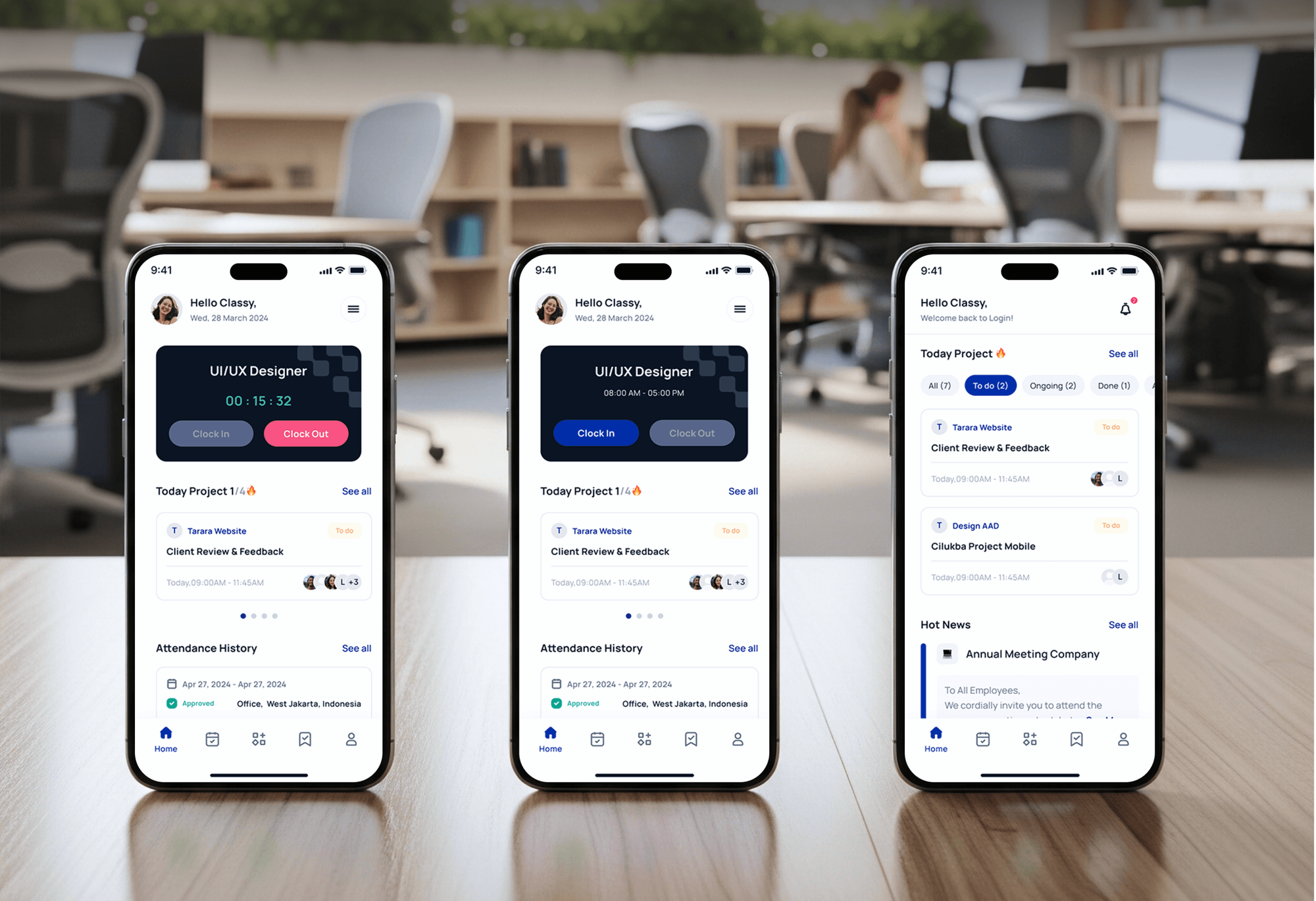
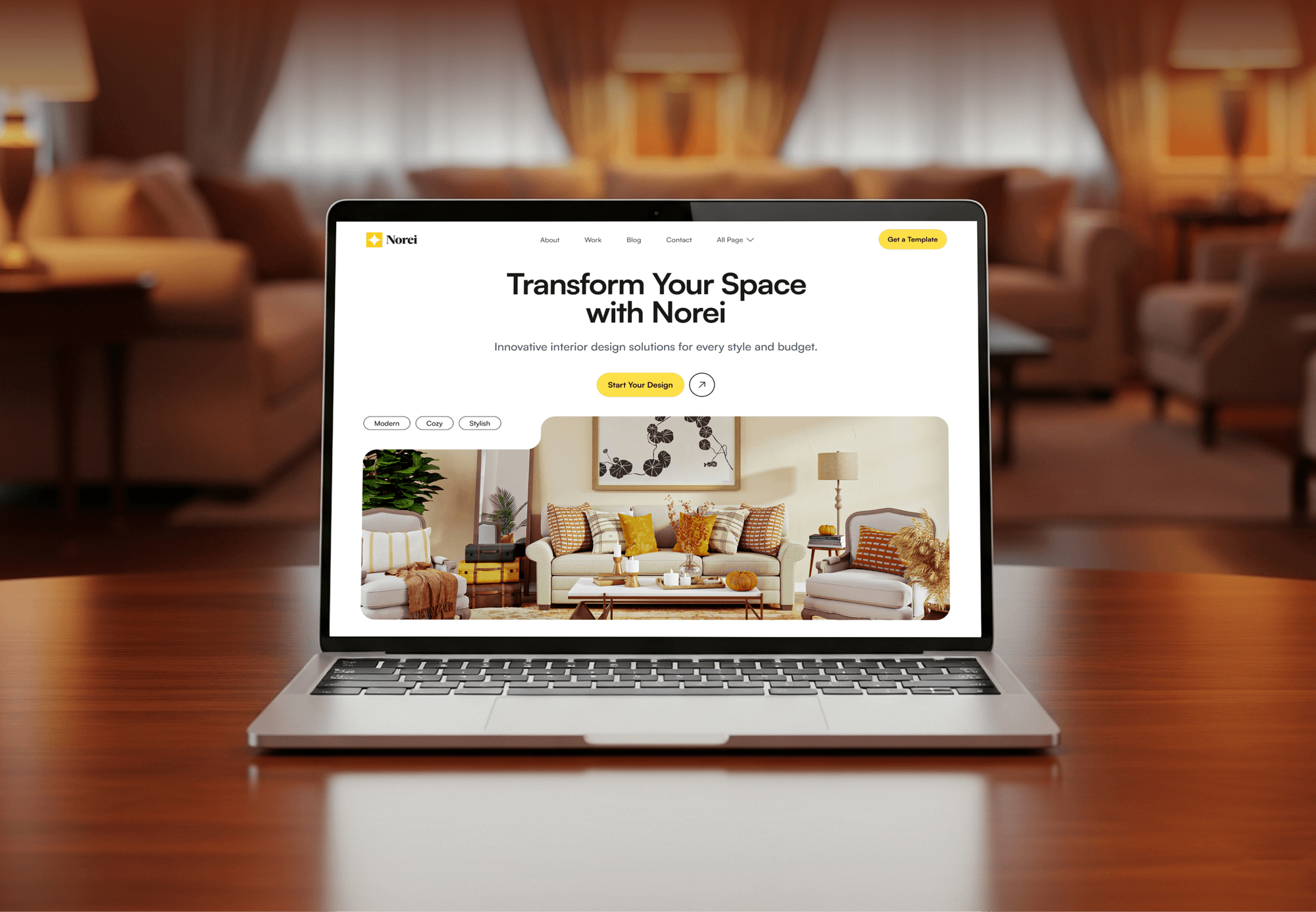
A construction company website, a staffing app with user logins, a finance SaaS dashboard, and an architecture site: the login, dashboard, and project work a portal needs.


What Our Clients Say
Feedback from teams we have built portals, dashboards, and web apps for.
We had a pretty specific idea of what we wanted our website to become, but I wasn’t sure how easily we could explain all of it to a development team. There were quite a few moving parts, and we were working toward a deadline, so I expected a few things to get lost along the way. That never really happened. They understood what we were trying to achieve, kept us updated throughout the process, and got everything ready within the agreed timeline. The final site feels much easier to navigate, works beautifully on mobile, and is noticeably smoother for our customers. It was a huge relief seeing the original idea actually turn into the website we had in mind.
The mobile experience is probably my favourite part of the new site. We had spent a lot of time making sure the desktop version looked right, and the team kept pushing us to think about how everything would actually feel on a phone too. They were right. The navigation is clean, the interactions feel natural, and everything we’ve tested so far works exactly as it should. They also went through the links, forms, integrations, and other details more than once before launch, which I really appreciated. And even after going live, we could still reach out when something came up. The whole process felt friendly, organised, and surprisingly straightforward.
What I appreciate most is that the website is actually easy for us to manage now. We can update content ourselves instead of sending a developer a message every time we need to change something small. They also paid attention to the technical SEO side, which mattered to us because we didn’t want a new website to create problems for the traffic we already had. I’ve probably asked more questions than I should have since launch, but every question has been handled patiently and without any fuss. The team is easy to work with, they explain things clearly, and when we need something changed, they focus on getting it done rather than making the process complicated.
1,250+
Projects shipped
10+
Years of experience
Top 3%
Upwork Top Rated Plus
5 stars
Average review score

Want results like these?
Tell us what you are building. You get a reply within 24 hours on business days, then a written estimate.
Work Culture
A contractor portal speaks to your clients for you, so it has to be accurate and easy. These habits keep homeowners informed and your office off the phone.
We design screens around the questions your office answers every week. If nobody asks about something, it stays off the home screen.
Every portal runs with one of your real homeowners before the rest get invites. Their confusion becomes our fix list, not your support calls.
Your crew's uploads are compressed and tagged by phase, so they load fast on mobile data. Your clients see progress, not a loading spinner.
No change order goes live without a price and a signature. Your final invoice has the paper trail to back it up.
The portal database, files, and payment accounts sit in your name. If you switch developers, your client history goes with you.
You get a fixed price after the free project review, tied to the screens we agreed on. New ideas become a quote, not a surprise.
Overview
DeveloperLook builds a contractor portal for remodelers, builders, and concrete crews whose clients keep calling for updates. Homeowners log in to see phase dates, crew arrival notes, daily photos, change orders to sign, and milestone payments synced with QuickBooks. Portals start at $1,400 and launch in 4 to 12 weeks.
DEVELOPERLOOK
Project facts · Contractor Client Portal Development
Reviewed 28 Sep 2026 by Saimul Islam
Good fit
Remodelers on multi-week jobs
Your kitchen and bath remodels run for weeks, and each homeowner calls several times a week to ask what's happening.
Concrete contractors juggling pours
Your pour dates move with the weather, and a concrete contractor client portal would spare you a call from every client after a rain delay.
Builders billing by milestone
You bill in milestones, and clients question what's done because the proof sits in your project manager's phone.
Firms with out-of-town owners
Your clients are investors or owners who live elsewhere, so photos and progress notes are how they judge your work.
Contractors on Jobber or Housecall Pro
Your field software handles visits and invoices, but long projects need a customer project tracking portal on top of it.
Not a fit
Short service jobs
Your jobs finish in a day or two, like repairs and service calls. Jobber Website Integration Services can set up its client hub instead.
Client financing needed
Your clients need monthly payments to afford the project itself. Contractor Customer Financing Integration is the page for that.
All-in-one construction suite
You want estimating, bidding, and accounting in one construction suite. A dedicated suite fits better than a custom portal.
A handful of projects
Your budget is under $1,400, or you run only a handful of projects a year. A shared folder and a weekly email may do for now.
Not sure we're the right fit?
Book a free call or message us. We'll tell you honestly whether we're the right team.
Pricing
These are starting points in USD. Your final price depends on screens and roles, payment rules, and integrations, and you get a fixed proposal after a free project review.
For remodelers who want clients checking schedules, photos, and change orders instead of calling.
$1,400one-time, USD
For builders who bill by milestone and want selections, payments, and books in one place.
$3,800one-time, USD
For firms running many projects that want the portal tied to their field software and crews.
$7,400one-time, USD
For Agencies
You own the client relationship. We build the portal behind your contractor clients' brands, from homeowner screens to QuickBooks sync. Your agency keeps the retainer and the relationship, and we stay in the background.
White label: your client only ever sees your brand
Send the trade, project types, client questions, and tools they already use.
We map the screens and roles and send a fixed price and timeline.
We pilot with one project under your brand, then invite every client.
Portals carry your client's brand, and we stay behind your agency.
Each new portal starts from tested screens, not a blank page.
Senior developers handle logins, payments, and data security.
Take on portal projects without hiring a web app team.
The Right Technology for Your Project
We build portals as fast web apps that work on any phone, with payments, e-signatures, and accounting sync from proven services.
 Next.js
 React
React Node.js
 PostgreSQL
 Stripe
 QuickBooks
 Zapier
 Twilio
 Vercel
 Cloudflare
FAQ
Straight answers on cost, timelines, features, logins, payments, and mobile access for contractor portals.
Saimul IslamFounder & CEO, DeveloperLookStill have questions?
Send a message or book a call with the team.
Custom portal builds start at $1,400 for homeowner logins, schedules, photos, documents, and change order sign-off. Portals with milestone payments, selections, and QuickBooks sync start at $3,800, and portals tied into your field software start at $7,400. Your price is fixed after a free project review.
A contractor portal takes 4 to 12 weeks to build. Update portals take 4 to 5 weeks, payment portals 7 to 9 weeks, and integrated portals 10 to 12 weeks, including a pilot with one live project. The pilot is the step owners want to skip, so we build it into every plan.
It should include a phase schedule, dated photos, documents, change orders with e-signatures, and milestone payments. Messages per project and notifications come next. We start from the questions your clients ask most, and anything they don't use gets cut before launch, so the home screen stays simple.
It answers the question before the phone rings. Homeowners see today's arrival window and crew notes, and a text links them to the update when plans change. Texts go only to clients who opt in. Your office stops relaying messages from the truck, because the crew posts once.
Yes, your clients see progress as soon as your team posts it. Phase dates update from the office dashboard, and your crews upload photos from their phones on site, tagged by phase. We compress images so a homeowner on mobile data sees today's photos quickly, not a spinning wheel.
Each change order shows the scope, price, and schedule impact, and your client signs it online before work starts. Signed contracts and changes are stored with a timestamp. Milestone invoices go out for card or bank payment through Stripe, and the records sync to QuickBooks Online.
Yes, QuickBooks Online syncs your invoices and payments through Intuit's API, which allows 500 requests a minute per company. Field software connects through each vendor's allowed path: Jobber's GraphQL API, Housecall Pro's API on its MAX plan, or ServiceTitan's approved app route. We sync only what the portal needs.
Yes, the portal is a web app that works in any phone browser, so nobody installs anything. Homeowners can add it to their home screen like an app. We test on older phones and slow connections, and we build to WCAG 2.2 AA so larger text and screen readers work.
Your homeowners log in with a link sent to their email, so there's no password to forget. Links expire, sessions time out on shared devices, and each homeowner sees only their own projects. Your office can resend a link or remove access from the dashboard in one click.
You own both. The code sits in your repository, the database and files live in your cloud accounts, and Stripe and QuickBooks stay in your name. We fix issues during your 30, 60, or 90 day support window, and a care plan can add new screens later.
Saimul IslamFounder & CEO, DeveloperLookStill have questions?
Send a message or book a call with the team.
Free 30-min callGoogle Meet
Book a call
In 30 minutes on Google Meet we walk you through how we would build it, how long it takes and what it costs. Then you get a written estimate.
Calendar not showing? Book on cal.com or send a brief.