
A CRM compared for advisors
Redtail, Wealthbox, and Salesforce Financial Services Cloud weighed on integrations, workflows, and per-user cost.

For advisors running reviews from sticky notes and spreadsheets: every household, meeting, and follow-up in one CRM your compliance team can sign off on.
5+ hrs
Saved on review prep weekly
100%
Households on a review schedule
How your project runs
Teams we have built for:














The Problem
It shows up as your book grows. Annual reviews, RMD deadlines, and life events pile up faster than one assistant can track by hand.
01 · Scattered data
Review prep means pulling from the custodian, eMoney, and Word files.
Each household record shows accounts, plan status, and last meeting notes in one place.
02 · Missed deadlines
RMD dates and unsigned forms depend on someone's memory.
Workflows create tasks ahead of RMD dates, birthdays, and missing signatures.
03 · Off-channel texts
Client texts land on personal phones compliance can't see.
Texting runs only through a number your archiving tool captures.
04 · Silent prospects
Seminar prospects wait weeks for a follow-up call.
A prospect pipeline with approved drips moves each one toward a first meeting.
Your 10 a.m. review is with a couple you've served for eight years. Before it, your assistant pulls balances from the custodian portal, last year's notes from a Word file, and the plan from eMoney. Nobody remembers that their daughter started college or that a beneficiary form is still unsigned. Meanwhile, three prospects from last month's seminar haven't heard back. A client texted a question to your personal phone, and now compliance wants to know where that message is stored.
We start by mapping how your practice runs: households, review cycles, onboarding steps, and what compliance needs kept. Then we set up the CRM that fits, import your households, and build workflows that prep each review and flag RMD dates and unsigned forms. Planning and custodian data link in where your vendors allow it. Reviews start from a prepared record, not a scavenger hunt.
Households, not loose contacts
Spouses, children, trusts, and accounts linked, so you see the whole relationship at once.
Reviews that prep themselves
Annual reviews, RMD reminders, and unsigned forms become tasks with the data you need attached.
Built with compliance in view
Access by role, texting only where archiving captures it, and campaigns your compliance officer approves.
Our Advisor CRM Setup Process
You approve the CRM choice, the household structure, and every automated message, and your compliance team reviews workflows before launch.
We look at how you run reviews, onboard clients, and follow up with prospects, and what your compliance team requires. You get a short written plan. If the CRM bundled with your broker-dealer covers you, we'll say so before we quote.
What's Included
Every plan includes a CRM choice, household setup, and review workflows. Higher plans add onboarding automation, planning tool links, custodian data, and migration from another CRM.
Compare Options
Many broker-dealers bundle a CRM, and advisor CRM vendors offer onboarding. Both suit some practices. Here's where each one stops.
| Feature | DeveloperLookBest fit | Broker-dealer CRM | Vendor onboarding |
|---|---|---|---|
| CRM choice | Compared against your practice | Set by the broker-dealer | Their own product |
| Household design | Built around your clients | Standard template | Best-practice template |
| Workflows | Built and tested for you | Basic tasks | Shown, then you build them |
| Planning and custodian links | Set up where vendors allow | Limited to their partners | Listed, you connect them |
| Compliance review | Built for your sign-off | Handled by the broker-dealer | Up to you |
| Portability | Your firm's account | May stay if you leave | Your account |
| Cost to start | From $1,200, fixed scope | Often included | Included or low cost |
| Speed to start | 2 to 3 weeks | Login on day one | Self-paced |
Projects We've Built
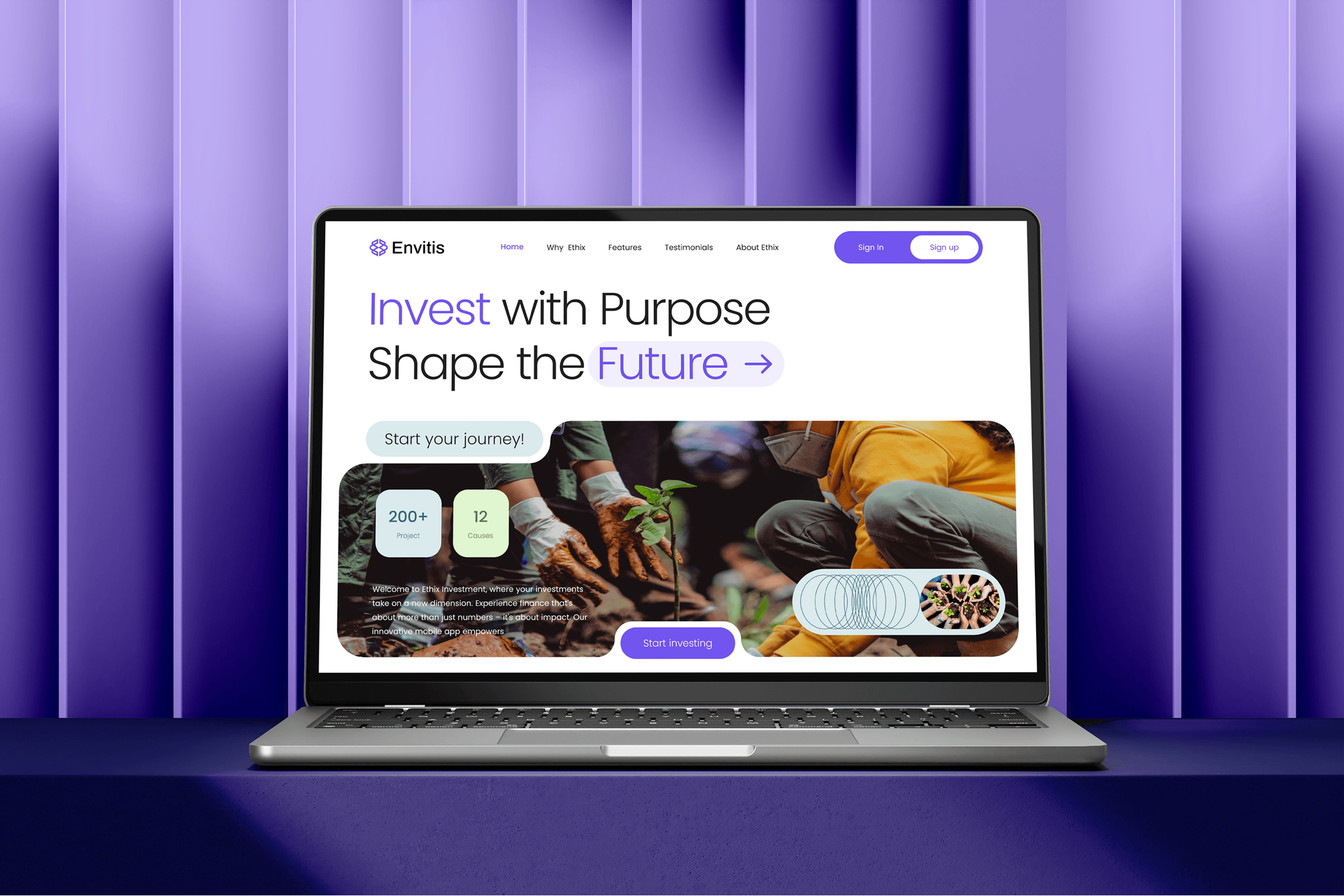
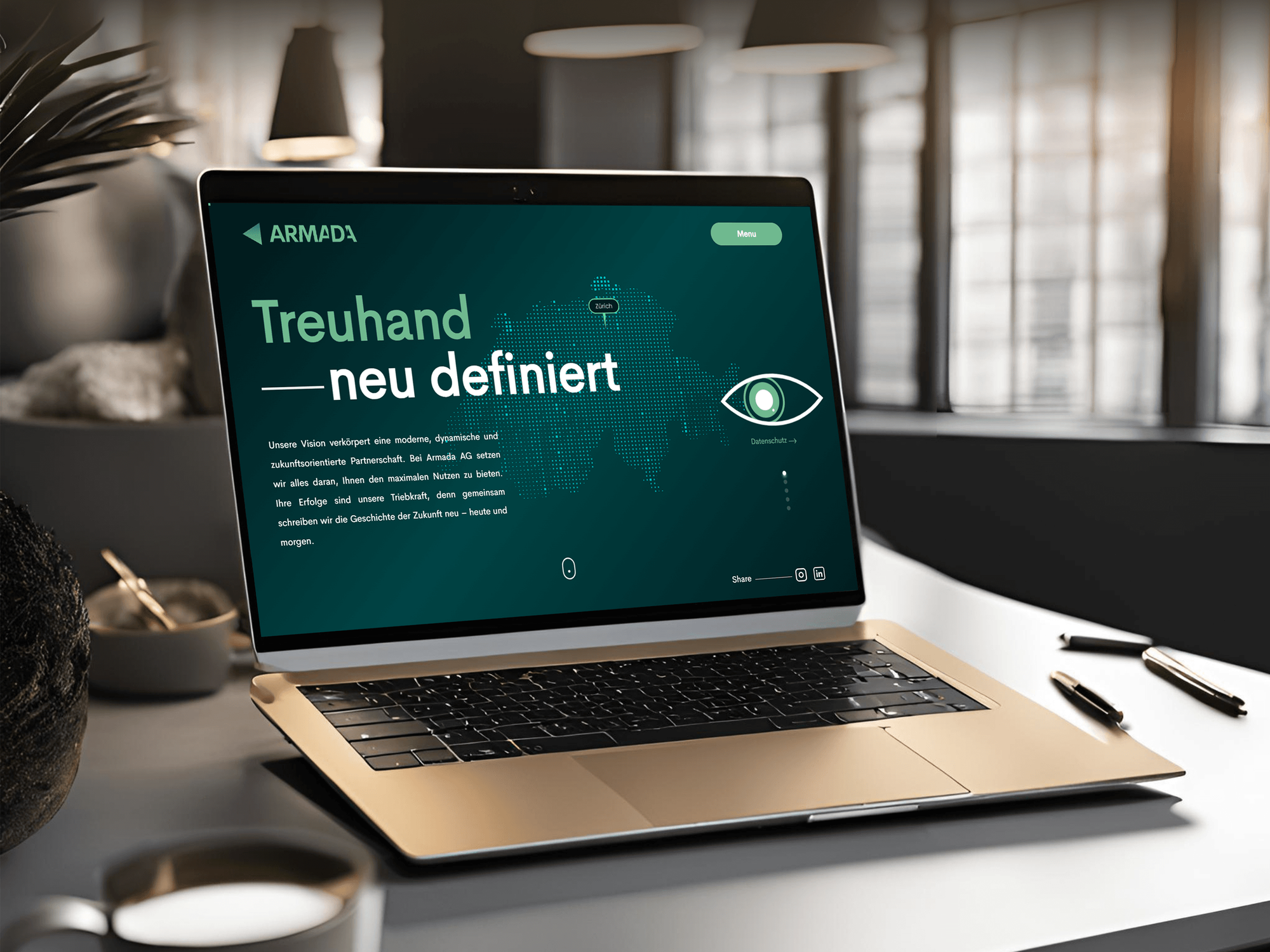
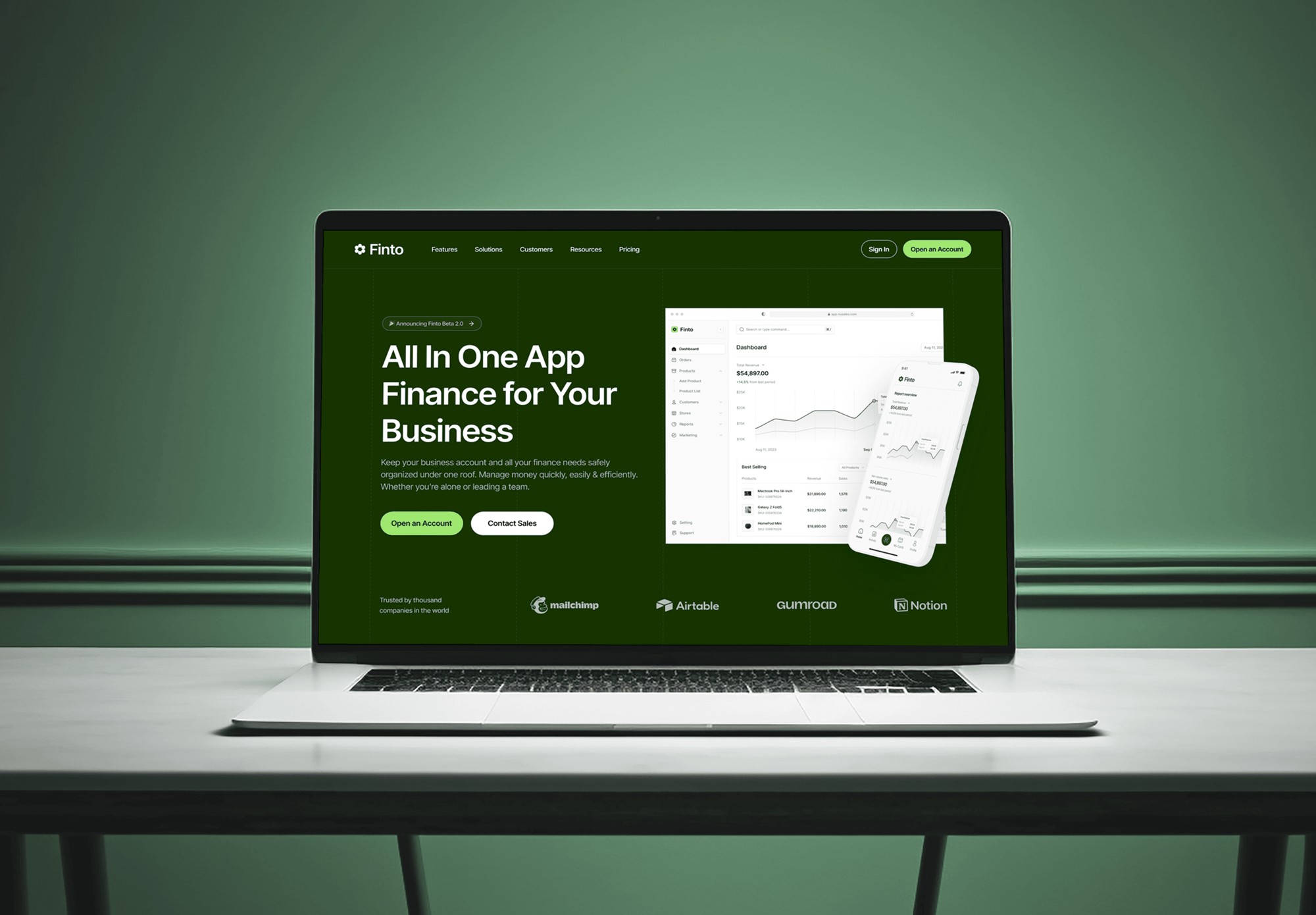
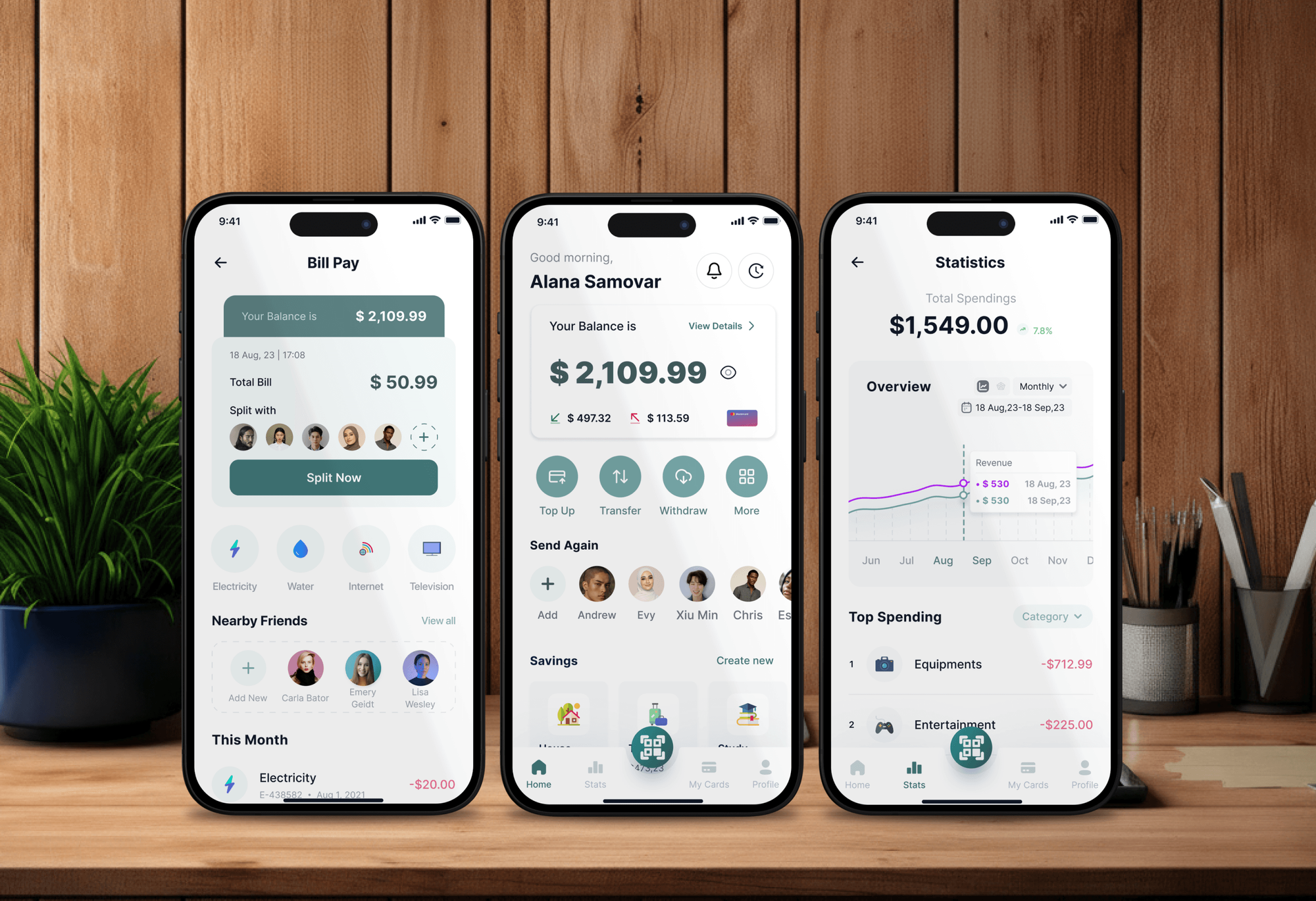
Investment, fintech, and advisory websites and apps our team built, where client trust and clear records mattered from the first screen.
What Our Clients Say
Feedback from teams we have built websites, dashboards, and integrations for.
We had a pretty specific idea of what we wanted our website to become, but I wasn’t sure how easily we could explain all of it to a development team. There were quite a few moving parts, and we were working toward a deadline, so I expected a few things to get lost along the way. That never really happened. They understood what we were trying to achieve, kept us updated throughout the process, and got everything ready within the agreed timeline. The final site feels much easier to navigate, works beautifully on mobile, and is noticeably smoother for our customers. It was a huge relief seeing the original idea actually turn into the website we had in mind.
The mobile experience is probably my favourite part of the new site. We had spent a lot of time making sure the desktop version looked right, and the team kept pushing us to think about how everything would actually feel on a phone too. They were right. The navigation is clean, the interactions feel natural, and everything we’ve tested so far works exactly as it should. They also went through the links, forms, integrations, and other details more than once before launch, which I really appreciated. And even after going live, we could still reach out when something came up. The whole process felt friendly, organised, and surprisingly straightforward.
What I appreciate most is that the website is actually easy for us to manage now. We can update content ourselves instead of sending a developer a message every time we need to change something small. They also paid attention to the technical SEO side, which mattered to us because we didn’t want a new website to create problems for the traffic we already had. I’ve probably asked more questions than I should have since launch, but every question has been handled patiently and without any fuss. The team is easy to work with, they explain things clearly, and when we need something changed, they focus on getting it done rather than making the process complicated.
1,250+
Projects shipped
10+
Years of experience
Top 3%
Upwork Top Rated Plus
5 stars
Average review score

Want results like these?
Tell us what you are building. You get a reply within 24 hours on business days, then a written estimate.
Work Culture
Advisors work under strict recordkeeping and privacy rules. These habits keep your CRM useful to advisors and acceptable to compliance.
Your compliance team reviews every drip, review request, and texting setup before launch. We'd rather wait a week than switch on a message that breaks the Marketing Rule.
We switch on CRM texting only where your archiving vendor captures the messages. Regulators expect business texts to be kept, whatever app sent them.
Staff and advisors see only the households they serve. Tight permissions protect client data under Regulation S-P and limit the damage from any lost login.
If the CRM your broker-dealer provides covers your needs, we set that up instead. You pay us only for what it can't do.
Households, notes, and history live in your firm's account. If you change broker-dealers or custodians, your client records stay with you.
We keep meeting note templates short, with only the fields reviews need. Long forms get skipped, and skipped notes leave gaps in your books and records.
Overview
DeveloperLook sets up a CRM for financial advisors, RIAs, and wealth teams. We compare Redtail, Wealthbox, and Salesforce Financial Services Cloud, build households and review workflows, and connect planning tools with access rules your compliance team approves. Setups start at $1,200 and take 2 to 8 weeks, in your firm's account.
DEVELOPERLOOK
Project facts · CRM for Financial Advisors
Reviewed 7 Oct 2026 by Saimul Islam
Good fit
Solo advisors outgrowing spreadsheets
You track your households in Excel and Outlook, and review prep eats your Monday. You want financial advisor CRM software that does the prep for you.
RIAs leaving a bundled CRM
Your firm is leaving its broker-dealer to go independent, and the bundled CRM stays behind. You need a new one before clients notice.
Wealth teams with several advisors
Your team shares households across advisors and an operations person, and nobody knows who called whom. You want roles, routing, and one shared record.
Planners wanting automation
You want financial advisor CRM automation for onboarding and review reminders, so your assistant stops rebuilding the same checklist every month.
Agencies marketing to advisors
You run marketing for advisory firms and need the CRM side built and documented, so compliance signs off on every campaign.
Not a fit
Website or SEO first
Your real gap is a site that attracts clients or ranks locally. Our Financial Advisor Website Design and Financial Advisor SEO services start there.
Insurance agency CRM
You mainly sell insurance policies and need renewals and quotes tracked. Our Insurance CRM Setup for Agents and Agencies fits better.
Budget under $1,200
Your budget is under $1,200, or you're a solo advisor happy with the CRM your broker-dealer bundles. Its built-in setup is enough for now.
Legal or compliance advice
You need someone to tell you what the SEC or FINRA requires. That's for your compliance consultant or counsel, and we build to their decisions.
Not sure we're the right fit?
Book a free call or message us. We'll tell you honestly whether we're the right team.
Pricing
These are starting points in USD. Your price depends on household count, integrations, and any migration, and you get a fixed proposal after a free review.
For solo advisors and small RIAs moving onto their first real advisor CRM.
$1,200one-time, USD
For growing practices that want onboarding, reviews, and prospects run by workflow.
$2,900one-time, USD
For multi-advisor firms linking custodian data, planning, and reporting to one CRM.
$5,800one-time, USD
For Agencies
You own the client relationship. We supply the CRM work for your advisory clients: households, review workflows, and prospect pipelines built for compliance sign-off. It's delivered under your brand, in accounts the firm owns.
White label: your client only ever sees your brand
Their CRM, custodian, planning tools, and what compliance has already approved.
You get a household model and a fixed price you can resell.
We build, test with sample households, and write the docs, then transfer every login.
We work behind your agency name on calls and documents.
Workflow documentation your client's compliance team can review and file.
Fixed milestones, with test households checked before the firm sees anything.
A repeatable setup for every advisory firm on your roster.
The Right Technology for Your Project
We set up the advisor CRM that fits your practice, then connect the planning, custodian, and email tools you rely on.
 Salesforce Financial Services Cloud
 HubSpot
FAQ
Straight answers on advisor CRM cost, features, choosing one, and how it fits your planning tools.
Saimul IslamFounder & CEO, DeveloperLookStill have questions?
Send a message or book a call with the team.
Our CRM setup for financial advisors starts at $1,200 for households, review workflows, and up to 1,500 client records. Practice automation with onboarding and a planning tool link starts at $2,900, and connected setups with custodian data start at $5,800. The CRM license is billed by the vendor, usually per user per month.
A solo advisor's setup takes 2 to 3 weeks. Firms adding onboarding automation and a planning link take 3 to 5 weeks, and migrations from another CRM with full notes take 6 to 8 weeks. Compliance review of workflows adds a few days, so we send drafts early.
Advisors need a CRM because their work runs on recurring reviews, deadlines, and records that regulators can ask to see. A spreadsheet can't remind you of an RMD or show every touchpoint with a household. A CRM keeps those in one place, so service stays consistent as your book grows.
CRM platforms help by grouping clients into households, logging every meeting and email, and turning recurring work into tasks. Before a review, the record shows accounts, plan status, open items, and last year's notes. Between reviews, birthdays, RMD dates, and life events prompt a call instead of slipping by.
Look for household-level records, workflow automation, and integrations with the planning and custodian tools you already use. Check that permissions can be set by role and that email capture works with your archiving vendor. A strong mobile app helps advisors who meet clients outside the office. Daily usability matters more than a long feature list.
Redtail, Wealthbox, and Salesforce Financial Services Cloud are the names most advisors compare. Redtail is common in broker-dealer practices, Wealthbox is known for a simpler interface, and Salesforce suits larger firms that want deep customization. A generic financial CRM built for lending won't model households the same way, so we test each against your workflows.
Choose by writing down your most common workflows, such as onboarding and annual reviews, and testing each CRM against them. Then confirm the integrations you can't work without. We run that comparison for you with a few real households, so you see the difference before committing your firm.
An investment advisor wants the whole household at a glance: accounts and balances, plan status, risk profile, last meeting notes, and open tasks. Compliance staff want an audit trail of who changed what. We set up the household view and the activity log so both get what they need from one screen.
Advisors use the CRM as the hub and the planning software as the engine. Contact and household data flow from the CRM to tools like eMoney or RightCapital, and plan status flows back where the integration supports it. That's where financial planning CRM workflows earn their keep: one update instead of two.
Your firm owns all of it. The CRM account, households, notes, and workflows sit in your firm's name, and we document every field and automation for your compliance file. Support lasts 30, 45, or 60 days by plan. After that, changes are scoped and priced one at a time.
Saimul IslamFounder & CEO, DeveloperLookStill have questions?
Send a message or book a call with the team.
Free 30-min callGoogle Meet
Book a call
In 30 minutes on Google Meet we walk you through how we would build it, how long it takes and what it costs. Then you get a written estimate.
Calendar not showing? Book on cal.com or send a brief.