
A written CRM recommendation
Two or three CRMs compared on features, per-user cost, and fit, with one clear pick and the reasons.

For small teams juggling spreadsheets, inboxes, and sticky notes: a CRM picked for how you sell, your contacts moved in, and follow-up reminders that run themselves.
10+ hrs
Admin saved every week
100%
Leads logged automatically
How your project runs
Teams we have built for:














The Problem
It shows up once you have more customers than one person can remember. Quotes go out, replies come back, and nobody is sure who promised what.
01 · Scattered contacts
Customer details sit in inboxes, spreadsheets, and personal phones.
One CRM holds every contact, company, and deal, with duplicates merged.
02 · Lost quotes
Nobody can find the quote you sent three weeks ago.
Quotes and emails attach to the deal, so anyone can pick it up.
03 · Missed form leads
Website form leads sit unanswered in an old inbox.
Web forms create CRM records and alert the right person straight away.
04 · Cold deals
Follow-up happens only when someone remembers.
Reminders and tasks fire when a deal sits untouched too long.
Your best customer emails on Tuesday about a quote you sent three weeks ago. You search your inbox, then the shared spreadsheet, then your partner's phone. The quote turns up as a PDF on someone's laptop. Meanwhile, two leads from your website form sit unanswered because the alert goes to an old address. Nobody owns follow-up, so it happens when someone remembers. Every month a few deals go cold, and you find out only when the customer says they went elsewhere.
We start by mapping how you actually sell: where leads arrive, who replies, and what a won deal looks like. Then we pick the CRM that fits that process and your budget, move your contacts in, and build one pipeline with reminders. Web forms and email land in the CRM on their own. Follow-up happens on a schedule, not on memory.
A CRM picked, not pushed
We compare two or three CRMs against your process and budget before you pay for any.
Spreadsheets moved in cleanly
Contacts, companies, and open deals imported once, with duplicates merged and owners assigned.
Follow-ups that remind you
Tasks and reminders appear when a quote goes quiet, so no deal waits on memory.
Our CRM Setup and Migration Process
You approve the CRM choice, the field list, and a sample import before anything goes live, and your team tests each step with real contacts.
We look at where your leads come from, who answers them, and where customer details live today. You get a short written recommendation. If a free CRM tier or a tool you already pay for covers it, we'll tell you before we quote.
What's Included
Every plan includes a CRM recommendation, a clean import, and one working pipeline. Higher plans add migration from another CRM, more automations, and links to your accounting and booking tools.
Compare Options
Many small businesses set up a CRM themselves, and some vendors include onboarding. Both suit some teams. Here's where each one usually stops.
| Feature | DeveloperLookBest fit | DIY setup | Vendor onboarding |
|---|---|---|---|
| CRM choice | Compared against your process | Whatever you trial first | Their own product only |
| Data import | Cleaned, deduped, and checked | CSV upload as is | Import tool guidance |
| Pipeline design | Mapped to your sales steps | Default template | Best-practice template |
| Automations | Built and tested for you | If you find the time | Shown, then you build them |
| Integrations | Forms, email, accounting, booking | Native apps only | Their marketplace apps |
| Cost to start | From $750, fixed scope | Free, plus your hours | Often included in paid tiers |
| Speed to start | 1 to 2 weeks | Same day | Depends on your plan |
| Who owns it | Your account and data | Your account | Your account |
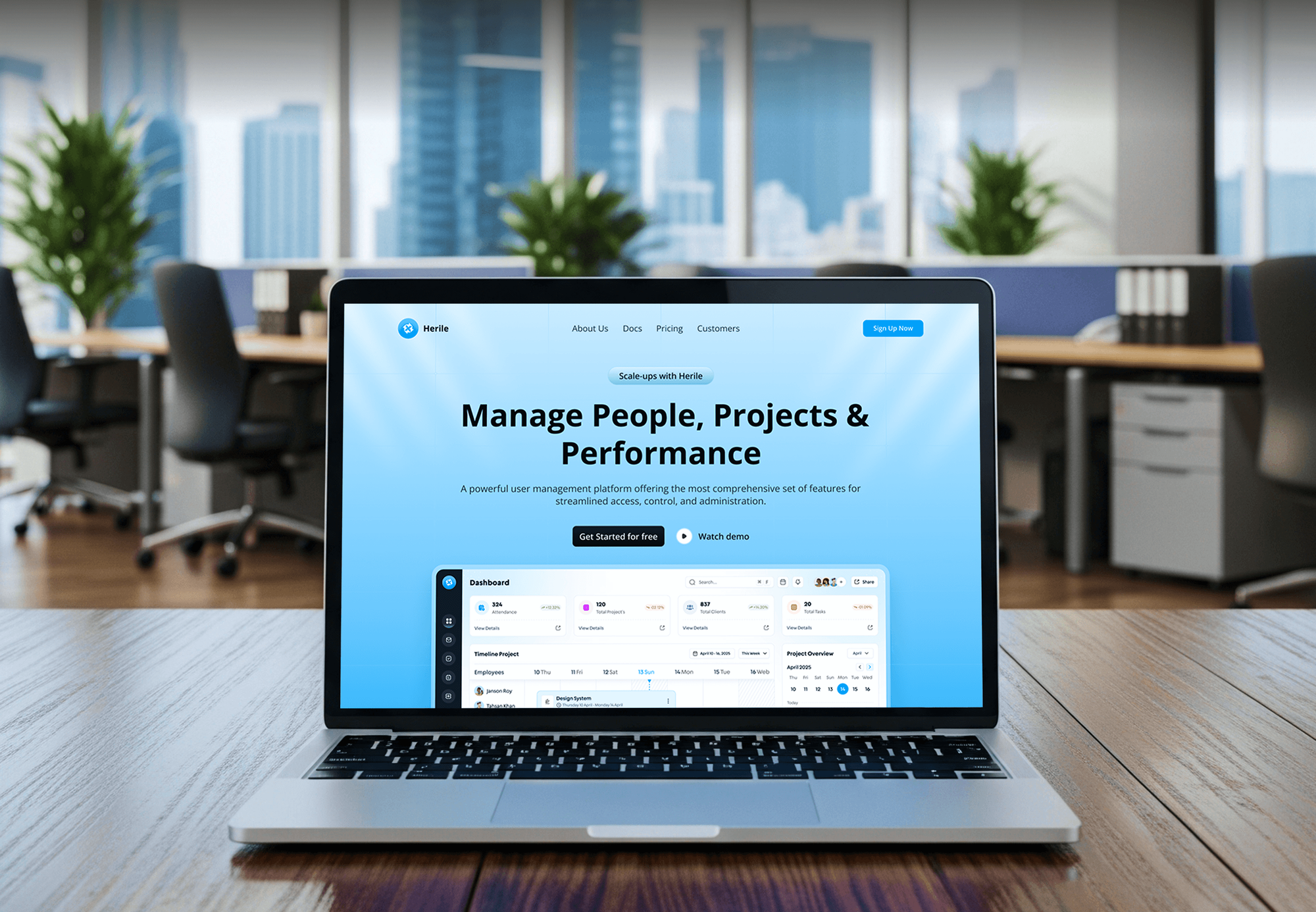
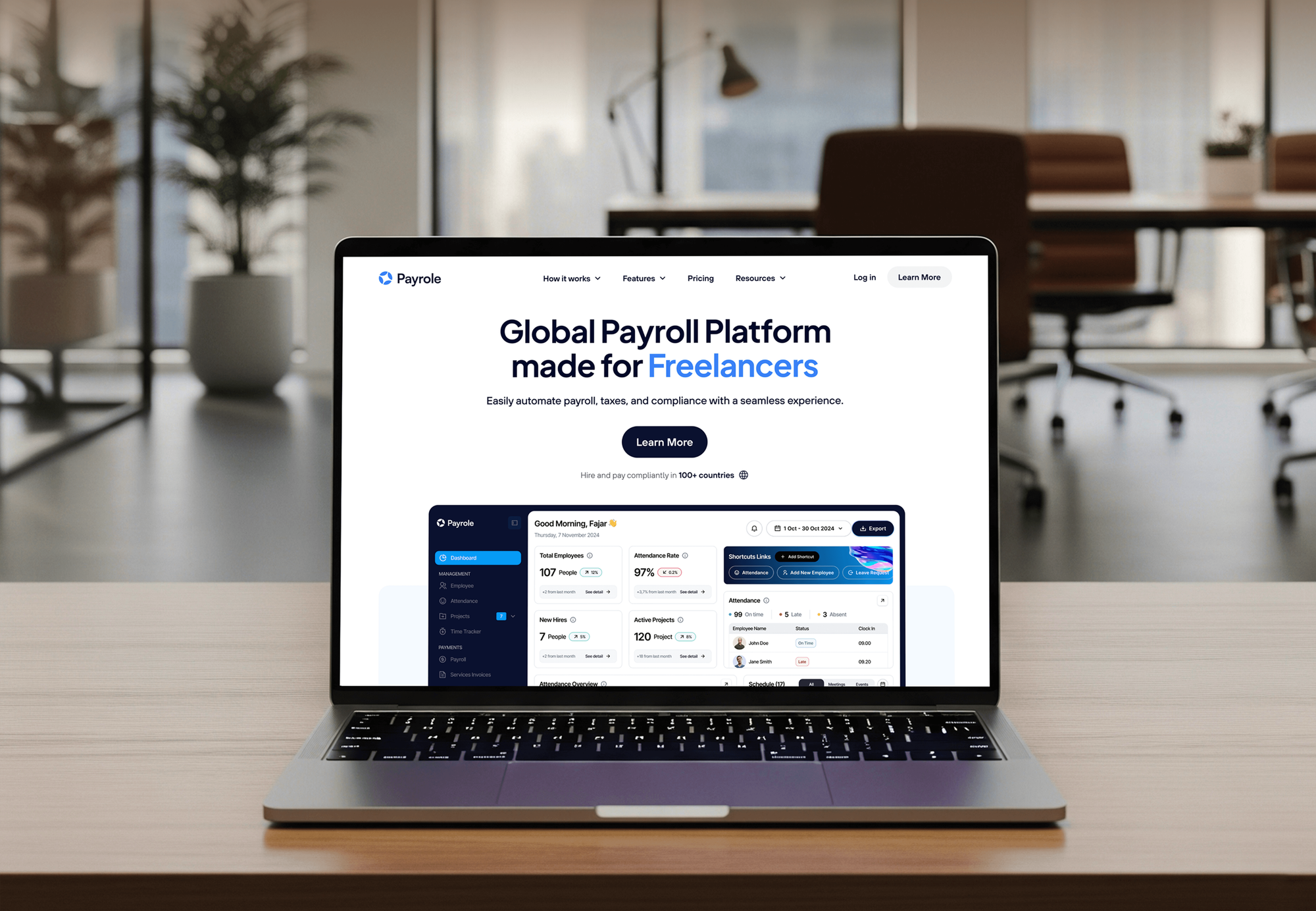
Projects We've Built
Dashboards, HR platforms, and business web apps our team built, where every record had to be easy to find and keep current.


What Our Clients Say
Feedback from teams we have built websites, dashboards, and integrations for.
We had a pretty specific idea of what we wanted our website to become, but I wasn’t sure how easily we could explain all of it to a development team. There were quite a few moving parts, and we were working toward a deadline, so I expected a few things to get lost along the way. That never really happened. They understood what we were trying to achieve, kept us updated throughout the process, and got everything ready within the agreed timeline. The final site feels much easier to navigate, works beautifully on mobile, and is noticeably smoother for our customers. It was a huge relief seeing the original idea actually turn into the website we had in mind.
The mobile experience is probably my favourite part of the new site. We had spent a lot of time making sure the desktop version looked right, and the team kept pushing us to think about how everything would actually feel on a phone too. They were right. The navigation is clean, the interactions feel natural, and everything we’ve tested so far works exactly as it should. They also went through the links, forms, integrations, and other details more than once before launch, which I really appreciated. And even after going live, we could still reach out when something came up. The whole process felt friendly, organised, and surprisingly straightforward.
What I appreciate most is that the website is actually easy for us to manage now. We can update content ourselves instead of sending a developer a message every time we need to change something small. They also paid attention to the technical SEO side, which mattered to us because we didn’t want a new website to create problems for the traffic we already had. I’ve probably asked more questions than I should have since launch, but every question has been handled patiently and without any fuss. The team is easy to work with, they explain things clearly, and when we need something changed, they focus on getting it done rather than making the process complicated.
1,250+
Projects shipped
10+
Years of experience
Top 3%
Upwork Top Rated Plus
5 stars
Average review score

Want results like these?
Tell us what you are building. You get a reply within 24 hours on business days, then a written estimate.
Work Culture
A CRM only pays off when your team opens it every day. These habits keep the setup simple enough to use and honest about cost.
If a free CRM tier covers your team, we set that up first. You upgrade when a real need appears, not because a sales rep suggested it.
We set up only the fields and stages you'll fill in. A simple CRM for small business teams gets used, while a cluttered one gets abandoned by spring.
You review a sample of imported records before the full run. Fixing a bad column mapping takes minutes before import and days after it.
Owners, salespeople, and office admins see what they need and nothing more. Clear roles keep customer data tidy as your team grows.
The CRM, the data, and every integration sit in accounts registered to your business. If you part ways with us, nothing moves or breaks.
You get a written scope and one fixed price after the free review. Extra work found along the way gets its own quote before we start it.
Overview
DeveloperLook sets up a CRM for small business teams moving off spreadsheets and inboxes. We compare CRMs against how you sell, clean and import your contacts, build your pipeline, and connect web forms, email, and calendars. Setups start at $750 and take 1 to 6 weeks, with a fixed scope and every account in your name.
DEVELOPERLOOK
Project facts · CRM for Small Business: Setup and Migration
Reviewed 7 Oct 2026 by Saimul Islam
Good fit
Teams moving off spreadsheets
You track customers in a shared Excel file, and two people overwrote the same row last week. Your notes on a big quote vanished with it.
Owners comparing CRM tools
You've read three lists of the top CRM tools and trialed two of them. You want someone to check the fit before your whole team commits.
Businesses stuck on the wrong CRM
Your team pays for a CRM nobody opens, because it was set up with forty fields and no clear pipeline. You need it rebuilt or replaced.
Service firms with website leads
Your website form sends leads to one inbox, and replies depend on who checks it that day. You want each lead in a CRM with an owner.
Agencies serving small clients
You run marketing for small business clients and need a reliable partner to set up their CRM while you keep the client relationship.
Not a fit
Law firm intake CRM
You run a law firm and need intake, consult reminders, and signed-case reporting. Our Law Firm CRM Integration & Automation service is built for that.
Real estate lead routing
You're an agent or brokerage routing Zillow and portal leads to agents. Our Real Estate CRM Setup for Agents page covers those workflows.
Budget under $750
Your budget is under $750, or you're a solo owner with a few dozen clients. A free CRM tier and an afternoon of setup will serve you better.
A CRM built from scratch
You need a CRM built from scratch with your own database and screens. That's a custom software project, not a setup, and we quote it separately.
Not sure we're the right fit?
Book a free call or message us. We'll tell you honestly whether we're the right team.
Pricing
These are starting points in USD. Your final price depends on your record count, whether you're leaving another CRM, and the tools to connect, and you get a fixed proposal after a free review.
For teams of up to 5 users moving off spreadsheets onto their first CRM.
$750one-time, USD
For growing teams leaving another CRM or juggling several lead sources.
$1,850one-time, USD
For teams that need the CRM linked to accounting, booking, or quoting tools.
$3,900one-time, USD
For Agencies
You own the client relationship. We supply the CRM work behind it: selection, data cleanup, pipelines, and automations for your small business clients. It runs under your brand, and every account stays in your client's name.
White label: your client only ever sees your brand
Their tools, lead sources, team size, and what the owner wants to see each week.
You get a CRM pick, a field map, and a fixed price you can resell.
We configure, import, and test under your brand, then hand over every login and guide.
We work behind your agency name on calls, documents, and handoff guides.
Fixed milestones and a sample import your client approves before go-live.
One setup method across your small business roster, documented for your team.
A working CRM gives your marketing a place to report leads and revenue.
The Right Technology for Your Project
We work with the CRM that fits your team, then connect the email, forms, and business tools you already use every day.
 HubSpot
 Salesforce
 Google Sheets
 WordPress
 QuickBooks
 Stripe
FAQ
Straight answers on CRM cost, when to switch, whether you need one, and how to choose.
Saimul IslamFounder & CEO, DeveloperLookStill have questions?
Send a message or book a call with the team.
AI CRM implementation for a small business starts at $750 with us, for a first CRM with one pipeline and up to 2,000 contacts. Migration from another CRM starts at $1,850, and connected setups with AI features and integrations start at $3,900. The CRM vendor bills its subscription to you directly, and AI features often cost extra through a higher tier or usage credits.
CRM software feels expensive because most vendors charge per user, per month, and keep automation and reporting in higher tiers. A CRM for small companies gets pricey when every part-time helper needs a paid seat. We size the plan to the people who really sell, start on a free or entry tier where it works, and switch off add-ons nobody uses.
CRM stands for customer relationship management. A customer relationship management system for small business keeps contacts, emails, quotes, and deals in one shared place. Some vendors call it customer management software for small business. In practice, it answers three questions fast: who is this person, what did we last say, and what happens next.
A CRM matters because small teams lose more deals to forgotten follow-ups than to competitors. When one person is out sick, their customers shouldn't go quiet. A CRM keeps every conversation on a shared record, reminds the owner when a quote goes stale, and shows which lead sources bring paying customers.
Yes, if more than one person talks to customers or you can't see your open deals at a glance. Other signs: leads arrive from several channels, quotes need chasing, or you sell to the same customers again and again. If you're a solo owner with a few dozen clients, a well-kept spreadsheet may do for now.
No, not for every small business. A shop with walk-in customers and no follow-up process gets little from one. A CRM becomes necessary when missed follow-ups cost you money you can name. If a free tier or the contact features in your booking or accounting tool already cover your case, we'll tell you before we quote.
Switch from email to a CRM when your inbox has become your task list and leads get buried. Common triggers are a second salesperson, a shared inbox, or a customer asking about a thread nobody can find. We connect Gmail or Outlook so past emails attach to each contact and new ones log on their own.
Move from Excel to a CRM once more than one person edits the sheet or you need reminders. Spreadsheets don't alert anyone when a deal stalls, and editing clashes overwrite notes. We clean your columns, merge duplicates, and import the sheet, and you check a sample of 50 records before the full import.
Choose a CRM by listing your sales steps, your must-have integrations, and your real number of users, then testing two options against that list. A CRM system for small business should feel easy to your least technical person. We run that comparison for you, with per-user costs side by side, before you sign anything.
No single CRM wins for every small team: the right pick depends on how you sell. HubSpot suits teams that want marketing and sales in one place. Zoho CRM fits tight budgets that need customization, and Pipedrive suits teams that work from a visual deal pipeline. We recommend one after seeing your process and your budget, not before.
Saimul IslamFounder & CEO, DeveloperLookStill have questions?
Send a message or book a call with the team.
Free 30-min callGoogle Meet
Book a call
In 30 minutes on Google Meet we walk you through how we would build it, how long it takes and what it costs. Then you get a written estimate.
Calendar not showing? Book on cal.com or send a brief.