
Salesforce Outlook integration
Salesforce's Outlook add-in set up so reps see records and log emails and meetings from Outlook.

For sales and service teams whose email, chat, support tickets, and ERP data sit outside Salesforce: one customer record that every app keeps current.
1
Customer record across your apps
100%
Changes tested in a sandbox
How your project runs
Teams we have built for:














The Problem
A Salesforce integration usually gets ordered after a lost deal or an awkward renewal call. The rep didn't see the open ticket, the unpaid invoice, or last week's email thread.
01 · Email
Email threads stay in reps' inboxes, not on the record.
Outlook and Gmail activity logs to the matching contact and opportunity.
02 · Support
Account managers call without seeing open support tickets.
Zendesk tickets appear on the Salesforce account, with contacts kept in sync.
03 · Duplicates
Weekly CSV imports create duplicate contacts and accounts.
Custom syncs upsert by External ID, so records update instead of duplicating.
04 · ERP data
Invoices and order status live only in the ERP.
ERP order and payment status syncs to the account on a schedule.
Your rep emails a prospect from Outlook, and the thread stays in their inbox instead of on the opportunity. Support logs an angry ticket in Zendesk, yet the account manager calls the next day to pitch an upsell. Finance holds the overdue invoice in the ERP. A Slack thread about the deal scrolls away by Friday. Someone imports a CSV every Monday to patch the gaps, and duplicates pile up. Salesforce becomes the system everyone pays for and nobody fully trusts.
We start with a review of your org: edition, API limits, custom objects, and the apps around it. Native add-ins go first, set up properly with a dedicated integration user. Where no app fits, we build on the Salesforce APIs with External IDs, so records update instead of duplicating. Everything runs in a sandbox before production. Your reps work from one record instead of five browser tabs.
Email logged to the record
Outlook and Gmail threads and meetings land on the right contact and opportunity.
Tickets visible to sales
Zendesk tickets show on the account, so reps see open issues before they call.
Tested before production
Every integration runs in a sandbox with real test users before production sees it.
Our Salesforce Integration Services Process
You see the API budget, the field map, and a sandbox demo before anything touches production, and you approve each stage before we move on.
We check your Salesforce edition, API limits, objects, and the apps you want connected. You get a written plan: which links use a native app, which need the API, and what each one costs.
What's Included
Each Salesforce integration is scoped to your org and tools. Most projects combine these six parts, from email capture to the runbook your admin keeps.
Compare Options
AppExchange apps cover common links quickly, and an in-house admin knows your org best. Here's where each holds up once custom objects and API limits come into play.
| Feature | DeveloperLookBest fit | AppExchange app | In-house admin |
|---|---|---|---|
| Planning | Org review and field map | Install and configure | Ticket by ticket |
| Custom objects | Mapped to your data model | Mostly standard objects | Depends on their skills |
| API limits | Usage budgeted and monitored | Varies by app | Often found out later |
| Testing | Full sandbox test cycle | Vendor-tested defaults | Sometimes in production |
| Duplicates | Upserts by External ID | Depends on matching rules | Manual cleanup |
| Speed to start | Org review in 2 to 3 days | Same day for simple apps | Knows the org already |
| Ownership | Your code and accounts | Vendor subscription | Yours, if documented |
| Cost | Fixed price from $900 | Low monthly fee | Salary plus admin time |
Projects We've Built
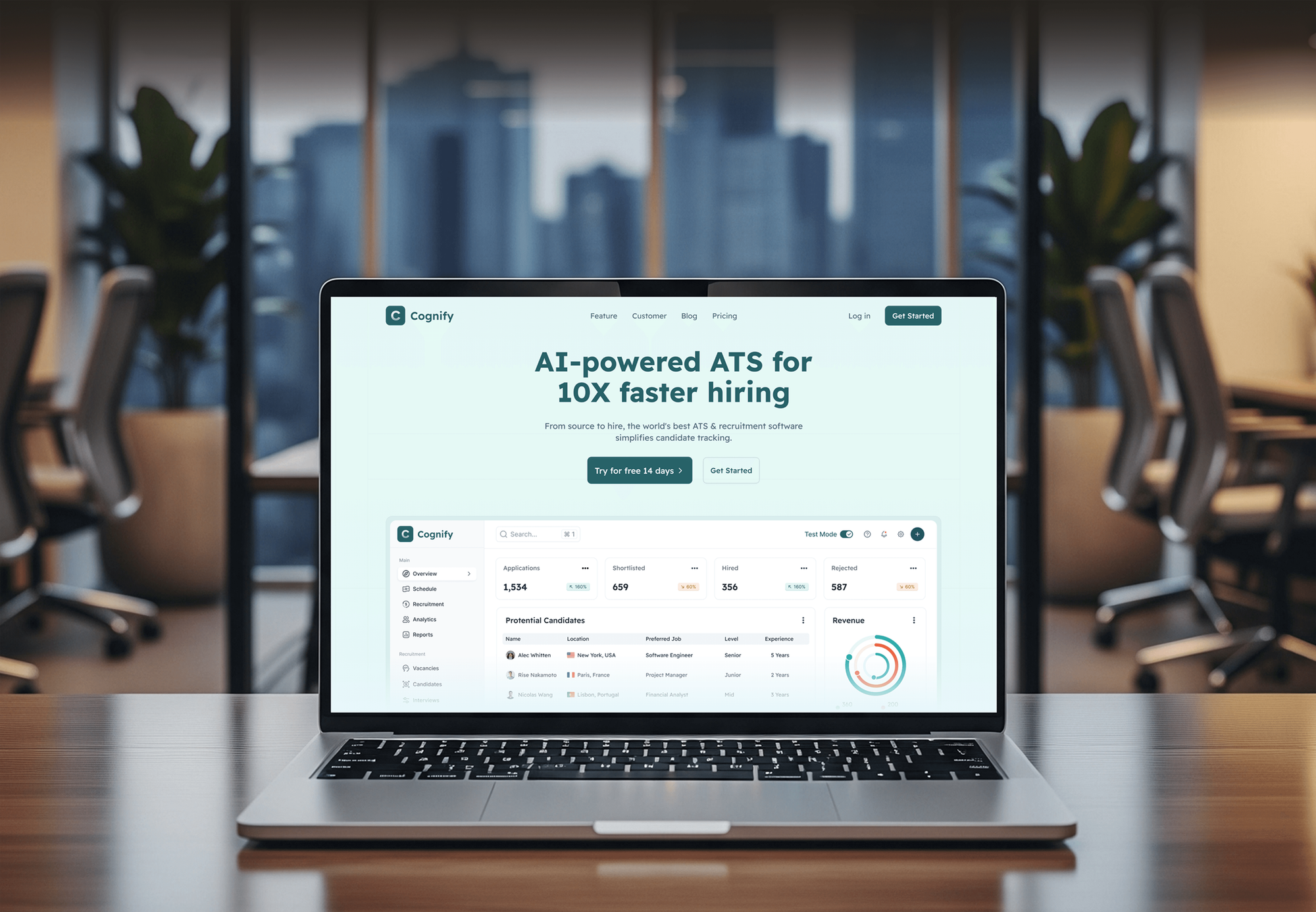
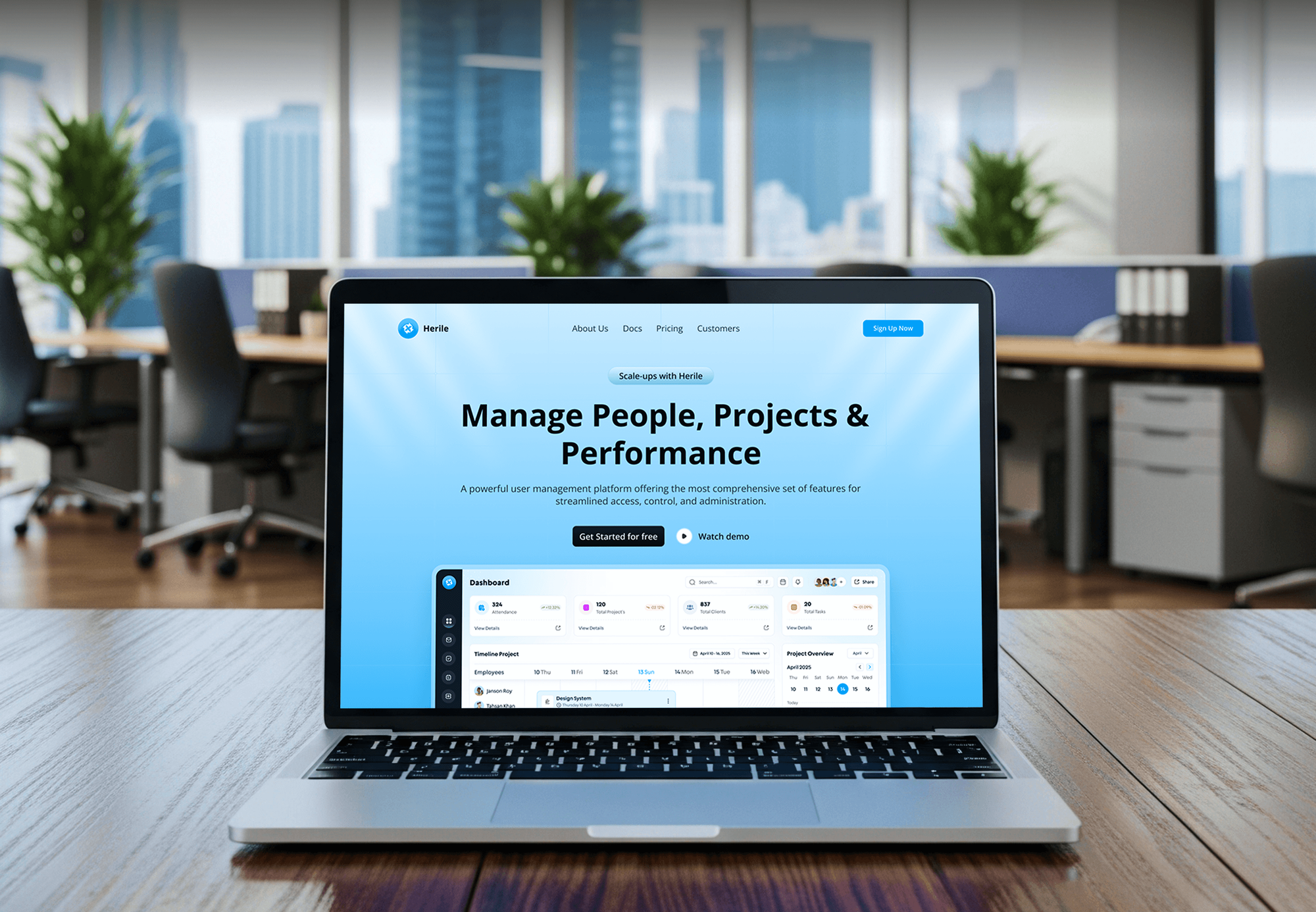
Recruiting, HR, and finance platforms with dashboards and user records. They aren't Salesforce projects, but the data modeling and permissions work is closely related.


What Our Clients Say
Feedback from teams we have built websites and business platforms for.
We had a pretty specific idea of what we wanted our website to become, but I wasn’t sure how easily we could explain all of it to a development team. There were quite a few moving parts, and we were working toward a deadline, so I expected a few things to get lost along the way. That never really happened. They understood what we were trying to achieve, kept us updated throughout the process, and got everything ready within the agreed timeline. The final site feels much easier to navigate, works beautifully on mobile, and is noticeably smoother for our customers. It was a huge relief seeing the original idea actually turn into the website we had in mind.
The mobile experience is probably my favourite part of the new site. We had spent a lot of time making sure the desktop version looked right, and the team kept pushing us to think about how everything would actually feel on a phone too. They were right. The navigation is clean, the interactions feel natural, and everything we’ve tested so far works exactly as it should. They also went through the links, forms, integrations, and other details more than once before launch, which I really appreciated. And even after going live, we could still reach out when something came up. The whole process felt friendly, organised, and surprisingly straightforward.
What I appreciate most is that the website is actually easy for us to manage now. We can update content ourselves instead of sending a developer a message every time we need to change something small. They also paid attention to the technical SEO side, which mattered to us because we didn’t want a new website to create problems for the traffic we already had. I’ve probably asked more questions than I should have since launch, but every question has been handled patiently and without any fuss. The team is easy to work with, they explain things clearly, and when we need something changed, they focus on getting it done rather than making the process complicated.
1,250+
Projects shipped
10+
Years of experience
Top 3%
Upwork Top Rated Plus
5 stars
Average review score

Want results like these?
Tell us what you are building. You get a reply within 24 hours on business days, then a written estimate.
Work Culture
Your Salesforce org runs the pipeline every day. These habits keep integrations from breaking reports, permissions, or the API limits other apps share.
We check Salesforce's own add-ins and AppExchange before proposing custom code. If an app already covers your case, we'll tell you before we quote.
Every integration runs as its own user with only the permissions it needs. Your audit trail shows exactly which system changed a record and when.
Changes are built and tested in a sandbox, then deployed with tracked metadata at a quiet time. Your reps don't meet a bug during a sales call.
We estimate daily API calls for each integration before building and alert your admin near the limit. Other apps sharing your org keep working.
Custom syncs match records by External ID instead of names or emails alone. That keeps duplicates out of your pipeline reports and forecasts.
Code, connected app credentials, and middleware accounts stay in your company's name. Switching providers or bringing the work in-house later doesn't mean starting over.
Overview
DeveloperLook provides Salesforce integration services for sales and service teams on an existing org. We connect Outlook, Gmail, Slack, Zendesk, forms, and ERP or Dynamics 365 data through native apps or the Salesforce APIs, tested in a sandbox first. Projects start at $900, take 3 to 10 weeks, and you own the code.
DEVELOPERLOOK
Project facts · Salesforce Integration Services
Reviewed 7 Oct 2026 by Saimul Islam
Good fit
Sales teams working from Outlook or Gmail
Your reps sell from their inbox, and email threads and meetings need to land on the right Salesforce opportunity without copy and paste.
Support teams on Zendesk
Your agents work tickets in Zendesk while account managers live in Salesforce, and neither side sees what the other promised the customer.
Companies with ERP or Dynamics 365 data
Your invoices and order status sit in an ERP or Dynamics 365, so reps ask finance for an update before every renewal call.
Admins untangling old integrations
You inherited several sync tools and a nightly CSV job, and duplicate contacts now break your pipeline reports.
Agencies and Salesforce consultancies
Your consultancy configures Salesforce for clients and needs Salesforce API integration services delivered quietly under your own name.
Not a fit
Shopify orders to Salesforce
Your main need is Shopify orders landing in Salesforce. Our Shopify Salesforce Integration page covers buyers, orders, and wholesale flows for online stores.
CRM isn't Salesforce
Your CRM isn't Salesforce, or you're still choosing one. Our CRM Integration Services page covers integrations for other CRMs and mixed setups.
New org or Apex app
You need a new org configured or a custom Apex app built inside Salesforce. That's Salesforce development work, which this integration page doesn't cover.
Budget under $900
Your budget is under $900 and you only need email logging. Salesforce's own Outlook or Gmail integration may be enough, and we'll say so before we quote.
Not sure we're the right fit?
Book a free call or message us. We'll tell you honestly whether we're the right team.
Pricing
These are starting points in USD. Your final price depends on the apps you connect, your custom objects, and sync volume, and you get a fixed proposal after a free org review.
For teams connecting everyday tools through Salesforce's own or vendor-built apps.
$900one-time, USD
For companies syncing Salesforce with an ERP, database, or app that has no native connector.
$2,700one-time, USD
For orgs syncing up to 4 systems, including Dynamics 365 or a second CRM, through middleware.
$5,800one-time, USD
For Agencies
You own the client relationship. We supply the Salesforce integration engineering: native app setups, custom API syncs, and middleware. Fixed quotes protect your margin, and every change ships through a sandbox your client's admin can review.
White label: your client only ever sees your brand
Send the edition, the connected apps, and the flows your client needs.
You get a field map, an API budget, a fixed quote, and dates.
Integrations tested in a sandbox, plus a runbook, delivered under your brand.
Your brand on every deliverable, and no client contact unless you ask.
Metadata changes your client's admin can review before production.
Quotes you can resell, with API usage estimated before the build.
Engineers who work daily with Flows, Apex triggers, and the REST and Bulk APIs.
The Right Technology for Your Project
We start with Salesforce's own APIs and add-ins, then add middleware only where several systems need one shared path.
 Salesforce
 Zendesk
 HubSpot
 Microsoft Dynamics 365
 Slack
Slack Node.js
 PostgreSQL
 OpenAPI
 Docker
 AWS
AWS Microsoft Azure
 Power BI
 Google Sheets
FAQ
Straight answers on Salesforce integration costs, timelines, API limits, and connecting Dynamics 365, monday.com, Jotform, and HubSpot.
Saimul IslamFounder & CEO, DeveloperLookStill have questions?
Send a message or book a call with the team.
Salesforce integration services with DeveloperLook start at $900 for up to 3 native apps, such as Outlook, Slack, and Zendesk, set up and tested. A custom sync on the Salesforce API starts at $2,700, and multi-system middleware starts at $5,800. You pay Salesforce and any app vendors directly, and our quote is locked after the free org review.
Native app setups take 3 to 4 weeks, including sandbox testing with your reps. Custom API integrations take 5 to 10 weeks, depending on objects, data volume, and the number of systems. Data cleanup is often the slowest part, because duplicate contacts must be merged before any sync can match records reliably.
Salesforce integration is connecting Salesforce to the other tools your teams use, so data and activity reach the right record without retyping. It ranges from an email add-in that logs threads to custom syncs with an ERP on the REST or Bulk API. The goal is one customer record that every team trusts.
There's no general two-way sync built into either product, so the link runs through middleware or a custom sync on both APIs. Power Automate's Salesforce connector suits simple one-way flows. We map accounts, contacts, and orders between Salesforce's REST API and the Dataverse Web API, give each field one owner, and test both directions in sandboxes.
Yes. monday.com has a native Salesforce integration that syncs records such as leads, contacts, and opportunities with monday boards. It needs monday.com's Enterprise plan and a Salesforce edition with API access, so check both before you plan around it. When the recipes don't cover your fields or logic, we build the sync on both APIs instead.
Yes. Most AI sales coaching tools, such as Gong, read Salesforce data and write call activity and deal insights back to opportunities through their own integrations. Salesforce also sells its own conversation intelligence features. We check the tool's connector, map its fields to your opportunity layout, and confirm the sync fits your org's API budget.
Yes. Jotform's native Salesforce integration creates or updates records, such as leads or contacts, from each submission and can attach uploaded files. It suits simple lead capture. When one submission must create several related records or check for duplicates first, we add a small custom handler on the Salesforce API.
Decide which system owns each field first, then set HubSpot's sync rules to match. HubSpot's Salesforce connector needs a Salesforce edition with API access, and an inclusion list stops unwanted contacts from syncing. We review sync errors weekly during the first month and fix mapping conflicts before they spread.
Yes. Most calls from integrations count toward your org's daily API request limit, which depends on your edition and licenses. Bulk API jobs suit large data loads, and event-driven syncs cut down on polling. We estimate each integration's daily calls during design and set an alert before usage gets close to the limit.
You do. Code, connected app credentials, and middleware accounts stay in your company's name, and your admin gets a runbook and training. Support lasts 30 to 90 days by plan and covers failed syncs, permission changes, and Salesforce release updates. After that, you can keep us on call or bring the work in-house.
Saimul IslamFounder & CEO, DeveloperLookStill have questions?
Send a message or book a call with the team.
Free 30-min callGoogle Meet
Book a call
In 30 minutes on Google Meet we walk you through how we would build it, how long it takes and what it costs. Then you get a written estimate.
Calendar not showing? Book on cal.com or send a brief.