
Fuison Fashion Ecommerce Website and Dashboard
- Fashion
- Dashboard
- E-commerce
Customer support automation software set up right: macros, routing rules, SLAs, and order status replies in your helpdesk. From $500.
10+ hrs
Saved every week
100%
Tickets tagged and routed
How your project runs
01 · FreeIndustry leaders we work with
 Gorgias
 Zendesk
 Intercom
 Help Scout
 Shopify
 WooCommerce
 BigCommerce
 Magento
 Slack
Slack Zapier
 Make
Make n8n
n8n Google Sheets
 Google Analytics (GA4)
 OpenAI
 Anthropic Claude
The Problem
It happens after a helpdesk goes live in a rush. Macros stay generic, routing sends everything to one inbox, and response targets exist only in someone's head.
Shared inbox
Every ticket lands in one shared inbox for someone to sort.
Shared inbox
Tickets reach the right person by topic and channel automatically.
Retyped answers
Agents type the same answers they've written many times.
Retyped answers
Macros are built from your team's best past answers, with order details filled in.
Order emails
Where-is-my-order emails get the same reply, one by one.
Order emails
Replies pull the live status and tracking link without anyone typing.
Missed targets
Weekend tickets sit until Monday with no sense of urgency.
Missed targets
SLA timers alert your team before a response target is missed.
Every ticket lands in one shared inbox. An agent reads it, decides who should handle it, and types an answer they've typed many times before. Where-is-my-order emails get the same tracking reply, one by one. A refund question waits behind them because nothing flags it as urgent. On weekends, tickets sit untouched until Monday, and nobody knows which ones are closest to your response target. The helpdesk you pay for can do most of this. It just hasn't been set up to.
We start with a ticket audit: a sample of your recent tickets, tagged by topic, so you see what repeats. Then we set up the customer support automation software you already pay for: macros written from real answers, routing by topic and channel, SLA timers, and order status replies with live store data. When a ticket type needs judgment that rules can't give, we say so. Your team answers new questions, not the same email again.
Macros from real answers
Replies built from your team's best past answers, with order details filled in automatically.
Routing and response timers
Tickets reach the right person by topic and channel, with alerts before a target is missed.
Order status on autopilot
Where-is-my-order tickets get the live status and tracking link without an agent typing.
Our Customer Support Automation Services Process
You see the ticket audit, approve every macro and rule, and watch the numbers after launch before we call anything done.
We look at your helpdesk settings and a small sample of recent tickets on a call. You see which ticket types repeat and what's already automated. If your setup only needs a few tweaks, we'll tell you before we quote.
Projects We've Built
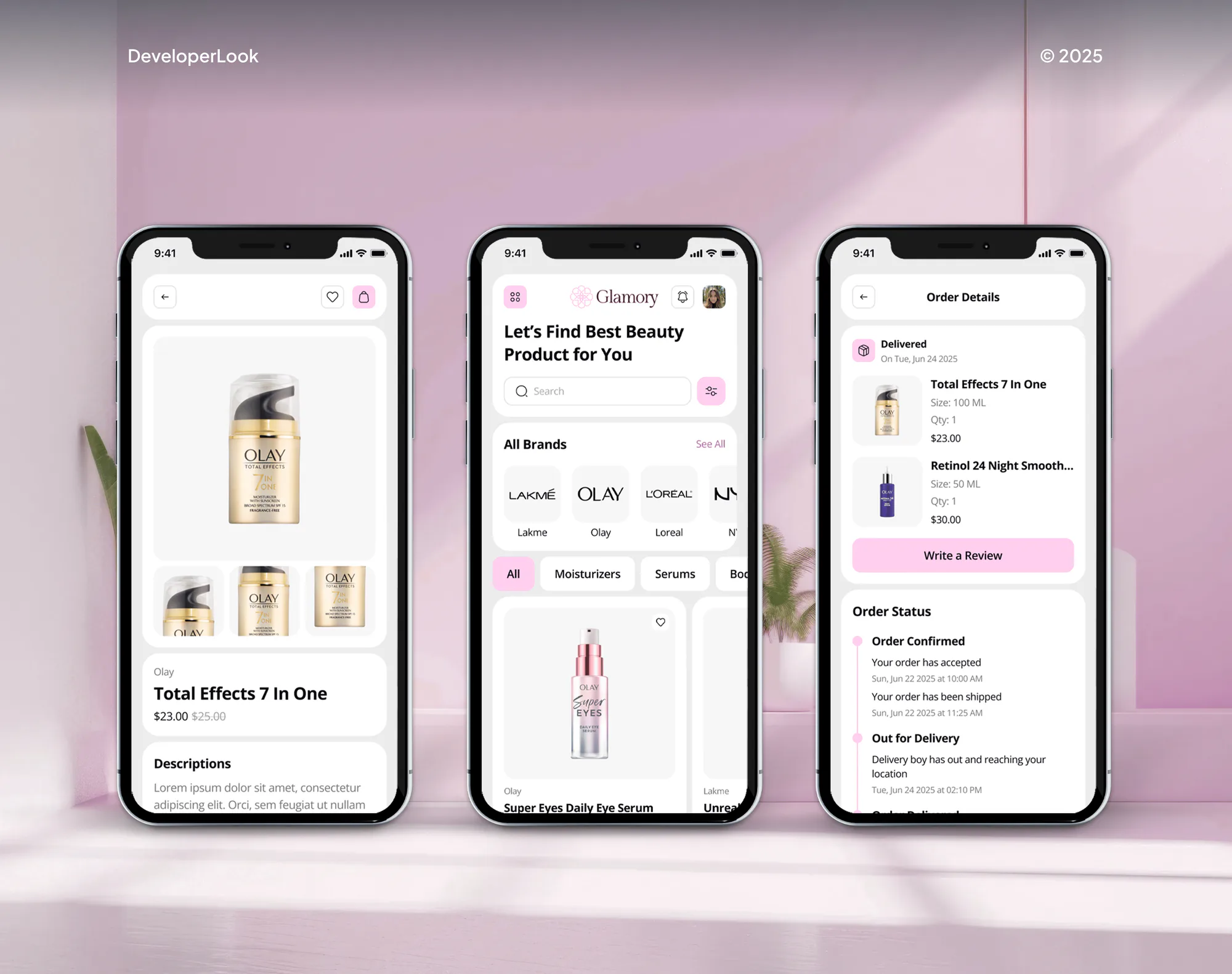
Online stores we designed and built for clients. Support automation depends on the same basics: clean order data and a store your helpdesk can read.


What's Included
Every setup covers the ticket audit, macros, routing, order status replies, and tuning. Larger plans add SLA policies, a help center, more channels, and AI deflection features.
Compare Options
Setting up rules yourself costs only time, and an AI agent handles judgment calls that rules can't. A rules-first setup with the customer support automation tools you already pay for fits most teams.
| Feature | DeveloperLookBest fit | DIY helpdesk setup | AI agent first |
|---|---|---|---|
| Upfront cost | From $500, one-time | Your team's time | Higher, plus model fees |
| Time to results | 1 to 5 weeks | As time allows | Several weeks of build |
| Macro and rule quality | Written from your real tickets | Often copied from templates | Rules still needed underneath |
| Order status replies | Automated with live store data | Manual or basic | Handled by the agent |
| Judgment calls | Routed to the right person | Routed by hand | Handled within set limits |
| Ongoing cost | Your helpdesk plan only | Your helpdesk plan only | Model and hosting fees |
| Reports you get | Deflection and SLA views | Default reports | Agent accuracy reports |
| Best for | Teams with repeat ticket types | Small teams with spare time | High volume needing actions |
What Our Clients Say
Feedback from teams we have built integrations, automations, and software for.
Before this project, keeping our inventory accurate was exhausting. We had information sitting across different systems, and our team was constantly checking and updating things manually. The team helped connect our store with the systems we rely on and built a much cleaner inventory workflow. What stood out to me was how seriously they took the little operational details. They didn’t just build something and disappear. They listened, fixed the messy parts, and made our day-to-day work noticeably easier. That alone made the project worth it for us.
DeveloperLook completely transformed how we handle recurring revenue. Before working with them, we were manually chasing payments every month and losing clients to failed billing. They set up our entire Stripe subscription system, including dunning logic and a self-service portal, and the difference was immediate. Involuntary churn dropped, cash flow became predictable, and our team stopped wasting hours on billing admin. Genuinely one of the best investments we have made for our SaaS.
The biggest issue for us was the amount of time our team was spending on questionable orders. Someone would flag an order, then another person would check the address, payment details, phone number, and sometimes even contact the customer. It became part of the daily routine, especially when order volume picked up. DeveloperLook helped us rethink that process and put clearer checks in place before an order reached our team. What I liked most was that they didn’t just recommend a tool and leave us to figure it out. They actually worked through the setup with us and explained why each part was there.
1,250+
Projects shipped
10+
Years of experience
5 stars
Clutch rating
5 stars
GoodFirms rating
Excellent
Trustpilot rating
Top 3%
Upwork Top Rated Plus
1,250+
Projects shipped
10+
Years of experience
5 stars
Clutch rating
5 stars
GoodFirms rating
Excellent
Trustpilot rating
Top 3%
Upwork Top Rated Plus

Want results like these?
Tell us what you are building. You get a reply within 24 hours on business days, then a written estimate.
Work Culture
Automation that answers the wrong question makes your support worse, not faster. These habits shape every helpdesk we set up, from your first ticket audit to the last rule change.
We write macros from your real tickets, not a generic template pack. Your customers get answers that sound like your team on a good day.
We fix routing, macros, and SLAs before we suggest AI. When rules can't handle a ticket type, we say so and show what an agent would add.
Auto-replies close tickets only when the question is fully answered. We track reopened tickets, so automation doesn't hide work your team should see.
Every SLA gets a visible timer and an alert before it's missed. Your team knows which tickets need attention first, even on sale days.
Your tickets go to the person who can answer them, by topic, language, or channel. Nobody on your team sorts a shared inbox by hand before starting work.
Every macro, rule, and SLA lives in your helpdesk account with a written guide. Your team can change them after handover without calling us.
Overview
DeveloperLook sets up customer support automation software for ecommerce teams, starting with the helpdesk you already pay for. We build macros, routing rules, SLA policies, order status replies, and a help center for repeat questions. Setups start at $500 and take 1 to 5 weeks, and the audit shows whether rules cover your tickets before you pay for AI.
DEVELOPERLOOK
Project facts · Customer Support Automation Services
Reviewed 28 Sep 2026 by Saimul Islam
Good fit
Teams living on helpdesk defaults
You've run Gorgias or Zendesk for a year, and your macros, tags, and routing rules are still close to what came out of the box.
Stores flooded with order status emails
Your agents start each day on where-is-my-order emails, and every reply is typed by hand with a tracking link pasted in.
Support leads weighing an AI agent
You've seen AI customer service automation demos and want to know whether better rules would clear most of your queue first.
Teams missing response targets
Your first-response times slip on weekends and sale days, and nobody sees a ticket going stale until the customer complains.
Agencies managing client helpdesks
You manage support tools for ecommerce clients and need a white-label partner to set up macros, routing, and SLAs under your name.
Not a fit
AI that takes actions
You want AI to resolve tickets and take actions like refunds, not just better rules. Our AI Customer Service Agent Development page covers that.
Chat on your store
You want shoppers answered in a chat window on your store instead of in your inbox. Our AI Chatbot for Ecommerce page covers that build.
No helpdesk yet
You don't have a helpdesk yet, or you're moving to a new one. Start with our Helpdesk Setup and Migration page, then automate.
A handful of weekly tickets
You get a handful of tickets a week. Your helpdesk's default macros will do the job, and our $500 audit won't pay for itself.
Not sure we're the right fit?
Book a free call or message us. We'll tell you honestly whether we're the right team.
Pricing
These are starting points in USD. Your final price depends on your ticket volume, channels, and number of stores, and you get a fixed proposal after a free helpdesk check. Your helpdesk subscription stays separate.
For Agencies
You own the client relationship. We supply the helpdesk work behind it: ticket audits, macro libraries, routing rules, and SLA setups in Gorgias, Zendesk, or Intercom. Everything ships under your brand, with a rule guide your team can hand over.
White label: your client only ever sees your brand
Give us a ticket export and admin access to the client's helpdesk.
You get the audit, a build plan, and a fixed price you can resell.
We build and test the rules under your brand, then hand over the guide.
Give us a ticket export and admin access to the client's helpdesk.
You get the audit, a build plan, and a fixed price you can resell.
We build and test the rules under your brand, then hand over the guide.
The Right Technology for Your Project
We work inside the helpdesk you already use and connect it to your store, your team chat, and your reports. These are the tools we use most.
GorgiasZendeskIntercomHelp ScoutShopifyWooCommerceBigCommerce MagentoSlackZapierMaken8nGoogle SheetsGoogle Analytics (GA4)OpenAIAnthropic Claude
FAQ
Straight answers on cost, deflection, order status automation, and when rules are enough for your team.
Saimul IslamFounder & CEO, DeveloperLookStill have questions?
Send a message or book a call with the team.
Customer support automation starts at $500 for an audit with quick wins: a written plan, 10 macros, and an order status auto-reply. A full setup with routing rules, SLA policies, a macro library, and help center articles is $1,200. Multi-channel automation across email, chat, social, and marketplaces is $2,600. Your helpdesk subscription stays separate.
The audit with quick wins takes about 1 week, and a full setup takes 2 to 3 weeks. Multi-channel automation takes 4 to 5 weeks. We need admin access to your helpdesk and a ticket export to start. Much of the calendar goes to writing macros your team actually wants to send, which we draft and you approve.
Ticket deflection is when a customer gets an answer without opening a ticket, or the ticket closes without an agent writing a reply. It happens through help center articles, order tracking links, and automated replies that answer the question on the spot. Good deflection still lets customers reach a person, so it cuts repeat work without hiding your team.
Order status replies, return and exchange instructions, shipping time questions, and simple account updates are the easiest ecommerce tasks to automate. Tagging, routing, and priority rules can run on every ticket. Refund decisions, damaged items, and complaints need a person, or an AI agent working inside strict limits, so we leave them out of plain rules.
Macros cut the typing, routing rules cut the sorting, and SLAs cut the waiting. A macro fills in a tested answer with the customer's order details in one click. Routing sends each ticket to the right person by topic, language, or channel. SLA policies flag tickets close to their response target, so nothing sits unanswered over a weekend.
Connect your helpdesk to your store so tickets show the customer's orders, then add a rule that detects where-is-my-order messages. The rule replies with the order's current status and tracking link from live store data, and closes the ticket if the customer doesn't write back. Gorgias and Zendesk both connect to Shopify for this.
Your reduction equals the share of tickets that ask a repeat question a rule can answer, so it differs by store. Order status, return instructions, and shipping time tickets usually repeat most, so we look there first. The audit counts them in a sample of your tickets, and your helpdesk's own reports measure the change after launch.
Measure deflection as the share of tickets resolved without an agent reply, plus help center views that didn't turn into tickets. We set up helpdesk views for automated closes, first response time, and reopened tickets, so you can see whether automation helped or just hid work. A rising reopen rate means an auto-reply is closing tickets it shouldn't.
Most teams need better rules first, and some need an AI agent after that. Rules handle tickets you can sort by keyword, channel, or order status. An agent earns its cost when tickets need judgment across tools, like checking an order and issuing a refund. Our audit shows which you need, and the AI answer features in your helpdesk can bridge the gap.
We watch the numbers for 14 to 60 days, depending on your plan, and adjust rules that misfire. Each macro, rule, and SLA is documented in a short guide, so your team can edit them without us. Many teams book a quick review each quarter, because new products and policies change which tickets repeat.
Saimul IslamFounder & CEO, DeveloperLookStill have questions?
Send a message or book a call with the team.
Free 30-min callGoogle Meet
Book a call
In 30 minutes on Google Meet we walk you through how we would build it, how long it takes and what it costs. Then you get a written estimate.
Calendar not showing? Book on cal.com or send a brief.