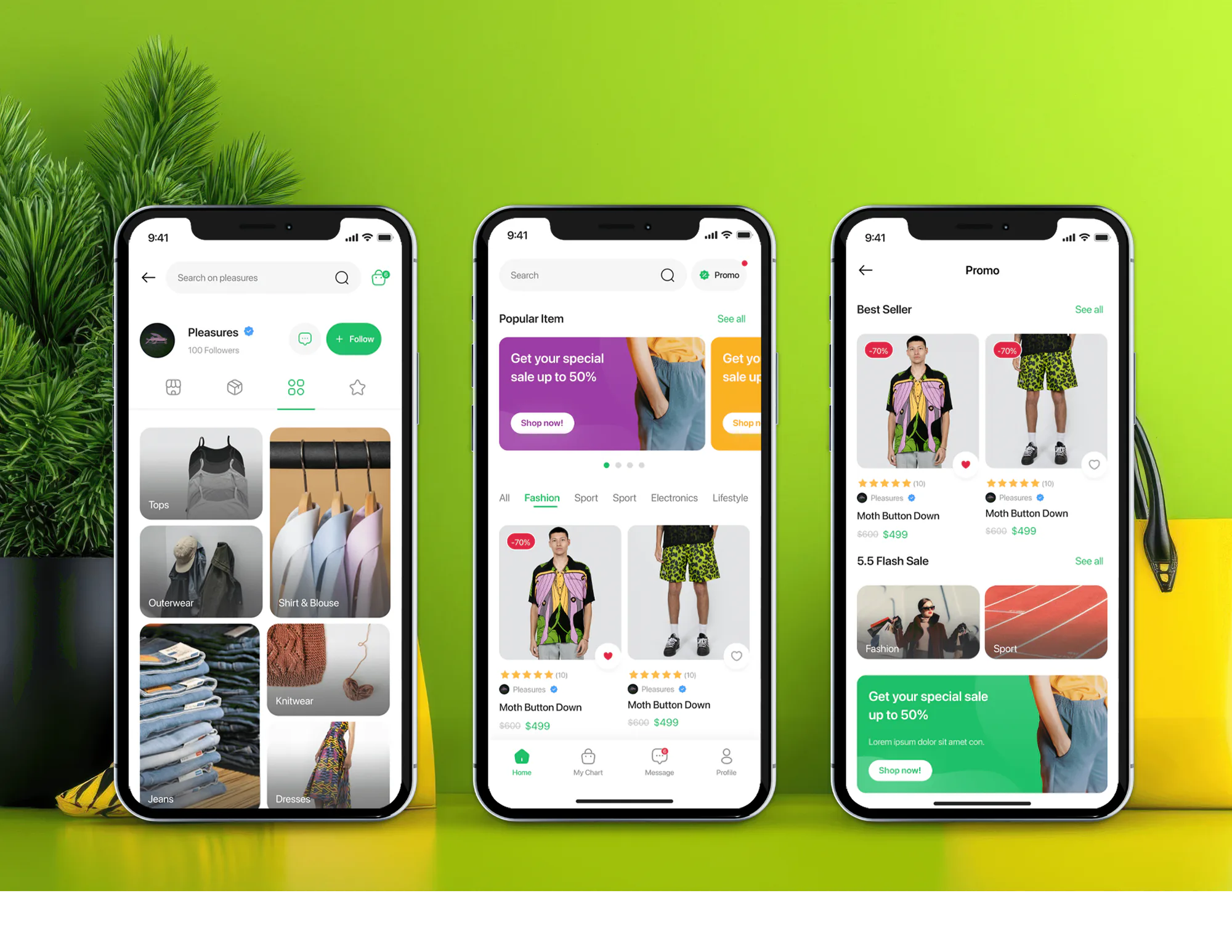
Unicom Fashion Ecommerce App and Admin Dashboard
- Fashion
- Dashboard
- E-commerce
Helpdesk migration to Gorgias, Zendesk, or Intercom with ticket history, rebuilt macros, and Shopify order data. Setups from $700.
100%
Store orders visible to agents
1
Inbox for every channel
How your project runs
01 · FreeIndustry leaders we work with
 Gorgias
 Zendesk
 Intercom
 Help Scout
 Shopify
 WooCommerce
 BigCommerce
 Magento
 Twilio (SMS and WhatsApp)
 Meta (Facebook, Instagram)
 Slack
Slack Google Sheets
 Python
 Node.js
 PostgreSQL
 Docker
The Problem
It comes up when your helpdesk stops fitting: a price jump, a new channel, or a move to Shopify tools. The switch looks simple until you count what has to move.
Ticket history
You don't know if old tickets keep their order links.
Ticket history
A test migration checks record counts on a sample before the full move.
Lost macros
Your macros and routing rules won't transfer to the new tool.
Lost macros
Macros, rules, and SLAs get rebuilt to fit how the new helpdesk works.
Cutover risk
Customers email the old inbox, and nobody sees it.
Cutover risk
Cutover happens on a quiet day with both inboxes watched.
Busy agents
Your agents keep answering tickets through the whole switch.
Busy agents
Store orders connect before agents log in, so nobody switches tabs.
Your new helpdesk is paid for, and the old contract ends next month. Then the questions start. Will old tickets keep their customer and order links? Will attachments come across? Your team built dozens of macros and routing rules, and none of them transfer, because every helpdesk stores automation its own way. If the cutover goes wrong, customers email the old inbox and nobody sees it. Meanwhile, your agents keep answering tickets through all of it.
We start by listing what has to move: tickets, contacts, attachments, macros, tags, and integrations. Then we run a test helpdesk migration, compare record counts with your old system, and rebuild the automations by hand on the new platform. Cutover happens on a quiet day with both inboxes watched, and your store's order data is connected before agents log in. Your team switches tools without losing the thread.
Test migration first
A trial run on a sample of tickets, with record counts checked before the full move.
Automations rebuilt, not copied
Macros, rules, and SLAs rebuilt to fit the way the new helpdesk works.
Orders in every ticket view
Your store connected so agents see orders and tracking without switching tabs.
Our Helpdesk Setup and Migration Process
You see the platform recommendation, the data map, and the test migration results before a single live ticket moves to the new helpdesk.
We review your channels, ticket volume, store platform, and budget, then compare the helpdesks that fit. You get an honest recommendation. If your current helpdesk only needs a cleanup, we'll tell you before we quote a migration.
Projects We've Built
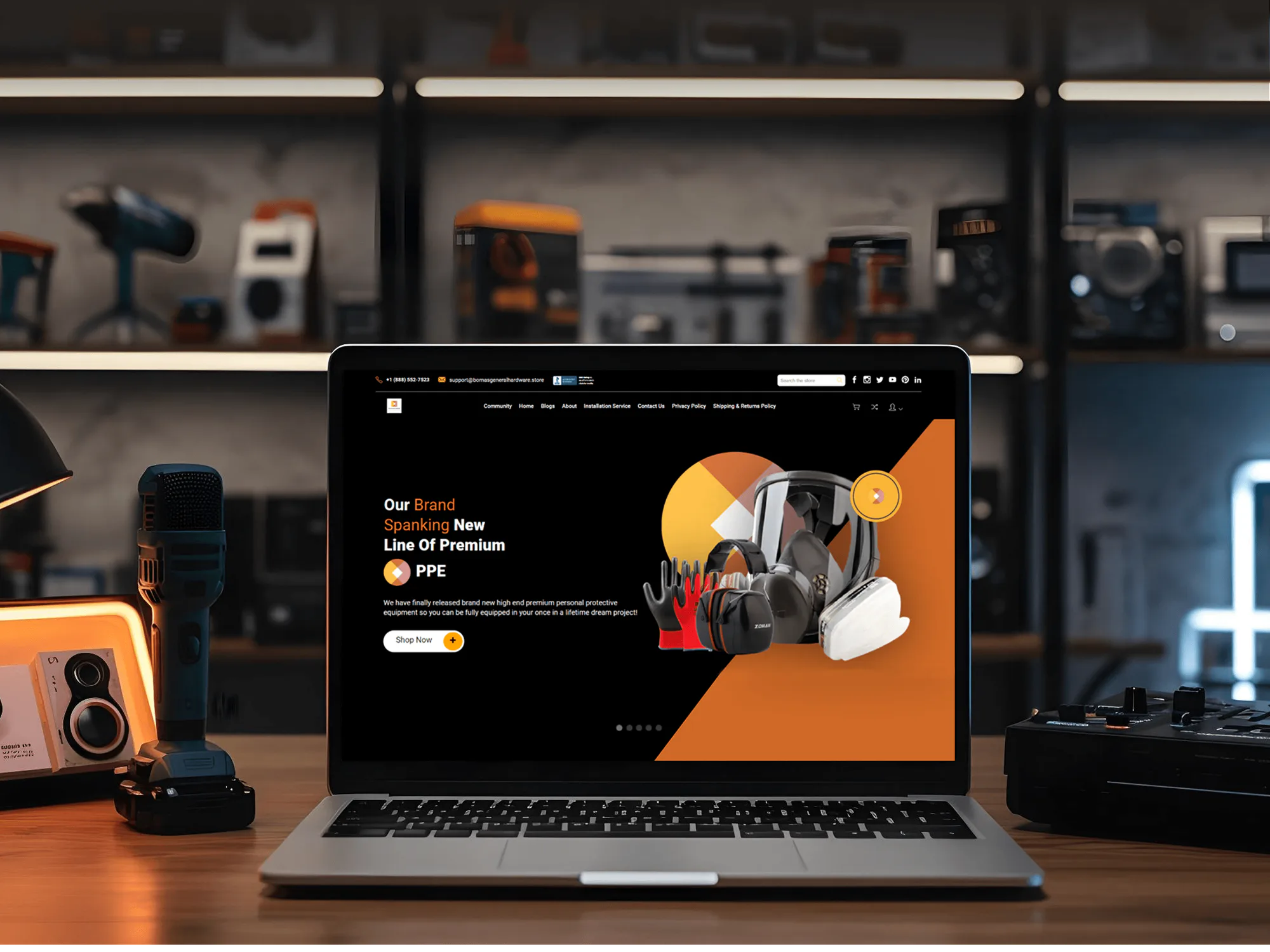
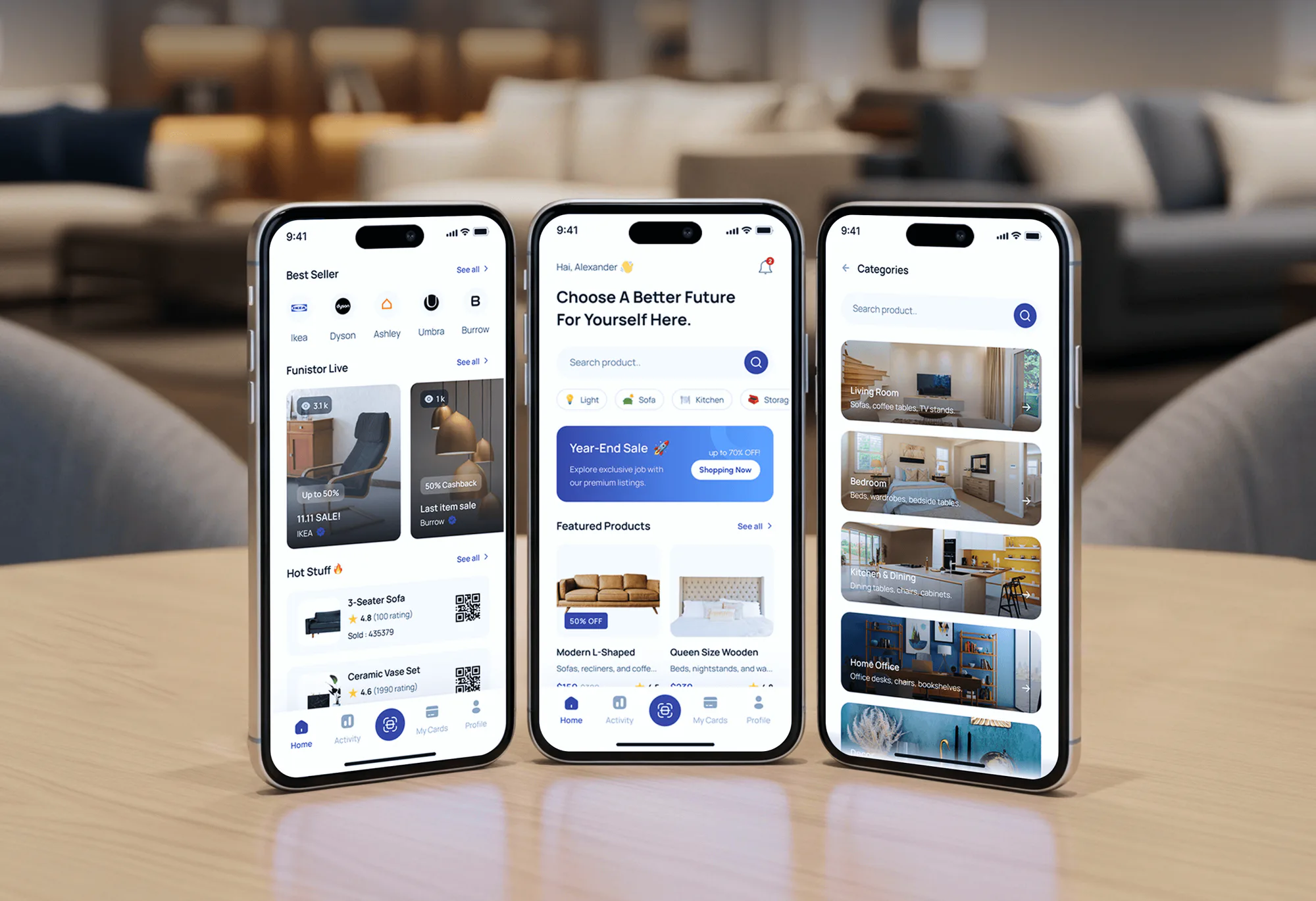
Online stores and shopping apps we built for clients. A helpdesk works best when it can read clean customer and order data from stores like these.

What's Included
Every plan covers platform setup, store order data, macros, routing, and training. Migration plans add ticket history, attachments, test runs, and multi-brand help centers.
Compare Options
A self-serve migration tool is cheaper for simple moves, and your new vendor's onboarding knows its own product best. Hands-on Zendesk migration help pays off when automations, integrations, and history all have to arrive working.
| Feature | DeveloperLookBest fit | Self-serve migration tool | Vendor onboarding |
|---|---|---|---|
| Upfront cost | From $700, one-time | Per-record fees | Often included in the plan |
| Data mapping | Mapped and cleaned by hand | Automatic field matching | Guidance, you do the work |
| Test migration | Included, with count checks | Usually available | Varies by vendor |
| Macros and automations | Rebuilt for the new platform | Not transferred | Templates to adapt |
| Store integration | Connected and tested | Not included | Setup docs provided |
| Cutover planning | Planned with your team | You schedule it | Checklists provided |
| Speed for simple moves | 1 to 2 weeks | Hours to days | A few days |
| Support after the switch | 14 to 60 days | Tool support only | Vendor support desk |
What Our Clients Say
Feedback from teams we have built integrations, automations, and software for.
Before this project, keeping our inventory accurate was exhausting. We had information sitting across different systems, and our team was constantly checking and updating things manually. The team helped connect our store with the systems we rely on and built a much cleaner inventory workflow. What stood out to me was how seriously they took the little operational details. They didn’t just build something and disappear. They listened, fixed the messy parts, and made our day-to-day work noticeably easier. That alone made the project worth it for us.
DeveloperLook completely transformed how we handle recurring revenue. Before working with them, we were manually chasing payments every month and losing clients to failed billing. They set up our entire Stripe subscription system, including dunning logic and a self-service portal, and the difference was immediate. Involuntary churn dropped, cash flow became predictable, and our team stopped wasting hours on billing admin. Genuinely one of the best investments we have made for our SaaS.
The biggest issue for us was the amount of time our team was spending on questionable orders. Someone would flag an order, then another person would check the address, payment details, phone number, and sometimes even contact the customer. It became part of the daily routine, especially when order volume picked up. DeveloperLook helped us rethink that process and put clearer checks in place before an order reached our team. What I liked most was that they didn’t just recommend a tool and leave us to figure it out. They actually worked through the setup with us and explained why each part was there.
1,250+
Projects shipped
10+
Years of experience
5 stars
Clutch rating
5 stars
GoodFirms rating
Excellent
Trustpilot rating
Top 3%
Upwork Top Rated Plus
1,250+
Projects shipped
10+
Years of experience
5 stars
Clutch rating
5 stars
GoodFirms rating
Excellent
Trustpilot rating
Top 3%
Upwork Top Rated Plus

Want results like these?
Tell us what you are building. You get a reply within 24 hours on business days, then a written estimate.
Work Culture
Years of customer conversations live in your helpdesk, so we treat a move with care, not as a copy and paste. These habits shape every setup and migration we run.
Tickets keep their customers, notes, and attachments when they move. We check record counts and sample threads before we call a migration done.
Every migration starts with a sample run on your real data. You see the results and sign off before the full move begins.
We recommend the helpdesk that fits your store, even when it's the one you already have. A cleanup can beat a migration, and we'll say so.
Macros and rules don't transfer between helpdesks, so we rebuild each one for the new platform. Your team keeps its shortcuts, minus the duplicates.
We switch channels on a low-traffic day and watch both inboxes until the old one goes quiet. Customers who email the old address still get answers.
Your store is connected before agents log in, so tickets show the customer's orders from the first reply. Nobody copies order numbers between tabs.
Overview
DeveloperLook handles helpdesk migration and setup for ecommerce teams moving to Gorgias, Zendesk, Intercom, or Help Scout. We move tickets, contacts, and attachments, rebuild macros and routing, and connect your store's order data. New setups start at $700, migrations with history start at $1,800, and most projects go live in 1 to 4 weeks.
DEVELOPERLOOK
Project facts · Helpdesk Setup and Migration
Reviewed 28 Sep 2026 by Saimul Islam
Good fit
Teams leaving their current helpdesk
You're planning a Zendesk migration to Gorgias, or the reverse, and can't afford to lose years of ticket history and customer notes.
Stores outgrowing a shared inbox
Your support still runs from a shared Gmail or Outlook inbox, and replies get missed or answered twice when orders pick up.
Teams choosing between helpdesks
You're comparing Gorgias, Zendesk, Intercom, and Help Scout and want advice based on your store, channels, and team, not a sales demo.
Brands with a messy helpdesk
Your helpdesk grew by accident, with duplicate macros, unused tags, and routing rules nobody understands, and you want a clean rebuild.
Agencies moving client helpdesks
You manage support tools for ecommerce clients and need a white-label team to run helpdesk moves under your agency's name.
Not a fit
Helpdesk already works
Your helpdesk works, and only its macros, routing, and SLAs need attention. Our Customer Support Automation Services page covers that.
AI after the move
You want AI to resolve tickets inside your helpdesk after the move. Our AI Customer Service Agent Development page covers that next step.
Official Zendesk partner required
Your contract requires an official Zendesk implementation partner. We're an independent team working in your account, so ask Zendesk for its partner list.
One agent, few tickets
You have a few hundred tickets and one agent. The new helpdesk's own import tool and setup guide will cost less than our $700 setup.
Not sure we're the right fit?
Book a free call or message us. We'll tell you honestly whether we're the right team.
Pricing
These are starting points in USD. Your final price depends on ticket volume, custom fields, and the number of brands, and you get a fixed proposal after free help desk consulting. Migration tool fees, if needed, are billed at cost.
For Agencies
You own the client relationship. We supply the migration work behind it: platform advice, data mapping, test runs, automation rebuilds, and cutover. Everything ships under your brand, with a setup guide your team can hand to the client.
White label: your client only ever sees your brand
Send the current helpdesk, ticket volume, channels, and target platform.
You get a data map, a cutover plan, and a fixed price to resell.
We migrate, rebuild, and train under your brand, then support the client's team.
Send the current helpdesk, ticket volume, channels, and target platform.
You get a data map, a cutover plan, and a fixed price to resell.
We migrate, rebuild, and train under your brand, then support the client's team.
The Right Technology for Your Project
We work in the helpdesk you're moving to and connect it to your store, channels, and team tools. These are the platforms we move teams to and from most.
GorgiasZendeskIntercomHelp ScoutShopifyWooCommerceBigCommerce MagentoTwilio (SMS and WhatsApp)Meta (Facebook, Instagram)SlackGoogle Sheets
 PythonNode.jsPostgreSQLDocker
FAQ
Straight answers on cost, timing, choosing a helpdesk, and keeping your history in the move.
Saimul IslamFounder & CEO, DeveloperLookStill have questions?
Send a message or book a call with the team.
Helpdesk migration with ticket history starts at $1,800, and a fresh helpdesk setup without history starts at $700. The migration price covers the test run, contacts and attachments, rebuilt macros and routing, and 30 days of support. Multi-brand moves with several help centers start at $3,900. Migration tool fees, if your data needs one, are billed at cost.
A new helpdesk setup takes 1 to 2 weeks, and a migration with ticket history takes 2 to 4 weeks. Multi-brand moves take 4 to 6 weeks. The data transfer itself is usually the quick part. Mapping fields, running the test migration, and rebuilding automations take most of the time, and your approvals set the pace.
For most Shopify stores, Gorgias fits best, while larger teams with several departments lean toward Zendesk. Gorgias puts order actions in the ticket view, and a Zendesk implementation takes more setup but scales across teams. Intercom suits chat-heavy support, and Re:amaze is a simpler option for small teams. We compare them against your real tickets, not a feature list.
Clean up first if your helpdesk fits your channels and budget and the pain is messy macros or routing. Migrate when the platform can't do what you need, like native Shopify order actions or a channel it doesn't support. We'll tell you which one your tickets point to, even when that means a smaller project for us.
Map every field before you move anything, run a test migration, and compare record counts before the full cutover. In a Zendesk data migration, for example, we check that each ticket keeps its requester, comments, tags, and attachments. We also keep the old helpdesk readable until you're sure nothing is missing.
Yes, every plan includes macros, routing rules, and SLA policies on the new helpdesk. Automations don't transfer between platforms, so we rebuild them from your old setup and drop the duplicates. For a deeper tune-up after the move, our Customer Support Automation Services page covers ticket audits and deflection.
Install the helpdesk's Shopify integration and match customers by email, so each ticket shows their orders. A Gorgias Shopify connection also lets agents edit or refund orders from the ticket, depending on their permissions. Zendesk and Intercom use apps from their marketplaces for the same view. We test the link with real orders before agents rely on it.
Yes, we set up reports for ticket volume by channel and topic, first response time, resolution time, and tickets closed by automation. We rebuild the reports your team relied on in the old helpdesk, so month-over-month comparisons still work after the move. Older numbers stay available in an export if the new tool can't import them.
Yes, every plan includes support after cutover: 14 days for a setup, 30 days for a migration, and 60 days for multi-brand moves. We fix missing records, broken rules, and integration issues, and answer your team's questions about the new tool. After that, you can book monthly check-ins or run it with our setup guide.
You do. The helpdesk account, tickets, contacts, and settings stay in your company's name, and we work as invited admins. When the project ends, you remove our access and keep an export of the old helpdesk data. That export helps if a customer asks about an old conversation.
Saimul IslamFounder & CEO, DeveloperLookStill have questions?
Send a message or book a call with the team.
Free 30-min callGoogle Meet
Book a call
In 30 minutes on Google Meet we walk you through how we would build it, how long it takes and what it costs. Then you get a written estimate.
Calendar not showing? Book on cal.com or send a brief.