
HIPAA Security Rule checklist
Every required and addressable safeguard mapped to your setup, with its status and the person who owns it.

For medical practices that need patient data protected in daily work: MFA, unique logins, encrypted devices, and tested backups, set up around clinic hours. From $950.
3/3
Safeguard groups covered
MFA
On EHR and email logins
How your project runs
Teams we have built for:














The Problem
The gap usually shows up after a lost laptop, a phishing email, or a payer audit. That's when a practice learns which hipaa security rule requirements were written down and which were not.
01 · Shared logins
The front desk shares one EHR login to save time.
Each person gets a unique login, so audit logs show who opened which chart.
02 · Open screens
Exam room PCs stay logged in with charts open all day.
Automatic logoff and screen locks are timed to how each room is really used.
03 · Phones
Doctors read lab results on personal phones without a passcode.
Phones and laptops are encrypted and enrolled, with a remote wipe if one goes missing.
04 · Backups
The backup drive sits next to the server it protects.
Backups move off site, and we time a restore test before handover.
Your front desk shares one EHR login so check-in moves faster. The exam room PC stays logged in all afternoon with a chart open. A doctor reads lab results on a personal phone with no passcode. The backup drive sits next to the server it backs up, and nobody turned on MFA for email because it slowed the morning down. None of it feels risky until a laptop goes missing or a ransomware email lands at 7:40 a.m. Then one question matters: which HIPAA Security Rule safeguards were in place, and can you prove it?
We start with the safeguards you already have, room by room: front desk, exam rooms, billing, and the devices staff take home. Then we switch on what's missing in the order that cuts the most risk: unique logins, MFA, encryption, automatic logoff, audit logs, and backups that restore. Changes happen after hours and are tested against your EHR's settings. You get working safeguards and a record of each one, not a binder of policies nobody follows.
Safeguards checked room by room
Front desk, exam rooms, billing office, and home laptops each reviewed against all three safeguard groups.
Unique logins with MFA
Shared front-desk accounts replaced, and MFA added to the EHR, email, and remote access.
Backups that actually restore
A timed restore test of your EHR data, so you know recovery works before you need it.
Our Cybersecurity for Medical Practices Process
You approve the scope, the fix order, and every after-hours change window, and you see each safeguard tested before we call it done.
We ask how patients move through your practice, which EHR and email you use, and who handles IT today. You get a written scope and a fixed price. If a free HHS toolkit already covers a practice your size, we'll tell you before we quote.
What's Included
The full scope covers all three safeguard groups: administrative routines, physical protections in each room, and technical settings in your EHR, email, and devices.
Compare Options
Your EHR vendor knows its own settings, and a general IT firm is quick with hardware and help desk tickets. Here is where each fits a practice's safeguards.
| Feature | DeveloperLookBest fit | EHR vendor | General IT firm |
|---|---|---|---|
| Planning | Room-by-room safeguard review | EHR settings only | Device inventory when asked |
| Change timing | Fixes scheduled after patient hours | Vendor release schedule | Scheduled around open tickets |
| Security Rule mapping | Each safeguard mapped and dated | Covers its own system | Rarely mapped to the rule |
| Backup testing | Timed restore before handover | Vendor-hosted backups only | Often backup alerts only |
| Speed | 1 to 6 weeks, fixed scope | Fast for EHR settings | Fast for hardware fixes |
| Ongoing support | 30 days after handover | Ongoing ticket support | Ongoing hourly support |
| Ownership | Evidence folder you keep | Settings stay in the EHR | Notes in their ticket system |
| Cost predictability | Fixed price from $950 | Included in your license | Hourly or monthly retainer |
Projects We've Built
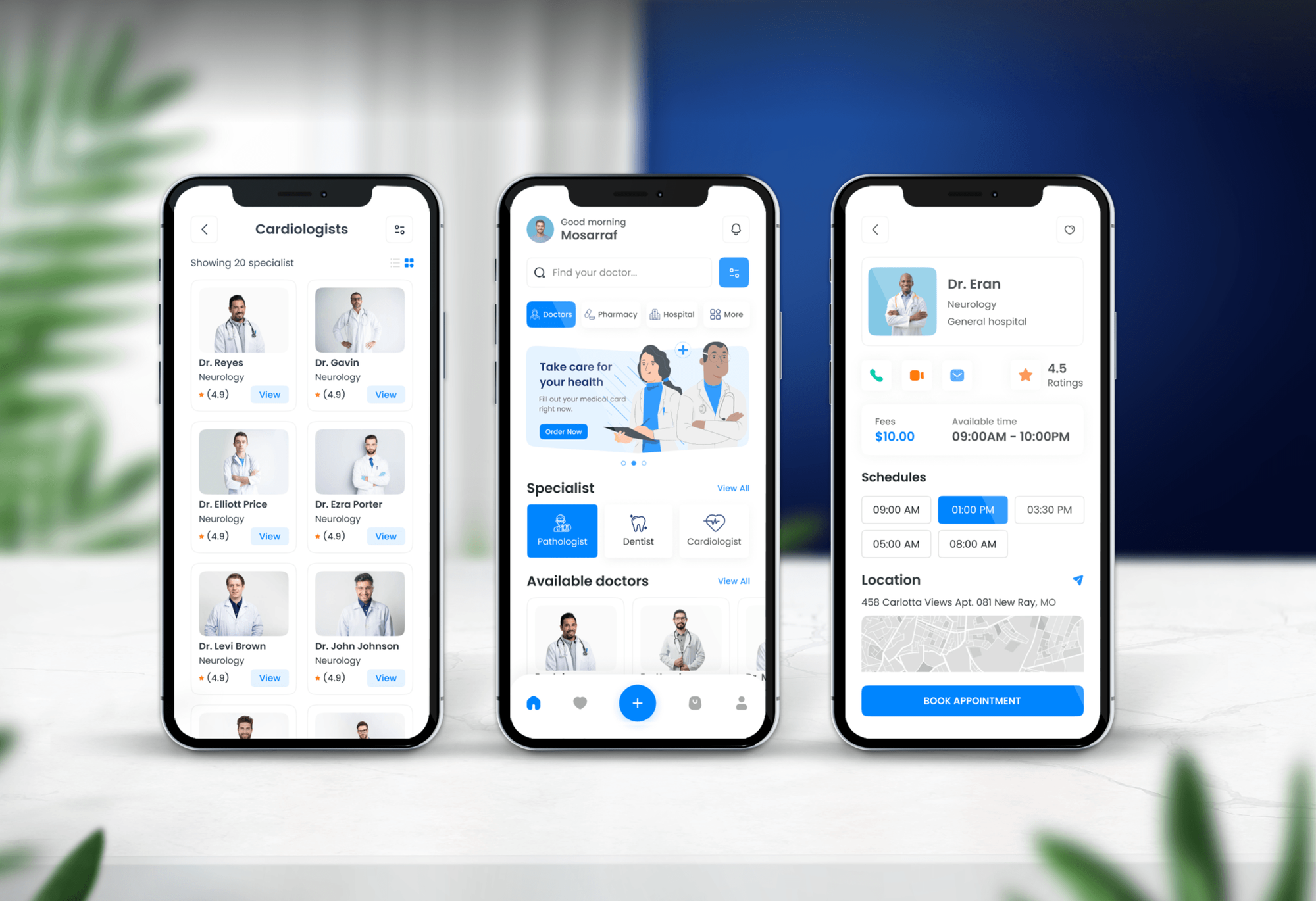
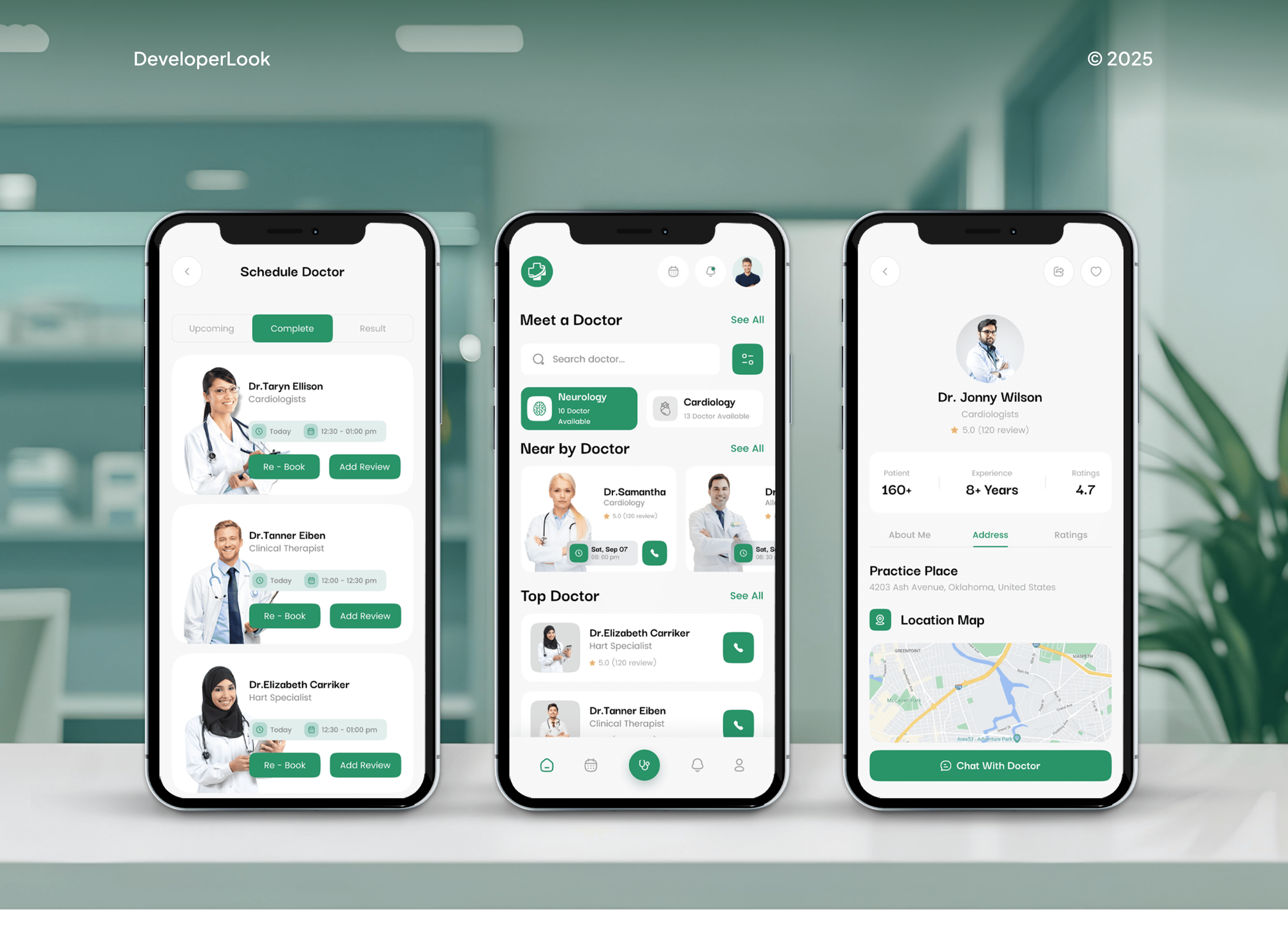
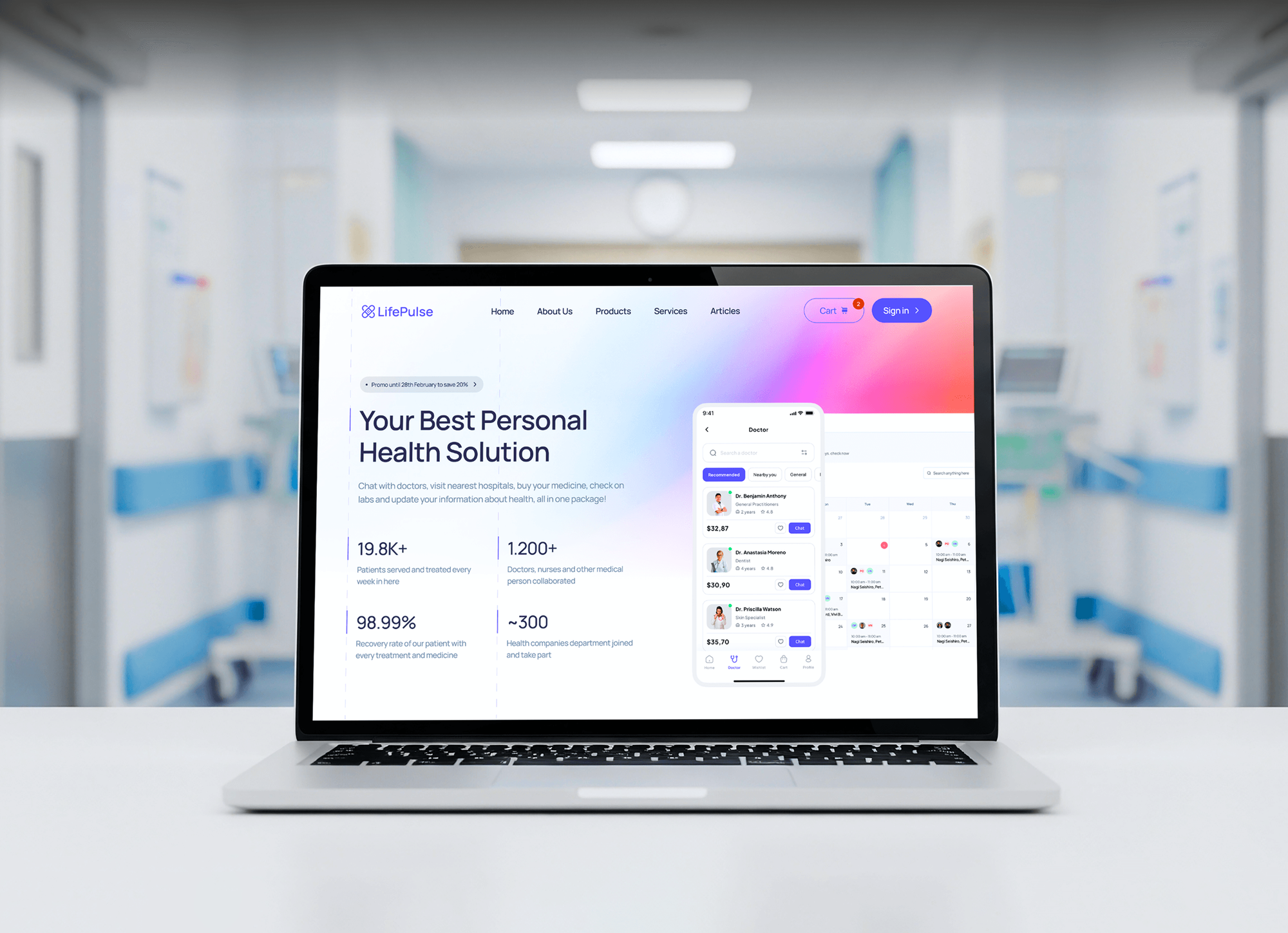
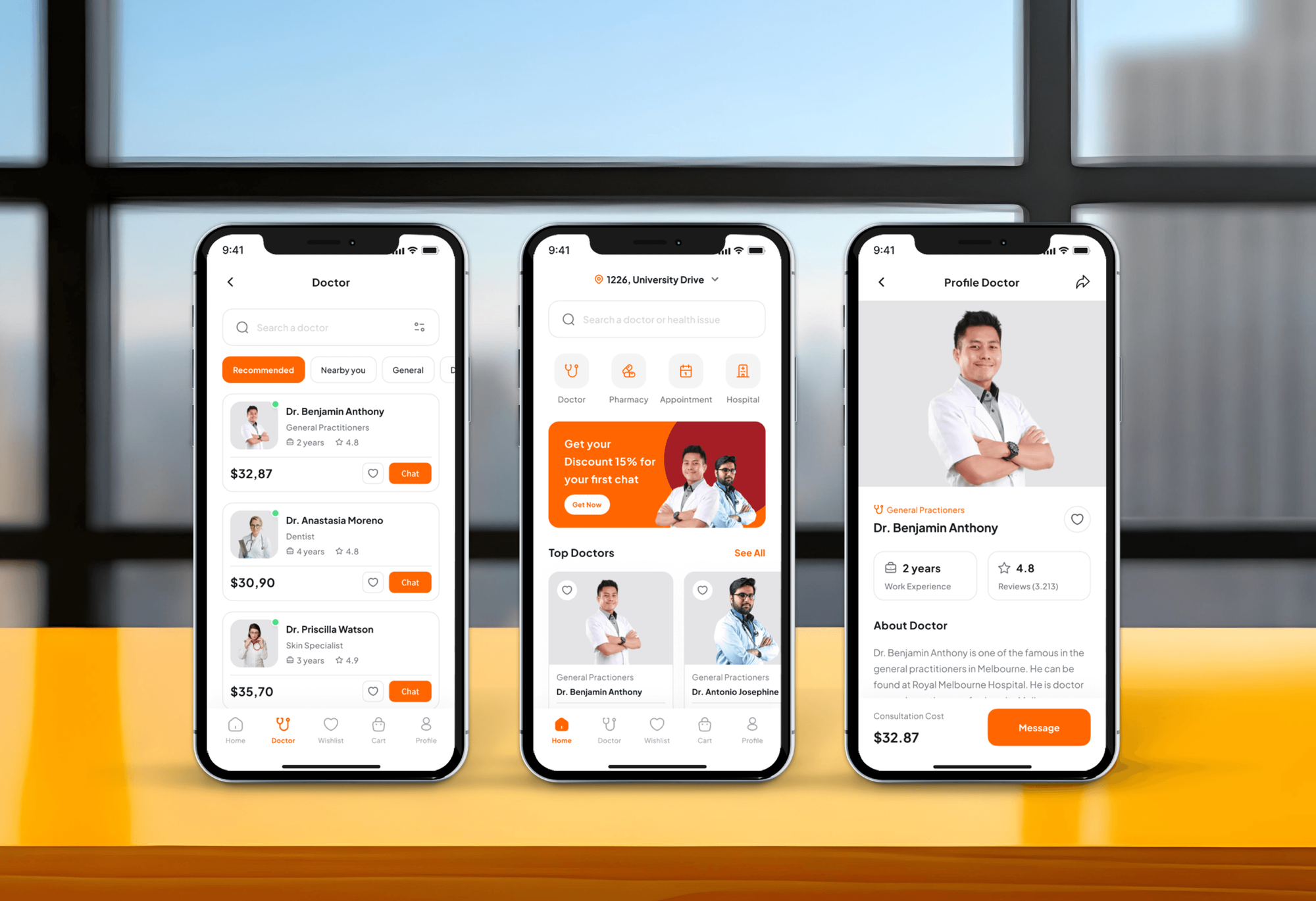
Doctor booking apps and patient platforms we designed and built. Systems like these hold the data your safeguards protect.
What Our Clients Say
Feedback from teams we have built apps, platforms, and websites for.
We had a pretty specific idea of what we wanted our website to become, but I wasn’t sure how easily we could explain all of it to a development team. There were quite a few moving parts, and we were working toward a deadline, so I expected a few things to get lost along the way. That never really happened. They understood what we were trying to achieve, kept us updated throughout the process, and got everything ready within the agreed timeline. The final site feels much easier to navigate, works beautifully on mobile, and is noticeably smoother for our customers. It was a huge relief seeing the original idea actually turn into the website we had in mind.
The mobile experience is probably my favourite part of the new site. We had spent a lot of time making sure the desktop version looked right, and the team kept pushing us to think about how everything would actually feel on a phone too. They were right. The navigation is clean, the interactions feel natural, and everything we’ve tested so far works exactly as it should. They also went through the links, forms, integrations, and other details more than once before launch, which I really appreciated. And even after going live, we could still reach out when something came up. The whole process felt friendly, organised, and surprisingly straightforward.
What I appreciate most is that the website is actually easy for us to manage now. We can update content ourselves instead of sending a developer a message every time we need to change something small. They also paid attention to the technical SEO side, which mattered to us because we didn’t want a new website to create problems for the traffic we already had. I’ve probably asked more questions than I should have since launch, but every question has been handled patiently and without any fuss. The team is easy to work with, they explain things clearly, and when we need something changed, they focus on getting it done rather than making the process complicated.
1,250+
Projects shipped
10+
Years of experience
Top 3%
Upwork Top Rated Plus
5 stars
Average review score

Want results like these?
Tell us what you are building. You get a reply within 24 hours on business days, then a written estimate.
Work Culture
Security work inside a practice touches the EHR, the front desk, and every device. These habits keep patient care moving while safeguards go in.
We schedule login, device, and network changes for evenings or weekends. Your morning schedule doesn't wait on a security fix.
We review configurations and screens, not patient records. When a screen shows a chart, you control the screen share and we look only at settings.
We sign a business associate agreement before touching any system that holds ePHI. That keeps our access inside the same rules your other vendors follow.
A safeguard that slows check-in gets bypassed by Friday. We set lock times and MFA prompts to fit how your front desk and exam rooms really work.
We explain what the Security Rule asks in plain English. When a question needs a healthcare attorney, we say so instead of guessing.
You get the scope and price in writing before work starts. If a fix grows, we tell you before doing it, not on the invoice.
Overview
DeveloperLook puts the HIPAA Security Rule's safeguards in place for medical practices, from front desk logins to the laptops staff take home. We review all three safeguard groups, add MFA and unique logins, encrypt devices, turn on audit logs, and test a backup restore. Projects start at $950 and take 1 to 6 weeks, with changes made after patient hours.
DEVELOPERLOOK
Project facts · Cybersecurity for Medical Practices
Reviewed 23 Oct 2026 by Saimul Islam
Good fit
Independent primary care practices
Your practice runs a cloud EHR and Microsoft 365 with one shared front-desk login, and nobody has checked which safeguards are actually switched on.
Specialty groups with several locations
You added a second and third office, and each one set up its own Wi-Fi, printers, and backups with no shared standard.
Practice managers after a phishing scare
Your billing clerk clicked a fake invoice email, and you want medical practice cybersecurity basics in place before the next one lands.
Practices with an on-site EHR server
Your EHR still runs on a server in a back closet, and you're not sure last night's backup would actually restore.
IT firms that support clinics
You manage IT for several clinics and need each safeguard documented in a way their security official can show an investigator.
Not a fit
Need the full risk analysis
You need a documented risk analysis, policies, and business associate agreements written from scratch. Our HIPAA compliance services page covers that full program.
Hospital-sized network
You run a hospital or health system with its own data center and clinical engineering team. Our managed security services page fits that scale better.
Budget under $950
Your budget is under $950 and you're a solo practice on one cloud EHR. HHS's free Health Industry Cybersecurity Practices guide is a sensible place to start.
Only patient forms need work
Your real gap is website intake forms that email patient details in plain text. Our HIPAA compliant online forms page fixes that from $750.
Not sure we're the right fit?
Book a free call or message us. We'll tell you honestly whether we're the right team.
Pricing
These are starting points in USD. Your final price depends on staff count, locations, and how many safeguards need fixing, and you get a fixed proposal after a free practice call.
For single-location practices that need gaps found and MFA switched on first.
$950one-time, USD
For practices of up to 25 staff that want every missing safeguard set up and tested.
$2,300one-time, USD
For groups with up to 3 locations and 60 staff that need one standard everywhere.
$4,400one-time, USD
For Agencies
You own the clinic relationship. We supply the safeguard review, setup, and evidence under your brand, scheduled around your client's patient hours. Your healthcare clients get documented Security Rule work without you hiring a healthcare security specialist.
White label: your client only ever sees your brand
Send each clinic's EHR, staff count, and the questions their security official asked.
You get a fixed price per clinic and an after-hours schedule to approve.
We set up the safeguards, run restore tests, and deliver evidence in your format.
Reports and evidence carry your logo, and we join calls only when asked.
Clinic changes are scheduled for evenings, so your client's patients don't notice them.
One safeguard standard applied across every clinic you manage, with evidence per site.
MFA and logoff settings tested against the EHRs your clients already run.
The Right Technology for Your Project
These are the tools practices already run, plus the device and backup tools we set up when a safeguard is missing. Every change is logged and reversible.
 AWS
AWS Microsoft Azure
FAQ
Straight answers on cost, what the Security Rule covers, who enforces it, and how often to review your safeguards.
Saimul IslamFounder & CEO, DeveloperLookStill have questions?
Send a message or book a call with the team.
It starts at $950 with DeveloperLook: a safeguards review plus MFA on email and the EHR for up to 15 staff. Full setup with unique logins, encryption, audit logs, and a timed restore test for up to 25 staff is $2,300. Groups with up to 3 locations start at $4,400, and most projects finish in 1 to 6 weeks.
Its primary purpose is to protect the confidentiality, integrity, and availability of electronic protected health information (ePHI). In practice terms, only the right staff open a chart, records can't change without a trace, and the EHR stays up during clinic hours. Each practice picks safeguards that fit its size and risks.
It covers electronic patient health information that a practice creates, receives, keeps, or sends. Paper charts and spoken conversations fall under the Privacy Rule instead. For a medical practice, that includes the EHR, email, e-fax, portal messages, scanned insurance cards, backups, and every laptop or phone that can reach them.
The HHS Office for Civil Rights (OCR) enforces it, and state attorneys general can also bring HIPAA cases. OCR investigates complaints and breach reports, can require a corrective action plan, and can impose civil money penalties. When OCR reviews a practice under the Security Rule, HIPAA investigators usually ask for the risk analysis and proof that each safeguard works.
Technical safeguards are the technology controls in 45 CFR 164.312: access control, audit controls, integrity, authentication, and transmission security. For a practice, that means unique user IDs, automatic logoff, encryption, logs of who opened which record, and protected email and remote access. Some are required and others addressable, so you either implement them or document a reasonable alternative.
The current rule sets no fixed interval: it asks for an accurate, thorough risk analysis that you review as your setup changes. Most practices review yearly and after a new EHR, office, or major vendor. HHS's January 2025 proposal would make a yearly review explicit, but it isn't final. Our HIPAA compliance services page covers the documented analysis itself.
It requires a risk analysis, risk management, and safeguards in three groups: administrative, physical, and technical. Administrative safeguards include a security official, workforce training, and a sanctions policy. Physical safeguards cover facility access and workstations, and technical ones cover logins, logs, and encryption. The 2026 HIPAA Security Rule updates people ask about are still a proposal, so we build to today's rule.
Workforce members follow it by using only their own login, locking screens when they step away, and reporting lost devices or odd emails right away. The practice must train them and apply a sanctions policy when rules are broken. We set up screen locks and MFA so the right habit is also the easy one.
It protects electronic protected health information: identifiable patient health data held or sent electronically. That includes chart notes, lab results, appointment records, and billing data with diagnosis codes. The rule protects three things about that data: who can see it, whether it can be trusted as accurate, and whether it's there when clinicians need it.
The goal is to protect patient data while still letting practices adopt technology such as cloud EHRs, telehealth, and patient portals. That's why the rule names standards rather than products and scales to the size of the organization. HIPAA Security Rule compliance for a small clinic can look very different from a hospital's and still meet the same rule.
Saimul IslamFounder & CEO, DeveloperLookStill have questions?
Send a message or book a call with the team.
Free 30-min callGoogle Meet
Book a call
In 30 minutes on Google Meet we walk you through how we would build it, how long it takes and what it costs. Then you get a written estimate.
Calendar not showing? Book on cal.com or send a brief.