
Platform setup and staff sync
Your training platform connected to Microsoft 365, Google Workspace, or Okta, so joiners and leavers stay current.

For HR and IT teams that need staff trained without losing a day to it: 10-minute monthly lessons, role tracks, and records you can show auditors. From $400 per month.
12
Short lessons every year
7days
To train each new hire
How your project runs
Teams we have built for:














The Problem
It shows up when an auditor asks for training records, a customer questionnaire asks how often staff are trained, or a fake invoice gets paid because nobody thought to check.
01 · Attention
One long annual video gets played on mute.
A 10-minute lesson each month fits between real work.
02 · Relevance
Generic lessons skip the scams your finance team sees.
Role tracks cover invoice fraud, payroll diversion, and admin impersonation.
03 · New starters
New hires wait months for their first training.
New starters get a first lesson on passwords, MFA, and reporting in week one.
04 · Evidence
Audit requests turn into days of screenshot hunting.
Completion and sign-off records export straight from the training platform.
Once a year, everyone gets a link to a 45-minute video. Half the team plays it on mute while answering email, and the rest finish in March after three reminders. Nothing in it covers the scams your finance team sees, like a supplier asking to change bank details. New hires who start in June wait until next year's video. When the auditor asks who completed training and when, someone spends two days stitching screenshots together.
We replace the yearly marathon with a 10-minute lesson every month, picked for what your staff really face. Finance learns invoice and payment fraud, HR learns payroll diversion, and IT admins learn MFA fatigue and help desk impersonation. New starters get their first lesson in week one. Completion records build up as people finish, so the audit question takes minutes, not two days of screenshots.
Ten minutes, once a month
Short lessons staff finish between tasks, instead of one long video every year.
Lessons matched to roles
Finance, HR, IT admins, and leaders each learn the scams aimed at their jobs.
Records ready for audits
Completion and policy sign-off records exported in the format your auditor asks for.
Our Security Awareness Training for Employees Process
You approve the lesson calendar, role tracks, and reminder rules before staff see anything, then get a written report every quarter.
We look at your headcount, roles, current training, and the rules you answer to, such as PCI DSS or HIPAA. You get a written plan and a fixed monthly price. If your current platform's built-in courses already cover you, we'll tell you before we quote.
What's Included
Each program covers platform setup, a monthly lesson calendar, role tracks, new-hire onboarding, completion tracking, and the records that auditors, insurers, and customers ask to see.
Compare Options
A self-serve platform suits teams with an admin who has spare hours, and a yearly course ticks a box cheaply. Here is how both compare with managed security awareness training services.
| Feature | DeveloperLookBest fit | Platform only | Annual course |
|---|---|---|---|
| Setup | Done for you in 2 to 3 weeks | Your admin configures it | Send one link |
| Lesson format | 10 minutes, every month | Large library to pick from | One long session |
| Role relevance | Tracks for finance, HR, and admins | Possible if you build them | Same content for everyone |
| New hires | Trained in their first week | Depends on your admin | Wait for next year |
| Chasing completions | Reminders and follow-up handled | Automated, you follow up | Manual emails |
| Audit evidence | Export ready every quarter | Reports you assemble yourself | One certificate per person |
| Program changes | Adjusted after each quarterly review | Whenever you find time | Next year's version |
| Cost | From $400 per month | Lowest license cost per user | Cheapest upfront |
Projects We've Built
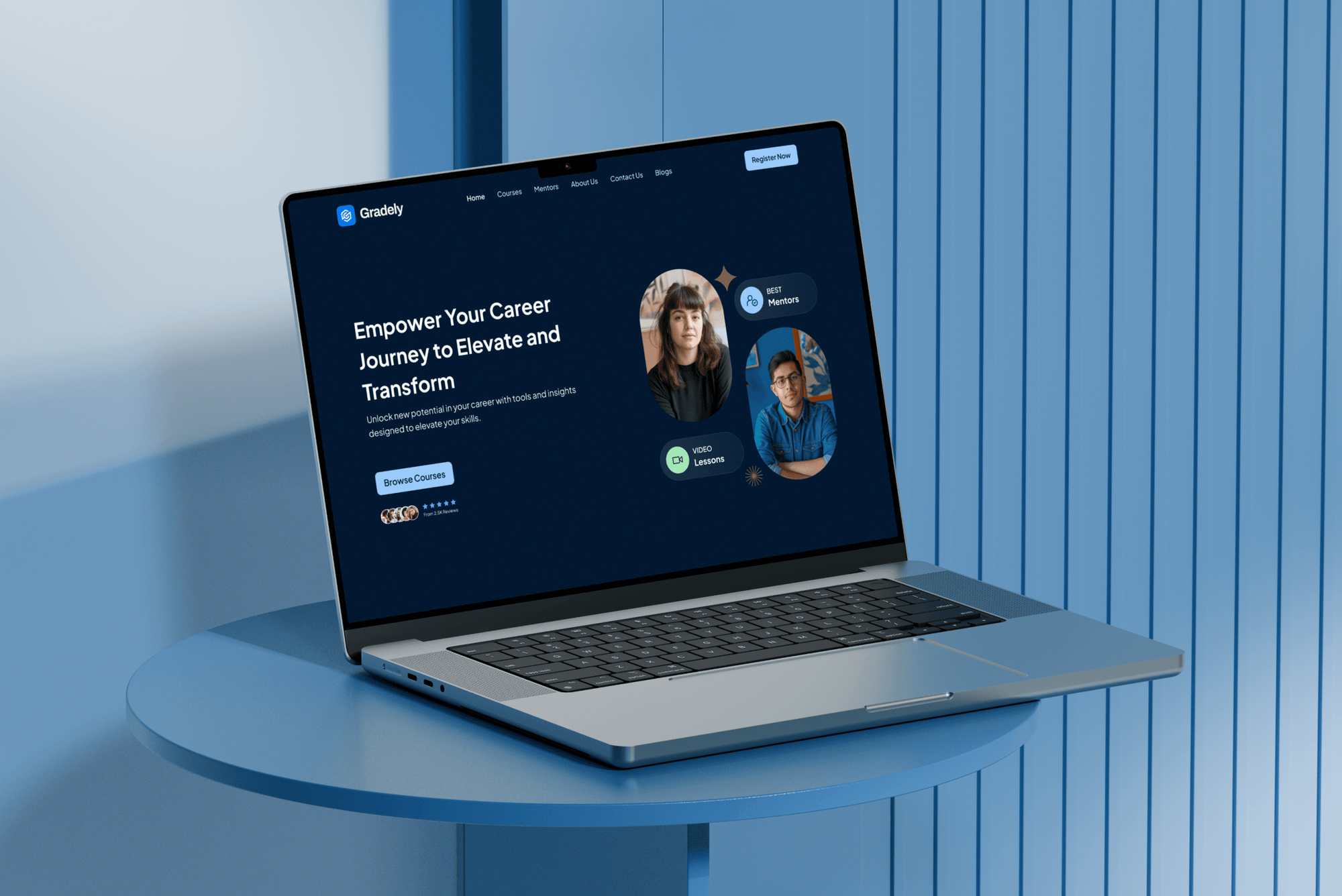
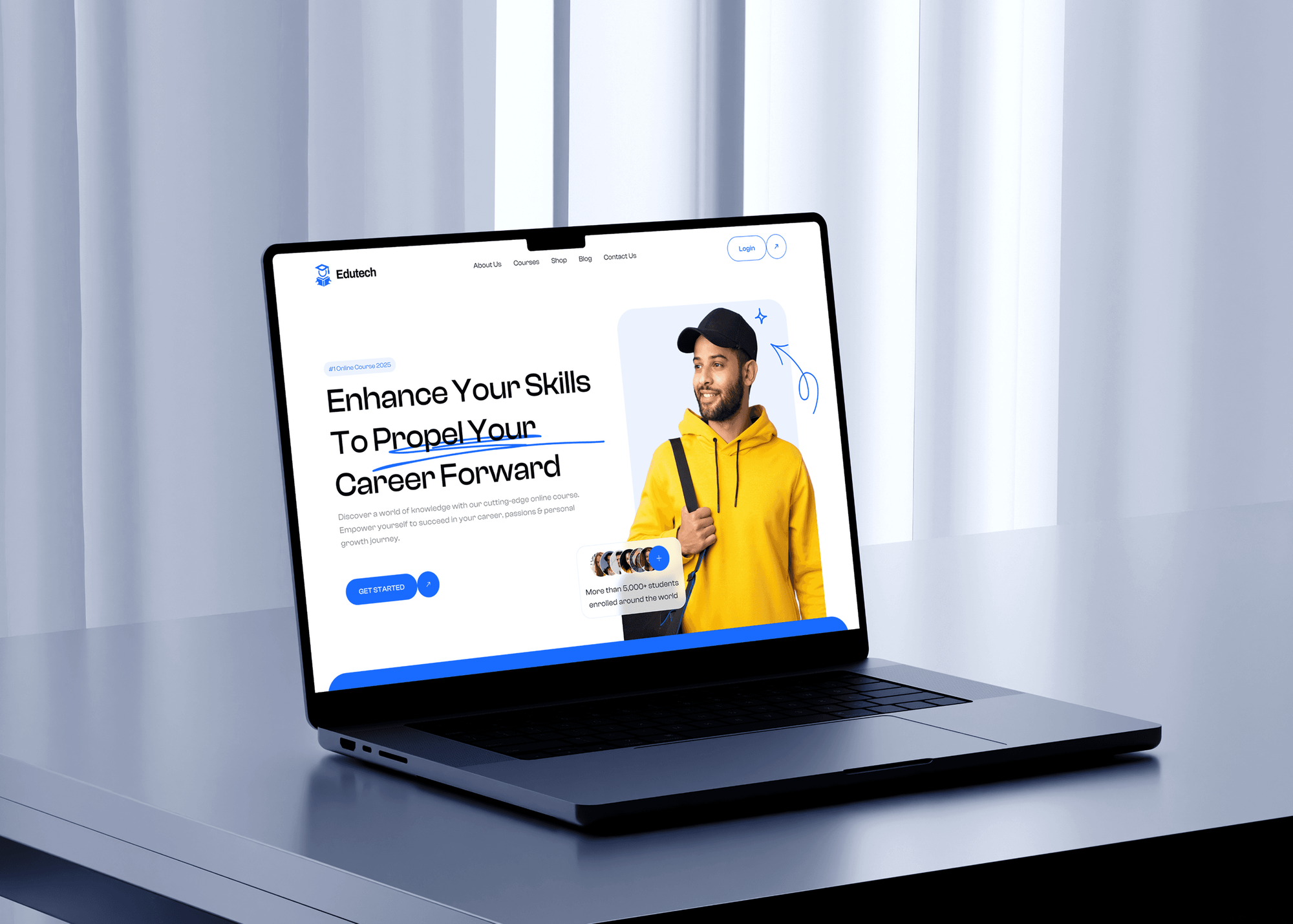
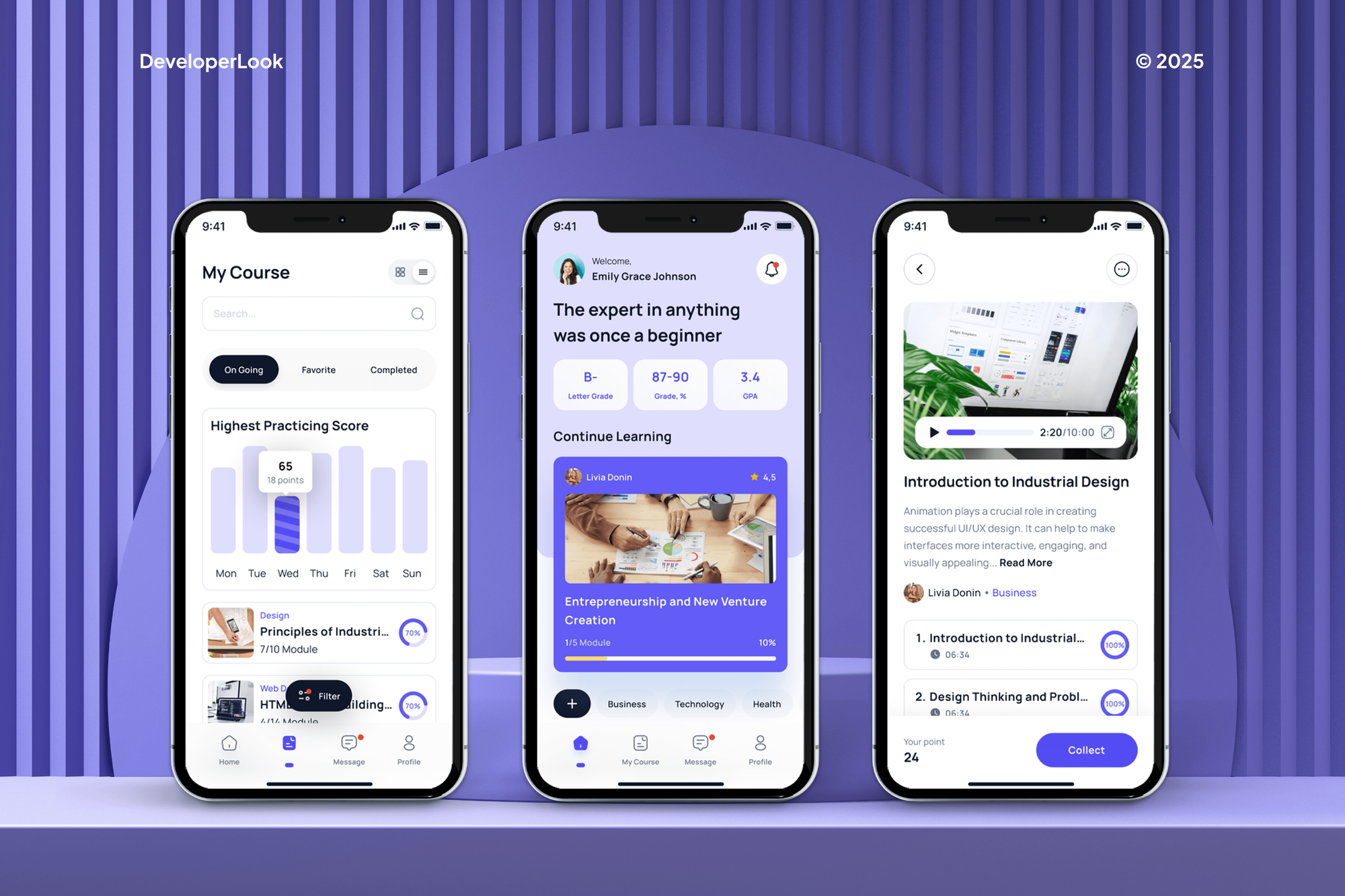
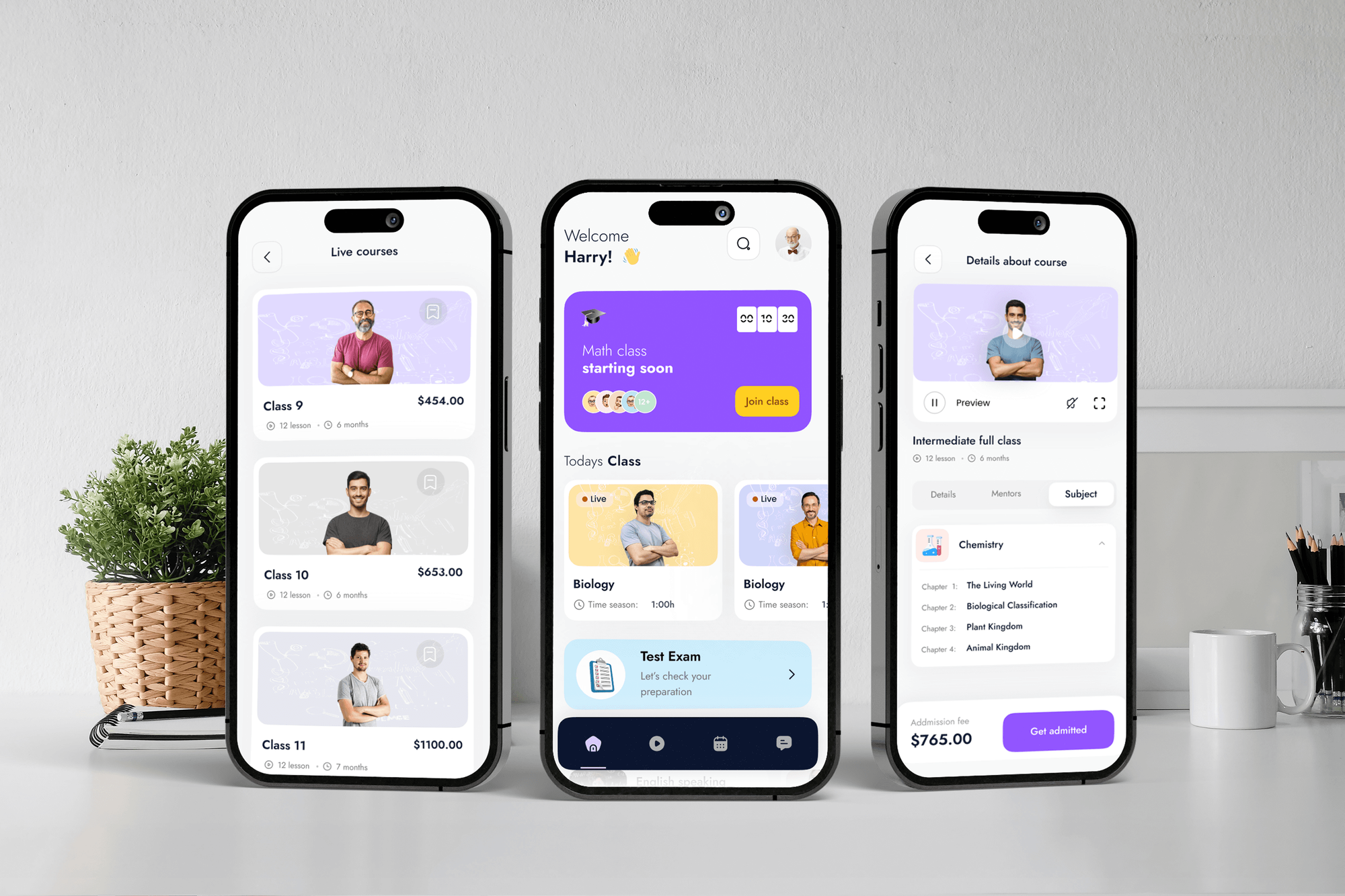
Learning platforms and course apps we designed and built for education teams. They show our build work on learning products, not security training programs.
What Our Clients Say
Feedback from teams we have built apps, platforms, and websites for.
We had a pretty specific idea of what we wanted our website to become, but I wasn’t sure how easily we could explain all of it to a development team. There were quite a few moving parts, and we were working toward a deadline, so I expected a few things to get lost along the way. That never really happened. They understood what we were trying to achieve, kept us updated throughout the process, and got everything ready within the agreed timeline. The final site feels much easier to navigate, works beautifully on mobile, and is noticeably smoother for our customers. It was a huge relief seeing the original idea actually turn into the website we had in mind.
The mobile experience is probably my favourite part of the new site. We had spent a lot of time making sure the desktop version looked right, and the team kept pushing us to think about how everything would actually feel on a phone too. They were right. The navigation is clean, the interactions feel natural, and everything we’ve tested so far works exactly as it should. They also went through the links, forms, integrations, and other details more than once before launch, which I really appreciated. And even after going live, we could still reach out when something came up. The whole process felt friendly, organised, and surprisingly straightforward.
What I appreciate most is that the website is actually easy for us to manage now. We can update content ourselves instead of sending a developer a message every time we need to change something small. They also paid attention to the technical SEO side, which mattered to us because we didn’t want a new website to create problems for the traffic we already had. I’ve probably asked more questions than I should have since launch, but every question has been handled patiently and without any fuss. The team is easy to work with, they explain things clearly, and when we need something changed, they focus on getting it done rather than making the process complicated.
1,250+
Projects shipped
10+
Years of experience
Top 3%
Upwork Top Rated Plus
5 stars
Average review score

Want results like these?
Tell us what you are building. You get a reply within 24 hours on business days, then a written estimate.
Work Culture
Training only works if people finish it and it doesn't eat their week. These habits keep lessons short, relevant, and respectful of the people taking them.
We keep each lesson to about 10 minutes and one idea. Staff finish it between tasks, so completion doesn't depend on chasing people for weeks.
We report results by team, not as a list of who failed a quiz. People ask questions more readily when a mistake doesn't make them a target.
We build the calendar from the attacks your roles really see, like supplier bank-change requests in finance. Staff learn what is likely to land in their own inbox.
Staff can reply to any lesson with a question, and an engineer answers within 1 business day. Small doubts get cleared before they turn into risky clicks.
Your price is set by plan and headcount tier, and it changes only when your staff count moves up a tier. Platform licenses are billed by the vendor, with no markup.
Completion records, quiz results, and sign-offs live in your own platform account. If you leave, you keep every record and the lesson calendar.
Overview
DeveloperLook runs security awareness training as a managed monthly program for companies with up to 400 staff. We set up the platform you license, send a 10-minute lesson every month, add role tracks for finance, HR, and IT admins, and keep audit-ready records. Plans start at $400 per month, and programs go live in 2 to 3 weeks.
DEVELOPERLOOK
Project facts · Security Awareness Training for Employees
Reviewed 22 Oct 2026 by Saimul Islam
Good fit
Merchants that take card payments
Your PCI DSS assessor wants proof that staff are trained at hire and every year, including on phishing and social engineering.
Healthcare practices and their vendors
Your practice needs cyber security awareness training for employees under the HIPAA Security Rule, and the yearly slideshow misses what front desk staff see.
Lenders and advisers under the FTC rule
You fall under the FTC Safeguards Rule, which calls for security awareness training for your staff, and you need records of who completed it.
SaaS companies answering questionnaires
Your enterprise customers' security questionnaires ask how often staff are trained, and you want a real program behind your answer.
HR teams comparing training companies
You're comparing security awareness training companies and would rather pay one partner to run it than hand an admin another platform.
Not a fit
Phishing tests only
You only want to test staff with simulated phishing emails, not run monthly lessons. Our phishing simulation service runs authorized campaigns on their own.
Want a whole security program
You need policies, MFA, email security, and device fixes alongside training. Our cybersecurity services page covers that wider program, with training as one part.
Need a certified course
Your regulator or contract requires a certificate from one named course provider. Use that provider directly, since we run programs and keep records but issue no certifications.
Budget under $400 a month
You have fewer than 10 staff and a budget under $400 a month. Free staff training from national cyber agencies, such as the UK's NCSC, is a sensible start.
Not sure we're the right fit?
Book a free call or message us. We'll tell you honestly whether we're the right team.
Pricing
These are monthly starting points in USD. Your plan depends on headcount, role tracks, and custom lessons, and you get a fixed proposal after a free kickoff call. Platform licenses are billed by the vendor.
For teams of up to 50 staff that need monthly lessons and proof of completion.
$400/month
For companies of up to 150 staff that need role tracks and policy sign-offs.
$650/month
For organizations of up to 400 staff with regulated data or many high-risk roles.
$1,000/month
For Agencies
You own the client relationship. We run the training platform, lesson calendar, and quarterly reports under your brand, and join client calls only when you ask. Your clients get a working program without you staffing a trainer.
White label: your client only ever sees your brand
Send each client's headcount, sector, platform, and any audit or insurer requirements.
You get a lesson calendar, role tracks, and a fixed monthly price per client.
We run the lessons and reminders, then deliver quarterly reports in your template.
You present the reports while we run the program quietly in the background.
Quarterly reports delivered in your format, with your logo and wording.
Reuse a tested lesson calendar across clients, adjusted for each client's sector.
Client staff questions answered within 1 business day, under your name.
The Right Technology for Your Project
We work in the tools your staff already use, so lessons and reminders arrive where people read them and records stay in your accounts.
 Moodle
 Google Sheets
 Slack
SlackFAQ
Straight answers on pricing, how often to train, whether training works, and what your staff will see.
Saimul IslamFounder & CEO, DeveloperLookStill have questions?
Send a message or book a call with the team.
Our managed program starts at $400 per month for up to 50 staff, with a monthly lesson, new-hire onboarding, and quarterly reports. Up to 150 staff with role tracks and policy sign-offs costs $650 per month. Up to 400 staff with custom lessons costs $1,000 per month. Platform licenses are billed by the vendor.
Most programs go live in 2 to 3 weeks. Week one covers the kickoff, the platform connection, and the staff list sync. Week two maps the lesson calendar and role tracks for your approval, and the first lesson goes out once you sign off. Rollouts across several directories or subsidiaries can take a week longer.
It's an ongoing program teaching staff to spot phishing, payment fraud, and unsafe data handling, and to report what looks wrong. NIST SP 800-50 Rev. 1, published in 2024, treats it as a learning program with a life cycle rather than a single course. Good programs mix short lessons, role tracks, and practice.
It matters because many attacks start with a person, not a server: a fake invoice, a password reset prompt, or a caller posing as IT. Filters and firewalls catch a lot, but someone still decides whether to pay the invoice. Training gives that person a reason to pause and a simple way to report it.
You may be required to have it: PCI DSS, the HIPAA Security Rule, and the FTC Safeguards Rule all call for staff security training. Cyber insurers and enterprise customers also ask about it in their questionnaires. Even without a rule, one person who reports a suspicious email early can stop an incident before it spreads.
It helps less than vendors often suggest, and recent research says so plainly. A 2025 UC San Diego study at a large healthcare organization found that recently completing annual training had no significant link to failing simulated phishing. So we promise no drop in incidents. We favor short monthly lessons and fast reporting, and we measure completion and reporting.
Run a short lesson every month plus training at hire, rather than one long session a year. PCI DSS asks for training at hire and at least once every 12 months, which is a floor, not a goal. Monthly 10-minute lessons keep the topic fresh without taking a working afternoon from anyone.
Compare the full yearly cost per person, not the headline license price. Platforms usually charge per user per year, then add fees for phishing tests, extra languages, or LMS connections. Also count the admin hours needed to assign lessons, chase completions, and pull audit reports, because that time can cost more than the license.
We run the program on a training platform you license or already own. That can be the training library in Microsoft Defender for Office 365 Plan 2 or a dedicated awareness platform. On the top plan we also write short lessons about your own policies, tools, and reporting steps. Those custom lessons are yours to keep.
You do. Completion records, quiz results, and policy sign-offs live in your own platform account, and we export a full copy when you leave. The lesson calendar and any custom lessons we wrote are yours too. While the program runs, staff questions get an answer from an engineer within 1 business day.
Saimul IslamFounder & CEO, DeveloperLookStill have questions?
Send a message or book a call with the team.
Free 30-min callGoogle Meet
Book a call
In 30 minutes on Google Meet we walk you through how we would build it, how long it takes and what it costs. Then you get a written estimate.
Calendar not showing? Book on cal.com or send a brief.