
Slash commands and context menus
Commands, user menus, and message menus with clear descriptions, limited to the roles that should use them.

For community owners and companies running a Discord server: a custom bot that handles onboarding, roles, tickets, and moderation, from $650.
24/7
Moderation and tickets running
10+ hrs
Moderator time saved weekly
How your project runs
Teams we have built for:














The Problem
It usually starts around the first few thousand members. Questions repeat, reports pile up in DMs, and the same three volunteers hand out every role.
01 · Roles
Moderators hand out roles one member at a time.
Buttons and Linked Roles let members claim the right role themselves.
02 · Repeat questions
The same five questions get answered all day long.
Slash commands and a help menu answer them inside the channel.
03 · Reports
Reports arrive in DMs and get lost by morning.
A ticket flow logs each report with a transcript your team can search.
04 · Borrowed bots
A copied bot breaks after an update and nobody can fix it.
You get tested code you own, running on 24/7 hosting with logs.
A new member joins, reads nothing, and asks where the rules are. Someone pings a moderator to get the paid role they bought an hour ago. A scam link sits in the general channel until a volunteer wakes up. Reports arrive as DMs, so nobody can see what was already handled. You installed a public bot, but its dashboard can't check your membership list or open a ticket the way your team works. Your best moderators spend their evenings copying usernames into a spreadsheet.
We start with the jobs your moderators repeat every day, then turn each one into a slash command, a button, or an automatic rule. The bot gives members their roles, answers the common questions, opens tickets with transcripts, and logs every moderation action. Your team handles the judgment calls instead of the copy and paste.
Slash commands members find
Commands show up in Discord's menu with descriptions, so nobody memorizes a prefix.
Intents planned from day one
We request only the privileged intents a feature needs, before Discord's review becomes a blocker.
Least permissions on invite
The bot joins with the permissions its commands use, not full administrator access.
Our Discord Bot Development Services Process
You approve every command and permission before code is written, and your moderators test the bot on a private server before members ever see it.
We look at your channel map, roles, and the jobs moderators repeat, then check which features need privileged intents. You get a command list and a fixed quote. If a public bot already covers it, we'll tell you before we quote.
What's Included
A bot built around how your server runs: commands, roles, tickets, moderation, the tools you already pay for, and hosting that keeps it online.
Compare Options
A public bot is free or cheap and live in minutes, and a freelance Discord bot developer can be cheaper for one command. Here is where each one fits.
| Feature | DeveloperLookBest fit | Public bot | Freelancer |
|---|---|---|---|
| Up-front planning | Commands mapped to your moderators' jobs | Pick from preset modules | Built from your message |
| Custom workflows | Built for your roles and tools | Limited to its dashboard | Yes, if scoped well |
| Setup speed | 2 to 8 weeks | Live in minutes | Days to weeks |
| Privileged intents | Requested only where needed | Set by the bot's owner | Often all switched on |
| Testing before launch | Staging server and moderator tests | Tested by its developer | Often tested live |
| Hosting and uptime | 24/7 hosting with alerts | Hosted by its owner | Varies by person |
| Code ownership | Your code and bot token | Depends on the contract | |
| Monthly cost | None after handoff, plus hosting | Free or premium tiers | Hourly fixes |
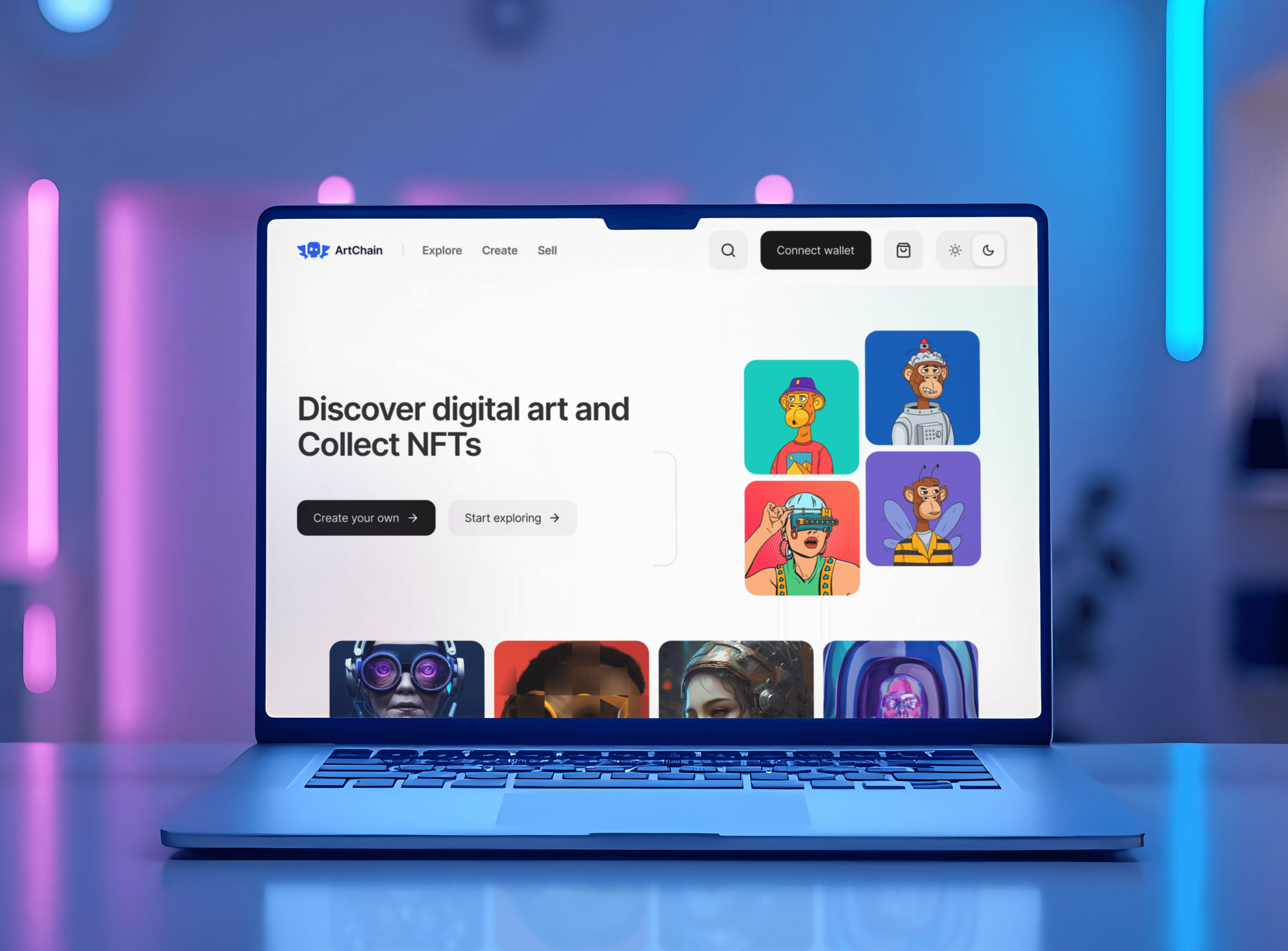
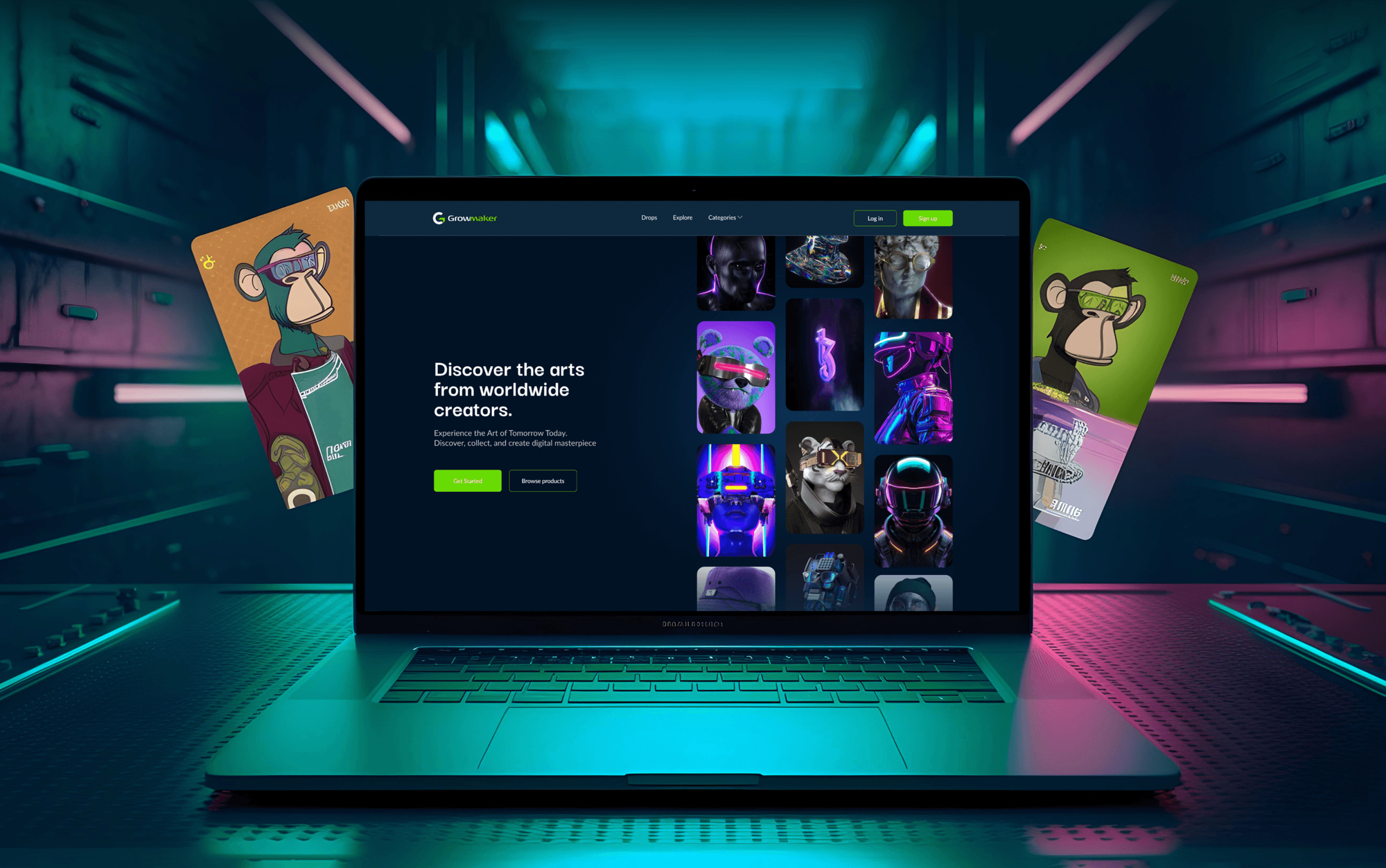
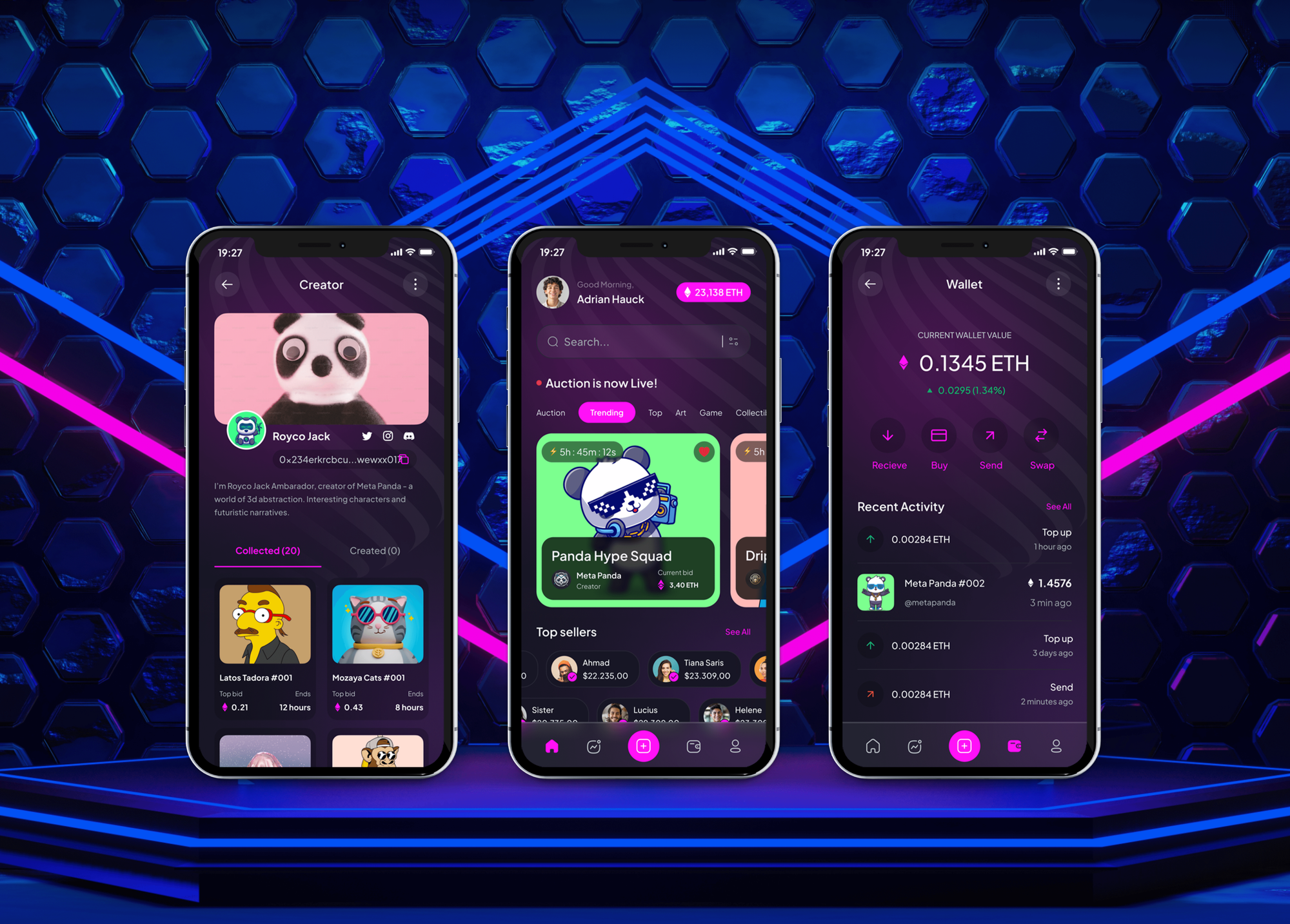
Projects We've Built
Community platforms and NFT marketplaces we designed and built. None is a Discord bot, but each one serves members who gather and talk online.

What Our Clients Say
Feedback from teams we have built websites, apps, and integrations for.
We had a pretty specific idea of what we wanted our website to become, but I wasn’t sure how easily we could explain all of it to a development team. There were quite a few moving parts, and we were working toward a deadline, so I expected a few things to get lost along the way. That never really happened. They understood what we were trying to achieve, kept us updated throughout the process, and got everything ready within the agreed timeline. The final site feels much easier to navigate, works beautifully on mobile, and is noticeably smoother for our customers. It was a huge relief seeing the original idea actually turn into the website we had in mind.
The mobile experience is probably my favourite part of the new site. We had spent a lot of time making sure the desktop version looked right, and the team kept pushing us to think about how everything would actually feel on a phone too. They were right. The navigation is clean, the interactions feel natural, and everything we’ve tested so far works exactly as it should. They also went through the links, forms, integrations, and other details more than once before launch, which I really appreciated. And even after going live, we could still reach out when something came up. The whole process felt friendly, organised, and surprisingly straightforward.
What I appreciate most is that the website is actually easy for us to manage now. We can update content ourselves instead of sending a developer a message every time we need to change something small. They also paid attention to the technical SEO side, which mattered to us because we didn’t want a new website to create problems for the traffic we already had. I’ve probably asked more questions than I should have since launch, but every question has been handled patiently and without any fuss. The team is easy to work with, they explain things clearly, and when we need something changed, they focus on getting it done rather than making the process complicated.
1,250+
Projects shipped
10+
Years of experience
Top 3%
Upwork Top Rated Plus
5 stars
Average review score

Want results like these?
Tell us what you are building. You get a reply within 24 hours on business days, then a written estimate.
Work Culture
A bot speaks for your community in every channel, so these habits decide how it treats your members and your moderators.
We invite the bot with only the permissions its commands use, not administrator access by default. A leaked token then does far less damage to your server.
Every command runs on a private server before it reaches yours. Mistakes happen in front of us, not in front of your members.
Your moderators try the bot first and tell us what reads wrong. Their feedback shapes the wording members see every day.
We ask for privileged intents only when a feature needs them and write down why. Discord reviews those requests as an app grows, so clear reasons keep growth from stalling.
Each command and flow is listed and priced before work starts. New ideas get a quote first, so your budget holds.
The bot application, its token, and its code sit in your own accounts. You can switch developers later without rebuilding a single command.
Overview
DeveloperLook handles Discord bot development for community owners and companies that run their members on Discord. We build slash commands, onboarding and role flows, ticket systems, moderation tools, and syncs with your membership or payment tools. Bots start from $650, take 2 to 8 weeks, and the code and token stay yours.
DEVELOPERLOOK
Project facts · Discord Bot Development Services
Reviewed 22 Oct 2026 by Saimul Islam
Good fit
Community owners with tired moderators
Your moderators hand out roles, answer the same questions, and copy reports into a spreadsheet, and the best ones are starting to burn out.
Creators selling paid memberships
You sell memberships through Stripe or your own site, and paying members still wait hours for someone to give them the right role.
Game studios and Web3 projects
Your game or NFT community lives on Discord, and you need commands that read player stats or holder lists from your own API.
Companies with a customer community
Your product's support community runs on Discord, and member questions need a ticket flow that hands transcripts to your support team.
Agencies managing client servers
Your agency runs Discord servers for clients and needs a Discord bots developer who can build and host custom bots under your name.
Not a fit
Basic moderation only
You only need welcome messages, auto-roles, and simple filters. A popular public bot with a dashboard covers that for free or a small monthly fee.
Your team uses Slack
Your team and customers talk in Slack, not Discord. Our Slack App Development Services page covers bots and apps for Slack workspaces.
Website AI chatbot
You want an AI assistant answering customers on your website, not inside Discord. Our AI Chatbot Development Services page fits that better.
Self-bots or scraping
You want to automate a personal account or collect data from servers you don't run. Discord's terms forbid both, so we turn that work down.
Not sure we're the right fit?
Book a free call or message us. We'll tell you honestly whether we're the right team.
Pricing
These are starting points in USD. Your final price depends on your command count, connected tools, and hosting, and you get a fixed proposal after a free server review.
For servers that need onboarding, roles, and a handful of custom commands.
$650one-time, USD
For busy servers that need tickets, moderation tools, and a database behind the bot.
$1,900one-time, USD
For paid communities and products that need Discord synced with their own systems.
$4,400one-time, USD
For Agencies
You own the client relationship. We supply the bot engineering: command design, discord.js or discord.py code, hosting, and moderator guides, delivered under your agency's name and handed over in your client's own accounts.
White label: your client only ever sees your brand
Send the client's server, roles, and the jobs their moderators want automated.
Within days you get a command list, a fixed price, and the engineer's name.
We build, test on staging, and launch, then hand over code under your brand.
You run the client calls while we build and host the bot.
A fixed scope per command, with dates you can promise your client.
Engineers who know Discord's intents, rate limits, and interaction rules.
A pinned guide for each client's staff, written in plain language.
The Right Technology for Your Project
The Discord features, languages, data stores, and hosting we use to build bots that stay online and stay within Discord's rules.
 Node.js
 TypeScript
 Python
 PostgreSQL
 SQLite
 MongoDB
 Docker
 AWS
AWS Google Cloud
 Cloudflare
FAQ
Straight answers on Discord bot cost, timelines, how bots are made and hosted, and Discord's own rules.
Saimul IslamFounder & CEO, DeveloperLookStill have questions?
Send a message or book a call with the team.
Discord bot development with us starts at $650 for a starter bot with up to 6 slash commands and role flows. A community operations bot with tickets and a database is $1,900, and bots synced with Stripe or your own API start at $4,400. You get a fixed quote after a free server review.
A starter bot usually goes live in 2 to 3 weeks. Bots with tickets, a database, or integrations take 4 to 8 weeks, mostly because moderators test every flow on a staging server first. If your bot needs privileged intents above Discord's threshold, Discord's own review can add time.
You make a Discord bot from four parts: an application, a bot token, code, and hosting. The application and token come from the Developer Portal in minutes, so Discord bot creation is the quick part. Most of the work is the code, because that's where your commands, roles, and checks live.
You create it under New Application in the Discord Developer Portal. Then open the Bot tab to get a token and switch on any intents you need. Creating a Discord bot account takes minutes. Keep the token secret, since anyone holding it controls the bot and can post as it.
You add a bot to a server with an OAuth2 invite link that carries the bot and applications.commands scopes. The link also lists the permissions the bot asks for, and only someone with Manage Server can approve it. We keep that list short, so the bot can't do more than its commands need.
Most Discord bots are coded in JavaScript or TypeScript with discord.js, or in Python with discord.py. discord.js 14 needs Node.js 18 or newer. The code registers slash commands, listens for interactions, and replies within 3 seconds or defers the reply, which is a rule Discord sets.
The Discord API is how bots talk to Discord: a REST API, currently version 10, plus a Gateway WebSocket that streams events in real time. Bots authenticate with their token, and Discord allows up to 50 requests per second globally, with tighter per-route limits that good bots read from the response headers.
A bot that reads events over the Gateway needs a server running around the clock, because the connection has to stay open. Bots that only answer slash commands can use an HTTP interactions endpoint instead, which suits serverless hosting. We pick the model from your features and set up restarts and error alerts either way.
Sometimes. Since June 2026, apps under 10,000 unique users can switch privileged intents on themselves, and larger apps must apply to Discord and re-apply each year. Message Content, Server Members, and Presence are the privileged ones, so we design features to need as few as possible.
Hire Discord bot developers when your server needs workflows a public bot's dashboard can't do, such as paid roles from your own member list. Stay with a public bot for welcome messages and basic filters. With us, the code and token stay yours, and plans include 30 to 90 days of support.
Saimul IslamFounder & CEO, DeveloperLookStill have questions?
Send a message or book a call with the team.
Free 30-min callGoogle Meet
Book a call
In 30 minutes on Google Meet we walk you through how we would build it, how long it takes and what it costs. Then you get a written estimate.
Calendar not showing? Book on cal.com or send a brief.