
QuickBooks Desktop or Online link
The connector for Desktop, or the Online link, set up and tested with a day of real invoices.

For HVAC, plumbing, and electrical companies on FieldEdge: field invoices, payments, and parts that post to QuickBooks cleanly, with the connector kept healthy.
100%
Field invoices in QuickBooks
2X
Faster month-end close
How your project runs
Teams we have built for:














The Problem
FieldEdge integrations usually get ordered at month-end, when invoices from the trucks haven't posted, items don't match, and the connector says it isn't connected.
01 · Connector
The connector sleeps with the office PC overnight.
The connector moves to a machine that stays on, then gets tested.
02 · Items
Pricebook parts don't exist as QuickBooks items.
Every pricebook item is matched to a QuickBooks item before the first sync.
03 · Customers
One customer shows up three times in QuickBooks.
Customer names follow FieldEdge's display-name format, so duplicates stop.
04 · Truck stock
Van stock and QuickBooks disagree about parts on hand.
Warehouses and trucks live in QuickBooks, so quantities move when invoices post.
Your techs close jobs on FieldEdge Mobile and take payment at the door. Back at the office, half those invoices didn't reach QuickBooks, because the connector runs on a PC that went to sleep. A part priced in the flat-rate pricebook doesn't exist as a QuickBooks item, so the sync stalls. One customer appears three times under three spellings. Truck stock says a capacitor is on the van, and the van says otherwise. Month-end turns into a week of fixes.
We start in QuickBooks, not FieldEdge. Items, tax codes, customer names, and warehouses get matched to the pricebook before anything syncs, because mismatches are what stall the connector. Then we place the connector on a machine that stays on, test a day of invoices and payments, and set up truck inventory where your plan supports it. Sync problems show up in a test week, not at month-end.
Items matched before sync
Pricebook items, tax codes, and customer names lined up first, so invoices post the first time.
Connector on a steady machine
The QuickBooks Desktop connector placed on a computer that stays on, with its status confirmed.
Truck stock you can trust
Warehouse and truck quantities tied to posted invoices, on plans that include inventory.
Our FieldEdge Integration Process
Your bookkeeper sees the item and name map first, approves it, then watches a real day of invoices post before the new setup goes live.
We look at your FieldEdge plan, QuickBooks edition, connector setup, and the last month of sync errors. You get a list of what's stalling invoices and which fixes FieldEdge support already covers.
What's Included
Most companies need item matching, a name cleanup, and a healthy connector. Elite plan users add warehouse and truck inventory, and some move from Desktop to Online.
Compare Options
Vendor support is the right call for a quick reconnect, and an in-house bookkeeper knows your books best. Here's where each holds up when invoices keep stalling.
| Feature | DeveloperLookBest fit | Vendor support | In-house fixes |
|---|---|---|---|
| Sync review | Errors traced to their cause | One ticket per error | Fixed one at a time |
| Item matching | Pricebook mapped to QuickBooks | Guidance on request | Done when errors appear |
| Connector setup | Placed, tested, and documented | Handled well for reconnects | Depends on office IT |
| Inventory | Warehouses and trucks configured | Setup articles | Rarely attempted |
| Desktop to Online | Before and after checks | Conversion process provided | Hard to do alone |
| Speed to start | 2 to 6 weeks | Same day for a reconnect | Ongoing |
| Cost | Fixed price from $700 | Usually no project fee | Bookkeeper hours every month |
| What you keep | Item map and care guide | Ticket history | Knowledge in one head |
Projects We've Built
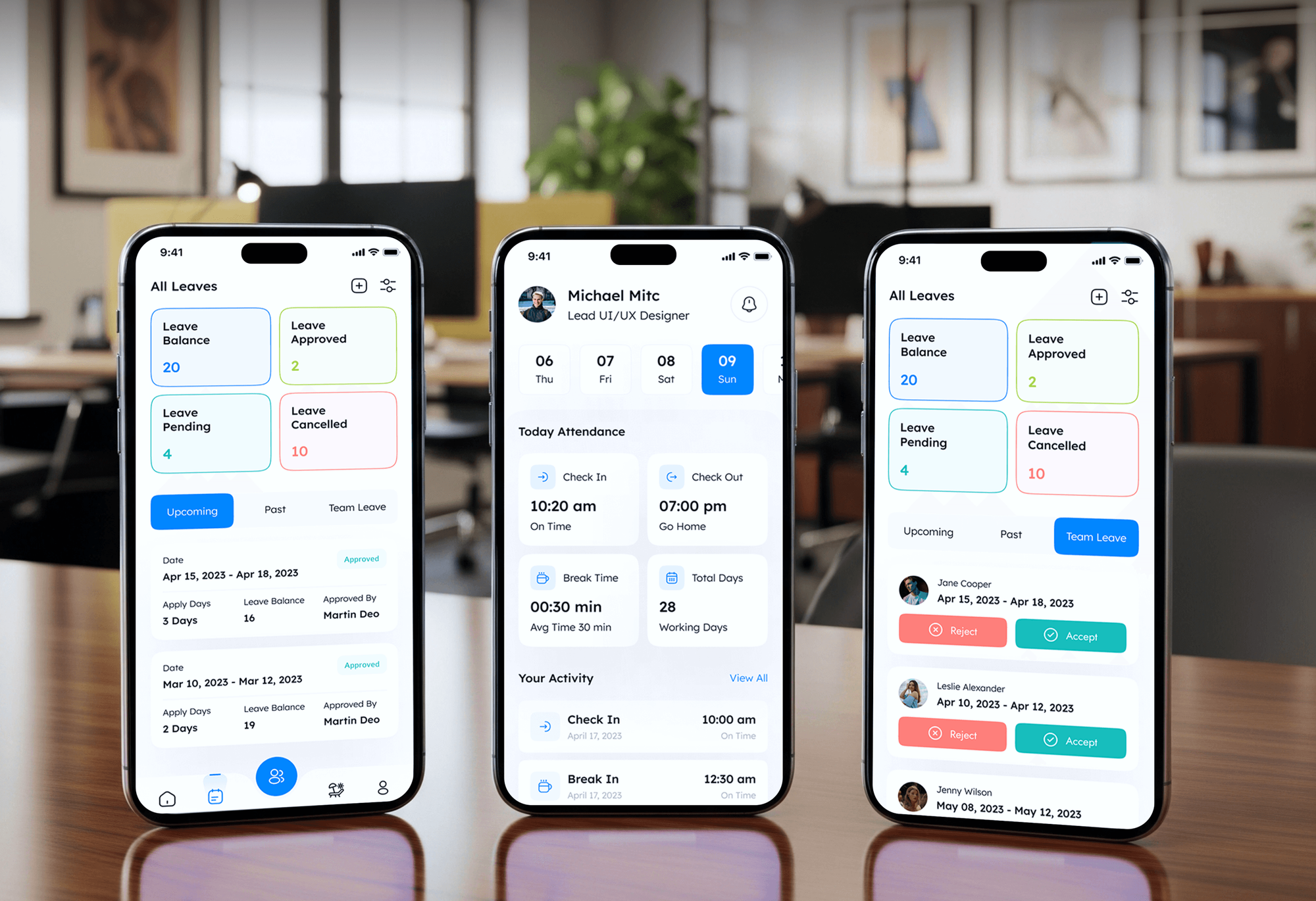
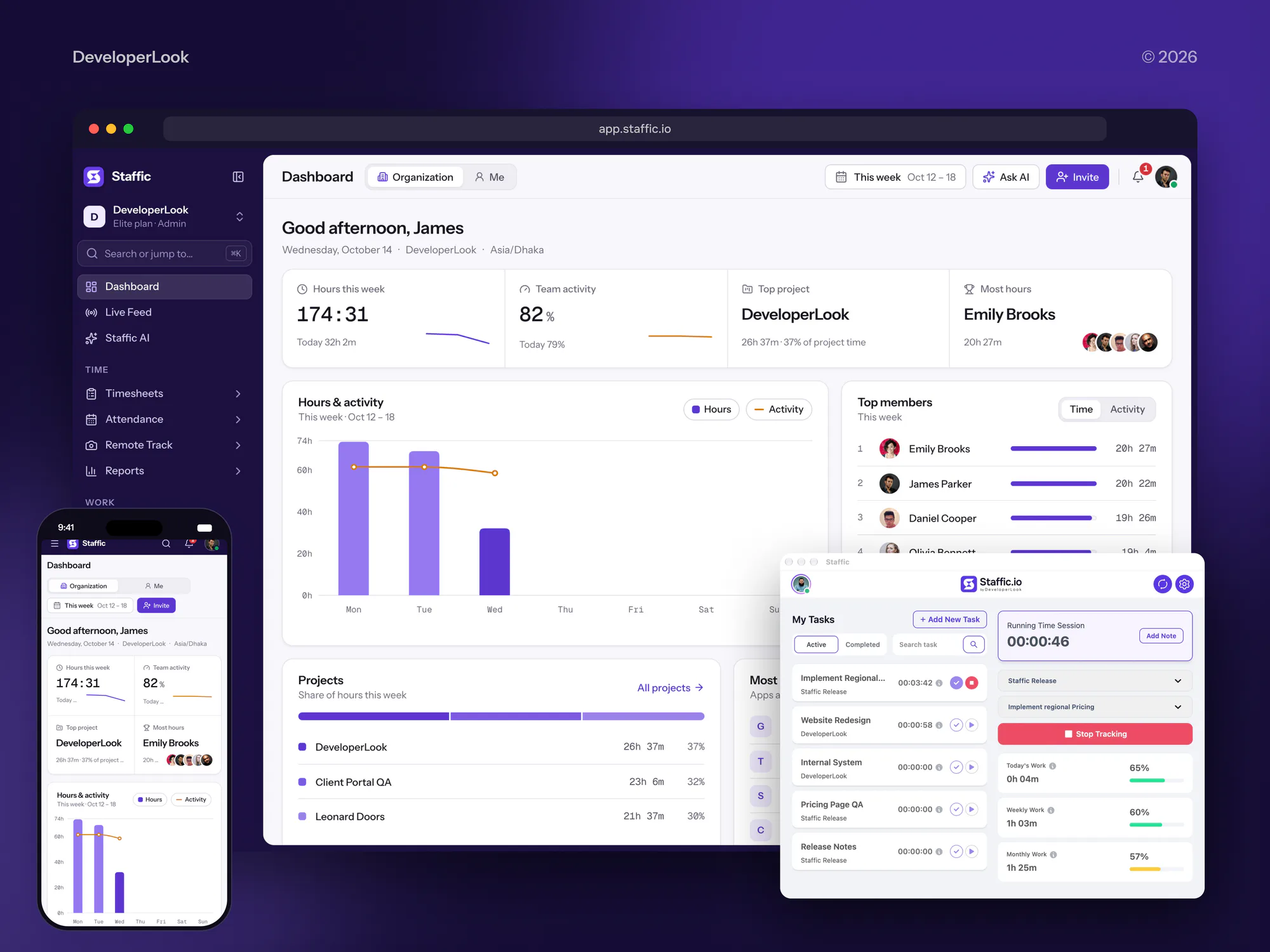
Field-team, construction, and finance software we designed and built. None of them ran on FieldEdge, but each one keeps crews and numbers in step.


What Our Clients Say
Feedback from teams we have built websites and business software for.
We had a pretty specific idea of what we wanted our website to become, but I wasn’t sure how easily we could explain all of it to a development team. There were quite a few moving parts, and we were working toward a deadline, so I expected a few things to get lost along the way. That never really happened. They understood what we were trying to achieve, kept us updated throughout the process, and got everything ready within the agreed timeline. The final site feels much easier to navigate, works beautifully on mobile, and is noticeably smoother for our customers. It was a huge relief seeing the original idea actually turn into the website we had in mind.
The mobile experience is probably my favourite part of the new site. We had spent a lot of time making sure the desktop version looked right, and the team kept pushing us to think about how everything would actually feel on a phone too. They were right. The navigation is clean, the interactions feel natural, and everything we’ve tested so far works exactly as it should. They also went through the links, forms, integrations, and other details more than once before launch, which I really appreciated. And even after going live, we could still reach out when something came up. The whole process felt friendly, organised, and surprisingly straightforward.
What I appreciate most is that the website is actually easy for us to manage now. We can update content ourselves instead of sending a developer a message every time we need to change something small. They also paid attention to the technical SEO side, which mattered to us because we didn’t want a new website to create problems for the traffic we already had. I’ve probably asked more questions than I should have since launch, but every question has been handled patiently and without any fuss. The team is easy to work with, they explain things clearly, and when we need something changed, they focus on getting it done rather than making the process complicated.
1,250+
Projects shipped
10+
Years of experience
Top 3%
Upwork Top Rated Plus
5 stars
Average review score

Want results like these?
Tell us what you are building. You get a reply within 24 hours on business days, then a written estimate.
Work Culture
Field service books break in small ways: a sleeping PC, an item with no match, a renamed customer. These habits keep our FieldEdge integration services calm at month-end.
If FieldEdge support can fix a stalled connector in one call, we'll tell you before we quote. We take the work that needs mapping, testing, and follow-through.
We read your QuickBooks file before touching FieldEdge. Items, tax codes, and names there decide whether syncs post, so that's where fixes start.
A day of real invoices and payments runs through the new setup first. Problems show up in that test, not in your month-end close.
We back up the QuickBooks company file before any mapping or connector change. If a sync goes wrong, the books roll back to that point.
Your bookkeeper approves every mapping decision before we act on it. Nothing gets merged or renamed in QuickBooks without their sign-off, so your books stay theirs.
You get a written scope and one price after the free review. Anything new mid-project gets quoted before we start it.
Overview
DeveloperLook sets up FieldEdge integrations for HVAC, plumbing, and electrical companies that bill from the field. We match pricebook items, tax codes, and customer names to QuickBooks, set up the Desktop connector or Online link, and configure warehouse inventory. Projects start at $700 and take 2 to 6 weeks, tested on a real day of invoices.
DEVELOPERLOOK
Project facts · FieldEdge Integration Services
Reviewed 22 Oct 2026 by Saimul Islam
Good fit
HVAC companies on QuickBooks Desktop
Your FieldEdge QuickBooks connector runs on an office PC that sleeps at night, so invoices stop posting until someone notices.
Plumbing shops moving to QuickBooks Online
You're leaving QuickBooks Desktop for Online and need the FieldEdge QuickBooks integration moved without losing history or doubling customers.
Electrical contractors tracking truck stock
You want a FieldEdge inventory integration that keeps truck and warehouse stock right, but QuickBooks lists parts nobody can find.
Office managers fixing sync errors
Your bookkeeper spends Mondays fixing sync errors: missing items, wrong tax codes, and customers named two different ways.
Software vendors for the trades
You build software for contractors and found the FieldEdge API documentation, but access is partner-only and you need help preparing the app.
Not a fit
Running ServiceTitan instead
Your company dispatches from ServiceTitan, not FieldEdge. Our ServiceTitan website integration page covers booking and lead links for that system.
On Housecall Pro or Jobber
You run a smaller crew on Housecall Pro or Jobber. Our Housecall Pro and Jobber integration pages cover those systems' booking and website links.
Budget under $700
Your budget is under $700 and the connector only needs a reconnect. FieldEdge support can handle that in one call, and we'll say so before we quote.
Replacing FieldEdge entirely
You've decided FieldEdge is the problem and want a different system. Our HVAC and plumbing CRM setup page covers choosing one before anything gets connected.
Not sure we're the right fit?
Book a free call or message us. We'll tell you honestly whether we're the right team.
Pricing
These are starting points in USD. Your final price depends on your QuickBooks edition, item count, and inventory or Online needs, and you get a fixed proposal after a free sync review.
For contractors whose field invoices stall or duplicate on the way to QuickBooks.
$700one-time, USD
For Elite plan contractors who want truck and warehouse stock to match QuickBooks.
$1,800one-time, USD
For companies moving to QuickBooks Online that need history, items, and reports checked.
$3,800one-time, USD
For Agencies
You own the HVAC, plumbing, or electrical client. We supply the FieldEdge and QuickBooks integration work behind your brand: item matching, connector setup, inventory, and conversions. You keep the relationship, and we stay out of sight unless you invite us.
White label: your client only ever sees your brand
Send the FieldEdge plan, QuickBooks edition, and the sync errors the client sees.
We review the errors, map the fixes, and send a fixed scope you can mark up.
We fix, test a day of invoices, and hand over a white-label guide.
Your brand on every map and handover guide we write.
Fixed timelines planned around your client's month-end close.
Item and name maps your client's accountant can review and approve.
Help across several trade clients without hiring another developer.
The Right Technology for Your Project
We work inside FieldEdge and QuickBooks first, then use the QuickBooks Online API and FieldEdge's partner API where reporting or custom links need them.
 QuickBooks
 Google Sheets
 Node.js
 PostgreSQL
 Power BI
FAQ
Straight answers on FieldEdge costs, ownership, QuickBooks Desktop and Online, the connector, inventory, and the API.
Saimul IslamFounder & CEO, DeveloperLookStill have questions?
Send a message or book a call with the team.
DeveloperLook's FieldEdge integrations start at $700 for a sync cleanup: items, tax codes, and customer names matched, plus the connector or Online link tested. Adding warehouse and truck inventory and partner tools starts at $1,800. A Desktop to Online move with reporting starts at $3,800. FieldEdge and QuickBooks bill their own subscriptions.
A sync cleanup takes 2 to 3 weeks, including a test day of real invoices and payments. Inventory setup adds 1 to 2 weeks, and a Desktop to Online move takes 4 to 6 weeks. We schedule changes away from your month-end close, so the books stay usable throughout.
FieldEdge is field service management software for HVAC, plumbing, and electrical contractors running several trucks. It covers a dispatch board with GPS, service agreements with renewal tracking, a good-better-best pricebook, and a mobile app for techs. Its Consumer Management Portal lets customers pay invoices, accept quotes, and request appointments online.
Xplor Technologies owns FieldEdge. Xplor's own timeline shows FieldEdge was acquired in March 2018 and grouped with Clearent, which merged with TSG to form Xplor in February 2021. FieldEdge is also the current name of the contractor software once sold as dESCO, from ESC Software.
FieldEdge doesn't publish prices, so its Select, Premier, and Elite plans are quoted. FieldEdge says pricing varies with factors such as how many technicians you have. QuickBooks Online and Desktop integration is listed from Select, while warehouse inventory needs Elite, so the plan you pick shapes what we can connect.
Smoothly when the records match, according to FieldEdge, which describes real-time posting with no double entry. It isn't fully two-way: a third-party review notes customers created in QuickBooks Desktop don't flow back into FieldEdge. Matching items, tax codes, and customer names before the first sync decides most of how smooth it feels.
QuickBooks Online connects without the Desktop connector app, which serves only QuickBooks Desktop company files. A company moving off Desktop follows FieldEdge's QuickBooks conversion process with FieldEdge support. Before the first Online sync, we align items, tax codes, and customer names, then post a test day of invoices and payments.
Through FieldEdge support, since FieldEdge doesn't publish public update steps for the Desktop connector. We prepare first: pause the connector, which signs FieldEdge out of QuickBooks, and back up the company file. After the update, we confirm the connector reads Connected in the accounting settings and check that new invoices post.
Yes, on the Elite plan, which adds warehouse inventory management. FieldEdge's help center says warehouses must exist in QuickBooks first, part requests become purchase orders, and quantities move when an invoice posts. It needs QuickBooks Desktop Enterprise with Advanced Inventory, so a FieldEdge inventory integration starts with your QuickBooks edition.
No, the FieldEdge API is for approved partners and members, not open self-serve access. The FieldEdge API documentation sits on its developer portal, with OAuth client credentials, a sandbox, and a review before go-live. We help software vendors prepare their app, and help contractors use listed partner tools instead.
Saimul IslamFounder & CEO, DeveloperLookStill have questions?
Send a message or book a call with the team.
Free 30-min callGoogle Meet
Book a call
In 30 minutes on Google Meet we walk you through how we would build it, how long it takes and what it costs. Then you get a written estimate.
Calendar not showing? Book on cal.com or send a brief.