
Fuison Fashion Ecommerce Website and Dashboard
- Fashion
- Dashboard
- E-commerce

GA4 audit and setup for Shopify stores: find duplicate purchases, fix missing events, and match GA4 to your orders. From $350.
100%
Orders reconciled with GA4
1
Purchase event per order
How your project runs
01 · FreeIndustry leaders we work with
 Google Analytics (GA4)
 Google Tag Manager
 Google Search Console
 Chrome DevTools
 ShopifyShopify Plus
 WooCommerce
 BigCommerce
 Meta
Meta TikTok
 Google Sheets
 Google Cloud (BigQuery)
 JavaScript
 Node.js
 Python
 AWS
AWSThe Problem
It usually starts after a theme change, a new app, or a checkout update. Tags pile up, purchases fire twice or not at all, and nobody notices until budgets are set.
Mismatched revenue
GA4 shows different revenue than Shopify for the same week.
Mismatched revenue
A month of Shopify orders gets compared with GA4 purchases, order by order.
Duplicates
Some orders appear twice, and some don't appear at all.
Duplicates
A unique transaction ID lets GA4 drop repeat purchase events.
PayPal credit
PayPal gets credit for sales your ads drove.
PayPal credit
Payment pages stop taking credit from the ads that made the sale.
Budget guesses
Budgets follow whichever number sounds better.
Budget guesses
Every remaining gap between GA4 and Shopify gets a known cause.
It's Monday, and GA4 shows more revenue for last week than Shopify does. Some orders appear twice, some not at all, and refunded orders still count as sales. PayPal gets credit for purchases your ads drove. Your ad manager trusts GA4, and your bookkeeper trusts Shopify. So budgets follow whichever number sounds better, and every campaign decision inherits the error.
We start by comparing a month of Shopify orders with GA4 purchases, order by order. That shows where tags double-fire, where events go missing, and which settings leak credit to payment pages. Then we rebuild GA4 ecommerce tracking through Shopify's customer events, with one transaction ID per order so duplicates drop out. Every remaining gap has a known cause, not a shrug.
Every order accounted for
Each Shopify order in the check window is matched to a GA4 purchase or explained.
One purchase per order
A unique transaction ID on every order lets GA4 drop repeat purchase events.
Credit where it belongs
PayPal and other payment pages stop taking credit from the ads and emails that made the sale.
Our GA4 Audit and Setup Process
You see the order-by-order comparison before we change anything. Every fix is tested in DebugView, and you approve what goes live.
We look at your GA4 property, your Shopify pixels, and recent orders with read-only access. You get a short call on what looks broken and whether an audit is worth it. If Shopify's Google & YouTube app already covers you, we'll say so.
Projects We've Built
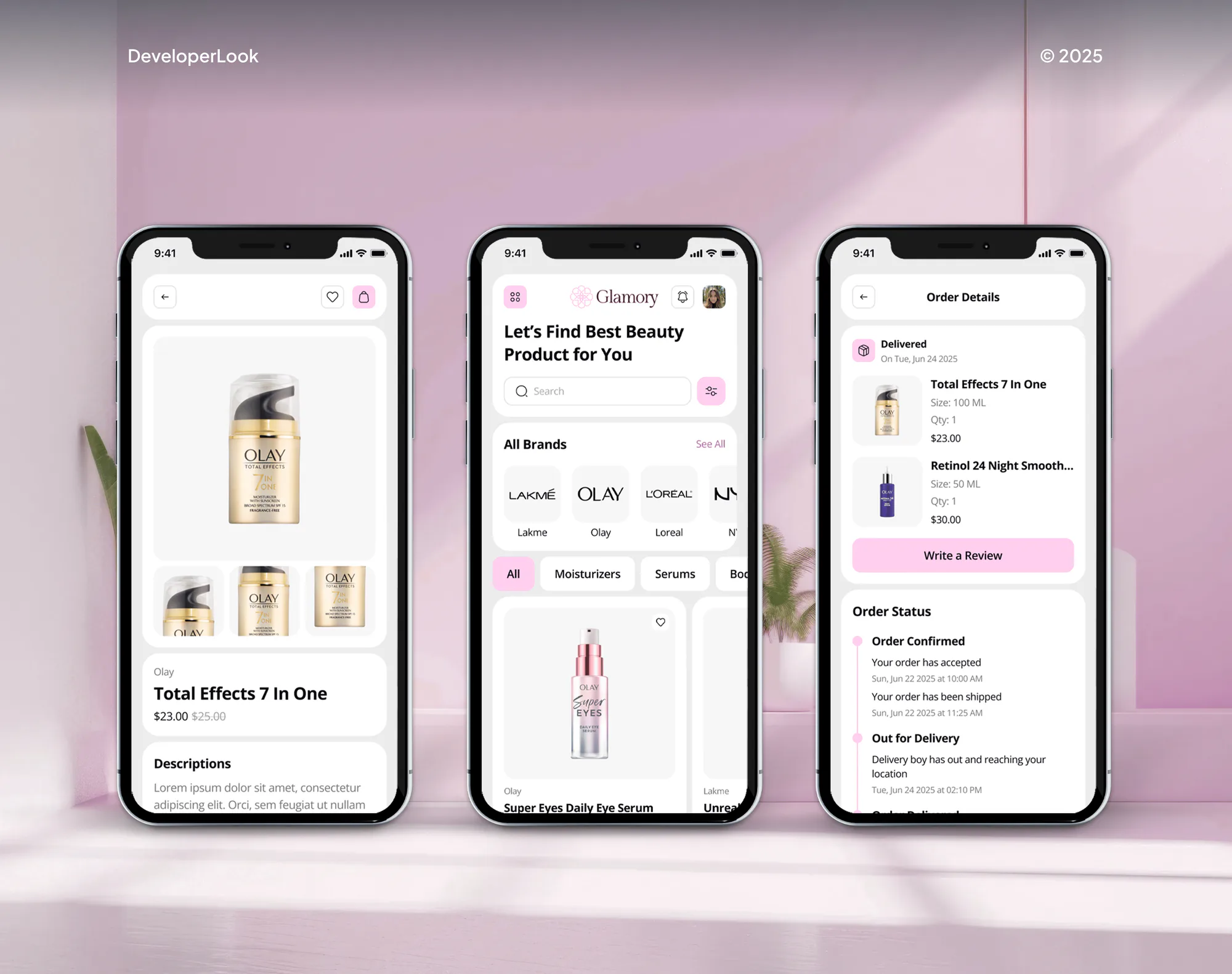
A selection of ecommerce stores and apps we've built. Tracking work leans on the same habits: clean event data, careful testing, and checks against real orders.


What's Included
Every plan starts with the audit. Larger plans add the rebuild, ad conversion tracking, and a reconciliation across your ad platforms, all documented so your team can maintain it.
Compare Options
Shopify's own Google app is free and fine for many stores, and a freelancer can be cheaper for one quick fix. Here's where each one stops.
| Feature | DeveloperLookBest fit | Shopify's Google app | Freelance consultant |
|---|---|---|---|
| Upfront cost | From $350, fixed scope | Free with Shopify | Hourly, often lower |
| Time to start | Health check in 2 days | Minutes to connect | Depends on availability |
| Orders checked | Every order, 30 days | Not included | Usually a spot check |
| Event coverage | Full recommended set | Set by the app | Varies by person |
| Old tags removed | Found and removed | Other tags keep running | Depends on the audit |
| Ad platform numbers | Google Ads, Meta, TikTok | Google Ads only | Agreed per project |
| Testing before launch | DebugView and test orders | You check it yourself | Varies by person |
| Documentation | Tag map and walkthrough | App settings only | Varies by person |
What Our Clients Say
Feedback from ecommerce teams we have built stores, integrations, and tracking for.
We had a different kind of problem. People were visiting the store, adding products to their carts, and then disappearing before they finished the order. We had tried a few apps and made changes here and there, but nothing really seemed to solve the bigger issue. The team went through the shopping experience with us and pointed out things we hadn't really noticed ourselves. They cleaned up the cart and checkout flow, made the mobile experience much smoother, and helped us make the store feel easier to shop. I’m not going to pretend we fixed everything overnight, but it finally feels like the store is helping the sale instead of getting in the way of it.
The mobile experience is probably my favourite part of the new site. We had spent a lot of time making sure the desktop version looked right, and the team kept pushing us to think about how everything would actually feel on a phone too. They were right. The navigation is clean, the interactions feel natural, and everything we’ve tested so far works exactly as it should. They also went through the links, forms, integrations, and other details more than once before launch, which I really appreciated. And even after going live, we could still reach out when something came up. The whole process felt friendly, organised, and surprisingly straightforward.
We had a pretty specific idea of what we wanted our website to become, but I wasn’t sure how easily we could explain all of it to a development team. There were quite a few moving parts, and we were working toward a deadline, so I expected a few things to get lost along the way. That never really happened. They understood what we were trying to achieve, kept us updated throughout the process, and got everything ready within the agreed timeline. The final site feels much easier to navigate, works beautifully on mobile, and is noticeably smoother for our customers. It was a huge relief seeing the original idea actually turn into the website we had in mind.
1,250+
Projects shipped
10+
Years of experience
5 stars
Clutch rating
5 stars
GoodFirms rating
Excellent
Trustpilot rating
Top 3%
Upwork Top Rated Plus
1,250+
Projects shipped
10+
Years of experience
5 stars
Clutch rating
5 stars
GoodFirms rating
Excellent
Trustpilot rating
Top 3%
Upwork Top Rated Plus

Want results like these?
Tell us what you are building. You get a reply within 24 hours on business days, then a written estimate.
Work Culture
A report is only as good as the tags behind it, so we check the data before trusting any dashboard. These habits shape every audit.
We start with your Shopify orders, not with GA4's reports. Every number we change is checked against sales your store actually recorded.
Most duplicate purchases come from two tags doing one job, often the Google app plus an old manual install. We remove the extra tag instead of filtering around it.
Shopify's docs say Google Tag Assistant can't see tags inside a custom pixel. So we test every event in GA4's DebugView and with real test orders.
Where consent is required, usually the EEA and UK, Shopify runs pixels only after visitors agree. We set GA4 to follow those choices, not work around them.
Every audit item says what's wrong, what it does to your data, and the fix. Your marketer and your developer can both act on it.
GA4, Tag Manager, and your ad accounts stay in your own name, with admin access you control. Changing agencies later doesn't mean rebuilding your tracking.
Overview
DeveloperLook runs a GA4 audit that compares 30 days of Shopify orders with GA4 purchases and checks every ecommerce event and setting. We then remove duplicate tags, rebuild missing events, and reconcile Google Ads, Meta, and TikTok numbers. Audits start at $350 and take 3 to 5 business days. Fixes take 1 to 3 weeks, and every account stays yours.
DEVELOPERLOOK
Project facts · GA4 Setup and Audit Services
Reviewed 28 Sep 2026 by Saimul Islam
Good fit
Stores whose GA4 and Shopify revenue differ
Your GA4 revenue runs above or below Shopify every week, and nobody can say which orders cause the gap.
Brands advertising on Google, Meta, or TikTok
You spend on three ad platforms, each claims more sales than your store recorded, and you need ecommerce attribution you can defend in a budget meeting.
New stores that want GA4 right first time
You're launching or moving to Shopify and want GA4 configured properly from day one, with each event firing once.
WooCommerce and BigCommerce stores
Your store runs on WooCommerce or BigCommerce, and a plugin added GA4 years ago without anyone checking it.
Agencies serving ecommerce clients
Your agency manages client ad accounts and needs a GA4 consultant who can audit and fix tracking under your brand.
Not a fit
Meta pixel only
You only need Meta's pixel fixed, not GA4. Our Meta Pixel Setup for Shopify service covers that job on its own.
Server-side tags
You want tags to run from your own server so ad blockers matter less. Our Server-Side Tracking Setup service covers that build.
Tracking already matches
Your tracking already matches your orders, and you want more visitors to buy. Our Ecommerce CRO Services page covers that work.
Few orders, no paid ads
Your store gets a few dozen orders a month and runs no paid ads. Shopify's free Google & YouTube app covers you, and a $350 audit won't pay off yet.
Not sure we're the right fit?
Book a free call or message us. We'll tell you honestly whether we're the right team.
Pricing
These are starting points in USD. Your final price depends on your tag cleanup, event rebuild, and ad platform count, and you get a fixed proposal after a free health check.
For Agencies
You own the client relationship. We supply the analytics audit services behind it: the order-by-order audit, the GA4 implementation, and ad platform reconciliation. Your client sees only your brand.
White label: your client only ever sees your brand
Send the client's store, GA4 property, ad accounts, and what looks wrong.
You get the audit findings and one fixed price for the fixes.
We rebuild, test, and document everything under your brand for your client.
Send the client's store, GA4 property, ad accounts, and what looks wrong.
You get the audit findings and one fixed price for the fixes.
We rebuild, test, and document everything under your brand for your client.
The Right Technology for Your Project
We work in GA4, Google Tag Manager, and Shopify's customer events, and we check each change against your real orders.
Google Analytics (GA4)Google Tag ManagerGoogle Search ConsoleChrome DevToolsShopifyShopify PlusWooCommerceBigCommerceMetaTikTokGoogle SheetsGoogle Cloud (BigQuery) JavaScriptNode.js
 PythonAWS
FAQ
Straight answers on audit costs, timelines, duplicate purchases, revenue gaps, and what you get at the end.
Saimul IslamFounder & CEO, DeveloperLookStill have questions?
Send a message or book a call with the team.
A GA4 audit costs $350 and covers 30 days of orders, every ecommerce event, and your settings. Setup and fixes cost $800, audit included. The $1,450 plan adds Google Ads conversions, refunds sent to GA4, and ad platform reconciliation. You get a fixed quote after the free health check.
A GA4 tracking audit takes 3 to 5 business days once we have read-only access. Fixes add 1 to 3 weeks, depending on how many old tags need removing. The slowest part is often waiting for app or theme access, so we ask for it on day one.
You get a written fix list ranked by its impact on your data. Each item names the cause, the evidence from your own orders, and the change that fixes it. A walkthrough call follows, so your own developer can make the fixes, or we can.
We set up GA4 on Shopify through customer events, not theme code. Shopify's Google & YouTube app covers basic tracking. For the full event set, we add a custom pixel that loads Google Tag Manager. It pushes each Shopify event, with the order ID as the transaction ID.
Duplicate tags, missing purchase events, and refunds GA4 isn't told about cause most revenue gaps. Time zone and currency settings that differ shift sales across days. Where consent is required, visitors who decline aren't counted in GA4. We trace each gap and say which ones should close.
We fix duplicates by removing the extra tag and sending each order ID as the transaction ID. Google says GA4 drops purchase events that repeat a transaction ID, but an empty ID makes it treat every purchase as a duplicate. Missing purchases often trace to a Thank you page that failed to load.
Yes, we set up GA4 ecommerce tracking with Google's full recommended event set. That covers item lists, product views, carts, checkout steps, shipping and payment details, purchases, and refunds. Each event carries its items, value, and currency, which Google asks for whenever revenue is sent.
Yes, but reconciled doesn't mean identical. Ad platforms credit sales inside their own attribution windows, including some views, while GA4 applies its own model. We compare each platform with Shopify orders and explain every gap, so you know which number to use for which decision.
You do, because GA4, Google Tag Manager, and your ad accounts stay in your own name. We work through user access you grant and can remove at any time. At handover, you get the tag map, so your team or a future agency can pick it up.
Every plan includes 30 to 60 days of support after delivery. In that window, we answer questions, fix anything our changes affected, and recheck your numbers after theme or app updates. After that, keep us on call or maintain it yourself with the tag map.
Saimul IslamFounder & CEO, DeveloperLookStill have questions?
Send a message or book a call with the team.
Free 30-min callGoogle Meet
Book a call
In 30 minutes on Google Meet we walk you through how we would build it, how long it takes and what it costs. Then you get a written estimate.
Calendar not showing? Book on cal.com or send a brief.