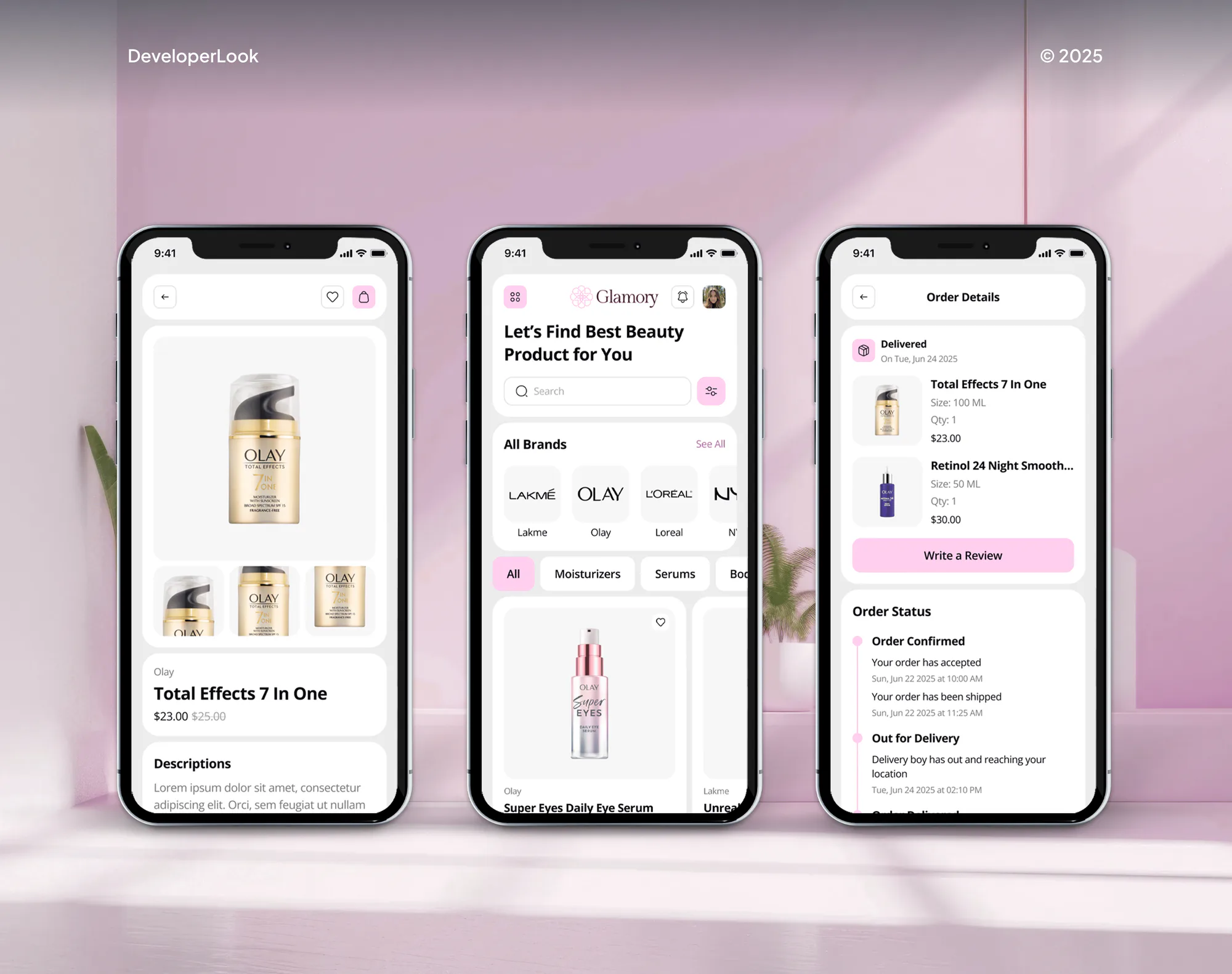
Glamory Beauty & Makeup Ecommerce App and Dashboard
- Beauty
- Fashion
- E-commerce

For salons and beauty pros on GlossGenius: stylist calendars that block the right times, and a website, Instagram, and Google that all book into one schedule.
100%
Stylist calendars synced
2X
More Instagram bookings
How your project runs
01 · FreeIndustry leaders we work with
 WordPress
 Wix
 Squarespace
 Google Analytics (GA4)
 Stripe (GlossGenius payments)
 Afterpay
 Klarna
 QuickBooks
The Problem
GlossGenius runs bookings, payments, forms, and client records from one app and booking site. It works smoothly until stylists keep personal calendars it can't see and clients book through links that point elsewhere.
Personal time
Stylists' personal plans sit in phone calendars GlossGenius can't see.
Personal time
Two-way sync in the GlossGenius app blocks those times before clients can book them.
Front desk
The shared Google Calendar shows an old schedule for hours.
Front desk
The front desk works from GlossGenius, and Google or Outlook copies are for viewing.
Website
Your domain and Book buttons lead to old pages.
Website
Your domain forwards to your GlossGenius booking page, and every button opens it.
Books
Sales reach QuickBooks only when someone retypes them.
Books
A monthly report export and mapping sheet gets sales into QuickBooks without retyping.
Your stylist books an afternoon client, then remembers the school pickup sitting in her phone calendar, not GlossGenius. A regular grabs the next open slot from Instagram anyway. The shared Google Calendar at the front desk still shows this morning's schedule, because the subscribed link refreshes on its own clock. Your website's Book button opens an old page, and your domain doesn't point to your GlossGenius bookings at all. Meanwhile your bookkeeper wants last month's sales in QuickBooks, and nobody knows how to get them out.
We start by deciding which calendar wins: GlossGenius. Each stylist turns on two-way sync in the GlossGenius app, so phone events block booking times, and Google, Apple, or Outlook subscribe for viewing only. That's GlossGenius calendar sync set up the way it really works. Then every outside link points in: your domain, website buttons, Instagram, and Google. Your chairs fill from one schedule, not from whichever app answered first.
Phone events block bookings
Two-way sync in the GlossGenius app keeps each stylist's personal plans off the booking calendar.
Every link points in
Your domain, website buttons, Instagram, and Google all open the same GlossGenius booking page.
Sales your bookkeeper can use
A monthly export routine moves GlossGenius sales into QuickBooks, since no direct link exists today.
Our GlossGenius Integration Process
You see where every stylist's time lives, approve the service menu and policies, and book test appointments on your own phone before any link goes live.
We check where each stylist's time lives today: GlossGenius, phone calendars, Google, and paper. You get a map of what syncs in, what only copies out, and which booking links lead somewhere stale.
Projects We've Built
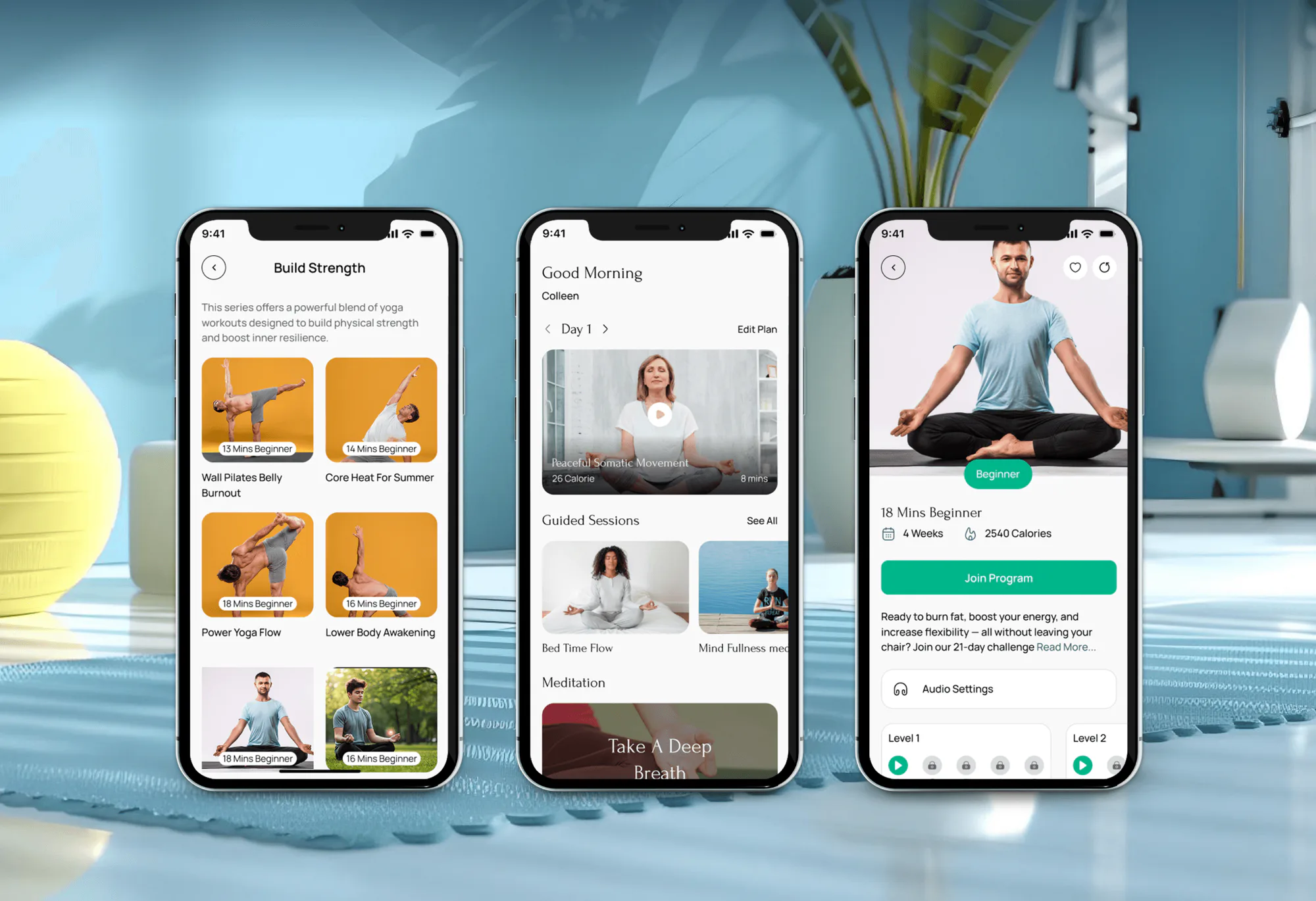
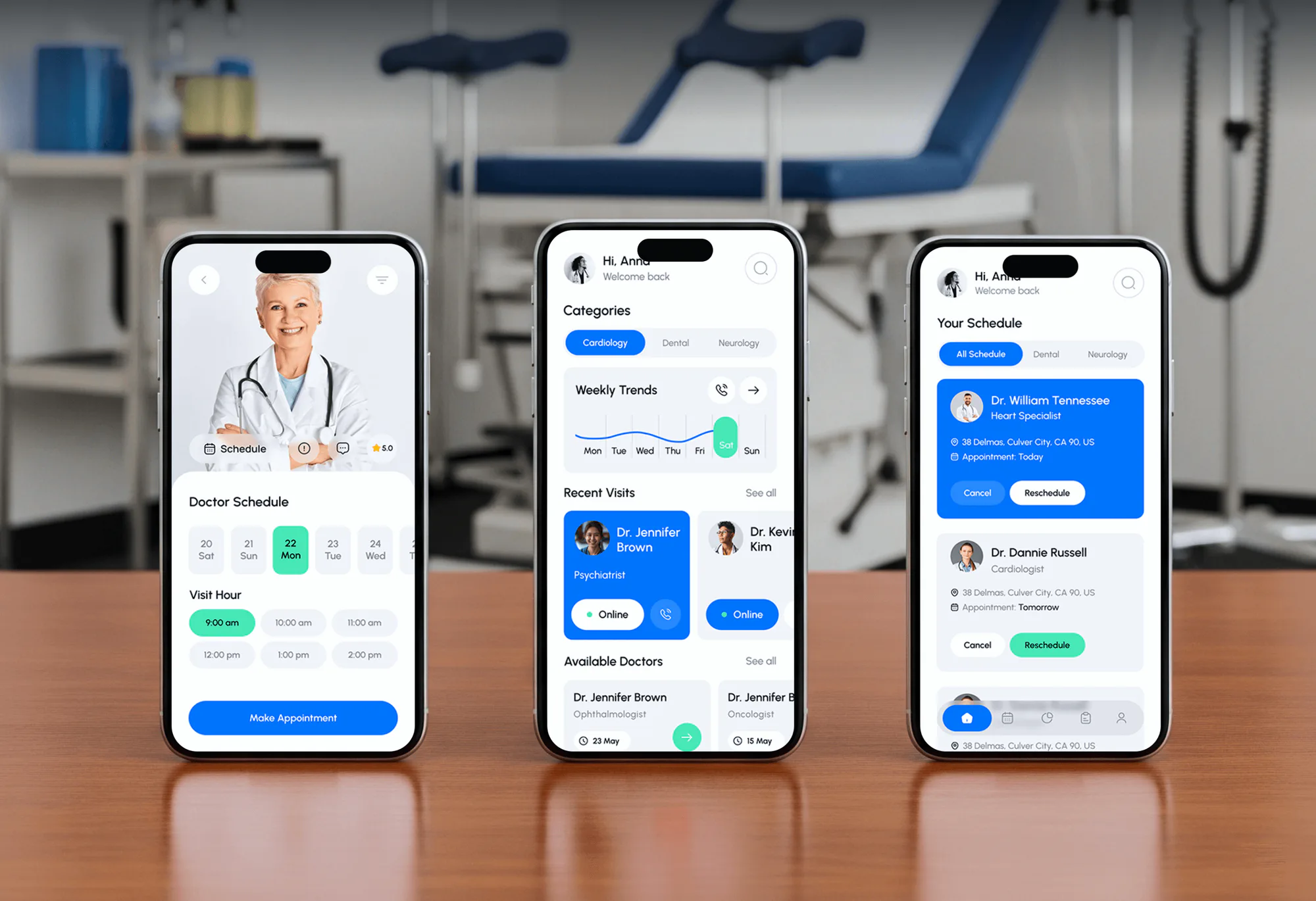
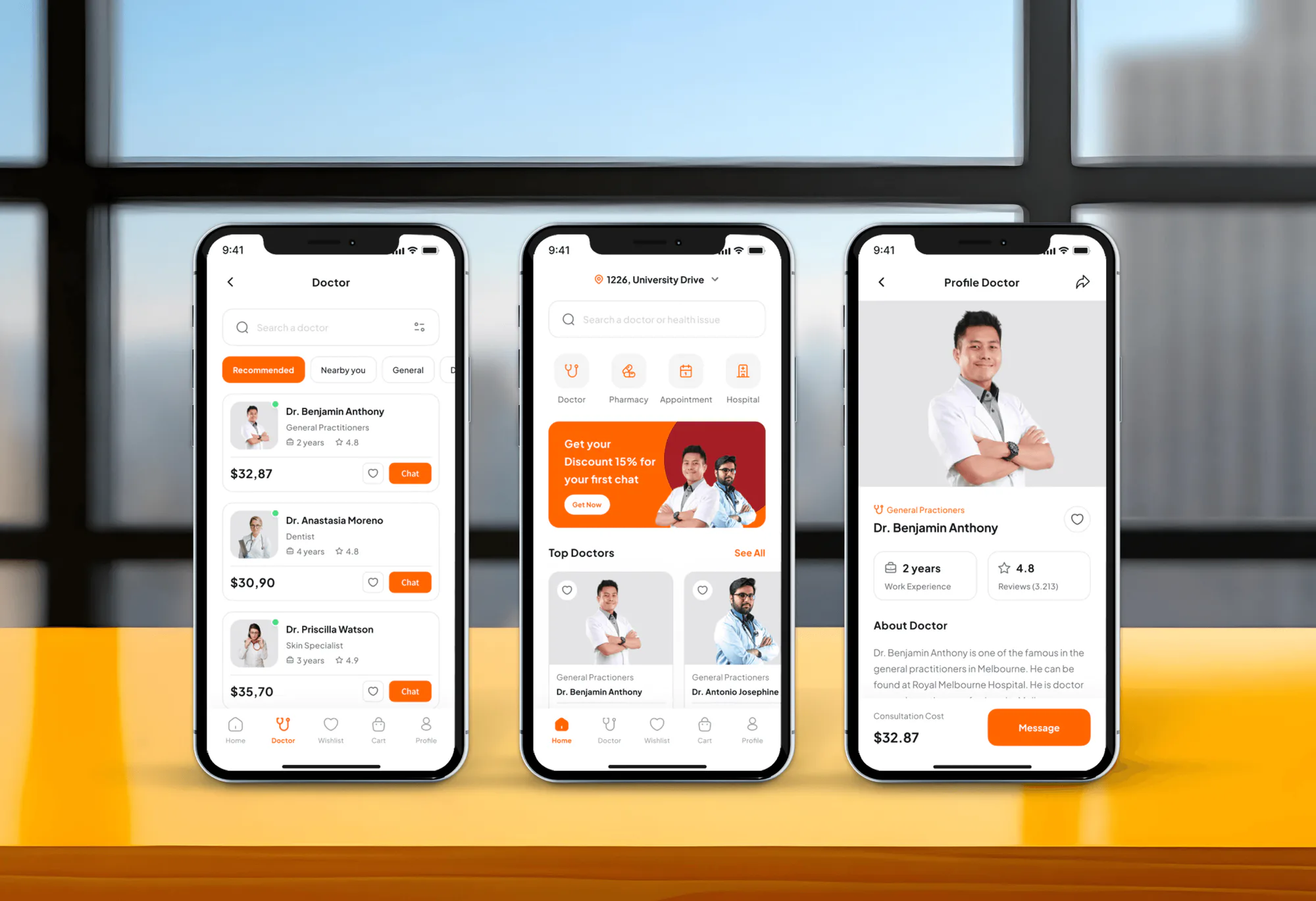
A beauty store app, a wellness app, and two appointment apps we designed and built. None ran on GlossGenius, but each had to keep one schedule accurate.
What's Included
Most salons need calendar sync for each stylist, a tidy booking site, and links that point in. Gold and Platinum salons add Google booking, forms, deposits, and a clean export for the books.
Compare Options
Setting up GlossGenius yourself is free and fine for a solo chair. A freelancer can wire links cheaply but rarely checks which way each calendar syncs. Here's where each one holds up.
| Feature | DeveloperLookBest fit | DIY setup | Freelancer |
|---|---|---|---|
| Calendar review | Every stylist's calendars checked | Done after a double booking | Usually skipped |
| Phone calendar sync | Set up and tested per stylist | Each stylist sets their own | Often left off |
| Shared calendar view | Subscribed link, delay explained | Treated as live, causing clashes | Depends on the freelancer |
| Booking links | Domain, site, Instagram, Google aligned | Some links updated | Website buttons only |
| Books | Monthly export mapped for QuickBooks | Retyped by hand | Rarely included |
| Setup time | 1 to 2 weeks | A few evenings | A few days |
| Support | 30 to 60 days after launch | GlossGenius help center | Until the invoice is paid |
| Cost | Fixed price from $400 | Free, plus your time | Hourly, often cheaper |
What Our Clients Say
Feedback from teams we have built booking sites and apps for.
We had a pretty specific idea of what we wanted our website to become, but I wasn’t sure how easily we could explain all of it to a development team. There were quite a few moving parts, and we were working toward a deadline, so I expected a few things to get lost along the way. That never really happened. They understood what we were trying to achieve, kept us updated throughout the process, and got everything ready within the agreed timeline. The final site feels much easier to navigate, works beautifully on mobile, and is noticeably smoother for our customers. It was a huge relief seeing the original idea actually turn into the website we had in mind.
The mobile experience is probably my favourite part of the new site. We had spent a lot of time making sure the desktop version looked right, and the team kept pushing us to think about how everything would actually feel on a phone too. They were right. The navigation is clean, the interactions feel natural, and everything we’ve tested so far works exactly as it should. They also went through the links, forms, integrations, and other details more than once before launch, which I really appreciated. And even after going live, we could still reach out when something came up. The whole process felt friendly, organised, and surprisingly straightforward.
What I appreciate most is that the website is actually easy for us to manage now. We can update content ourselves instead of sending a developer a message every time we need to change something small. They also paid attention to the technical SEO side, which mattered to us because we didn’t want a new website to create problems for the traffic we already had. I’ve probably asked more questions than I should have since launch, but every question has been handled patiently and without any fuss. The team is easy to work with, they explain things clearly, and when we need something changed, they focus on getting it done rather than making the process complicated.
1,250+
Projects shipped
10+
Years of experience
5 stars
Clutch rating
5 stars
GoodFirms rating
Excellent
Trustpilot rating
Top 3%
Upwork Top Rated Plus
1,250+
Projects shipped
10+
Years of experience
5 stars
Clutch rating
5 stars
GoodFirms rating
Excellent
Trustpilot rating
Top 3%
Upwork Top Rated Plus

Want results like these?
Tell us what you are building. You get a reply within 24 hours on business days, then a written estimate.
Work Culture
Double bookings and stale links cost a salon real chair time. These habits keep our GlossGenius integration services honest about what syncs and easy to change later.
We use the app's own calendar sync, booking site, and social buttons before anything custom. If GlossGenius's own Book Now link already covers your case, we'll tell you before we quote.
A GlossGenius Zapier integration or API sync isn't possible today, and its calendar link runs behind. We say so upfront, so you don't pay for a sync nobody can build.
Two-way sync lives on each stylist's own phone. We walk every stylist through it and test their calendar, rather than sending a how-to email.
Reserve with Google refreshes about once a day, and subscribed calendars lag. We write those delays into your guide, so the front desk knows which screen to trust.
We work through access you grant in GlossGenius, your website, and your domain registrar. You keep every account, and we return access when we finish.
Your written scope and price arrive after the free review, before any work starts. Anything new that comes up mid-project gets quoted before we touch it.
Overview
DeveloperLook sets up GlossGenius calendar sync so each stylist's phone calendar blocks booking times and shared calendars mirror the schedule. We also tidy your booking site, point your domain, website, Instagram, and Google at it, and set up a sales export for QuickBooks. Setups start at $400, take 1 to 4 weeks, and we name every sync limit upfront.
DEVELOPERLOOK
Project facts · GlossGenius Integration Services
Reviewed 26 Oct 2026 by Saimul Islam
Good fit
Salons whose stylists live in phone calendars
Your stylists keep school pickups and appointments in their phone calendars, and clients book right over them. You want GlossGenius calendar sync set up for every chair.
Solo artists booked through Instagram
You get most bookings from Instagram messages and want the GlossGenius Instagram button and your bio link to open your booking site directly.
Salons with an older website
Your WordPress or Squarespace site was built before GlossGenius, and its Book buttons still lead to an old system. You want every button pointing to one place.
Owners whose bookkeeper wants QuickBooks
Your bookkeeper asked for a GlossGenius QuickBooks integration, but GlossGenius offers none. You need a monthly export your bookkeeper can map without retyping sales.
Agencies managing salon marketing
Your agency runs marketing for several salons on GlossGenius and needs their booking links, Google profiles, and click tracking set up the same way.
Not a fit
One link, budget under $400
Your budget is under $400 and you only need a booking link on one page. GlossGenius's own Book Now link covers that, and we'll tell you before we quote.
Need a GlossGenius API sync
You need a GlossGenius API connection that pushes clients into another system. GlossGenius publishes no API, so our appointment booking website development page fits better.
Moving to Booksy or Vagaro
You've decided to leave GlossGenius for Booksy or Vagaro. Our Booksy integration and Vagaro integration pages cover setting up the new system.
Want a custom salon site
You want a custom-built salon website rather than the booking pages GlossGenius builds. Our hair salon website design page covers that build, with GlossGenius booking linked in.
Not sure we're the right fit?
Book a free call or message us. We'll tell you honestly whether we're the right team.
Pricing
These are starting points in USD. Your final price depends on your team size, your GlossGenius plan, and the channels you connect, and you get a fixed proposal after a free calendar review.
For Agencies
You own the salon client. We supply the GlossGenius setup behind your brand: stylist calendar sync, booking links on every channel, and records your client's bookkeeper can use. We stay out of sight unless you bring us in.
White label: your client only ever sees your brand
Send GlossGenius team access, the website login, and the domain registrar details.
We map each stylist's calendars and booking links, then send a fixed scope.
We set up, test bookings by phone, and give you a white-label guide.
Send GlossGenius team access, the website login, and the domain registrar details.
We map each stylist's calendars and booking links, then send a fixed scope.
We set up, test bookings by phone, and give you a white-label guide.
The Right Technology for Your Project
We work inside GlossGenius first, then connect the calendars, website, and payment tools your salon already uses, without code GlossGenius can't support.
WordPressWixSquarespaceGoogle Analytics (GA4)Stripe (GlossGenius payments)AfterpayKlarnaQuickBooksFAQ
Straight answers on how GlossGenius works, forms, deposits, payments, invoices, Afterpay, and editing your booking site.
Saimul IslamFounder & CEO, DeveloperLookStill have questions?
Send a message or book a call with the team.
GlossGenius is booking and business software for salons, barbers, nail artists, estheticians, and other beauty pros. It combines a client booking site, a calendar, payments, forms, and email and text marketing in one app. Plans run from Standard to Platinum, and higher plans add forms, Google booking, and more team features.
Salons use GlossGenius to take online bookings, hold deposits, check clients out, and send reminders and marketing from one place. Owners also use its reports for sales and staff pay. Most of our GlossGenius integrations start where its own features stop: personal calendars, outside websites, and the books.
DeveloperLook's GlossGenius setups start at $400: two-way calendar sync for up to 4 stylists, the calendar link, your domain, and website and Instagram booking links. Adding Google booking, forms, deposits, and a QuickBooks export routine starts at $1,100. Larger teams with invoices and pay-over-time start at $2,500. GlossGenius bills its own plan separately.
Yes, on the Gold and Platinum plans. GlossGenius lets you build intake forms and waivers and attach them to a service, sent once or before every appointment. Clients receive the form after booking, and it's tracked on the appointment. You can also link an outside form, such as a Google Form, if you prefer.
Yes. You set a deposit per service, and GlossGenius charges it when the client books. You can also require a card on file for all clients or new clients only. Cancellation fees are set as a percentage, and a no-show fee is charged to the saved card on or after the appointment day.
No. GlossGenius runs its own payments on Stripe, with its Tap and Go and Pro card readers and Tap to Pay on iPhone and Android. Its help center lists 2.4% plus 15 cents in person and 3.4% plus 15 cents for card-on-file and online payments, as of October 2026. There's no Square connection, so we help you settle on one processor.
Yes. GlossGenius invoices, still labeled Beta in its help center, are created under Payments and sent by email or text with a payment link. They aren't tied to an appointment checkout, which suits bridal parties and events. GlossGenius lists a 2.9% plus 30 cents fee on invoice payments, as of October 2026.
In the app or on the web, open Settings, then Business, then Website, and choose Customize Site. You can change the theme, fonts, colors, cover image, services, photos, and team profiles. The GlossGenius website builder offers no code access or custom domain, so we forward your own domain to the booking site instead.
Yes. GlossGenius offers Afterpay, Affirm, and Klarna at checkout, switched on under Checkout Settings. The business pays 6% plus 30 cents per order, which can't be passed to the client, and orders must fall between $50 and $4,000. Pay-over-time doesn't work for deposits or memberships, so we turn it on where it fits.
Not a built-in booking QR code, according to GlossGenius's help center. It suggests making one from your booking site link with a QR code generator. We create a QR code for each key service link, so a printed card at your station opens the right booking page on a client's phone.
Saimul IslamFounder & CEO, DeveloperLookStill have questions?
Send a message or book a call with the team.
Free 30-min callGoogle Meet
Book a call
In 30 minutes on Google Meet we walk you through how we would build it, how long it takes and what it costs. Then you get a written estimate.
Calendar not showing? Book on cal.com or send a brief.