
Capped delivery and pickup slots
Dated windows with a cap per slot and cutoff times, so orders match the pickers on shift.

For independent grocers and markets taking weekly orders online: capped pickup and delivery slots, a substitution choice on every item, and fair weighed pricing, from $1,400.
2X
More repeat weekly orders
100%
Orders with substitution choices
How your project runs
Teams we have built for:














The Problem
An ecommerce website for grocery orders fails in ways a regular store doesn't. It shows up on the first busy Friday, when slots overbook, items run out, and produce prices don't match the scale.
01 · Slots
Friday pickup takes more orders than 2 pickers can fill.
Each slot has a cap, so it closes once your pickers are booked.
02 · Swaps
Sold-out items mean a phone call for every basket.
Shoppers choose a replacement or no swap for each item at checkout.
03 · Weights
Loose apples sell as a fixed-price bag.
Weighed items show an estimate and are charged after your staff weigh them.
04 · Delivery area
Orders arrive from towns your van doesn't reach.
Delivery zones by postal code, each with its own minimum order and fee.
Friday at 4 p.m., 40 online orders are due for pickup and 2 staff are picking. Half the baskets include an item that sold out this morning, so someone phones each customer about a substitute. The apples were listed as a fixed-price bag, but you sell them by the pound. One order came from a town your van doesn't reach. By 6 p.m. the pickup line is out the door, and Saturday's slots are already overbooked.
We start with the basket, not the banner. Every pickup and delivery window has a cap, so slots close when your pickers are full. Shoppers choose a substitute for each item before checkout. Produce and deli items show an estimated price, and the card is charged after weighing. Delivery zones follow your postal codes and order minimums. Friday becomes a picking shift, not a phone marathon.
Slots that match your staff
Delivery and pickup windows capped per hour, so orders stay within what your pickers can fill.
A swap choice per item
Shoppers pick a replacement, any similar item, or no swap before they check out.
Weights charged after picking
Produce and deli items show an estimate, and the card is charged for what was actually weighed.
Our Grocery Store Website Design Process
You approve the slot caps, substitution options, and designs. Then a full shift of test orders goes through picking before the first real slot opens.
We look at your item file, your busiest pickup times, and how phone and online orders reach staff today. You get honest notes and a fixed quote. If a delivery marketplace listing covers your demand for now, we'll tell you before we quote.
What's Included
Each build covers capped delivery and pickup slots, substitution choices, weighed item pricing, delivery zones, buy-again lists, and training for the staff who pick orders.
Compare Options
Grocery e-commerce websites built from a template, or a listing on a delivery marketplace, suit some stores. Here's how each handles slots, swaps, weighed items, and who keeps the shopper.
| Feature | DeveloperLookBest fit | Delivery marketplace | DIY template |
|---|---|---|---|
| Shopper relationship | Your shoppers, your list | Shoppers use the marketplace app | Yours, if you build it |
| Delivery and pickup slots | Capped slots you control | Needs apps and setup | |
| Substitutions | A choice on every item | Handled in the app | Rarely built in |
| Weighed items | Charged after picking | Handled by the shopper | Fixed prices only |
| Branding | Your store's own look | Marketplace branding | Theme with your logo |
| Time to launch | 5 to 12 weeks | Days to a few weeks | 1 to 3 weeks of your time |
| Upfront cost | From $1,400, fixed scope | Low setup, fees per order | Theme price and your time |
| Support | 30 to 90 days, then on request | Marketplace merchant support | Forums and theme docs |
Projects We've Built
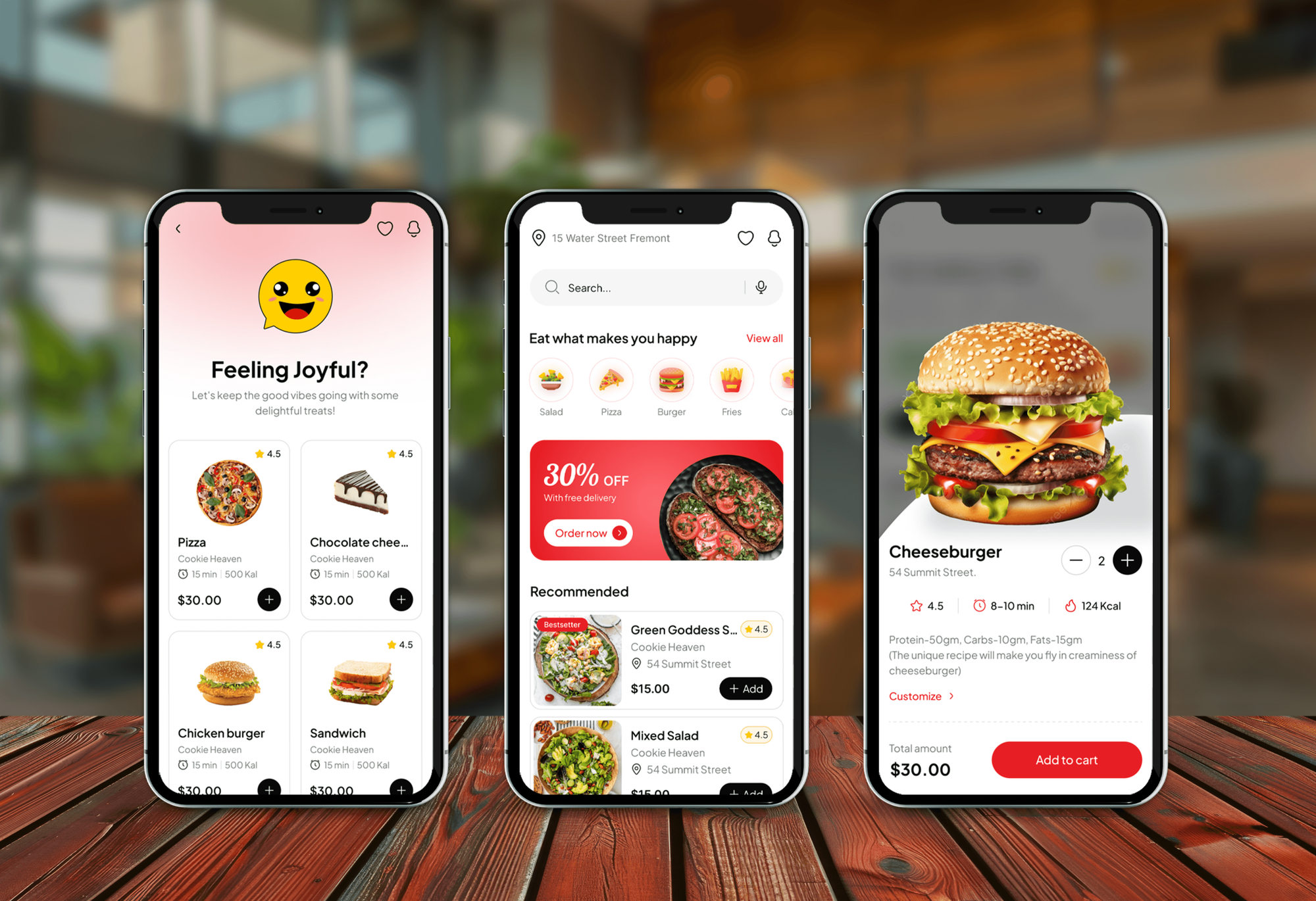
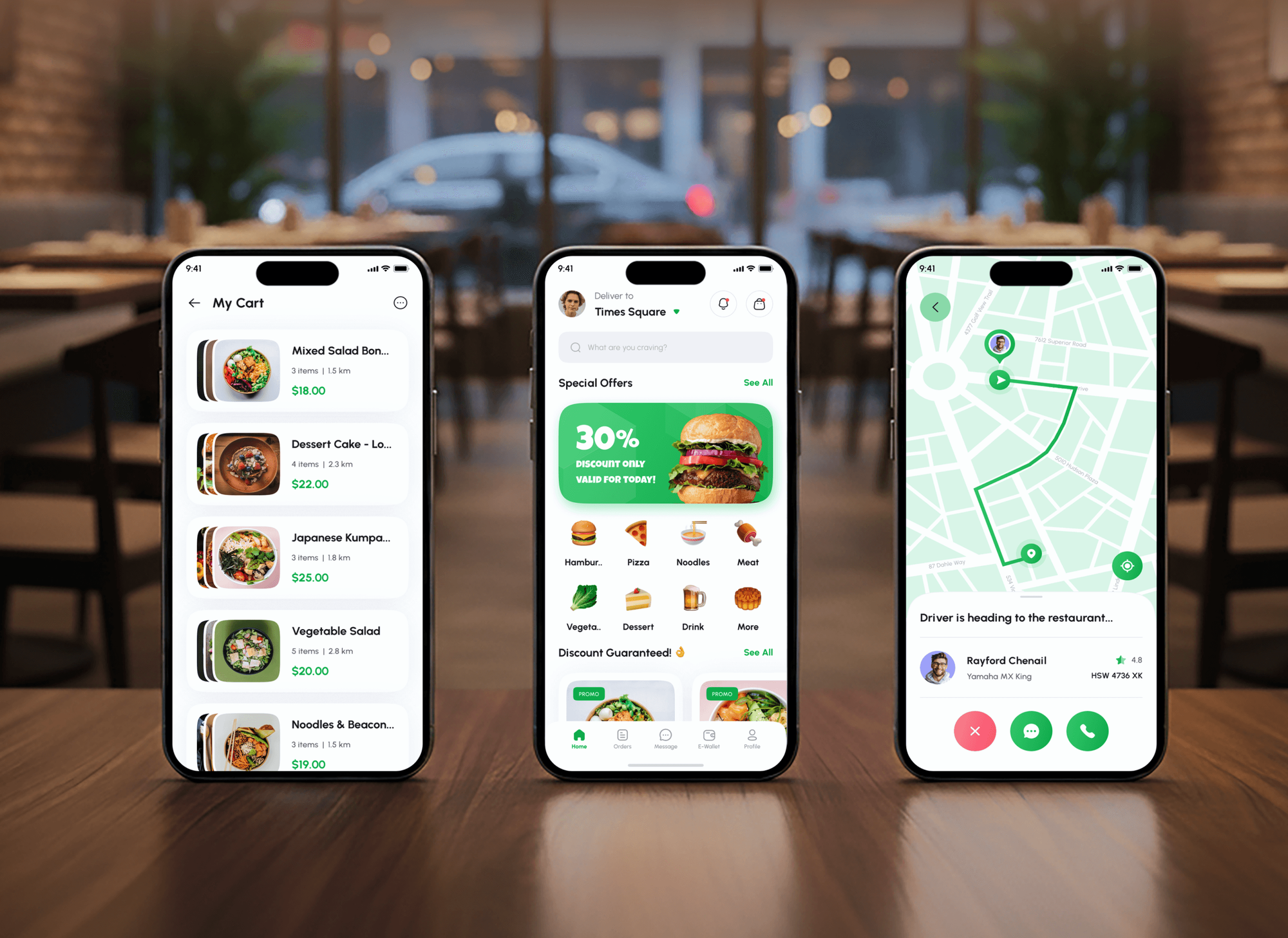
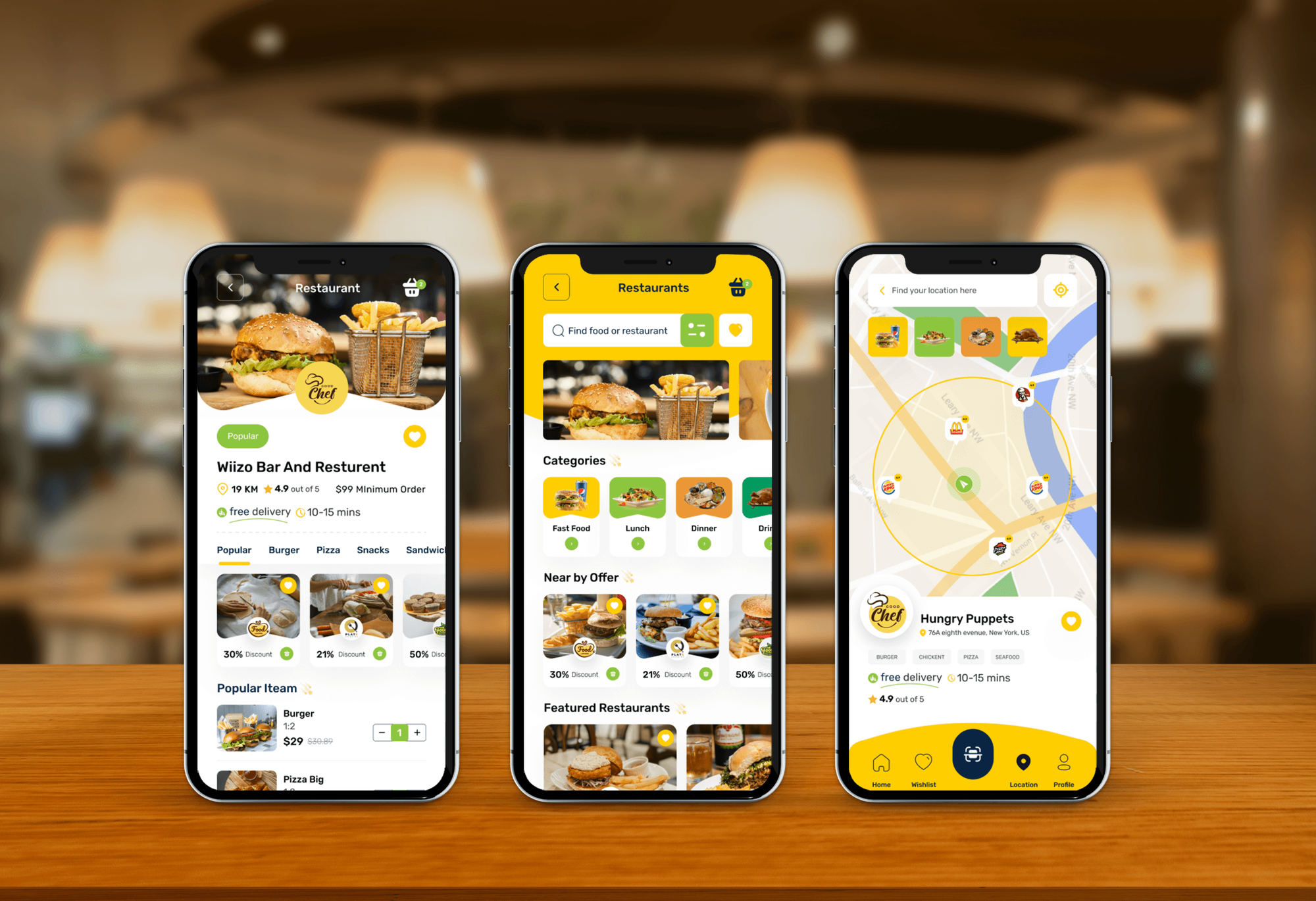
Food delivery apps with restaurant dashboards, plus a hardware store's ecommerce site: the ordering and catalog work an online grocery store builds on.

What Our Clients Say
Feedback from teams we have designed and built websites for.
We had a pretty specific idea of what we wanted our website to become, but I wasn’t sure how easily we could explain all of it to a development team. There were quite a few moving parts, and we were working toward a deadline, so I expected a few things to get lost along the way. That never really happened. They understood what we were trying to achieve, kept us updated throughout the process, and got everything ready within the agreed timeline. The final site feels much easier to navigate, works beautifully on mobile, and is noticeably smoother for our customers. It was a huge relief seeing the original idea actually turn into the website we had in mind.
The mobile experience is probably my favourite part of the new site. We had spent a lot of time making sure the desktop version looked right, and the team kept pushing us to think about how everything would actually feel on a phone too. They were right. The navigation is clean, the interactions feel natural, and everything we’ve tested so far works exactly as it should. They also went through the links, forms, integrations, and other details more than once before launch, which I really appreciated. And even after going live, we could still reach out when something came up. The whole process felt friendly, organised, and surprisingly straightforward.
What I appreciate most is that the website is actually easy for us to manage now. We can update content ourselves instead of sending a developer a message every time we need to change something small. They also paid attention to the technical SEO side, which mattered to us because we didn’t want a new website to create problems for the traffic we already had. I’ve probably asked more questions than I should have since launch, but every question has been handled patiently and without any fuss. The team is easy to work with, they explain things clearly, and when we need something changed, they focus on getting it done rather than making the process complicated.
1,250+
Projects shipped
10+
Years of experience
Top 3%
Upwork Top Rated Plus
5 stars
Average review score

Want results like these?
Tell us what you are building. You get a reply within 24 hours on business days, then a written estimate.
Work Culture
Online grocery runs on tight shifts, perishable stock, and weekly regulars. These habits keep your slots realistic, your prices right, and your pickers confident from the first order.
If a delivery marketplace listing covers your online demand today, you'll hear it in the review. Some stores should test demand there before paying for their own site.
We group products the way your store shelves them, from produce to frozen, with names your regulars know. Shoppers find the oat milk online where they'd find it in store.
Slot caps and order cutoffs come from your actual picking capacity, not a guess. An overbooked Saturday costs more goodwill than a slot that shows as full.
We test weighed items against your own scales and price units before launch. A wrong unit on bananas shows up on every receipt that week.
Training uses test orders from your own catalog, run during a quiet shift. Staff practice substitutions and weight edits before shoppers rely on them.
Shopper accounts, order history, and email consent live in your store account. That list is what lets you reward the families who order every week.
Overview
DeveloperLook builds an ecommerce website for grocery stores around the weekly basket. It covers capped delivery and pickup slots, substitution choices, weighed produce and deli items, delivery zones, and buy-again lists. Projects start at $1,400, take 5 to 12 weeks, and the store, product data, and shopper list stay yours.
DEVELOPERLOOK
Project facts · Grocery Store Website Design
Reviewed 8 Oct 2026 by Saimul Islam
Good fit
Independent grocers adding online orders
Your regulars keep asking whether they can order by Thursday and collect on Friday, and today those phone orders live on paper slips by the register.
Stores leaving a delivery marketplace
You want an ecommerce grocery website of your own, because marketplace shoppers feel like the marketplace's customers and you can't reward the ones who order weekly.
Specialty and international food markets
You stock imported items the big chains don't carry, and customers across town want them delivered on a set weekday instead of driving over.
Grocers comparing build partners
You're choosing a team for grocery website development and want one that has already thought about produce weights, chilled-item cutoffs, and picking routines.
Agencies with grocery clients
Your agency wants to add grocery stores' website design services to its menu, with slots, substitutions, and weighed items built under your brand.
Not a fit
Packaged food brand
You make sauces or snacks and sell them to grocery stores, not to shoppers. Our Food Business Website Design page fits a brand site with a stockist list.
No fresh or weighed items
You sell gifts, hardware, or other shelf goods with no slots or weights. Our Retail Website Design and Development page covers POS-synced shops like yours.
Driver app and dispatch
You want your own driver app with routing and live tracking. That is a custom app build beyond these plans, and we scope it separately after the website.
Budget under $1,400
Your budget is under $1,400. A delivery marketplace listing or the web store in your POS is a sensible way to test online demand first.
Not sure we're the right fit?
Book a free call or message us. We'll tell you honestly whether we're the right team.
Pricing
These are starting points in USD. Your final price depends on catalog size, delivery and pickup setup, and number of stores, and you get a fixed proposal after a free grocery review.
For single-store grocers that want weekly pickup orders online without phone slips.
$1,400one-time, USD
For grocers adding home delivery who want a custom design and a fuller catalog.
$3,700one-time, USD
For grocers with up to 3 stores that need slots and stock for each location.
$7,200one-time, USD
For Agencies
You own the client relationship. Behind it, we build the grocery store itself: slots, substitutions, weighed items, and delivery zones, all under your agency's name. The grocer keeps its own store account, item data, and shopper list.
White label: your client only ever sees your brand
Send the item file, delivery area, pickup times, and current ordering setup.
You get slot rules, delivery zones, and a fixed resale price to approve.
We build the store, load the catalog, and train pickers under your brand.
Slot plans, previews, and picker training go out under your logo.
Slots, swaps, and weighed items set up the way grocers actually pick.
A clear price per store, so your markup stays predictable.
We stay on call during the grocer's first live pickup days.
The Right Technology for Your Project
We build on store platforms that handle large catalogs and timed fulfillment, with search, messaging, and maps that help shoppers order and staff pick.
 Figma
Figma Canva
Canva Shopify
 WooCommerce
 WordPress
 Algolia
 Stripe
 PayPal
 Apple Pay
 Google Pay
 Twilio
 Google Analytics
 Google Tag Manager
 Google Search Console
FAQ
Straight answers on grocery website costs, delivery and pickup slots, substitutions, weighed items, and ownership.
Saimul IslamFounder & CEO, DeveloperLookStill have questions?
Send a message or book a call with the team.
Start by deciding how orders leave the store: pickup only, delivery, or both, and how many orders each slot can take. Then export your item file, group products by aisle, and choose a platform with slot and substitution support. Photograph your best sellers first, and open ordering to regulars before you announce it widely.
They show an estimated price and charge the real weight after picking. A bunch of bananas lists an average weight per piece, and the card is authorized at checkout. Once your staff weigh the order, the final amount is captured, and the receipt shows each weighed item.
DeveloperLook's grocery builds start at $1,400 for a pickup store with up to 400 products, capped slots, and substitution choices. Delivery stores with custom design and up to 5,000 products start at $3,700. Builds for up to 3 stores with scheduled POS imports start at $7,200. Platform, slot app, and card fees are billed separately.
A pickup-only store takes 5 to 6 weeks, and delivery or multi-store builds take 7 to 12 weeks. Catalog work takes the longest: cleaning item names, assigning aisles, and setting weights for produce. We usually open slots to regulars for a week before announcing the site, so staff learn picking on real orders.
Shoppers pick a dated window at checkout, and each window closes once it reaches the cap you set. Shopify handles pickup locations and delivery zones by postal code or distance, and a slot app adds the dated windows. On WooCommerce, a delivery slots plugin does the same job. Cutoff times stop late orders for early slots.
Shoppers choose for each item: a specific replacement, any similar item, or no substitute. That choice prints on the pick list, so staff don't phone customers mid-shift. If a swap costs more, we set the rule you prefer, such as charging the lower price, and the shopper sees every change on the receipt.
Use both if you can: a marketplace for reach and your own website for regulars. Marketplaces such as Instacart bring new shoppers, but they take a fee and keep the shopping inside their app. Your own site keeps order history, buy-again lists, and your margin on reorders. If marketplace orders cover your demand for now, the free review says so.
Yes, through the POS's API where it has one, or a scheduled item file export where it doesn't. Grocery prices change weekly, so we import prices and stock on a schedule you choose, such as nightly. Items marked inactive in the POS drop off the website, and weekly specials update without retyping.
A fast mobile website is enough for many independent grocers at the start. Shoppers can save a basket, reorder last week's items, and pick a slot from a phone browser. A native app makes sense later, when regulars order weekly and push reminders would help, and it's a separate build we scope on its own.
The grocer owns all of it: the domain, store account, item data, order history, and shopper list with email consent. Admin logins move to your team on launch day. We fix issues and answer questions for 30 to 90 days, depending on plan, and can return for holiday slot changes or a new store opening.
Saimul IslamFounder & CEO, DeveloperLookStill have questions?
Send a message or book a call with the team.
Free 30-min callGoogle Meet
Book a call
In 30 minutes on Google Meet we walk you through how we would build it, how long it takes and what it costs. Then you get a written estimate.
Calendar not showing? Book on cal.com or send a brief.