
Profiles, zones, and rate rules
Shipping profiles for your products that ship differently, with flat, weight, and price-based rates per zone.

For Shopify stores whose shipping charges miss real costs: rates, delivery zones, and pickup that match what each order costs to send, from $450.
3
Delivery methods at checkout
100%
Zones tested before launch
How your project runs
Teams we have built for:














The Problem
Rates set once at launch drift as your products, carriers, and order sizes change. The gap shows up in your margin or your abandoned carts.
01 · Heavy items
Heavy items ship at the same flat rate as light ones.
Weight-based rates and separate profiles make bulky products pay their own way.
02 · No rates
Some customers see no shipping option and leave checkout.
Every destination you sell to gets a rate, tested with real addresses.
03 · Local orders
Nearby customers can't choose pickup or local delivery.
Delivery zones and pickup go live for the locations you choose.
04 · Old prices
Rates stay frozen while carrier prices keep going up.
Live carrier rates or a scheduled rate review keep charges close to costs.
Your heavy items ship for the same flat rate as a pair of socks, so every big order loses money. Customers in some regions see no shipping option at all and leave. Your local customers would happily collect from the shop, but checkout only offers shipping. Free shipping starts below the order value that pays for it. And when your carrier raises prices, your rates stay where they were. So shipping quietly eats your margin.
We start with your real shipping costs, zone by zone, from recent orders and current carrier rates. Then we set Shopify profiles and rate conditions, so heavy, bulky, and light items each pay their way. Where flat rules can't keep up, live carrier rates or a custom rate app quotes each cart. Local delivery and pickup go live for the locations you choose. Your checkout charges what shipping costs, not what you guessed at launch.
Rates based on real costs
Every zone priced from your recent orders and current carrier rates, not old guesses.
Delivery zones that fit
Delivery zones by postal code or radius, with a minimum order and price for each zone.
Backup rates for slow apps
If a live rate app doesn't answer in time, your customers still see a fallback rate.
Our Shopify Shipping Rates Setup Process
You see where today's rates lose money, approve a rate table before anything changes, and review test checkouts for every zone.
We compare your current rates with what recent orders actually cost to ship, zone by zone. You get a list of where you undercharge, overcharge, or block checkout, and what your Shopify plan allows.
What's Included
Every setup covers your rate rules, the delivery methods customers can pick, and the tests that prove each rate works before it goes live.
Compare Options
Shopify's own settings cover many stores, and a shipping rates app can add live quotes quickly. Here's where each one works for you and where it breaks.
| Feature | DeveloperLookBest fit | Shipping app | DIY settings |
|---|---|---|---|
| Planning | Rates priced from your real costs | The app's default rules | Set once at launch |
| Rate logic | Rules, live rates, or custom code | The app's rule builder | Flat and simple conditions |
| Local delivery | Zones and pickup for your locations | Varies by app | Possible, often skipped |
| Plan limits | Checked against your Shopify plan | Often found after install | Found by your customers |
| Testing | Every zone tested at checkout | A few sample orders | Rarely tested before launch |
| Failure handling | Backup rates if an app is slow | Depends on the app | No live quotes to fail |
| Monthly cost | No fee from us after launch | Monthly app subscription | Free in Shopify |
| Cost | Fixed price from $450 | Low monthly fee | Free, but your time |
Projects We've Built
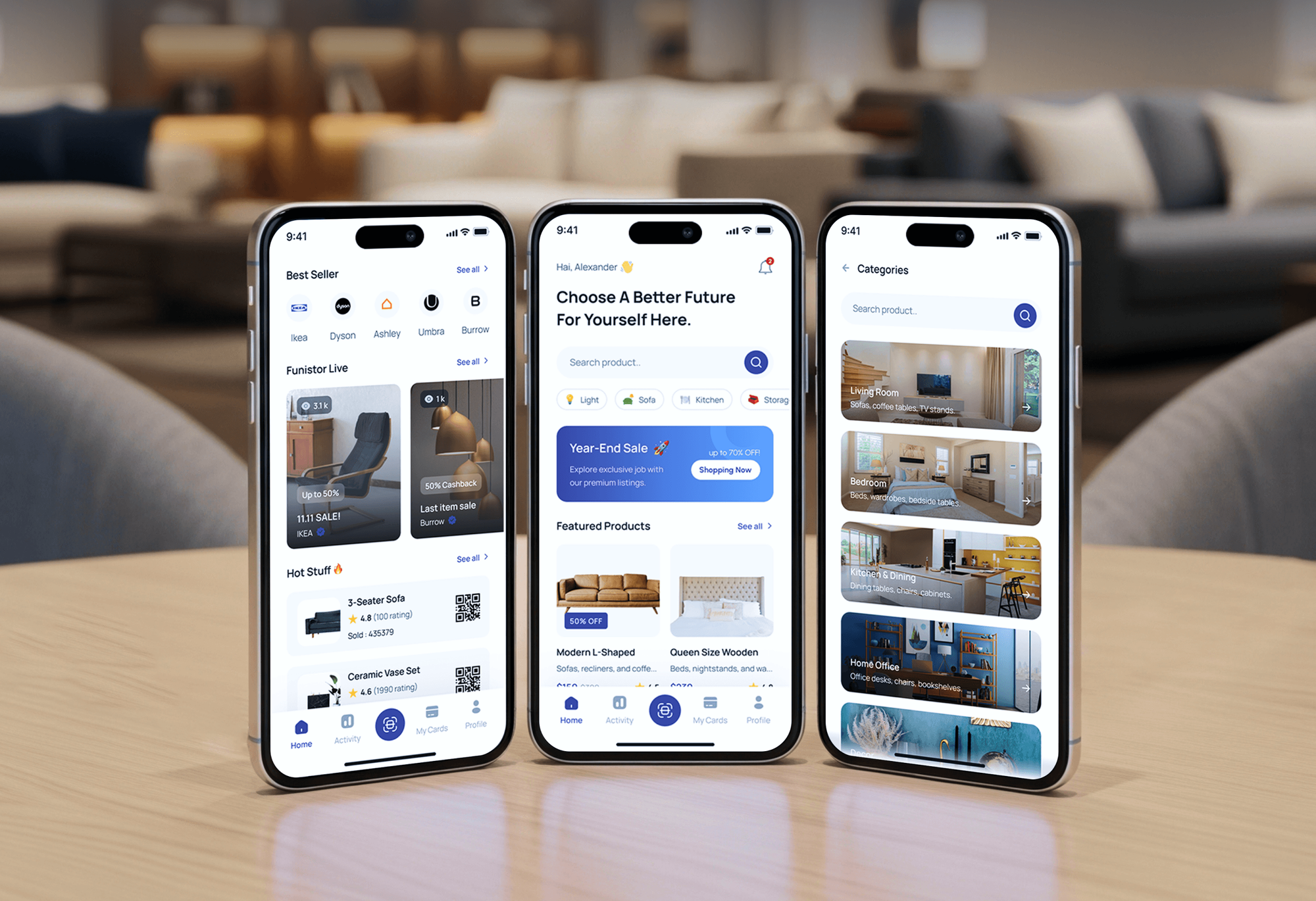
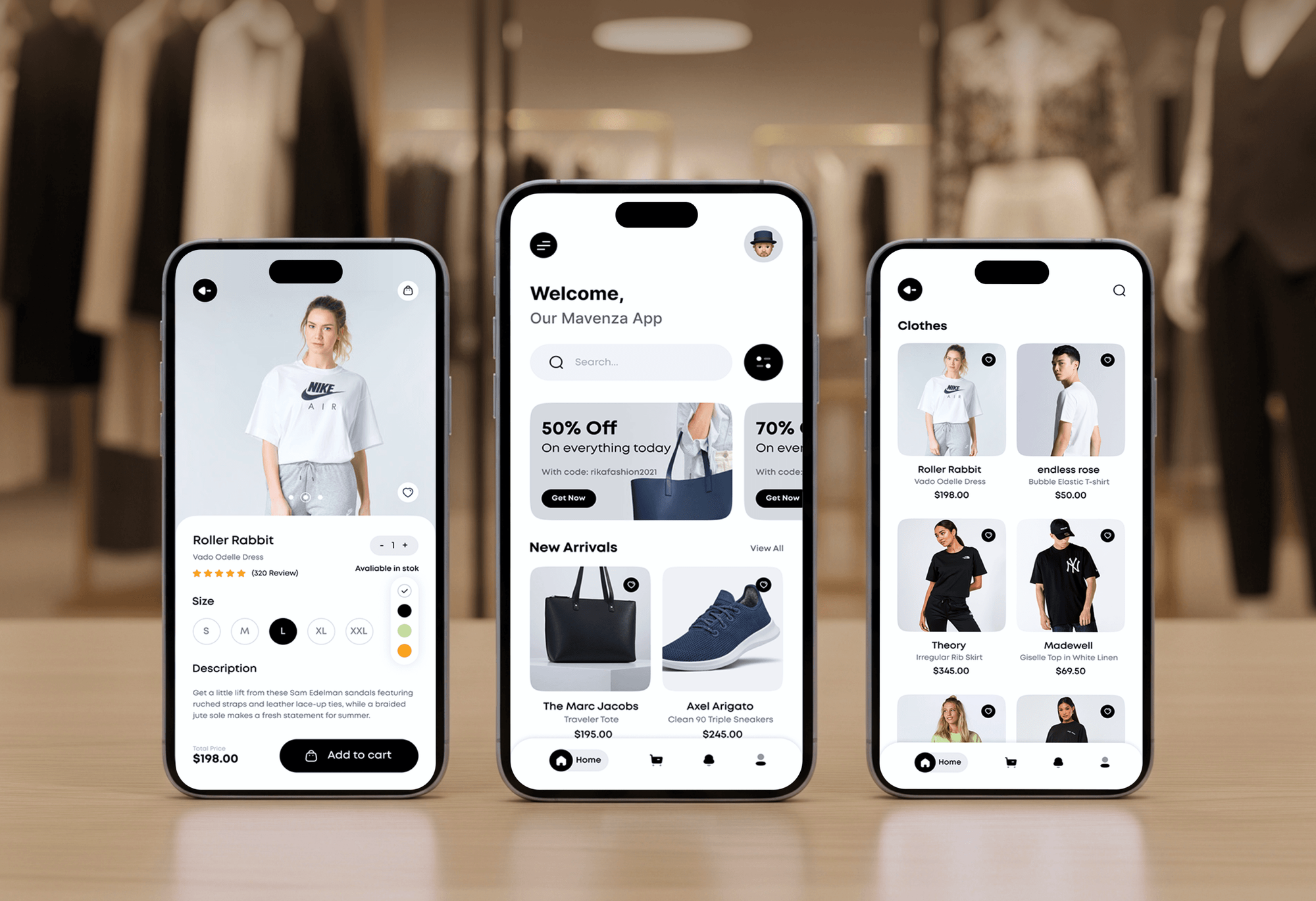
Stores and apps our team designed with shipping choices, pickup points, and delivery estimates at checkout. Platforms differ by project, but the delivery logic carries over.


What Our Clients Say
Feedback from teams we have built online stores and checkout features for.
We had a pretty specific idea of what we wanted our website to become, but I wasn’t sure how easily we could explain all of it to a development team. There were quite a few moving parts, and we were working toward a deadline, so I expected a few things to get lost along the way. That never really happened. They understood what we were trying to achieve, kept us updated throughout the process, and got everything ready within the agreed timeline. The final site feels much easier to navigate, works beautifully on mobile, and is noticeably smoother for our customers. It was a huge relief seeing the original idea actually turn into the website we had in mind.
The mobile experience is probably my favourite part of the new site. We had spent a lot of time making sure the desktop version looked right, and the team kept pushing us to think about how everything would actually feel on a phone too. They were right. The navigation is clean, the interactions feel natural, and everything we’ve tested so far works exactly as it should. They also went through the links, forms, integrations, and other details more than once before launch, which I really appreciated. And even after going live, we could still reach out when something came up. The whole process felt friendly, organised, and surprisingly straightforward.
What I appreciate most is that the website is actually easy for us to manage now. We can update content ourselves instead of sending a developer a message every time we need to change something small. They also paid attention to the technical SEO side, which mattered to us because we didn’t want a new website to create problems for the traffic we already had. I’ve probably asked more questions than I should have since launch, but every question has been handled patiently and without any fuss. The team is easy to work with, they explain things clearly, and when we need something changed, they focus on getting it done rather than making the process complicated.
1,250+
Projects shipped
10+
Years of experience
Top 3%
Upwork Top Rated Plus
5 stars
Average review score

Want results like these?
Tell us what you are building. You get a reply within 24 hours on business days, then a written estimate.
Work Culture
Shipping rules touch every order you take. These habits keep your rates accurate, your checkout open, and your team in control afterward.
Live rates from your carrier accounts or a custom rate app need Shopify's Advanced or Plus plan, or the Grow add-on. If your plan can't support it, we'll tell you before we quote.
We price your zones from what your orders actually cost to ship. Rate rules come after the numbers, not before them.
We test addresses at the edges of your zones and unusual cart mixes. Those are the checkouts your customers would break first.
Every live rate setup gets backup rates for slow or failed replies. Your checkout keeps an option even when a carrier's system is down.
Shopify is moving stores to shipping options by market between October 2026 and July 2027. We document your rates so that move becomes a check, not a rebuild.
You get notes on editing rates, zones, and delivery settings. Seasonal changes and carrier price rises don't need a developer.
Overview
DeveloperLook sets up Shopify shipping rates and local delivery for stores whose checkout charges don't match real costs. We build shipping profiles, flat and conditional rates, carrier-calculated or custom rates, and local delivery and pickup. Setup starts at $450, most stores go live in 1 to 5 weeks, and every zone is tested before launch.
DEVELOPERLOOK
Project facts · Shopify Shipping Rates and Local Delivery Setup
Reviewed 7 Oct 2026 by Saimul Islam
Good fit
Stores shipping heavy or bulky products
Your bulky items ship at the same rate as small ones, and you want Shopify dynamic shipping rates that track weight and size.
Shops with local customers
You have a store or warehouse that nearby customers could use, and you want local delivery and pickup at checkout.
Plus stores adding same-day delivery
You're on Shopify Plus and want Uber same day delivery, Shopify local delivery, and pickup together in one checkout.
Brands with negotiated carrier rates
You have your own UPS or FedEx account and want Shopify third party calculated shipping rates to show your real prices.
Agencies managing store builds
Your agency builds Shopify stores and needs shipping rules and custom rate apps delivered under your name.
Not a fit
Budget under $450
Your budget is under $450 and you ship one product type to one country. Shopify's built-in flat rates will cover you on their own.
Labels and fulfillment
You need label printing, packing rules, and batch fulfillment. Our Shopify ShipStation Integration service handles that side of shipping.
Multi-warehouse carrier build
You need a multi-carrier platform with routing across warehouses and customs forms. Our Shipping API Integration page covers that larger build.
Basic plan, own carriers
You're on Shopify Basic and want live rates from your own carrier accounts. That needs a plan upgrade first, so start with Shopify's calculated rates.
Not sure we're the right fit?
Book a free call or message us. We'll tell you honestly whether we're the right team.
Pricing
These are starting points in USD. Your final price depends on product types, zones, and live or custom rates, and you get a fixed proposal after a free shipping review.
For Shopify stores fixing flat, free, and weight-based rates for one location.
$450one-time, USD
For stores adding carrier-calculated rates, more locations, or delivery rules.
$1,150one-time, USD
For stores whose rates need custom logic, freight rules, or same-day courier quotes.
$2,700one-time, USD
For Agencies
You own the client relationship. We supply the shipping work: rate rules, delivery zones, carrier-calculated rates, and custom rate apps, all under your brand. Fixed quotes protect your margin, and your client signs off a rate table before anything changes.
White label: your client only ever sees your brand
Send the client's store, shipping costs, and the delivery methods they want to offer.
You get a rate table, a plan check, and a fixed quote you can resell.
Rates tested at checkout and documented inside your client's store.
Your brand on every rate table and handover note.
Profiles, zones, live rates, and rate apps handled by one team.
A price set by zones and locations, ready to resell.
Extra hands for peak-season changes without adding new hires.
The Right Technology for Your Project
We work in Shopify's own shipping settings first and add carrier APIs or custom apps only when your rates need them.
 Shopify
 GraphQL
 Rust
Rust React
React USPS
USPS UPS
UPS DHL
DHL FedEx
FedEx Node.js
 AWS
AWS PostgreSQL
 Google Sheets
 Chrome DevTools
 Google Analytics (GA4)
FAQ
Straight answers on how Shopify delivery works, setting rates, delivery zones, live carrier rates, and costs.
Saimul IslamFounder & CEO, DeveloperLookStill have questions?
Send a message or book a call with the team.
Shopify offers three delivery methods: shipping, local delivery, and pickup in store. Shipping uses profiles and zones with flat or calculated rates. Delivery zones and pickup are set per location, with delivery areas drawn by postal code or radius. Your customers choose among the methods you turn on, all in the same checkout.
Shopify matches your customer's address to a shipping zone, then shows each rate whose conditions the cart meets, such as weight or order value. Calculated rates ask a carrier or an app for a live price, using the cart's weight and your package sizes. When a cart mixes your shipping profiles, Shopify combines their rates.
Setup with DeveloperLook starts at $450 for shipping rules, local delivery, and pickup at one location. Carrier-calculated rates and up to 3 locations move you to the $1,150 plan, and a custom rate app starts at $2,700. Shopify plan fees and any app subscriptions are billed to you separately.
Rule-based rates go live in 1 to 2 weeks, including test checkouts for every zone. Carrier-calculated rates and delivery customizations take 2 to 3 weeks, and a custom rate app takes 3 to 5 weeks. Most of that time goes into testing edge addresses and mixed carts.
Go to Settings, then Shipping and delivery, and edit the profile your products belong to. Create zones for the regions you ship to, then add shipping options, which Shopify used to call rates. Each can be flat, free over an amount, or based on weight or order price. Test every zone, because a missing zone blocks orders.
Open your shipping profile, pick a zone, and add a flat rate with a name your customers recognize, such as Standard or Express. Set a fixed price, and add a minimum order value if the rate should only appear above it. A rate priced at zero above a minimum creates free shipping.
Turn it on for a location in your Shipping and delivery settings. Then define the area by postal codes or a radius of up to 100 miles. Each location can have up to 10 zones, each with its own minimum order and delivery price. Add delivery information, which appears in order confirmation emails.
The option appears once a location offers it and the customer's address falls inside one of its zones. Customers then add delivery instructions and a phone number, which Shopify requires. It works with Shop Pay but not with other express checkouts, so we check your checkout buttons too.
Use Shopify Shipping's calculated rates, available on every plan for USPS, UPS, and DHL in the US, or connect your own carrier accounts. Your own accounts and rate apps need the Advanced or Plus plan, and Grow stores can add the feature. We test that live quotes return in time, with backup rates as a fallback.
For many small and midsize stores, yes: Shopify Shipping offers discounted labels from major carriers, and the discount depends on your plan. Stores with high volume or negotiated contracts often do better with their own carrier accounts. We compare both against your recent orders before recommending either one.
Saimul IslamFounder & CEO, DeveloperLookStill have questions?
Send a message or book a call with the team.
Free 30-min callGoogle Meet
Book a call
In 30 minutes on Google Meet we walk you through how we would build it, how long it takes and what it costs. Then you get a written estimate.
Calendar not showing? Book on cal.com or send a brief.