Virtual visit path map
Every tool from booking link to follow-up message listed, with the patient information each one handles.

For practices and clinicians who see patients by video: every tool a virtual visit touches checked for a BAA and safe settings, plus a home-setup checklist. From $650.
5/5
Virtual visit steps mapped
100%
Visit tools checked for BAAs
How your project runs
01 · FreeTeams we have built for:














The Problem
The gap shows up when a patient joins from a texted link or a clinician runs visits from a kitchen table. It also shows up when a recording lands in a personal cloud folder.
Unsigned BAAs
Nobody knows whether the video vendor signed a BAA.
Unsigned BAAs
We check every vendor's BAA and flag tools that won't sign one for replacement.
Recordings
Session recordings save to personal laptops and cloud folders.
Recordings
Recording is turned off or kept only in the platform's covered storage.
Reminder texts
Reminder texts name the reason for each visit.
Reminder texts
Reminders carry only the time and a link, with details kept behind sign-in.
Home setups
Clinicians run visits from shared rooms on family computers.
Home setups
Each clinician follows a home-setup checklist: private room, own device, current updates.
You started telehealth in a rush, and the tools stayed. Patients book through one app, fill out intake on another, and join video from a link sent by text. Nobody remembers whether the video vendor signed a business associate agreement. One therapist records sessions to a personal laptop. Another runs visits from a shared kitchen with family nearby. Reminder texts mention the reason for the visit. The emergency flexibilities ended in 2023, and none of this was revisited.
We start by mapping the visit path: booking, intake, the video room, recordings and notes, and follow-up messages. Each tool gets a BAA check and its settings tightened, from waiting rooms to recording storage. Clinicians get a short home-setup checklist, and reminder texts stop naming the reason for a visit. You get a ranked fix list your compliance lead can act on. Telehealth runs on tools you can defend, not tools you hope are fine.
Every visit step mapped
Booking, intake, video, recordings, and follow-up messages traced tool by tool.
A BAA for each vendor
Each tool that touches patient information is checked for a signed business associate agreement.
Clinicians safe at home
A home-setup checklist covers private rooms, devices, Wi-Fi, and where notes get saved.
Our HIPAA Compliance for Telehealth Process
HIPAA compliance telehealth work only helps if clinicians can follow it. You approve the tool list, every settings change, and the clinician checklist, and changes go live outside clinic hours.
We ask how many clinicians you have, which video, booking, intake, and messaging tools they use, and where they work from. You get a written scope and a fixed price within 2 days. If your EHR's built-in video already covers your visits under its BAA, we'll say so before quoting.
What's Included
The full scope covers a map of every tool in your virtual visits, a BAA check for each vendor, safer platform settings, and a home-setup checklist. Larger plans add device rules, retention settings, and a risk analysis section.
Compare Options
HIPAA and telehealth meet in a few tools: video, intake, scheduling, and messaging. A vendor's assurance covers its own platform, and a full program covers everything. Here is where each fits.
| Feature | DeveloperLookBest fit | Vendor assurances | Full HIPAA program |
|---|---|---|---|
| Planning | Free call, written fixed scope | Sales call and a BAA form | Long discovery across the practice |
| Scope | Every tool in a virtual visit | One vendor's platform only | Every system in the practice |
| BAA check | Each vendor checked and listed | Their own BAA only | |
| Clinician home setup | Checklist for every clinician | General tips | Often a policy, not a checklist |
| Settings work | We change settings with you | Self-serve guides | Usually advice only |
| Risk analysis | Telehealth section on the top plan | Not covered | Full risk analysis |
| Ongoing support | 30 days, then your team | Vendor support desk | Often a yearly retainer |
| Cost predictability | Fixed price from $650 | Included in the subscription | Higher, scoped to the whole practice |
Projects We've Built
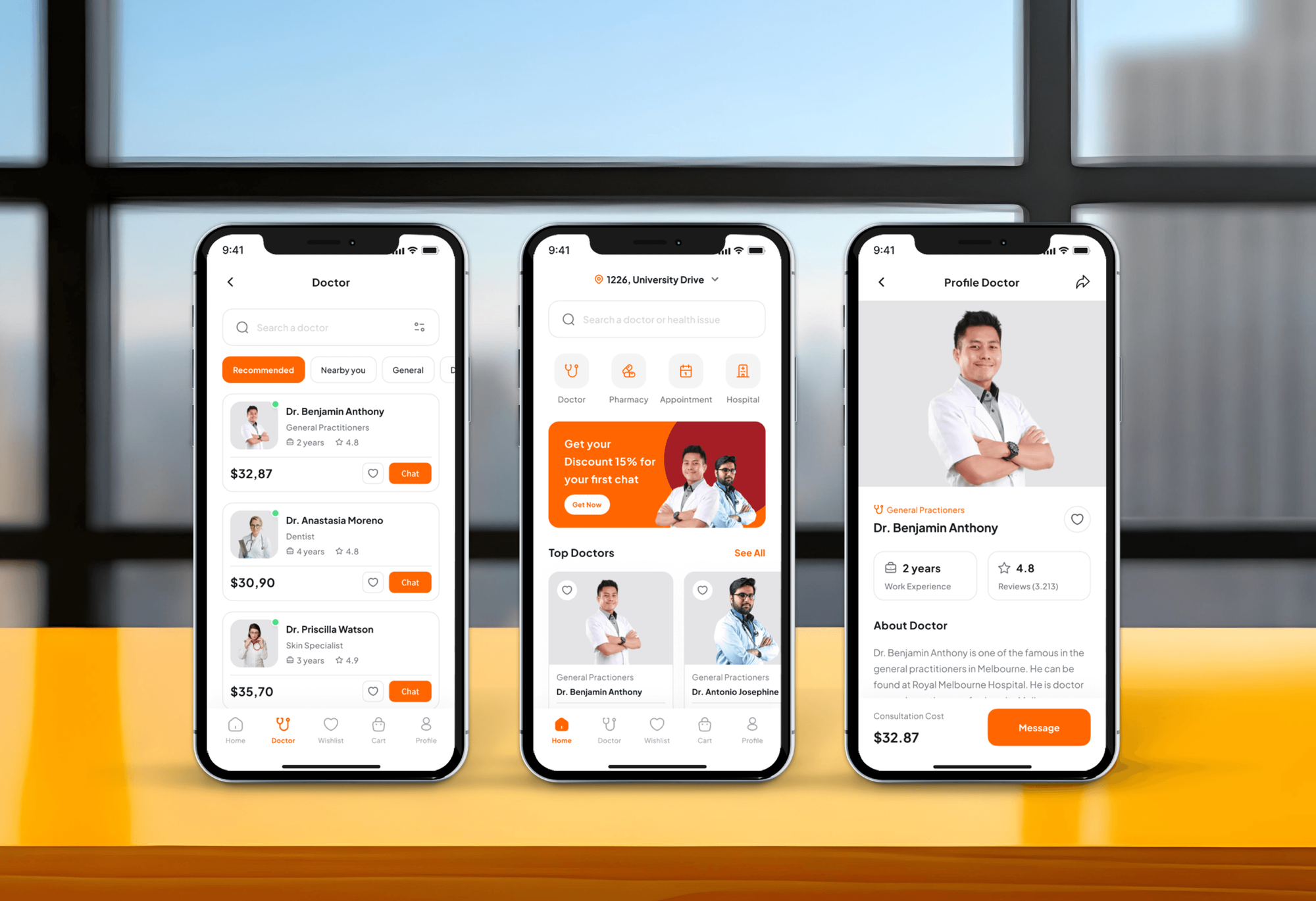
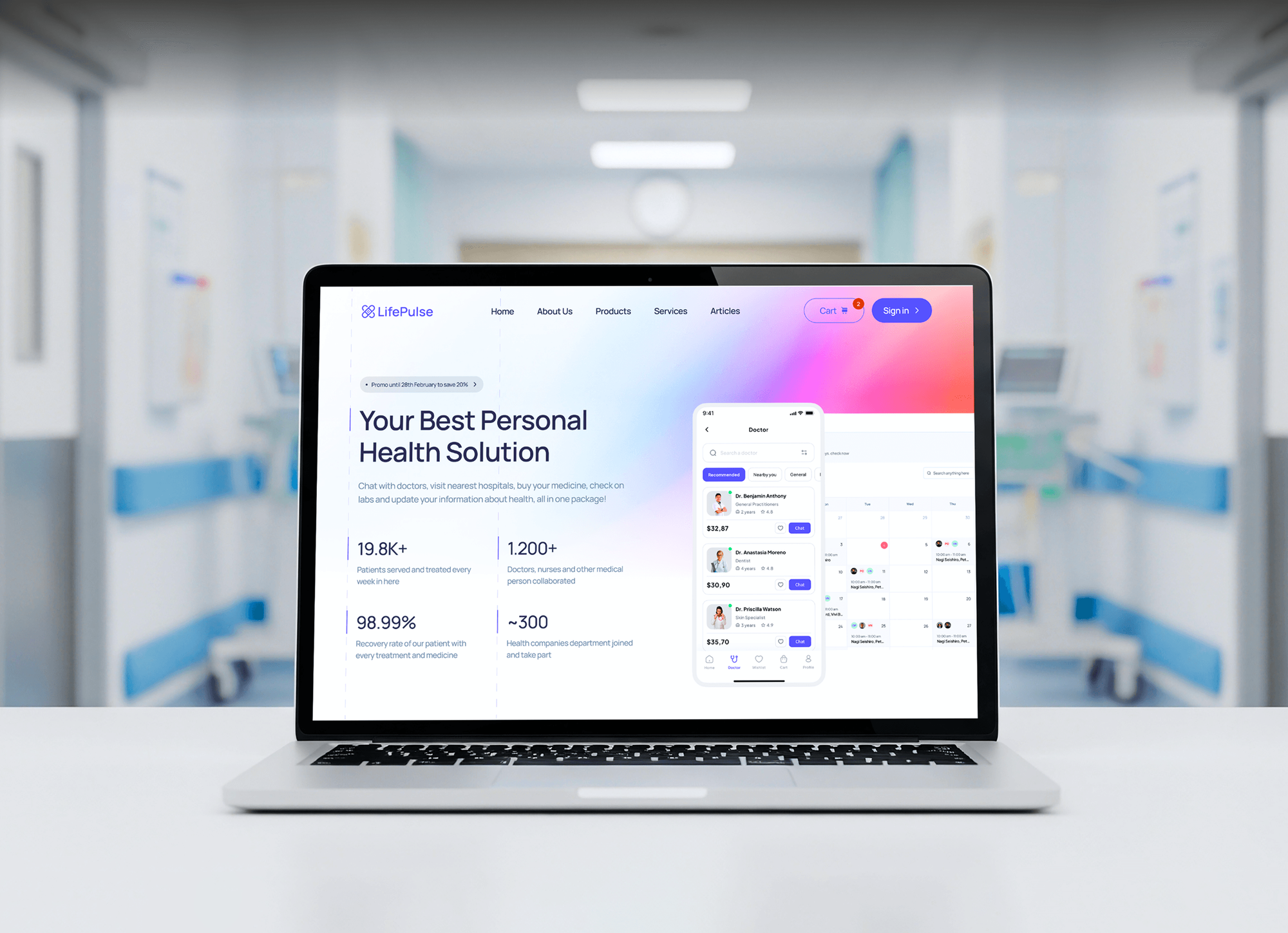
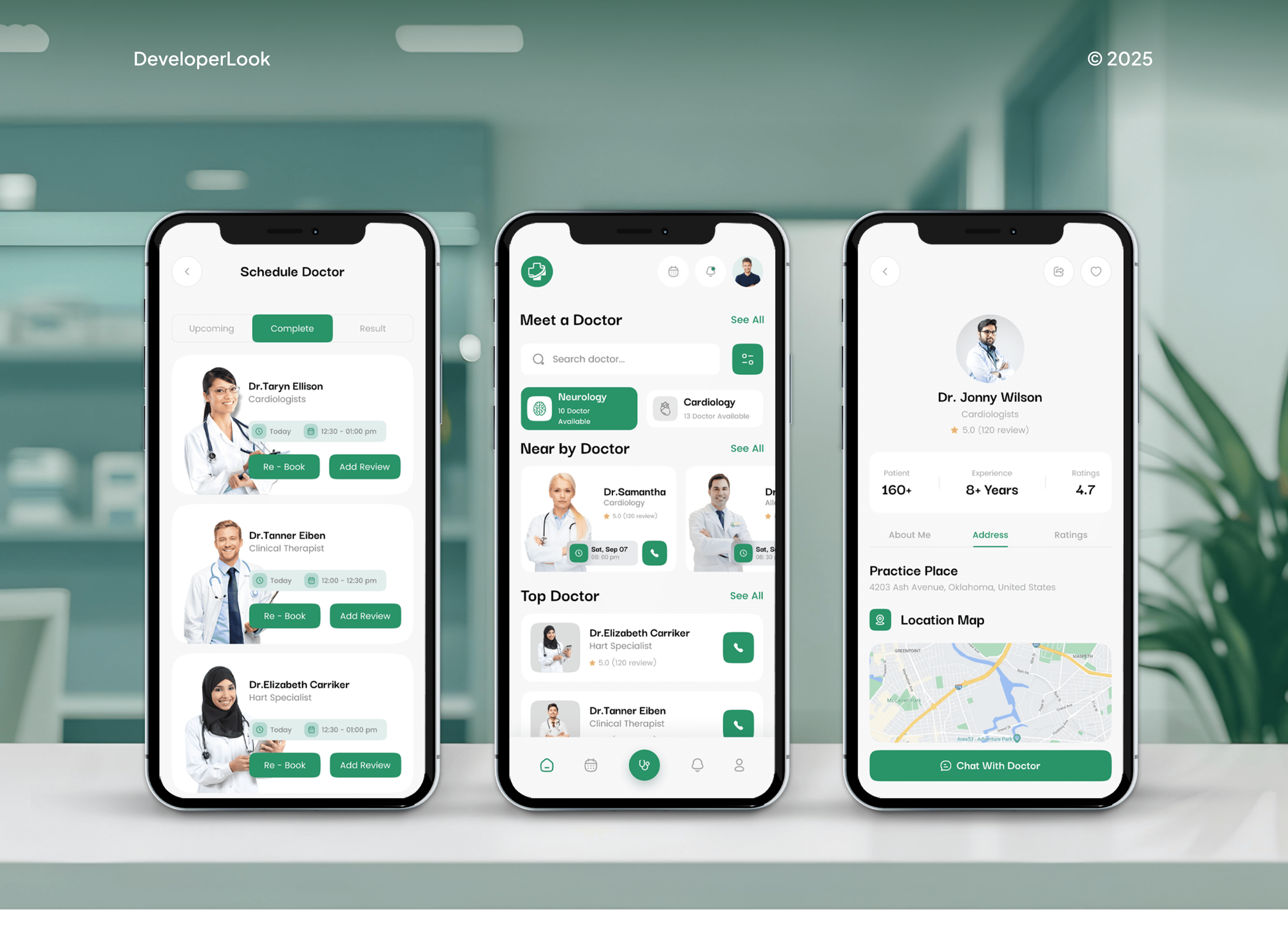
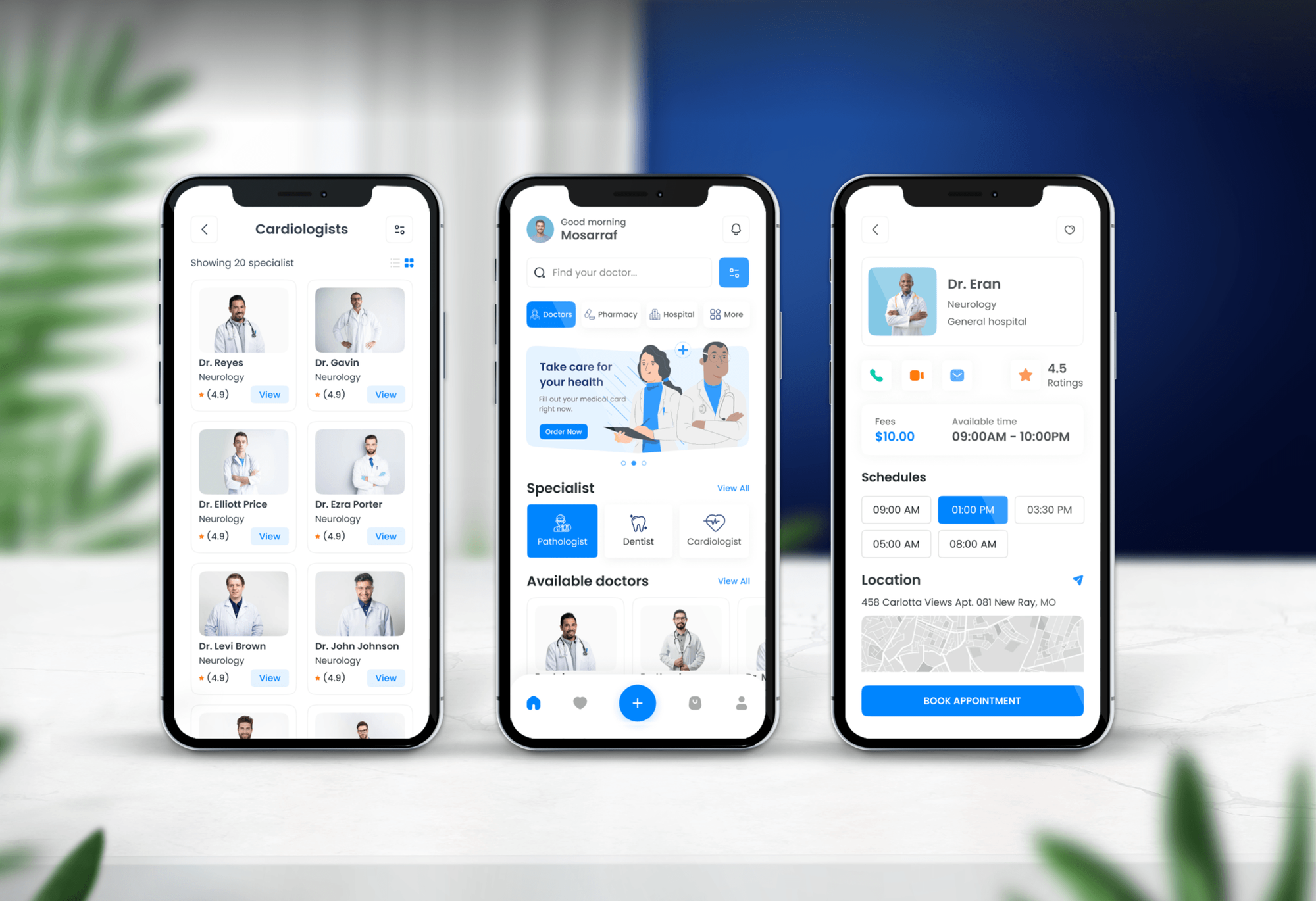
Doctor booking and medical apps we designed and built, with video consultations, chat, and online appointments. They carry the same visit data a telehealth practice protects.
What Our Clients Say
Feedback from teams we have built apps, platforms, and websites for.
We had a pretty specific idea of what we wanted our website to become, but I wasn’t sure how easily we could explain all of it to a development team. There were quite a few moving parts, and we were working toward a deadline, so I expected a few things to get lost along the way. That never really happened. They understood what we were trying to achieve, kept us updated throughout the process, and got everything ready within the agreed timeline. The final site feels much easier to navigate, works beautifully on mobile, and is noticeably smoother for our customers. It was a huge relief seeing the original idea actually turn into the website we had in mind.
The mobile experience is probably my favourite part of the new site. We had spent a lot of time making sure the desktop version looked right, and the team kept pushing us to think about how everything would actually feel on a phone too. They were right. The navigation is clean, the interactions feel natural, and everything we’ve tested so far works exactly as it should. They also went through the links, forms, integrations, and other details more than once before launch, which I really appreciated. And even after going live, we could still reach out when something came up. The whole process felt friendly, organised, and surprisingly straightforward.
What I appreciate most is that the website is actually easy for us to manage now. We can update content ourselves instead of sending a developer a message every time we need to change something small. They also paid attention to the technical SEO side, which mattered to us because we didn’t want a new website to create problems for the traffic we already had. I’ve probably asked more questions than I should have since launch, but every question has been handled patiently and without any fuss. The team is easy to work with, they explain things clearly, and when we need something changed, they focus on getting it done rather than making the process complicated.
1,250+
Projects shipped
10+
Years of experience
Top 3%
Upwork Top Rated Plus
5 stars
Average review score
1,250+
Projects shipped
10+
Years of experience
Top 3%
Upwork Top Rated Plus
5 stars
Average review score

Want results like these?
Tell us what you are building. You get a reply within 24 hours on business days, then a written estimate.
Work Culture
HIPAA telemedicine work happens between patient visits, on tools clinicians use all day. These habits keep our changes invisible to patients and easy for your compliance lead to defend.
We test platform settings in dummy meetings with your staff, not during real appointments. Session recordings and notes stay with your team.
Settings changes go live after your last visit of the day or on a weekend. No clinician finds a new waiting room setting in the middle of a session.
No government body certifies a tool as HIPAA compliant, so we don't use that label. We tell you what a vendor's BAA covers and what stays your job.
We set up safeguards that support your HIPAA duties, but we don't give legal opinions. State telehealth and licensing rules are questions for your healthcare attorney.
We fit safeguards to how clinicians actually run visits, from waiting rooms to closing notes. A rule nobody can follow between patients doesn't protect anyone.
You get one fixed price for the clinicians and tools in scope. A new platform or location gets quoted before we start on it.
Overview
DeveloperLook runs HIPAA compliance telehealth reviews for practices and clinicians who see patients online. We map every tool a virtual visit touches, check each vendor's BAA, tighten video, intake, and messaging settings, and give clinicians a home-setup checklist. Projects start at $650 and take 1 to 6 weeks at a fixed price.
DEVELOPERLOOK
Project facts · HIPAA Compliance for Telehealth
Reviewed 27 Oct 2026 by Saimul Islam
Good fit
Solo therapists and counselors
You see clients by video from a home office, and you're not sure your platform, scheduler, and payment link all have BAAs.
Small group practices
Your clinicians each picked their own video tool in 2020, and you need HIPAA and telemedicine rules that everyone follows.
Clinics that run mostly on telehealth
Your clinic runs most visits online across several states, and you want the visit path checked before your next payer or partner review.
Practices after a privacy complaint
Your patient complained that a reminder text revealed their appointment type, and you need your telehealth messages fixed this month.
Health IT and MSP partners
Your company supports several practices, and you want a repeatable telemedicine and HIPAA review you can deliver under your own brand.
Not a fit
Need a full HIPAA program
You need a complete risk analysis, policies, and BAAs across your whole practice, not only telehealth. Our HIPAA compliance consulting page covers that program.
In-clinic safeguards
Your main gaps are at the front desk, in exam rooms, and on office devices. Our cybersecurity for medical practices page covers safeguards inside the clinic.
Building a telehealth app
You're building your own telehealth platform or app. That's a software build with its own security design, so ask us for a development quote instead.
Need legal advice
You need a ruling on state telehealth laws, licensing across state lines, or a breach notice. That's work for a healthcare attorney.
Not sure we're the right fit?
Book a free call or message us. We'll tell you honestly whether we're the right team.
Pricing
These are starting points in USD. Your final price depends on how many clinicians and visit tools you have and where they work, and you get a fixed proposal after a free telehealth call.
For Agencies
You own the practice relationship. We supply the visit path map, BAA checks, platform settings, and clinician checklist under your brand, and you stay the provider the practice calls. Your clients get telehealth-specific HIPAA work without you hiring a compliance specialist.
White label: your client only ever sees your brand
Share each practice's clinician count and the visit tools they run.
We return a written scope and a fixed price per practice within 2 days.
We do the review and settings work, and you present the fix list.
Share each practice's clinician count and the visit tools they run.
We return a written scope and a fixed price per practice within 2 days.
We do the review and settings work, and you present the fix list.
The Right Technology for Your Project
These are the video, identity, and device tools telehealth practices run on most, plus the intake and messaging systems where patient details travel.
 Twilio
Related Services
Practices that finish this work often add a full HIPAA program, in-clinic safeguards, secure texting, or safer online forms. These pages cover those next steps.
This page
HIPAA Compliance for Telehealth
Pairs with the 6 services around it
FAQ
Straight answers on cost, timing, what HIPAA means for virtual care, platforms, Webex, current requirements, and clinicians at home.
Saimul IslamFounder & CEO, DeveloperLookStill have questions?
Send a message or book a call with the team.
It starts at $650 for practices of up to 5 clinicians on one video platform. That covers the visit path map, a BAA check per vendor, platform settings, a home-setup checklist, and a ranked fix list. Practices of up to 20 clinicians start at $1,700, and programs for up to 60 clinicians start at $3,400, fixed after a free call.
A small practice takes 1 to 3 weeks, and a group program takes 3 to 6 weeks. The visit path map takes about a week, and settings changes are scheduled after clinic hours. Most HIPAA compliance telehealth timelines stretch only when clinicians return their home checklists late, so we send those early.
It means the tools that carry patient information during virtual care are covered by business associate agreements and set up with safeguards. That includes video, scheduling, intake, reminders, and recordings. It also covers how clinicians work from home: private rooms, their own devices, and notes saved only to approved systems. HHS doesn't certify tools, so the responsibility stays with your practice.
Yes. If your practice is a HIPAA covered entity, telehealth visits fall under the same rules as office visits. The COVID-era enforcement discretion ended on May 11, 2023, and its transition period closed on August 9, 2023. Tools adopted under those flexibilities now need a BAA and proper settings like any other vendor.
They're video and messaging platforms whose vendor signs a BAA and offers the safeguards HIPAA expects, such as encryption, access controls, and audit logs. The platform alone doesn't make you compliant: you still sign the BAA, pick a covered plan, and set it up correctly. HHS has said public-facing apps like Facebook Live or TikTok aren't appropriate for patient visits.
Several major platforms offer a BAA, including Zoom, Microsoft Teams, Google Meet through Google Workspace, Doxy.me, and Webex. Many EHRs also include built-in video covered by the EHR's own BAA. Each vendor limits its BAA to certain plans or services, so confirm yours in writing before you run patient visits on it.
Webex can support HIPAA compliance when Cisco signs a BAA for your account and you configure it correctly. Customers usually request the BAA through their Cisco account team or reseller. Check which plan and services the BAA covers, then set meeting passwords, lobbies, and recording storage. An account the BAA doesn't cover isn't the place for patient visits.
Today's requirements are the standard HIPAA rules: a BAA with every vendor that handles patient information, Security Rule safeguards, and reasonable privacy during visits. OCR's June 2022 guidance explains when audio-only visits by phone fall under the Security Rule. Your telehealth tools should also appear in your practice's risk analysis, which the top plan's telehealth section feeds.
Clinicians should use a private room, their own updated device, and a network they control instead of public Wi-Fi. Session notes go straight into your EHR or approved storage, not a personal folder. Headphones help when family is home. Our home-setup checklist covers these points, and the larger plans add MFA and encryption for clinician devices.
Your compliance lead or practice manager keeps it current, using the visit path map and checklist we hand over. Recheck the map whenever you add a tool, and give every new clinician the home-setup checklist. We answer questions for 30 days after handover, and retention settings on the larger plans keep working without anyone touching them.
Saimul IslamFounder & CEO, DeveloperLookStill have questions?
Send a message or book a call with the team.
Free 30-min callGoogle Meet
Book a call
In 30 minutes on Google Meet we walk you through how we would build it, how long it takes and what it costs. Then you get a written estimate.
Calendar not showing? Book on cal.com or send a brief.