

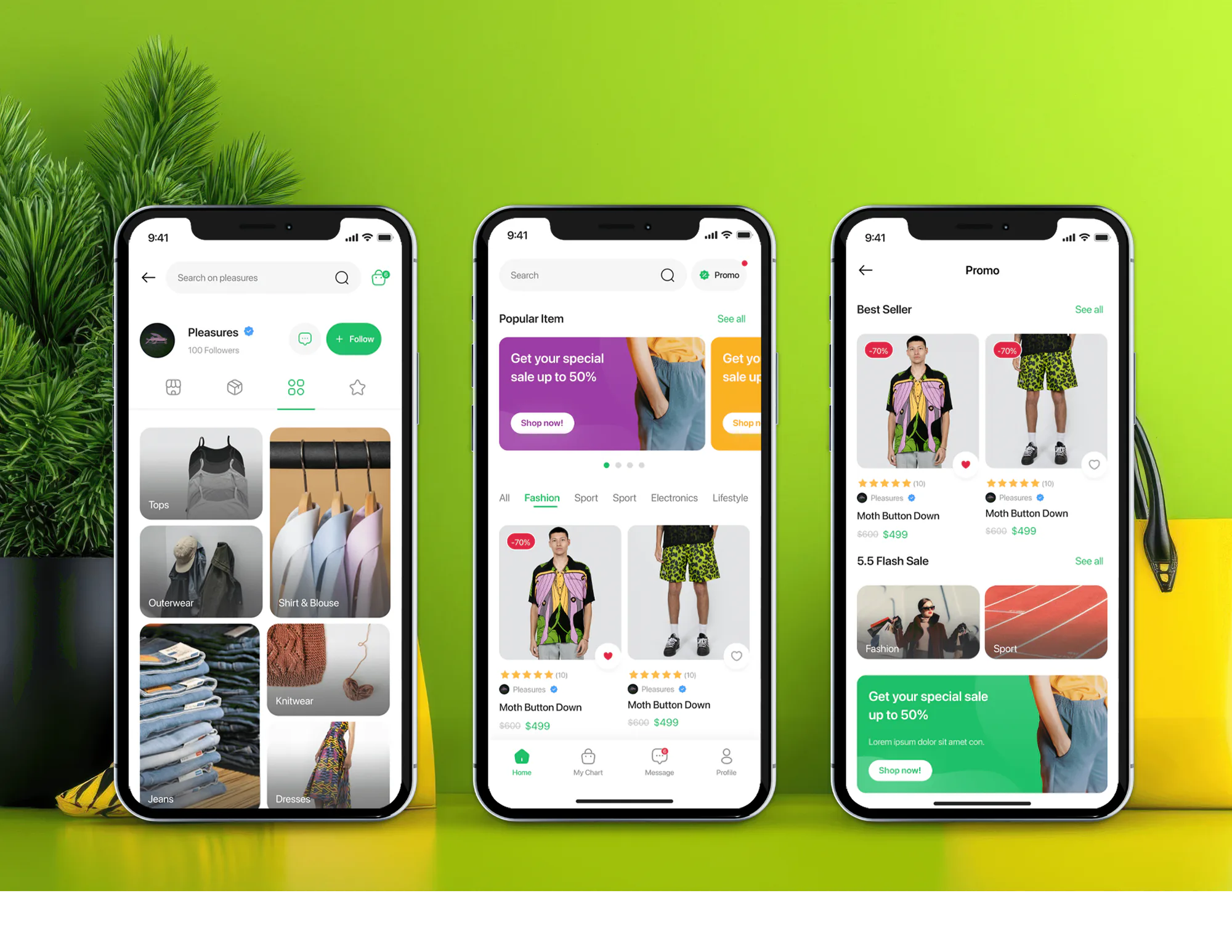
Unicom Fashion Ecommerce App and Admin Dashboard
- Fashion
- Dashboard
- E-commerce

Invoice automation software for online stores: orders post to QuickBooks or Xero and supplier bills get matched. From $750.
100%
Orders invoiced automatically
2X
Faster month-end close
How your project runs
01 · FreeTeams we have built for:














The Problem
It shows up once order volume outgrows one person's Friday afternoon. Your store, payment processor, and accounting app each hold part of the invoice, and someone stitches them together by hand.
Retyping
Your bookkeeper copies orders into QuickBooks on the last day.
Retyping
Each paid order becomes a sales receipt or invoice in your ledger.
Refunds
Missed refunds make revenue look higher than the bank says.
Refunds
Refunds and payment fees post back the same day, so revenue matches the bank.
Short deliveries
A bill for 40 units arrives when only 36 did.
Short deliveries
Bills are matched to the purchase order and delivery, and held when they disagree.
Tax details
A wholesale customer wants a corrected invoice with their VAT number.
Tax details
Tax codes and currencies are mapped for every order you invoice.
It's the last day of the month, and your bookkeeper is still copying orders into QuickBooks. A wholesale customer wants a corrected invoice with their VAT number. Two refunds didn't make it across, so your revenue looks higher than the bank says. A supplier bill for 40 units sits in your inbox, and nobody has checked that only 36 arrived. Each fix takes a few minutes, but there are hundreds of them. Your close slips a week, and you still don't trust the numbers.
We start by tracing one of your orders from checkout to your ledger, then automate that path. Each paid order becomes a sales receipt or invoice in QuickBooks or Xero, with the right tax code and currency. Refunds and payment fees post back the same day. Your supplier bills are read, matched against the purchase order and what actually arrived, and held when they don't agree. Your month-end becomes a review, not a rebuild.
Orders become accounting entries
Your paid orders post to QuickBooks or Xero as sales receipts or invoices, with tax mapped.
Supplier bills checked first
Your bills are matched to the purchase order and the delivery before anyone approves a payment.
Refunds and currencies handled
Refunds, payment fees, and foreign-currency orders post correctly, so your revenue matches the bank.
Our Invoice Automation Process
You see how each order and bill will post before anything touches your live books. Every step ends with something you check and approve, from the posting map to the test results.
We trace a few recent orders, refunds, and supplier bills from your store to your ledger and note where the time goes. You get a written plan and a fixed quote. If your accounting app's own invoicing already covers it, we'll tell you before we quote.
Projects We've Built
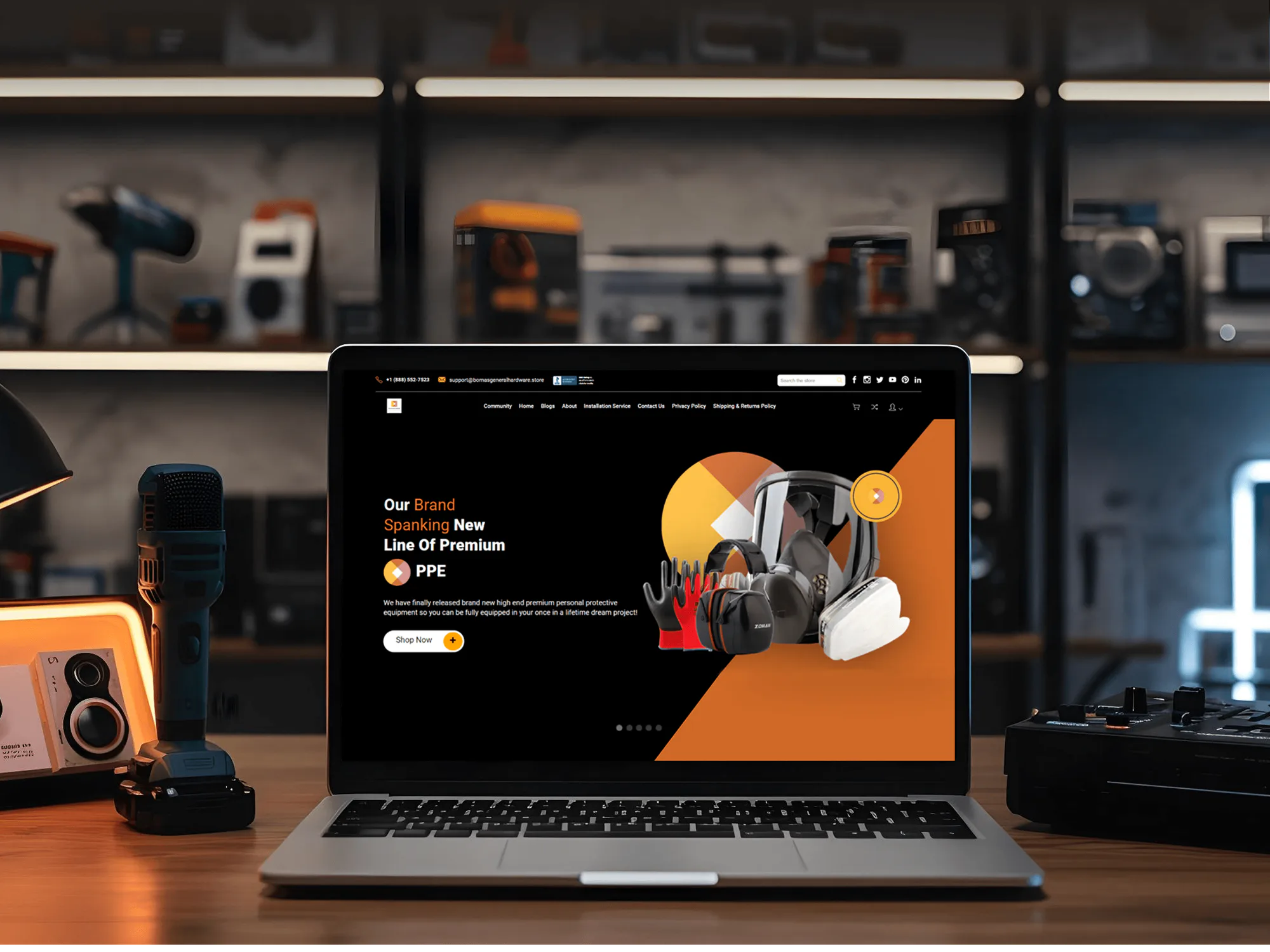
A selection of ecommerce stores and apps we've built. Automated invoicing uses the same skills: clean order data, careful API work, and testing before launch.


What's Included
Every project covers the posting map, the build, testing on real orders, and handover. Larger plans add wholesale invoicing, multi-currency rules, and supplier bill matching with AI data capture.
Compare Options
AP software suits teams that want one standard tool for supplier bills. A connector app is cheaper for a simple store sync. We fit when your orders, bills, and books follow rules no template covers.
| Feature | DeveloperLookBest fit | AP software | Connector app |
|---|---|---|---|
| Upfront cost | From $750, fixed scope | Monthly fee per user or bill | Low monthly fee |
| Setup time | 1 to 6 weeks | Days to weeks of onboarding | Same day for simple stores |
| Store order data | Built around your order data | Mostly supplier bills | Standard order fields only |
| Wholesale invoices on terms | Due dates, reminders, payment sync | Depends on the plan | Rarely covered |
| Supplier bill matching | 3-way match with approvals | Built into most tools | Not included |
| Tax and currency rules | Mapped to your chart of accounts | Standard settings | Fixed mapping options |
| Testing before launch | Last month's orders replayed | Vendor onboarding checks | You check it yourself |
| Ownership | Your code, accounts, and docs | Stays with the vendor | Stays with the app |
What Our Clients Say
Feedback from teams we have built stores, integrations, and automation for.
We had a different kind of problem. People were visiting the store, adding products to their carts, and then disappearing before they finished the order. We had tried a few apps and made changes here and there, but nothing really seemed to solve the bigger issue. The team went through the shopping experience with us and pointed out things we hadn't really noticed ourselves. They cleaned up the cart and checkout flow, made the mobile experience much smoother, and helped us make the store feel easier to shop. I’m not going to pretend we fixed everything overnight, but it finally feels like the store is helping the sale instead of getting in the way of it.
The mobile experience is probably my favourite part of the new site. We had spent a lot of time making sure the desktop version looked right, and the team kept pushing us to think about how everything would actually feel on a phone too. They were right. The navigation is clean, the interactions feel natural, and everything we’ve tested so far works exactly as it should. They also went through the links, forms, integrations, and other details more than once before launch, which I really appreciated. And even after going live, we could still reach out when something came up. The whole process felt friendly, organised, and surprisingly straightforward.
We had a pretty specific idea of what we wanted our website to become, but I wasn’t sure how easily we could explain all of it to a development team. There were quite a few moving parts, and we were working toward a deadline, so I expected a few things to get lost along the way. That never really happened. They understood what we were trying to achieve, kept us updated throughout the process, and got everything ready within the agreed timeline. The final site feels much easier to navigate, works beautifully on mobile, and is noticeably smoother for our customers. It was a huge relief seeing the original idea actually turn into the website we had in mind.
1,250+
Projects shipped
10+
Years of experience
Top 3%
Upwork Top Rated Plus
5 stars
Average review score
1,250+
Projects shipped
10+
Years of experience
Top 3%
Upwork Top Rated Plus
5 stars
Average review score

Want results like these?
Tell us what you are building. You get a reply within 24 hours on business days, then a written estimate.
Work Culture
Automated invoicing touches every sale and bill you process, so one small mapping mistake repeats hundreds of times. These are the habits we bring to every build, from the first trace to the last test.
We agree the posting map with whoever closes your books before we write any code. The automation follows your chart of accounts, not our guess at it.
QuickBooks uses invoices for customers who pay later and sales receipts for payment at checkout, per Intuit. We post each order as the entry your accountant expects.
QuickBooks Online can't turn multicurrency off once it's on, per Intuit's help center. We confirm your currency setup with your accountant before the first sync runs.
A supplier bill that doesn't match its purchase order or delivery waits for a person. You pay for what arrived, and duplicate bills get flagged before payment.
We replay recent orders, refunds, and bills into a test company file and compare the totals. Mapping mistakes surface in testing, not in your tax return.
The automation runs in your own accounts, with documentation and every login handed over. If you change bookkeepers or developers, nothing is locked away.
Overview
DeveloperLook builds custom invoice automation software for online stores and B2B sellers. Each order becomes an invoice or sales receipt in QuickBooks or Xero, with the right tax and currency, and supplier bills get matched to purchase orders. Projects start at $750, order invoicing goes live in 1 to 2 weeks, and you own the code.
DEVELOPERLOOK
Project facts · Invoice Automation Software
Reviewed 28 Sep 2026 by Saimul Islam
Good fit
Stores retyping orders into accounting
You export orders every Friday and key them into QuickBooks by hand. One missed refund, and the books stop matching the bank.
B2B sellers invoicing on payment terms
Your wholesale buyers pay on net 30 terms, and someone builds each invoice from the order, then chases late payments by email.
Stores selling in several currencies
You sell in USD, GBP, and EUR, and your bookkeeper fixes exchange rates and tax lines by hand before every close.
Teams paying supplier bills from PDFs
Your supplier bills arrive as PDF attachments, and you want an AI step to read them, with a person checking anything unclear.
Agencies delivering finance automation
Your client needs invoicing wired into their store and accounting, and you want a partner who builds it under your brand.
Not a fit
Printable PDF invoices only
You only need a printable PDF invoice for each order. An invoice app from the Shopify App Store costs less than a custom build and is the better fit.
Purchase orders, not invoices
You need purchase orders created when stock runs low, not invoices. Our Purchase Order Automation page covers reorder points and supplier POs.
Ledger sync only
Your only need is a clean store sync to your ledger. Our Shopify QuickBooks Integration and Shopify Xero Integration pages cover that sync on its own.
A handful of invoices
You invoice a handful of orders a month. At that volume, typing them costs less than a $750 build, and your accounting app's own invoicing is enough.
Not sure we're the right fit?
Book a free call or message us. We'll tell you honestly whether we're the right team.
Pricing
These are starting points in USD. Your final price depends on order volume, your accounting setup, and supplier bill formats, and you get a fixed proposal after a free invoicing review.
For Agencies
You own the client relationship. We supply the invoice automation solution behind it: the posting map, the build, testing, and documentation. Your client sees your brand on every deliverable, and our name stays off the work.
White label: your client only ever sees your brand
Send the client's store, accounting app, order volume, and the invoicing steps they want gone.
You get a posting map, a timeline, and a fixed price you can resell.
We build, test on real orders, and document everything under your brand.
Send the client's store, accounting app, order volume, and the invoicing steps they want gone.
You get a posting map, a timeline, and a fixed price you can resell.
We build, test on real orders, and document everything under your brand.
The Right Technology for Your Project
We connect the store and payment tools you already use to QuickBooks or Xero. Automation and AI tools come in only where your volume needs them.
 QuickBooks
 Xero
Xero Avalara
 Google Sheets
 Shopify
 WooCommerce
 BigCommerce
 Stripe
 PayPal
 n8n
n8n Make
Make Zapier
 OpenAI
 Anthropic Claude
 Slack
Slack Node.js
 Python
 PostgreSQL
Related Services
Invoice projects often touch accounting sync, purchasing, or wider process work. These are the services clients add most often.
This page
Invoice Automation Software
Pairs with the 6 services around it
FAQ
Straight answers on cost, timelines, QuickBooks and Xero sync, supplier bill matching, and custom builds versus off-the-shelf tools.
Saimul IslamFounder & CEO, DeveloperLookStill have questions?
Send a message or book a call with the team.
Automated invoicing starts at $750 for posting every order from one store to QuickBooks or Xero. Adding wholesale invoices on payment terms, reminders, and multi-currency rules costs $1,900. The full build with supplier bill capture, AI data capture, and 3-way matching is $3,900. You get a fixed quote after your free invoicing review, and your accounting subscription stays billed by Intuit or Xero.
An automated invoicing setup for your orders takes 1 to 2 weeks from the review to launch. Adding wholesale terms and multi-currency takes 2 to 4 weeks, and supplier bill matching takes 4 to 6 weeks. The slowest part is usually agreeing the posting map with your bookkeeper, so we book that call in your first week.
Automated invoicing turns each order event into an accounting entry without anyone on your team typing it. A paid order triggers a sales receipt or invoice with the customer, lines, tax, and currency. A refund posts a credit back, and payment processor fees post as an expense. Your supplier bills run the other way: they're read, matched to a purchase order, and queued for your approval.
Yes, each of your orders can create its own invoice or receipt as soon as it's paid. Your customer gets a branded PDF by email, and the same document posts to QuickBooks or Xero. Wholesale orders on payment terms get a proper invoice with a due date instead. You choose the numbering format, so your invoice numbers stay in one clean sequence.
A custom build is better when your invoices depend on store order data or rules no template handles. Off-the-shelf AP tools are cheaper to start and work well for standard supplier bills. Custom wins when you invoice from Shopify orders, sell wholesale on terms, or match bills against your own purchase orders. If a standard tool fits your case, we'll say so in the review.
Your invoices sync through the official QuickBooks Online and Xero APIs, keyed to your store's order number. Each order maps to a customer, income account, tax code, and payment account that your bookkeeper approves. Refunds and fees post as separate entries, so your payouts reconcile. If a post fails, the sync retries and then alerts your team in Slack or email with the order number.
Yes, each of your orders can post in its own currency with the right tax code. We map tax by region, and if you already use Avalara, we take its tax lines instead of recalculating them. One caution: QuickBooks Online can't switch multicurrency off once it's on, per Intuit, so we confirm your setup with your accountant first.
We automate supplier invoice matching by comparing each bill with your purchase order and the goods you actually received. Quantities and prices must agree within a tolerance you set, such as a few cents of rounding. Bills that match move to approval, and bills that don't wait for a person with the difference highlighted. A duplicate check stops the same bill being paid twice.
The AI step reads clear, typed supplier PDFs well, and a person on your team still approves every payment. It pulls the supplier, dates, line items, and totals, and scores how sure it is about each field. Anything uncertain, like a blurry scan or a handwritten note, goes to your review queue. Totals must also add up and match the purchase order before a bill moves on.
Every plan includes 30 to 90 days of support after launch, depending on your plan. In that window we fix failed postings, adjust mappings when your tax setup changes, and handle API changes from Intuit or Xero. After that, your team runs it with our runbook, or you can keep us on an optional support plan. You own the code, workflows, and accounts either way.
Saimul IslamFounder & CEO, DeveloperLookStill have questions?
Send a message or book a call with the team.
Free 30-min callGoogle Meet
Book a call
In 30 minutes on Google Meet we walk you through how we would build it, how long it takes and what it costs. Then you get a written estimate.
Calendar not showing? Book on cal.com or send a brief.