Modeverse Ecommerce Web Design & Development
- Fashion
- Retail
- E-commerce

Shopify QuickBooks integration for Online and Desktop: payouts, fees, refunds, and sales tax posted to match your bank. From $700.
10+ hrs
Saved at every month-end
100%
Fees and refunds posted
Teams we have built for:














The Problem
It starts once sales run through more than one gateway. A QuickBooks and Shopify integration that books deposits as sales leaves fees, refunds, and tax for you to untangle.
Deposit matching
Three Shopify deposits match nothing in your books.
Deposit matching
Each payout posts through a clearing account and splits into its parts.
Hidden fees
Your sync app booked orders at full price, burying fees in revenue.
Hidden fees
Sales, tax, fees, and refunds each land on their own lines.
Duplicate refunds
Last month's refund posted twice.
Duplicate refunds
A unique request ID on every write stops retries from booking twice.
Marketplace tax
Amazon's collected tax shows up as tax you owe.
Marketplace tax
Tax that marketplaces already sent to the state posts as pass-through.
It's the 5th, and three Shopify deposits match nothing in QuickBooks. The sync app booked every order at full price, so fees hide inside revenue. Last month's refund posted twice. PayPal sales sit in an account nobody reconciles. Amazon orders brought tax that Amazon already paid, and QuickBooks says you owe it. So your close moves to a spreadsheet, again.
We begin with one real deposit and walk it back to the orders, refunds, and fees inside it. Then each payout lands in a clearing account and splits into sales, tax, fees, and refunds. A unique request ID on every write stops retries from booking an order twice. Your bookkeeper reviews exceptions instead of every deposit.
Deposits that tie out
Each payout posts through a clearing account, so QuickBooks shows exactly what your bank received.
No double-booked orders
A unique request ID rides on every write, so a retried sync returns the first result.
Marketplace tax kept apart
Tax that Amazon, eBay, or Etsy already sent to the state posts as pass-through, not as owed.
Our QuickBooks Sync Process
You and your bookkeeper see the posting plan, the sandbox results, and your first live close before anything is final.
We trace one recent deposit back to its orders, fees, and refunds, and review your chart of accounts. You get the plan and a fixed price in writing. If Intuit's free app already covers your case, we'll tell you before we quote.
Projects We've Built
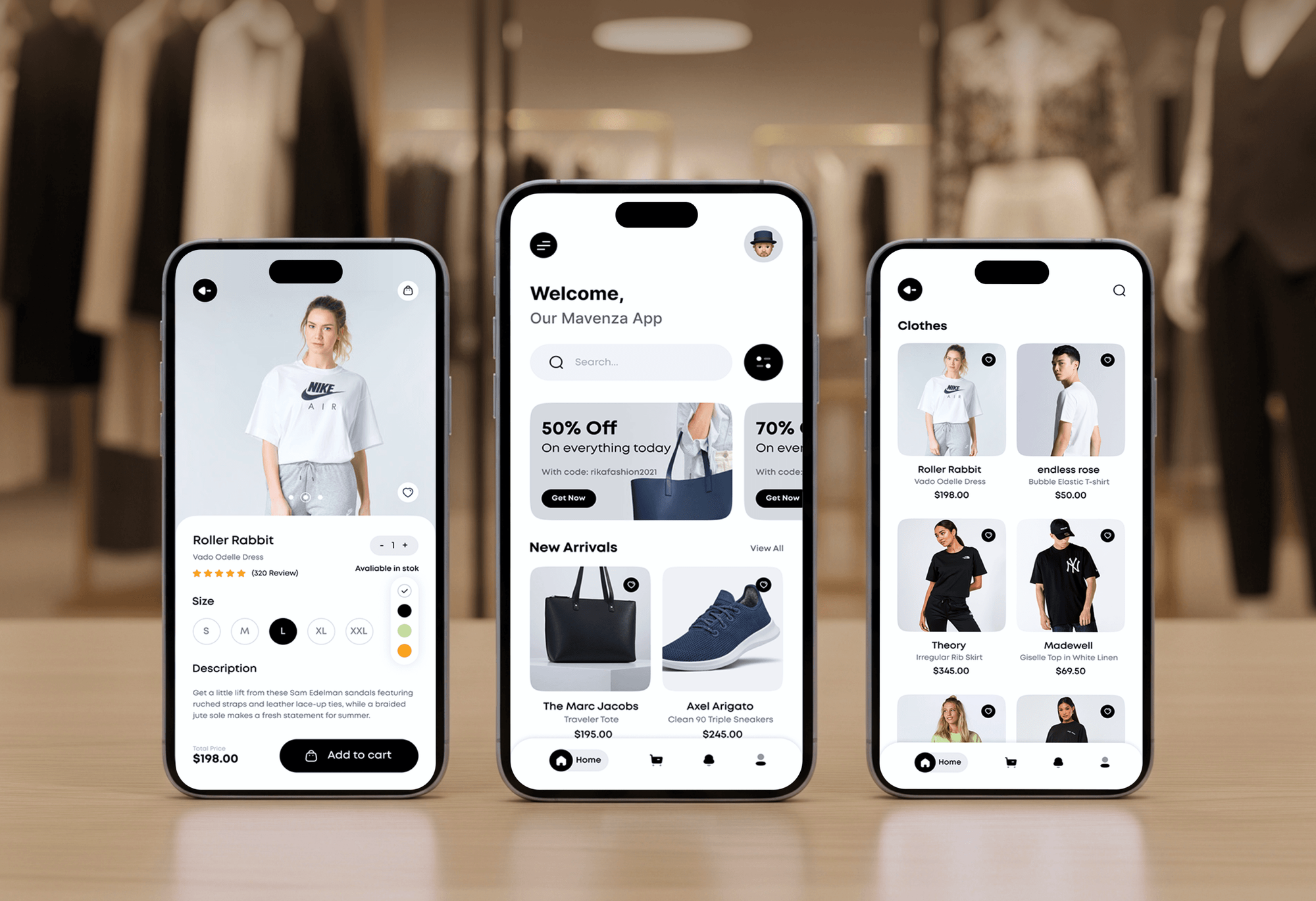
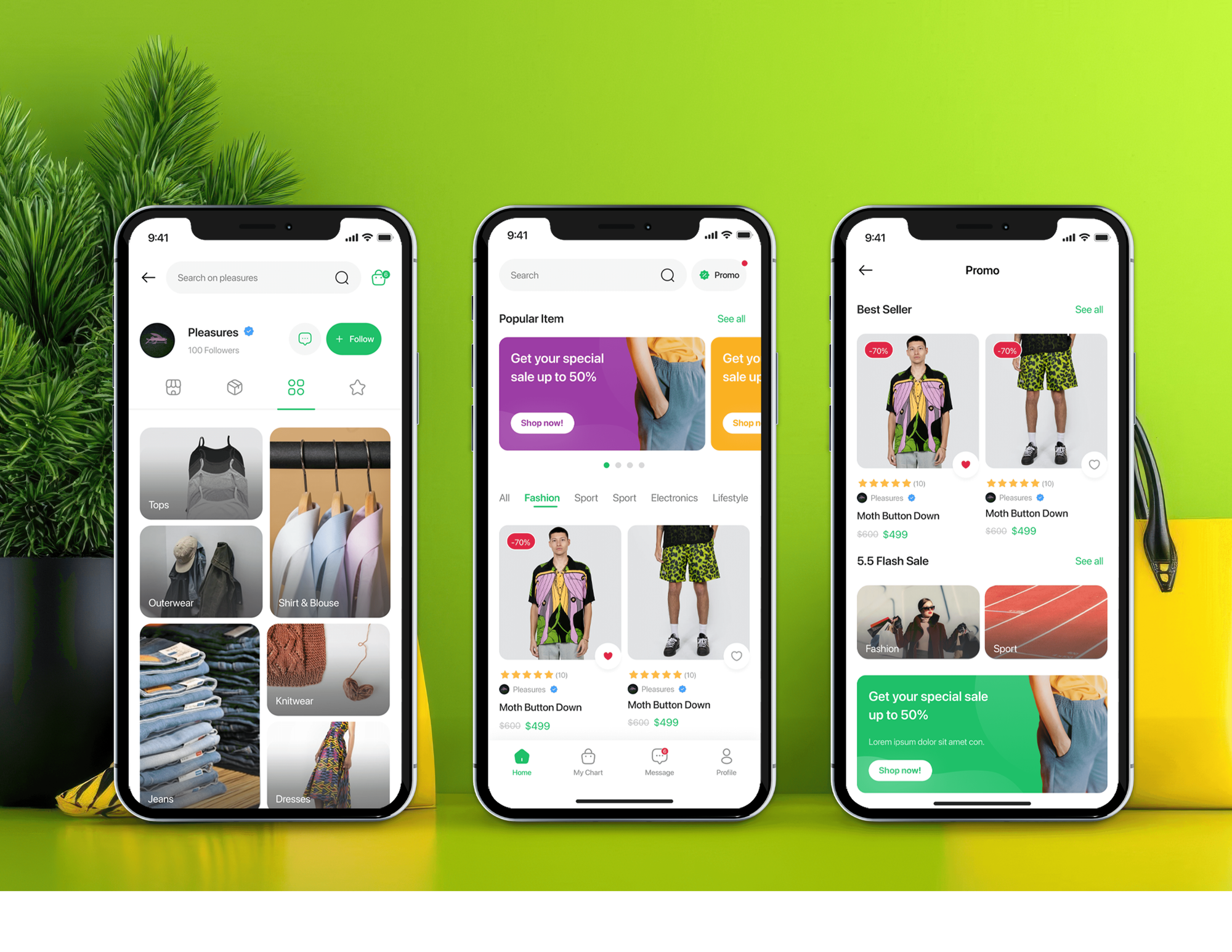
Stores and apps we've shipped for clients. Each depended on clean order data and careful API work, the same groundwork a QuickBooks sync needs.

What's Included
Every plan posts payouts, fees, refunds, and tax to QuickBooks, replayed in a sandbox first. Larger plans add Desktop, inventory, other gateways, and marketplace sales.
Compare Options
Intuit's free app suits Online stores with simple payouts, and paid sync apps suit standard setups. We fit when Desktop, several gateways, or marketplace tax need your rules.
| Feature | DeveloperLookBest fit | Intuit's free app | Paid sync app |
|---|---|---|---|
| Price to start | $700, one-time | Free to connect | Monthly subscription |
| Go-live time | 2 to 6 weeks | Hours | Hours to days |
| QuickBooks Desktop | Supported via Web Connector | Online only | Some apps |
| Sales detail | Summary or per order | Daily summary or orders | Preset by the app |
| History import | Any period you need | Up to 1 year | Varies by plan |
| Setup help | Bookkeeper sign-off built in | Self-serve | Self-serve with docs |
| Testing first | Sandbox company replay | You check it | You check it |
| Who owns it | You, with documentation | Intuit | The app vendor |
What Our Clients Say
Feedback from ecommerce teams we have built stores, integrations, and automation for.
We had a different kind of problem. People were visiting the store, adding products to their carts, and then disappearing before they finished the order. We had tried a few apps and made changes here and there, but nothing really seemed to solve the bigger issue. The team went through the shopping experience with us and pointed out things we hadn't really noticed ourselves. They cleaned up the cart and checkout flow, made the mobile experience much smoother, and helped us make the store feel easier to shop. I’m not going to pretend we fixed everything overnight, but it finally feels like the store is helping the sale instead of getting in the way of it.
The mobile experience is probably my favourite part of the new site. We had spent a lot of time making sure the desktop version looked right, and the team kept pushing us to think about how everything would actually feel on a phone too. They were right. The navigation is clean, the interactions feel natural, and everything we’ve tested so far works exactly as it should. They also went through the links, forms, integrations, and other details more than once before launch, which I really appreciated. And even after going live, we could still reach out when something came up. The whole process felt friendly, organised, and surprisingly straightforward.
We had a pretty specific idea of what we wanted our website to become, but I wasn’t sure how easily we could explain all of it to a development team. There were quite a few moving parts, and we were working toward a deadline, so I expected a few things to get lost along the way. That never really happened. They understood what we were trying to achieve, kept us updated throughout the process, and got everything ready within the agreed timeline. The final site feels much easier to navigate, works beautifully on mobile, and is noticeably smoother for our customers. It was a huge relief seeing the original idea actually turn into the website we had in mind.
1,250+
Projects shipped
10+
Years of experience
Top 3%
Upwork Top Rated Plus
5 stars
Average review score
1,250+
Projects shipped
10+
Years of experience
Top 3%
Upwork Top Rated Plus
5 stars
Average review score

Want results like these?
Tell us what you are building. You get a reply within 24 hours on business days, then a written estimate.
Work Culture
A sync writes into the same company file your accountant files taxes from. These habits keep every entry traceable and easy to reverse.
QuickBooks Online accepts a unique request ID with each write, per Intuit's developer docs. If a sync retries, you get the first result back, not a second sales receipt.
Intuit's free Builder tier blocks reads above 500,000 a month, per its partner FAQ. We store QuickBooks IDs after each write instead of re-reading your company file.
Desktop connects through Intuit's Web Connector, a Windows program that checks in on a schedule you set. We tune that schedule and alert you when a run fails.
Amazon, eBay, and Etsy collect and remit sales tax themselves in most US states. We post it as already paid, so your return doesn't count tax you didn't collect.
Before launch, last month's payouts run through a sandbox company or a Desktop test file. Your bookkeeper signs off on the totals before the live sync starts.
The Intuit app, code, and hosting sit in your own accounts, with documentation handed over. If you change bookkeepers or developers, the sync keeps posting.
Overview
DeveloperLook builds Shopify QuickBooks integration for stores on QuickBooks Online or Desktop. Payouts split into sales, tax, fees, and refunds through a clearing account, so deposits match your bank. Inventory, other gateways, and marketplace sales can join later. Projects start at $700, Online syncs go live in 2 to 3 weeks, and you own the code.
DEVELOPERLOOK
Project facts · Shopify QuickBooks Integration
Reviewed 28 Sep 2026 by Saimul Islam
Good fit
Stores whose deposits won't reconcile
Your bookkeeper spends the first week of each month matching Shopify deposits to orders, and the gap between QuickBooks and the bank keeps growing.
Businesses running QuickBooks Desktop
You need a Shopify QuickBooks Desktop integration because your books live in Desktop Enterprise, and Intuit's own Shopify app only works with Online.
Stores that tried Intuit's free app
You connected Intuit's free Shopify app, but your accountant still wants PayPal, gift cards, and partial refunds booked their way.
Sellers on Amazon, eBay, or Etsy too
Your sales come from Shopify, Amazon, and Etsy, and your accountant wants every channel and its marketplace-collected tax in one QuickBooks company.
Bookkeepers and agencies with store clients
Your firm runs several Shopify clients and wants a Shopify integration with QuickBooks Online built under your own brand.
Not a fit
Daily summary fits
Your store fits a daily summary on QuickBooks Online with one gateway. Intuit's free Shopify app handles that without our $700 starting price.
Books in Xero
You run your books in Xero rather than QuickBooks. Our Shopify Xero Integration service is built for that ledger.
ERP-level needs
Your stock, purchasing, and warehouses need an ERP, not accounting software. Our Shopify ERP Integration and Shopify NetSuite Integration services fit that scope.
Supplier bills and POs
Your real pain is supplier bills and purchase orders, not store sales. Our Invoice Automation Software service handles bill capture and matching.
Not sure we're the right fit?
Book a free call or message us. We'll tell you honestly whether we're the right team.
Pricing
These are starting points in USD. Your final price depends on your QuickBooks version, gateway count, and sales channels, and you get a fixed proposal after a free books review.
For Agencies
You keep the client and the retainer. We build the QuickBooks side quietly: posting plan, API work, sandbox replay, and a runbook for their accountant. It all ships under your name, on the date you promised.
White label: your client only ever sees your brand
Share the client's store, QuickBooks version, gateways, and sales channels in one brief.
You receive a posting plan, delivery dates, and one price to resell.
We build, replay payouts in a sandbox, and document everything under your brand.
Share the client's store, QuickBooks version, gateways, and sales channels in one brief.
You receive a posting plan, delivery dates, and one price to resell.
We build, replay payouts in a sandbox, and document everything under your brand.
The Right Technology for Your Project
Intuit's APIs and Web Connector link Shopify and your other channels to QuickBooks, and the sync runs where your team can read its logs.
 Shopify
 Amazon
 eBay
eBay Etsy
Etsy PayPal
 Stripe
 Klarna
 Afterpay
 QuickBooks
 Avalara
 Google Sheets
 Slack
Slack Node.js
 GraphQL
 PostgreSQL
 AWS
AWS Docker
Related Services
Accounting sync often leads to ERP, invoicing, or a second ledger. These are the services clients add most often alongside QuickBooks.
This page
Shopify QuickBooks Integration
Pairs with the 6 services around it
FAQ
Straight answers on posting styles, cost, timelines, Desktop, sales tax, and when Intuit's own app is enough.
Saimul IslamFounder & CEO, DeveloperLookStill have questions?
Send a message or book a call with the team.
Shopify orders, refunds, and fees sync as one journal entry per payout, or as one sales receipt per order. Summary mode puts sales, tax, fees, and refunds on separate lines through a clearing account. Order mode adds customer and item detail, then groups receipts into the bank deposit. Either way, QuickBooks matches your bank.
Intuit's own Shopify app is the better choice for QuickBooks Online stores with one gateway and simple tax, and it's free to connect. Custom work wins with Desktop, several gateways, marketplace tax, or detail your accountant needs. We'll tell you which fits before you pay.
Custom QuickBooks syncs start at $700 for one store on QuickBooks Online: payout posting, fees, refunds, and state tax. Desktop support or per-order detail with inventory costs $1,800. Marketplace channels or up to 3 stores in one company file cost $3,600. Your fixed quote comes after the free books review.
A QuickBooks Online payout sync takes 2 to 3 weeks from review to launch. Desktop, inventory, or marketplace channels stretch it to 4 to 6 weeks, since Web Connector runs on your own Windows machine and needs a test window. Your bookkeeper's sign-off on the posting plan sets the pace.
We map Shopify tax to a liability account per state, so your return comes from QuickBooks, not an export. Amazon, eBay, and Etsy collect and remit tax in most US states, so that tax posts as already paid. Each payout then clears against its bank deposit, and mismatches get flagged.
Yes, a Shopify QuickBooks Desktop integration runs through Intuit's Web Connector. It's a Windows program on the computer with your company file. It checks our sync service on a schedule you set, so updates arrive in batches. Intuit stopped selling Desktop Plus plans to new US subscribers in 2024, but existing files sync fine.
Yes, on QuickBooks Online Plus or Advanced, the plans with inventory tracking, or on Desktop. For inventory management, QuickBooks integration works best when one system owns the stock count. We usually let Shopify own quantities and send QuickBooks each sale's cost, so COGS and stock value stay right.
Summaries suit most stores, and per-order posting suits stores that need customer or item history in QuickBooks. Per-order receipts mean more API traffic, though. Intuit's Builder tier also blocks read calls above 500,000 a month, so we store each QuickBooks ID instead of re-reading your file.
We fix duplicates by finding the source first, usually two sync tools running at once or retries sent without an ID. Then every write gets a unique request ID, so QuickBooks returns the first result instead of booking a second. A morning check then lists any Shopify payout that didn't reach QuickBooks.
Our team maintains it after launch for 30, 60, or 90 days, depending on your plan. That covers failed postings, new gateways or tax states, and API version changes from Intuit or Shopify. Afterward, your bookkeeper uses the runbook to replay a failed payout, or we stay on a monthly plan.
Saimul IslamFounder & CEO, DeveloperLookStill have questions?
Send a message or book a call with the team.
Free 30-min callGoogle Meet
Book a call
In 30 minutes on Google Meet we walk you through how we would build it, how long it takes and what it costs. Then you get a written estimate.
Calendar not showing? Book on cal.com or send a brief.