




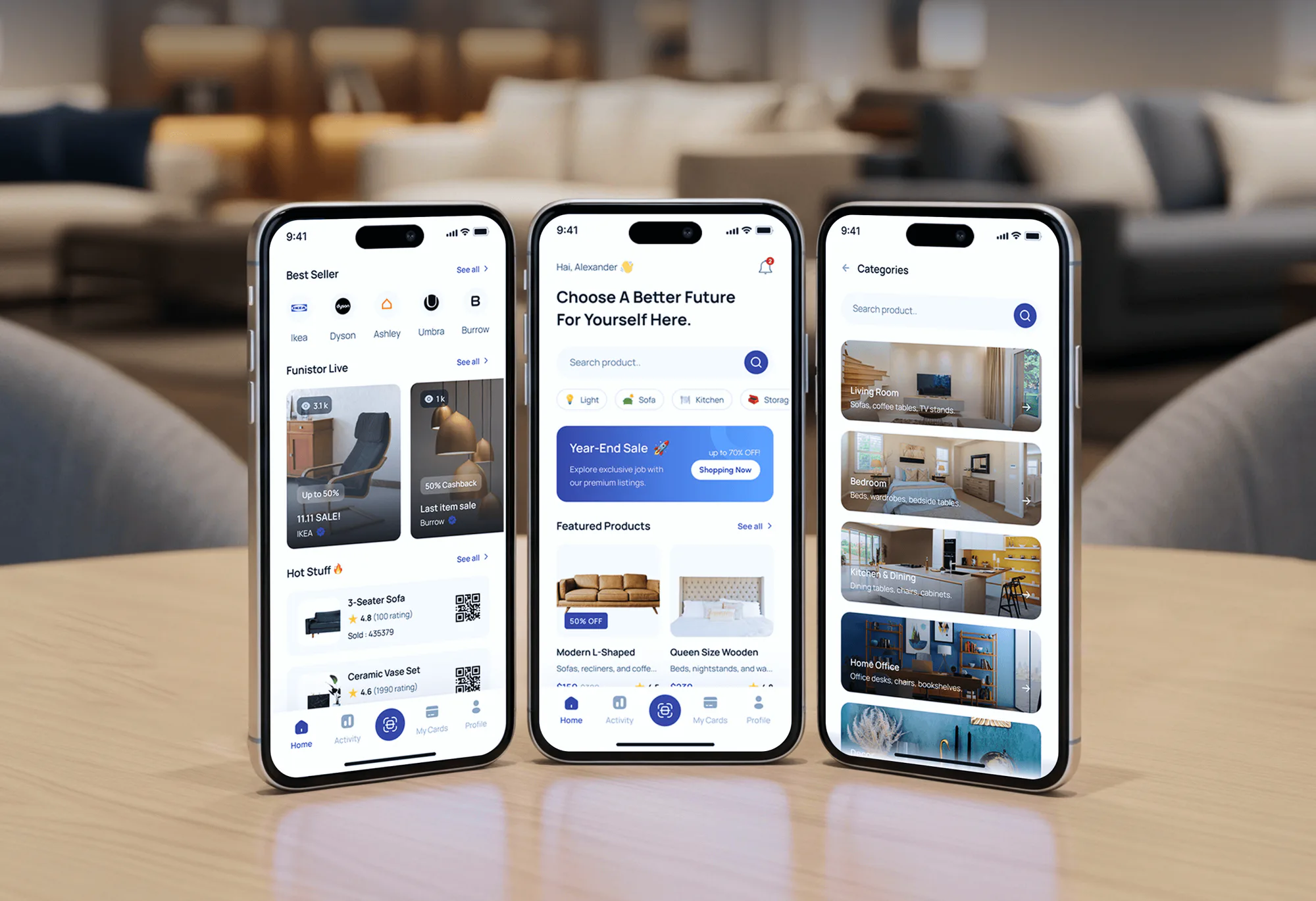
Havenly Furniture Ecommerce Website
- Furniture
- E-commerce
- Dashboard

Purchase order automation for ecommerce brands: reorder points per SKU, draft supplier POs, and one-click approval. From $800.
24/7
Stock checked for reorders
1-click
PO approval by email or Slack
How your project runs
01 · FreeTeams we have built for:














The Problem
It shows up once you carry more SKUs than one person can watch. Your stock levels live in the store, lead times live in someone's head, and purchase orders live in email.
Stockouts
Your best seller sold out, and refills take 3 weeks.
Stockouts
Every SKU gets a reorder point from sales history and real supplier lead times.
Stale sheets
The reorder spreadsheet showed 40 left because nobody updated it.
Stale sheets
When stock drops to its reorder point, a draft PO appears automatically.
Overstock
Hundreds of units of a slow color sit in your warehouse.
Overstock
Reorders run on sales data and a safety buffer, not on gut feel.
Untracked POs
Your POs go out as email attachments nobody tracks.
Untracked POs
Each PO goes out the way that supplier accepts: email, API, or portal.
Your best-selling candle sold out on Saturday, and the supplier needs 3 weeks to refill it. The reorder spreadsheet said you had 40 left, but nobody updated it after the weekend sale. Meanwhile, 600 units of a slow color sit in your warehouse because someone reordered on gut feel. Purchase orders go out as email attachments that nobody tracks. Approvals happen in a hallway. Each stockout costs sales you won't get back, and each overorder ties up your cash.
We start with your sales history and real supplier lead times, then set a reorder point for every SKU. When stock drops to it, a draft PO appears, grouped by supplier and rounded to case packs. You approve it in one click from email or Slack, and it goes out the way that supplier prefers. Your reorders run on data, not on whoever remembers to check.
Reorder points for every SKU
Each of your products gets its own trigger from sales speed, lead time, and a safety buffer.
One-click PO approval
You approve or edit each draft PO from email or Slack before it reaches the supplier.
POs sent the supplier's way
Email with a PDF, a supplier API, or a portal upload, whichever each supplier accepts.
Our PO Automation Process
You see the reorder points, the approval rules, and a test run on your real stock levels before anything reaches a supplier. Each step ends with something you approve.
We look at your SKUs, suppliers, lead times, and how you reorder today. You get a written plan with a fixed quote. If Shopify's own purchase orders and a low-stock alert already cover you, we'll tell you before we quote.
Projects We've Built
Ecommerce builds from our portfolio. PO automation draws on the same groundwork: clean product and stock data, supplier integrations, and testing before launch.


What's Included
Every project covers reorder rules, draft POs, approvals, testing on your real stock levels, and handover. Larger plans add supplier APIs, ERP sync, and receiving checks.
Compare Options
Lists of the best purchase order automation solutions in procure to pay mostly feature enterprise suites, which suit large finance teams. An inventory app costs less for simple reorders. We fit when your rules and systems are your own.
| Feature | DeveloperLookBest fit | Inventory app | Procure-to-pay suite |
|---|---|---|---|
| Upfront cost | From $800, fixed scope | Low monthly fee | Annual enterprise contract |
| Setup time | 1 to 6 weeks | Same day for basics | Months of rollout |
| Reorder points | Per SKU, from your sales data | Built in, often one rule | Needs an inventory data feed |
| Supplier delivery | Email, API, or portal per supplier | Email or PDF | Supplier portal network |
| Approval rules | By amount or supplier | Basic or none | Detailed, multi-level |
| ERP and accounting sync | Your ERP or accounting app | Selected connectors | Deep ERP integration |
| Fit for your process | Built around how you buy | You adapt to the app | You adapt to the suite |
| Ownership | Your code, accounts, and docs | Stays with the app | Stays with the vendor |
What Our Clients Say
Feedback from teams we have built stores, integrations, and automation for.
We had a different kind of problem. People were visiting the store, adding products to their carts, and then disappearing before they finished the order. We had tried a few apps and made changes here and there, but nothing really seemed to solve the bigger issue. The team went through the shopping experience with us and pointed out things we hadn't really noticed ourselves. They cleaned up the cart and checkout flow, made the mobile experience much smoother, and helped us make the store feel easier to shop. I’m not going to pretend we fixed everything overnight, but it finally feels like the store is helping the sale instead of getting in the way of it.
The mobile experience is probably my favourite part of the new site. We had spent a lot of time making sure the desktop version looked right, and the team kept pushing us to think about how everything would actually feel on a phone too. They were right. The navigation is clean, the interactions feel natural, and everything we’ve tested so far works exactly as it should. They also went through the links, forms, integrations, and other details more than once before launch, which I really appreciated. And even after going live, we could still reach out when something came up. The whole process felt friendly, organised, and surprisingly straightforward.
We had a pretty specific idea of what we wanted our website to become, but I wasn’t sure how easily we could explain all of it to a development team. There were quite a few moving parts, and we were working toward a deadline, so I expected a few things to get lost along the way. That never really happened. They understood what we were trying to achieve, kept us updated throughout the process, and got everything ready within the agreed timeline. The final site feels much easier to navigate, works beautifully on mobile, and is noticeably smoother for our customers. It was a huge relief seeing the original idea actually turn into the website we had in mind.
1,250+
Projects shipped
10+
Years of experience
Top 3%
Upwork Top Rated Plus
5 stars
Average review score
1,250+
Projects shipped
10+
Years of experience
Top 3%
Upwork Top Rated Plus
5 stars
Average review score

Want results like these?
Tell us what you are building. You get a reply within 24 hours on business days, then a written estimate.
Work Culture
A bad reorder point repeats every cycle, as a stockout or as cash stuck on your shelves. These habits keep your purchase orders tied to real sales and real lead times.
A candle and a gift set don't sell at the same speed or ship on the same lead time. Each SKU gets its own reorder point instead of one rule for the whole catalog.
We measure each supplier's real lead time from past POs and delivery dates. When a supplier slows down, your reorder points move with them.
Every draft PO waits for a person before it reaches a supplier. You approve, edit, or skip it from email or Slack in one click.
Some suppliers want a PDF by email, and others take an API call or a portal upload. We send each PO in the format that supplier actually processes.
We run your reorder rules against last quarter's stock levels before launch. You see what the automation would have ordered next to what your team did.
Shopify now includes purchase orders, and Shopify Flow can send low-stock alerts. If those cover your volume, we'll say so before we quote.
Overview
DeveloperLook builds purchase order automation for ecommerce brands that still reorder from spreadsheets. We set a reorder point for every SKU and draft POs by supplier when stock hits it. You approve each PO in one click, and it goes out by email, API, or portal. Projects start at $800, and your first reorder workflow goes live in 1 to 2 weeks.
DEVELOPERLOOK
Project facts · Purchase Order Automation
Reviewed 28 Sep 2026 by Saimul Islam
Good fit
Brands reordering from a spreadsheet
You check stock in a spreadsheet every Monday and email suppliers from it. Your best seller sold out over the weekend, again.
Shopify stores that relied on Stocky
Your team ran purchase orders through Stocky, and Shopify retired the app on August 31, 2026. You need a new home for reorders.
Brands with mixed supplier lead times
Your overseas supplier needs 45 days and your local one needs 5. One reorder rule for both keeps ordering too late or too early.
Finance leads who approve spend
You want every purchase order over a set amount approved before it goes out, without chasing sign-offs through email threads.
Agencies with inventory-heavy clients
Your client needs purchase order process automation wired into their store and ERP, and you want a partner who delivers it under your brand.
Not a fit
One supplier, rare reorders
You reorder from one supplier a few times a year. Shopify's own purchase orders and a Flow low-stock alert cost less than an $800 build, and our Shopify Flow Automation Setup page covers that alert.
Paying supplier bills
You need supplier bills matched and paid, not purchase orders created. Our Invoice Automation Software page covers bill capture and 3-way matching.
Full inventory system
You need a full inventory system with counts, transfers, and bundles. Our Shopify Inventory Management System page covers that bigger build.
ERP already creates POs
Your ERP already creates purchase orders, and you only need it connected to your store. Our Shopify ERP Integration page is the better fit.
Not sure we're the right fit?
Book a free call or message us. We'll tell you honestly whether we're the right team.
Pricing
These are starting points in USD. Your final price depends on SKU count, number of suppliers, and how each supplier receives orders, and you get a fixed proposal after a free inventory review.
For Agencies
You own the client relationship. We supply the reorder logic, supplier connections, and approval flows behind it. Your client sees your brand on every document and handover, and our name stays off the work.
White label: your client only ever sees your brand
Send the client's store, supplier list, SKU count, and how they reorder today.
You get reorder rules, a timeline, and a fixed price you can resell.
We build, test on real stock data, and document everything under your brand.
Send the client's store, supplier list, SKU count, and how they reorder today.
You get reorder rules, a timeline, and a fixed price you can resell.
We build, test on real stock data, and document everything under your brand.
The Right Technology for Your Project
We read stock from your store, write POs to your ERP or accounting app, and run the reorder logic in tools your team can inspect.
 Shopify
 WooCommerce
 BigCommerce
 Google Sheets
 Odoo
Odoo Microsoft Dynamics 365
 QuickBooks
 Xero
Xero n8n
n8n Make
Make ZapierShopify Flow
 Slack
Slack Node.js
 Python
 PostgreSQL
Related Services
Purchasing projects often touch inventory, supplier bills, or ERP data. These are the services clients add most often.
This page
Purchase Order Automation
Pairs with the 5 services around it
FAQ
Straight answers on cost, timelines, reorder points, supplier delivery, approvals, and life after Stocky.
Saimul IslamFounder & CEO, DeveloperLookStill have questions?
Send a message or book a call with the team.
Automating your purchase orders starts at $800 for reorder points on every SKU and draft POs for up to 3 suppliers. Up to 15 suppliers and 3 locations, with approval rules and ERP or accounting sync, costs $2,100. Supplier APIs, receiving checks, and lead-time tracking bring it to $4,400. You get a fixed quote after your free inventory review.
A first reorder workflow takes 1 to 2 weeks from the review to launch. Adding approval rules, more suppliers, and ERP or accounting sync takes 3 to 4 weeks. Supplier APIs with receiving checks take 5 to 6 weeks. Clean supplier and lead-time data speeds everything up, so we check yours during the free review.
Automatic PO generation watches each SKU's stock and drafts a purchase order when it falls to that SKU's reorder point. The draft groups every low item from the same supplier, rounds quantities to case packs and minimums, and waits for your approval. Stock already on order counts toward the level, so you don't reorder the same units twice.
We set each reorder point as average daily sales times supplier lead time, plus a safety buffer. The sales figure comes from your last 90 days, leaving out sold-out days so a stockout doesn't drag the average down. The buffer grows for products with uneven sales or unreliable suppliers. You can override any SKU, like a seasonal item before a holiday.
Yes, a PO reaches your supplier as soon as stock hits the level and someone clicks approve. We keep that one click on purpose, because a single wrong stock count can trigger a large order. Approvals arrive by email or Slack, so the wait is usually minutes, not days. If your approver is away, the draft goes to a backup after the time you set.
Yes, each of your suppliers can receive POs by email, API, or portal upload, whichever they accept. Email with a PDF works for almost every supplier and comes with every plan. API and portal delivery come with the Full Purchasing Workflow plan, because each supplier's system needs its own connection. If a supplier uses EDI, we connect through your EDI provider and quote that part separately.
Yes, approved POs can post to your ERP or accounting app, and received stock updates your store's inventory. We connect Odoo, Dynamics 365, QuickBooks Online, or Xero through their APIs. One catch: QuickBooks Online only includes purchase orders on its Plus and Advanced plans, per Intuit, so we check your plan during the review. Received quantities flow back to your store, so available stock stays accurate.
PO automation routes each draft to the right approver by amount or supplier, and flags anything unusual instead of sending it. Exceptions include a price above the last PO, a quantity far above normal, or a supplier with overdue deliveries. Flagged POs wait in Slack or email with the reason shown. After delivery, short or damaged receipts get flagged too, so your buyer can chase the supplier.
Yes, we can rebuild the reorder side of Stocky around your own rules, since Stocky is no longer available as of August 31, 2026. Shopify's migration guide covers built-in purchase orders for recording and receiving stock, and Flow for low-stock alerts. What's missing is deciding when and how much to order. We add reorder points and draft POs on top, and any Stocky history you exported can seed your lead times.
Every plan includes 30 to 90 days of support after launch, depending on your plan. In that window we tune reorder points that order too early or too late, fix failed sends, and adjust approval rules. After that, your buyer runs it with our runbook, or you can keep us on an optional support plan. You own the workflows, code, and accounts either way.
Saimul IslamFounder & CEO, DeveloperLookStill have questions?
Send a message or book a call with the team.
Free 30-min callGoogle Meet
Book a call
In 30 minutes on Google Meet we walk you through how we would build it, how long it takes and what it costs. Then you get a written estimate.
Calendar not showing? Book on cal.com or send a brief.