
Managed service pages
Pages for managed IT, co-managed IT, security, backup, and Microsoft 365, each with scope and fit.

For MSPs, MSSPs, and IT support firms that sell by the seat: a site that explains each managed service and books IT assessments. From $1,150.
2X
More booked IT assessments
100%
Services with their own page
Teams we have built for:














The Problem
It shows up when a business owner compares IT providers in one evening. Every homepage promises proactive support, so the one that explains its services and next step gets the call.
01 · Generic copy
Your homepage promises proactive and secure, like every other provider.
Copy names your buyers, your pricing model, and what onboarding includes.
02 · Service list
Managed IT, security, and backup share one bullet list.
Each managed service gets a page with scope, fit, and a clear next step.
03 · Ticket form
The only form on the site says Submit a Ticket.
An assessment request asks seat count and current provider, then books the call.
04 · Mixed paths
Clients hunting for remote support land on sales pages.
Portal, remote session, and status links sit in the header, apart from sales.
A dental practice's server fails on a Friday, and on Monday the office manager starts looking for a new IT provider. Your homepage tells them you're proactive, secure, and fully managed, like every other provider they open. Managed IT, cybersecurity, and backup sit in one bullet list with no page of their own. The only form says Submit a Ticket, so they aren't sure it's meant for them. They close the tab, and a competitor with a clear assessment offer books the call.
We start with how you actually sell: per user, per device, or co-managed alongside an internal IT team. Each managed service gets its own page with who it suits, what's covered, and the next step. A short IT assessment request asks for seat count and current provider before it books a call. Support links stay in the header for existing clients. Buyers get a sales path, not a ticket form.
A page for every service
Managed IT, co-managed IT, security, backup, and Microsoft 365 each explain scope, fit, and next step.
Assessments that qualify first
The request form asks seat count, locations, and current provider before your team calls back.
Support links kept separate
Clients find the portal, remote session, and status page without wading through sales pages.
Our MSP Website Process
You approve each stage: the service map, page copy from your team's interviews, a clickable design, a staging site with test assessment requests, and the launch checklist.
We review how you price (per user, per device, or flat fee), which services earn the most, and who buys them. You get a sitemap, a list of vertical pages, and a fixed price.
What's Included
Website design services for MSPs here cover pages, lead capture, and launch: service and vertical pages, an assessment request, support links, a trust page, and a fast build.
Compare Options
MSP templates launch fastest and often bundle starter content. Generic agencies design well but learn your services on your budget. Here is where each fits an IT company website design project.
| Feature | DeveloperLookBest fit | MSP template | Generic agency |
|---|---|---|---|
| Planning approach | Services and buyers first | Pick a layout | Brand and visuals first |
| Service copy | From your team's interviews | Shared stock copy | Written by generalists |
| Assessment intake | Qualifying form to your CRM | Basic contact form | Form, sometimes qualifying |
| Client support links | Portal, remote session, status page | Portal link only | Often left out |
| Design control | Custom to your brand | Shared templates | Custom design |
| Time to launch | 3 to 10 weeks | Fastest to launch | Depends on the agency |
| Site ownership | Accounts in your name | Tied to the vendor | Usually yours |
| Pricing model | Fixed quote, then hosting | Monthly subscription, cheapest start | Hourly or fixed |
Projects We've Built
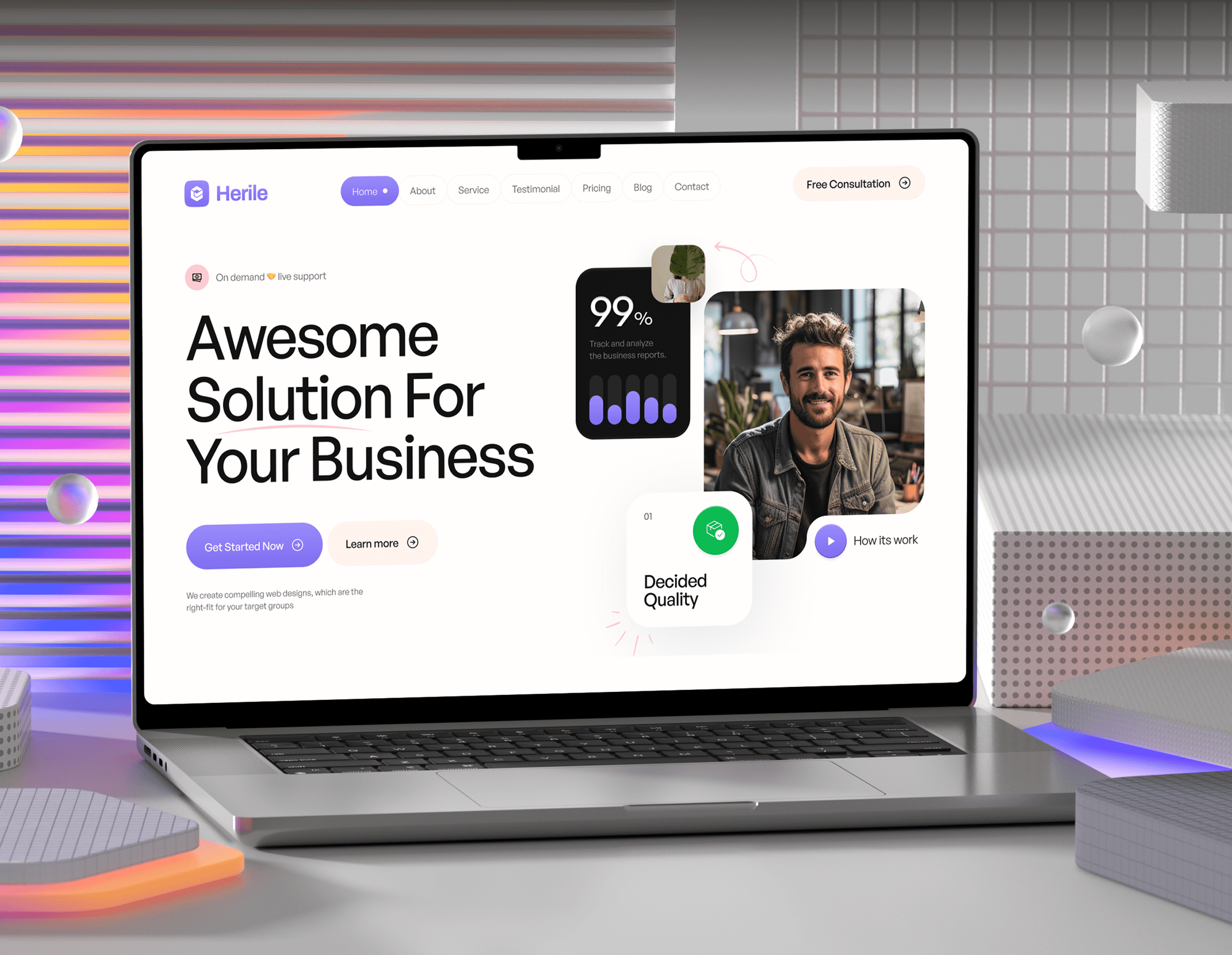
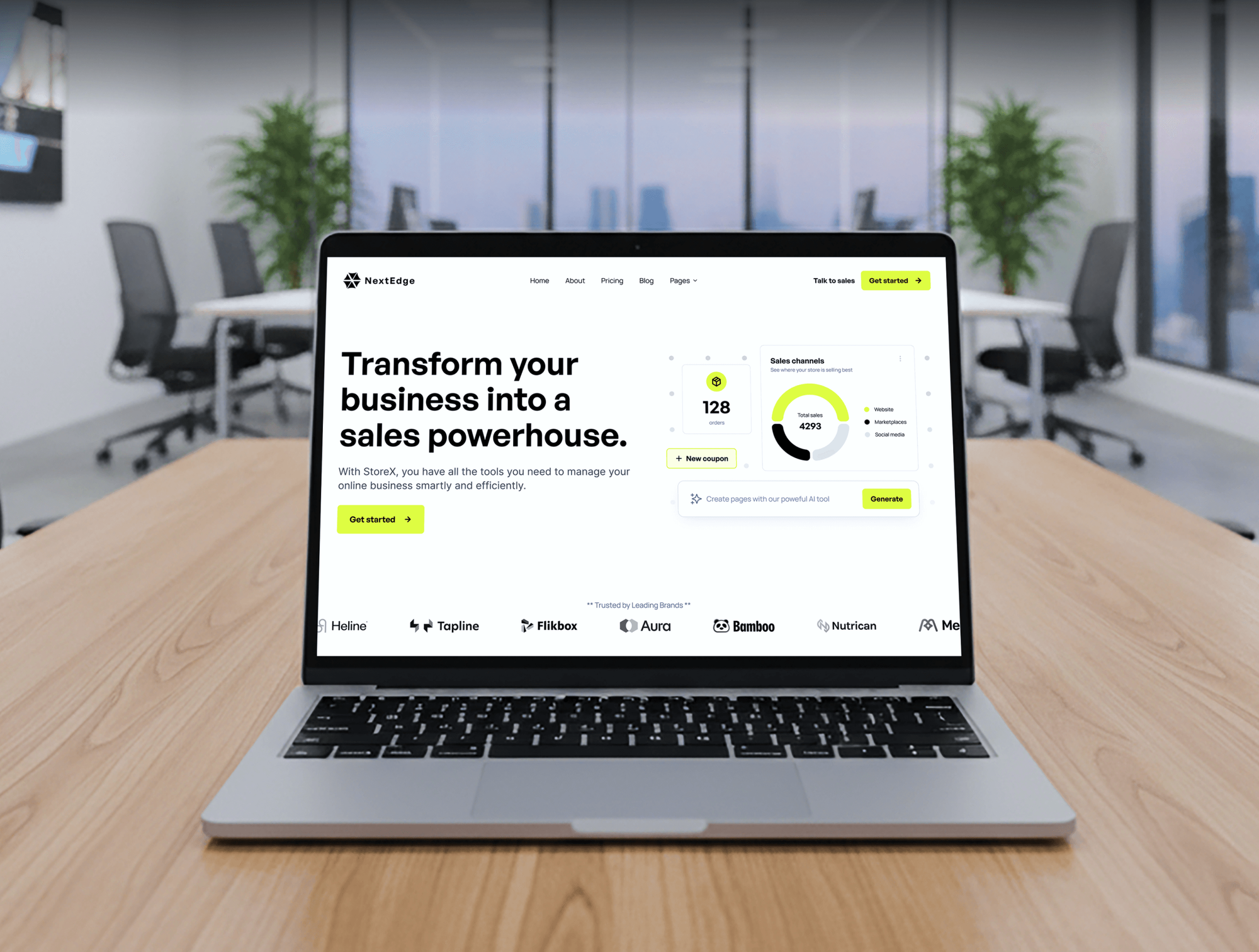
IT agency, startup, and software websites from our portfolio, with the service pages, lead forms, and trust content an IT company site needs.


What Our Clients Say
Feedback from teams we have built websites for.
We had a pretty specific idea of what we wanted our website to become, but I wasn’t sure how easily we could explain all of it to a development team. There were quite a few moving parts, and we were working toward a deadline, so I expected a few things to get lost along the way. That never really happened. They understood what we were trying to achieve, kept us updated throughout the process, and got everything ready within the agreed timeline. The final site feels much easier to navigate, works beautifully on mobile, and is noticeably smoother for our customers. It was a huge relief seeing the original idea actually turn into the website we had in mind.
The mobile experience is probably my favourite part of the new site. We had spent a lot of time making sure the desktop version looked right, and the team kept pushing us to think about how everything would actually feel on a phone too. They were right. The navigation is clean, the interactions feel natural, and everything we’ve tested so far works exactly as it should. They also went through the links, forms, integrations, and other details more than once before launch, which I really appreciated. And even after going live, we could still reach out when something came up. The whole process felt friendly, organised, and surprisingly straightforward.
What I appreciate most is that the website is actually easy for us to manage now. We can update content ourselves instead of sending a developer a message every time we need to change something small. They also paid attention to the technical SEO side, which mattered to us because we didn’t want a new website to create problems for the traffic we already had. I’ve probably asked more questions than I should have since launch, but every question has been handled patiently and without any fuss. The team is easy to work with, they explain things clearly, and when we need something changed, they focus on getting it done rather than making the process complicated.
1,250+
Projects shipped
10+
Years of experience
Top 3%
Upwork Top Rated Plus
5 stars
Average review score

Want results like these?
Tell us what you are building. You get a reply within 24 hours on business days, then a written estimate.
Work Culture
Our managed services website design work starts with your stack and SLAs, not a color palette. These habits keep your site accurate and your support clients out of the sales funnel.
We map every service, price model, and buyer before anyone opens Figma. Design that starts from a mood board ends with pages nobody can sell from.
We confirm every vendor status, certification, and partner badge with you before launch. IT buyers check these, and one wrong logo costs more trust than it earns.
Response times, uptime terms, and coverage hours come from your contracts, word for word. We don't round them up to sound better than what your team delivers.
If an MSP template already covers your services and budget, we'll tell you before we quote. A custom build should earn its price.
Domain, hosting, the CMS, and analytics sit in your company's name from day one. You wouldn't accept that kind of lock-in from your own vendors, so we don't impose it.
Editors sign in with multi-factor authentication, plugins stay few and updated, and forms collect only what they need. Your own site should pass your own audit.
Overview
DeveloperLook provides MSP website design for managed service providers, MSSPs, and IT support companies. Each site includes a page per managed service, vertical pages, an IT assessment request, client support links, and a security page. Projects start at $1,150 and launch in 3 to 10 weeks, at a fixed price with every account in your name.
DEVELOPERLOOK
Project facts · IT Company and MSP Website Design
Reviewed 8 Oct 2026 by Saimul Islam
Good fit
MSPs moving on from break-fix
You've sold hourly break-fix work for years and now offer per-user managed plans, but your site still reads like a repair shop.
MSSPs selling security-first services
Your company leads with managed detection, security awareness training, and compliance help, and you need pages that explain each one without scare tactics.
IT firms serving one or two verticals
Your best clients are law firms and clinics, and you want vertical pages that talk about their software, their compliance needs, and their hours.
Co-managed IT providers
You work beside internal IT teams at mid-size companies, so your site has to explain where your team's job ends and theirs begins.
Agencies with an MSP client
Your agency signed an IT company and needs a partner for website development for MSPs who knows PSA portals and remote support links.
Not a fit
You sell software
You sell a software product by free trial or demo rather than managed services. Our SaaS Website Design Agency page covers pricing pages and product tours.
Committee-led enterprise deals
Your deals run through buying committees and procurement reviews. B2B Website Design Agency covers role pages and longer sales cycles.
Budget under $1,150
Your budget is under $1,150, or a single page covers you for now. A good MSP template is a cheaper start, and we'll tell you so.
Marketing agency site
You run a marketing or creative agency, not an IT company. Marketing Agency Website Design is built around case studies and new-business briefs.
Not sure we're the right fit?
Book a free call or message us. We'll tell you honestly whether we're the right team.
Pricing
These are starting points in USD. Your final price depends on your number of services, vertical pages, and offices, and you get a fixed proposal after a free discovery call.
For small IT support firms that need a credible site with clear service pages and an assessment form.
$1,150one-time, USD
For MSPs and MSSPs adding vertical pages, case studies, and a security page that answers buyer questions.
$2,700one-time, USD
For IT companies with several offices or brands that need location pages and a resource library.
$5,300one-time, USD
For Agencies
You own the client relationship. We supply the design and engineering for your IT company clients under your brand. That includes PSA portal links, assessment forms, and the vendor badge checks MSP owners ask about.
White label: your client only ever sees your brand
Send the client's services, tools, brand files, and the pages they need.
You get a fixed quote, a schedule, and one lead developer for the project.
We build, test the assessment flow, and hand over the site under your brand.
We work under your brand, so the MSP relationship stays yours.
We know the PSA, RMM, and remote support terms your client uses daily.
Senior developers build the forms, integrations, and every page template.
Take on more IT company clients without hiring another developer.
The Right Technology for Your Project
We build on WordPress or Webflow, send leads to the CRM you use, and link the support tools your clients already know.
 WordPress
 Webflow
 Figma
Figma Tailwind CSS
 HubSpot
 Salesforce
 Zapier
 Cloudflare
 WP Engine
 Netlify
 Google Analytics (GA4)
 Google Tag Manager
 Google Search Console
 Hotjar
FAQ
Straight answers on cost, launch timing, assessment forms, and getting leads from an IT company site.
Saimul IslamFounder & CEO, DeveloperLookStill have questions?
Send a message or book a call with the team.
Our MSP sites start at $1,150 for a 10-page build with up to 4 service pages and an assessment form. Sites with vertical pages, case studies, and a CRM handoff start at $2,700. Multi-location builds with a resource library start at $5,300. You get a fixed quote after a free discovery call.
Most IT company sites launch in 3 to 10 weeks. A starter site takes 3 to 4 weeks, and a site with vertical pages and case studies takes 5 to 7. Multi-location builds take 8 to 10 weeks. Getting time with your service manager is usually the slowest step, so we book those interviews first.
Start with how you sell, then give each managed service its own page and one clear offer, usually a free IT assessment. Each page names who it suits, what's covered, and how onboarding works. Add vertical pages for the industries you know best. Then keep the assessment form short enough to finish on a phone.
They usually fail because the copy sounds like every competitor and the only form is for support tickets. Buyers can't tell what you charge for, who you serve, or what happens after they ask. A named offer, such as a free IT assessment with a short form, gives them one low-risk step to take.
Give each managed service and each vertical its own page, written around what buyers search, such as co-managed IT or Microsoft 365 support. We add ProfessionalService schema, link services to each other, and keep pages fast on phones. Each office also needs a Google Business Profile. Ongoing content and link building is a separate SEO program.
Managed service provider website development services should include service pages, an assessment request, client support links, and analytics. Growing firms also want vertical pages, a security page, and case studies from a reusable template. Forms should pass each lead to your CRM with the page it came from, so you can see which services sell.
Yes. We add header links to your PSA client portal, such as ConnectWise PSA, Autotask, or HaloPSA, plus your remote support download and status page. These are plain links, so nothing on the site handles client data. They stay out of the sales menu, so new buyers aren't sent to a login screen.
Yes. We interview your service manager, vCIO, or owner and draft every page from their answers. You review it for accuracy before design starts, especially SLAs, tool names, and certifications. If you'd rather write the copy yourself, we'll give you an outline with the questions each page has to answer.
WordPress or Webflow suits most MSP sites. WordPress fits teams that want plugins and their own hosting, while Webflow suits teams that edit visually and want hosting handled for them. Both manage service pages, case studies, and forms well. We recommend one after hearing who will edit the site each month.
Every plan includes 30, 60, or 90 days of post-launch support for fixes and small changes. After that, your team can edit pages in the CMS, or you can book a care plan for updates, backups, and monitoring. Your domain, hosting, and analytics stay in your name, so you can switch providers whenever you like.
Saimul IslamFounder & CEO, DeveloperLookStill have questions?
Send a message or book a call with the team.
Free 30-min callGoogle Meet
Book a call
In 30 minutes on Google Meet we walk you through how we would build it, how long it takes and what it costs. Then you get a written estimate.
Calendar not showing? Book on cal.com or send a brief.