Herile IT Agency Web Design & Development
- Agency
- Website

For MSP owners and service managers: AI that triages tickets, drafts time entries, and suggests fixes from your docs while techs approve every step.
3X
Faster ticket triage
100%
Time entries drafted for review
How your project runs
01 · FreeIndustry leaders we work with
 OpenAI
 Azure OpenAI
 Anthropic Claude
 Google Gemini
 Python
 PostgreSQL
The Problem
It gets worse with every client you add. Tickets arrive by email, portal, and RMM alert, and someone has to read, sort, and log each one before work starts. That admin rarely reaches an invoice.
Morning sort
Dispatchers read every overnight ticket before assigning anyone.
Morning sort
An agent sets category, priority, and client on each ticket for review.
Lost hours
Closed tickets go out with no time entry attached.
Lost hours
Draft time entries are written from tech notes for a quick approval.
Alert storms
One outage creates a pile of separate RMM tickets.
Alert storms
Related alerts are grouped into one ticket with the affected devices listed.
Buried fixes
Answers sit in documentation that nobody searches mid-call.
Buried fixes
Suggested fixes cite the matching documentation article or closed ticket.
It's 8:15 on Monday. Overnight tickets fill the service board. The same printer outage shows up as 3 tickets from one client, and a server alert marked low priority isn't. Your dispatcher reads each thread, guesses the contract, and assigns techs. By Friday, half the closed tickets have no time entry, and the client asking about agreement hours gets an estimate. Doing nothing means hiring another tier 1 tech just to keep up with admin.
We start with your PSA's own data: boards, types, priorities, contracts, and a year of closed tickets. An AI agent reads each new ticket, sets category, priority, and client, groups duplicate alerts, and writes a short summary. It drafts the time entry from tech notes and suggests fixes from your documentation. A tech approves each change. Your dispatcher reviews decisions instead of making every one by hand.
Triage set before techs look
Category, priority, client, and contract are set on each new ticket for a tech to confirm.
Time drafted from tech notes
Draft entries come from each tech's notes, so worked hours reach the invoice instead of vanishing.
Fixes from your own docs
Suggestions come from your IT Glue or Hudu articles and past tickets, with the source linked.
Our AI Automation for MSPs Process
You approve the triage rules, see test results on your own past tickets, and decide when each automation goes live, one service board at a time.
We review a sample of your recent tickets, boards, and contracts on a call with your service manager. You get a short list of the admin tasks that eat the most tech time and the ones AI can handle safely.
Projects We've Built
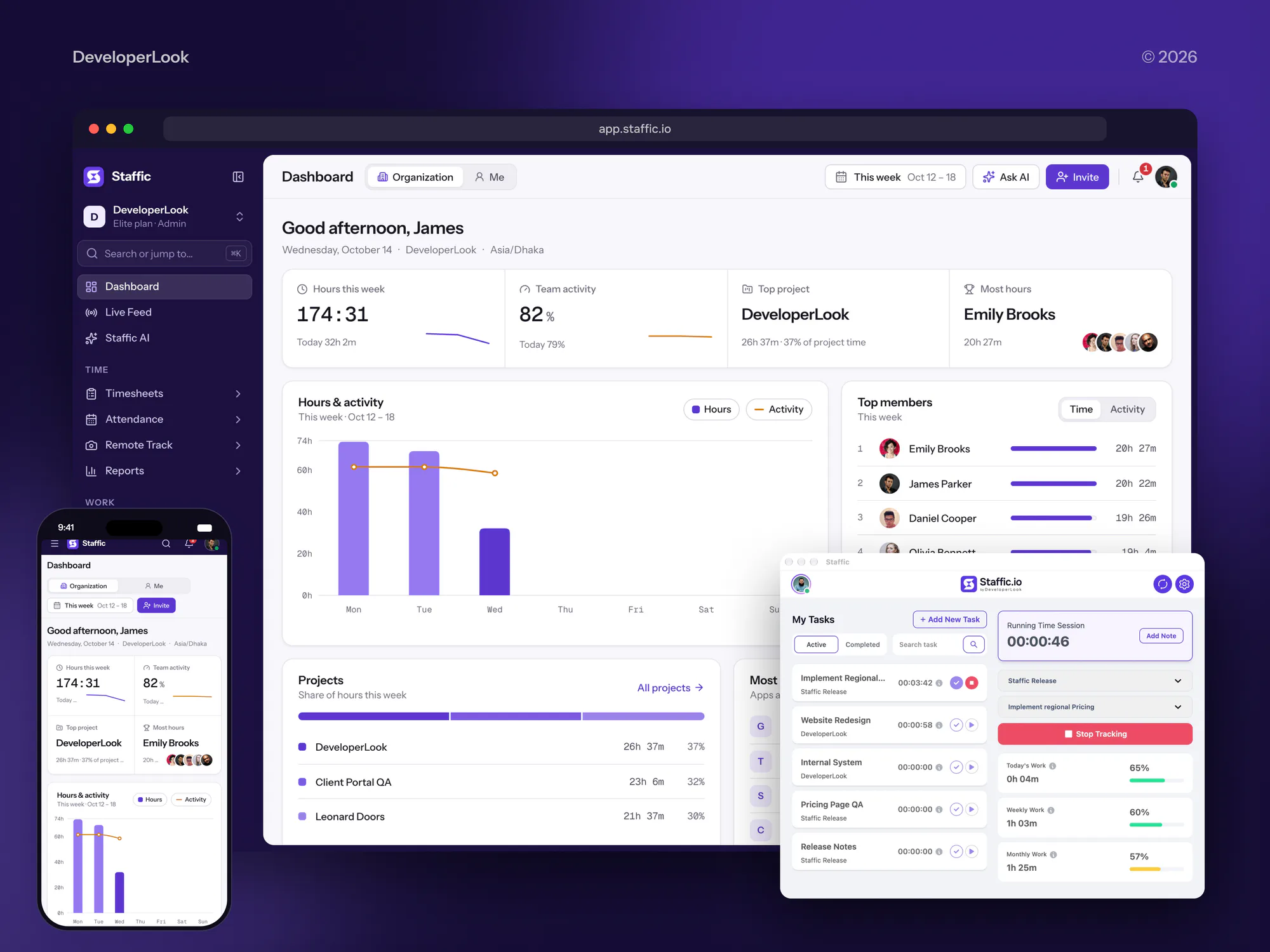
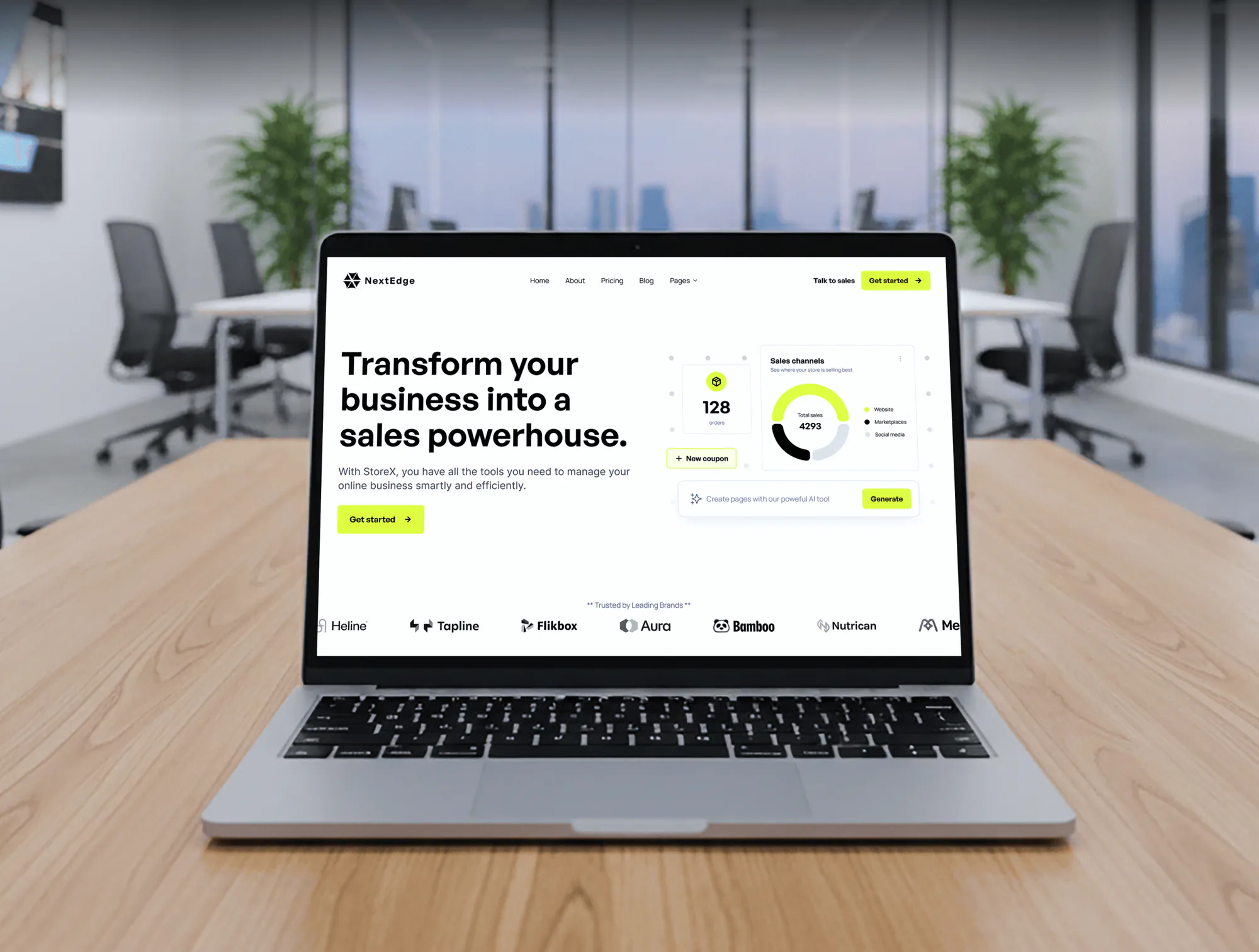
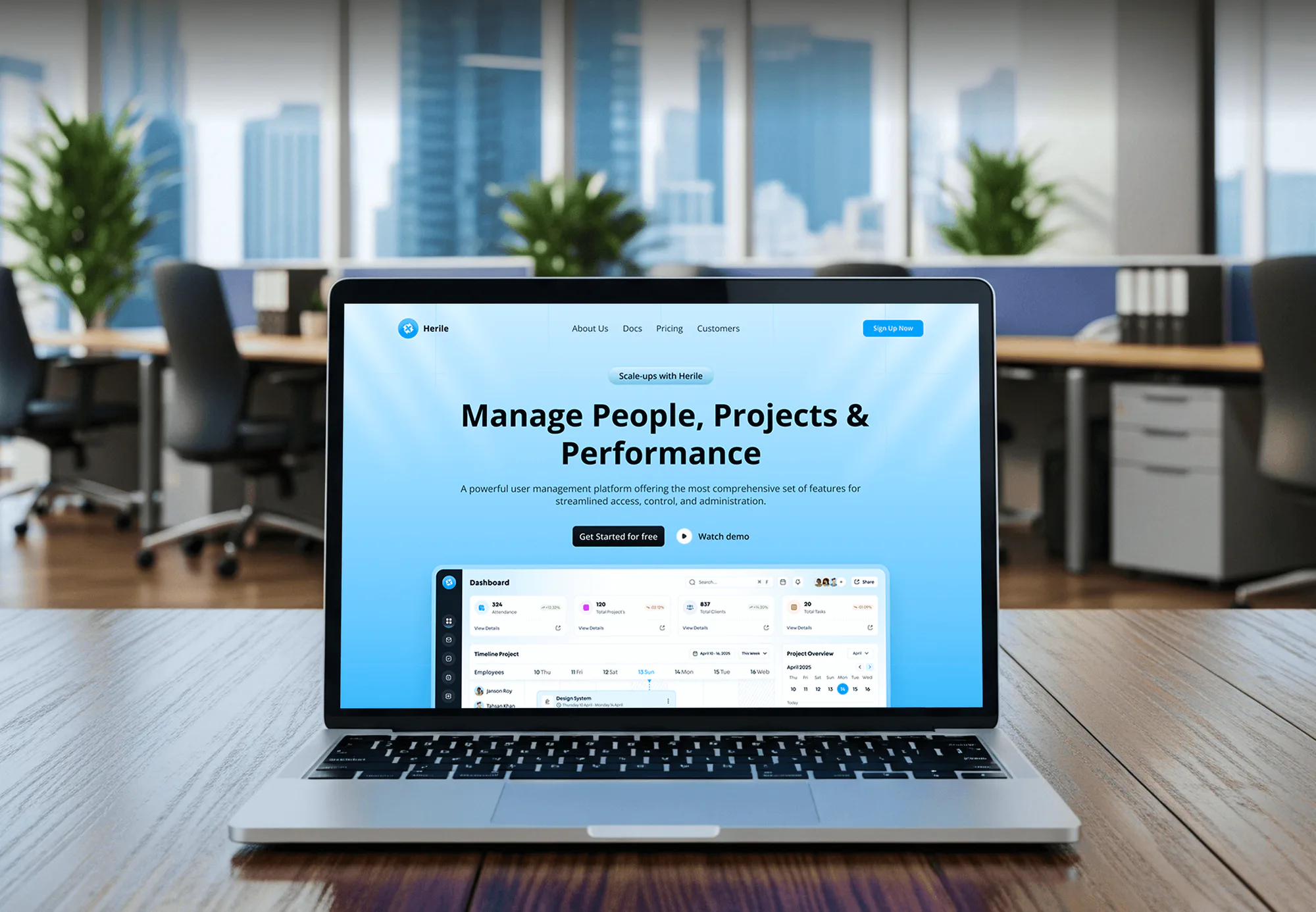
These projects show our IT agency, SaaS, and dashboard work. None of them is an AI build for an MSP, so judge them on build quality and data handling.
What's Included
Everything one service desk needs: agents that read and sort tickets, draft notes and time, suggest fixes, and group alerts, all inside the PSA your techs already use.
Compare Options
Your PSA's own AI add-on is the fastest to switch on, and a generic chatbot is cheap. Here is where each one fits a growing MSP, and where it falls short.
| Feature | DeveloperLookBest fit | PSA add-on | Generic chatbot |
|---|---|---|---|
| Setup time | 3 to 4 weeks for triage | Hours to switch on | Days to set up |
| Works inside your PSA | Copy and paste | ||
| Uses your documentation | IT Glue, Hudu, and closed tickets | Depends on the vendor | Only what techs paste |
| Client data separation | Separate index per client | Set by the vendor | Not by default |
| Custom triage rules | Your boards, types, and contracts | Vendor defaults, some settings | |
| Time entry drafts | From notes and ticket activity | Varies by PSA | |
| Pricing model | Fixed build, no seat fee | Added to PSA subscription | Low per-user fee |
| Best for | MSPs with custom boards and docs | Standard boards, quick start | Occasional one-off questions |
What Our Clients Say
Feedback from teams we have built websites, apps, and platforms for.
We had a pretty specific idea of what we wanted our website to become, but I wasn’t sure how easily we could explain all of it to a development team. There were quite a few moving parts, and we were working toward a deadline, so I expected a few things to get lost along the way. That never really happened. They understood what we were trying to achieve, kept us updated throughout the process, and got everything ready within the agreed timeline. The final site feels much easier to navigate, works beautifully on mobile, and is noticeably smoother for our customers. It was a huge relief seeing the original idea actually turn into the website we had in mind.
The mobile experience is probably my favourite part of the new site. We had spent a lot of time making sure the desktop version looked right, and the team kept pushing us to think about how everything would actually feel on a phone too. They were right. The navigation is clean, the interactions feel natural, and everything we’ve tested so far works exactly as it should. They also went through the links, forms, integrations, and other details more than once before launch, which I really appreciated. And even after going live, we could still reach out when something came up. The whole process felt friendly, organised, and surprisingly straightforward.
What I appreciate most is that the website is actually easy for us to manage now. We can update content ourselves instead of sending a developer a message every time we need to change something small. They also paid attention to the technical SEO side, which mattered to us because we didn’t want a new website to create problems for the traffic we already had. I’ve probably asked more questions than I should have since launch, but every question has been handled patiently and without any fuss. The team is easy to work with, they explain things clearly, and when we need something changed, they focus on getting it done rather than making the process complicated.
1,250+
Projects shipped
10+
Years of experience
5 stars
Clutch rating
5 stars
GoodFirms rating
Excellent
Trustpilot rating
Top 3%
Upwork Top Rated Plus
1,250+
Projects shipped
10+
Years of experience
5 stars
Clutch rating
5 stars
GoodFirms rating
Excellent
Trustpilot rating
Top 3%
Upwork Top Rated Plus

Want results like these?
Tell us what you are building. You get a reply within 24 hours on business days, then a written estimate.
Work Culture
MSPs hold the keys to every client network, so automation has to be careful first and clever second. These habits keep it that way.
Agents suggest, and technicians approve changes to tickets, devices, or invoices. You decide which low-risk steps, like tagging, can run without review.
We request only the PSA boards and fields each agent needs, under one dedicated API user. You can revoke that account at any time.
Each client's documents and tickets sit in their own index. A question about one client pulls only that client's documents into the answer.
Every agent is scored against your own closed tickets before go-live. You see the misses as well as the hits, so nobody is surprised later.
You pay for the build and your own model usage, not a seat fee per technician. Adding techs doesn't raise what you pay us.
Prompts, rules, and integration code are handed over at launch. Your team or another developer can change them without asking us.
Overview
DeveloperLook builds AI automation for MSPs that works inside ConnectWise, Autotask, or HaloPSA. We add ticket triage, thread summaries, time entry drafts, fixes suggested from your documentation, and RMM alert grouping, with technicians approving each step. Builds start at $1,050, take 3 to 10 weeks, and keep each client's data separate.
DEVELOPERLOOK
Project facts · AI Automation for MSPs
Reviewed 29 Oct 2026 by Saimul Islam
Good fit
Service managers drowning in the queue
Your dispatcher spends the first hours of every morning sorting overnight tickets by client, priority, and contract before a single tech starts work.
MSP owners losing billable time
You see techs close tickets without time entries, so hours already worked don't reach an invoice or agreement report.
Growing MSPs adding seats
Your client count grew faster than your help desk, and you're comparing AI service desk software for growing MSPs before hiring another tier 1 tech.
Teams whose documentation goes unread
Your IT Glue or Hudu holds years of fixes, but techs still message the senior engineer for answers that are already written down.
Consultants and MSP peer groups
You offer AI consulting for MSPs and need a build partner who connects PSA, RMM, and documentation APIs while you run the strategy.
Not a fit
Your stack needs hardening first
You need your RMM, PSA, and admin access locked down before adding automation. Our Cybersecurity for MSPs page covers that, and it should come first.
Need leads, not triage
You need more clients, not service desk help. MSP SEO Services covers search, and IT Company and MSP Website Design covers the site.
Budget under $1,050
Your budget is under $1,050. Try the AI features your PSA vendor already includes, and we'll tell you if they cover your queue.
Unattended endpoint actions
You want AI to run scripts on client endpoints with no technician review. We don't build that: every action on a device waits for a tech.
Not sure we're the right fit?
Book a free call or message us. We'll tell you honestly whether we're the right team.
Pricing
These are starting points in USD. Your final price depends on your PSA, your number of boards, and your documentation, and you get a fixed proposal after a free queue review.
For Agencies
You own the client relationship. We supply the PSA, RMM, and documentation integrations behind your AI proposals, so your consulting firm or vendor can deliver MSP automation without an engineering team. We work under your brand and follow your client's change control.
White label: your client only ever sees your brand
Send the MSP's PSA, its boards, and the admin tasks it wants automated.
You get a fixed quote, the API access plan, and named engineers.
We build, run shadow mode on live tickets, and deliver under your name.
Send the MSP's PSA, its boards, and the admin tasks it wants automated.
You get a fixed quote, the API access plan, and named engineers.
We build, run shadow mode on live tickets, and deliver under your name.
The Right Technology for Your Project
We work inside the tools your techs already use: your PSA and RMM, your documentation platform, Microsoft 365, and the model provider your security policy allows.
OpenAIAzure OpenAIAnthropic ClaudeGoogle Gemini PythonPostgreSQL
 Docker
 AWS
FAQ
Straight answers on cost, timelines, PSA access, safety, and where AI fits in an MSP.
Saimul IslamFounder & CEO, DeveloperLookStill have questions?
Send a message or book a call with the team.
MSPs can use AI for the reading, sorting, and writing around tickets: triage, summaries, time entry drafts, documentation lookups, and duplicate RMM alerts. AI for MSPs works best inside the PSA, where techs already work, not in a separate chat window. Start with the task that eats the most dispatcher time.
Implement AI in an MSP one service board at a time, starting with triage on new tickets. Measure how your dispatcher sorts tickets today, test the agent on closed tickets, then run it in shadow mode. An AI MSP automation project goes live only after your service manager agrees with its calls.
AI automation for MSPs starts at $1,050 for triage, summaries, and time entry drafts on one PSA board. Adding fix suggestions from your documentation and RMM alert grouping moves you to $3,250. The full program with end-user chat, QBR drafts, and sales support starts at $7,100. Model usage is billed to you directly by your model provider.
An MSP AI rollout takes 3 to 4 weeks for triage on one board and up to 10 weeks for the full program. API access takes a few days, testing on your closed tickets 1 to 4 weeks, and shadow mode 1 to 2 weeks. Clean board settings in your PSA shorten every step.
Implement AI safely in an MSP by limiting access, separating client data, and keeping a technician in the loop. Each agent gets its own least-privilege API user, each client's documents sit in their own index, and nothing runs on an endpoint without approval. CISA's 2022 joint advisory on attacks against MSPs (AA22-131A) is a useful checklist for the access side.
Our builds work with ConnectWise PSA, Autotask, and HaloPSA, plus IT Glue or Hudu for documentation. Each PSA has its own access rules. ConnectWise requires a client ID from its developer network, Autotask an API-only user with a tracking identifier, and HaloPSA an API application.
No, an AI agent for MSP service desks works on tickets, documentation, and alerts, not on client devices. It can suggest a script or fix, but a technician runs it through your RMM with the usual approvals. If you later want automated actions, we limit them to low-risk tasks you choose, with every run logged.
Use AI in MSP sales to prepare, not to pitch. An agent can draft QBR reports from each client's ticket trends and agreement hours. It can also flag aging hardware from your asset records and write first drafts of quotes. Your account manager edits every draft.
No, AI managed IT services take admin work off tier 1 technicians rather than replacing them. Triage, summaries, and documentation lookups get faster, so each tech handles more tickets. Password resets and anything touching security still need a person who can verify identity and judge risk.
You own the prompts, rules, and integration code once the project is paid for. We hand them over with setup notes, and the API accounts stay in your name. After launch we support the agents for 30 to 90 days by plan, including tuning as your ticket mix changes.
Saimul IslamFounder & CEO, DeveloperLookStill have questions?
Send a message or book a call with the team.
Free 30-min callGoogle Meet
Book a call
In 30 minutes on Google Meet we walk you through how we would build it, how long it takes and what it costs. Then you get a written estimate.
Calendar not showing? Book on cal.com or send a brief.