
RSS feed connection
Past episodes import from your podcast host's feed, and new episodes post to the site automatically.

For independent shows and podcast networks: every episode on its own page with a player, show notes, and transcript, posted from your feed. From $900.
2X
More listeners finding episodes
100%
Episodes posted from your feed
How your project runs
Teams we have built for:














The Problem
It shows up when a guest wants to share their episode, a sponsor asks for a media kit, or a listener searches for a quote from last month.
01 · Share links
Guests share an app link half their audience can't use.
Every episode gets one page on your domain with buttons for each listening app.
02 · Search
Listeners can't search for a tip buried in audio.
Transcripts and timestamps on each episode page make every topic searchable.
03 · Sponsors
Sponsors ask for a media kit you can't find.
A sponsor page holds your media kit, ad formats, and a contact form.
04 · Manual posting
Show notes get copied by hand, or not at all.
The site reads your RSS feed and posts each episode page automatically.
A guest finishes recording and asks for a link to share on launch day. You send a Spotify link, and half their audience uses Apple Podcasts. A listener remembers a great tip from last month but can't search for it, because the episode exists only as audio. A sponsor asks for your media kit, and you send a PDF from two years ago. Your show notes sit inside apps you don't control. Nothing on the web points back to you.
We start with your RSS feed, the same one Apple Podcasts and Spotify read. The site pulls each new episode from it, so publishing on your host also publishes a page. Each page gets a player, show notes, a transcript, timestamps, and links to every guest. Subscribe buttons send listeners to the app they already use. You publish once, and your website catches up on its own.
Episodes posted from your feed
New episodes appear on the site when your host publishes them, with no copying and pasting.
Transcripts on every page
Searchable text for each episode helps listeners find a quote and lets search engines read it.
Links guests can share
Every guest gets an episode page with one link that works for every listening app.
Our Podcast Website Design Process
You approve the page plan, the episode page layout, the guest and sponsor pages, the tested feed import, and the launch plan.
We check your RSS feed, your podcast host, and where listeners find you today. You get a page plan, an episode page sketch, and a fixed quote. If your host's free site already covers what you need, we'll tell you before we quote.
What's Included
Your RSS feed connected, an episode page for every show, transcripts, guest and sponsor pages, subscribe buttons, and every account in your name.
Compare Options
A podcast host's free site is ready today at no extra cost, and builders are cheap. Here's where each one stops once guests, sponsors, and search start to matter.
| Feature | DeveloperLookBest fit | Host's free site | Website builder |
|---|---|---|---|
| Planning approach | Starts from your feed and goals | Ready-made layout | Starts from a theme |
| Episode pages | Full page per episode | Basic page per episode | Added by hand |
| Feed sync | Automatic from your RSS feed | Built in | Plugin or manual posting |
| Transcripts and timestamps | On every episode page | Depends on the host | Pasted in by hand |
| Guests and sponsors | Guest and sponsor pages | Little room for either | Possible with extra work |
| Speed to launch | 2 to 5 weeks | Ready today | A weekend |
| Domain and design | Your domain, custom design | Custom domain on some plans | Your domain, theme design |
| Cost model | Fixed quote from $900 | Included with hosting | Monthly builder plan |
Projects We've Built
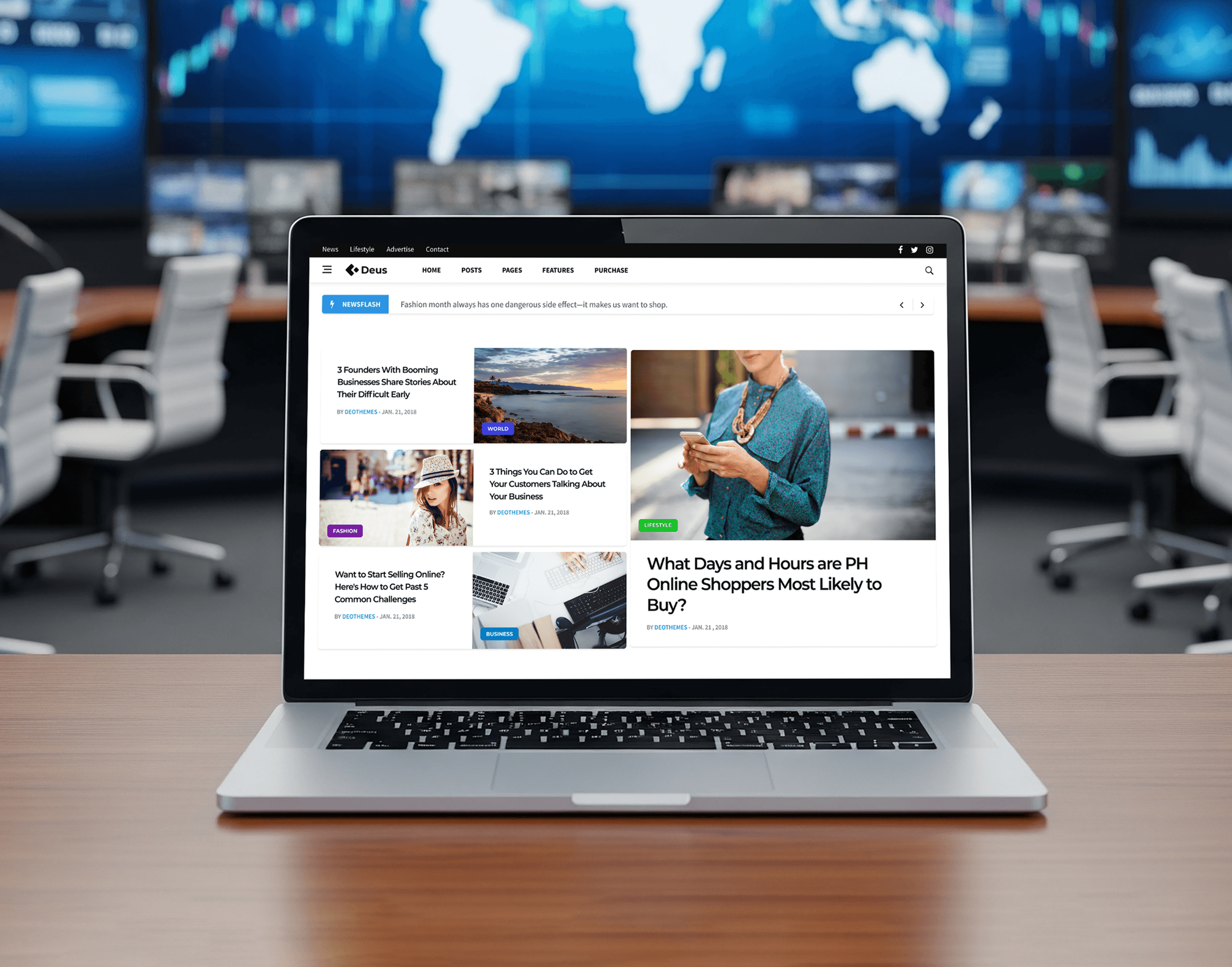
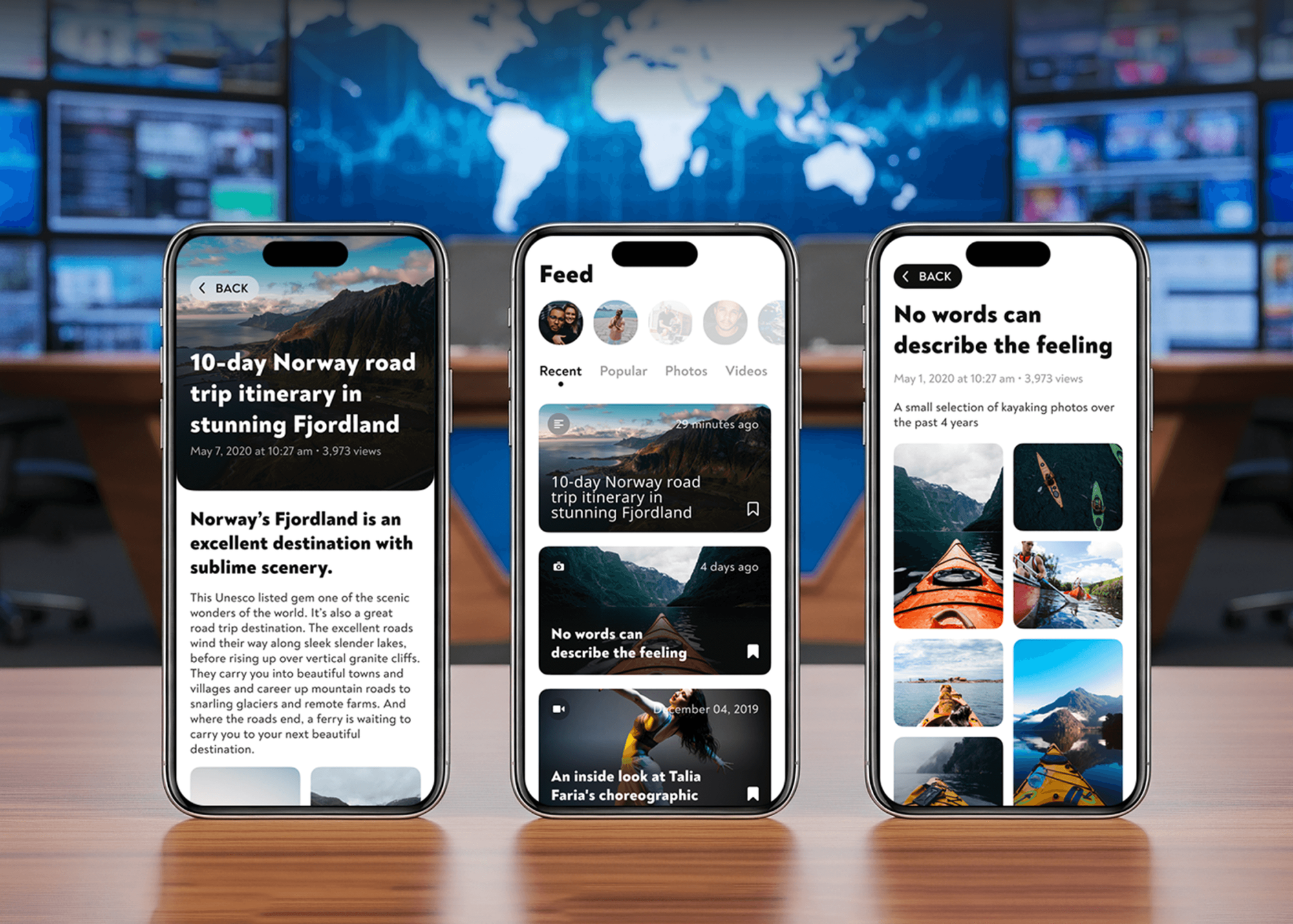
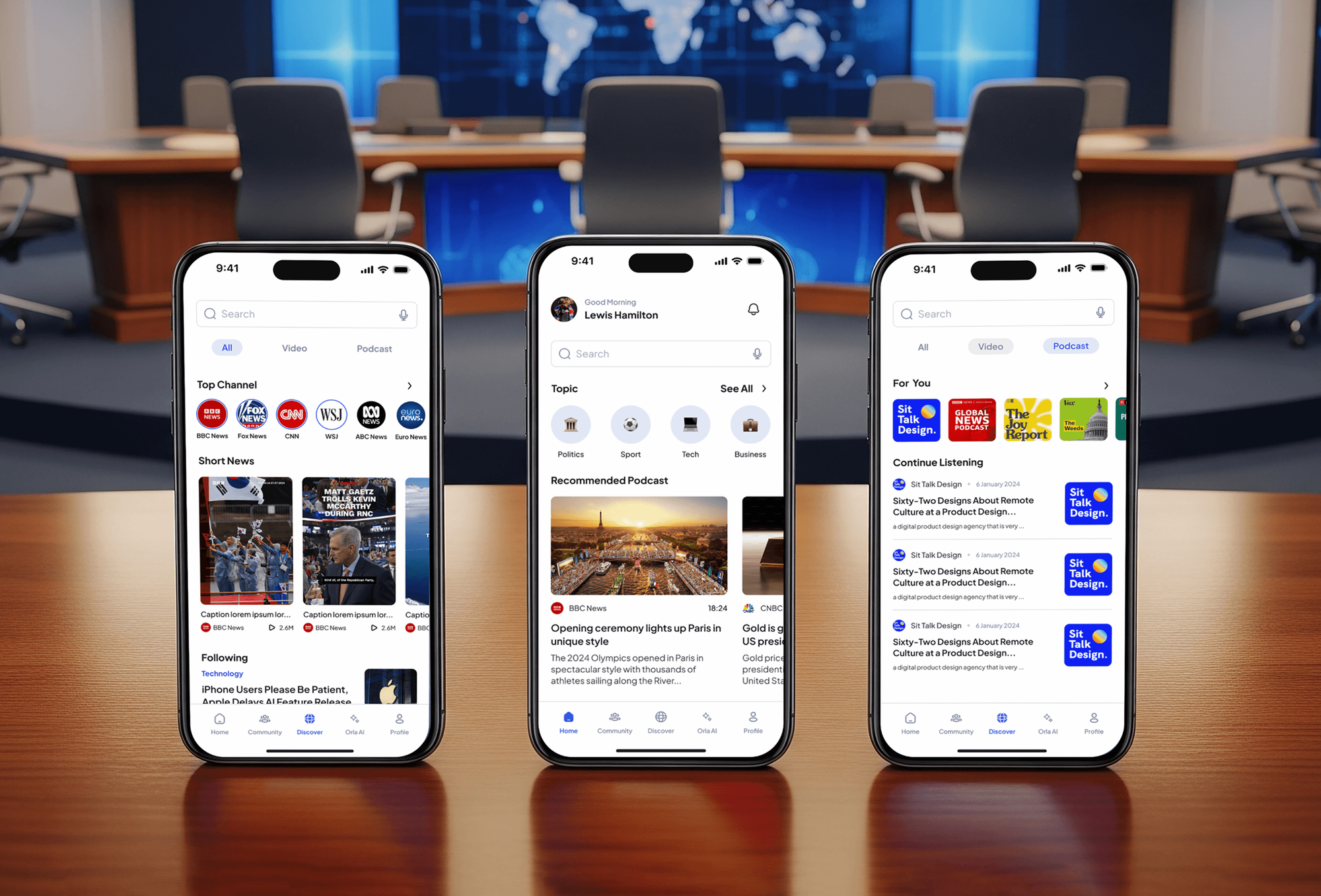
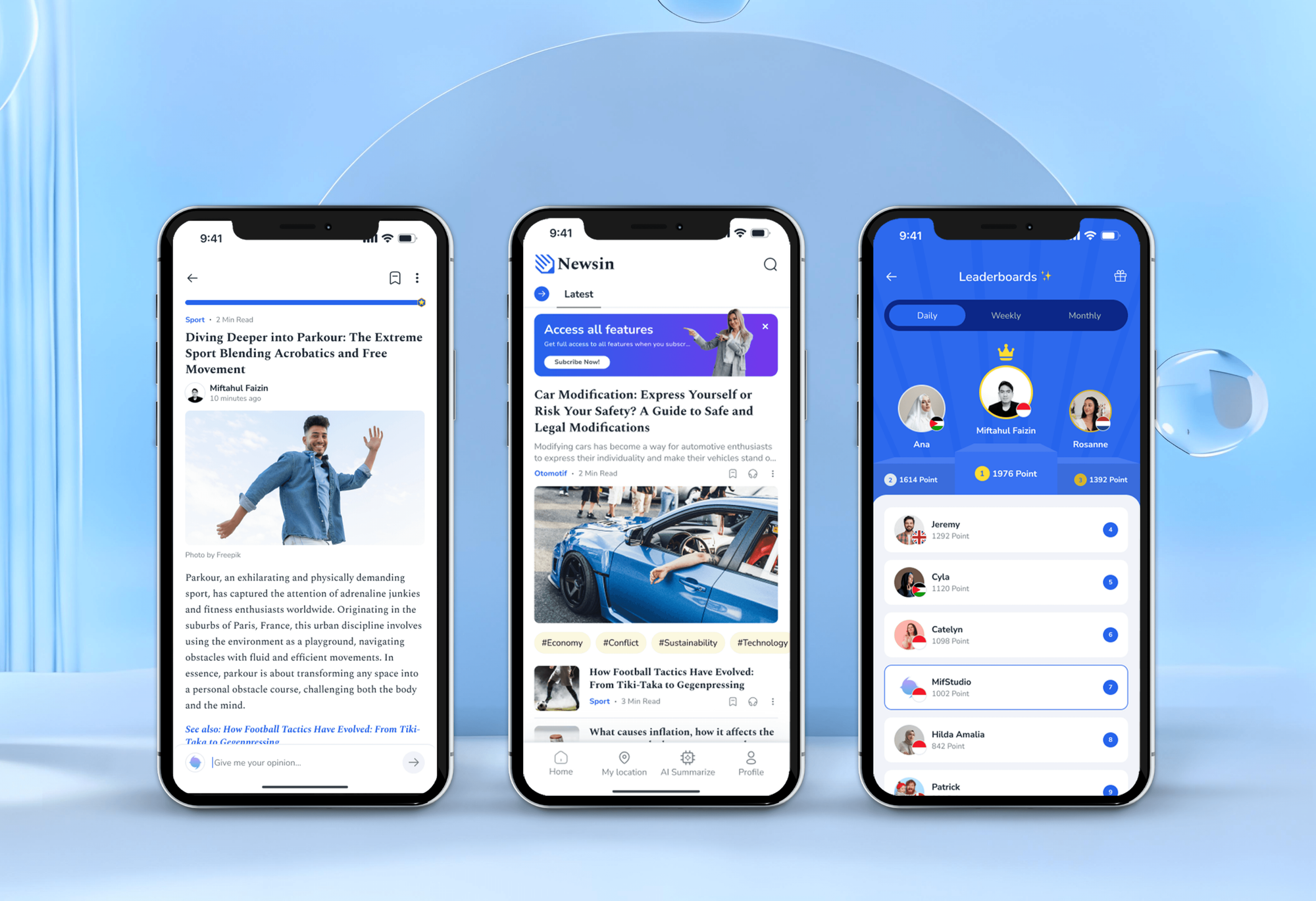
A news magazine website and three news apps, two with podcasts and video in the feed. None was a podcast website, but each organizes media people come back to.
What Our Clients Say
Feedback from teams we have built websites for.
We had a pretty specific idea of what we wanted our website to become, but I wasn’t sure how easily we could explain all of it to a development team. There were quite a few moving parts, and we were working toward a deadline, so I expected a few things to get lost along the way. That never really happened. They understood what we were trying to achieve, kept us updated throughout the process, and got everything ready within the agreed timeline. The final site feels much easier to navigate, works beautifully on mobile, and is noticeably smoother for our customers. It was a huge relief seeing the original idea actually turn into the website we had in mind.
The mobile experience is probably my favourite part of the new site. We had spent a lot of time making sure the desktop version looked right, and the team kept pushing us to think about how everything would actually feel on a phone too. They were right. The navigation is clean, the interactions feel natural, and everything we’ve tested so far works exactly as it should. They also went through the links, forms, integrations, and other details more than once before launch, which I really appreciated. And even after going live, we could still reach out when something came up. The whole process felt friendly, organised, and surprisingly straightforward.
What I appreciate most is that the website is actually easy for us to manage now. We can update content ourselves instead of sending a developer a message every time we need to change something small. They also paid attention to the technical SEO side, which mattered to us because we didn’t want a new website to create problems for the traffic we already had. I’ve probably asked more questions than I should have since launch, but every question has been handled patiently and without any fuss. The team is easy to work with, they explain things clearly, and when we need something changed, they focus on getting it done rather than making the process complicated.
1,250+
Projects shipped
10+
Years of experience
Top 3%
Upwork Top Rated Plus
5 stars
Average review score

Want results like these?
Tell us what you are building. You get a reply within 24 hours on business days, then a written estimate.
Work Culture
We build podcast websites around a few habits that keep pages fast, true to your feed, and easy to use from any listening app.
Your podcast host remains the one place you publish, and the site reads from its RSS feed. Two places to update means one of them goes stale.
Embedded players load fully only when a visitor presses play, so episode pages stay quick. A player that loads up front slows every page on the site.
Transcripts let deaf and hard-of-hearing visitors follow the show, and they help everyone find a quote. We break them into readable sections, not one wall of text.
We test each subscribe button on iPhone and Android so it opens the right app. A broken button costs you the listener you worked hardest to reach.
Your sponsor page shows only the audience figures you pull from your host's stats. Inflated numbers end sponsor relationships fast.
Your domain, site, and episode archive stay in your accounts. If you switch podcast hosts, the site reads the new feed and your episode pages stay put.
Overview
DeveloperLook offers podcast website design for independent shows, brand podcasts, and networks. Every site reads your RSS feed and builds a page per episode with a player, show notes, transcript, and guest links, plus subscribe buttons and a sponsor page. Projects start at $900 and most launch in 2 to 5 weeks, on a fixed quote, on a domain you own.
DEVELOPERLOOK
Project facts · Podcast Website Design
Reviewed 8 Oct 2026 by Saimul Islam
Good fit
Independent interview shows
You publish every week, and your show notes live only inside Apple Podcasts and Spotify, where guests can't share them in one link.
Brand and company podcasts
Your company runs a podcast, and marketing wants each episode on your own domain with transcripts that search engines can read.
Shows pitching sponsors
You're pitching sponsors, and they keep asking for a media kit, audience details, and past ad placements you can't show in one place.
Podcast networks with several shows
You run several shows, and each has its own patched-together site, so listeners of one show rarely find the others.
Hosts outgrowing a free host page
Your podcast website is the free page your host provides, and it looks like every other show there, with no room for guests or sponsors.
Not a fit
Audio hosting only
You only need somewhere to upload episodes and send them to Apple and Spotify. A podcast hosting platform does that, and you can add a site later.
Musicians releasing music
You're releasing music, not episodes, and need streaming links, tour dates, and an EPK. Band Website Design is built for that work.
Budget under $900
Your budget is under $900 and you publish now and then. Your podcast host's free website page is enough until the show grows.
Personal brand comes first
The podcast is one part of your personal brand, next to talks, writing, and consulting. Personal Website Design fits that better.
Not sure we're the right fit?
Book a free call or message us. We'll tell you honestly whether we're the right team.
Pricing
These are starting points in USD. Your final price depends on your episode count, transcripts, and how many shows you run, and you get a fixed proposal after a free discovery call.
For independent shows that want every episode on their own domain with a player and show notes.
$900one-time, USD
For growing shows that want transcripts, guest pages, sponsors, and an email list.
$2,200one-time, USD
For podcast networks and brand shows with several feeds, bonus content, or video episodes.
$4,300one-time, USD
For Agencies
You own the client relationship. We design and build podcast sites under your brand, with feed imports, episode pages, transcripts, and sponsor pages that your podcaster clients can run themselves.
White label: your client only ever sees your brand
Send the show's RSS feed, artwork, current site, and brand files.
You get a fixed price, the feed setup plan, and your developer's name.
We build, test the feed and players, and deliver under your brand.
Your agency remains the podcaster's contact from brief to launch.
We know RSS feeds, podcast hosts, transcripts, and sponsor reads.
Senior developers handle feed imports, players, and members areas.
Take on podcast clients without hiring a WordPress developer.
The Right Technology for Your Project
We build on WordPress or Squarespace, read your episodes from your host's RSS feed, and link out to the listening apps your audience already uses.
 Figma
Figma WordPress
 Cloudflare
 Stripe
 Google Analytics (GA4)
 Google Search Console
 PageSpeed Insights
 Lighthouse
FAQ
Straight answers on cost, timing, whether you need a site, hosting audio yourself, and video episodes.
Saimul IslamFounder & CEO, DeveloperLookStill have questions?
Send a message or book a call with the team.
Our podcast sites start at $900 for up to 6 pages, a feed import, episode pages with player and show notes, and subscribe buttons. Sites with transcripts, guest pages, a sponsor page, and a newsletter start at $2,200. Networks with up to 3 shows and a members area start at $4,300. Quotes are fixed after a free call.
Most podcast sites launch in 2 to 5 weeks. A single show with its back catalog takes about 2 weeks, and transcripts, sponsor pages, or several shows add 1 to 3 weeks. Shows with hundreds of past episodes take a little longer, because we check the imported show notes for formatting problems.
You don't need one to publish, but you'll probably want one to grow. Apple Podcasts and Spotify only need your RSS feed. A site gives guests one link that works for every listener and gives sponsors a place to check you out. It also puts your show notes and transcripts where search engines can read them.
Not to exist, but most growing shows end up with one. Feeds and apps handle distribution well. What they don't handle is everything around the show: guest bios, sponsor details, an email list, merch, and an archive people can browse by topic. Once a few of those matter, a website saves you from juggling several tools.
Yes, but it's rarely the best choice. A WordPress plugin such as PowerPress by Blubrry can build a podcast RSS feed from your own site, and Apple Podcasts will read it. The audio files then sit on your web server, so every download uses your bandwidth, and you lose the detailed download stats podcast hosts provide.
You can, with three pieces in place: storage for the audio files, a valid podcast RSS feed, and enough bandwidth for launch-day downloads. Most shows we work with keep their audio on a podcast host and let the website read that host's feed. You get the same pages on your domain without managing files or traffic spikes.
Start with your RSS feed and a domain in your show's name. Choose a platform that can read the feed, such as WordPress, then design one episode page: player, show notes, guest links, and a transcript. Add a home page, an about page, guest and sponsor pages, and subscribe buttons for each listening app.
The quickest route is the free website many podcast hosts include with your plan. A website builder template gives you more control for a little more effort. Bring in help when you want transcripts, guest and sponsor pages, a members area, or several shows on one site, because those need a custom structure.
Yes. If you record video, each episode page can show the YouTube video next to the audio player, so visitors choose how to follow along. The video loads only when someone presses play, which keeps episode pages fast on phones. Your YouTube channel link also sits with the subscribe buttons.
You do. The domain, site, and accounts are in your name, and your audio stays with your podcast host. For 30, 60, or 90 days after launch, by plan, we fix issues and answer questions. If you change podcast hosts later, the site can read the new feed, and your episode pages keep their URLs.
Saimul IslamFounder & CEO, DeveloperLookStill have questions?
Send a message or book a call with the team.
Free 30-min callGoogle Meet
Book a call
In 30 minutes on Google Meet we walk you through how we would build it, how long it takes and what it costs. Then you get a written estimate.
Calendar not showing? Book on cal.com or send a brief.