
Classroom pages by age
Infant, toddler, and preschool rooms with ages, daily routines, and the teachers who lead them.

For daycares and preschools: show ages, hours, and openings up front, and let parents request a tour from their phone, from $950.
2min
To request a tour
24/7
Tour and waitlist requests online
How your project runs
Teams we have built for:














The Problem
It shows up when a parent searches on a phone during a lunch break or a midnight feed. They want ages, hours, and a tour time, fast.
01 · Openings
Parents can't tell which ages have space right now.
An openings box on your homepage lists ages and start dates you update.
02 · Tuition
Tuition and fees only appear after a phone call.
Tuition ranges and fees you choose to share sit on one clear page.
03 · Callbacks
Tour requests become voicemails during class time.
A phone-first tour form collects requests while your staff stay with the children.
04 · Waitlist
Your waitlist lives in emails, voicemails, and paper forms.
One waitlist form captures age and start date in a sheet you control.
A parent searches for childcare during a lunch break. Your site shows a cartoon logo, a welcome paragraph, and a phone number. Nothing says which ages you take, what your hours are, or whether the toddler room has space. Tuition says to call. Your contact form asks for a long list, so they give up halfway. When they do call, your director is in a classroom. The voicemail joins the others, and the parent books a tour somewhere that let them pick a time online.
We start with the questions every parent asks before a tour: ages, hours, openings, and cost. Each one gets a plain answer near the top of your homepage. A short tour request form works on a phone, and a waitlist form asks only for age and start date. Photos show real days in your classrooms, shared with parent consent. Parents book a visit when they're ready, not when your director can answer the phone.
Ages and openings up front
Infant, toddler, and preschool rooms listed with ages, hours, and current openings you control.
Tour requests from a phone
A short form lets parents pick a visit time without waiting for a callback from your staff.
Real photos, with consent
Classroom and outdoor photos shared with signed parent consent instead of stock images.
Our Daycare Website Design Process
You see the parent question list first and approve designs with your director. Then you test the tour and waitlist forms on your own phone before launch.
We look at your site the way a new parent does: finding ages, hours, tuition, and a tour time on a phone. You get a short report and a fixed quote. If a free builder template would cover your needs, we'll tell you before we quote.
What's Included
Your project covers classroom pages, tuition and hours, tour and waitlist forms, a consent-based photo gallery, and parent policies, all easy for your director to update.
Compare Options
A website builder or the free site from your childcare software suits some centers, especially brand-new ones. Here's how daycare web design options compare for parents and your staff.
| Feature | DeveloperLookBest fit | Website builder | Software add-on |
|---|---|---|---|
| Parent questions | Answered on the homepage | Depends on your writing | Generic template text |
| Tour booking | Phone-first form or calendar | Basic contact form | Often built in |
| Waitlist handling | Short form into your sheet | Manual setup | Linked to enrollment records |
| Classroom photos | Real photos with consent checks | Stock photos by default | Limited gallery options |
| Mobile experience | Tested on real phones | Mobile templates included | Varies by vendor |
| Upfront cost | From $950, fixed scope | Low monthly fee | Often bundled in |
| Launch speed | 3 to 8 weeks | A weekend if you write it | Fast, with limited design |
| Site ownership | Your domain and accounts | Yours, on their platform | Tied to the software |
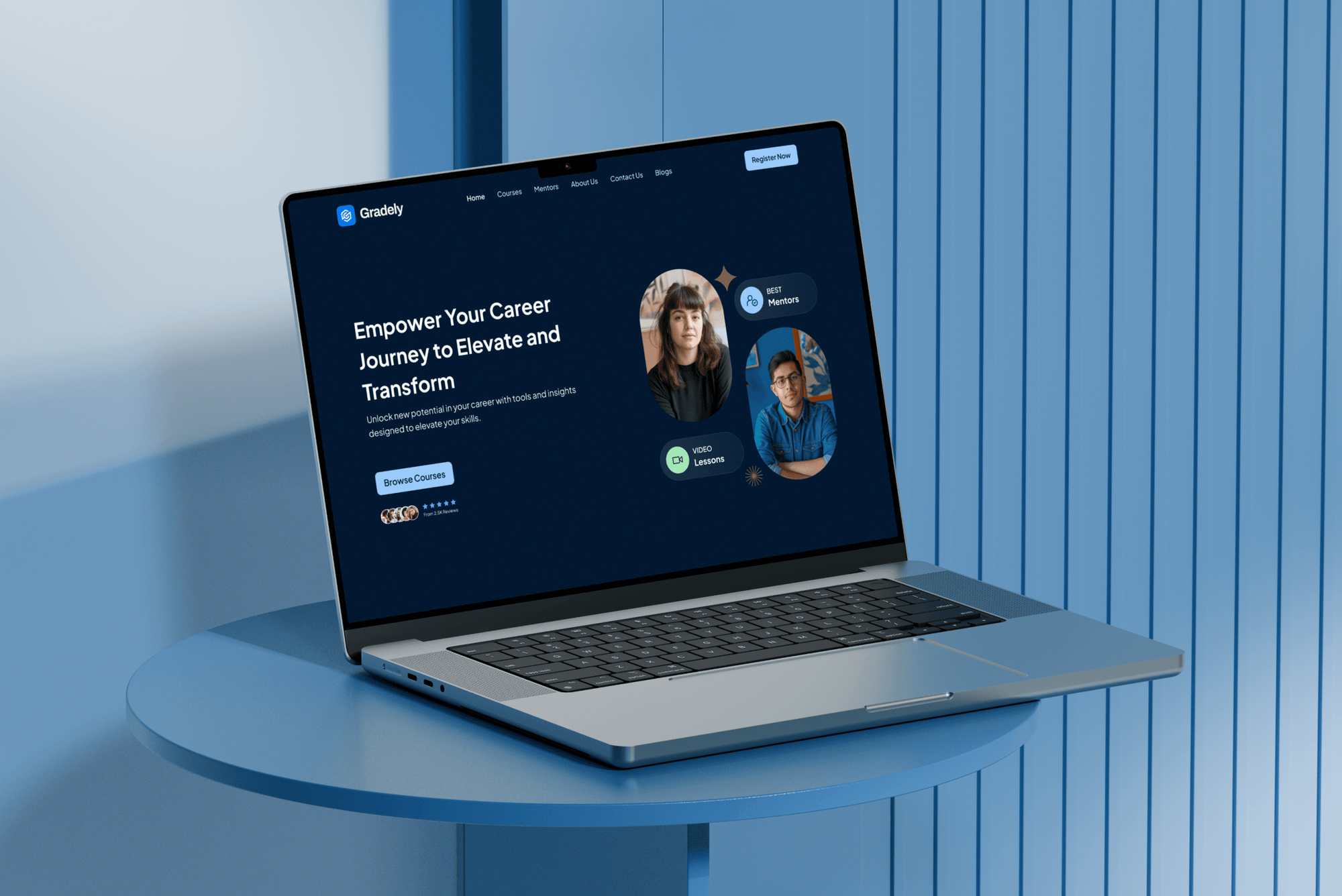
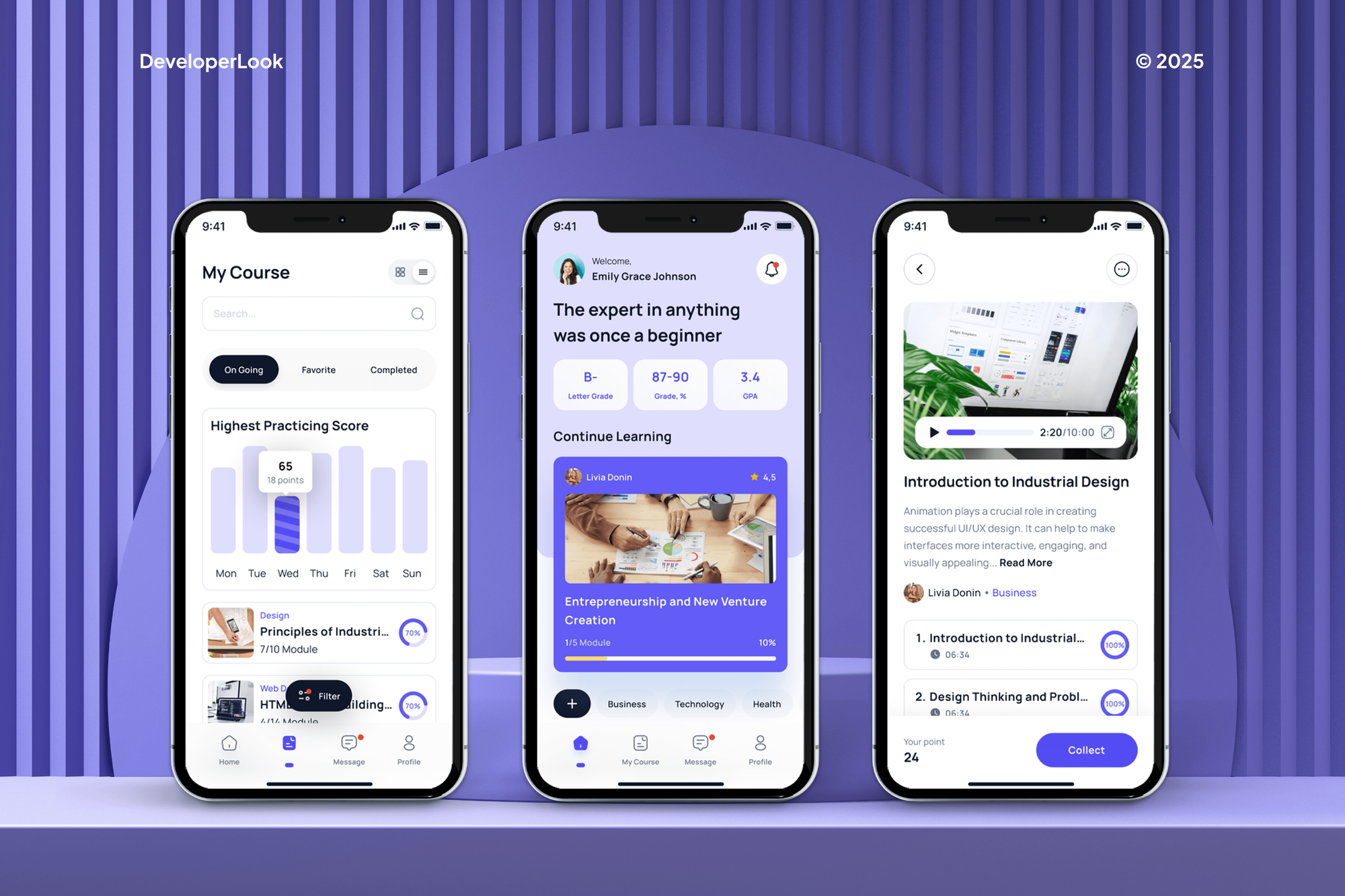
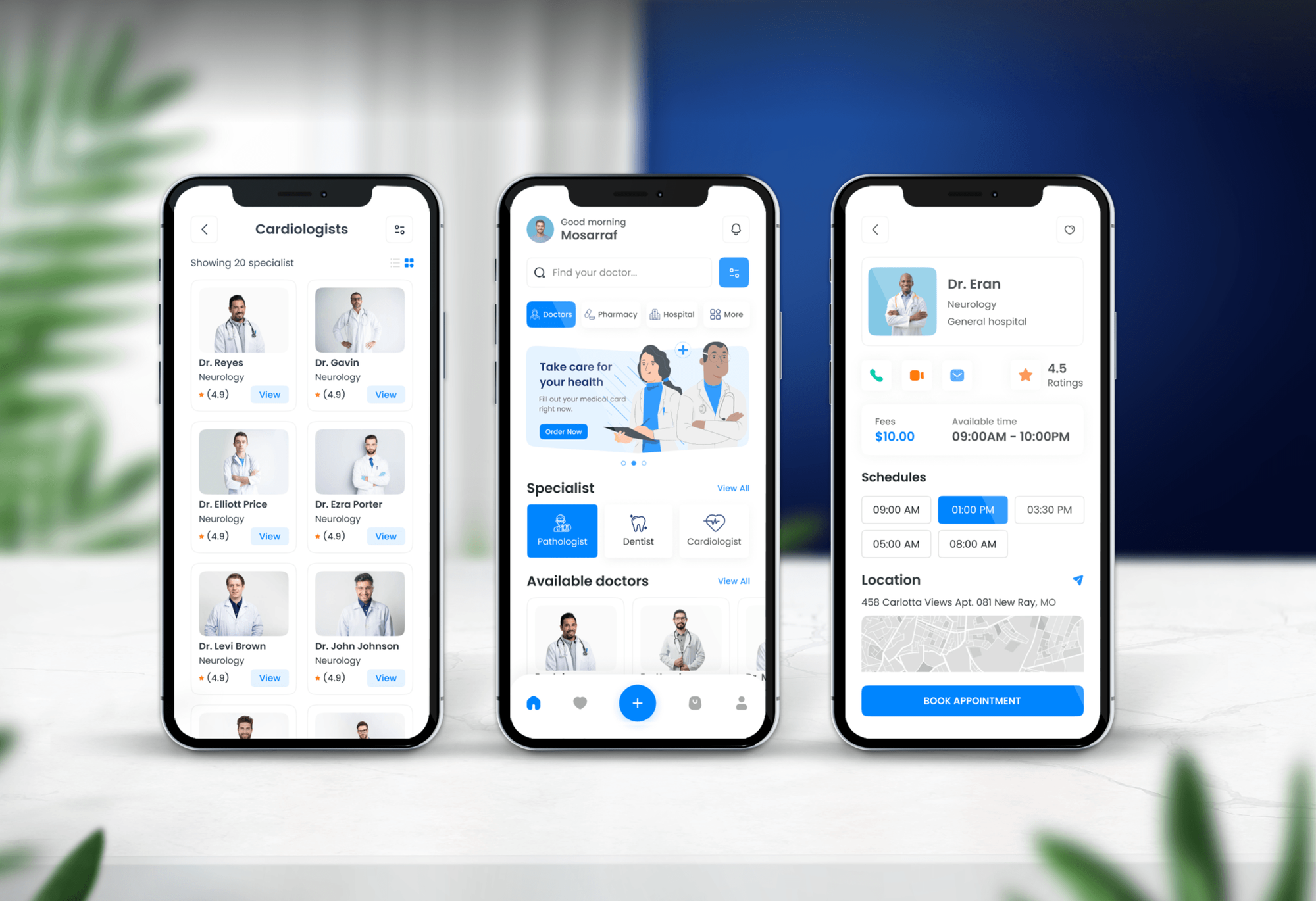
Projects We've Built
E-learning platforms and a booking app our team designed and built, with sign-up flows and simple scheduling screens. None of them are daycare sites.

What Our Clients Say
Feedback from teams we have designed and built websites for.
We had a pretty specific idea of what we wanted our website to become, but I wasn’t sure how easily we could explain all of it to a development team. There were quite a few moving parts, and we were working toward a deadline, so I expected a few things to get lost along the way. That never really happened. They understood what we were trying to achieve, kept us updated throughout the process, and got everything ready within the agreed timeline. The final site feels much easier to navigate, works beautifully on mobile, and is noticeably smoother for our customers. It was a huge relief seeing the original idea actually turn into the website we had in mind.
The mobile experience is probably my favourite part of the new site. We had spent a lot of time making sure the desktop version looked right, and the team kept pushing us to think about how everything would actually feel on a phone too. They were right. The navigation is clean, the interactions feel natural, and everything we’ve tested so far works exactly as it should. They also went through the links, forms, integrations, and other details more than once before launch, which I really appreciated. And even after going live, we could still reach out when something came up. The whole process felt friendly, organised, and surprisingly straightforward.
What I appreciate most is that the website is actually easy for us to manage now. We can update content ourselves instead of sending a developer a message every time we need to change something small. They also paid attention to the technical SEO side, which mattered to us because we didn’t want a new website to create problems for the traffic we already had. I’ve probably asked more questions than I should have since launch, but every question has been handled patiently and without any fuss. The team is easy to work with, they explain things clearly, and when we need something changed, they focus on getting it done rather than making the process complicated.
1,250+
Projects shipped
10+
Years of experience
Top 3%
Upwork Top Rated Plus
5 stars
Average review score

Want results like these?
Tell us what you are building. You get a reply within 24 hours on business days, then a written estimate.
Work Culture
Your parents are trusting you with their children, so your website has to feel honest and calm. These habits keep it that way and keep it easy to update.
If a free website builder would cover what your center needs, we'll tell you before we quote. Not every daycare needs a custom site.
No child appears on your site without a signed parent consent form. We also skip names and anything that shows where a family lives.
Parents read your site while holding a baby or waiting in a pickup line. We test every page on real phones with large tap targets.
Tour and waitlist forms ask for what your director needs to call back. Medical and family details wait for enrollment paperwork.
Your director can change openings, hours, and photos from a phone between classes. You won't need us for everyday edits or seasonal updates.
Your domain, hosting, and website sit in your center's accounts from day one. Our access ends whenever you decide to turn it off.
Overview
DeveloperLook offers daycare website design for preschools and childcare centers that want parents to book tours without phone tag. We build pages for ages, hours, openings, and tuition, a phone-first tour form, a waitlist form, and a consent-based photo gallery. Projects start at $950, take 3 to 8 weeks, and the site stays in your accounts.
DEVELOPERLOOK
Project facts · Daycare Website Design
Reviewed 8 Oct 2026 by Saimul Islam
Good fit
Infant and toddler programs
Your infant room has two openings, and parents keep calling to ask about ages, ratios, and start dates your website doesn't show.
Preschools with a long waitlist
Your preschool fills a year ahead, and your waitlist lives in a spreadsheet fed by emails, voicemails, and paper forms.
Home daycares going professional
You run a home daycare and want a simple daycare website that looks as trustworthy as the care you give.
Centers with several locations
Your centers each keep different hours and openings. Parents tour the wrong location because one page lists them all together.
Montessori and play-based preschools
Your approach is why families choose you, and good preschool website design should show it. Today it's one paragraph and a stock photo.
Not a fit
Need childcare software
You need check-in, billing, or daily reports for parents rather than a public website. That's childcare management software, which your parent app or a custom app build covers.
Elementary or K-12 school
You run an elementary or K-12 school, not an early childhood program. Our School Website Design page covers calendars, closures, and enrollment.
Pre-K inside a private school
Your pre-K is one division of a private school with admissions across many grades. Our Private School Website Design page fits that better.
Budget under $950
Your budget is under $950. A free website builder template with your hours and phone number may be the right start for now.
Not sure we're the right fit?
Book a free call or message us. We'll tell you honestly whether we're the right team.
Pricing
These are starting points in USD. Your final price depends on pages, locations, and forms, and you get a fixed proposal after a free center site review.
For a single daycare or preschool that needs ages, hours, and tours clear on a phone.
$950one-time, USD
For centers with several classrooms, a busy waitlist, and parents who ask a lot before touring.
$2,300one-time, USD
For operators with up to 4 centers that need separate hours, openings, and forms.
$4,600one-time, USD
For Agencies
You own the client relationship. We supply the childcare site planning and build behind it: classroom pages, tour and waitlist forms, consent-based galleries, and phone testing. Your client keeps its accounts, and every file carries your brand.
White label: your client only ever sees your brand
Send the client's ages served, hours, locations, photos, and current site access.
You get a parent question list, a sitemap, and a resale-ready fixed quote.
Forms tested on phones and the site launched under your agency's name.
Designs, forms, and handoff notes delivered under your agency's name.
Ages, ratios, tours, and photo consent handled the way parents expect.
Fixed prices that suit single centers and small childcare operators.
More capacity when several childcare clients launch before fall enrollment.
The Right Technology for Your Project
We build on platforms a busy director can update and add booking and form tools parents already know. Then we check every page on real phones.
 Figma
Figma Canva
Canva Adobe XD
 WordPress
 Webflow
 PHP
PHP MySQL
MySQL Google Sheets
 Google Analytics
 Google Search Console
 PageSpeed Insights
 Lighthouse
FAQ
Straight answers on daycare website costs, timelines, must-have pages, waitlists, child photos, and ownership.
Saimul IslamFounder & CEO, DeveloperLookStill have questions?
Send a message or book a call with the team.
A DeveloperLook daycare site starts at $950 for up to 7 pages with programs by age, hours, tuition, and phone-first tour and waitlist forms. Centers that need classroom pages, staff bios, and a policies page start at $2,300. Multi-location builds start at $4,600. Your hosting and parent app are billed separately.
A single center's site usually launches in 3 to 4 weeks, and multi-location builds take 6 to 8 weeks. Gathering consented photos and policy details often takes longer than the build. Many centers launch a few weeks before fall enrollment opens, so parents find the new site first.
You create a daycare website by answering the questions parents ask before a tour: ages, hours, openings, cost, and how to visit. Write those answers first, then pick a platform your director can update, such as WordPress or Webflow. Add a tour form, consented photos, and your policies, and test it all on a phone.
You can make a daycare website three ways: a website builder template, the basic site your childcare software offers, or a design team. Builders are cheap but take your evenings. Software sites are quick but generic. Hiring a team makes sense when you need tours, waitlists, several classrooms, or more than one location.
A daycare website should include the ages you serve, hours, current openings, tuition or fees, and a way to book a tour. Add classroom pages, staff bios, meals and daily routines, and the licensing details you choose to share. Real photos, shared with consent, matter more than clever design.
Put what parents need first at the top: ages, hours, openings, and a tour button. Below that, add a short welcome from your director, a day-in-the-life gallery, and parent reviews you collected with permission. The best daycare website design keeps policies and the handbook one tap away, not buried in a PDF.
A preschool website should explain your learning approach in plain words, such as play-based, Montessori, or kindergarten readiness. Show a sample daily schedule, class sizes by age group, and how you prepare children for school. Good website design for preschool programs also lists your school calendar, tuition, and how to apply.
Yes. A short waitlist form collects the child's age, desired start date, and a parent's contact details, then adds them to a sheet your director controls. Medical details, allergies, and custody information wait for enrollment paperwork, so your website doesn't store them. Parents see a confirmation on screen right away.
Yes, with written consent from a parent or guardian for each child shown. We add a consent checklist to your photo workflow, avoid names, and leave out anything that shows where a family lives. Good child care web design uses real moments, like art projects and outdoor play, rather than stock photos.
You do. Your domain, hosting, and website sit in your center's accounts from day one. Support runs 30 to 90 days after launch, depending on plan, and we train your director to update openings, hours, and photos. Websites for daycares need small, frequent edits, so you shouldn't have to wait on a developer.
Saimul IslamFounder & CEO, DeveloperLookStill have questions?
Send a message or book a call with the team.
Free 30-min callGoogle Meet
Book a call
In 30 minutes on Google Meet we walk you through how we would build it, how long it takes and what it costs. Then you get a written estimate.
Calendar not showing? Book on cal.com or send a brief.