

Sefinix Furniture Ecommerce Store and Dashboard
- Furniture
- Dashboard
- E-commerce

Shopify Flow templates set up for your store: order tagging, fulfillment holds, and Slack alerts, tested on real orders. From $400.
5+ hrs
Store admin saved weekly
100%
Workflows tested on real orders
How your project runs
01 · FreeTeams we have built for:














The Problem
It shows up once orders pass what one person can eyeball. Flow, Shopify's free automation app, is already in your admin, but many stores turn on one template and stop there.
Red flags
Someone scans every new order for red flags by hand.
Red flags
High-risk orders get tagged and held before your 3PL sees them.
Stockouts
Low stock gets noticed only when a product sells out.
Stockouts
Low stock and stuck orders post to your Slack or email automatically.
VIP customers
Your VIP customers get the same treatment because nobody tags them.
VIP customers
VIPs get tagged the moment they qualify, with no manual checks.
Missed holds
Your 3PL ships an order you meant to hold.
Missed holds
Every workflow is tested on real order data before it goes live.
Every morning someone on your team scans new orders for red flags: a mismatched address, a first-time buyer spending $900, an item that's out of stock. They tag the risky ones by hand, pause fulfillment, and message the warehouse in Slack. Low stock gets noticed when a product sells out. Your VIP customers get the same treatment as everyone else because nobody tags them. It works until volume doubles. Then things slip through, and your 3PL ships an order you meant to hold.
We start with Shopify Flow templates that already match your store, then customize them and build what's missing. High-risk orders get tagged and held before your 3PL sees them. Low stock posts to Slack, and VIPs get tagged the moment they qualify. Every workflow is tested on real order data first, so your rules fire when they should, not when a customer complains.
Risky orders held automatically
High-risk orders get tagged and paused before fulfillment, and your team reviews them in one list.
Alerts where your team works
Low stock, stuck orders, and failed payments post to your Slack or email with the order link.
Rules you can read later
Each workflow is named, documented, and tagged consistently, so your team can adjust it without us.
Our Flow Setup Process
You see each trigger, condition, and action before it touches a real order. Each step ends with something you approve, from the workflow list to the test results.
We look at the admin tasks your team repeats and the workflows you already run. You get a shortlist of templates and custom workflows with a fixed quote. If a template works as it is, we'll show you how to turn it on yourself.
Projects We've Built
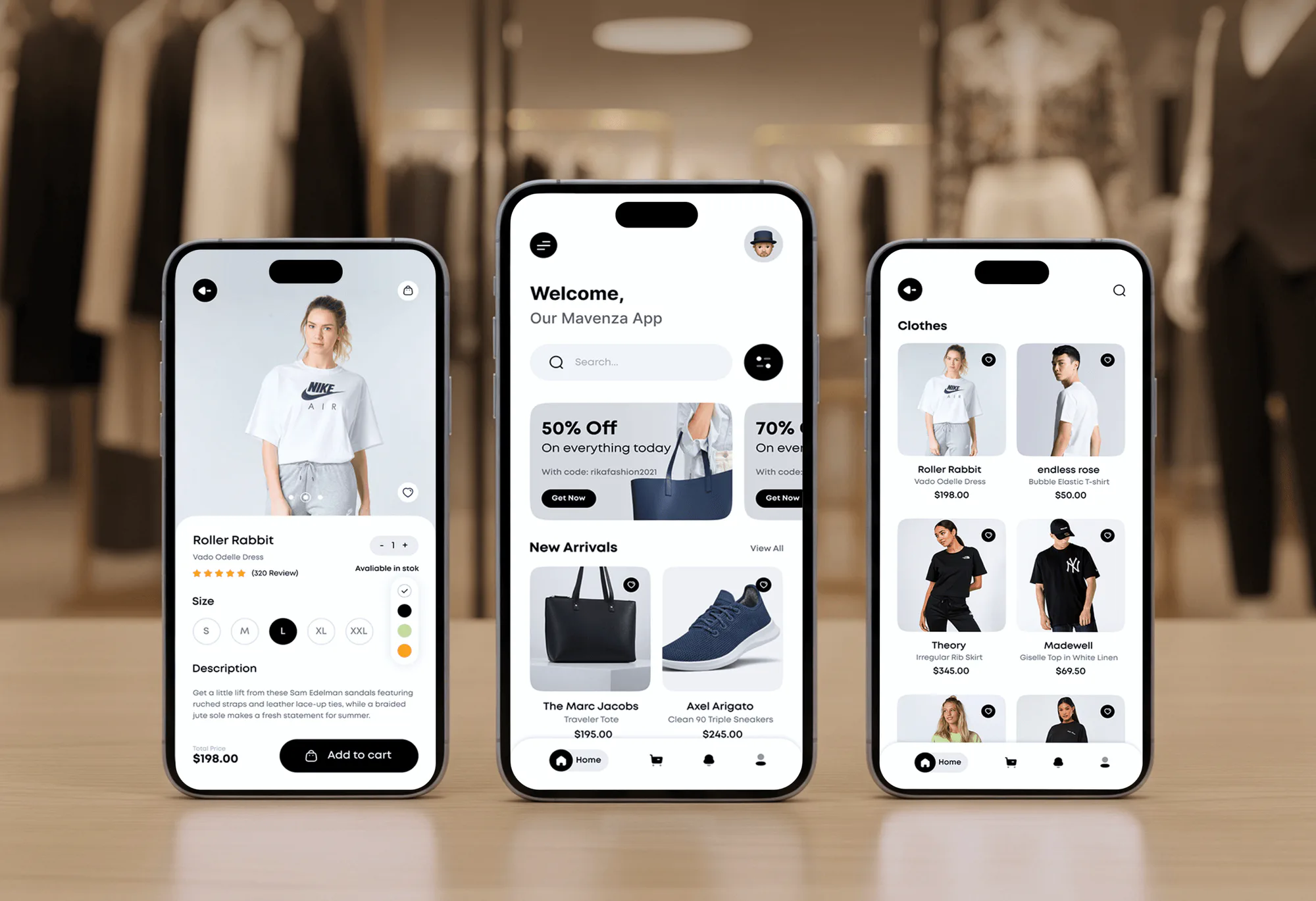
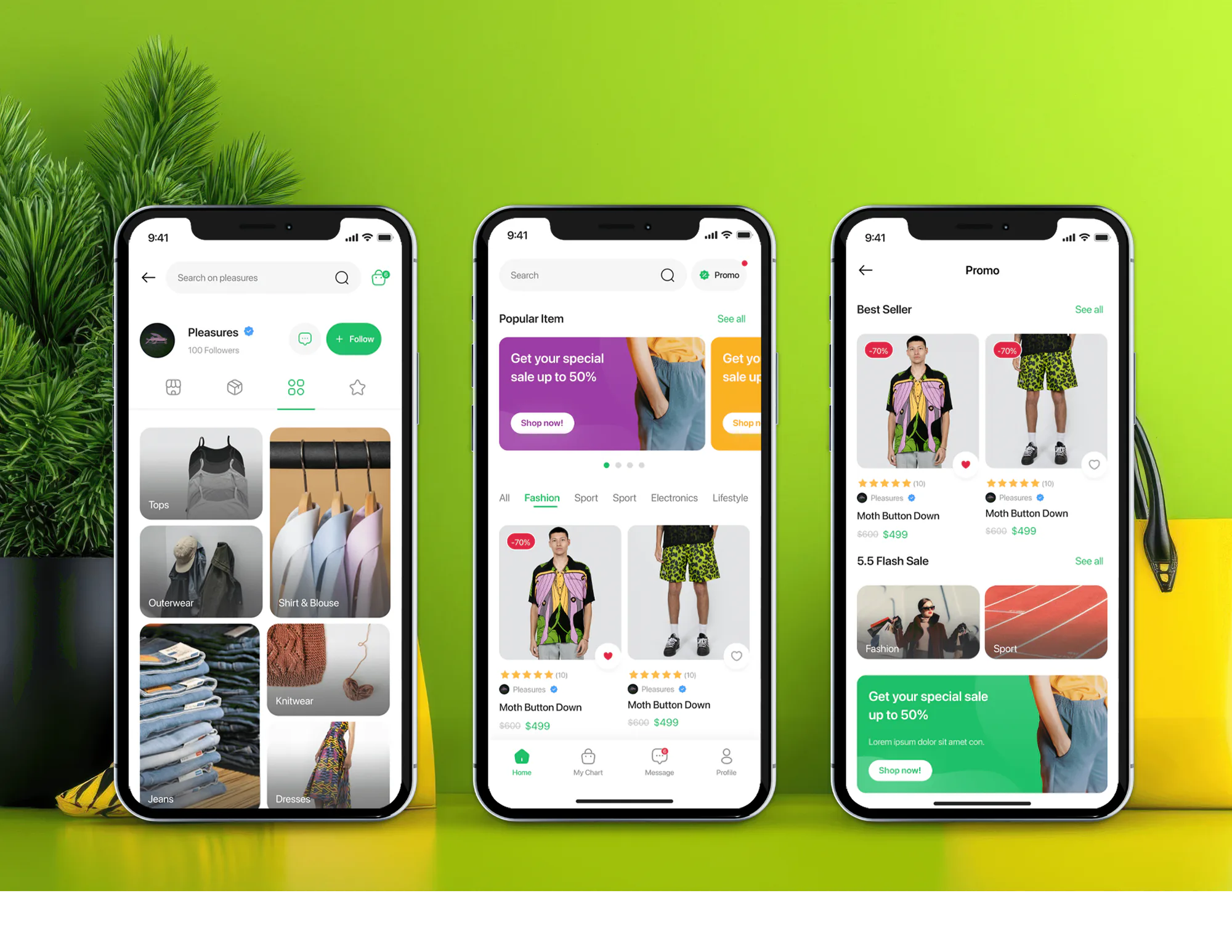
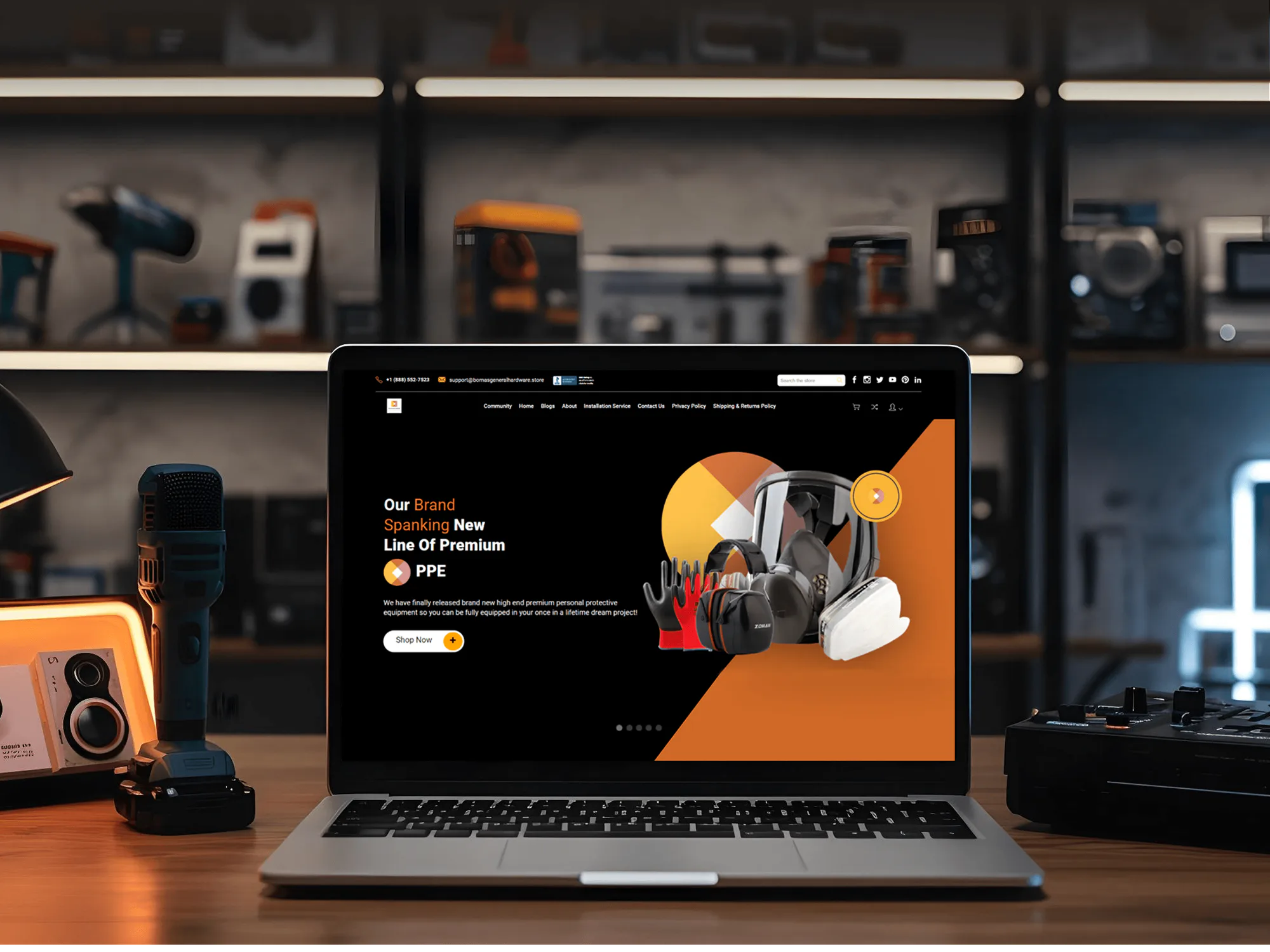
Shopify and ecommerce builds from our portfolio. Flow work relies on the same groundwork: clean order and product data, careful rules, and testing before launch.
What's Included
Every project covers the workflow review, templates, custom workflows, testing, and documentation. Larger plans add more workflows, outside app connections, and custom logic.
Compare Options
DIY templates are free and fine if you need one or two simple rules. External tools like n8n or Make suit workflows that leave Shopify. We fit when you want many Flow rules working together and tested.
| Feature | DeveloperLookBest fit | DIY templates | External automation tool |
|---|---|---|---|
| Cost | From $400, fixed scope | Free, plus your time | Monthly subscription |
| Setup time | 3 days to 3 weeks | Minutes per template | Days to weeks |
| Where it runs | Inside your Shopify admin | Inside your Shopify admin | Separate account and login |
| Systems outside Shopify | HTTP requests or a hand-off | Limited to connectors | Built for it |
| Tag naming rules | One pattern for every tag | Template defaults | Varies by builder |
| Testing before launch | Real order data, no live changes | Up to you | Varies by tool |
| Failure alerts | Error alert plus weekly run check | Often not set up | Built into most tools |
| Ownership | Your store, fully documented | Your store | Their account and billing |
What Our Clients Say
Feedback from teams we have built stores, integrations, and automation for.
We had a different kind of problem. People were visiting the store, adding products to their carts, and then disappearing before they finished the order. We had tried a few apps and made changes here and there, but nothing really seemed to solve the bigger issue. The team went through the shopping experience with us and pointed out things we hadn't really noticed ourselves. They cleaned up the cart and checkout flow, made the mobile experience much smoother, and helped us make the store feel easier to shop. I’m not going to pretend we fixed everything overnight, but it finally feels like the store is helping the sale instead of getting in the way of it.
The mobile experience is probably my favourite part of the new site. We had spent a lot of time making sure the desktop version looked right, and the team kept pushing us to think about how everything would actually feel on a phone too. They were right. The navigation is clean, the interactions feel natural, and everything we’ve tested so far works exactly as it should. They also went through the links, forms, integrations, and other details more than once before launch, which I really appreciated. And even after going live, we could still reach out when something came up. The whole process felt friendly, organised, and surprisingly straightforward.
We had a pretty specific idea of what we wanted our website to become, but I wasn’t sure how easily we could explain all of it to a development team. There were quite a few moving parts, and we were working toward a deadline, so I expected a few things to get lost along the way. That never really happened. They understood what we were trying to achieve, kept us updated throughout the process, and got everything ready within the agreed timeline. The final site feels much easier to navigate, works beautifully on mobile, and is noticeably smoother for our customers. It was a huge relief seeing the original idea actually turn into the website we had in mind.
1,250+
Projects shipped
10+
Years of experience
Top 3%
Upwork Top Rated Plus
5 stars
Average review score
1,250+
Projects shipped
10+
Years of experience
Top 3%
Upwork Top Rated Plus
5 stars
Average review score

Want results like these?
Tell us what you are building. You get a reply within 24 hours on business days, then a written estimate.
Work Culture
A workflow runs on every order you take, so one wrong condition can hold good orders or ship risky ones. These are the habits we bring to every Flow build.
Flow's template library already covers many routine tasks, so we start there and customize. Custom workflows get built only where no template fits your store.
Flow is free on Basic, Grow, Advanced, and Plus, but Send HTTP request needs Grow or higher, per Shopify. We confirm every action works on your plan before we build.
Every tag a workflow adds follows one pattern, like risk-high or vip-customer. Your team can filter orders by tag and know exactly which rule added it.
Flow's error trigger runs only once per workflow version within 30 days, per Shopify's docs. We add that alert plus a weekly Recent runs check, so repeat failures don't hide.
Flow's test mode runs a workflow against a real order without changing anything, per Shopify. We test every workflow that way before it goes live.
Flow shines for rules inside your store and gets clumsy with long chains across other systems. When your workflow needs your ERP or 3PL, we'll point you to n8n or Make instead.
Overview
DeveloperLook sets up Shopify Flow templates and custom workflows for stores on any Shopify plan. We tag risky orders, hold or release fulfillment, and send low-stock and exception alerts to Slack. Every workflow is tested on real order data before it goes live. Setups start at $400, and most go live within a week.
DEVELOPERLOOK
Project facts · Shopify Flow Automation Setup
Reviewed 28 Sep 2026 by Saimul Islam
Good fit
Stores tagging and holding orders by hand
Your team scans every new order for risk, tags it by hand, and pauses fulfillment. You want Flow doing that first pass for you.
Stores on Basic or Grow plans
You assumed store automation needed Shopify Plus. Flow runs on Basic too, and you want to know what your plan can do.
Shopify Plus teams with custom apps
Your custom app should trigger workflows, and Shopify Plus Flow supports tasks from custom apps. You need someone to wire it up.
Ops teams buried in alerts
Your team gets pinged for everything, so real exceptions get missed. You want fewer, sharper alerts for orders that need a person.
Agencies with Shopify clients
Your client wants store admin automated without another monthly app, and you want a partner who builds the workflows under your brand.
Not a fit
One simple rule
You need one simple rule, like tagging orders over a set amount. A free Flow template handles it, so a $400 setup isn't worth it.
Workflows outside Shopify
Your workflows mostly live outside Shopify, in your ERP, 3PL, or accounting app. Our Workflow Automation Services page covers n8n, Make, and Zapier builds.
Alerts into supplier POs
You want low-stock alerts turned into supplier purchase orders with approvals. Our Purchase Order Automation page covers reorder points and supplier POs.
Hiring for n8n itself
You're hiring for n8n itself, including self-hosting and complex workflows. Our n8n Developer and Consultant page covers that work.
Not sure we're the right fit?
Book a free call or message us. We'll tell you honestly whether we're the right team.
Pricing
These are starting points in USD. Your final price depends on workflow count, your Shopify plan, and outside apps, and you get a fixed proposal after a free workflow review.
For Agencies
You own the client relationship. We supply the Flow workflows, tag rules, alerts, and documentation behind it. Your client sees your brand on the workflow guide, and our name stays off the store admin and every handover.
White label: your client only ever sees your brand
Send the client's store, Shopify plan, and the admin tasks their team repeats.
You get a workflow list, a timeline, and a fixed price you can resell.
We build, test on real orders, and document every workflow under your brand.
Send the client's store, Shopify plan, and the admin tasks their team repeats.
You get a workflow list, a timeline, and a fixed price you can resell.
We build, test on real orders, and document every workflow under your brand.
The Right Technology for Your Project
We build inside Flow first, then connect Slack, your help desk, or outside automation tools only when your workflow needs them.
 ShopifyShopify FlowShopify Plus
 Google Sheets
 Slack
Slack Gorgias
 Zendesk
 Twilio
 n8n
n8n Make
Make Zapier
 Power Automate
 JavaScript
 GraphQL
 Node.jsShopify Admin API
Related Services
Flow projects often grow into outside integrations, purchasing, or email follow-up. These are the services clients add most often.
This page
Shopify Flow Automation Setup
Pairs with the 6 services around it
FAQ
Straight answers on cost, timelines, plan requirements, Slack alerts, testing, and when Flow isn't the right tool.
Saimul IslamFounder & CEO, DeveloperLookStill have questions?
Send a message or book a call with the team.
Flow setup starts at $400 for up to 3 workflows, including testing and a failed-workflow alert. Up to 8 workflows with tagging, fulfillment holds, stock alerts, and documentation costs $850. Up to 12 workflows with Send HTTP request, Run code, and team training costs $1,350. Flow itself is a free Shopify app, so you pay no subscription for the workflows.
A starter setup of up to 3 workflows takes 3 to 5 business days from review to launch. Up to 8 workflows takes 1 to 2 weeks, and a full program with outside apps takes 2 to 3 weeks. We check your plan and apps during the review, so nothing stalls halfway through the build.
Flow can automate most routine admin inside your Shopify store: tagging your orders and customers, holding fulfillment, hiding sold-out products, and sending you alerts. It runs on triggers, like a new order or an inventory change, checks your conditions, then takes actions. Templates cover common tasks, and custom workflows cover the rest. Reaching systems outside your store needs HTTP requests or connectors.
Yes, we build custom workflows whenever no template fits your rules. Your workflows can combine conditions like risk level, order value, customer tags, and shipping country, then branch into different actions. Logic that templates can't express runs in the Run code action in JavaScript, and Send Admin API request handles GraphQL updates Flow has no action for.
You need n8n or Make when a workflow must read or write data in systems outside Shopify, like your ERP, 3PL, or accounting app. Flow can call outside apps with Send HTTP request on Grow plans and up, which covers simple hand-offs. Multi-step jobs with retries, loops, or heavy data work belong in n8n, Make, Zapier, or Power Automate.
No, Flow is a free app on the Basic, Grow, Advanced, and Plus plans, per Shopify. Two limits matter. Send HTTP request needs Grow or higher. Shopify Plus Flow adds tasks from custom apps, so a Plus store's own app can trigger or run workflows. We check which of these your plan needs before we quote, so you get no surprises mid-build.
Yes, Flow can post to a Slack channel whenever an order meets the conditions you set. Typical alerts cover high-risk orders, orders stuck unfulfilled past your cutoff, and failed payments, each with a link to your order. On Grow plans and up, Send HTTP request can also open a Gorgias or Zendesk ticket or send a text through Twilio.
Yes, Flow can add or remove order tags and hold or release fulfillment orders, per Shopify's action reference. A common pattern tags a high-risk order, holds fulfillment, alerts your team, then releases the hold once someone approves. Tags can also route your orders to the right location or flag gift orders for special packing.
We use Flow's built-in test, which runs a workflow against a real order from your store without changing anything. The test stops at the first action that would make a change, per Shopify, so we check each branch separately. We also test edge cases like discounted orders, multiple locations, and missing addresses. After launch, we watch Recent runs and retry any failures.
Every plan includes 30 to 90 days of support after launch, depending on your plan. In that window we fix failed runs, adjust conditions as your store changes, and update workflows when Shopify changes an action. After that, your team edits workflows with our documentation, or you can keep us on an optional support plan. The workflows live in your store either way.
Saimul IslamFounder & CEO, DeveloperLookStill have questions?
Send a message or book a call with the team.
Free 30-min callGoogle Meet
Book a call
In 30 minutes on Google Meet we walk you through how we would build it, how long it takes and what it costs. Then you get a written estimate.
Calendar not showing? Book on cal.com or send a brief.