
Search report audit
No-result and no-click searches from your reports, each listed with the fix it needs.

For Shopify stores whose shoppers search, find nothing, and leave: search fixes and product filters built from your own search data, from $550.
6
Ways shoppers narrow results
Top 50
No-result searches fixed
How your project runs
Teams we have built for:














The Problem
Many stores don't read their search report, which lists every query that returned nothing. Plenty of those queries come from shoppers ready to buy.
01 · No results
Shoppers search for words your product data doesn't use.
We add those words to titles, tags, and types, so searches match.
02 · Filter clutter
Tag filters show values your shoppers don't understand.
Filters are rebuilt from options and metafields with clear, shopper-friendly names.
03 · Big collections
Filters disappear on your largest collection.
We split oversized collections or move them to a search app that handles them.
04 · Mobile
Your price filter is hard to reach on phones.
Filter layouts are tested on phones, including price ranges and swatches.
Your shopper types linen shirt, and the results page says nothing matched, because your products say flax. Your collection filters show a long list of tag values nobody understands. The price filter is hard to reach on phones. Filters stopped showing on your biggest collection, and nobody knows why. Shoppers who can't narrow a list of hundreds leave for a store that lets them. And the search report that would show all this goes unread.
We start with your search and filter reports: queries with no results, queries with no clicks, and filters nobody uses. Then we fix the data behind them, adding the words your shoppers use to titles, tags, and types. Filters come from your options and metafields, named the way your shoppers think. Search & Discovery handles most stores, and a search app takes over when your catalog outgrows it. Your shoppers find the product, not a blank results page.
Search reports read first
No-result and no-click searches show exactly where your shoppers get stuck in your store.
Filters named like shoppers think
Fit, material, and size filters built from your options and metafields, with clear labels.
Shopify's limits planned around
We plan for the 25-filter and 5,000-product limits before they hide your filters.
Our Shopify Search and Filter Setup Process
You see what shoppers searched for and couldn't find, approve the filter list, and compare your search reports before and after launch.
We read your Search & Discovery reports, test your top queries, and check every collection's filters. You get a list of no-result searches, broken filters, and the limits your catalog runs into.
What's Included
Every setup covers the data shoppers search, the filters they use, and the reports that show you what to fix next.
Compare Options
Shopify's built-in search works well for many stores, and a search app adds power for big catalogs. Here's where each one helps you and where it falls short.
| Feature | DeveloperLookBest fit | Search app | Theme defaults |
|---|---|---|---|
| Planning | Search reports read first | The app's setup wizard | Nothing planned |
| Search data | Titles, tags, and types fixed | Indexes your data as it is | Your data left as it is |
| Filters | Options and metafields, named well | Built-in filter builder | Your tags and default options |
| Large catalogs | Planned around the 5,000 limit | Handles large catalogs well | Filters hide on big collections |
| Typos and synonyms | Data fixes plus app rules | Typo and synonym rules | One-letter typo tolerance |
| Testing | Real queries, tested on phones | Varies by setup | Rarely tested |
| Monthly cost | Free app unless you outgrow it | Monthly app subscription | Free with Shopify |
| Cost | Fixed price from $550 | App fee plus setup time | Free, but your time |
Projects We've Built
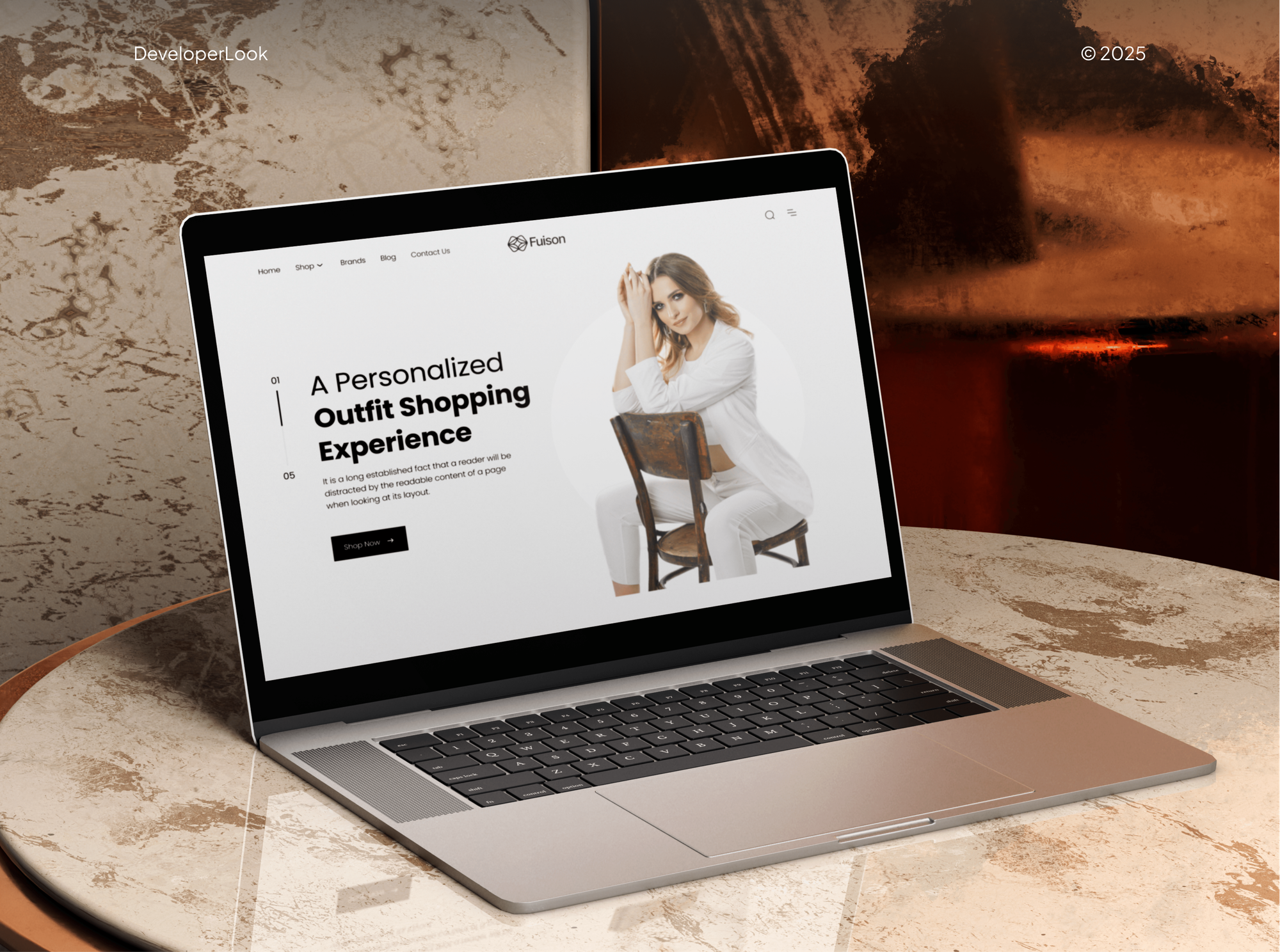
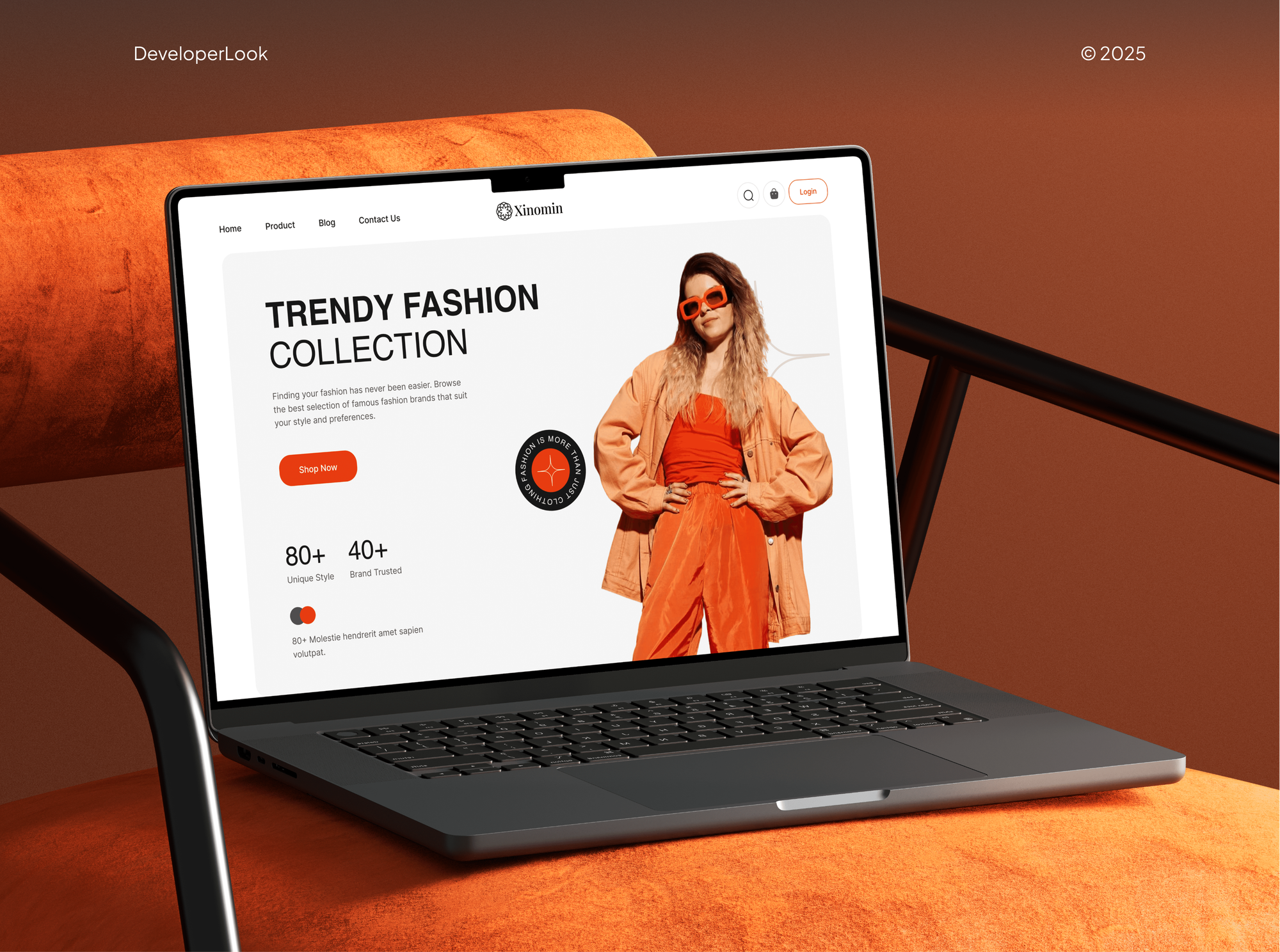
Stores and apps our team designed with filtered listings, sorting, and product search, from fashion catalogs to an artist's print shop.


What Our Clients Say
Feedback from teams we have built online stores and store features for.
We had a pretty specific idea of what we wanted our website to become, but I wasn’t sure how easily we could explain all of it to a development team. There were quite a few moving parts, and we were working toward a deadline, so I expected a few things to get lost along the way. That never really happened. They understood what we were trying to achieve, kept us updated throughout the process, and got everything ready within the agreed timeline. The final site feels much easier to navigate, works beautifully on mobile, and is noticeably smoother for our customers. It was a huge relief seeing the original idea actually turn into the website we had in mind.
The mobile experience is probably my favourite part of the new site. We had spent a lot of time making sure the desktop version looked right, and the team kept pushing us to think about how everything would actually feel on a phone too. They were right. The navigation is clean, the interactions feel natural, and everything we’ve tested so far works exactly as it should. They also went through the links, forms, integrations, and other details more than once before launch, which I really appreciated. And even after going live, we could still reach out when something came up. The whole process felt friendly, organised, and surprisingly straightforward.
What I appreciate most is that the website is actually easy for us to manage now. We can update content ourselves instead of sending a developer a message every time we need to change something small. They also paid attention to the technical SEO side, which mattered to us because we didn’t want a new website to create problems for the traffic we already had. I’ve probably asked more questions than I should have since launch, but every question has been handled patiently and without any fuss. The team is easy to work with, they explain things clearly, and when we need something changed, they focus on getting it done rather than making the process complicated.
1,250+
Projects shipped
10+
Years of experience
Top 3%
Upwork Top Rated Plus
5 stars
Average review score

Want results like these?
Tell us what you are building. You get a reply within 24 hours on business days, then a written estimate.
Work Culture
Search and filters decide whether shoppers find your products. These habits keep both accurate as your catalog changes.
Shopify's Search & Discovery app is free and covers many stores. If it already fits your catalog, we'll tell you before we quote a paid search app.
Many no-result searches come from missing words in your titles, tags, or types. We fix your data, so every channel that reads it improves too.
We decide which filters to add from your search reports and order data. Filters your shoppers don't use come out, so the useful ones stand out.
Shopify shows no filters on collections over 5,000 products and allows 25 filters per store. We plan around both before they surprise you.
Filter problems often show up on small screens: hidden price ranges, cramped swatches, long lists. We test every filter on phones before you launch.
You get notes on adding boosts, filter values, and metafields for new products. Search stays accurate after we hand over.
Overview
DeveloperLook sets up Shopify search and product filters for stores whose shoppers can't find what they came for. We read your search reports, fix no-result searches, add filters from your product data, and tune Search & Discovery or a search app. Setup starts at $550, takes 1 to 5 weeks, and you see the change in your own search reports.
DEVELOPERLOOK
Project facts · Shopify Search and Filter Setup
Reviewed 7 Oct 2026 by Saimul Islam
Good fit
Stores with many no-result searches
Your search report lists queries with no results, and shoppers who type them leave instead of buying.
Catalogs that need custom filters
You sell products with material, fit, or compatibility details, and a basic Shopify filter by price and type isn't enough.
Stores with oversized collections
Your biggest collection has more than 5,000 products, so its filters stopped showing and shoppers scroll instead.
Stores without search filters
Your shoppers can filter collections but not search, and you want Shopify filter search results that match your collection filters.
Agencies running Shopify builds
Your agency builds Shopify stores and needs search, filters, and search app setups delivered under your name.
Not a fit
Budget under $550
Your budget is under $550 and your catalog has a few dozen products. Shopify's free Search & Discovery app will cover you on its own.
Want a product finder quiz
Shoppers need guided help choosing, not a search box. Our Product Finder Quiz Development service builds that question flow.
Want personalized picks
You want personalized picks for each shopper across the store. Our Product Recommendation Engine Development page covers that build.
Collection pages must rank
Your collection pages need to rank on Google, not just filter well. Our Collection & Category Page SEO service handles that.
Not sure we're the right fit?
Book a free call or message us. We'll tell you honestly whether we're the right team.
Pricing
These are starting points in USD. Your final price depends on catalog size, filter needs, and app versus native search, and you get a fixed proposal after a free search review.
For stores getting Shopify's free search app and native filters working properly.
$550one-time, USD
For catalogs that need filters from their own attributes, such as material or fit.
$1,450one-time, USD
For large catalogs that outgrow Shopify's native filter and search limits.
$2,950one-time, USD
For Agencies
You own the client relationship. We supply the search work: report audits, product data fixes, filters, boosts, and search app setups, all under your brand. Fixed quotes protect your margin, and your client approves the filter plan before we build.
White label: your client only ever sees your brand
Send the client's store and their search report, or give us access to read it.
You get a filter plan, a fix list, and a fixed quote you can resell.
Filters and search tested on phones, with notes left in your client's store.
Your brand on every report, filter plan, and handover note.
Native filters, metafields, and search apps handled by one team.
A price set by catalog size and filter needs, ready to resell.
Extra hands for big catalog updates without adding new hires.
The Right Technology for Your Project
We start with Shopify's own search tools and add a search app only when your catalog or rules outgrow them.
 Shopify
 GraphQL
 Algolia
 Google Sheets
 Python
 Node.js
 JavaScript
 Google Analytics (GA4)
 Chrome DevTools
 Lighthouse
 Hotjar
FAQ
Straight answers on costs, Search & Discovery, boosts, filter types, price filters, custom filters, and search apps.
Saimul IslamFounder & CEO, DeveloperLookStill have questions?
Send a message or book a call with the team.
Setup with DeveloperLook starts at $550 for Search & Discovery filters, boosts, recommendations, and fixes for your top 50 no-result searches. Custom metafield filters for up to 2,000 products start at $1,450, and a third-party search app setup starts at $2,950. Search apps bill their own monthly fees on top.
A Search & Discovery setup takes about 1 week, including the search review and testing. Custom filters with data cleanup take 2 to 5 weeks, depending on how many products need attributes. A search app setup sits at the longer end, because its results page and rules need tuning.
Install Search and Discovery, Shopify's free app, then work through its Filters, Boosts, and Recommendations pages. Filters control what shoppers can narrow by, boosts lift products for chosen search terms, and recommendations set related and complementary products. Its reports show searches with no results or no clicks over the last 30 days.
It's a Search & Discovery setting that attaches up to 10 search terms to a product, so it ranks higher when your shoppers search those terms. Boosts affect your store's search results only, not collections or Google. They apply while the product is available, so use them on a few key products per term.
The best one is whichever fixes your store's real no-result searches, because no app improves conversion by itself. Apps such as Boost AI Search & Filter, Searchanise, Algolia, and Klevu add typo rules, synonyms, and merchandising for large catalogs. We compare search conversion before and after, using your own reports.
In Search & Discovery, open Filters, choose Add filter, and pick a source such as availability, product type, vendor, or an option like size. Save it, and the filter appears on collection pages if your theme supports filtering, which Online Store 2.0 themes do. Vintage themes need custom code first.
Add a filter in Search & Discovery, choose Price as the source, and save. Your shoppers then get a price range on collection and search results pages. The price filter works in your store's default currency only, so if you sell in several currencies, test it in each market.
Shopify has standard filters for availability, category, price, product type, tags, and vendor. Custom filters can use product options, product, variant, or category metafields, and standard product attributes from Shopify's taxonomy. A store can show up to 25 filters, and each filter shows shoppers up to 100 values.
For most stores, the top tool is Search & Discovery, the free search filter Shopify makes itself. It covers standard and metafield filters on collections of up to 5,000 products. If your catalog is bigger, or you need advanced merchandising, a third-party search app is usually the next step.
Create a metafield definition first, such as Material, using a supported type like single line text, number, true or false, or a metaobject reference. Fill it in for your products, then add a filter in Search & Discovery with that metafield as the source. Name and order the values the way your shoppers think.
Saimul IslamFounder & CEO, DeveloperLookStill have questions?
Send a message or book a call with the team.
Free 30-min callGoogle Meet
Book a call
In 30 minutes on Google Meet we walk you through how we would build it, how long it takes and what it costs. Then you get a written estimate.
Calendar not showing? Book on cal.com or send a brief.