
Cloud API number and profile
Your number, display name, and business profile set up on Meta's Cloud API or through your provider.

For sales and support teams whose customers already message on WhatsApp: a bot that answers, qualifies leads, and logs every chat in your CRM.
24/7
Answers on WhatsApp
100%
Chats logged in your CRM
How your project runs
Teams we have built for:














The Problem
Trouble starts once WhatsApp becomes your customers' favorite channel. One shared phone turns into a queue nobody owns, and leads slip away.
01 · Late replies
Evening questions wait until someone picks up the shared phone.
A bot answers common questions at any hour and queues the rest for staff.
02 · Lost leads
Ad leads send messages, wait, and buy somewhere else.
Short qualifying questions score each lead and push the answers into your CRM.
03 · Hand copying
Reps retype chat details into the CRM when they remember.
Webhooks log every message and handoff on the matching contact record.
04 · Restricted number
A promotion to an old list gets the number restricted.
Opt-in capture and approved templates come first, before any message you start.
A customer asks about a delivery on WhatsApp late in the evening, and the reply goes out the next morning from a shared phone. A lead from your ad sends 3 messages, waits, then buys somewhere else. Your reps copy chat details into the CRM by hand, when they remember. Someone sends a promotion to an old list, and the number gets restricted. Nobody knows which chats are open or who owns them.
We start with the account: your Cloud API number, display name, opt-in wording, and the templates Meta must approve. Then we build the bot around your real questions, with buttons and lists for common answers and a clear path to a person. Every chat, lead answer, and handoff writes back to your CRM through webhooks. Customers get an answer at any hour, not a read receipt and silence.
Templates approved before launch
Marketing and utility templates go to Meta for review early, so launch day isn't spent waiting.
Bots that hand off cleanly
Customers reach a person with one tap, and the agent sees the whole conversation first.
Every chat on the record
Messages, lead answers, and owners write to the contact in HubSpot, Salesforce, or Zendesk.
Our WhatsApp Business API and Chatbot Development Process
You see the account plan first, approve every template and bot reply, and test each flow on real phones before a single customer gets a message.
We look at how customers reach you today, your Meta Business portfolio, and the systems that need chat data. We also check whether the free app would do. You get a written plan, a template list, and a fixed price.
What's Included
From the first number to a bot your team trusts, the work has six parts. Each maps to a Meta rule or a system you already use.
Compare Options
A no-code bot builder suits simple menus, and the free WhatsApp Business app suits one person answering. Here is where each one stops working.
| Feature | DeveloperLookBest fit | Bot builder app | Business app |
|---|---|---|---|
| Setup speed | 2 to 3 weeks for one bot | Days with ready templates | Minutes to install |
| Running cost | Meta fees plus hosting | Monthly plan per seat or chat | Free app |
| Bot logic | Built around your questions | Limited to the builder's blocks | Quick replies only |
| AI answers | From your own content only | Depends on the plan | |
| CRM sync | Two-way, with chat history | Prebuilt connectors | |
| Team inbox | Shared inbox with routing rules | Usually included | Linked devices only |
| Testing | Real phones before launch | Builder preview | Not needed |
| Ownership | Code and account you own | Vendor's platform | Your phone and app |
Projects We've Built
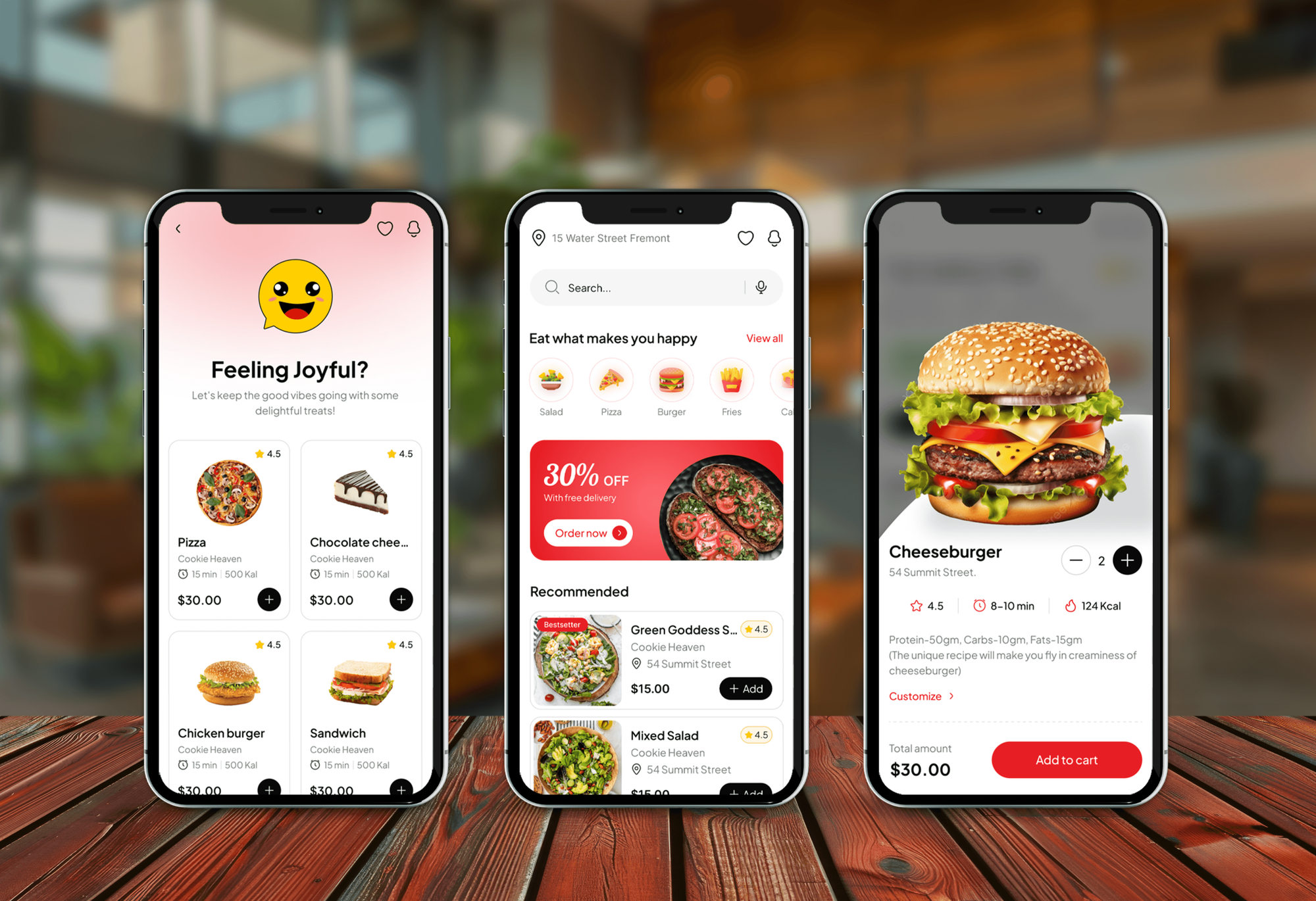
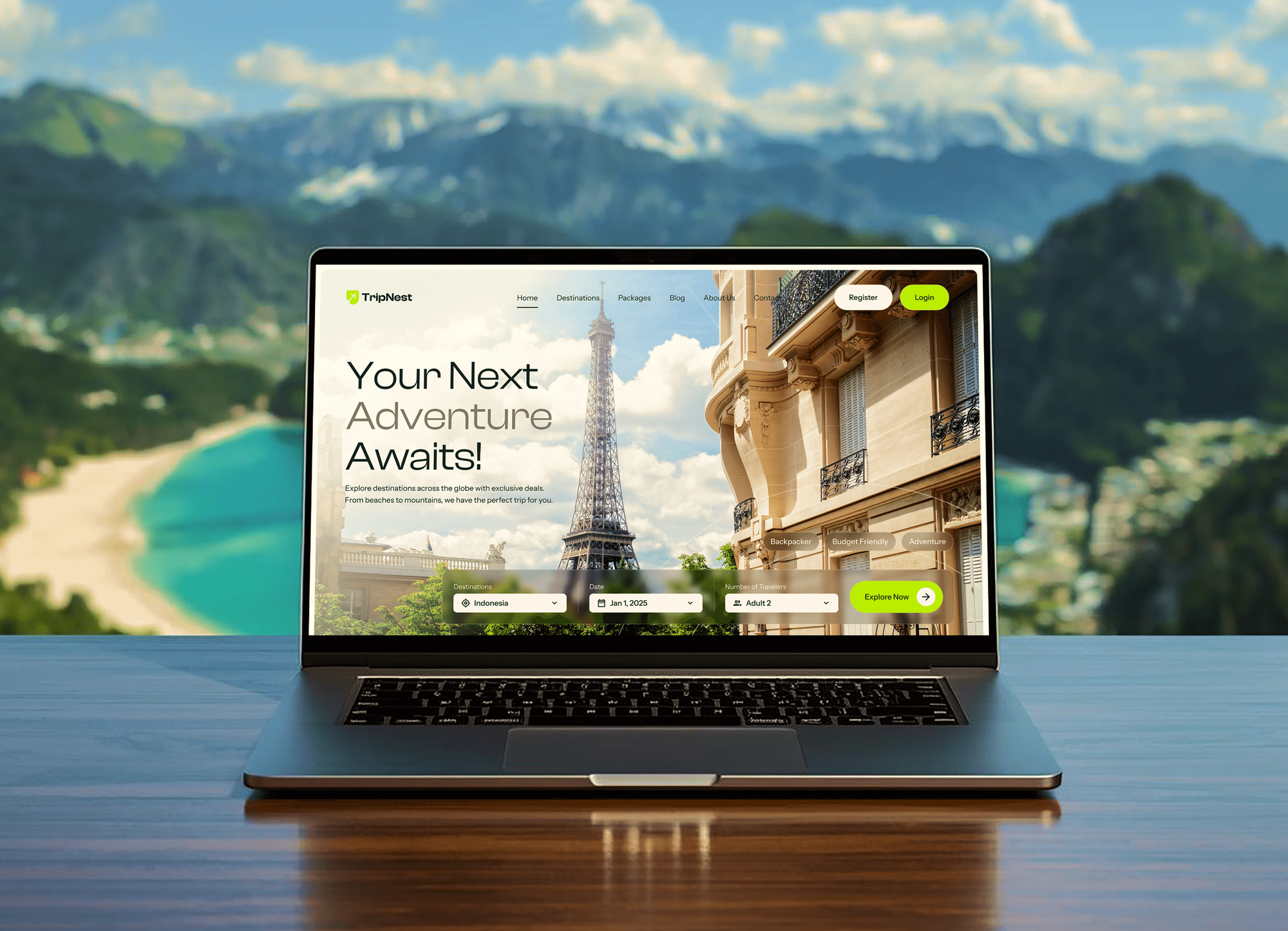
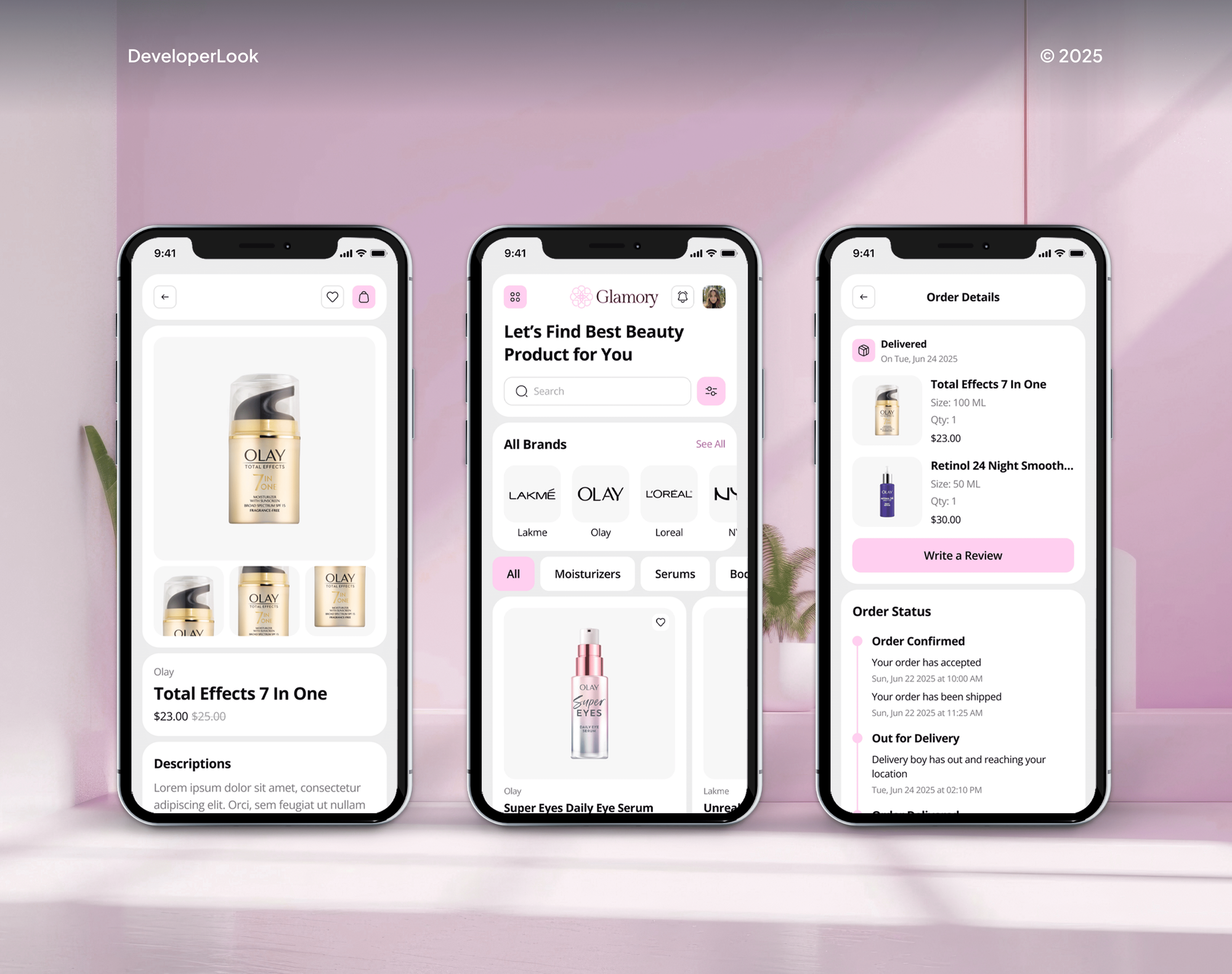
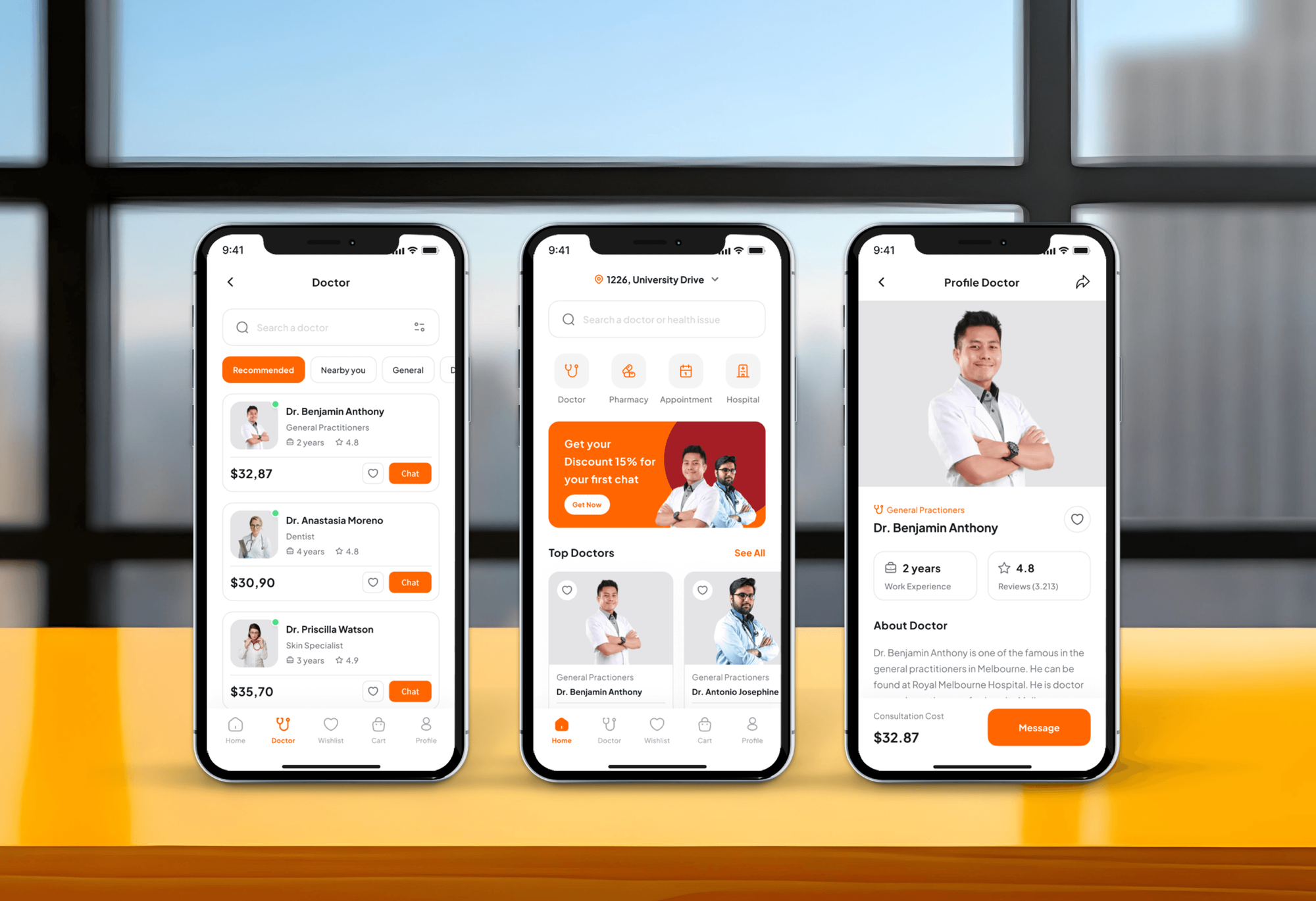
Food delivery, travel booking, beauty shopping, and medical appointment products, where customers expect quick answers. They weren't WhatsApp projects, but they serve the same customers.
What Our Clients Say
Feedback from teams we have built websites and business software for.
We had a pretty specific idea of what we wanted our website to become, but I wasn’t sure how easily we could explain all of it to a development team. There were quite a few moving parts, and we were working toward a deadline, so I expected a few things to get lost along the way. That never really happened. They understood what we were trying to achieve, kept us updated throughout the process, and got everything ready within the agreed timeline. The final site feels much easier to navigate, works beautifully on mobile, and is noticeably smoother for our customers. It was a huge relief seeing the original idea actually turn into the website we had in mind.
The mobile experience is probably my favourite part of the new site. We had spent a lot of time making sure the desktop version looked right, and the team kept pushing us to think about how everything would actually feel on a phone too. They were right. The navigation is clean, the interactions feel natural, and everything we’ve tested so far works exactly as it should. They also went through the links, forms, integrations, and other details more than once before launch, which I really appreciated. And even after going live, we could still reach out when something came up. The whole process felt friendly, organised, and surprisingly straightforward.
What I appreciate most is that the website is actually easy for us to manage now. We can update content ourselves instead of sending a developer a message every time we need to change something small. They also paid attention to the technical SEO side, which mattered to us because we didn’t want a new website to create problems for the traffic we already had. I’ve probably asked more questions than I should have since launch, but every question has been handled patiently and without any fuss. The team is easy to work with, they explain things clearly, and when we need something changed, they focus on getting it done rather than making the process complicated.
1,250+
Projects shipped
10+
Years of experience
Top 3%
Upwork Top Rated Plus
5 stars
Average review score

Want results like these?
Tell us what you are building. You get a reply within 24 hours on business days, then a written estimate.
Work Culture
WhatsApp reaches customers on their personal phones, under Meta's rules. These habits keep your number in good standing and your customers talking to the right person.
We check opt-in, template categories, and Meta's business messaging rules before building anything. A restricted number costs far more time than a careful start.
If the WhatsApp Business app already covers your chat volume, we'll tell you before we quote. API work only pays off once chats outgrow one phone.
Every bot we build offers a clear route to a human. Customers stay patient when they know someone real can step in.
Your WhatsApp Business Account, number, and templates stay in your own Meta Business portfolio. You can change developers or providers without starting over.
The AI answers only from content you approve: help pages, policies, and price lists. Anything outside them goes to a person instead of a guess.
We estimate Meta's per-message fees for each template before launch. You see what marketing and utility messages will cost before the first invoice arrives.
Overview
DeveloperLook handles WhatsApp API integration for sales and support teams, on your own Cloud API account or your provider's. We set up the number and templates, build a bot that answers and qualifies leads, and log every chat in your CRM. Projects start at $750, take 2 to 8 weeks, and Meta bills message fees to you directly.
DEVELOPERLOOK
Project facts · WhatsApp Business API and Chatbot Development
Reviewed 8 Oct 2026 by Saimul Islam
Good fit
Support teams on one shared phone
Your agents answer the same order and booking questions all day from one shared phone, and you want routine ones handled before a person steps in.
Sales teams running click-to-WhatsApp ads
Your ads send leads to WhatsApp faster than reps can reply, and you want each one qualified and pushed to the CRM with its answers.
HubSpot, Salesforce, or Zendesk teams
You need WhatsApp Business API CRM integration so every chat shows on the contact record your team already opens, not on someone's phone.
Product teams adding WhatsApp to an app
Your app sends order updates by email that customers skip, and you want a WhatsApp business integration for confirmations, alerts, and replies.
Agencies selling bots to clients
Your agency sells chatbot integration with WhatsApp, and you need each bot built on the client's own Meta account and documented under your brand.
Not a fit
Few chats, budget under $750
Your budget is under $750 and one person answers a handful of chats a day. The free WhatsApp Business app, with quick replies and away messages, covers that.
You need SMS and voice too
You want SMS, voice calls, and WhatsApp from one provider account. Our Twilio Integration Services page covers multi-channel messaging built on Twilio.
Customers ask on your site
Most questions arrive on your website, not WhatsApp. Our AI Chatbot Development Services page covers a site chatbot that can add WhatsApp later.
Lists that never opted in
You want to message bought or old lists that never opted in. WhatsApp's policy requires opt-in, numbers get restricted for it, and we won't build it.
Not sure we're the right fit?
Book a free call or message us. We'll tell you honestly whether we're the right team.
Pricing
These are starting points in USD. Your final price depends on the flows, the connected systems, and the AI scope, and you get a fixed proposal after a free WhatsApp review.
For one number with a menu bot for common questions and lead capture, logged in one CRM.
$750one-time, USD
For teams that want AI answers from their own content, routing, and two-way CRM sync.
$2,250one-time, USD
For several teams, numbers, or languages, with forms, order lookups, and up to 4 systems.
$4,950one-time, USD
For Agencies
You own the client relationship. We supply the WhatsApp engineering: Cloud API setup, template submissions, bot logic, and CRM sync. Numbers, templates, and bot content live in your client's Meta account, so the client keeps full control.
White label: your client only ever sees your brand
Send the client's channels, systems, and the questions their customers ask most.
You get a conversation map, a template list, and a fixed price for the client.
Tested bots and documentation delivered under your agency's name, ready for client sign-off.
You present the bot and the results while we work in the background.
Lead, booking, and support flows adapted for each client, not rebuilt.
Each bot is quoted upfront, so your client proposals stay profitable.
Conversation maps and runbooks your team can share with each client.
The Right Technology for Your Project
We build on Meta's own WhatsApp platform and connect it to the CRMs, helpdesks, and AI models your team already uses.
 Meta Graph API
 HubSpot
 Salesforce
 Zendesk
 Slack alerts
 OpenAI
 Anthropic Claude
 Google Gemini
 Node.js
 Python
 PostgreSQL
 AWS
AWSFAQ
Straight answers on the WhatsApp API, costs and Meta fees, CRM connections, lead capture, and what HubSpot can do on its own.
Saimul IslamFounder & CEO, DeveloperLookStill have questions?
Send a message or book a call with the team.
Yes. Meta offers the WhatsApp Business Platform, and its Cloud API is hosted by Meta, so you don't run messaging servers yourself. The older On-Premises API stopped delivering messages after October 23, 2025. Your app sends messages through Meta's Graph API and receives replies and delivery statuses (sent, delivered, read, or failed) through webhooks.
It's an automated assistant that replies to customers inside WhatsApp with buttons, lists, or AI answers. Reply buttons allow up to 3 choices and list messages up to 10 rows, which suits menus and lead questions. Meta's terms bar general-purpose AI assistants on the platform, but AI that answers questions about your own business is allowed.
WhatsApp API integration with DeveloperLook starts at $750 for a menu bot on one number, logged in one CRM. An AI bot with human handoff and two-way CRM sync starts at $2,250, and multi-team programs start at $4,950. Meta bills its per-message fees to your own account, and you get a fixed quote after a free review.
Not entirely. The free WhatsApp Business app has greeting messages, away messages, and quick replies, but no real bot logic. On the API, Meta doesn't charge for your replies inside the 24-hour customer service window, and utility templates sent in that window are free. Marketing templates are charged per delivered message, and the bot itself needs building and hosting.
You sign up with Meta directly or through a WhatsApp Business API provider using Meta's Embedded Signup. Either way, you need a Meta Business portfolio, a WhatsApp Business Account, a phone number, and a display name. Limits start at 250 unique people per rolling 24 hours for messages you start, then rise in steps.
You connect Meta's webhooks to the CRM, either through the CRM's own WhatsApp channel or a small service in between. Zendesk and HubSpot offer native WhatsApp channels, and Salesforce supports WhatsApp in Service Cloud. When the native channel can't run your bot or map lead answers to fields, we build the connection on the Cloud API.
The bot asks a few qualifying questions with buttons or a WhatsApp Flows form, then sends the answers to your CRM. Each lead gets a score, and hot ones go straight to a rep's queue with the chat attached. Others get a follow-up template later, and only if they opted in to hear from you.
Routing rules read the customer's button choice, language, or message topic and assign the chat to a team or queue. In HubSpot, Zendesk, or Salesforce, the routed chat lands in the same inbox your agents use for email and web chat. Out of hours, the bot answers what it can and tells customers when a person will reply.
Use the bot for repeat questions such as order status, opening hours, and booking changes, and hand everything else to a person. Meta's policy expects automated flows to offer a clear path to a human, so every flow we build has one. Order lookups read from your store or database, so customers see their own details.
Partly. HubSpot connects WhatsApp to its conversations inbox on Marketing Hub or Service Hub Professional or Enterprise, and workflows can send approved templates. Its AI customer agent can answer on WhatsApp too. HubSpot documents its rule-based chatflows for website chat only, so custom menus and lead flows run on the Cloud API with HubSpot as the record.
Saimul IslamFounder & CEO, DeveloperLookStill have questions?
Send a message or book a call with the team.
Free 30-min callGoogle Meet
Book a call
In 30 minutes on Google Meet we walk you through how we would build it, how long it takes and what it costs. Then you get a written estimate.
Calendar not showing? Book on cal.com or send a brief.