
Network plan and structure
Subdomain, subdirectory, or mapped-domain setup chosen for how your sites and URLs need to work.

For franchises, schools, and brands running many WordPress sites: one network, one login, and one update pass for every site, from $1,100.
1
Login to manage every site
100%
Sites updated in one pass
How your project runs
Teams we have built for:














The Problem
Your related sites probably started as copies of one WordPress install. Years later, each copy has its own plugins, its own theme tweaks, and its own update schedule, and nobody keeps them in step.
01 · Copied installs
Each site runs its own copy of WordPress.
One network shares core, themes, and plugins across all your sites.
02 · Drifting brand
Logos and styles drift apart from site to site.
A shared block theme with per-site styles keeps the brand consistent.
03 · Scattered updates
Security updates happen site by site, when someone remembers.
Updates run once for the whole network, tested on staging first.
04 · Access sprawl
Every site needs its own admin login.
Network roles give each person access to exactly the sites they manage.
Your marketing team updates the logo, and someone has to change it on every site by hand. One location's site still runs a plugin version the others replaced last year. Security updates go out whenever someone remembers, site by site. Each install has its own admin login, so access for a new hire takes an afternoon. The sites were meant to share one brand, and slowly they've drifted apart.
We start by deciding whether multisite really fits, because some groups of sites are better kept apart. When it fits, we build one network: a shared block theme with per-site styles, plugins set network-wide or per site, and roles that match who manages what. For a multisite network, WordPress then applies core, theme, and plugin updates once for every site. Your brand stays consistent, and adding a site takes minutes instead of days.
One network, one dashboard
Every one of your sites managed from the Network Admin screen with a single Super Admin login.
Shared theme, local styles
One block theme across your network, with colors and logos set for each site.
One update pass
Core, theme, and plugin updates applied once and tested for all your sites together.
Our WordPress Multisite Development Process
You approve the network structure, the shared theme, and the plugin rules, then test every site on a staging network before launch.
We review your current sites, plugins, domains, hosting, and who edits what. You get a clear answer on multisite versus separate installs, a network plan if it fits, and a fixed quote.
What's Included
Every project covers the network plan, setup, shared theme, plugin rules, roles, migrations, and launch, sized to your site count and design differences.
Compare Options
Separate installs keep your sites fully isolated, which suits unrelated sites, and a freelancer can be cheaper for a small network. Here's where each option works for you and where it breaks.
| Feature | DeveloperLookBest fit | Separate installs | Freelancer |
|---|---|---|---|
| Updates | Once for the whole network | Once for each site you run | Depends on the setup |
| Brand consistency | Shared theme, per-site styles | Copied themes drift apart | Varies by build |
| Isolation | Shared core and plugins | Fully separate, safest split | Varies by build |
| New sites | Added from Network Admin | New install each time | Set up by hand |
| Plugin control | Network-wide or per site | You manage each site | Often inconsistent |
| Hosting | One hosting plan | One plan per site | Depends on their choice |
| Setup cost | From $1,100, fixed scope | Cheapest for a few sites | Lower hourly rate |
| Ownership | Code in your repository | Yours, site by site | Check the contract |
Projects We've Built
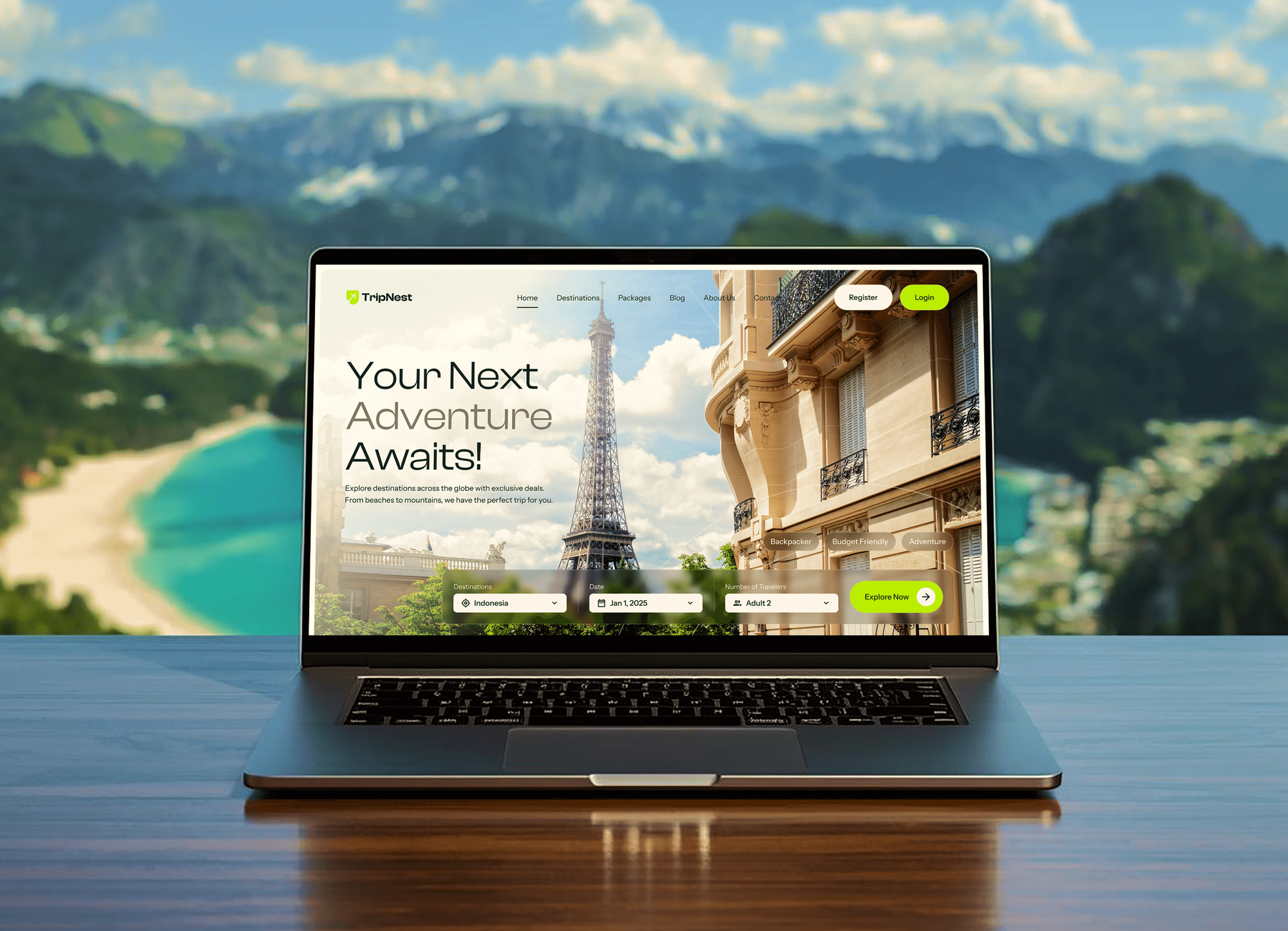
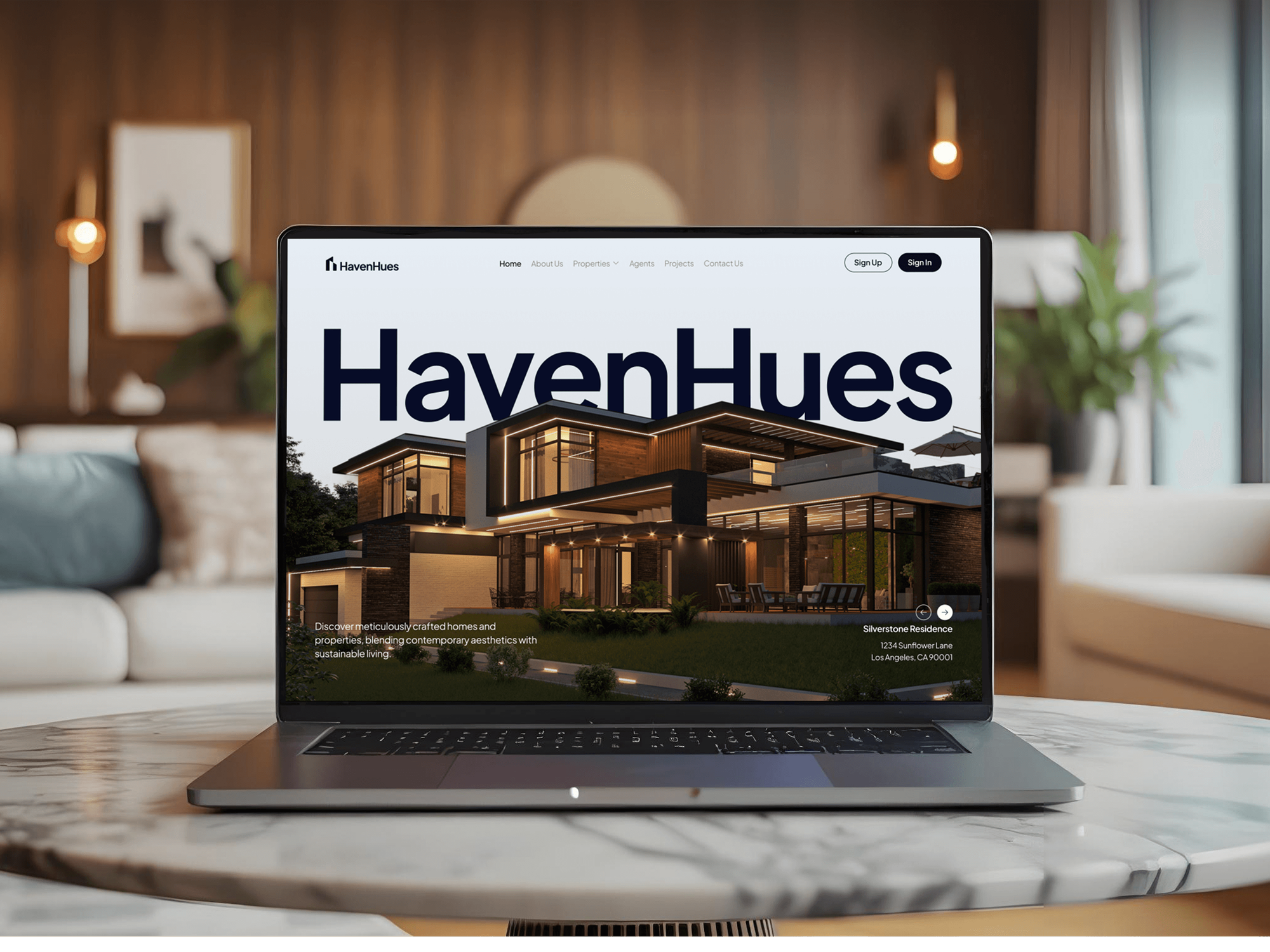
Travel, restaurant, real estate, and agency websites our team designed and built, for the kind of brands that often grow into many sites.


What Our Clients Say
Feedback from teams we have built brand websites and platforms for.
We had a pretty specific idea of what we wanted our website to become, but I wasn’t sure how easily we could explain all of it to a development team. There were quite a few moving parts, and we were working toward a deadline, so I expected a few things to get lost along the way. That never really happened. They understood what we were trying to achieve, kept us updated throughout the process, and got everything ready within the agreed timeline. The final site feels much easier to navigate, works beautifully on mobile, and is noticeably smoother for our customers. It was a huge relief seeing the original idea actually turn into the website we had in mind.
The mobile experience is probably my favourite part of the new site. We had spent a lot of time making sure the desktop version looked right, and the team kept pushing us to think about how everything would actually feel on a phone too. They were right. The navigation is clean, the interactions feel natural, and everything we’ve tested so far works exactly as it should. They also went through the links, forms, integrations, and other details more than once before launch, which I really appreciated. And even after going live, we could still reach out when something came up. The whole process felt friendly, organised, and surprisingly straightforward.
What I appreciate most is that the website is actually easy for us to manage now. We can update content ourselves instead of sending a developer a message every time we need to change something small. They also paid attention to the technical SEO side, which mattered to us because we didn’t want a new website to create problems for the traffic we already had. I’ve probably asked more questions than I should have since launch, but every question has been handled patiently and without any fuss. The team is easy to work with, they explain things clearly, and when we need something changed, they focus on getting it done rather than making the process complicated.
1,250+
Projects shipped
10+
Years of experience
Top 3%
Upwork Top Rated Plus
5 stars
Average review score

Want results like these?
Tell us what you are building. You get a reply within 24 hours on business days, then a written estimate.
Work Culture
A network multiplies good decisions and bad ones. These habits keep every site on your network quick to update and easy to manage.
If your sites share little beyond a login, separate installs may serve you better, and we'll say so. Multisite pays off when sites share a brand, plugins, and owners.
Every plugin is checked for multisite support before it goes on your network. One bad plugin on a network can break every site at once.
Subdomain versus subdirectory is hard to change once your sites exist, so we settle it with you during planning. WordPress itself steers older installs toward subdomain networks.
Updates and new plugins run on a staging copy of the whole network before production. Every one of your sites gets checked, not only the main one.
Large networks slow down when options tables and scheduled tasks pile up. We check database size and cron jobs so your network admin stays responsive.
Code, the database, and media stay in your repository and hosting account. Bringing in another developer later doesn't depend on us.
Overview
DeveloperLook offers WordPress Multisite development for franchises, schools, and brands that run many related sites. We plan the network, build one block theme with per-site styles, map domains, set roles, and move existing sites in with redirects. Projects start at $1,100, take 2 to 14 weeks, and the code stays in your repository.
DEVELOPERLOOK
Project facts · WordPress Multisite Development
Reviewed 8 Oct 2026 by Saimul Islam
Good fit
Franchises with a site per location
Your franchise runs a separate WordPress install for every location, and each plugin update means logging in to each one.
Universities with department sites
Your departments each want their own site, but IT needs one place to control themes, plugins, and who can publish what.
Brands with regional or language sites
You run country or brand sites that share a design, and you want a multisite network in WordPress instead of copied installs.
Teams on a struggling network
Your existing WP Multisite network has plugin conflicts, slow admin screens, and a theme nobody wants to touch anymore.
Agencies managing many client sites
Your agency is weighing multisite for client sites and wants a WordPress multisite developer to say honestly whether it fits.
Not a fit
Only one site
You run a single WordPress site with no plans for more. Our WordPress Development Services page covers single-site builds without network overhead.
Unrelated client sites
Your sites belong to different clients with different plugins and owners. Separate installs on our WordPress Maintenance Services plans keep each one isolated.
A store on every site
Each site needs its own large WooCommerce store with separate payments. Separate installs are usually simpler there, and we'll tell you before we quote.
Budget under $1,100
Your budget is under $1,100 for a whole network. Starting with one well-built site and adding the network later may suit you better.
Not sure we're the right fit?
Book a free call or message us. We'll tell you honestly whether we're the right team.
Pricing
These are starting points in USD. Your final price depends on site count, design differences, and migrations, and you get a fixed proposal after a free network review.
For teams moving up to 5 related sites onto one new WordPress Multisite network.
$1,100one-time, USD
For brands and franchises launching a designed network of up to 20 sites.
$3,800one-time, USD
For organizations merging many existing sites into one managed network.
$7,600one-time, USD
For Agencies
You own the client relationship. We supply the WordPress Multisite engineering behind it: network planning, shared themes, plugin rules, and migrations. Work ships under your brand, and your team stays the client's contact throughout.
White label: your client only ever sees your brand
Send the client's site list, domains, and current hosting details.
You get a network plan and a fixed price to resell.
Rollout tested site by site, launched in a planned window, then documented.
Network plans, staging links, and runbooks carry your agency's name.
Franchise, school, and regional networks built on one shared theme.
Quotes by site count and theme scope that you can mark up.
Extra hands when a client's network rollout needs more people.
The Right Technology for Your Project
We use WordPress core features and standard tooling, so any WordPress developer you hire can run your network after us.
 WordPress
 PHP
PHP MySQL
MySQL React
React HTML5
HTML5 CSS3
CSS3 JavaScript
 WP Engine
 Cloudflare
 AWS
AWS Docker
FAQ
Straight answers on WordPress Multisite costs, themes and plugins, domains, examples, and managing a network.
Saimul IslamFounder & CEO, DeveloperLookStill have questions?
Send a message or book a call with the team.
Multisite work at DeveloperLook starts at $1,100 for a network of up to 5 sites on one shared theme. A designed network of up to 20 sites starts at $3,800, and merging many existing sites with single sign-on starts at $7,600. You get a fixed price after the free network review.
A WordPress Multisite network setup takes 2 to 4 weeks, and a full build or merge of existing sites takes 6 to 14 weeks. Migrations and per-site design differences drive most of that time. The free network review takes 2 to 4 days and shows where your project lands.
WordPress Multisite is a core WordPress feature that runs a network of sites from one installation. Sometimes called WP Multisite, it shares core files, themes, and plugins, while each of your sites keeps its own content, settings, and database tables. In short, multisite WordPress means many sites, one codebase, and one place to update them.
WordPress Multisite can use one theme or many. The Super Admin installs themes once and enables them for the network, then each of your sites activates the theme it needs. If you run a brand network, one block theme with per-site styles keeps updates simple while each site keeps its own look.
Common WordPress Multisite examples include universities with department sites, franchises with location sites, and media groups with several publications. Companies with regional or language sites use it too, and WordPress.com itself runs on Multisite. If your sites share one brand, similar plugins, and a central team, they fit the same pattern.
Use WordPress Multisite when your sites share a brand, most plugins, and one team that manages updates. Use separate installs when sites belong to different clients, need very different plugins, or must stay isolated for security. A plugin conflict on a network can affect every site, so isolation sometimes matters more than convenience.
No, not every plugin supports Multisite properly. Some store settings only for the main site, add network-wide tables, or ignore per-site options. We test each of your plugins on a staging network first, then decide whether it's network-activated, activated per site, or replaced with one built for multisite.
Use subdirectories if your sites are sections of one brand and subdomains if they're clearly separate, mapping custom domains where you need them. WordPress has supported domain mapping in core since version 4.5. The choice is hard to change after launch, so we settle it in your network plan before any site is created.
Yes, your existing WordPress sites can be merged into one multisite network. We export each site's content, users, and media, import them with WP-CLI, rewrite URLs, and map domains or add redirects. Plugins and themes are checked first, since anything not built for multisite has to be replaced before the move.
WordPress Multisite management means updating core, themes, and plugins once for the network, adding new sites, and managing roles. You also watch database size and scheduled tasks as the network grows. Your plan includes 30 to 90 days of support, and the runbook lets your team or ours continue the routine.
Saimul IslamFounder & CEO, DeveloperLookStill have questions?
Send a message or book a call with the team.
Free 30-min callGoogle Meet
Book a call
In 30 minutes on Google Meet we walk you through how we would build it, how long it takes and what it costs. Then you get a written estimate.
Calendar not showing? Book on cal.com or send a brief.