
Store and course platforms
Shopify deep data, Thinkific, and LearnDash, so purchases, carts, and enrollments reach each contact.

For marketing teams, course creators, and coaches on ActiveCampaign: stores, forms, bookings, and your CRM connected, so automations start the moment people act.
24/7
Automations triggered by real events
100%
Sources mapped to tags and fields
How your project runs
Teams we have built for:














The Problem
It shows up once a business sells through a store, courses, funnels, and booked calls at the same time. Each tool talks to ActiveCampaign differently, or not at all.
01 · Late emails
Welcome emails go out days late after CSV imports.
Native apps and webhooks send contacts across the moment they sign up.
02 · Messy tags
Each tool tags contacts differently, so segments break.
One tag and field map per source, agreed before anything connects.
03 · Split views
Sales sees one contact record and marketing sees another.
Salesforce or HubSpot syncs with agreed ownership for every field.
04 · Wrong sequence
Buyers keep getting sales emails for courses they own.
Purchase and enrollment events tag buyers and end the sales sequence.
Your course launch went well, but buyers keep getting the sales sequence for a course they already own. Webinar signups land in a spreadsheet and reach ActiveCampaign in a weekly import. Calendly bookings don't start the follow-up you built, so a rep sends it by hand. Sales works in Salesforce, marketing works in ActiveCampaign, and the two disagree on who's a customer. Every tool tags contacts its own way.
We start with ActiveCampaign's native integrations, such as Shopify, WordPress, Calendly, and Facebook Lead Ads, each mapped to clear tags and fields. Where no native app exists, such as GoHighLevel, we use webhooks, event tracking, or the API. Sales and marketing then share one contact record. Automations fire on what people did, not on last week's import.
Automations that fire on time
Purchases, bookings, and enrollments reach ActiveCampaign as they happen, not in weekly CSV imports.
Tags that mean something
Each source sends consistent tags and custom fields, so your segments stay accurate.
Sales and marketing agree
Salesforce or HubSpot and ActiveCampaign share one view of every contact.
Our ActiveCampaign Integration Services Process
You approve the source map and every tag and field, watch test contacts move through each automation, and sign off before launch.
We list every tool that should feed ActiveCampaign, check your plan, and look at existing tags, fields, and automations. Some features depend on plan, such as Salesforce sync on Enterprise. You get a source map and a fixed price.
What's Included
Most teams need their store, forms, and booking tool sending clean data before anything custom. These six parts cover the connections we set up most often.
Compare Options
ActiveCampaign's native apps are fast and included in your plan, and a marketing consultant is the right hire for strategy and copy. Here is where each one fits.
| Feature | DeveloperLookBest fit | Native apps only | Marketing consultant |
|---|---|---|---|
| Setup speed | 1 to 6 weeks | Minutes per app | Weeks, alongside strategy |
| Cost | Fixed project price | Included with ActiveCampaign | Retainer or day rate |
| Sources covered | Any tool with an API or webhook | Listed apps only | Mostly native apps |
| Tags and fields | Mapped per source and documented | App defaults | Varies by consultant |
| CRM sync | Field ownership agreed first | Basic contact sync | Often out of scope |
| API errors | Logged, retried, and alerted | Handled by the app | Usually not covered |
| Email strategy | Not our focus | Their main strength | |
| Ownership | Code and docs in your accounts | Vendor's app | Your account |
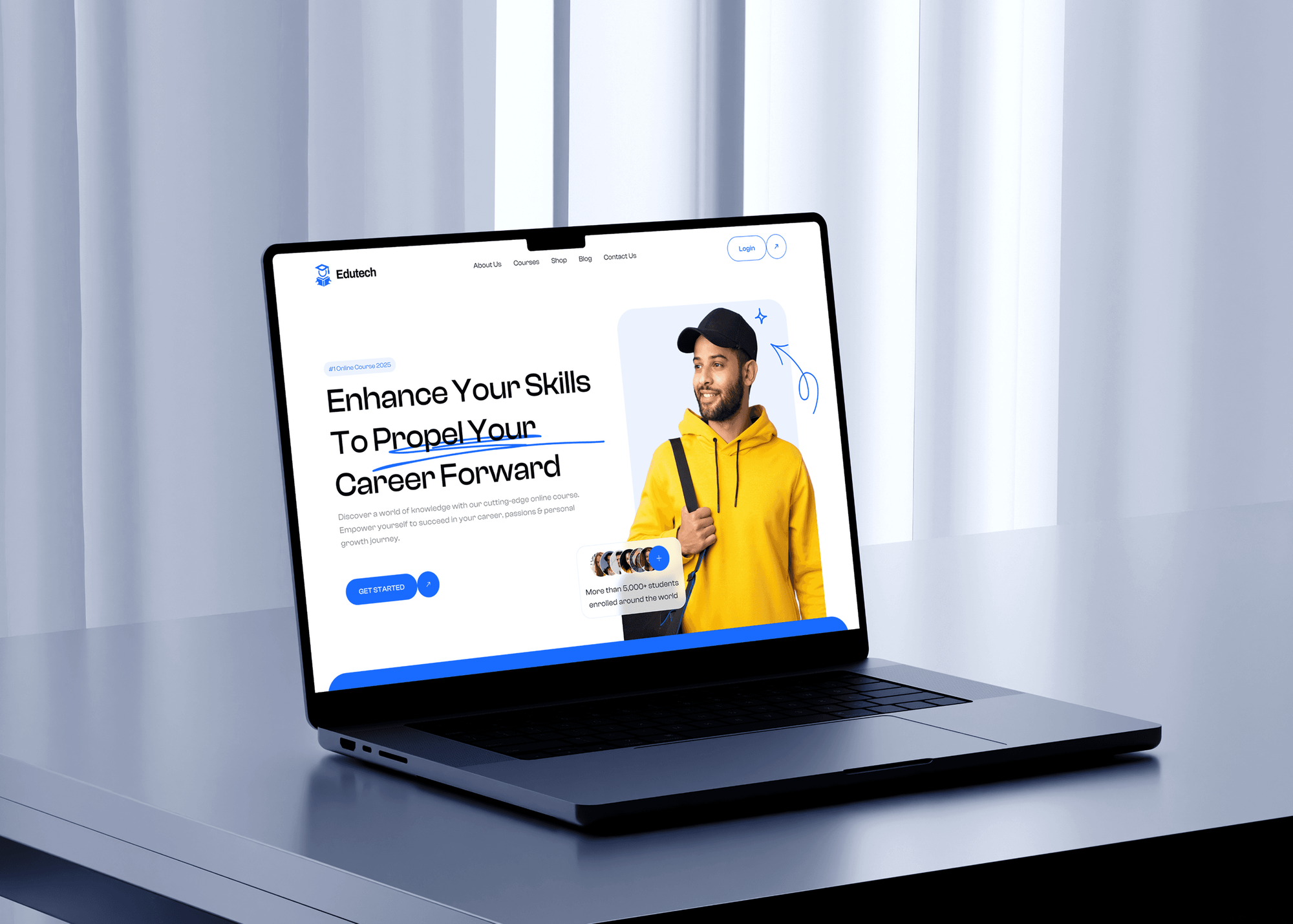
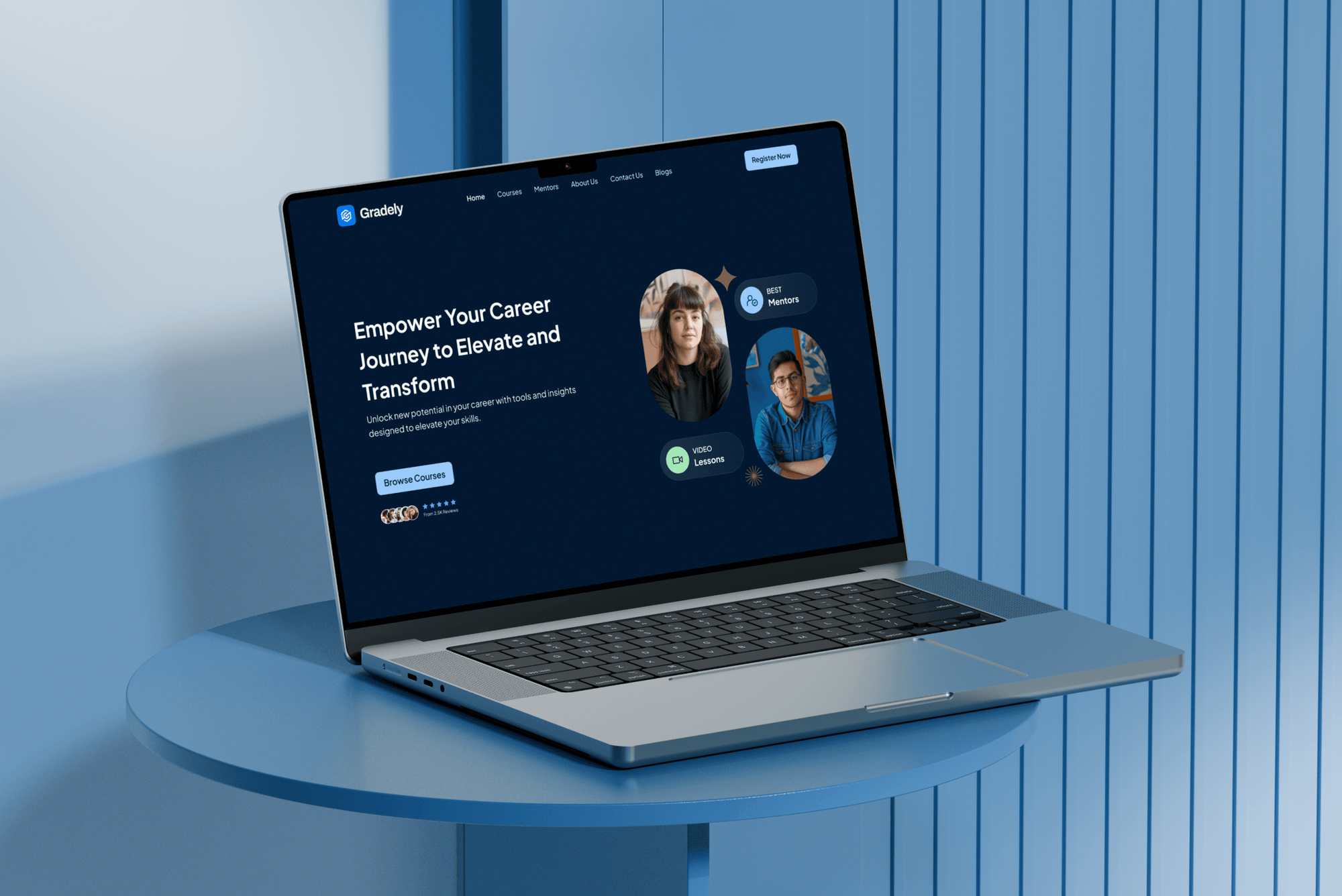
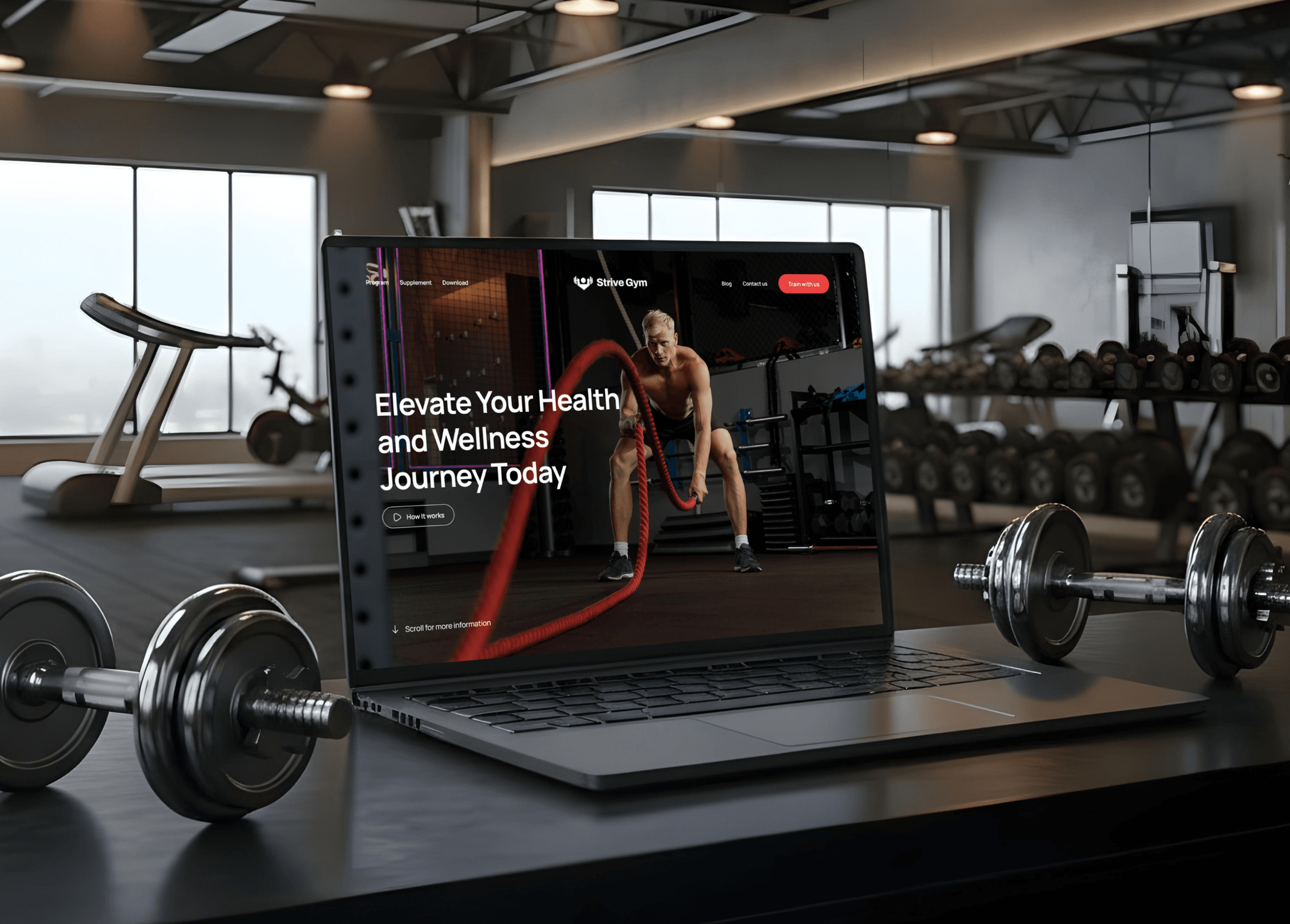
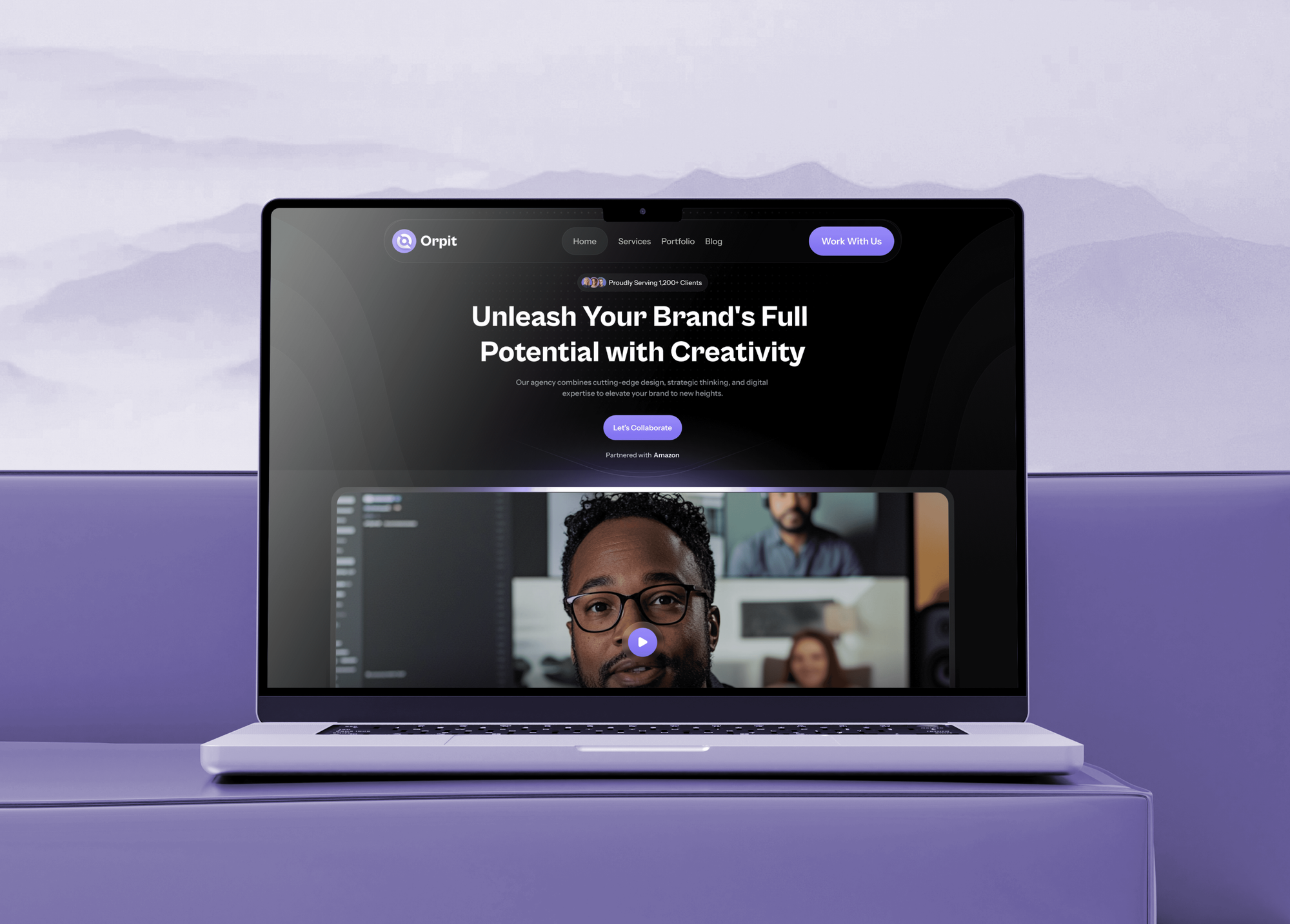
Projects We've Built
E-learning, gym membership, and creative agency websites that collect sign-ups and sales. They are shown as builds, not as ActiveCampaign case studies.
What Our Clients Say
Feedback from teams we have built websites, apps, and integrations for.
We had a pretty specific idea of what we wanted our website to become, but I wasn’t sure how easily we could explain all of it to a development team. There were quite a few moving parts, and we were working toward a deadline, so I expected a few things to get lost along the way. That never really happened. They understood what we were trying to achieve, kept us updated throughout the process, and got everything ready within the agreed timeline. The final site feels much easier to navigate, works beautifully on mobile, and is noticeably smoother for our customers. It was a huge relief seeing the original idea actually turn into the website we had in mind.
The mobile experience is probably my favourite part of the new site. We had spent a lot of time making sure the desktop version looked right, and the team kept pushing us to think about how everything would actually feel on a phone too. They were right. The navigation is clean, the interactions feel natural, and everything we’ve tested so far works exactly as it should. They also went through the links, forms, integrations, and other details more than once before launch, which I really appreciated. And even after going live, we could still reach out when something came up. The whole process felt friendly, organised, and surprisingly straightforward.
What I appreciate most is that the website is actually easy for us to manage now. We can update content ourselves instead of sending a developer a message every time we need to change something small. They also paid attention to the technical SEO side, which mattered to us because we didn’t want a new website to create problems for the traffic we already had. I’ve probably asked more questions than I should have since launch, but every question has been handled patiently and without any fuss. The team is easy to work with, they explain things clearly, and when we need something changed, they focus on getting it done rather than making the process complicated.
1,250+
Projects shipped
10+
Years of experience
Top 3%
Upwork Top Rated Plus
5 stars
Average review score

Want results like these?
Tell us what you are building. You get a reply within 24 hours on business days, then a written estimate.
Work Culture
Automations are only as good as the data that starts them. These habits keep your sources, tags, and consent clean inside your own ActiveCampaign account.
If an app on ActiveCampaign's Apps page already covers a source, we'll tell you before we quote. Custom webhooks and API work are only for the gaps.
Salesforce sync needs the Enterprise plan, and historical Shopify syncs need Plus or higher. We check yours first, so nothing gets built that your plan can't run.
Every tag follows one naming pattern by source and action, such as course, booking, or purchase. Later, your team still knows what each one means.
Marketing consent from each form or checkout syncs with the contact, and unsubscribes flow back to your CRM. People who opted out stay out of your sends.
ActiveCampaign's API allows 5 requests per second per account. We queue syncs under it, so a big import doesn't block your store's updates.
API keys, webhooks, and integrations live in your ActiveCampaign account, and any code sits in your repository. Another developer can take over without starting again.
Overview
DeveloperLook handles ActiveCampaign integration for marketing teams, course creators, and coaches. We connect stores, course platforms, forms, Calendly, Facebook Lead Ads, and Salesforce or HubSpot, using native apps first and webhooks or the API for the rest. Projects start at $500, take 1 to 6 weeks, and every tag and field is documented.
DEVELOPERLOOK
Project facts · ActiveCampaign Integration Services
Reviewed 8 Oct 2026 by Saimul Islam
Good fit
Agencies running funnels in GoHighLevel
Your agency builds funnels in GoHighLevel but sends email from ActiveCampaign, and you need a GoHighLevel ActiveCampaign integration because no native one exists.
Sales teams working in Salesforce
Your reps live in Salesforce, and you want an ActiveCampaign Salesforce integration that syncs leads and contacts both ways, with opportunities sent to ActiveCampaign.
Course creators on LearnDash
You sell courses on LearnDash, and you want a LearnDash ActiveCampaign integration that tags students by enrollment and completion for the next email.
Coaches booking calls in Calendly
Your clients book discovery calls in Calendly, and you want an ActiveCampaign Calendly integration that tags invitees and starts the right follow-up.
Businesses leaving Infusionsoft by Keap
You're moving off Keap, and you need an ActiveCampaign Infusionsoft by Keap integration that keeps both systems in step until the switch is done.
Not a fit
Email strategy and copy
You mainly need an ActiveCampaign consultant for email strategy, copy, and campaign plans. ActiveCampaign's Certified Partner Directory lists them, and we handle integration engineering.
Staying on Mailchimp
Your list lives in Mailchimp and you're staying there. Our Mailchimp Integration page covers connecting Mailchimp to your forms, CRM, and store.
Moving to GoHighLevel
You're moving everything into GoHighLevel, email included. Our GoHighLevel page covers sub-accounts, snapshots, and workflows instead.
Budget under $500
Your budget is under $500 and one native integration, such as Shopify or Calendly, covers it. Connect it from ActiveCampaign's Apps page yourself.
Not sure we're the right fit?
Book a free call or message us. We'll tell you honestly whether we're the right team.
Pricing
These are starting points in USD. Your final price depends on the sources, your ActiveCampaign plan, and any CRM sync, and you get a fixed proposal after a free source review.
For teams connecting their store, forms, and booking tool with ActiveCampaign's own integrations.
$500one-time, USD
For one source with no native app, built on webhooks, event tracking, or the API.
$1,650one-time, USD
For sales and marketing teams sharing contacts between ActiveCampaign and Salesforce or HubSpot.
$3,700one-time, USD
For Agencies
You own the client relationship. We supply the ActiveCampaign engineering: native app setups, webhooks, API syncs, and CRM connections, built in each client's own account. A tag and field map comes with every handover, so your strategists know what each source sends.
White label: your client only ever sees your brand
Send the client's plan, their tools, and the automations they rely on.
You get a source map, any custom work, and a fixed price.
Tested connections and a tag map, handed over under your agency's name.
You run strategy and client calls while we wire the data quietly.
Each client gets a map of every tag, field, and source.
We confirm each client's ActiveCampaign plan before anything gets quoted.
Each connection is priced upfront, so your proposals hold their margin.
The Right Technology for Your Project
We use ActiveCampaign's native integrations first, then its API, webhooks, and event tracking to connect the tools your team already runs.
 Shopify
 WooCommerce
 WordPress
 Salesforce
 HubSpot
 Node.js
FAQ
Straight answers on ActiveCampaign costs, Shopify, Wix, WordPress, ClickFunnels, HubSpot, Facebook Ads, Elementor, and Thinkific.
Saimul IslamFounder & CEO, DeveloperLookStill have questions?
Send a message or book a call with the team.
A DeveloperLook ActiveCampaign setup starts at $500 for up to 3 native integrations, such as Shopify, WordPress forms, and Calendly. Tags and fields are mapped for each one. A custom connection such as GoHighLevel or LearnDash starts at $1,650, and Salesforce or HubSpot syncs with up to 4 connections start at $3,700.
Native app setups take 1 to 2 weeks, including test contacts through each automation. Custom connections on the API take 2 to 4 weeks. Salesforce or HubSpot syncs take 4 to 6 weeks, because both teams have to agree which system owns each field before anything syncs.
Yes, natively, through a two-way Deep Data integration on every ActiveCampaign plan. It sends orders, products, customers, and abandoned carts, for logged-in customers and guests, so automations react to what people buy. Historical order syncs need Plus or higher, and draft orders don't sync. We map the store's tags and consent fields too.
Yes, through ActiveCampaign's app in the Wix App Market, free on Starter and above since April 2025. It sends Wix Forms, Bookings, Stores, and Events data into ActiveCampaign contacts, deals, and accounts. Field mapping happens in Wix Automations, so we set up one automation per form and test each with real entries.
Install ActiveCampaign's official WordPress plugin, then add your form with the AC Forms block. The Classic Editor button and a shortcode such as [activecampaign form=ID] work too, and the plugin also adds site tracking. WooCommerce stores add the separate ActiveCampaign for WooCommerce plugin, which syncs orders, abandoned carts, and products.
Add your ActiveCampaign API URL and key under Integrations in your ClickFunnels account settings, then choose the list or tags each funnel step should apply. ActiveCampaign lists ClickFunnels as an integration on all plans. We test each opt-in and purchase step, so funnel buyers stop receiving the opt-in sequence.
Yes, through HubSpot's own Data Sync app rather than an integration built by ActiveCampaign. It syncs contacts, companies, and deals both ways and is free to install, though custom field mappings need HubSpot Data Hub Starter or higher. An ActiveCampaign HubSpot integration on the APIs covers what Data Sync doesn't, such as events.
Use two native integrations, both available on every plan. Facebook Lead Ads creates or updates contacts from your lead forms and adds tags, though it doesn't add them to a list, so an automation does that. Custom Audiences adds and removes contacts from Facebook customer list audiences through automation actions.
Add your ActiveCampaign API key and URL in Elementor's integration settings, then choose ActiveCampaign under the form widget's Actions After Submit. You map each form field to a list and contact fields, and you can add tags. Elementor integrations need its Advanced Solo plan or higher, so check yours before building forms.
Yes, through the ActiveCampaign app in the Thinkific App Store, connected with your ActiveCampaign API key and URL. It sends new sign-ups, orders, enrollments, and course completions, so you can tag students and start the next email at the right moment. We map those events to clear tags before any automation goes live.
Saimul IslamFounder & CEO, DeveloperLookStill have questions?
Send a message or book a call with the team.
Free 30-min callGoogle Meet
Book a call
In 30 minutes on Google Meet we walk you through how we would build it, how long it takes and what it costs. Then you get a written estimate.
Calendar not showing? Book on cal.com or send a brief.