
Connector check per source
Each tool's own Mailchimp app tested with real signups, from Wix and Canva to ClickFunnels and Insightly.

For marketing teams whose forms, CRM, and spreadsheets each hold a different list: one Mailchimp audience that every source feeds, tagged by source.
100%
Signups tagged by source
5+ hrs
CSV imports saved weekly
How your project runs
Teams we have built for:














The Problem
A Mailchimp integration usually gets ordered after a bad send. A campaign reaches people who unsubscribed, or misses leads sales added last week, and nobody can say which tool was wrong.
01 · Source tags
Website signups arrive with no tag or source.
Every form and connector writes a source tag when the contact arrives.
02 · Stale CRM
Salesforce edits don't reach Mailchimp before the send.
A scheduled or event-driven sync updates Mailchimp from your CRM.
03 · CSV imports
Someone imports a spreadsheet by hand every Monday.
Spreadsheet rows sync on a schedule through a connector or the API.
04 · Unsubscribes
Unsubscribed contacts get re-added by the next import.
Mailchimp webhooks send unsubscribes back, so later imports skip them.
Your Wix signup form adds subscribers with no tag, so nobody knows which campaign brought them in. Sales updates a lead in Salesforce, but Mailchimp still emails the old address. Someone exports a CSV from Google Sheets every Monday and imports it by hand. A client unsubscribes in Mailchimp, then gets added back by the next import. The old Salesforce sync was set up years ago, and nobody remembers who owns it. Your segments look precise, but the data underneath is weeks old.
We start by listing every source that feeds your audience and testing its built-in Mailchimp connector. Where a native connector works, we set it up with the right tags, merge fields, and consent settings. Where it falls short, we build a custom sync on the Mailchimp Marketing API, with webhooks sending unsubscribes back to your CRM. Every contact arrives tagged by source, so segments reflect what people did, not what someone remembered to import.
Native connectors tested first
Each tool's own Mailchimp app is tested with real signups before anyone writes code.
Tags that follow the source
Every contact lands with a source tag, so segments match where people actually signed up.
Consent kept with the contact
Email and SMS consent travel with each contact, so imports don't resubscribe anyone who opted out.
Our Mailchimp Integration Services Process
You see which sources need custom work, approve the field and tag map, and watch test contacts land before your live audience changes.
We list every place a contact can enter Mailchimp: forms, your website, your CRM, funnels, and spreadsheets. Then we test each tool's own Mailchimp connector. You get a written answer per source: use the native connector, use a connector app, or build a custom sync.
What's Included
The six parts below make up a full project, from the source audit to the runbook. Smaller jobs use two or three of them.
Compare Options
Zapier is quick and cheap for a single form, and a freelancer can fix one connector. Here's where each holds up as sources, fields, and consent rules multiply.
| Feature | DeveloperLookBest fit | DIY Zapier | Freelancer |
|---|---|---|---|
| Source audit | Every source tested first | You pick the tools | Often skipped |
| Field mapping | Written map you approve | Set up zap by zap | Varies by person |
| Two-way sync | Webhooks plus API sync | One-way zap per trigger | Depends on their skills |
| Consent handling | Email and SMS kept apart | Easy to overwrite | Often missed |
| Speed to start | 1 to 6 weeks | Same day for simple flows | Days to weeks |
| Error handling | Retries and named alerts | Zap history emails | Found when campaigns bounce |
| Ownership | Your code and accounts | Your Zapier account | Often their accounts |
| Cost | Fixed price from $500 | Low monthly task fees | Hourly, open-ended |
Projects We've Built
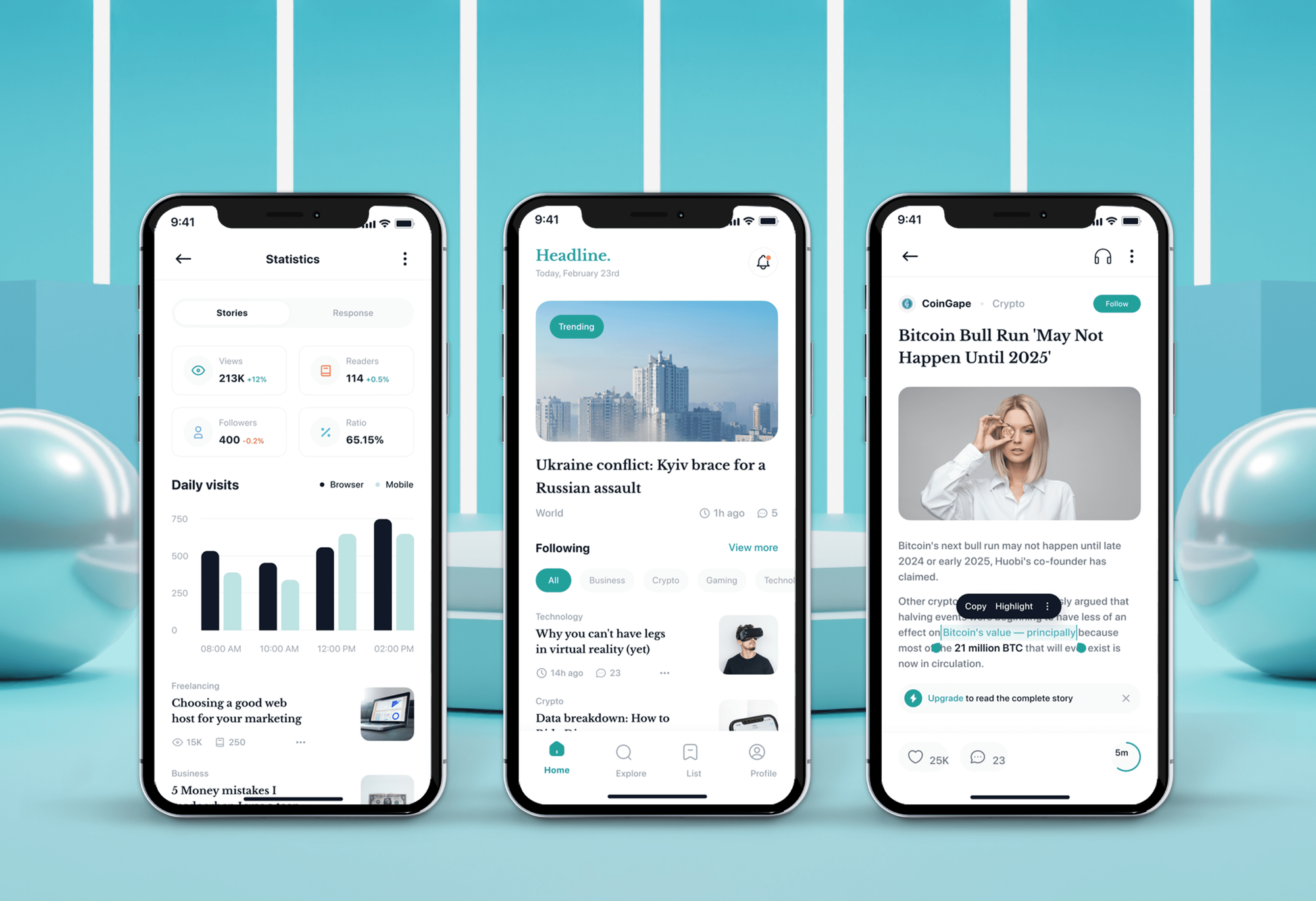
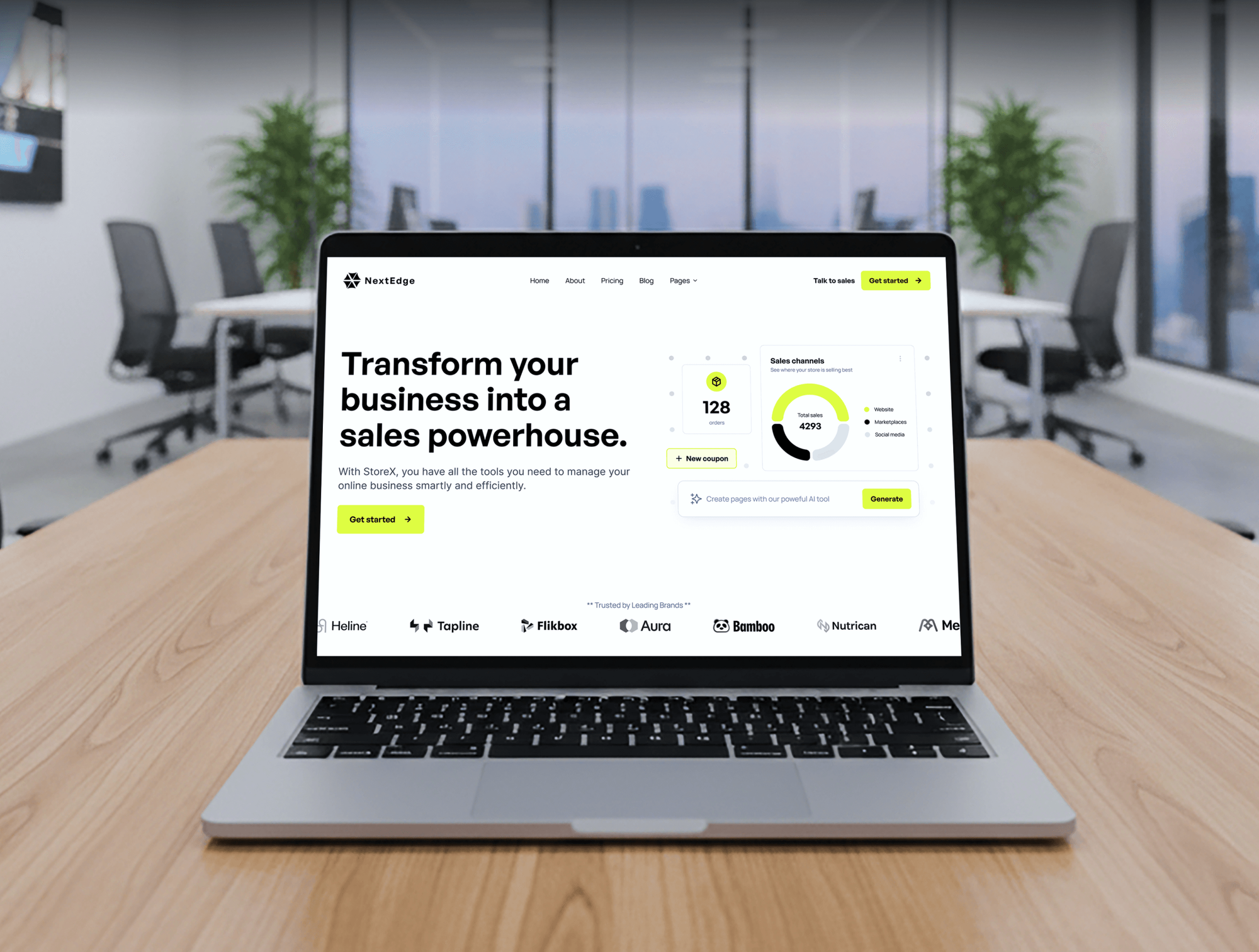
News, blog, startup, and agency builds. They aren't Mailchimp integrations, but the forms and content flows a mailing list depends on are related work.


What Our Clients Say
Feedback from teams we have built websites and business software for.
We had a pretty specific idea of what we wanted our website to become, but I wasn’t sure how easily we could explain all of it to a development team. There were quite a few moving parts, and we were working toward a deadline, so I expected a few things to get lost along the way. That never really happened. They understood what we were trying to achieve, kept us updated throughout the process, and got everything ready within the agreed timeline. The final site feels much easier to navigate, works beautifully on mobile, and is noticeably smoother for our customers. It was a huge relief seeing the original idea actually turn into the website we had in mind.
The mobile experience is probably my favourite part of the new site. We had spent a lot of time making sure the desktop version looked right, and the team kept pushing us to think about how everything would actually feel on a phone too. They were right. The navigation is clean, the interactions feel natural, and everything we’ve tested so far works exactly as it should. They also went through the links, forms, integrations, and other details more than once before launch, which I really appreciated. And even after going live, we could still reach out when something came up. The whole process felt friendly, organised, and surprisingly straightforward.
What I appreciate most is that the website is actually easy for us to manage now. We can update content ourselves instead of sending a developer a message every time we need to change something small. They also paid attention to the technical SEO side, which mattered to us because we didn’t want a new website to create problems for the traffic we already had. I’ve probably asked more questions than I should have since launch, but every question has been handled patiently and without any fuss. The team is easy to work with, they explain things clearly, and when we need something changed, they focus on getting it done rather than making the process complicated.
1,250+
Projects shipped
10+
Years of experience
Top 3%
Upwork Top Rated Plus
5 stars
Average review score

Want results like these?
Tell us what you are building. You get a reply within 24 hours on business days, then a written estimate.
Work Culture
Your audience is the asset every campaign depends on. These habits keep it accurate, consent-safe, and easy to explain when a send goes wrong.
We test each tool's own Mailchimp app, such as Wix, Canva, or ClickFunnels, before pricing custom work. If one already does the job, we'll tell you before we quote.
We decide whether your CRM or Mailchimp owns each field before anything syncs. You avoid two systems overwriting each other's edits every night.
Sample contacts run through a separate test audience first. Your real subscribers only see changes that already passed, so a mapping slip can't email the wrong segment.
We batch large imports and keep calls inside Mailchimp's limit on simultaneous connections. Your sync keeps running through big backfills instead of failing on rate-limit errors.
We wire up the opt-in settings you choose and keep email and SMS consent separate. Your team sets the policy, and we make sure every source follows it.
Code, OAuth app credentials, and connector accounts belong to your company. Switching agencies later doesn't mean rebuilding every sync from scratch.
Overview
DeveloperLook builds Mailchimp integration for marketing teams whose contacts live in forms, CRMs, and spreadsheets. We test each tool's native connector first. Then we build custom syncs on the Mailchimp Marketing API, with source tags, consent fields, and webhooks back to your CRM. Projects start at $500, take 1 to 6 weeks, and you own the code.
DEVELOPERLOOK
Project facts · Mailchimp Integration Services
Reviewed 7 Oct 2026 by Saimul Islam
Good fit
Sales teams on Salesforce and Mailchimp
Your reps update leads in Salesforce while marketing sends from Mailchimp, and you need a Mailchimp Salesforce integration that keeps both lists current.
Small firms running Insightly or Wealthbox
Your CRM is Insightly or Wealthbox, and you want the Insightly Mailchimp integration or Wealthbox's one-way send set up so campaigns reach current clients.
Event and course teams on Google Forms
Your registrations arrive through Google Forms, and you need a Google Forms Mailchimp integration that adds each response with the right tag.
Marketing teams planning in spreadsheets
Your team tracks campaigns in a spreadsheet, and you want a Mailchimp Google Sheets integration that adds new subscribers and campaign results every day.
Agencies managing client Mailchimp accounts
Your agency runs several clients' Mailchimp accounts and needs an engineering partner who builds each sync under your name.
Not a fit
Moving to Klaviyo on Shopify
Your store runs on Shopify and email is moving to Klaviyo. Our Klaviyo Shopify Integration page covers that setup instead.
Email moving into HubSpot
Your marketing email is moving into HubSpot and Mailchimp is on its way out. Our HubSpot consultant page covers setup and onboarding.
Budget under $500
Your budget is under $500 and you need one signup form on one site. Mailchimp's own embedded form handles that, and we'll tell you before we quote.
A few Gmail contacts
You add a handful of contacts a week from your inbox. A Zapier zap or a CSV import covers that Mailchimp Gmail integration for less than a build.
Not sure we're the right fit?
Book a free call or message us. We'll tell you honestly whether we're the right team.
Pricing
These are starting points in USD. Your final price depends on how many sources feed Mailchimp, one-way or two-way sync, and consent rules, and you get a fixed proposal after a free source audit.
For teams connecting one form, site, or app to Mailchimp through its existing integration.
$500one-time, USD
For CRMs and apps that need a two-way sync through Mailchimp's Marketing API.
$1,600one-time, USD
For teams merging up to 4 sources, custom events, and SMS consent into one audience.
$3,500one-time, USD
For Agencies
You own the client relationship. We supply the Mailchimp engineering: connector setups, custom Marketing API syncs, and CRM links. Fixed quotes protect your margin, and every field map is written so your account managers can explain it.
White label: your client only ever sees your brand
Send the Mailchimp plan, the sources, and what each campaign needs.
You get a field map, a fixed quote, and a launch date.
Tested syncs and a runbook delivered under your agency's name.
Your agency's name on everything, and we join calls only when you ask.
Field and tag maps your strategists can walk any client through.
Each client's sources priced upfront, so you can resell with a margin.
Engineers used to many client audiences, OAuth apps, and API keys.
The Right Technology for Your Project
We use Mailchimp's own API and the native apps of the tools you already run, adding Zapier or Make only where a connector covers the job.
 Google Sheets
 Salesforce
 WordPress
 Node.js
 PostgreSQL
FAQ
Straight answers on Mailchimp project costs, website signups, CRM links, and which popular tools already connect to Mailchimp.
Saimul IslamFounder & CEO, DeveloperLookStill have questions?
Send a message or book a call with the team.
Mailchimp integration services with DeveloperLook start at $500 for one form, site, or app connected through its existing integration, with tags and merge fields mapped. Custom syncs on the Mailchimp Marketing API start at $1,600, and multi-source audiences with events and SMS consent start at $3,500. Mailchimp plan and add-on fees go to Mailchimp, and our fixed quote follows a free source audit.
A Mailchimp integration is a connection that moves contacts, tags, and activity between Mailchimp and another tool, such as a form, CRM, or store. Some are built into the other tool, like the Wix or Canva apps. Others run through a connector such as Zapier, or a custom build on the Marketing API when you need two-way sync or custom fields.
You add a Mailchimp embedded or pop-up form, connect the site through Mailchimp's Connected Sites code, or post signups through the Marketing API. Embedded forms need only pasted code. Custom forms usually call the API from your server, since Mailchimp doesn't accept API calls from the browser. That server step is also where we add source tags, double opt-in, and spam checks.
Yes, through a third-party app for new setups. Mailchimp's help center says Salesforce integrations set up since May 1, 2024 use Beaufort 12's app on AppExchange, which syncs both ways. Older setups may still run the legacy Mailchimp for Salesforce app. For a Mailchimp Salesforce integration with custom objects or rules the app can't handle, we build the sync on both APIs.
Yes, one way. Wealthbox can send selected contacts to a Mailchimp list with their name and primary email, using a bulk action inside Wealthbox. Campaign activity doesn't come back into Wealthbox. When an advisory firm needs tags, households, or opens and clicks visible in the CRM, we build a custom sync on the Wealthbox and Mailchimp APIs.
Yes. Wix offers the Mailchimp app by Intuit Mailchimp, which syncs site leads and subscribers to your audience. You can also paste a Mailchimp form into an Embed HTML element. The app suits most small sites. We step in when Wix forms need custom fields, tags per page, or a link to your CRM as well.
Yes. Canva's Publish to Mailchimp option sends an email design to Mailchimp as a draft campaign, and images go to your Content Studio. The design needs an unsubscribe link and your physical address before it can send. It's a design hand-off rather than a data sync, so it rarely needs our help unless your templates need custom HTML.
Yes. ClickFunnels 2.0 connects to Mailchimp under Settings, then Integrations, and its workflows can add subscribers to a list, apply tags, or remove them. You need the Mailchimp list ready first. We map each funnel step to its own tags, so a buyer and a lead who only opted in land in different segments.
No, HoneyBook doesn't document a native link to Mailchimp. HoneyBook users connect the two through Zapier, for example adding a new HoneyBook contact or project to a Mailchimp audience. We set up that zap with source tags and filters, so only booked clients, not every inquiry, reach the list you send to.
Yes, within limits. Mailchimp lists 300+ integrations, and its API accepts custom events and ecommerce data such as customers, orders, and products. That lets one audience hold signups, purchases, and app activity. Mailchimp isn't a full customer data platform, though, so we keep it as the sending tool and sync it from your CRM or database.
Saimul IslamFounder & CEO, DeveloperLookStill have questions?
Send a message or book a call with the team.
Free 30-min callGoogle Meet
Book a call
In 30 minutes on Google Meet we walk you through how we would build it, how long it takes and what it costs. Then you get a written estimate.
Calendar not showing? Book on cal.com or send a brief.