
Scheduling review
Your booking pages, calendars, and tools listed, with your Calendly plan's limits checked against what you need.

For service businesses and sales teams booking meetings daily: Calendly and your calendars wired to your CRM and helpdesk, so every booking lands right.
4+ hrs
Back-and-forth emails saved weekly
100%
Bookings checked for conflicts
How your project runs
Teams we have built for:














The Problem
A calendar integration usually gets ordered after a double booking or a missed demo. Bookings land in one place, reschedules in another, and the CRM shows neither.
01 · Conflicts
Bookings clash with meetings on a calendar Calendly can't see.
Every calendar your team uses is connected for conflict checks.
02 · CRM entry
Reps copy each demo booking into Salesforce by hand.
Calendly's Salesforce app or webhooks create the lead and log the event.
03 · Reschedules
Reschedules leave the old time showing in the CRM.
Webhook events update or cancel the matching record when plans change.
04 · Tickets
Onboarding calls don't appear on the customer's ticket.
Calendly webhooks add each booking to the matching Zendesk ticket.
A client books a 2 p.m. call that clashes with a meeting on your Outlook calendar, because Calendly only checks Google. Your rep spends the morning copying demo bookings into Salesforce. Reschedules don't reach the CRM, so the old time still shows. Support books onboarding calls that don't appear on the customer's ticket. Your Klaviyo follow-up goes out a day late because someone exports the bookings first. Every tool has a calendar, and none of them agree.
We start by listing every calendar and tool a booking touches. In Calendly, we connect the right calendars for conflict checks, add Zoom links, and switch on the Salesforce or HubSpot app your plan supports. Where no app exists, we build with Calendly webhooks or the Google Calendar API, keeping sync tokens and watch channels healthy. Bookings land where your team works, not in someone's inbox.
Every calendar checked
Google, Outlook, and Exchange calendars connected so new bookings respect every existing commitment.
Reschedules that follow through
Reschedules and cancellations update the CRM, helpdesk, and email tools, not just the calendar.
Google's rules handled
OAuth consent, sensitive-scope verification, and watch channel renewals built into custom Google Calendar work.
Our Calendly and Calendar Integration Process
You see what your Calendly plan already covers, approve the calendar and field map, and watch test bookings update every tool before links change.
We map how meetings get booked today: which pages, which calendars, and where each booking should end up. Then we check your Calendly plan, since calendar limits, CRM apps, and webhooks depend on it. You get a written plan.
What's Included
Most teams need the first three parts below. Apps, helpdesks, and multi-tool flows add the rest, and the plans show where each part starts.
Compare Options
Calendly on its own handles one calendar well, and Zapier covers simple hand-offs. Here's where each holds up as calendars, tools, and reschedules pile up.
| Feature | DeveloperLookBest fit | Calendly alone | DIY Zapier |
|---|---|---|---|
| Calendar review | Every calendar mapped first | Connect and hope | Zap per calendar |
| Conflict checks | All team calendars covered | Up to 6 on paid plans | Not a calendar tool |
| CRM records | Created and updated per booking | Native apps on higher plans | One zap per event |
| Reschedules | Updated in every tool | Calendar only | Extra zaps needed |
| Custom apps | Google Calendar API builds | Embed only | Not suited |
| Speed to start | 1 to 6 weeks | Same day | Hours for simple flows |
| Ownership | Your accounts and code | Your Calendly account | Your Zapier account |
| Cost | Fixed price from $450 | Included in your plan | Low monthly task fees |
Projects We've Built
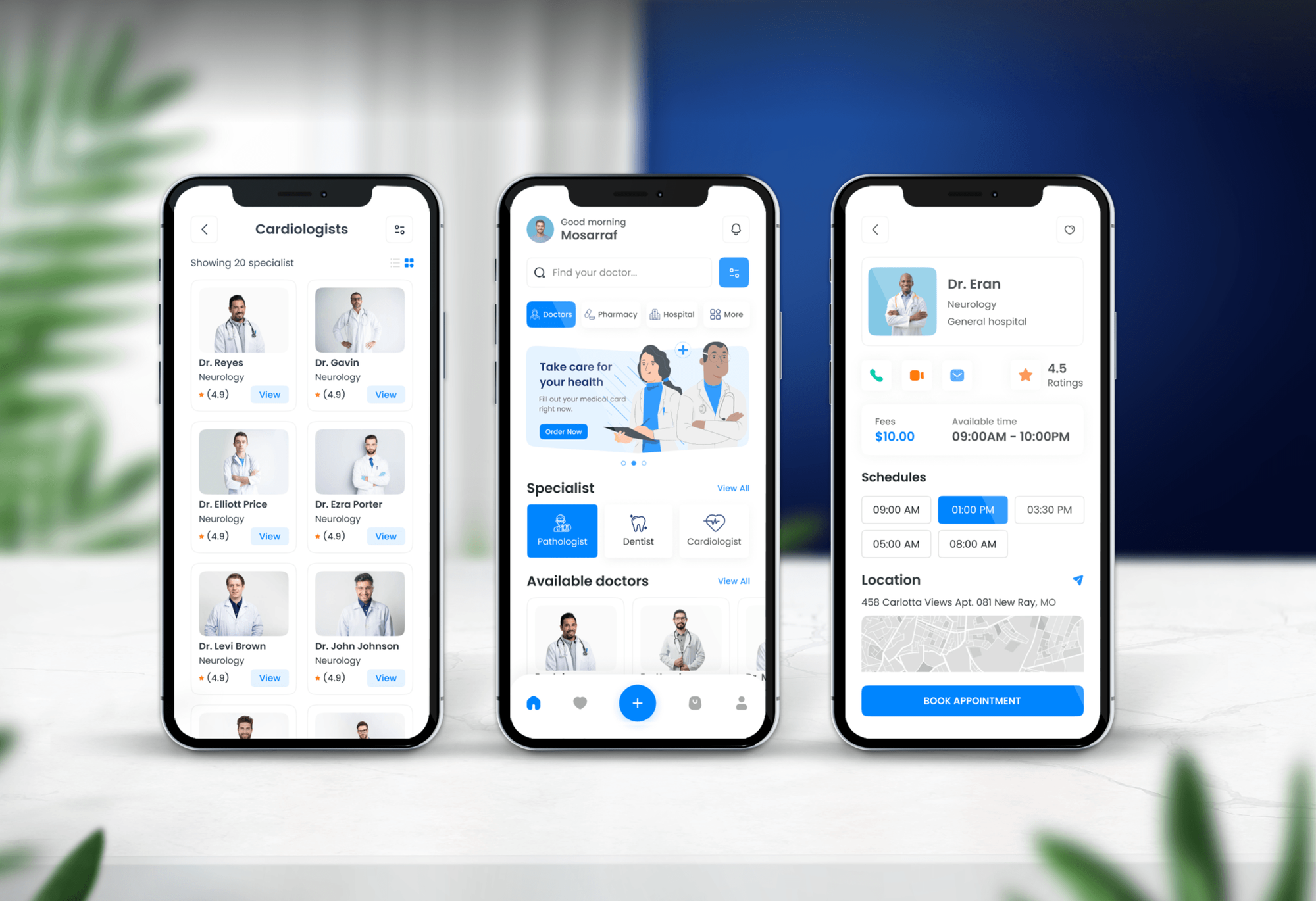
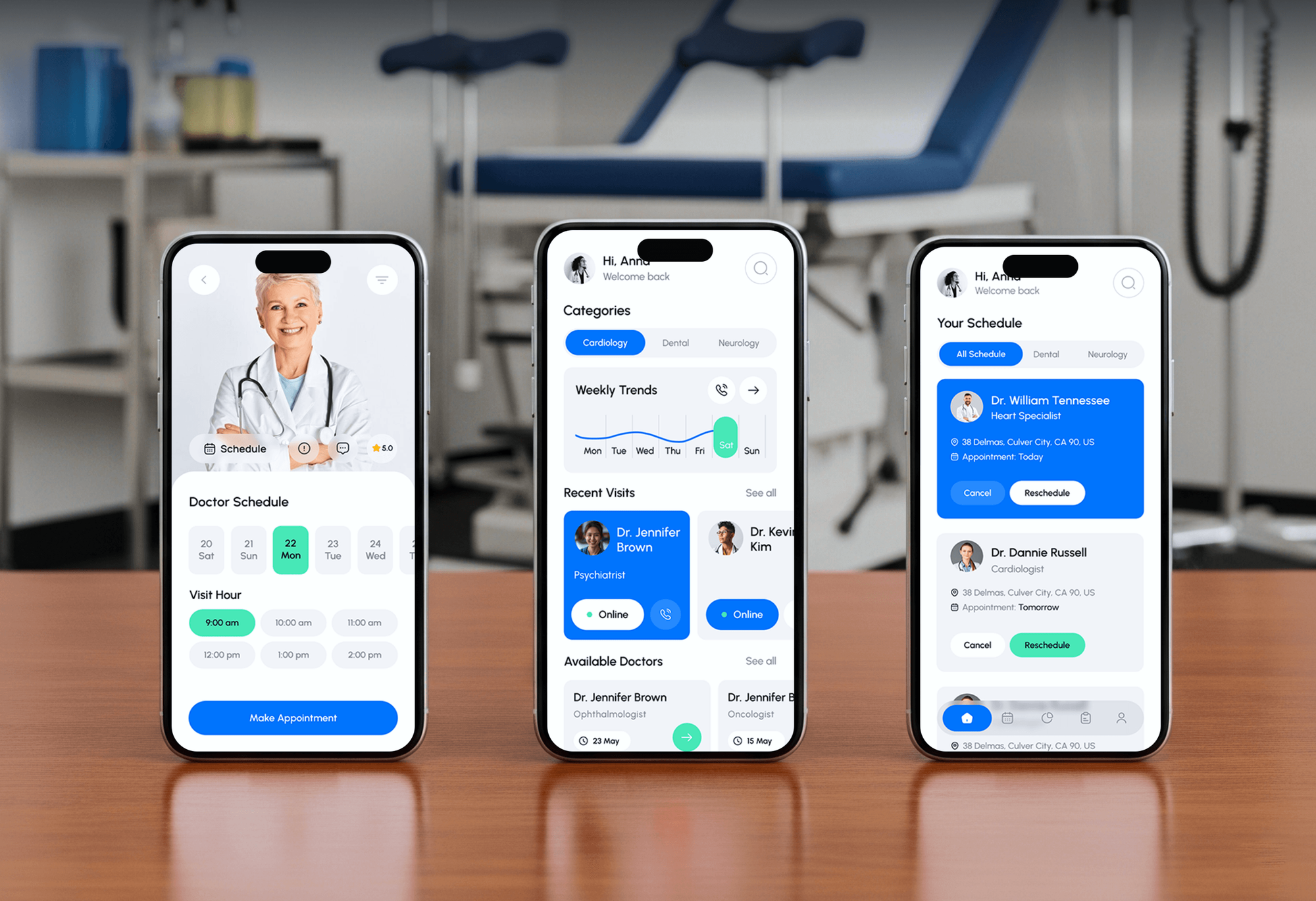
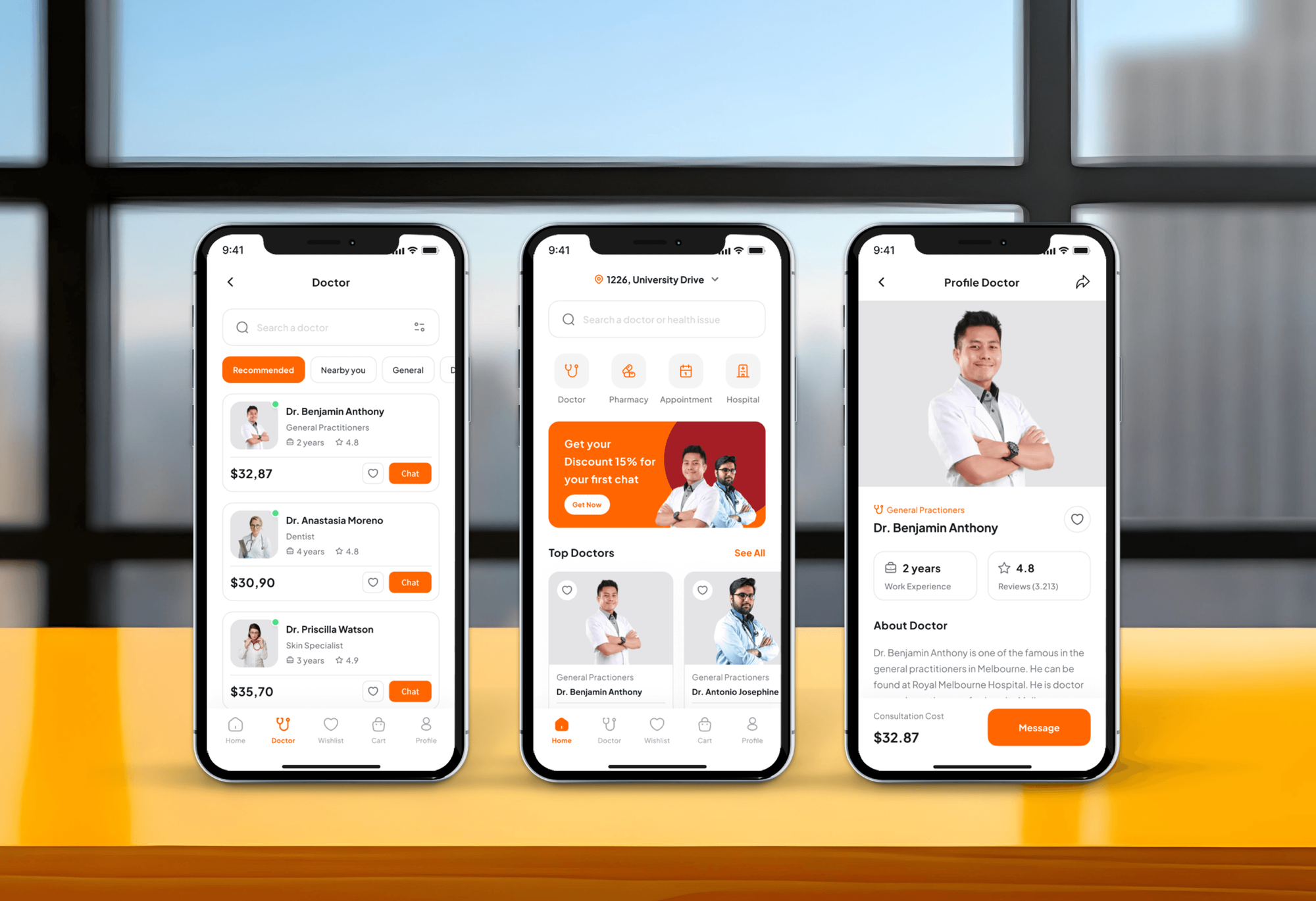
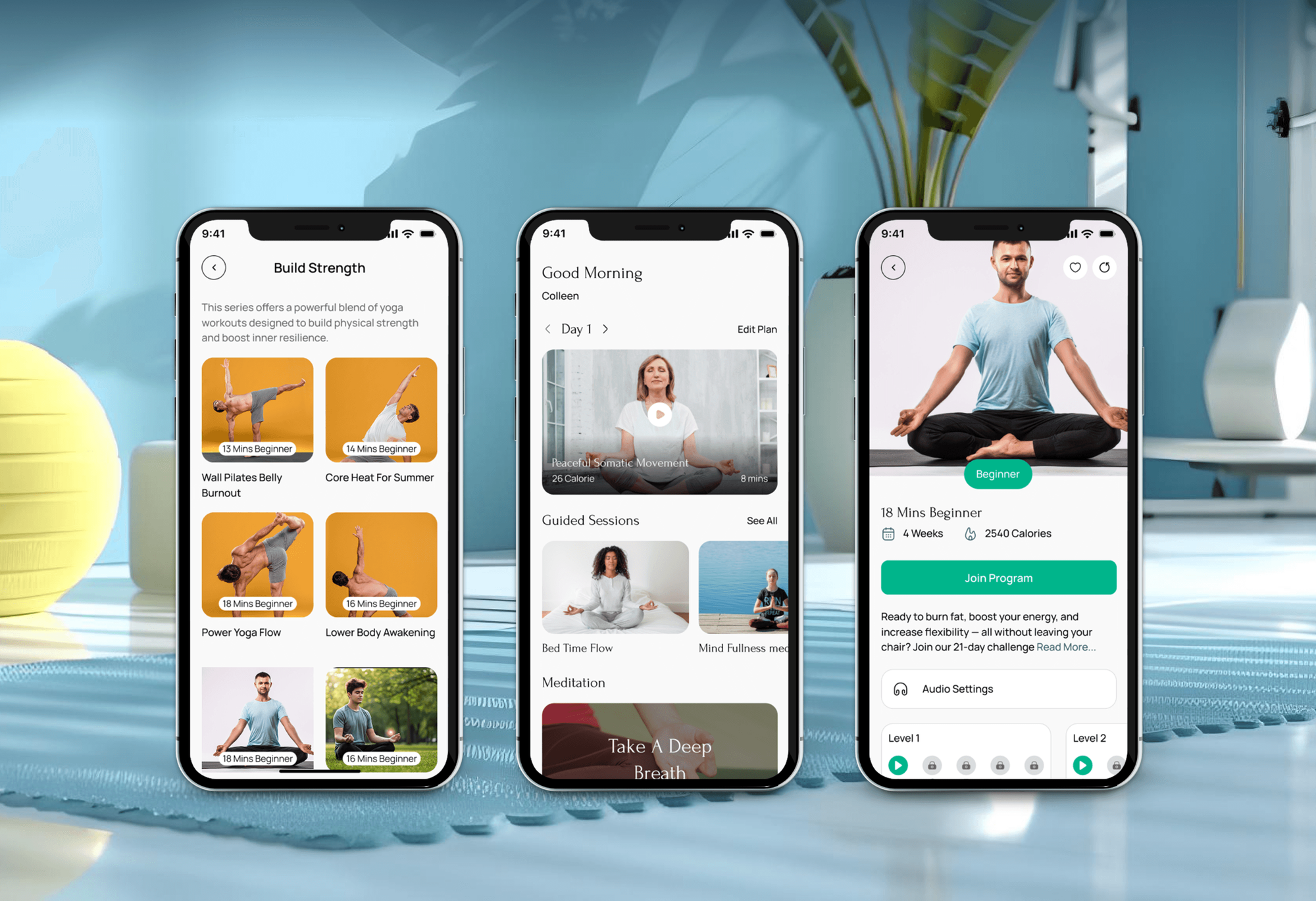
Doctor booking, telehealth, and wellness apps with appointment flows. They aren't Calendly integrations, but availability and booking logic like theirs is the core of one.
What Our Clients Say
Feedback from teams we have built websites and business software for.
We had a pretty specific idea of what we wanted our website to become, but I wasn’t sure how easily we could explain all of it to a development team. There were quite a few moving parts, and we were working toward a deadline, so I expected a few things to get lost along the way. That never really happened. They understood what we were trying to achieve, kept us updated throughout the process, and got everything ready within the agreed timeline. The final site feels much easier to navigate, works beautifully on mobile, and is noticeably smoother for our customers. It was a huge relief seeing the original idea actually turn into the website we had in mind.
The mobile experience is probably my favourite part of the new site. We had spent a lot of time making sure the desktop version looked right, and the team kept pushing us to think about how everything would actually feel on a phone too. They were right. The navigation is clean, the interactions feel natural, and everything we’ve tested so far works exactly as it should. They also went through the links, forms, integrations, and other details more than once before launch, which I really appreciated. And even after going live, we could still reach out when something came up. The whole process felt friendly, organised, and surprisingly straightforward.
What I appreciate most is that the website is actually easy for us to manage now. We can update content ourselves instead of sending a developer a message every time we need to change something small. They also paid attention to the technical SEO side, which mattered to us because we didn’t want a new website to create problems for the traffic we already had. I’ve probably asked more questions than I should have since launch, but every question has been handled patiently and without any fuss. The team is easy to work with, they explain things clearly, and when we need something changed, they focus on getting it done rather than making the process complicated.
1,250+
Projects shipped
10+
Years of experience
Top 3%
Upwork Top Rated Plus
5 stars
Average review score

Want results like these?
Tell us what you are building. You get a reply within 24 hours on business days, then a written estimate.
Work Culture
A missed or doubled booking costs a client's trust. These habits keep calendars accurate across time zones, tools, and Google's own rules.
We check what your Calendly plan already includes before pricing custom work. If a built-in app or setting covers it, we'll tell you before we quote.
We book test meetings from several time zones, including across daylight saving changes. Your clients see the right slot wherever they are.
Custom Google Calendar syncs store sync tokens and run a full resync when Google asks for one. Changes don't quietly stop flowing after a token expires.
Google's push channels expire and don't renew themselves, so our code renews them on a schedule. Calendar changes keep arriving without a silent gap.
We request only the Google Calendar scopes your app needs, which keeps Google's verification simpler. Your users see a consent screen that asks for less.
Calendly, Google Cloud, and app credentials stay in your company's name. Changing developers later doesn't mean reconnecting every calendar or verifying your Google app again.
Overview
DeveloperLook builds Google Calendar integration and Calendly setups for teams that book meetings every day. We connect the right calendars for conflict checks and sync bookings to Salesforce, HubSpot, or Zendesk. When your site needs its own scheduling, we build on the Google Calendar API. Projects start at $450, take 1 to 6 weeks, and accounts stay yours.
DEVELOPERLOOK
Project facts · Calendly and Calendar Integration
Reviewed 7 Oct 2026 by Saimul Islam
Good fit
Service businesses booking from their website
Your clients book through a Calendly page on your Squarespace or WordPress site, and every booking must block time on the right Google or Outlook calendar.
Sales teams working in Salesforce
Your reps book demos in Calendly, and you need a Calendly Salesforce integration that creates the lead, logs the event, and assigns the right owner.
Support teams running Zendesk
Your support team books onboarding calls, and you want a Calendly Zendesk integration that adds each booking to the customer's ticket through webhooks.
Brands following up from Klaviyo
Your brand runs consultations and emails from Klaviyo, so you want a Calendly Klaviyo integration that starts a follow-up flow after each booking.
Product teams building scheduling into an app
Your app needs a Google Calendar integration of its own, with OAuth consent, two-way sync, and Google's verification for sensitive calendar scopes.
Not a fit
A full booking website
You need a booking website with payments, staff schedules, and client accounts, not a scheduling link. Our Appointment Booking Website Development page covers that build.
Field service jobs in Jobber
Your team schedules jobs in Jobber and customers book through your site. Our Jobber Website Integration Services page covers that link instead.
Patients booking into an EHR
Your clinic needs patients to book straight into an EHR or practice system. Our Patient Self-Scheduling Software Integration page covers those setups.
Solo with one calendar
You're one person with one Google calendar and a budget under $450. Calendly's own setup takes minutes, and we'll tell you before we quote.
Not sure we're the right fit?
Book a free call or message us. We'll tell you honestly whether we're the right team.
Pricing
These are starting points in USD. Your final price depends on how many people and calendars are involved, which tools need each booking, and whether you need the Google Calendar API, and you get a fixed proposal after a free scheduling review.
For one team connecting Calendly to its calendars, video links, and website.
$450one-time, USD
For teams sending bookings into Salesforce, Zendesk, or Klaviyo through apps or webhooks.
$1,400one-time, USD
For apps and sites that need their own Google Calendar API integration.
$3,100one-time, USD
For Agencies
You own the client relationship. We supply the scheduling engineering: Calendly setups, CRM and helpdesk syncs, and Google Calendar API builds. Fixed quotes protect your margin, and every calendar, account, and credential stays in the client's own name.
White label: your client only ever sees your brand
Send the client's booking pages, calendars, and the tools that need each booking.
You get a calendar map, a fixed quote, and a switchover date.
Tested booking flows and an admin guide delivered under your agency's name.
Your agency's name on the work, and we stay behind the scenes.
Engineers who know Calendly plans, webhooks, and Google's calendar rules.
Each client's booking flow priced upfront and ready to resell.
Short admin guides your team can brand and hand to clients.
The Right Technology for Your Project
We use Calendly's own apps and webhooks first, and Google's Calendar API when a website or product needs scheduling of its own.
 Salesforce
 HubSpot
 Zendesk
 WordPress
 Node.js
 Google Cloud
 PostgreSQL
FAQ
Straight answers on scheduling costs, connecting Google and Apple calendars, and how Calendly works with HubSpot, Salesforce, Squarespace, Jobber, and Asana.
Saimul IslamFounder & CEO, DeveloperLookStill have questions?
Send a message or book a call with the team.
Calendly and calendar integration with DeveloperLook starts at $450 for one team's calendars, Zoom links, and website embed. Booking syncs into Salesforce, Zendesk, or Klaviyo start at $1,400, and custom Google Calendar API builds start at $3,100. Calendly plan fees are paid to Calendly, and our fixed quote follows a free scheduling review of your pages and tools.
In Calendly, you open Calendars under Settings, choose Google, and sign in with the account you want to connect. Then you pick which calendars to check for conflicts and which one receives new bookings. The free plan connects 1 calendar, and paid plans check up to 6 per person, which matters when work and personal calendars are separate.
Yes. Calendly reads busy times from your Google calendars to hide taken slots, and writes each new booking to the calendar you choose. That's the core Google Calendar integration most teams need. When your own website or app must book into Google Calendar directly, we build that on the Google Calendar API instead.
Yes, on Calendly's paid plans, not the free one. Calendly's HubSpot app records booked meetings against contacts in HubSpot. Routing visitors by HubSpot data needs Calendly's Teams or Enterprise plan. HubSpot's free tier allows only a few custom properties, so we plan the field mapping before the app is switched on.
Yes, on Calendly's Teams plan or higher, with Salesforce Enterprise edition or above. A Salesforce admin connects it, and bookings then create or update leads, contacts, and events. On other editions, we build the Calendly Salesforce integration with webhooks. If you only need meetings mirrored, Einstein Activity Capture covers the Salesforce Google Calendar integration on supported editions.
Yes, through an embed. You copy the code from Calendly's Add to website option and paste it into a Squarespace Code Block, which needs a Squarespace Business plan or higher. Pop-up widgets may also need a header script. We set up the embed, check it on mobile, and match booking questions to your services.
Not directly anymore. Calendly stopped accepting new iCloud calendar connections in August 2024, though existing ones keep working. If you use Apple Calendar on a Mac or iPhone, connect the Google or Outlook calendar behind it to Calendly instead. Your Apple Calendar app then shows bookings as usual through that account.
Yes, one way. Jobber gives you a calendar feed URL that you subscribe to in Google Calendar, showing visits from 2 weeks back to 20 weeks ahead. Edits in Google don't flow back to Jobber, and Jobber says Google refreshes the feed about every 12 hours. For a faster link, our Jobber Website Integration Services page covers custom work.
Yes, one way. Asana can publish a project's or your My Tasks due dates as a calendar feed, which you add to Google Calendar from a URL. Tasks with due dates appear on the calendar, and changes made in Google don't go back to Asana. When tasks must book real time slots, we build a sync on both APIs.
Yes. In Google Calendar, you add an iCal or ICS link under Other calendars, then From URL, and Google shows that calendar beside your own. It works only for public or shareable links, and Google doesn't document how often it refreshes them, so updates can lag. For anything time-sensitive, we sync through the Google Calendar API instead.
Saimul IslamFounder & CEO, DeveloperLookStill have questions?
Send a message or book a call with the team.
Free 30-min callGoogle Meet
Book a call
In 30 minutes on Google Meet we walk you through how we would build it, how long it takes and what it costs. Then you get a written estimate.
Calendar not showing? Book on cal.com or send a brief.