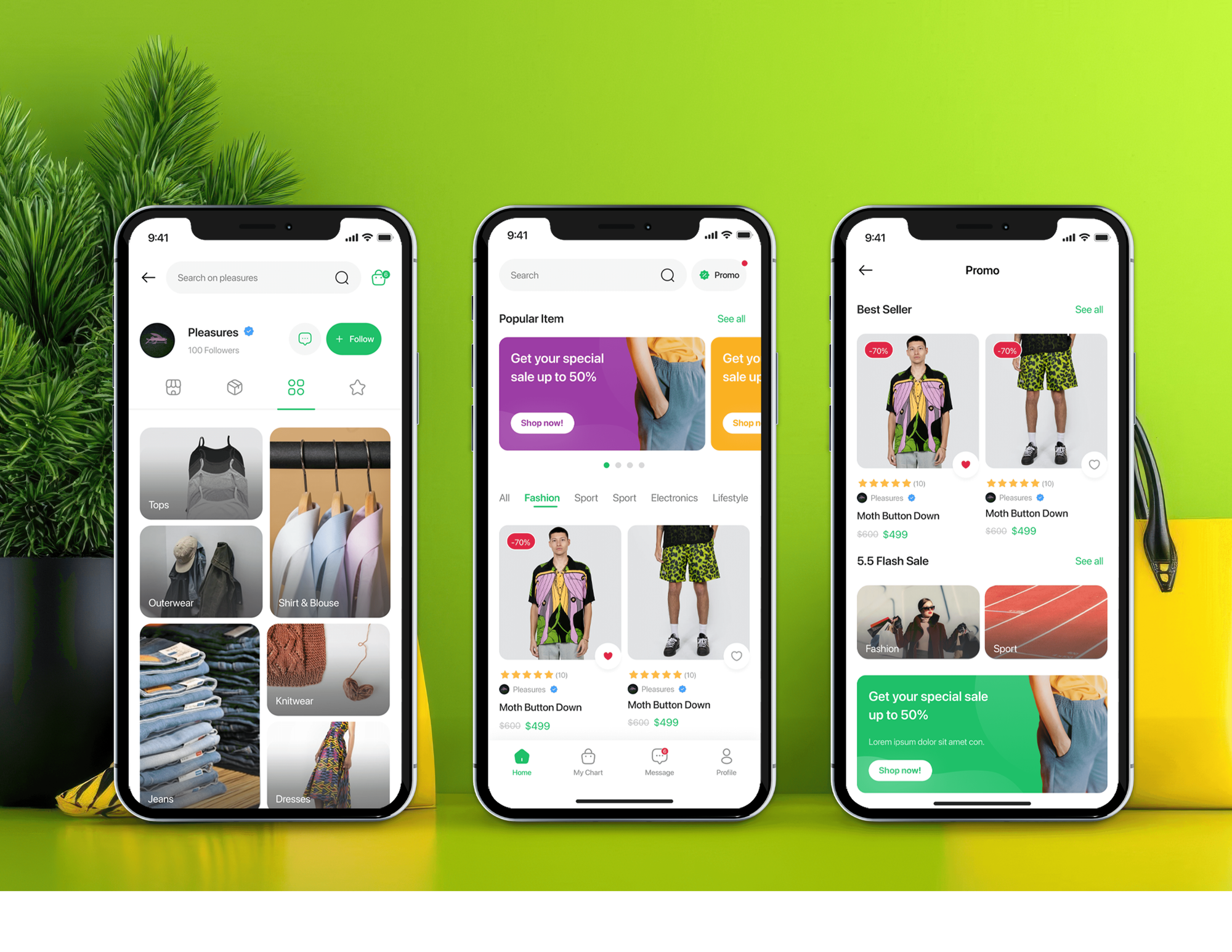
Unicom Fashion Ecommerce App and Admin Dashboard
- Fashion
- Dashboard
- E-commerce

Afterpay for business on Shopify, WooCommerce, or custom sites: order limits checked, messaging placed, real purchases tested. Setups from $400.
4
Payments shown on product pages
100%
Messaging within your limits
How your project runs
01 · FreeTeams we have built for:














The Problem
It usually isn't Afterpay itself. It's the setup around it: messaging on the wrong products, limits nobody checked, and a payment option that disappears on some carts.
Declined carts
A cart grows past your Afterpay maximum, and payment fails.
Declined carts
Messages show only on products and carts that fit your order limits.
Express gaps
Express checkout shoppers don't see Afterpay at all.
Express gaps
Afterpay's own app or plugin gets connected the right way for your store.
Test mode
Test mode switched on quietly broke your live integration.
Test mode
Test mode stays off your live store, and purchases get tested before launch.
A shopper sees four interest-free payments of $95 under a $380 dress, adds a matching coat, and picks Afterpay at checkout. The cart is now above your Afterpay maximum, so the payment is declined, and they leave. Shoppers who tap the express checkout button don't see Afterpay at all, because Shopify's express checkout doesn't include it. On another store, someone switched Afterpay's test mode on to try things out, and the live integration stopped working.
We start with your Afterpay limits and your catalog, then place messaging only where an order can be approved. We connect Afterpay's own app or plugin, keep test mode off your live store, and test purchases and refunds before launch. Shoppers see four payments they can actually use, not an offer that fails at the last step.
Messaging matched to your limits
Payment messages show only on products and carts that fit your Afterpay order limits.
The right app for your region
Shopify has one Afterpay app for US stores and another for everywhere else, so we install the right one.
Captures matched to shipments
On custom builds, we capture each shipment as it leaves, inside Afterpay's 13-day authorization window.
Our Afterpay Setup Process
You see your order limits, where messaging goes, and every test result before shoppers see Afterpay on your live store.
We review your prices, average order value, platform, and Afterpay account status against your minimum and maximum order values. You get a setup plan and fixed price, unless the free apps already cover your store, in which case we say so.
Projects We've Built
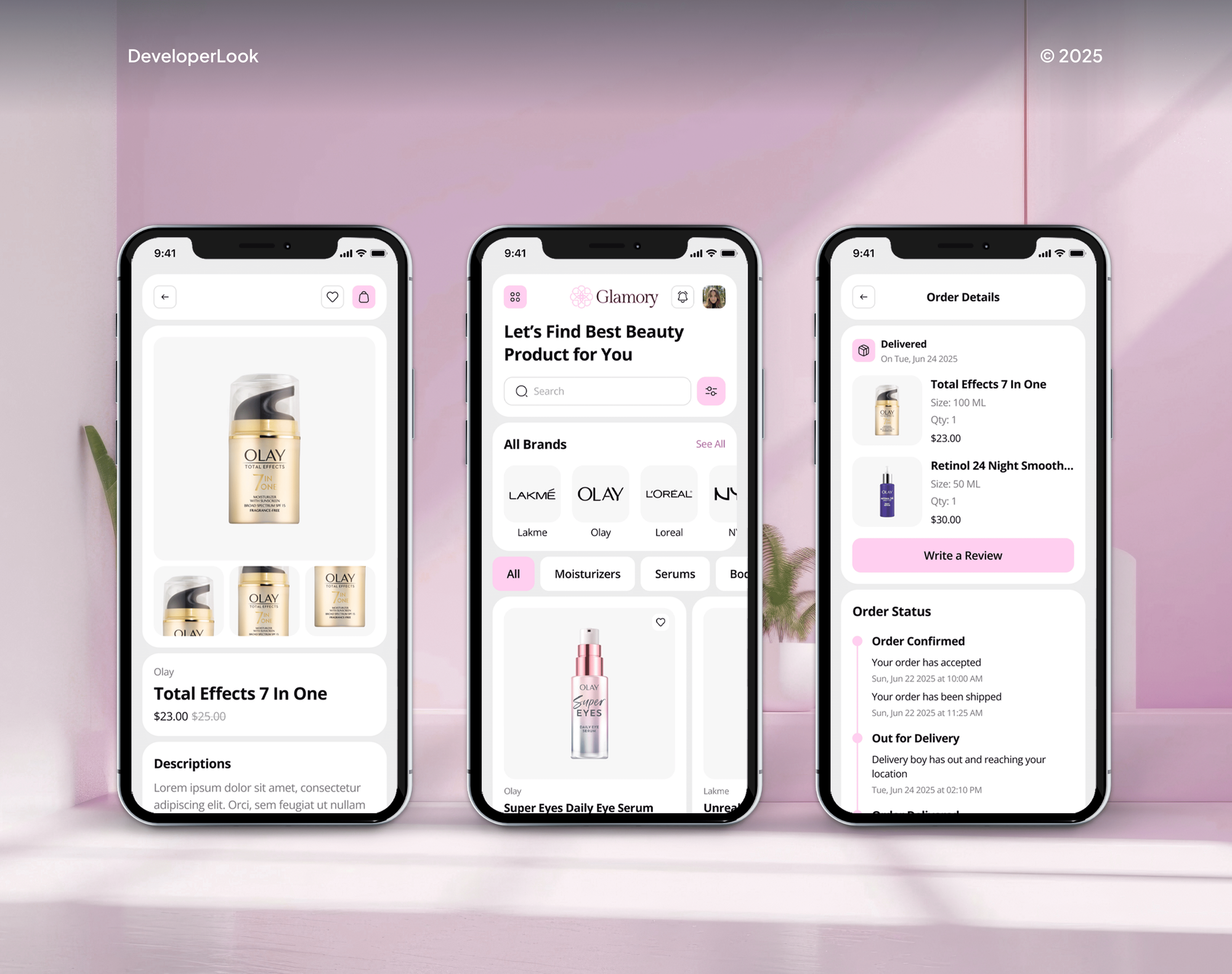
A selection of fashion, beauty, and ecommerce stores we've built. Afterpay setups go faster when we already know a store's theme and catalog.


What's Included
Every setup covers the limits check, account connection, Afterpay's app for your platform, product page messaging, live purchase tests, and a handover your team can follow.
Compare Options
Afterpay's own apps cost nothing to set up and work well on simple stores, and a freelancer can install them. The gaps show in order limits, tags, and live testing.
| Feature | DeveloperLookBest fit | Afterpay's own apps | Freelancer |
|---|---|---|---|
| Upfront cost | From $400, fixed scope | Free to install | Hourly rate |
| Setup time | 2 days to 3 weeks | About an hour | Varies by person |
| Order limit check | Matched to your prices | Not included | Rarely checked |
| Messaging on products | Hidden above your limit | Shown on every product | Case by case |
| Regional app choice | Checked for your country | Your own pick | Often the first result |
| Testing approach | Small live purchases | Up to you | Often one order |
| Custom websites | Built on Afterpay's API | Not available | Depends on skill |
| Help after launch | 30 to 90 days | Afterpay's support team | Often none |
What Our Clients Say
Feedback from ecommerce teams we have built checkouts, payments, and integrations for.
We were getting plenty of traffic, but far too many people were leaving at checkout. The buying process had simply become too complicated. The team took the time to understand where customers were dropping off, then rebuilt the checkout flow and cleaned up the shopping experience. What I really appreciated was that they didn’t just make the store look better, they actually solved the problems that were costing us sales. The whole store feels faster, simpler, and much easier to buy from now. Exactly what we needed.
We had a different kind of problem. People were visiting the store, adding products to their carts, and then disappearing before they finished the order. We had tried a few apps and made changes here and there, but nothing really seemed to solve the bigger issue. The team went through the shopping experience with us and pointed out things we hadn't really noticed ourselves. They cleaned up the cart and checkout flow, made the mobile experience much smoother, and helped us make the store feel easier to shop. I’m not going to pretend we fixed everything overnight, but it finally feels like the store is helping the sale instead of getting in the way of it.
Our old store was making it way too difficult for people to find products. We had a large catalogue, but the search, filters, and mobile navigation were frustrating customers. The team completely changed how the store handled product discovery and made the experience much easier to use on mobile. I was especially impressed by how much thought went into the customer journey rather than just the visual design. They understood what we were trying to achieve and turned it into a store that actually feels built for our customers. We’re genuinely proud of the result.
1,250+
Projects shipped
10+
Years of experience
Top 3%
Upwork Top Rated Plus
5 stars
Average review score
1,250+
Projects shipped
10+
Years of experience
Top 3%
Upwork Top Rated Plus
5 stars
Average review score

Want results like these?
Tell us what you are building. You get a reply within 24 hours on business days, then a written estimate.
Work Culture
Afterpay only earns its place when it approves the order a shopper wants to place. These are the habits we bring to every Afterpay setup.
Afterpay declines carts outside your minimum and maximum order values. We check your limits first, so messaging doesn't promise a plan a shopper can't get.
Afterpay's docs say test mode makes a live integration fail. We test with small real purchases and refunds instead, so launch day isn't a surprise.
Gift cards, bundles, and big-ticket items can sit outside what Afterpay approves. We tag them so their messaging stays hidden and your pages stay accurate.
On custom builds, Afterpay authorizations expire after 13 days. We capture each shipment as it leaves, so split orders don't lose their payment.
If Afterpay's own apps already cover a simple store, we'll tell you and point to the settings. You won't pay us to click Install.
Business Hub logins, payouts, and settings stay under your business. Every login comes back to you when the work is done.
Overview
DeveloperLook sets up Afterpay for business on Shopify, WooCommerce, and custom websites. We check your order limits, install Afterpay on your platform, add messaging where orders can be approved, and test real purchases and refunds. Setups start at $400, and most go live in 2 days to 2 weeks.
DEVELOPERLOOK
Project facts · Afterpay Integration
Reviewed 28 Sep 2026 by Saimul Islam
Good fit
Fashion and beauty stores on Shopify
Your average order sits between $80 and $300, where shoppers expect four payments, and you want Afterpay on Shopify done properly.
Small businesses new to Afterpay
You've just been approved by Afterpay and want the Business Hub, the payment app, and product page messaging set up without guesswork.
WooCommerce stores in the US or Australia
Your WooCommerce store needs Afterpay's plugin working in the Checkout block, with messaging on category, product, and cart pages.
Custom and headless storefronts
You built your checkout yourself and need to add Afterpay to website checkout code through Afterpay's API, with captures per shipment.
Agencies with Afterpay requests
Your clients want Afterpay in the US, Canada, or Australia, and you need setup, messaging, and refund testing handled under your brand.
Not a fit
No provider picked yet
You haven't picked a provider yet. Our Buy Now Pay Later Integration service compares Afterpay with Klarna, Affirm, and Sezzle before anything gets set up.
Orders above your limit
Most of your orders sit above your Afterpay limit, like $3,000 sofas. Affirm offers monthly plans on bigger baskets, so our Affirm Integration service fits better.
Default setup is fine
You run a simple Shopify store and Afterpay's default setup is fine. Its messaging app is free to install, so our $400 setup may be more than you need.
Shoppers in Europe
You mostly sell to shoppers in Europe outside the UK. Afterpay's markets are the US, Canada, Australia, New Zealand, and the UK, so our Klarna Integration service fits better.
Not sure we're the right fit?
Book a free call or message us. We'll tell you honestly whether we're the right team.
Pricing
These are starting points in USD. Your final price depends on your platform, order limits, and messaging needs, and you get a fixed proposal after a free Afterpay limits check.
For Agencies
You own the client relationship and the store design. We check the client's Afterpay limits, connect the right app or plugin, and run live purchase tests, then hand over notes under your brand.
White label: your client only ever sees your brand
Share store access, the client's Afterpay status, and their launch date.
You get the limits review, a fixed price, and a delivery date first.
We set up and test Afterpay, then hand over notes under your brand.
Share store access, the client's Afterpay status, and their launch date.
You get the limits review, a fixed price, and a delivery date first.
We set up and test Afterpay, then hand over notes under your brand.
The Right Technology for Your Project
We use Afterpay's own Shopify apps and WooCommerce plugin first, and Afterpay's API with afterpay.js only for custom websites.
 Shopify
 WooCommerce
 WordPress
 Next.js
 AfterpayShopify PaymentsWooPayments
 Stripe
 JavaScript
 Node.js
 React
React PostgreSQL
 Google Analytics (GA4)
 Google Tag Manager
 Google Sheets
 Slack
SlackRelated Services
Afterpay setups often sit next to a wider pay-later plan, other providers, and wallet buttons. These are the services clients add most often.
This page
Afterpay Integration
Pairs with the 5 services around it
FAQ
Straight answers on Afterpay fees, approval, setup on Shopify and WooCommerce, and what it does for your sales.
Saimul IslamFounder & CEO, DeveloperLookStill have questions?
Send a message or book a call with the team.
Afterpay charges merchants a percentage of every order plus a fixed fee per transaction, and it sets your rate when you sign up. Signing up is free, according to Afterpay's retailer page. Our one-time setup starts at $400 for a Shopify or WooCommerce store.
A Shopify or WooCommerce setup takes 2 to 4 business days once Afterpay approves your account. Adding messaging across your catalog, tags, and a second region takes about a week. A custom build on Afterpay's API takes 2 to 3 weeks, including tests in Afterpay's sandbox.
Afterpay is a buy now, pay later service that splits a purchase into four interest-free payments over six weeks. Block, the company behind Cash App, has owned it since January 2022. US shoppers see it as Cash App Afterpay, and UK shoppers know it as Clearpay.
Shoppers pay the first of four installments at checkout and the rest every two weeks, with no interest on Pay in 4. Afterpay also offers Pay Monthly over 6 to 12 months at a risk-based rate. Either way, the store is paid upfront and Afterpay collects from the shopper.
With Afterpay for business, Afterpay pays you upfront for the order, minus its fee, then collects every payment from the shopper. Your account has a minimum and maximum order value, and Afterpay declines carts outside that range. You can ask Afterpay's merchant support to adjust those limits.
You apply to Afterpay, get Business Hub access once approved, then install Afterpay's payment app or plugin and connect your account. On Shopify, click Activate with test mode left off. Last, add messaging to product pages and place a small real purchase you can refund.
You apply on Afterpay's website, and Afterpay reviews your business before approving it. Afterpay for small business sellers works the same way as for larger stores. Once approved, you manage everything in Business Hub, where you need User or Hub Admin access to connect a store.
Afterpay on Shopify runs through its own payment app, with one version for US stores and another for the rest of the world. Install it, connect your Business Hub account, and activate it with test mode off. Product page messaging comes from a separate Afterpay app or your theme.
For Afterpay, WooCommerce stores in the US, Australia, and New Zealand use Afterpay's own plugin, which supports the Checkout block. It adds messaging on category, product, and cart pages and an express checkout button on the cart. WooPayments also offers Afterpay in five countries, including Canada and the UK.
It can, especially on mid-priced items where four smaller payments feel easier than one. We don't promise a percentage, because the effect varies with what you sell and who buys it. Our Full Setup and API plans tag Afterpay orders in GA4, so you can compare their order value and conversion with cards.
Saimul IslamFounder & CEO, DeveloperLookStill have questions?
Send a message or book a call with the team.
Free 30-min callGoogle Meet
Book a call
In 30 minutes on Google Meet we walk you through how we would build it, how long it takes and what it costs. Then you get a written estimate.
Calendar not showing? Book on cal.com or send a brief.