Havenly Furniture Ecommerce Website
- Furniture
- E-commerce
- Dashboard

Digital wallet integration for Shopify, WooCommerce, and custom stores. Add Apple Pay, Google Pay, Shop Pay, and PayPal, tested on real phones. From $350.
1tap
To pay with a wallet
100%
Wallet buttons tested on devices
How your project runs
01 · FreeTeams we have built for:














The Problem
It shows in your mobile checkout numbers. Shoppers reach the payment step, meet a card form on a small screen, and too many of them stop right there.
Card forms
Mobile shoppers meet a 16-digit card form on a phone keyboard.
Card forms
Every wallet your provider supports gets switched on.
Hidden buttons
Wallet buttons show only at checkout, not in your cart.
Hidden buttons
Express buttons appear on product pages and in your cart drawer.
Old PayPal
PayPal was set up years ago under an old email.
Old PayPal
PayPal and Shop Pay get set up and tested on real orders.
Lost sessions
Shoppers close the tab to finish later, and the order is gone.
Lost sessions
Questions wallets skip move earlier, so fast checkouts stay complete.
A shopper taps your Instagram ad at 11 p.m. and adds a jacket to the cart. At checkout, they meet a card form: 16 digits, an expiry date, a security code, and a full address on a phone keyboard. Your wallet buttons exist, but only on the checkout page, not in the cart drawer where they were. PayPal was set up years ago under an old email. They close the tab to finish later, and that order is gone.
We start with your payment provider, because it decides which wallets you can offer. Then we turn on every wallet it supports and place express buttons on product pages and in your cart. We check which custom fields express wallets skip and move those questions earlier. Every wallet gets a real test order. Shoppers tap and pay instead of typing and leaving.
Express buttons on product pages
Wallet buttons show on product pages and in your cart, not only at checkout.
Skipped fields caught early
Express wallets can skip custom checkout fields, so we move those questions to the cart.
Checked on iPhone and Android
Every wallet runs a real test order on Safari, Chrome, and Android before launch.
Our Wallet and Express Checkout Process
You see which wallets your provider supports, where each button will appear, and the test results before any shopper taps one.
We check your payment provider, platform, theme, and which wallets already work. If your provider only needs a wallet switched on in settings, we'll tell you before we quote. Then you get a wallet plan with a fixed price.
Projects We've Built
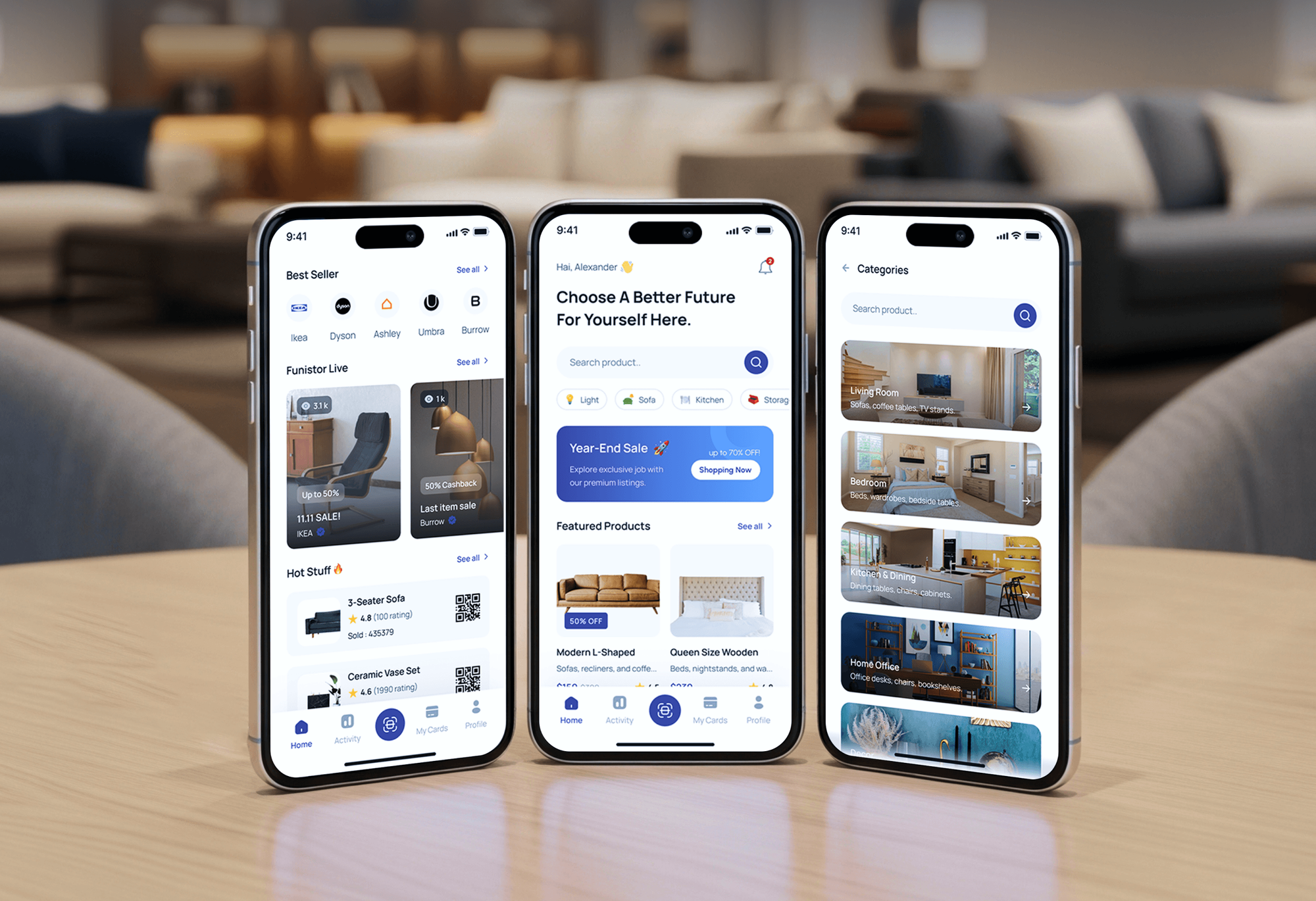
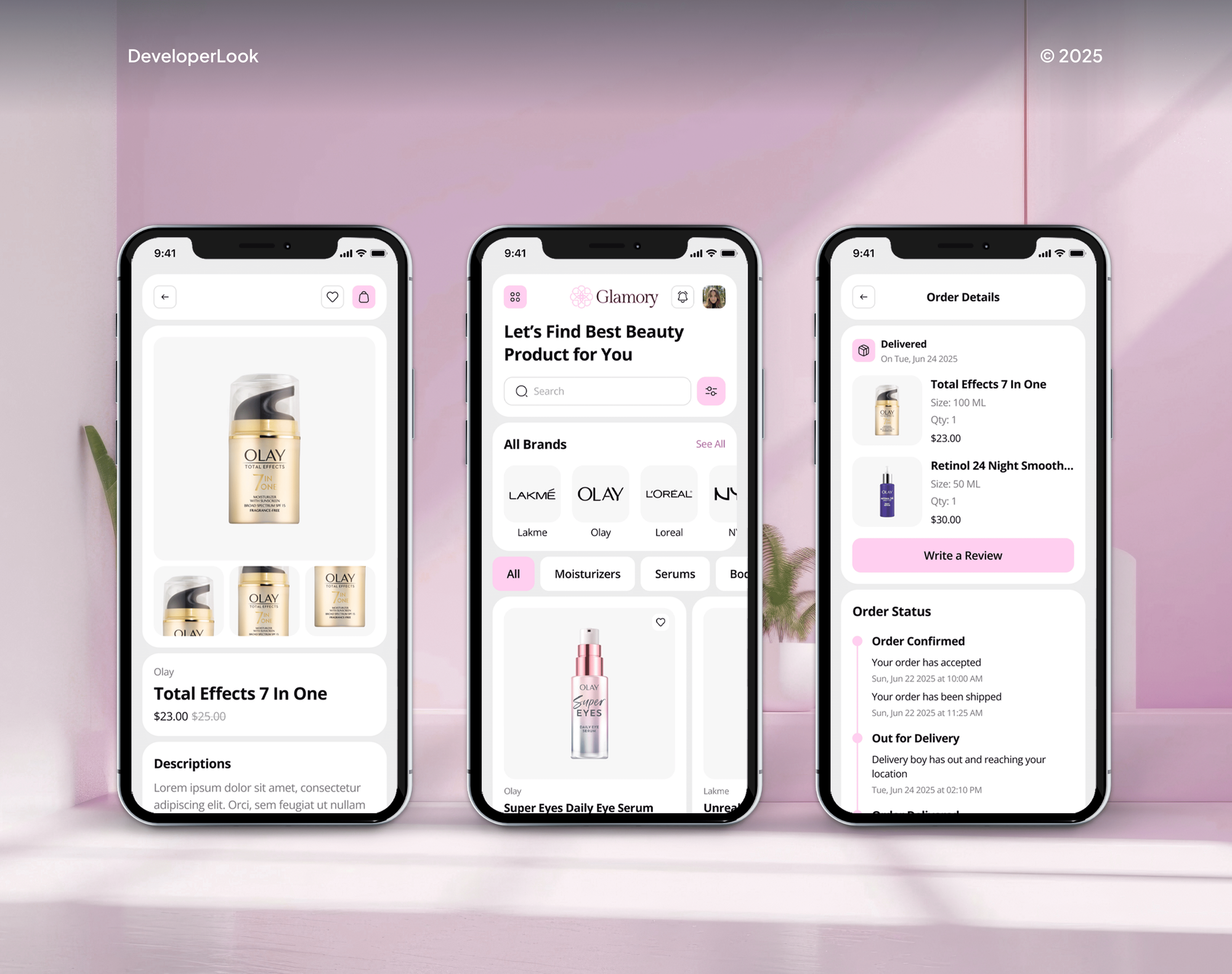
A selection of Shopify and ecommerce stores we've built. Payment setup starts with knowing how a store's checkout already works.

What's Included
Every digital wallet integration covers a provider review, button placement, setup on your platform, real-device testing, and notes for managing wallet settings.
Compare Options
Default wallet settings cost nothing and handle the basics on Shopify, and a general developer can add buttons. Here's where each option leaves gaps.
| Feature | DeveloperLookBest fit | Default settings | General developer |
|---|---|---|---|
| Upfront cost | From $350, fixed scope | Free | Hourly rate |
| Setup time | 2 days to 4 weeks | Minutes | Varies |
| Wallets offered | All your provider supports | What your provider shows | Varies |
| Product and cart buttons | Placed and styled | Theme default only | Case by case |
| Cart drawer buttons | Added with code | Often missing | If requested |
| Skipped checkout fields | Moved before payment | Not handled | Rarely checked |
| Device testing | iPhone, Android, desktop | Your own checks | Often one browser |
| Custom sites and apps | Gateway wallet APIs | Not available | Depends on skill |
What Our Clients Say
Feedback from ecommerce teams we have built checkouts, payments, and integrations for.
We were getting plenty of traffic, but far too many people were leaving at checkout. The buying process had simply become too complicated. The team took the time to understand where customers were dropping off, then rebuilt the checkout flow and cleaned up the shopping experience. What I really appreciated was that they didn’t just make the store look better, they actually solved the problems that were costing us sales. The whole store feels faster, simpler, and much easier to buy from now. Exactly what we needed.
We had a different kind of problem. People were visiting the store, adding products to their carts, and then disappearing before they finished the order. We had tried a few apps and made changes here and there, but nothing really seemed to solve the bigger issue. The team went through the shopping experience with us and pointed out things we hadn't really noticed ourselves. They cleaned up the cart and checkout flow, made the mobile experience much smoother, and helped us make the store feel easier to shop. I’m not going to pretend we fixed everything overnight, but it finally feels like the store is helping the sale instead of getting in the way of it.
Our old store was making it way too difficult for people to find products. We had a large catalogue, but the search, filters, and mobile navigation were frustrating customers. The team completely changed how the store handled product discovery and made the experience much easier to use on mobile. I was especially impressed by how much thought went into the customer journey rather than just the visual design. They understood what we were trying to achieve and turned it into a store that actually feels built for our customers. We’re genuinely proud of the result.
1,250+
Projects shipped
10+
Years of experience
Top 3%
Upwork Top Rated Plus
5 stars
Average review score
1,250+
Projects shipped
10+
Years of experience
Top 3%
Upwork Top Rated Plus
5 stars
Average review score

Want results like these?
Tell us what you are building. You get a reply within 24 hours on business days, then a written estimate.
Work Culture
Wallet buttons sit at the moment someone decides to pay. Here's how we set them up, whether it's one Shopify setting or a custom app checkout.
Your payment provider decides which wallets you can offer, by country and plan. We check that before promising any button, so nothing appears that can't take payment.
Express wallets can skip custom checkout fields, so a gift note or delivery date goes missing. We move those questions to the cart before launch.
Per Shopify's help docs, Apple's wallet only shows in Safari on supported devices. We test each wallet on the phones and browsers your shoppers actually use.
Branded wallet buttons keep their own look, and Shopify only lets you style the unbranded one. We fit them into your layout so pages stay tidy on phones.
If your provider only needs a wallet switched on, we'll show you where the setting is. You won't pay us for a quick toggle.
Wallets, gateway settings, and any custom code stay under your business accounts. We don't hold your payouts or your payment logins.
Overview
DeveloperLook handles digital wallet integration for Shopify, WooCommerce, and custom stores. We turn on Apple Pay, Google Pay, Shop Pay, and PayPal, place express buttons where shoppers decide, and test each wallet on real phones. Projects start at $350, and Shopify setups take 2 to 5 business days.
DEVELOPERLOOK
Project facts · Digital Wallet & Express Checkout Integration
Reviewed 28 Sep 2026 by Saimul Islam
Good fit
Stores losing sales at mobile checkout
Your mobile shoppers reach checkout, see a long card form, and leave before typing a single digit.
Shopify stores with wallets half set up
You switched wallets on months ago, but the buttons still don't show on your product pages or inside your cart drawer.
WooCommerce stores adding wallets
Your WooCommerce checkout takes cards only, and you want Apple Pay integration and Google Pay without breaking your checkout plugins.
Custom sites and mobile apps
Your storefront runs on custom code or an app, and you need mobile wallet integration through your gateway's API.
Agencies with payment requests
Your clients want Shop Pay integration and PayPal on their stores, and you need someone to set them up and test them properly.
Not a fit
New gateway needed
You need a new payment processor or gateway, not wallet buttons. Our Payment Gateway Integration service covers that setup.
Pay-later options
You want pay-later options such as Klarna or Afterpay. Our Buy Now Pay Later Integration service handles those.
One free wallet setting
You're on Shopify Payments and only need one wallet switched on. It's a free setting, so our $350 setup is more than you need.
Extra fields, not speed
Your checkout needs extra fields, not faster payment. Our Shopify Checkout Customization service covers fields and blocks.
Not sure we're the right fit?
Book a free call or message us. We'll tell you honestly whether we're the right team.
Pricing
These are starting points in USD. Your final price depends on your platform, the wallets you add, and any custom code, and you get a fixed proposal after a free wallet review.
For Agencies
The client relationship and checkout design stay with your agency. We turn on and test their wallets, add the buttons their theme skips, and build API wallets for custom stores, all under your brand.
White label: your client only ever sees your brand
Share store access, the client's payment provider, and their deadline.
You get the supported wallets, a fixed price, and a date first.
We set up and test every wallet, then hand over notes under your brand.
Share store access, the client's payment provider, and their deadline.
You get the supported wallets, a fixed price, and a date first.
We set up and test every wallet, then hand over notes under your brand.
The Right Technology for Your Project
We work inside your payment provider's wallet settings first, then use each gateway's wallet APIs where your store runs custom code.
 Shopify
 WooCommerce
 BigCommerce
 WordPress
 Apple Pay
 Google Pay
 PayPal
 Stripe
 BraintreeShopify PaymentsWooPayments
 JavaScript
 React
React Node.js
 Google Analytics (GA4)
 Chrome DevTools
Related Services
Wallet setup often sits next to gateway work, pay-later options, multi-currency checkout, and conversion fixes. These are the services clients add most often.
This page
Digital Wallet & Express Checkout Integration
Pairs with the 6 services around it
FAQ
Straight answers on wallet costs, Apple Pay on Shopify, Shop Pay, PayPal, and how wallets reach your gateway.
Saimul IslamFounder & CEO, DeveloperLookStill have questions?
Send a message or book a call with the team.
Our Shopify wallet setup starts at $350, covering every wallet your provider supports, express buttons, and device tests. WooCommerce, BigCommerce, or custom-theme stores that need wallet code cost $950. API wallets for custom sites and mobile apps start at $2,400. On Shopify, Apple Pay and Google Pay add no fees beyond your normal processing rate.
Shopify wallet setups take 2 to 5 business days, and most of that is testing on real devices. WooCommerce and BigCommerce builds take 1 to 2 weeks, including wallet domain setup. API wallets for custom sites or apps take 2 to 4 weeks, depending on your gateway and order flow.
Express checkout is a payment button that fills in a buyer's saved card and address, such as Apple Pay, Google Pay, Shop Pay, or PayPal. Shopify calls them accelerated checkout buttons. They can skip your cart and go straight to payment, which is why custom checkout fields sometimes get missed.
Yes, Shopify accepts Apple Pay through Shopify Payments or a third-party provider that lists it. Your store needs SSL on its domain and must follow Apple's acceptable use rules. Shoppers see the button in Safari on supported Apple devices, both at checkout and as an express button.
Yes, Shopify Payments includes Apple Pay, and you switch it on in the Wallets section of your payment settings. You pay no extra fee for it, only your normal processing rate, per Shopify's help center. France has its own activation steps, so we check your country before setup.
Go to Settings, then Payments, open your provider's Manage page, and select Apple Pay under Wallets. Save, then place a test order on an iPhone in Safari. If your theme uses a cart drawer, the button may need extra code, because Shopify doesn't add it there automatically.
Turn on dynamic checkout buttons for your product template in the theme editor, and the button appears for Safari shoppers on Apple devices. You can't pick which branded buttons show, since that follows your active wallets. These buttons buy one variant at a time, so mixed-variant orders still use the cart.
New Shopify stores get a PayPal Express Checkout account automatically, and you finish setup under Settings, then Payments, with a PayPal business account. In the United States and France, stores on Shopify Payments get PayPal Wallet instead. For express checkout, Shopify stores should test a payment and a refund before launch.
Shop Pay saves a buyer's email, payment method, and shipping details, so returning buyers skip the checkout form. It's part of Shopify Payments, and buyers who opted in on any Shopify store can use it on yours. It also works in the Shop app and on Shopify POS.
Wallets pass your gateway a token instead of the card number, and the gateway charges it like a card. For Apple's wallet, the bank creates a device-specific account number, and each payment carries a one-time security code, per Apple. So wallets run through your existing processor, not a new merchant account.
Saimul IslamFounder & CEO, DeveloperLookStill have questions?
Send a message or book a call with the team.
Free 30-min callGoogle Meet
Book a call
In 30 minutes on Google Meet we walk you through how we would build it, how long it takes and what it costs. Then you get a written estimate.
Calendar not showing? Book on cal.com or send a brief.