Source map and cleanup
Every help center, wiki, and drive mapped, with duplicates merged and outdated pages flagged for their owners.

For support and operations teams buried in scattered docs: answers from your own articles, with the source linked and every missing answer reported back to you.
24/7
Answers from your own docs
100%
Unanswered questions logged
How your project runs
01 · FreeTeams we have built for:














The Problem
It shows up once the team grows past the point where everyone can ask one person. Docs spread across drives, wikis, and old tickets, and the same questions land in chat every day.
Scattered docs
Answers live in drives, wikis, tickets, and chat threads.
Scattered docs
We map every source and merge duplicates before anything gets connected.
Stale pages
Nobody knows which pages are still true.
Stale pages
Each article gets an owner and a review date that triggers a reminder.
Exact titles
Search only works if you guess the article's title.
Exact titles
Plain-language questions get an answer with a link to the source article.
Tribal knowledge
Key answers live in one teammate's head.
Tribal knowledge
Unanswered questions feed a gap report, so missing articles get written once.
A customer asks about your refund rule for annual plans. Your agent searches the help center, finds two articles that disagree, checks Slack, and finally pings the one teammate who remembers. By the time the reply goes out, it may already be outdated. New hires ask the same questions every week. Your wiki has hundreds of pages, and nobody knows which ones are still true. Search only works if you guess the exact title. Every answer that lives in someone's head is one resignation away from gone.
We start with your content, not the chatbot. We map every source, merge duplicates, and give each topic an owner. Then we connect those sources to an assistant that answers in plain language, cites the article it used, and respects who may see what. Every question it can't answer goes into a gap report, so your team writes the missing article once. Answers come from your approved docs instead of the model's guesses.
Answers cite the source
Every reply links the article or document it came from, so staff can check it.
Every topic has an owner
Owners get a reminder when an article passes its review date or answers go wrong.
Gaps become new articles
Questions the assistant can't answer land in a weekly report for your team.
Our AI Knowledge Base Development Process
You approve the source list, the access rules, and the test questions before launch. Then you try real answers, with citations, on a staging link.
We look at where your answers live today: help center, wiki, shared drives, and ticket history. You get a source map, the access and freshness risks we see, and a fixed price for the build.
What's Included
The content work and the software in one project: sources cleaned and connected, chat search with citations, access rules that match your systems, and reports that keep answers current.
Compare Options
Most knowledge base AI tools answer only from the articles inside one helpdesk, which suits teams whose answers live there. Plain wiki search suits small teams. Here is where each breaks down.
| Feature | DeveloperLookBest fit | Helpdesk AI Add-On | Wiki Search |
|---|---|---|---|
| Sources covered | Help center, wiki, drives, and tickets | Mostly that helpdesk's own articles | One wiki only |
| Content cleanup | Duplicates merged, owners assigned | Left to your team | Left to your team |
| Answer style | Plain answers with source citations | AI answers with article links | List of matching page titles |
| Access control | Copied from each source system | Helpdesk roles only | Wiki permissions only |
| Gap reporting | Weekly unanswered question report | Basic analytics on some plans | Not included |
| Time to start | Pilot in 2 to 3 weeks | Same day, switch it on | Already running today |
| Cost | Fixed project, then model usage | Per-seat or per-answer fees | Cheapest, part of the wiki |
| Ownership | Index, code, and prompts are yours | Vendor keeps the setup | Yours, but no AI layer |
Projects We've Built
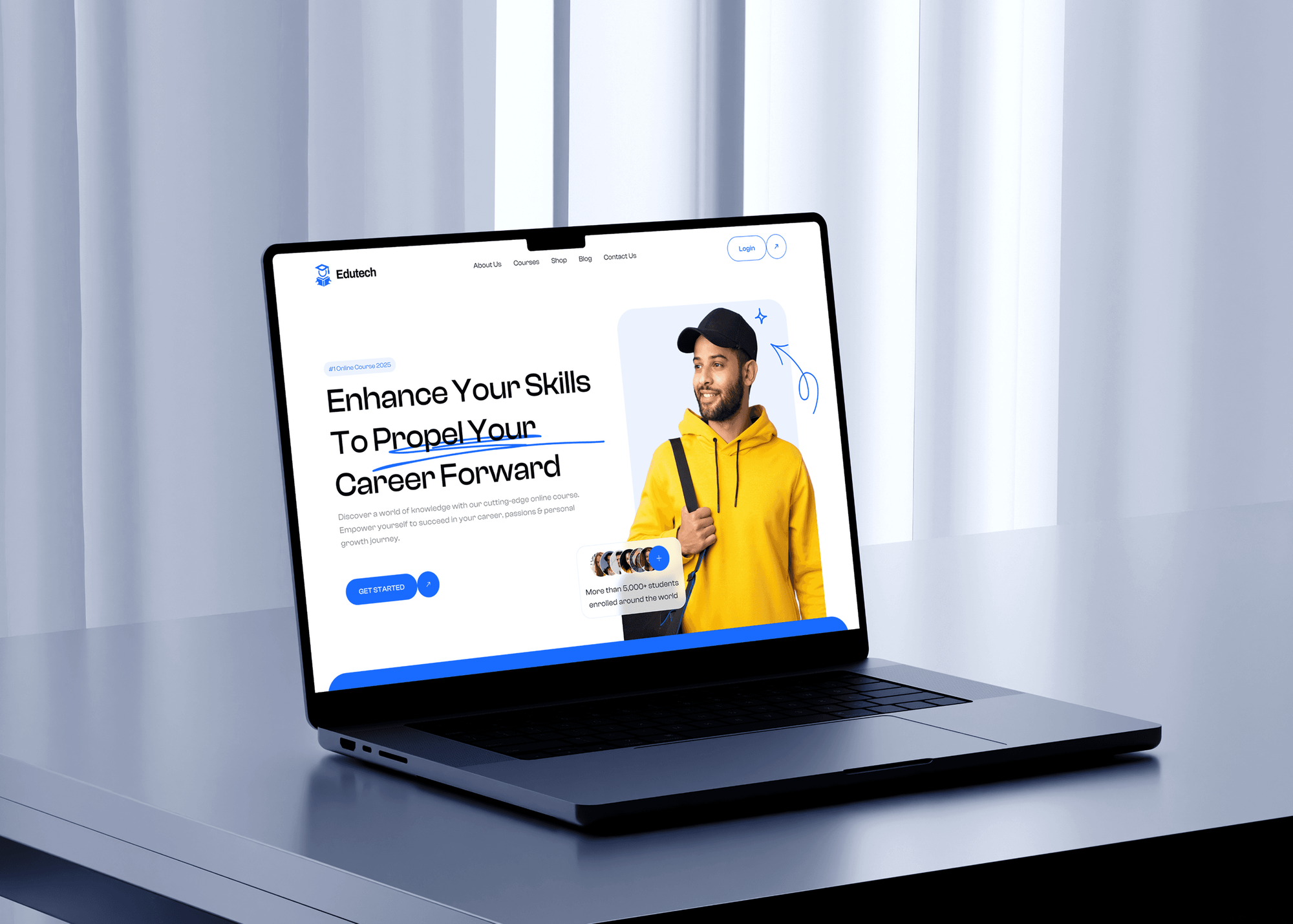
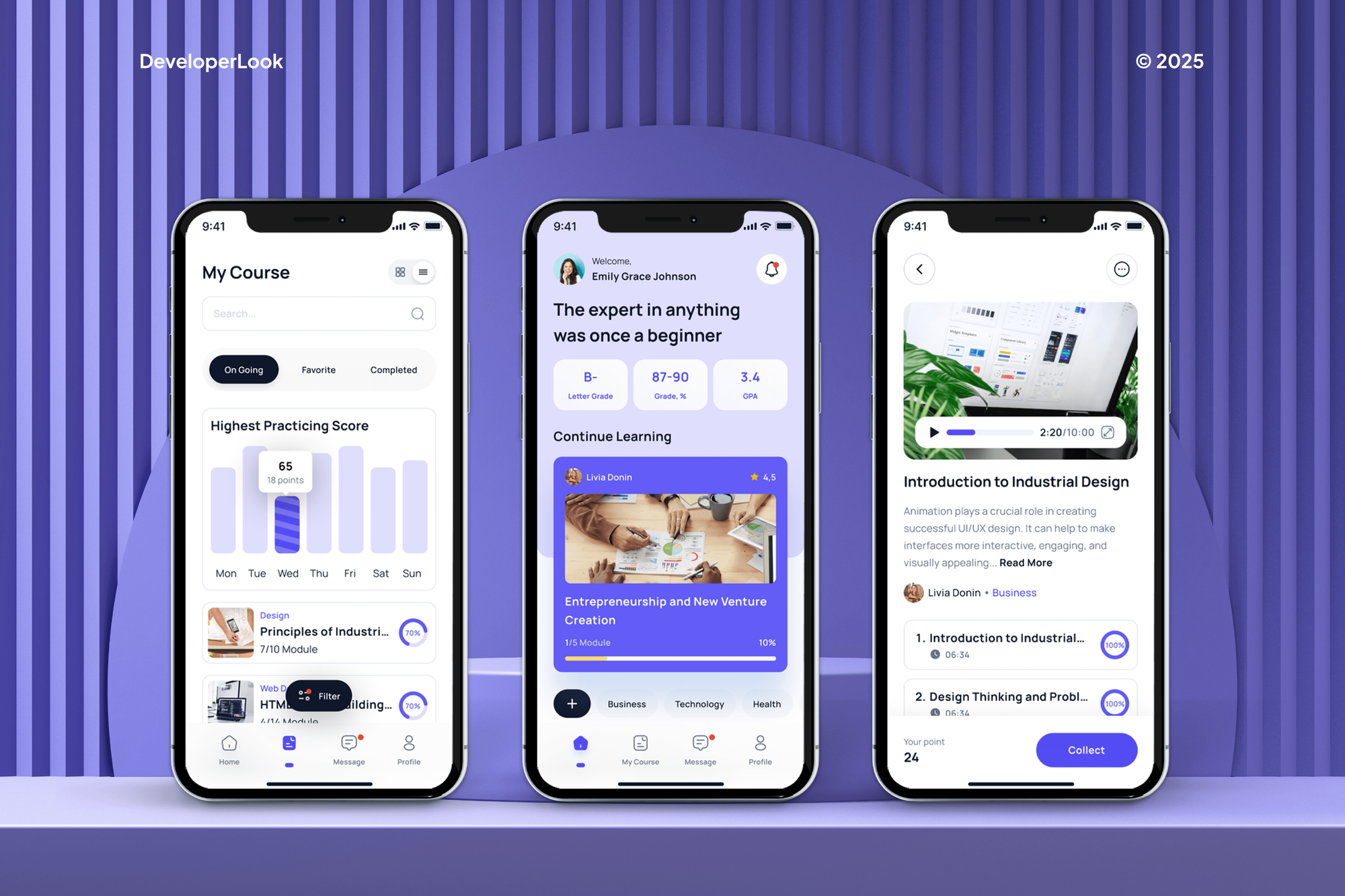
Learning platforms and SaaS products we designed and built, where people find answers in structured content. They show our product work, not a knowledge base build each.

What Our Clients Say
Feedback from teams we have built apps, platforms, and websites for.
We had a pretty specific idea of what we wanted our website to become, but I wasn’t sure how easily we could explain all of it to a development team. There were quite a few moving parts, and we were working toward a deadline, so I expected a few things to get lost along the way. That never really happened. They understood what we were trying to achieve, kept us updated throughout the process, and got everything ready within the agreed timeline. The final site feels much easier to navigate, works beautifully on mobile, and is noticeably smoother for our customers. It was a huge relief seeing the original idea actually turn into the website we had in mind.
The mobile experience is probably my favourite part of the new site. We had spent a lot of time making sure the desktop version looked right, and the team kept pushing us to think about how everything would actually feel on a phone too. They were right. The navigation is clean, the interactions feel natural, and everything we’ve tested so far works exactly as it should. They also went through the links, forms, integrations, and other details more than once before launch, which I really appreciated. And even after going live, we could still reach out when something came up. The whole process felt friendly, organised, and surprisingly straightforward.
What I appreciate most is that the website is actually easy for us to manage now. We can update content ourselves instead of sending a developer a message every time we need to change something small. They also paid attention to the technical SEO side, which mattered to us because we didn’t want a new website to create problems for the traffic we already had. I’ve probably asked more questions than I should have since launch, but every question has been handled patiently and without any fuss. The team is easy to work with, they explain things clearly, and when we need something changed, they focus on getting it done rather than making the process complicated.
1,250+
Projects shipped
10+
Years of experience
Top 3%
Upwork Top Rated Plus
5 stars
Average review score
1,250+
Projects shipped
10+
Years of experience
Top 3%
Upwork Top Rated Plus
5 stars
Average review score

Want results like these?
Tell us what you are building. You get a reply within 24 hours on business days, then a written estimate.
Work Culture
Teams come to us for the AI. They stay because we treat the content as the product: owners, review dates, access rules, and answers people can check.
We fix duplicate and conflicting articles before we connect anything. An AI layer on top of messy docs only gives wrong answers faster.
Answers link the article they came from, so agents can check them in one click. Trust grows when people can verify an answer themselves.
We copy access rules from your source tools instead of inventing new ones. A contractor who can't open a folder today won't see it in answers tomorrow.
If your helpdesk's built-in AI already covers your articles, we'll tell you before we quote. Some teams only need cleanup and better search.
We test with questions from your own tickets and chats, not invented ones. You see which answers passed and which need content work.
The index, code, prompts, and admin guide move to your accounts at handover. Nothing depends on our login to keep running.
Overview
DeveloperLook builds an AI knowledge base that answers staff and customer questions from your own help center, wiki, and drives. Each project covers content cleanup, source connections with access rules, chat search with citations, and a gap report. Pilots start at $1,050, take 2 to 3 weeks, and you own the setup.
DEVELOPERLOOK
Project facts · AI Knowledge Base Development
Reviewed 28 Oct 2026 by Saimul Islam
Good fit
Support teams with a growing help center
Your agents search three tools for one answer, and you want to build an AI chatbot with a custom knowledge base that drafts replies from approved articles.
Operations teams onboarding new hires
Your new hires ask the same process questions every week, and the answers sit in a wiki nobody keeps current.
Companies with documents across many drives
You need an ai based knowledge management system that respects folder permissions across Google Drive, SharePoint, and Confluence.
SaaS companies with self-serve customers
Your customers search the help center at night, and you want answers that cite the right article instead of a ticket form.
Agencies building knowledge tools for clients
Your clients ask for an AI assistant on their own documents, and you need the build delivered under your brand.
Not a fit
Retrieval engine only
Your content is already in order and you need a retrieval layer inside your own app or agent. Our RAG Development page covers that engineering work.
A website chatbot first
You mainly need a chatbot on your website for sales and support questions. AI Chatbot Development is the closer match and starts with the bot itself.
Helpdesk not chosen yet
You're still choosing or moving to a helpdesk. Helpdesk Setup and Migration comes first, then the knowledge layer can be built on top.
Budget under $1,050
Your budget is under $1,050 for the whole project. Your helpdesk's built-in AI and a tidy help center may be enough for now.
Not sure we're the right fit?
Book a free call or message us. We'll tell you honestly whether we're the right team.
Pricing
These are starting points in USD. Your final price depends on your source tools, content volume, and access rules, and you get a fixed proposal after a free discovery call.
For Agencies
You own the client relationship. We build your client's knowledge assistant behind the scenes: the content audit, source connections, chat search, and the gap report. Everything ships under your brand, and your team stays the face of the project.
White label: your client only ever sees your brand
Send the client's tools, rough content volume, and any access rules that apply.
You get a fixed price, a source plan, and a launch date.
We deliver the assistant and the gap report, ready for your client handover.
Send the client's tools, rough content volume, and any access rules that apply.
You get a fixed price, a source plan, and a launch date.
We deliver the assistant and the gap report, ready for your client handover.
The Right Technology for Your Project
We connect the tools your knowledge already lives in, store searchable sections in your own database, and pick models by test results on your questions.
 Zendesk
 Intercom
 Slack
Slack OpenAI
 Anthropic Claude
 Google Gemini
 Meta Llama
 PostgreSQL
 Python
 TypeScript
 React
React Docker
 AWS
AWSRelated Services
Pair the knowledge base with the MCP layer your AI tools use, a tuned retrieval engine, a website chatbot, a helpdesk setup, and text analysis.
This page
AI Knowledge Base Development
Pairs with the 6 services around it
FAQ
Straight answers on cost, access to company knowledge, risks, freshness, and support results for AI knowledge bases.
Saimul IslamFounder & CEO, DeveloperLookStill have questions?
Send a message or book a call with the team.
An AI knowledge base starts at $1,050 for a Knowledge Pilot with up to 2 sources and 500 articles. A Support Knowledge Base with a customer widget and permission filters is $2,900, and a Company Knowledge Hub with up to 8 sources starts at $6,400. Pilots take 2 to 3 weeks and production builds 4 to 10 weeks. Model usage is billed to your own provider account.
An AI agent knowledge base is the approved content an AI agent reads before it acts, such as policies, product facts, and procedures. Unlike a chat assistant, an agent uses those answers to take steps, like issuing a refund within your rules. That makes freshness and access control even more important, because a stale policy turns into a wrong action, not just a wrong reply.
A good one is accurate, current, and honest about what it doesn't know. The best ai knowledge base for your team cites its sources, follows the access rules of the tools it reads, and logs questions it can't answer. Content quality matters more than the model: merged duplicates and named owners do more for accuracy than switching providers.
You give AI access through each tool's API with a read-only connection, not by uploading files into a chat app. We connect Google Drive, SharePoint, Confluence, or Zendesk with scoped credentials, index the content in your own database, and copy each document's permissions. People then get answers only from documents they could already open.
The main risks are leaked permissions, answers from outdated documents, and confident answers with no source. Enterprises also ask where content is stored and whether providers train on it. We address each one. Access is copied from source systems, articles carry review dates, and every answer has a citation. The assistant says so when nothing matches, and model accounts run on business terms that exclude training on your data.
Organizations use RAG to find the right passages in enterprise documents before the AI writes an answer. Policies, contracts, manuals, and past tickets are split into sections and searched on every question. The model answers only from what was found and cites it. For deeper retrieval engineering on large document sets, our RAG Development page covers retrieval augmented generation on its own.
It puts a cited answer in front of the agent during the first conversation, so fewer contacts end in an escalation or a callback. Agents get a reply draft built from approved articles instead of searching three tools. We don't promise a specific FCR gain: we read your FCR in the helpdesk before launch and again after, so you see the real change.
AI can automate the upkeep work: tagging articles, spotting duplicates, flagging pages past their review date, and drafting articles from resolved tickets. Drafting is where a generative AI knowledge base saves the most writing time. A person still approves every new or changed article, because answers are only as trustworthy as that review step.
AI keeps a knowledge base updated by syncing edits and deletions from your source tools on a schedule, then re-indexing only what changed. It also flags articles whose review date has passed and topics where recent answers were marked wrong. The fixes come from the article owners, who get a short weekly list instead of a full content audit.
It answers routine questions in the help center widget before customers open a ticket. That only works for questions your articles already cover, which is why the gap report matters as much as the chat. We don't promise a percentage: you compare ticket volume by topic in your helpdesk before and after launch, and we tune the weakest topics first.
Saimul IslamFounder & CEO, DeveloperLookStill have questions?
Send a message or book a call with the team.
Free 30-min callGoogle Meet
Book a call
In 30 minutes on Google Meet we walk you through how we would build it, how long it takes and what it costs. Then you get a written estimate.
Calendar not showing? Book on cal.com or send a brief.