MSP admin stack review
RMM, PSA, remote access, documentation, and vault settings checked against the joint MSP advisory.

For MSPs that want to sell security: your RMM, PSA, and client tenant access locked down first, then a client baseline you deliver under your brand. From $950.
100%
MSP admin logins behind MFA
GDAP
Roles mapped for each tenant
How your project runs
01 · FreeTeams we have built for:














The Problem
The risk shows up when a client's insurer asks how your own tools are secured. It also shows up when a tech leaves with admin passwords, or when you start selling a security package.
Shared admin
3 techs share one RMM admin login.
Shared admin
Every tech gets a named account with MFA, and fewer people hold admin rights.
Tenant access
Partner Center still grants broad admin rights to client tenants.
Tenant access
Access moves to GDAP roles that match each task, reviewed on a schedule.
Script reach
Any tech can push a script to every endpoint.
Script reach
Scripts that run fleet-wide need a second approval before they go out.
Backups
Your own backups sit beside the tools they protect.
Backups
Backups of your RMM and PSA data go to immutable storage kept apart from your network.
Your RMM can push a script to every client endpoint in minutes. That's the point of it, and it's also why attackers go after MSPs first. Today, 3 techs share the RMM admin login, the remote access tool lets anyone connect without approval, and Partner Center still grants broad admin rights to client tenants. Your own backups sit on the same network as the tools they protect. Then a client asks what your msp cyber security looks like, and the honest answer is a handful of good habits.
We start with your own stack, because it holds the keys to every client. Each tech gets a named admin account with phishing-resistant MFA, and client tenant access moves to GDAP roles that carry only the rights a task needs. Fleet-wide RMM scripts need a second approval. Then we turn the work into a client baseline and assessment kit under your brand. You sell security from a stack that has already been through it, instead of one that hopes nobody looks.
One named login per admin
Separate admin accounts with phishing-resistant MFA on your RMM, PSA, and remote access tools.
GDAP roles per tenant
Client tenant access limited to the roles each task needs, with time limits where they fit.
A baseline you can resell
A client security checklist and assessment template delivered under your own brand.
Our Cybersecurity for MSPs Process
You approve the scope, choose the maintenance windows for every change, and sign off the baseline and runbook before any client sees them under your brand.
We ask about your tools, your number of client tenants, and how admin access works today. You get a written scope and a fixed price. If Microsoft Secure Score and the joint MSP advisory checklist cover your size, we'll tell you first.
What's Included
The full scope covers your admin stack, MFA and separate admin accounts, GDAP roles for client tenants, safer backups, and a client baseline. The top plan adds an incident runbook and a rollout.
Compare Options
A cybersecurity MSP partner, a security hire, and your RMM vendor's own checklist all help. Hiring gives full-time ownership, and vendor guidance is free. Here is where each fits an MSP.
| Feature | DeveloperLookBest fit | In-house hire | Vendor checklist |
|---|---|---|---|
| Scope | Your stack plus a client baseline | Whatever the new hire knows | One tool at a time |
| Admin access model | Named accounts and GDAP roles | Depends on the hire | The vendor's MFA setting only |
| Client baseline | Reusable, delivered in your brand | Built over several months | Not included |
| Incident runbook | Client breach and tool compromise | Written by the hire over time | Not included |
| Ongoing ownership | Your team runs it after handover | Full-time owner on staff | Vendor updates its guidance |
| Speed | 1 to 7 weeks, fixed scope | Hiring often takes months | Quick for each tool |
| Your brand | Delivered under your brand | Your brand | Vendor branded |
| Cost predictability | Fixed price from $950 | A full salary and benefits | Free with your license |
Projects We've Built
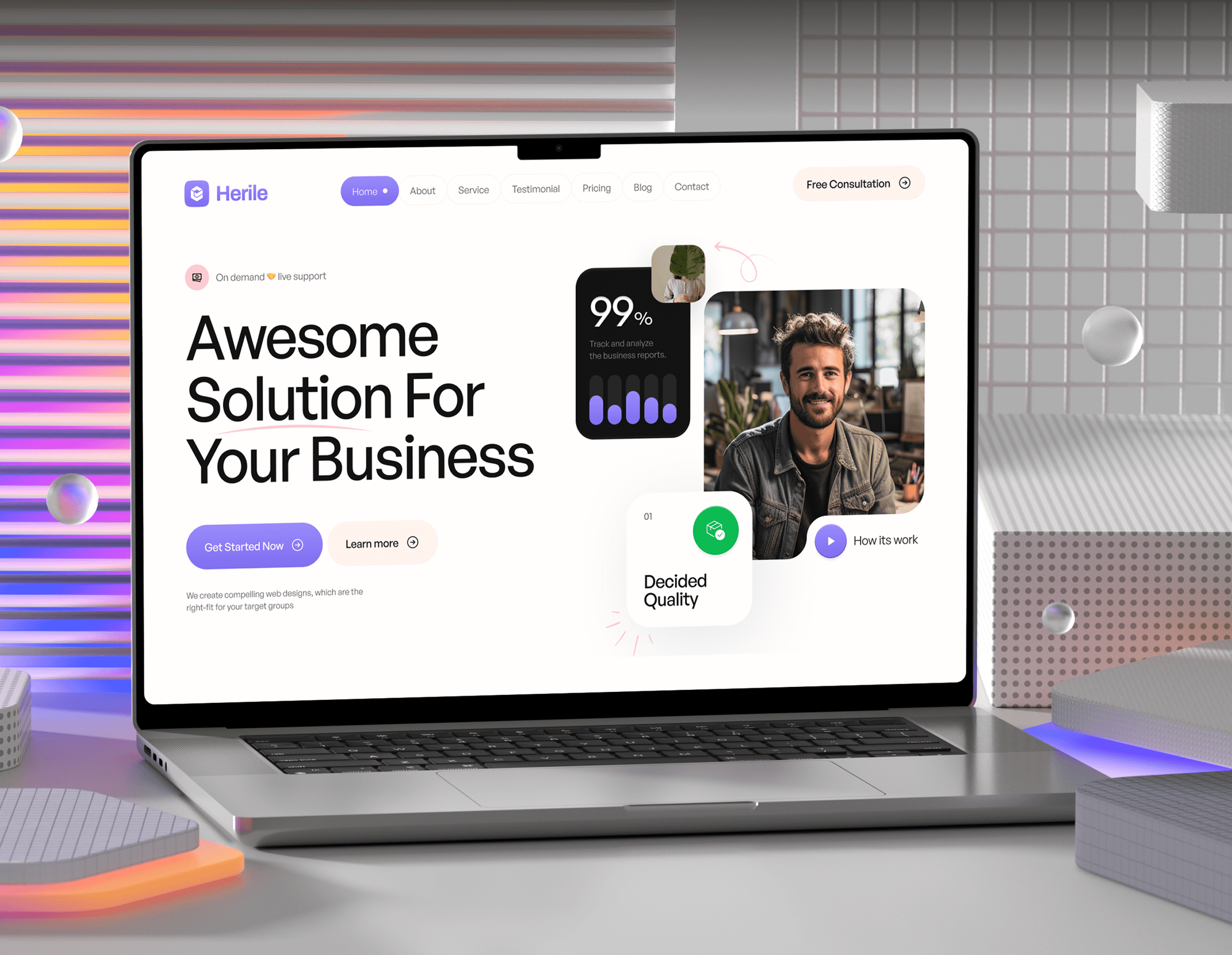
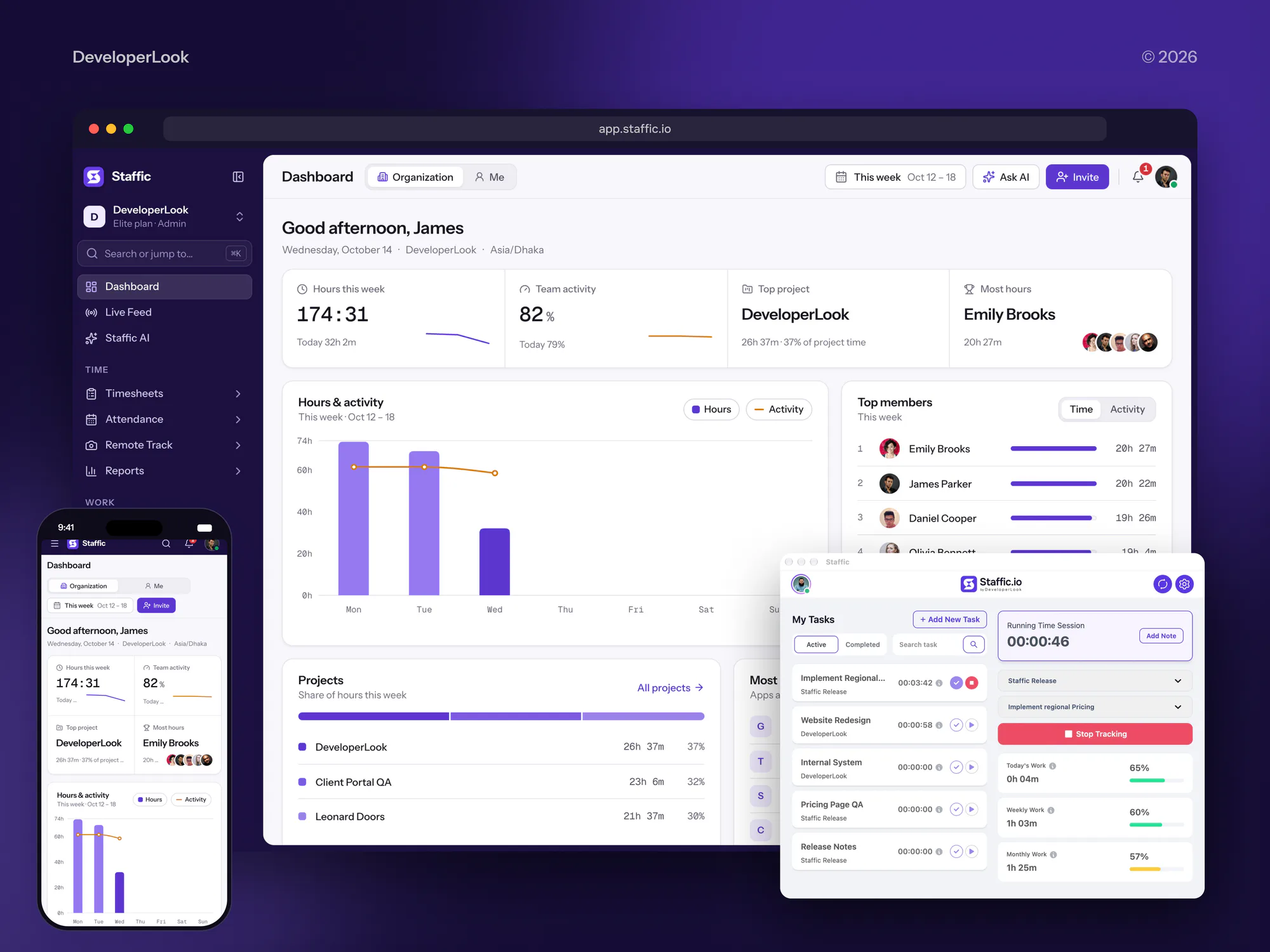
Sites and apps we designed and built for an IT agency and B2B software teams. They depend on the same kind of admin access an MSP has to protect.


What Our Clients Say
Feedback from teams we have built apps, platforms, and websites for.
We had a pretty specific idea of what we wanted our website to become, but I wasn’t sure how easily we could explain all of it to a development team. There were quite a few moving parts, and we were working toward a deadline, so I expected a few things to get lost along the way. That never really happened. They understood what we were trying to achieve, kept us updated throughout the process, and got everything ready within the agreed timeline. The final site feels much easier to navigate, works beautifully on mobile, and is noticeably smoother for our customers. It was a huge relief seeing the original idea actually turn into the website we had in mind.
The mobile experience is probably my favourite part of the new site. We had spent a lot of time making sure the desktop version looked right, and the team kept pushing us to think about how everything would actually feel on a phone too. They were right. The navigation is clean, the interactions feel natural, and everything we’ve tested so far works exactly as it should. They also went through the links, forms, integrations, and other details more than once before launch, which I really appreciated. And even after going live, we could still reach out when something came up. The whole process felt friendly, organised, and surprisingly straightforward.
What I appreciate most is that the website is actually easy for us to manage now. We can update content ourselves instead of sending a developer a message every time we need to change something small. They also paid attention to the technical SEO side, which mattered to us because we didn’t want a new website to create problems for the traffic we already had. I’ve probably asked more questions than I should have since launch, but every question has been handled patiently and without any fuss. The team is easy to work with, they explain things clearly, and when we need something changed, they focus on getting it done rather than making the process complicated.
1,250+
Projects shipped
10+
Years of experience
Top 3%
Upwork Top Rated Plus
5 stars
Average review score
1,250+
Projects shipped
10+
Years of experience
Top 3%
Upwork Top Rated Plus
5 stars
Average review score

Want results like these?
Tell us what you are building. You get a reply within 24 hours on business days, then a written estimate.
Work Culture
Cybersecurity for MSPs means touching the tools that reach every client. These habits keep our access small, our changes planned, and your team in charge of the result.
We ask for read-only roles first and request admin rights only for the change in front of us. Our access is removed the day the project ends.
MFA rollouts and RMM policy changes happen in the windows you already agree with clients. Your techs aren't locked out in the middle of a ticket.
Baselines, assessment templates, and reports carry your logo and wording. Your clients only hear our name if you want them to.
We document every setting in your documentation platform as we change it. Your team runs it after handover without needing to call us.
This work doesn't include a round-the-clock SOC. When your clients need alerts watched, we say so and point you to the right service.
You get one fixed price for your tools and the client tenants in scope. Extra tenants are quoted before we touch them.
Overview
DeveloperLook delivers MSP cyber security projects that secure your own stack first. We put MFA and separate admin accounts on your RMM, PSA, and remote tools, move client tenants to GDAP roles, and build a client baseline under your brand. Projects start at $950 and take 1 to 7 weeks, at a fixed price.
DEVELOPERLOOK
Project facts · Cybersecurity for MSPs
Reviewed 26 Oct 2026 by Saimul Islam
Good fit
MSPs adding security to their offer
Your clients' insurers now ask about MFA and EDR, and you want to sell security without your own stack being the weak link.
MSPs still on broad DAP access
Your Partner Center still grants broad admin rights to client tenants, and you want GDAP roles mapped before a client or auditor asks.
Small MSPs with one senior tech
Your best engineer holds every admin password, and you need MSP cybersecurity solutions that don't depend on one person's memory.
MSPs after a client breach
Your team handled a client breach last quarter by improvising, and you want a written runbook before the next call comes in.
IT consultants becoming MSPs
You're moving from hourly IT work to managed contracts, and you want a cybersecurity solution for MSPs built in from the first client.
Not a fit
Need ongoing alert monitoring
You need your clients' alerts watched every business day under your brand. Our MSP SOC services page covers that monthly white-label work.
Need more MSP clients
You want more clients rather than a safer stack. Our IT company and MSP website design page covers the site that wins them.
One business, not an MSP
You run IT for one company, not a client base. Our cybersecurity services page covers a single business's assessment and fixes.
Budget under $950
You have a tight budget and only a few clients. Microsoft Secure Score and the joint MSP advisory's checklist are a good free first pass.
Not sure we're the right fit?
Book a free call or message us. We'll tell you honestly whether we're the right team.
Pricing
These are starting points in USD. Your final price depends on your tools, your client tenant count, and the baseline rollout, and you get a fixed proposal after a free MSP risk call.
For Agencies
You own the MSP relationship, as a consultant, peer group coach, or vendor partner. We supply the stack hardening, GDAP migration, and client baseline under your brand, and the MSP keeps calling you. Your clients get hands-on work without you adding engineers.
White label: your client only ever sees your brand
Send the MSP's tool list, client tenant count, and current admin model.
You get a written scope and one fixed price for each MSP.
We deliver the changes and settings notes for you to present.
Send the MSP's tool list, client tenant count, and current admin model.
You get a written scope and one fixed price for each MSP.
We deliver the changes and settings notes for you to present.
The Right Technology for Your Project
These are the RMM, PSA, identity, and backup tools MSP cyber security depends on. We work in the ones you already run instead of asking you to switch.
Related Services
MSPs that harden their stack often add white-label monitoring, identity work, an incident plan, or a better website. These pages cover those next steps.
This page
Cybersecurity for MSPs
Pairs with the 6 services around it
FAQ
Straight answers on what MSPs and MSSPs are, how their roles split, incident response, cost, timing, and tools.
Saimul IslamFounder & CEO, DeveloperLookStill have questions?
Send a message or book a call with the team.
An MSP is a managed service provider that runs clients' IT under contract. It usually holds admin access to every client through its RMM and PSA tools. That access makes it a defender and a target at once. Joint advisory AA22-131A warned that attackers target MSPs to reach their customers. The cyber agencies of the US, UK, Australia, Canada, and New Zealand published it in May 2022.
MSP stands for managed service provider, and MSSP for managed security service provider. An MSP in cybersecurity terms keeps systems patched, backed up, and running, while an MSSP watches for threats and responds to them. Some firms do both. The labels matter less than the contract, which should say exactly which duties you've taken on.
Our MSP stack hardening starts at $950. That covers a review of your RMM, PSA, and remote tools, MFA on every admin login, and a GDAP role map. Adding separate admin accounts, GDAP migration for up to 25 tenants, and a client baseline costs $2,500. Launching a security tier across up to 60 tenants starts at $4,950.
Hardening your own stack takes 1 to 2 weeks. GDAP migration and a client baseline bring it to 3 to 5 weeks. A full launch with rollout to 5 clients takes 4 to 7 weeks in total. Changes run in your maintenance windows, so the pace depends partly on how often you can schedule them.
The difference is accountability: an MSP promises working IT, while an MSSP promises to detect and respond to threats within stated hours. If you sell security without changing your contract, clients may assume coverage you don't provide. Our top plan includes a checklist of scope points for your lawyer, such as monitoring hours, response times, and exclusions.
An MSSP monitors security alerts, investigates the ones that matter, and helps contain incidents, usually under a monthly contract. Most also run vulnerability scans and send regular reports. For MSPs that want this without building it, our MSP SOC services page covers white-label monitoring, while this page covers securing your own tools first.
The MSSP's role is detection and response, while the MSP keeps handling patching, user changes, and backups. The handoffs need writing down: who isolates a laptop, who resets a compromised account, and who calls the client. Without that, each firm assumes the other one acted. We document those handoffs in the runbook on our top plan.
Good MSPs follow a written runbook instead of improvising. They isolate affected devices through EDR, preserve logs before anyone wipes anything, reset credentials from a clean device, and call the client's cyber insurer before hiring forensics. If their own RMM or remote tool was the way in, they cut its access across every client first. Our Security Service Launch plan writes and rehearses that runbook.
It's a packaged security offer an MSP sells per user or per device each month, usually MFA, EDR, email protection, backups, and training. The package only holds up if the MSP's own tools are secure and the baseline is applied the same way at every client. We build that baseline and the assessment kit, and you set the pricing.
We review the security settings of the RMM, PSA, and remote access tools you already run. Common ones are ConnectWise, NinjaOne, N-able, Datto, and Kaseya, plus your documentation platform and password vault. We don't ask you to switch tools. Where a setting needs a higher license tier, we note it and the cost, and you get 30 days of support after handover.
Saimul IslamFounder & CEO, DeveloperLookStill have questions?
Send a message or book a call with the team.
Free 30-min callGoogle Meet
Book a call
In 30 minutes on Google Meet we walk you through how we would build it, how long it takes and what it costs. Then you get a written estimate.
Calendar not showing? Book on cal.com or send a brief.