
Popup, side panel, or options page
The surface that fits each feature, built in React and styled to match your product.

For SaaS product teams and businesses: a Manifest V3 Chrome extension that brings your product into the pages your users already work in, from $800.
MV3
Built for Manifest V3
1-click
Install for your users
How your project runs
Teams we have built for:














The Problem
It shows up in support tickets and in churn notes. People like your product, but their work happens in Gmail, a CRM, or a support desk, and your app sits in another tab.
01 · Copy and paste
Users copy details from Gmail or a CRM into your app.
A side panel reads the page and sends it to your product in one click.
02 · Store rejections
Broad permissions get the extension stuck in review.
Each permission is narrowed and explained in the privacy form first.
03 · Old extension
Your Manifest V2 extension stopped working in Chrome.
We rebuild it on Manifest V3 with a service worker and content scripts.
04 · Lost state
Background logic forgets its data when Chrome stops it.
State lives in chrome.storage, so work survives each wake-up.
A sales rep reads an email, opens your app in a new tab, and pastes the sender's details by hand. A support agent checks an order in one window and writes the reply in another. Your team built a quick extension years ago on Manifest V2, and Chrome switched it off. The rebuild got rejected once because it asked to read every website. Meanwhile users forget your product exists until they come back to its tab, and some of them stop coming back.
We start with the pages your users work in, then put your product right there as a side panel, a popup, or a button inside the page. The extension signs in to your app, reads only what each feature needs, and is built for Manifest V3 from the first line. Your product shows up where the work happens, instead of waiting in a tab.
Narrow permissions from day one
Each permission is chosen and justified before code, which keeps store review shorter.
A side panel beside the page
Your product stays open next to the site users are working in.
All code inside the package
Manifest V3 bans remotely hosted code, so every release ships complete and reviewable.
Our Chrome Extension Development Services Process
You approve each permission and screen before code starts, test the extension on the sites your users visit, and see the store listing before it's submitted.
We look at the pages where your users need your product and the data each feature must read. You get a feature list, a permission plan, and a fixed quote. If a bookmarklet or your web app already covers it, we'll tell you before we quote.
What's Included
Everything Chrome extensions development needs for a store-ready release: the right surface per feature, page integration, sign-in to your product, permissions, tests, and the listing.
Compare Options
A starter template gets a simple extension running for free, and an offshore team can cost less per hour. Here is where each one fits a store-ready product.
| Feature | DeveloperLookBest fit | DIY template | Offshore team |
|---|---|---|---|
| Up-front planning | Permission plan before any code | You plan it yourself | Built from the brief |
| Manifest V3 knowledge | Service workers, side panels, and DNR | Covers the basics | Varies by team |
| Store review preparation | Privacy form and reasons written | Up to you | Often after a rejection |
| Cost to start | From $800 | Free to start | Lower hourly rates |
| Testing on real sites | Chrome and Edge on live pages | Up to you | Often one browser |
| Product sign-in and sync | Built against your API | Not included | Yes, if scoped |
| Support after launch | 30 to 90 days included | None included | Depends on the contract |
| Code ownership | Your repo and developer account | Check the contract |
Projects We've Built
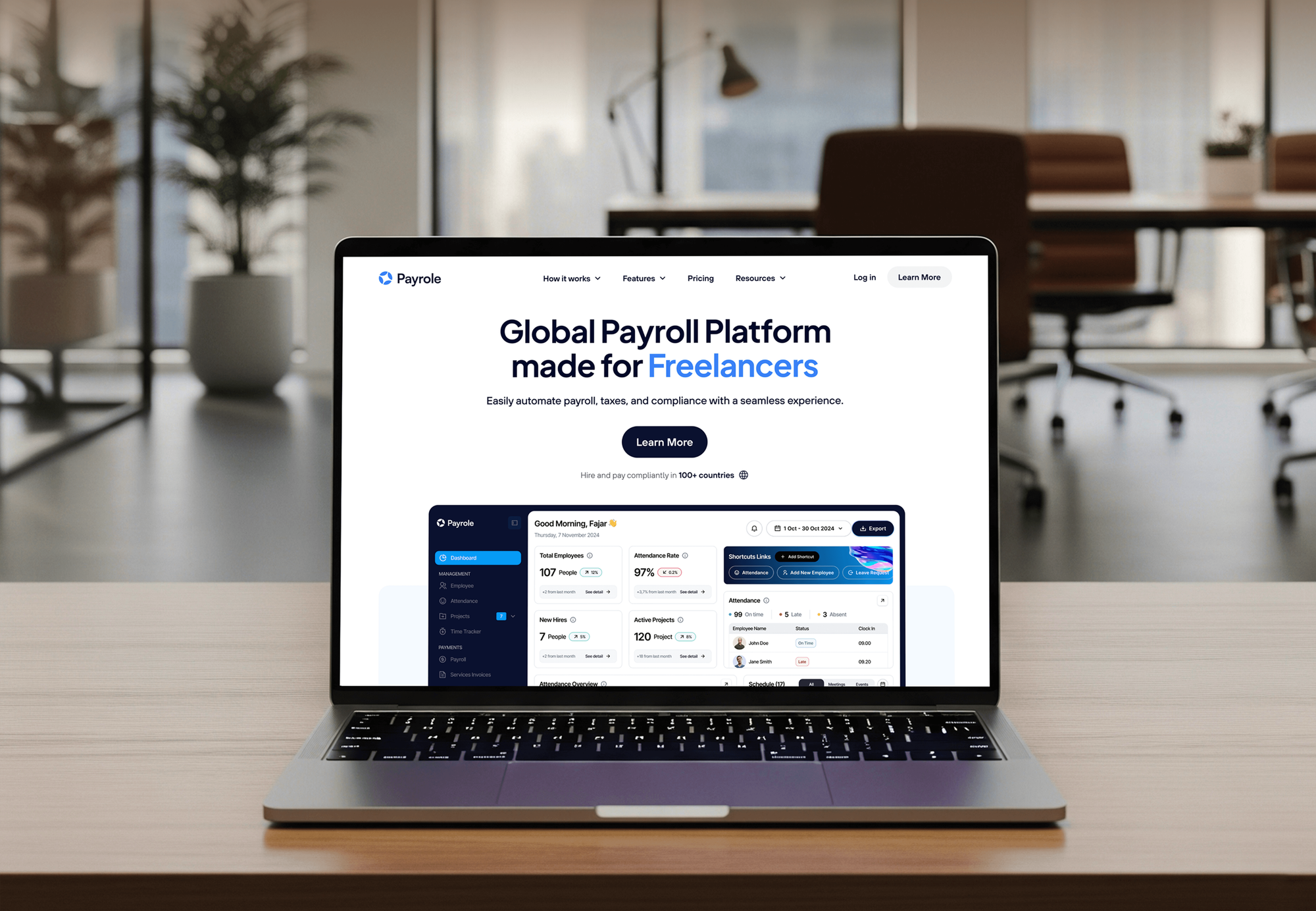
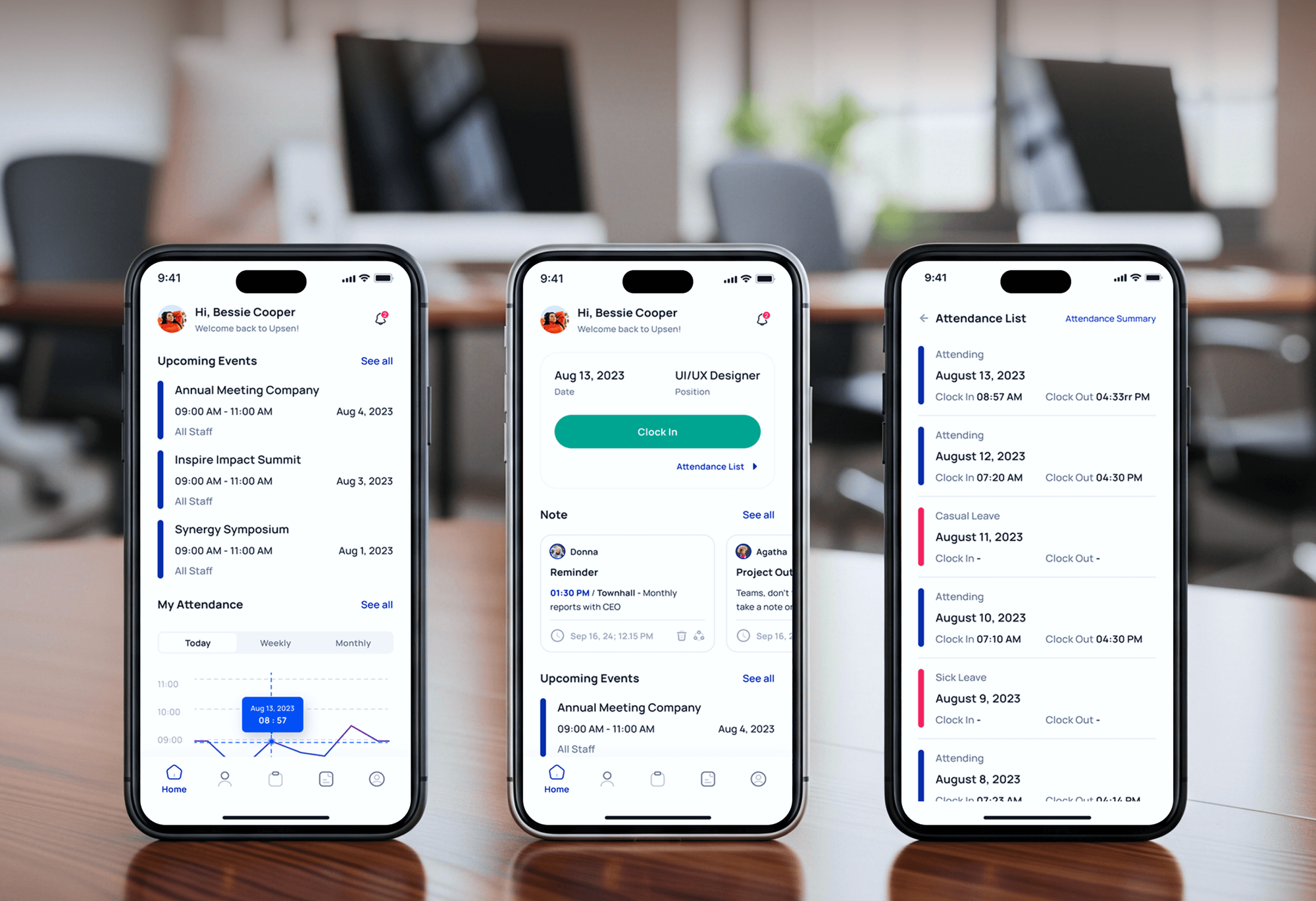
Recruiting, HR, and payroll software we designed and built. None is a Chrome extension, but each is the kind of product users want one click away in the browser.


What Our Clients Say
Feedback from teams we have built websites, apps, and integrations for.
We had a pretty specific idea of what we wanted our website to become, but I wasn’t sure how easily we could explain all of it to a development team. There were quite a few moving parts, and we were working toward a deadline, so I expected a few things to get lost along the way. That never really happened. They understood what we were trying to achieve, kept us updated throughout the process, and got everything ready within the agreed timeline. The final site feels much easier to navigate, works beautifully on mobile, and is noticeably smoother for our customers. It was a huge relief seeing the original idea actually turn into the website we had in mind.
The mobile experience is probably my favourite part of the new site. We had spent a lot of time making sure the desktop version looked right, and the team kept pushing us to think about how everything would actually feel on a phone too. They were right. The navigation is clean, the interactions feel natural, and everything we’ve tested so far works exactly as it should. They also went through the links, forms, integrations, and other details more than once before launch, which I really appreciated. And even after going live, we could still reach out when something came up. The whole process felt friendly, organised, and surprisingly straightforward.
What I appreciate most is that the website is actually easy for us to manage now. We can update content ourselves instead of sending a developer a message every time we need to change something small. They also paid attention to the technical SEO side, which mattered to us because we didn’t want a new website to create problems for the traffic we already had. I’ve probably asked more questions than I should have since launch, but every question has been handled patiently and without any fuss. The team is easy to work with, they explain things clearly, and when we need something changed, they focus on getting it done rather than making the process complicated.
1,250+
Projects shipped
10+
Years of experience
Top 3%
Upwork Top Rated Plus
5 stars
Average review score

Want results like these?
Tell us what you are building. You get a reply within 24 hours on business days, then a written estimate.
Work Culture
What separates a Chrome extension development company from a weekend project is how it treats permissions, user data, and updates. These are our habits.
Each permission needs a reason we can write in the store's privacy form. Fewer permissions mean faster review and fewer people who stop at the install warning.
Data the extension reads serves its single stated purpose and nothing else. That is what Google's policies ask, and what your users expect.
We test on the real sites your users visit, not a demo page. Sites change their layouts, so we check how the extension handles that.
We plan permissions so later updates don't add new ones. Chrome disables an extension until users accept new permissions, which loses people.
Every surface and integration is priced in the proposal before we start. Changes get their own quote, so the total you approved stays the total.
The code sits in your repository and the listing in your Chrome Web Store account. You can publish updates without us.
Overview
DeveloperLook handles Chrome extension development for SaaS teams and businesses. We build Manifest V3 extensions with side panels, content scripts, and sign-in to your product, then prepare the Chrome Web Store listing and privacy form. Projects start from $800, take 2 to 9 weeks, and you own the code.
DEVELOPERLOOK
Project facts · Chrome Extension Development Services
Reviewed 22 Oct 2026 by Saimul Islam
Good fit
SaaS teams whose users live elsewhere
Your users spend the day in Gmail, a CRM, or a support desk, and copy details into your product by hand between tabs.
Companies with an old Manifest V2 extension
Your company's extension stopped working when Chrome turned off Manifest V2, and Google removed the remaining ones from its store in August 2026.
Operations teams with internal tools
Your staff repeat the same lookups in a web portal all day, and you want a private extension for your own Workspace domain.
Founders launching a browser-first product
Your product idea starts as a browser extension, and you need custom Chrome extensions built, listed, and ready for real users.
Agencies with extension requests
Your agency gets client requests for Chrome addon development and needs engineers who know Manifest V3 and the store review process.
Not a fit
One small script
You only need one button that runs a script on a page you control. A bookmarklet or a small change to your own site is cheaper.
Scraping against site terms
You want to copy data in bulk from sites whose terms forbid it. That risks the site's terms and a store takedown, so we turn it down.
Tools for code editors
Your users are developers who spend the day in a code editor, not a browser. Our VS Code Extension Development page covers that.
Background app connections
You want your product connected to other apps in the background, not inside the browser. Our Zapier Integration Development for SaaS page fits better.
Not sure we're the right fit?
Book a free call or message us. We'll tell you honestly whether we're the right team.
Pricing
These are starting points in USD. Your final price depends on your feature count, target sites, and browsers, and you get a fixed proposal after a free extension review.
For one clear job, such as a popup tool or a button on one site.
$800one-time, USD
For SaaS products that need their app beside the pages users work in.
$2,300one-time, USD
For products shipping to Firefox too, or to company-managed browsers.
$5,200one-time, USD
For Agencies
You own the client relationship. We supply the extension engineering: permission planning, Manifest V3 code, testing, and the store submission. It all runs under your agency's brand and ships from your client's Chrome Web Store account.
White label: your client only ever sees your brand
Send the client's product, the sites it should work on, and the main user task.
A permission plan, a fixed price, and your engineer's name arrive within days.
We ship the extension through review, then pass the code to you under your brand.
You lead the client while we build and submit the extension.
A fixed scope per feature and dates you can commit to.
Engineers who know service workers, side panels, and store policy.
Take on extension work without a browser specialist on staff.
The Right Technology for Your Project
The extension APIs, front-end tools, browsers, and back-end services we use to build extensions that pass review and stay fast.
 TypeScript
 React
React Node.js
 PostgreSQL
 OpenAI
FAQ
Straight answers on extension cost, timelines, how extensions are built, and Chrome Web Store review.
Saimul IslamFounder & CEO, DeveloperLookStill have questions?
Send a message or book a call with the team.
Chrome extension development with us starts at $800 for one focused feature and the store launch. Product extensions with a side panel and sign-in to your API are $2,300, and cross-browser or enterprise builds start at $5,200. You get a fixed quote after a free extension review.
A focused extension takes 2 to 4 weeks to build, and product extensions take 5 to 9 weeks. Chrome Web Store review comes after that. Google says most extensions clear it within a few days, but new developers and broad permissions can stretch it to a few weeks.
You develop a Chrome extension around a manifest.json file that declares Manifest V3 and its permissions. The manifest also lists its parts: a service worker, content scripts, and a popup or side panel. During development you load it unpacked from chrome://extensions in developer mode, then package it for the store.
Give the extension one narrow purpose, ask for the fewest permissions, and explain each one in the privacy tab. Google's policies also require a privacy policy when you handle user data and ban obfuscated or remotely hosted code. Asking to read every website is the most common reason review slows down.
Build one Manifest V3 codebase, then adjust it per store. Edge accepts Chrome extensions with small changes and charges no developer fee. Firefox runs background code as an event page instead of a service worker, so the manifest lists both, and a framework like WXT handles the per-browser builds.
You code it as a service worker, which Chrome starts on events and stops after 30 seconds of inactivity. It has no access to the page, so anything it must remember goes into chrome.storage. Work that needs a page, such as parsing HTML, runs in an offscreen document.
Publish it privately to your Google Workspace domain, or as unlisted for a small group. Your admin can then force-install it on managed browsers through Chrome's extension policies, and employees can't remove it. Private listings go through the same review, but domain-published items usually clear faster.
Since Chrome 138, extensions can use Chrome's built-in AI APIs, including the Prompt API, Summarizer, and Translator, which run on the user's device. They need fairly powerful desktop hardware, so we often pair them with your own AI backend as a fallback for users whose machines don't qualify.
Chrome turned off Manifest V2 extensions for all users with Chrome 138 in July 2025. Google then removed the remaining ones from the Chrome Web Store in August 2026. An old extension has to be rebuilt on Manifest V3, usually by moving its background page to a service worker and its blocking rules to declarativeNetRequest.
Hire Chrome extension developers when the extension must sign in to your product, pass review on the first try, or work across browsers. A free template is fine for a simple personal tool. With us, the code and the store listing stay in your accounts, and plans include 30 to 90 days of support.
Saimul IslamFounder & CEO, DeveloperLookStill have questions?
Send a message or book a call with the team.
Free 30-min callGoogle Meet
Book a call
In 30 minutes on Google Meet we walk you through how we would build it, how long it takes and what it costs. Then you get a written estimate.
Calendar not showing? Book on cal.com or send a brief.