
CRM chosen for your firm
HubSpot, Zoho CRM, Salesforce, or Pipedrive compared on firm size, integrations, and per-user cost.

For CPA and tax firms: prospects followed from first call to signed engagement letter, clients tagged by service, and every return client re-engaged before busy season.
2X
More advisory proposals sent
100%
Engagement letters signed before work
How your project runs
Teams we have built for:














The Problem
It shows up once your firm sells more than returns. Inquiries, engagement letters, and advisory offers live in different inboxes, and busy season buries all of them.
01 · Lost prospects
First calls end on sticky notes with no follow-up.
Every inquiry becomes a prospect with an owner and a next step.
02 · Unsigned work
Returns start before the engagement letter is signed.
Work waits at its stage until the engagement letter shows as signed.
03 · Missed advisory
Return-only clients don't hear about planning or bookkeeping.
Gap lists by service line show who to offer advisory work.
04 · January rebuild
Each season starts from last year's client spreadsheet.
Re-engagement reminders go out from the CRM before busy season starts.
A business owner calls in November about bookkeeping and next year's return. Someone writes it on a sticky note, and nobody calls back. In February, a long-time 1040 client asks why you didn't mention tax planning after a friend's firm offered it. Engagement letters live in email threads, so a few returns start before anyone signs. Referrals from your banker contacts arrive by text, and nobody tracks who sent what. Every January, you rebuild the client list from last year's spreadsheet.
We start with how clients find you and what you sell: returns, bookkeeping, payroll, and advisory. Then we set up the CRM that fits, build a pipeline from first call to signed engagement letter, and tag every client by service line. Gap lists show who buys returns but not planning. Re-engagement goes out before busy season, not after the client has called someone else.
Letters signed before work
Engagement letter status sits on every client record, so no return starts unsigned by mistake.
Clients sorted by service
Tags for returns, bookkeeping, payroll, and advisory show where each client could use more help.
Re-engagement before busy season
Return clients get organizer and engagement reminders before the rush, not in the middle of it.
Our Accounting CRM Setup Process
You approve the CRM, the pipeline stages, and every reminder template. Sample prospects move through each stage, and staff try the system before busy season.
We look at how prospects reach you, how engagement letters go out, and which practice management and portal tools you use. You get a short written plan. If Karbon or your current suite already covers intake, we'll say so before we quote.
What's Included
Every plan covers the CRM choice, a pipeline to signed engagement letters, service line tags, and busy season reminders. Higher plans add e-signature, practice tool links, consent filters, migration, and billing status.
Compare Options
Practice management suites include some CRM tools, and a freelancer can cost less for a simple setup. Here's how each compares once prospects, renewals, and advisory work matter.
| Feature | DeveloperLookBest fit | Practice software | Freelancer |
|---|---|---|---|
| CRM choice | Matched to your firm | Built into the suite | Their favorite tool |
| Prospect pipeline | First call to signed letter | Basic lead stage | Varies by person |
| Service line tags | Gap lists for advisory | Client fields only | If you ask |
| Busy season reminders | Scheduled by client type | Built-in reminders | Manual setup |
| Practice tool links | Karbon or Canopy where allowed | Native to the suite | Zapier only |
| Consent and access | Section 7216 fields, roles, MFA | Vendor defaults | Rarely set up |
| Cost to start | From $900, fixed scope | Included in your plan | Hourly, often lower |
| Speed to start | 2 to 3 weeks | Already running | 1 to 4 weeks |
Projects We've Built
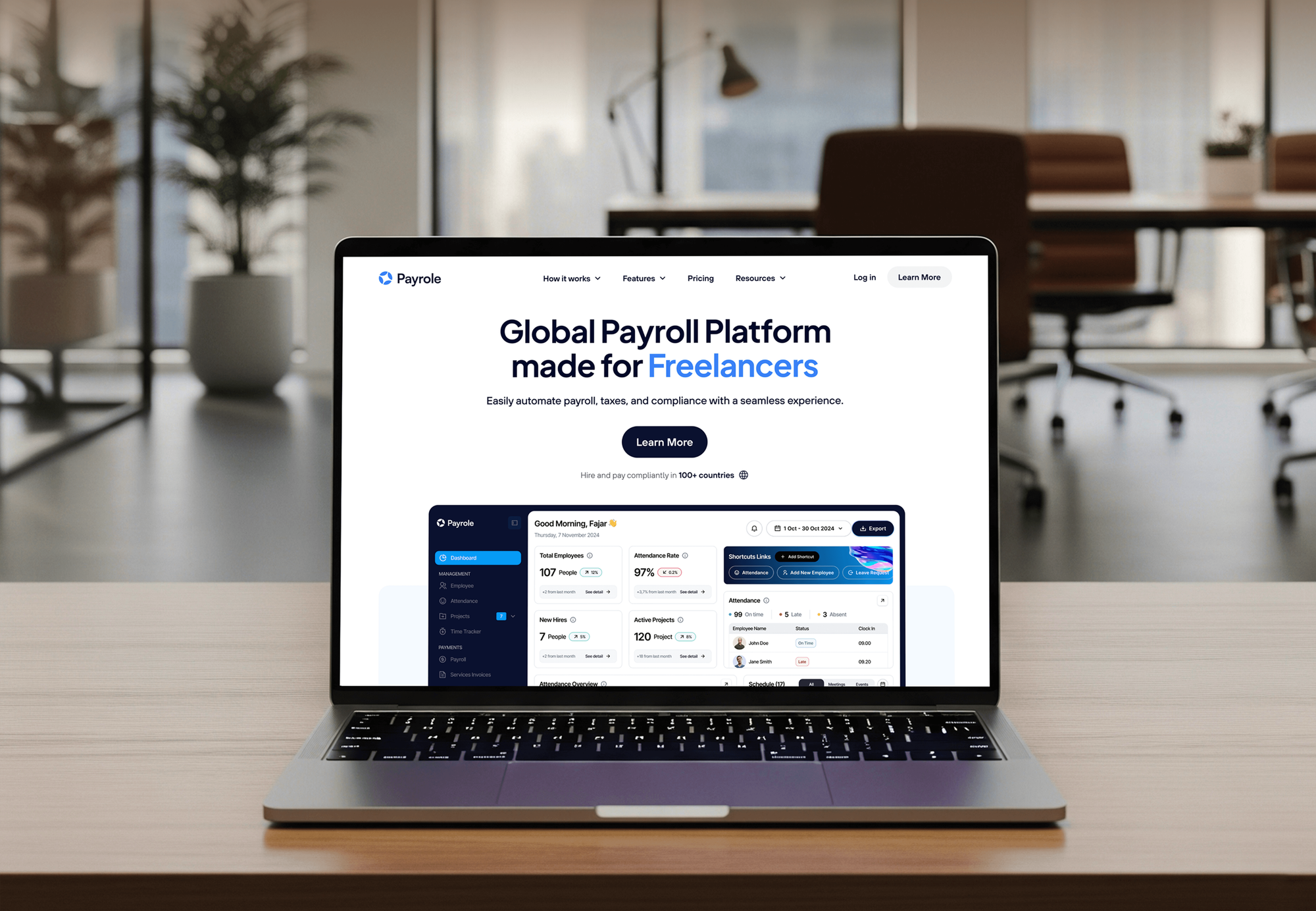
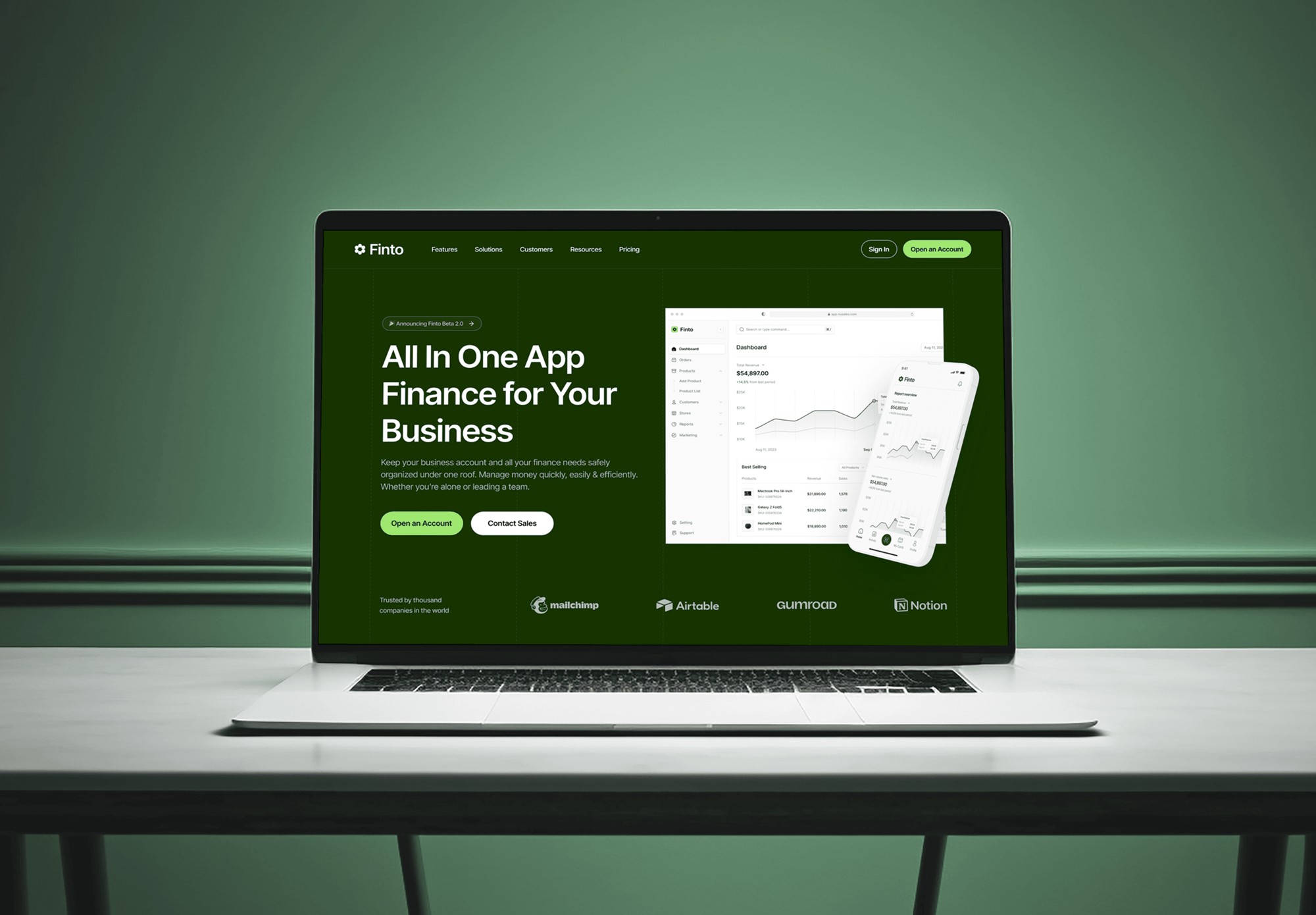
Consulting, payroll, and finance websites plus a risk management app our team built for firms where client trust and clean records mattered.


What Our Clients Say
Feedback from teams we have built websites, dashboards, and integrations for.
We had a pretty specific idea of what we wanted our website to become, but I wasn’t sure how easily we could explain all of it to a development team. There were quite a few moving parts, and we were working toward a deadline, so I expected a few things to get lost along the way. That never really happened. They understood what we were trying to achieve, kept us updated throughout the process, and got everything ready within the agreed timeline. The final site feels much easier to navigate, works beautifully on mobile, and is noticeably smoother for our customers. It was a huge relief seeing the original idea actually turn into the website we had in mind.
The mobile experience is probably my favourite part of the new site. We had spent a lot of time making sure the desktop version looked right, and the team kept pushing us to think about how everything would actually feel on a phone too. They were right. The navigation is clean, the interactions feel natural, and everything we’ve tested so far works exactly as it should. They also went through the links, forms, integrations, and other details more than once before launch, which I really appreciated. And even after going live, we could still reach out when something came up. The whole process felt friendly, organised, and surprisingly straightforward.
What I appreciate most is that the website is actually easy for us to manage now. We can update content ourselves instead of sending a developer a message every time we need to change something small. They also paid attention to the technical SEO side, which mattered to us because we didn’t want a new website to create problems for the traffic we already had. I’ve probably asked more questions than I should have since launch, but every question has been handled patiently and without any fuss. The team is easy to work with, they explain things clearly, and when we need something changed, they focus on getting it done rather than making the process complicated.
1,250+
Projects shipped
10+
Years of experience
Top 3%
Upwork Top Rated Plus
5 stars
Average review score

Want results like these?
Tell us what you are building. You get a reply within 24 hours on business days, then a written estimate.
Work Culture
Accounting firms run on deadlines and confidentiality. These habits keep your CRM simple for staff in busy season and careful with taxpayer data.
We schedule launches and reminder tests outside your busiest weeks. A new CRM rolled out in March costs your staff hours they don't have.
If Karbon or your practice suite already handles intake well, we extend it instead of adding a CRM. You pay only for the gaps.
Tax return details stay out of marketing lists unless the client gave Section 7216 consent. We build the consent field and the filter that respects it.
We turn on multi-factor login and limit each role to the clients it serves. Tax preparers fall under the FTC Safeguards Rule, which covers the CRM too.
We keep fields and stages to what staff will fill in during the season. A CRM CPA firms abandon by February helps nobody.
Client records, notes, and referral history sit in your firm's account. If a partner retires or a manager leaves, the relationships stay with the firm.
Overview
DeveloperLook sets up a CRM for accountants, CPA firms, and tax practices. We choose HubSpot, Zoho CRM, Salesforce, or Pipedrive, build a pipeline to signed engagement letters, tag clients by service line, and connect Karbon or Canopy. Setups start at $900 and take 2 to 7 weeks, with Section 7216 consent built in.
DEVELOPERLOOK
Project facts · CRM for Accountants
Reviewed 7 Oct 2026 by Saimul Islam
Good fit
Solo CPAs and small practices
You track prospects in email and a spreadsheet. You want a simple CRM system for accountants that your one assistant will actually keep up to date.
Growing CPA and advisory firms
Your firm wants to move return clients into planning and advisory work. You need a CRM for accounting firms that shows who buys what.
Tax preparation offices
You prepare hundreds of returns each season and lose track of who still needs an engagement letter or organizer. You need reminders that go out before the rush.
UK and Irish accountancy practices
Your practice serves sole traders and limited companies. You want an accountancy CRM that handles proposals, engagement letters, and annual renewals in one place.
Agencies marketing for CPA firms
You run SEO or ads for CPA firms and need CRM data that shows which campaigns produced signed engagements, not just form fills.
Not a fit
Client portal only
You mainly need a secure portal for document uploads and e-signatures. Our TaxDome Client Portal & Website Integration service fits better.
Workflow, not sales
Your pain is job deadlines and staff workload, not prospects or renewals. Our CPA Practice Management & Workflow Integration service covers that.
Budget under $900
Your budget is under $900, or you add a few new clients a year. The contact tools in your practice management software are enough for now.
Invoice sync only
You only need invoices and payments synced between a CRM and QuickBooks. Our QuickBooks Integration Services page covers that work.
Not sure we're the right fit?
Book a free call or message us. We'll tell you honestly whether we're the right team.
Pricing
These are starting points in USD. Your price depends on client count, service lines, and which practice tools connect, and you get a fixed proposal after a free review.
For solo CPAs and small practices moving prospects and renewals out of email.
$900one-time, USD
For growing firms selling advisory work alongside returns and bookkeeping.
$2,100one-time, USD
For firms with several partners, offices, or service lines sharing one CRM.
$4,300one-time, USD
For Agencies
You own the client relationship. We build the CRM behind your accounting firm campaigns: intake forms, prospect pipelines, and reports that tie signed engagements to campaigns. It's delivered under your brand, in accounts the firm owns.
White label: your client only ever sees your brand
Their practice tools, service lines, client count, and the reports partners expect.
You receive a stage map and a fixed price for your proposal.
We configure, test with sample prospects, train staff under your brand, and hand over logins.
Calls, training, and documents carry your agency name.
Reports tie signed engagement letters to the campaigns that produced them.
Milestones planned around the firm's filing deadlines, not over them.
One playbook for a sole practitioner or a firm with several partners.
The Right Technology for Your Project
We set up the CRM that fits your firm, then connect proposals, practice management, accounting, and email tools where their integrations allow.
 HubSpot
 Salesforce
 QuickBooks
 Xero
Xero Zapier
 Make
MakeFAQ
Straight answers on cost, setup time, choosing a system, and connecting your practice tools.
Saimul IslamFounder & CEO, DeveloperLookStill have questions?
Send a message or book a call with the team.
Setting up a CRM for accountants starts at $900 for a small firm. That covers the CRM choice, a pipeline to signed engagement letters, service line tags, and busy season reminders. Practice workflows with e-signature and practice management links start at $2,100, and multi-partner firms start at $4,300. CRM licenses are a separate monthly cost paid to the vendor.
A small firm's setup takes 2 to 3 weeks. Firms adding e-signature, practice management links, and consent filters take 3 to 5 weeks, and multi-partner firms with migration take 5 to 7 weeks. We plan launches outside busy season so staff can learn the system without deadline pressure.
In an accounting firm, CRM is the system for prospects and client relationships, kept apart from the ledger and the tax software. CRM for accounting practices tracks inquiries, engagement letters, the services each client buys, and referral sources. Practice management handles the work, and the CRM handles winning and keeping clients.
Implement a CRM when prospects or renewals start slipping through email. Common triggers are adding a second preparer, launching advisory services, or losing track of engagement letters during busy season. Set it up between seasons, ideally late spring or summer, so staff learn it before the next rush.
Implement it in 5 steps: review client intake, choose the CRM, build the pipeline and tags, connect practice tools, then train and launch. A partner signs off each step. Clean client data matters more than features, so we fix duplicates and missing emails before anything is imported.
Start by listing your services, your lead sources, and the reminders staff forget most in busy season. Then export your client list and clean it. With that in hand, a first pipeline and service tags can run within 2 to 3 weeks, and you add integrations once the team uses it daily.
No single CRM software for accountants suits every firm. HubSpot suits firms that market actively, Zoho CRM and Pipedrive suit small practices on a budget, and Salesforce suits larger firms with complex service lines. Compare CRM systems for accountants on how they link to your practice management tool, since that link often decides the choice.
Choose the one that handles your busiest season best. Tax preparers need fast intake, engagement letter tracking, and bulk reminders, while advisory-focused firms need deeper pipelines and service line reports. Check per-user cost, mobile use, and data export too. We test a shortlist against your real client list before you commit.
A CRM accounting integration shows billing status next to each client relationship. Partners see unpaid invoices before proposing new work, and staff stop checking two systems. QuickBooks Online and Xero both offer APIs for this. If you only need invoice and payment sync, our QuickBooks Integration Services page covers it.
Partly. HubSpot CRM lets you attach files to contact and company records, but it isn't a document portal with client uploads, e-signature, and retention rules. Most firms keep tax documents in a portal such as TaxDome, SmartVault, or Canopy and link the client record instead. That keeps sensitive files out of marketing tools.
Saimul IslamFounder & CEO, DeveloperLookStill have questions?
Send a message or book a call with the team.
Free 30-min callGoogle Meet
Book a call
In 30 minutes on Google Meet we walk you through how we would build it, how long it takes and what it costs. Then you get a written estimate.
Calendar not showing? Book on cal.com or send a brief.