
CRM matched to your ERP
Salesforce, Dynamics 365 Sales, HubSpot, or Zoho CRM chosen for how well it fits your ERP and reps.

For manufacturers and distributors: every account mapped to a rep, every quote followed to a decision, and ERP order history visible in the CRM where your reps work.
2X
More quotes followed to a decision
100%
Accounts mapped to reps and territories
How your project runs
Teams we have built for:














The Problem
It shows up once you sell through several reps or dealers. The ERP knows every order, but the people selling can't see it when it matters.
01 · Stalled quotes
RFQs sit in a traveling rep's inbox for days.
Every quote enters a pipeline with an owner and a follow-up date.
02 · Blind accounts
Inside sales can't see order history kept in the ERP.
ERP orders, invoices, and credit holds show on each CRM account.
03 · Quiet reorders
Regular buyers stop reordering and nobody notices for months.
Reorder-gap alerts flag accounts that miss their usual ordering rhythm.
04 · Lost dealer leads
Leads passed to dealers vanish into their inboxes.
Dealer leads are routed, tracked, and followed up inside the CRM.
A buyer at a long-time account emails an RFQ while your outside rep is on the road. It sits for 4 days. Inside sales can't see the account's order history because it lives in the ERP, so they call the warehouse. A distributor that reordered every month has gone quiet since spring, and nobody noticed. Leads you pass to dealers disappear into their inboxes. When the sales meeting asks for open quotes by territory, someone loses a morning to spreadsheets.
We start with your ERP and the way you sell: direct, through reps, or through dealers. Then we set up the CRM that fits, build account hierarchies with branches and ship-tos, and track every quote to won or lost. ERP orders, invoices, and credit holds show on the account. Reorder gaps raise a flag before the customer moves to a competitor, not after.
Account hierarchies done right
Parent companies, branches, and ship-to locations roll up, so reps see the whole account.
Quotes followed to a decision
Every RFQ and quote has an owner, a value, and a follow-up date until it closes.
ERP data where reps work
Orders, invoices, and credit holds from the ERP appear on each account as read-only records.
Our Manufacturing CRM Setup Process
You approve the CRM, the account structure, and every field that moves between systems. Sample accounts and orders are tested before reps log in.
We map how you sell, who owns which accounts, and which ERP holds orders, pricing, and inventory. You get a short written plan. If your ERP's built-in CRM already covers your reps, we'll say so before we quote.
What's Included
Every plan covers the CRM choice, account hierarchies, territories, and a quote pipeline. Higher plans add ERP order data, reorder alerts, two-way sync, dealer lead routing, migration, and Power BI dashboards.
Compare Options
An ERP's built-in CRM suits teams that live in the ERP, and a generic agency suits simple sales pipelines. Here's how each compares when reps need ERP data and dealer leads.
| Feature | DeveloperLookBest fit | ERP's own CRM | Generic agency |
|---|---|---|---|
| CRM choice | Matched to your ERP | Already part of the ERP | Their preferred platform |
| ERP data in CRM | Orders, invoices, credit holds | Native, no integration needed | Often left for later |
| Account hierarchies | Parent, branch, ship-to | Follows the ERP structure | Flat company records |
| Quote tracking | RFQ to won or lost | Quotes inside the ERP | Generic deal stages |
| Rep usability | Phone-friendly, set by territory | ERP screens, heavier | Varies by setup |
| Dealer leads | Routed and tracked | Limited | Custom add-on |
| Cost to start | From $1,300, fixed scope | Included in ERP licenses | Often hourly |
| Speed to start | 3 to 4 weeks | Already running | Varies by scope |
Projects We've Built
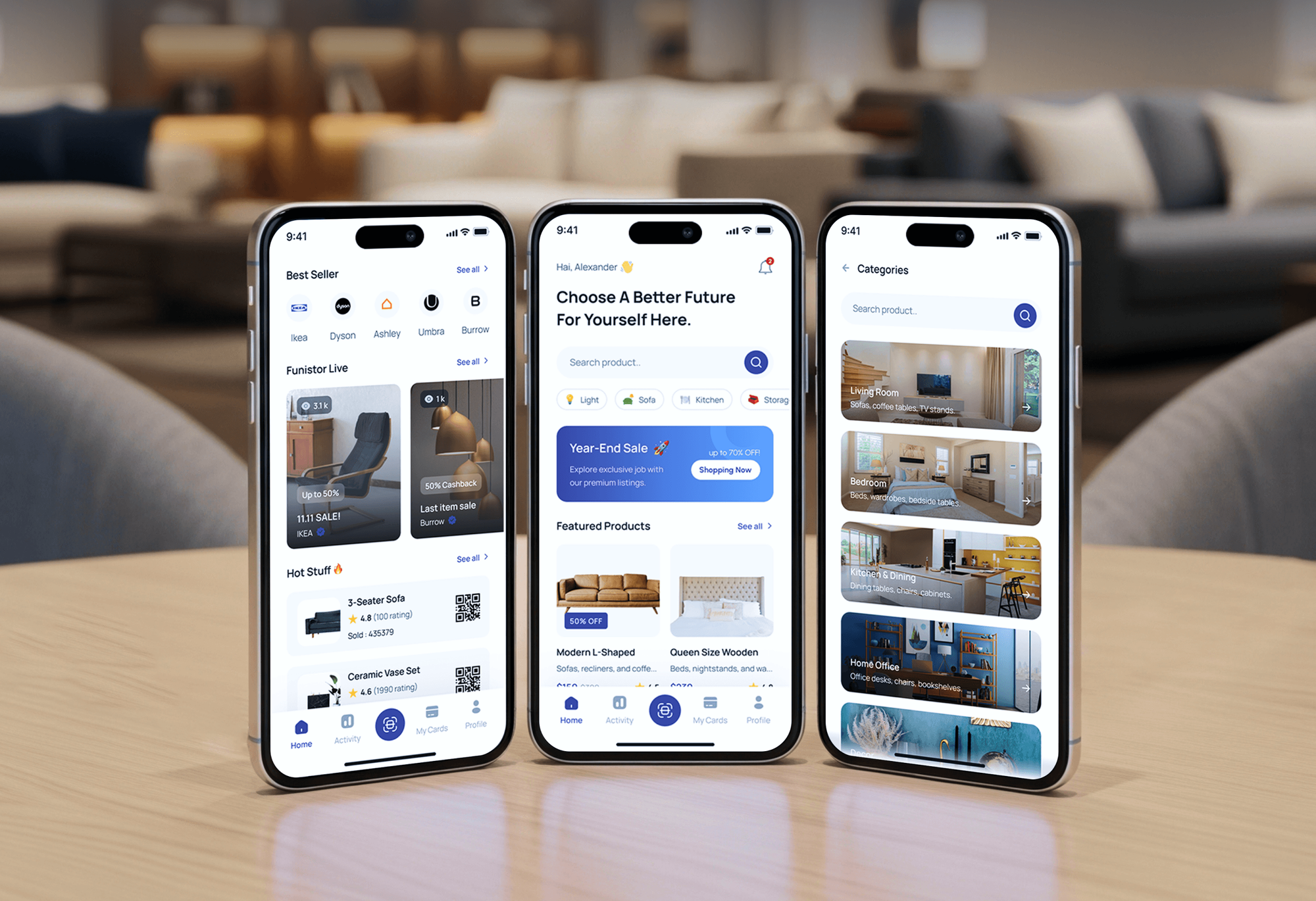
Product stores with admin dashboards, a hardware ecommerce site, and a risk management app our team built, where orders and accounts had to stay in sync.



What Our Clients Say
Feedback from teams we have built websites, dashboards, and integrations for.
We had a pretty specific idea of what we wanted our website to become, but I wasn’t sure how easily we could explain all of it to a development team. There were quite a few moving parts, and we were working toward a deadline, so I expected a few things to get lost along the way. That never really happened. They understood what we were trying to achieve, kept us updated throughout the process, and got everything ready within the agreed timeline. The final site feels much easier to navigate, works beautifully on mobile, and is noticeably smoother for our customers. It was a huge relief seeing the original idea actually turn into the website we had in mind.
The mobile experience is probably my favourite part of the new site. We had spent a lot of time making sure the desktop version looked right, and the team kept pushing us to think about how everything would actually feel on a phone too. They were right. The navigation is clean, the interactions feel natural, and everything we’ve tested so far works exactly as it should. They also went through the links, forms, integrations, and other details more than once before launch, which I really appreciated. And even after going live, we could still reach out when something came up. The whole process felt friendly, organised, and surprisingly straightforward.
What I appreciate most is that the website is actually easy for us to manage now. We can update content ourselves instead of sending a developer a message every time we need to change something small. They also paid attention to the technical SEO side, which mattered to us because we didn’t want a new website to create problems for the traffic we already had. I’ve probably asked more questions than I should have since launch, but every question has been handled patiently and without any fuss. The team is easy to work with, they explain things clearly, and when we need something changed, they focus on getting it done rather than making the process complicated.
1,250+
Projects shipped
10+
Years of experience
Top 3%
Upwork Top Rated Plus
5 stars
Average review score

Want results like these?
Tell us what you are building. You get a reply within 24 hours on business days, then a written estimate.
Work Culture
These habits keep CRM for manufacturing industry teams accurate for reps, trusted by managers, and in step with the ERP that runs the business.
Prices, inventory, and invoices live in the ERP, and the CRM reads them. Two systems editing the same price list is how quotes go out wrong.
If NetSuite's built-in CRM or your ERP's sales module covers your reps, we configure that instead. You pay for a separate CRM only when it earns its place.
Outside reps update accounts from a phone between visits. If logging a call takes longer than a minute, reps stop doing it.
We test the integration against real accounts, orders, and price lists before launch. A sync that fails on your messiest customer will fail in production too.
You get a field map showing what moves between the CRM and the ERP, and when. Your IT team can maintain it without calling us.
Account history, quotes, and dealer records sit in your company's CRM account. When a rep leaves, their territory and notes stay with the business.
Overview
DeveloperLook handles manufacturing CRM setup for manufacturers and distributors. We build account hierarchies, territories, and a quote pipeline in Salesforce, Dynamics 365 Sales, HubSpot, or Zoho CRM, then connect NetSuite, Business Central, or your ERP. Setups start at $1,300 and take 3 to 12 weeks, with a field map you keep.
DEVELOPERLOOK
Project facts · Manufacturing CRM Setup
Reviewed 7 Oct 2026 by Saimul Islam
Good fit
Manufacturers selling through reps
Your outside reps track accounts in their own spreadsheets, and quotes live in email. You want manufacturing CRM software that every rep and the inside team share.
Distributors running an ERP
You run on NetSuite or Business Central, and reps can't see order history. You need a CRM for wholesale distributors that shows ERP data on every account.
Manufacturers with dealer networks
You sell through dealers and send them leads by email with no idea what happened next. You need dealer records, lead routing, and follow-up you can see.
Mid-size firms replacing a CRM
You've compared CRM implementation services for manufacturing distributors and want one that connects the ERP from day one, with history moved over.
Agencies marketing industrial brands
You run trade marketing for industrial brands and need CRM data that ties RFQs and orders to your campaigns rather than web traffic.
Not a fit
ERP and store sync only
You need orders and inventory synced between your ERP and your online store, with no sales CRM. Our ERP Integration Services page covers that.
Online wholesale ordering
Your buyers want to place reorders online at their contract prices. Our Wholesale Ordering Portal Development service fits better.
Budget under $1,300
Your budget is under $1,300, or you have one or two reps. Your ERP's contact tools or a simple shared pipeline are enough for now.
Shop floor software
You need production scheduling, MES, or quality tracking on the shop floor. That's manufacturing software, quoted as its own project.
Not sure we're the right fit?
Book a free call or message us. We'll tell you honestly whether we're the right team.
Pricing
These are starting points in USD. Your price depends on your ERP, how much data moves between systems, and your dealer network, and you get a fixed proposal after a free review.
For manufacturers and distributors moving reps, accounts, and quotes out of spreadsheets.
$1,300one-time, USD
For teams whose reps need ERP orders, invoices, and credit status inside the CRM.
$3,300one-time, USD
For manufacturers selling through dealers or distributors with a two-way ERP link.
$6,800one-time, USD
For Agencies
You own the client relationship. We build the CRM behind your industrial campaigns: RFQ capture, dealer lead routing, and reports that tie quotes and orders to campaigns. It's delivered under your brand, in accounts your client owns.
White label: your client only ever sees your brand
Their ERP, rep structure, dealer network, and the reports leadership expects.
You get a field map and a fixed price for your proposal.
We configure, test against real records, document under your brand, and hand over logins.
Calls, documents, and rep training carry your brand.
Reports link RFQs, quotes, and ERP orders to the campaigns behind them.
Fixed scope, with ERP fields tested against real records before launch.
One playbook for a single plant or a national dealer network.
The Right Technology for Your Project
We set up the CRM that fits your ERP, then connect them through native connectors, integration platforms, or APIs, with reporting on top.
 Salesforce
 Dynamics 365 Sales
 HubSpot
 SAP Business One
 Odoo
Odoo Sage
Sage Make
Make Power BI
 Google Sheets
 Slack
SlackFAQ
Straight answers on what a CRM does for manufacturers, cost, timelines, dealer networks, and ERP connections.
Saimul IslamFounder & CEO, DeveloperLookStill have questions?
Send a message or book a call with the team.
In manufacturing, CRM is the system that manages accounts, quotes, reps, and dealer relationships, while the ERP runs orders, production, and invoicing. CRM for manufacturing works best when it reads ERP data, so reps see order history and credit status without leaving the CRM or calling the office.
Distributors need a CRM system because their revenue depends on repeat orders across many accounts. A CRM for distributors shows which accounts are growing, which have gone quiet, and which quotes are still open. Without one, that knowledge lives in each rep's head and leaves when they do.
Setup of a CRM for manufacturing companies starts at $1,300 for a sales team without ERP links. ERP-connected setups with order history and reorder alerts start at $3,300, and dealer network programs with two-way ERP integration start at $6,800. CRM licenses and any integration platform fees are paid to those vendors.
CRM implementation for distributors takes 3 to 4 weeks without ERP links. Adding a one-way ERP sync takes 5 to 8 weeks, and two-way integration with dealer routing takes 8 to 12 weeks. Clean account data shortens every timeline, so we start removing duplicates in the first week.
A CRM solves 4 common distributor problems: unanswered quotes, reorders that quietly stop, accounts that leave with a rep, and sales meetings built from spreadsheets. It gives every account an owner, every quote a follow-up date, and every manager a live view by territory.
Manufacturers keep a record for each dealer, route end-customer leads to the right one, and track what happened next. Dealers update lead status in a partner portal or by email reply, depending on the CRM. You see which dealers convert leads and which ones need more support.
They use it to grow existing accounts first. A CRM shows which product lines each account buys, so reps can offer the lines it doesn't. It also tracks win rates by territory and product, which tells you where to add reps or dealers next. Growth reports read from the ERP, so the numbers match what finance sees.
Most distributors need both once they have more than a few reps. The CRM runs daily selling: accounts, quotes, and follow-up. BI software such as Power BI combines CRM and ERP data for margin, product, and territory analysis. Smaller teams can start with CRM dashboards and add BI later.
The best ERP CRM integration platform is the simplest one your systems support. Start with a native connector, such as Microsoft's built-in link between Dynamics 365 Sales and Business Central. Use a platform such as Celigo or Boomi for NetSuite and multi-system setups, and custom API work only when neither fits.
Quotes belong in the ERP when pricing depends on contract prices, inventory, or lead times, and in the CRM when reps need speed. Many manufacturers track the opportunity in the CRM and create the quote in the ERP, with status synced back. We pick the split in step 1, based on who quotes today.
Saimul IslamFounder & CEO, DeveloperLookStill have questions?
Send a message or book a call with the team.
Free 30-min callGoogle Meet
Book a call
In 30 minutes on Google Meet we walk you through how we would build it, how long it takes and what it costs. Then you get a written estimate.
Calendar not showing? Book on cal.com or send a brief.